Not Profit Statement Format
Description
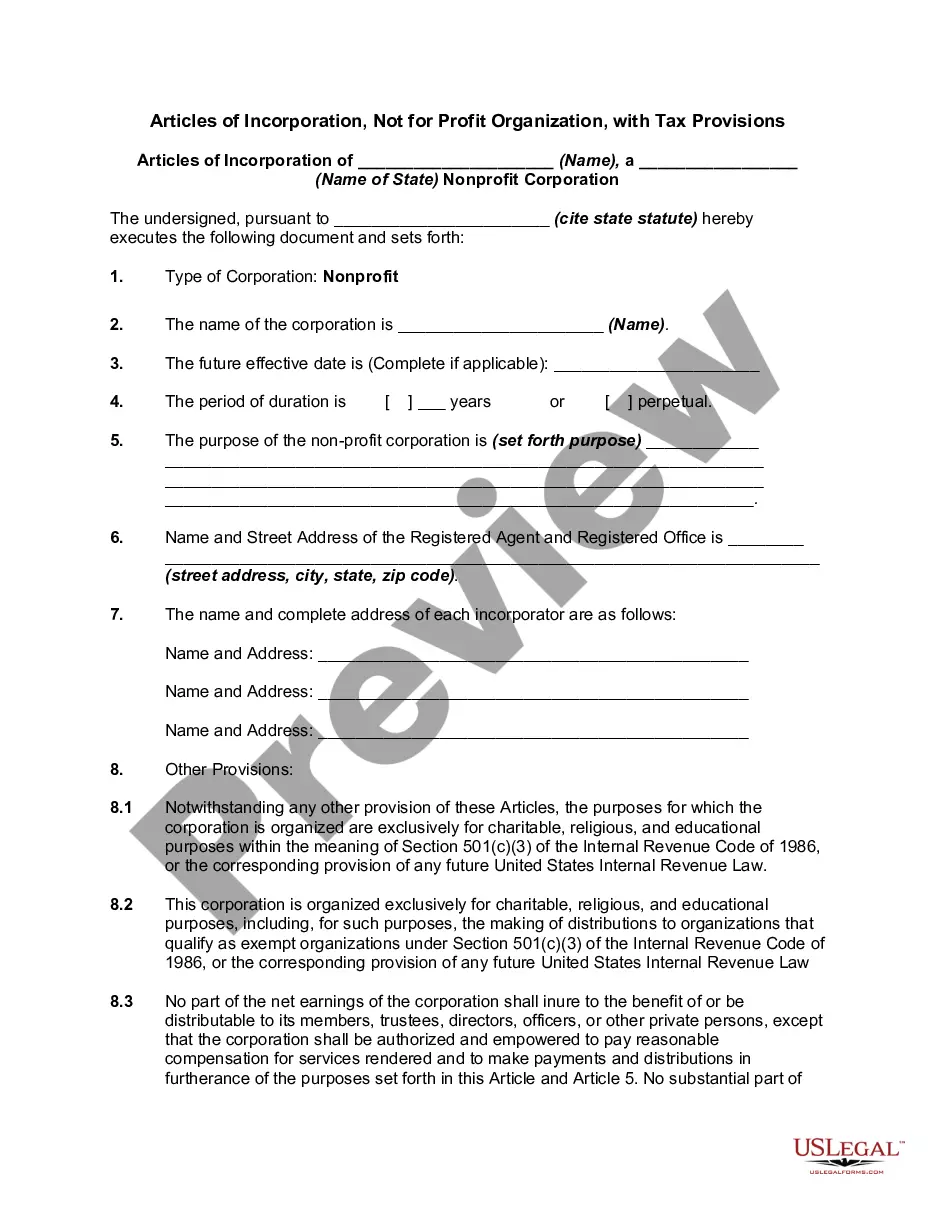
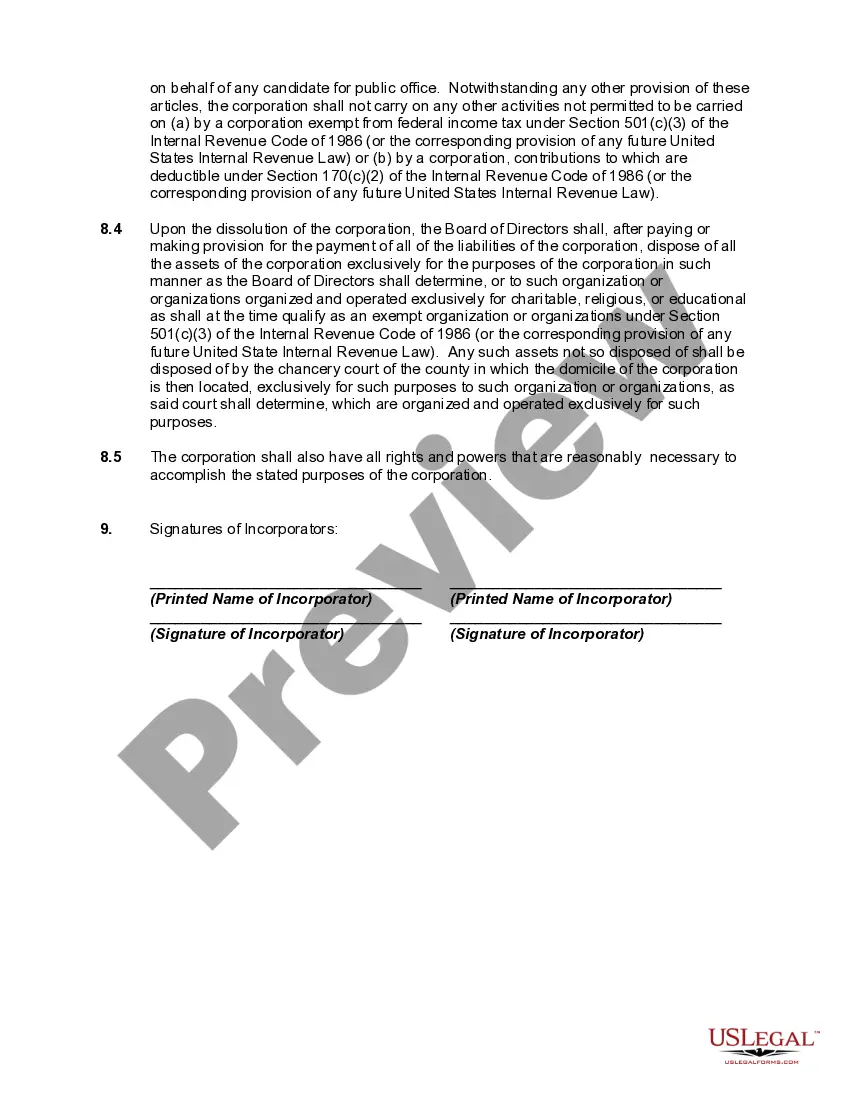
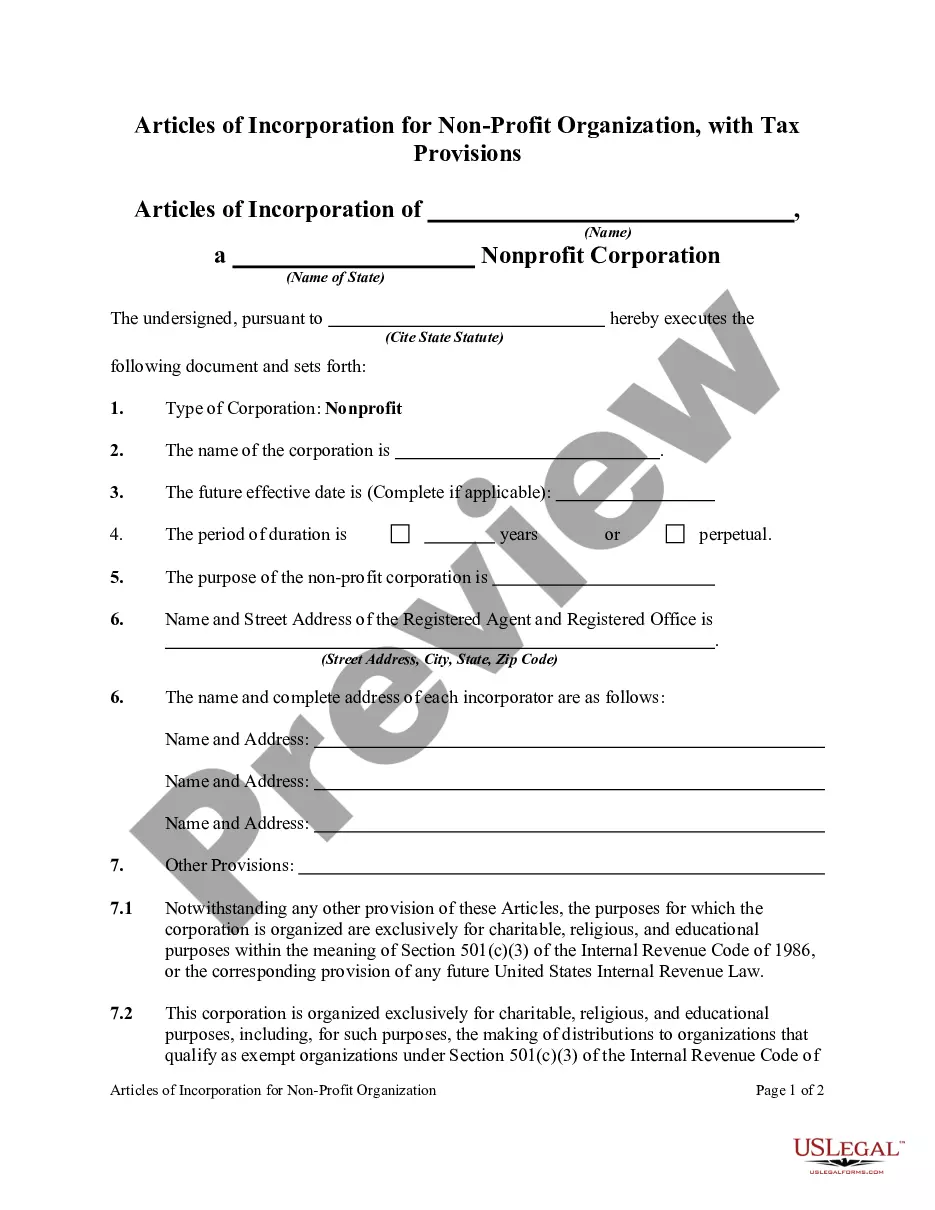
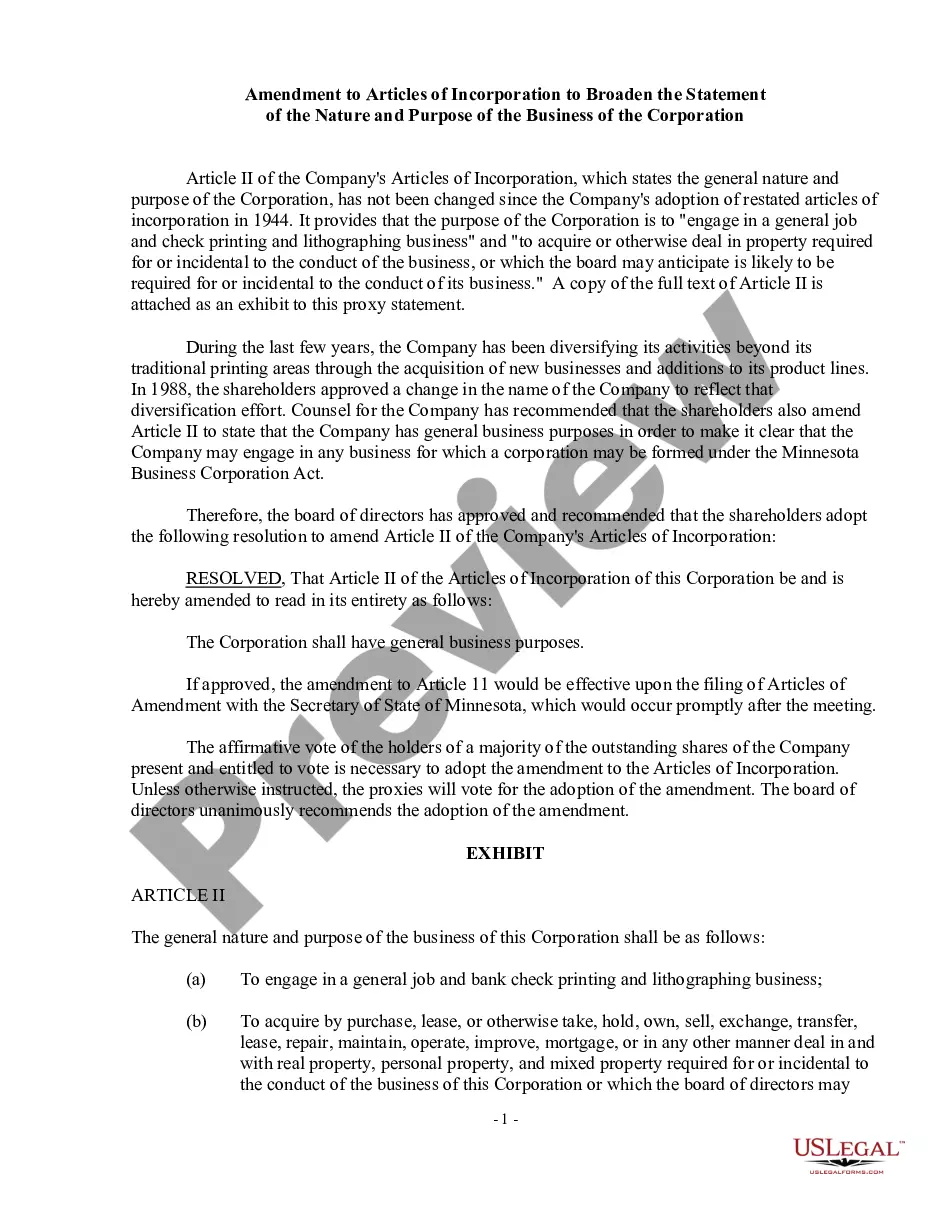
Get your form ready online
Our built-in tools help you complete, sign, share, and store your documents in one place.
Make edits, fill in missing information, and update formatting in US Legal Forms—just like you would in MS Word.
Download a copy, print it, send it by email, or mail it via USPS—whatever works best for your next step.
Sign and collect signatures with our SignNow integration. Send to multiple recipients, set reminders, and more. Go Premium to unlock E-Sign.
If this form requires notarization, complete it online through a secure video call—no need to meet a notary in person or wait for an appointment.
We protect your documents and personal data by following strict security and privacy standards.

Make edits, fill in missing information, and update formatting in US Legal Forms—just like you would in MS Word.

Download a copy, print it, send it by email, or mail it via USPS—whatever works best for your next step.

Sign and collect signatures with our SignNow integration. Send to multiple recipients, set reminders, and more. Go Premium to unlock E-Sign.

If this form requires notarization, complete it online through a secure video call—no need to meet a notary in person or wait for an appointment.

We protect your documents and personal data by following strict security and privacy standards.
Looking for another form?



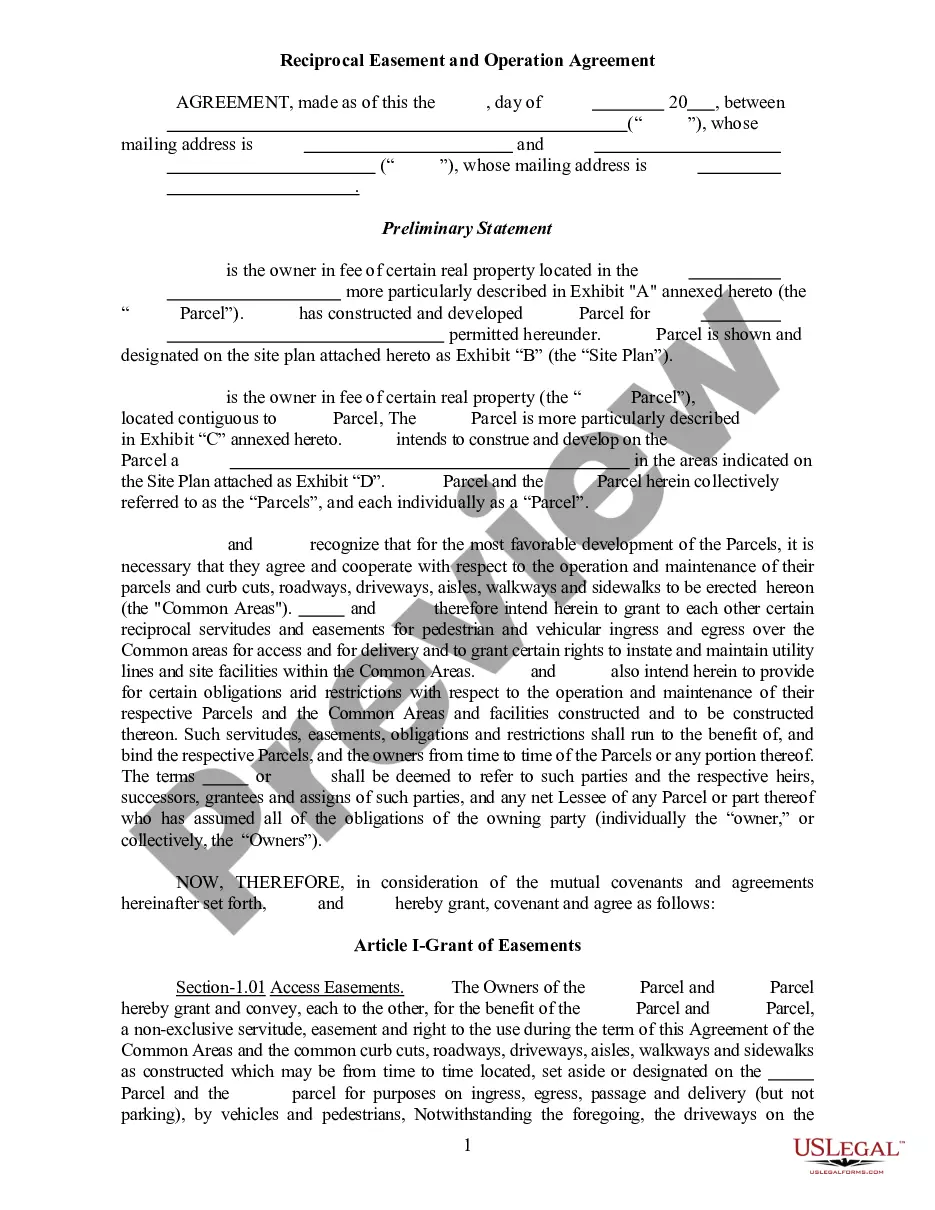
How to fill out Articles Of Incorporation, Not For Profit Organization, With Tax Provisions?
Locating a reliable source for obtaining the most up-to-date and pertinent legal templates constitutes a significant portion of the challenge involved with navigating bureaucracy.
Acquiring the correct legal documents necessitates accuracy and meticulousness, which is precisely why it is crucial to obtain samples of the Not Profit Statement Format exclusively from reputable sources, such as US Legal Forms. An incorrect template will squander your time and delay your situation.
After obtaining the form on your device, you may adjust it using the editor, or print it to complete manually. Eliminate the complications associated with your legal documentation. Explore the extensive US Legal Forms library to discover legal templates, assess their suitability for your circumstances, and download them without delay.
- Utilize the directory navigation or inquiry bar to locate your sample.
- Access the document's details to verify its compliance with the regulations of your state and locality.
- View the document preview, if available, to confirm that it is indeed the form you require.
- Return to the search to find the suitable document if the Not Profit Statement Format does not meet your specifications.
- If you are certain about the document's applicability, download it.
- As a registered user, click Log in to verify your identity and obtain your selected templates in My documents.
- If you do not possess an account yet, click Buy now to obtain the template.
- Select the pricing option that aligns with your requirements.
- Proceed to the registration to complete your acquisition.
- Conclude your purchase by selecting a payment method (credit card or PayPal).
- Choose the document format for downloading the Not Profit Statement Format.
Form popularity
FAQ
How to Write an Income Statement Pick a Reporting Period. ... Generate a Trial Balance Report. ... Calculate Your Revenue. ... Determine the Cost of Goods Sold. ... Calculate the Gross Margin. ... Include Operating Expenses. ... Calculate Your Income. ... Include Income Taxes.
Your statement of financial position will be made up of three main sections: Assets (what your organization owns) Liabilities (what your organization owes) Net assets (your organization's equity)
When speaking about NPO's the public spells them many ways. This includes nonprofit, non-profit and also non profit. While it is acceptable to use any of these versions the most widely accepted spelling is nonprofit all one word.
Nonprofit balance sheets include an organization's assets, liabilities, and net assets. You get your organization's net assets when you subtract your nonprofit's liabilities, or what you owe, from your assets.
The components of a non-profit income statement include revenue, expenses, gains, and losses. Revenue: Includes all sources of income for the organization, such as donations, grants, and program fees. Expenses: Include all costs associated with running the organization, such as salaries, rent, and supplies.