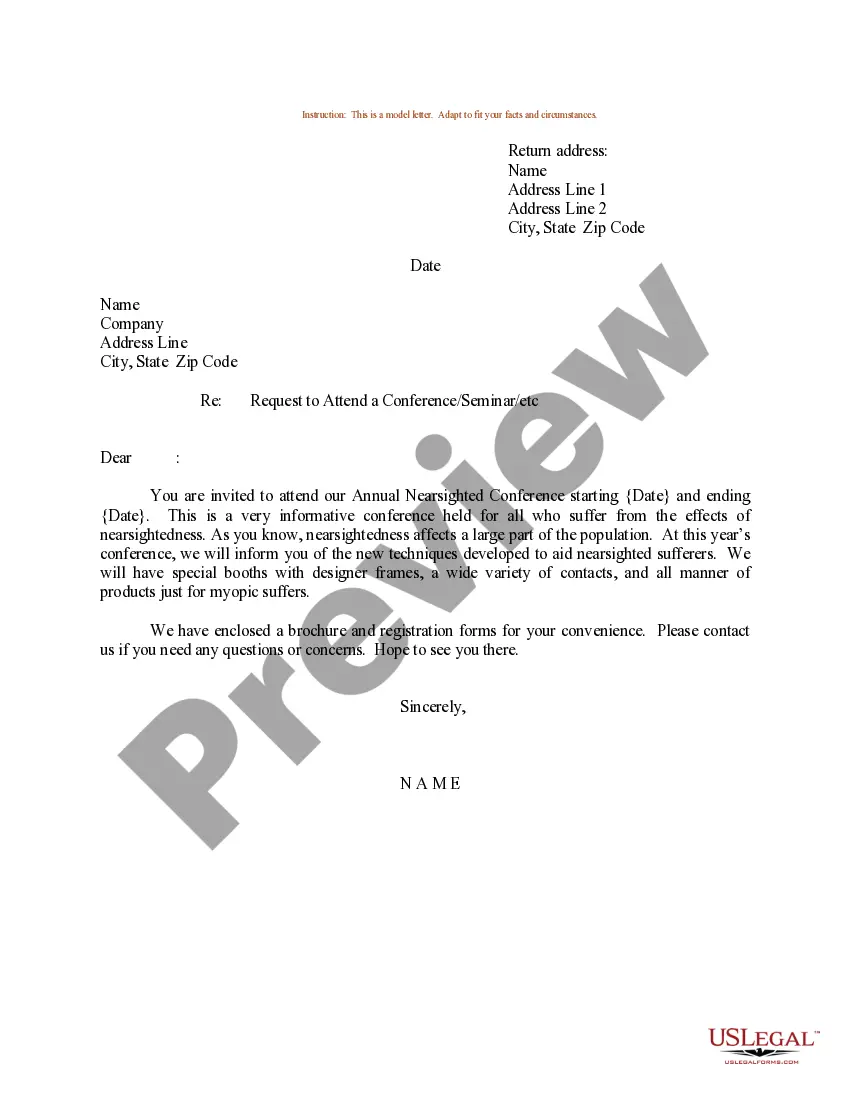
Email Request To Attend Conference For Funding
Description
Get your form ready online
Our built-in tools help you complete, sign, share, and store your documents in one place.
Make edits, fill in missing information, and update formatting in US Legal Forms—just like you would in MS Word.
Download a copy, print it, send it by email, or mail it via USPS—whatever works best for your next step.
Sign and collect signatures with our SignNow integration. Send to multiple recipients, set reminders, and more. Go Premium to unlock E-Sign.
If this form requires notarization, complete it online through a secure video call—no need to meet a notary in person or wait for an appointment.
We protect your documents and personal data by following strict security and privacy standards.

Make edits, fill in missing information, and update formatting in US Legal Forms—just like you would in MS Word.

Download a copy, print it, send it by email, or mail it via USPS—whatever works best for your next step.

Sign and collect signatures with our SignNow integration. Send to multiple recipients, set reminders, and more. Go Premium to unlock E-Sign.

If this form requires notarization, complete it online through a secure video call—no need to meet a notary in person or wait for an appointment.

We protect your documents and personal data by following strict security and privacy standards.
Looking for another form?
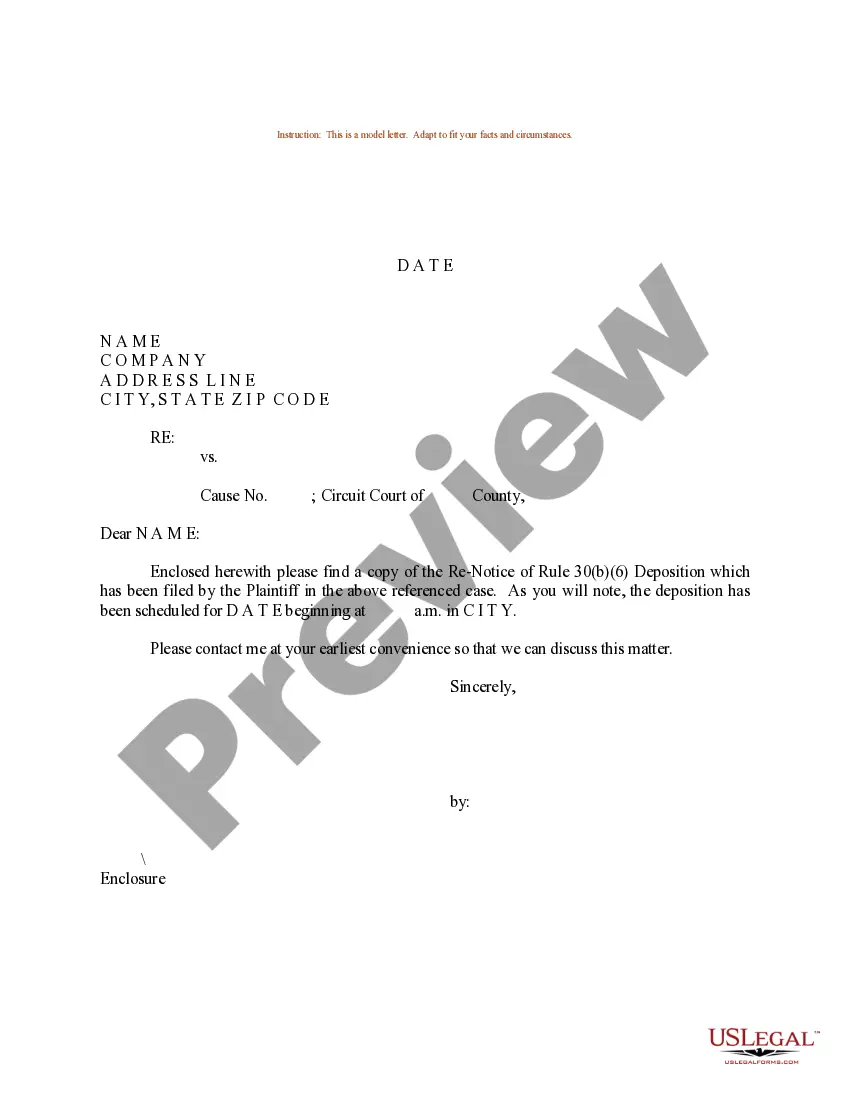
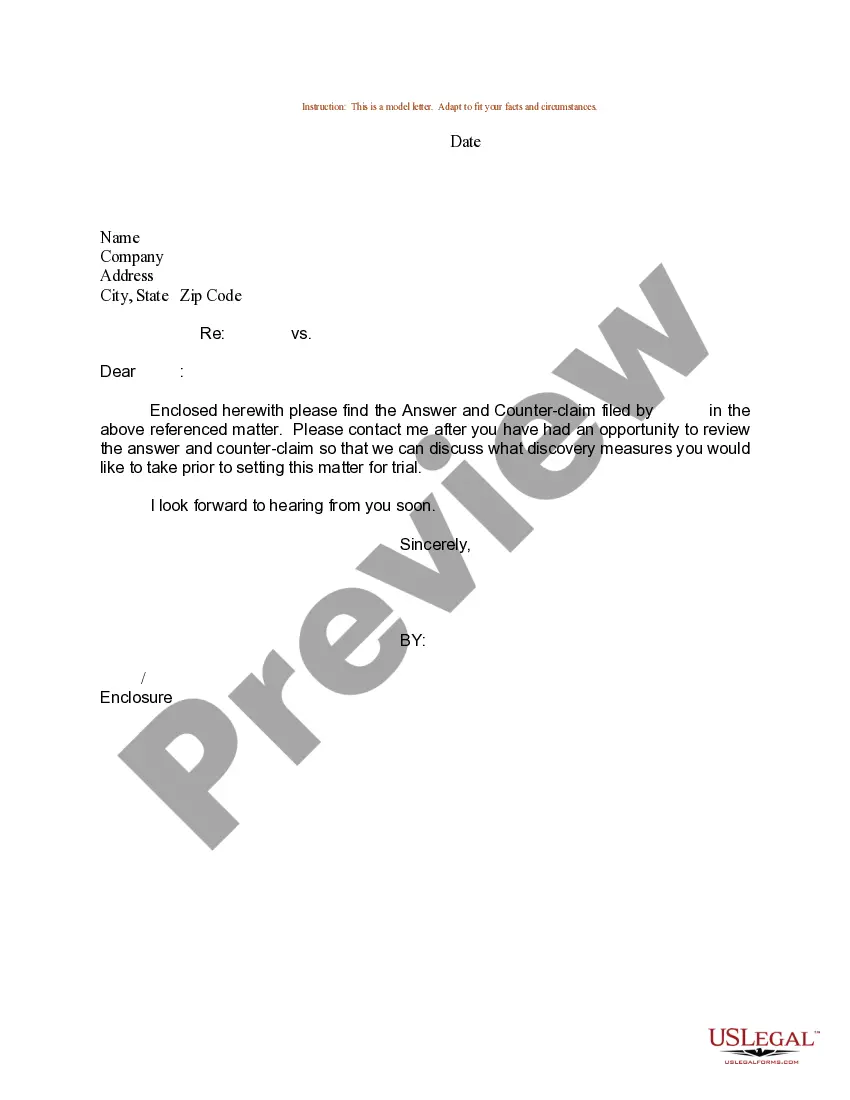
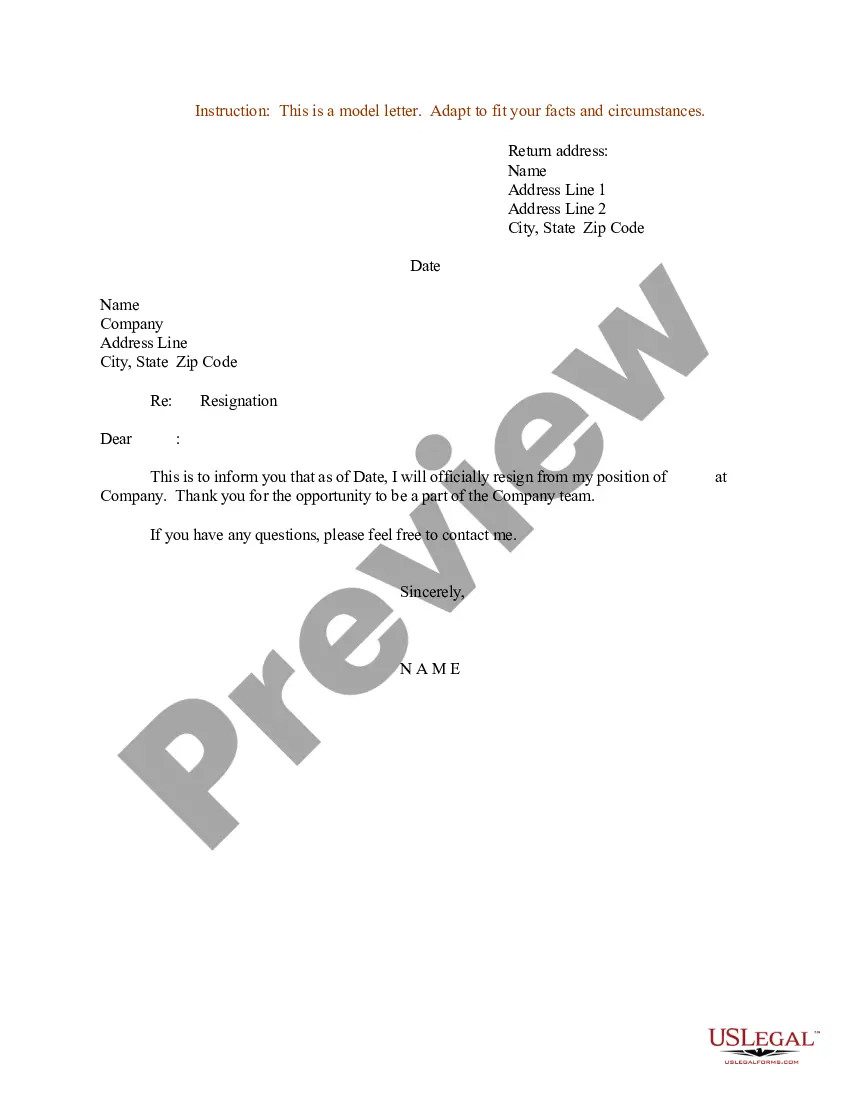
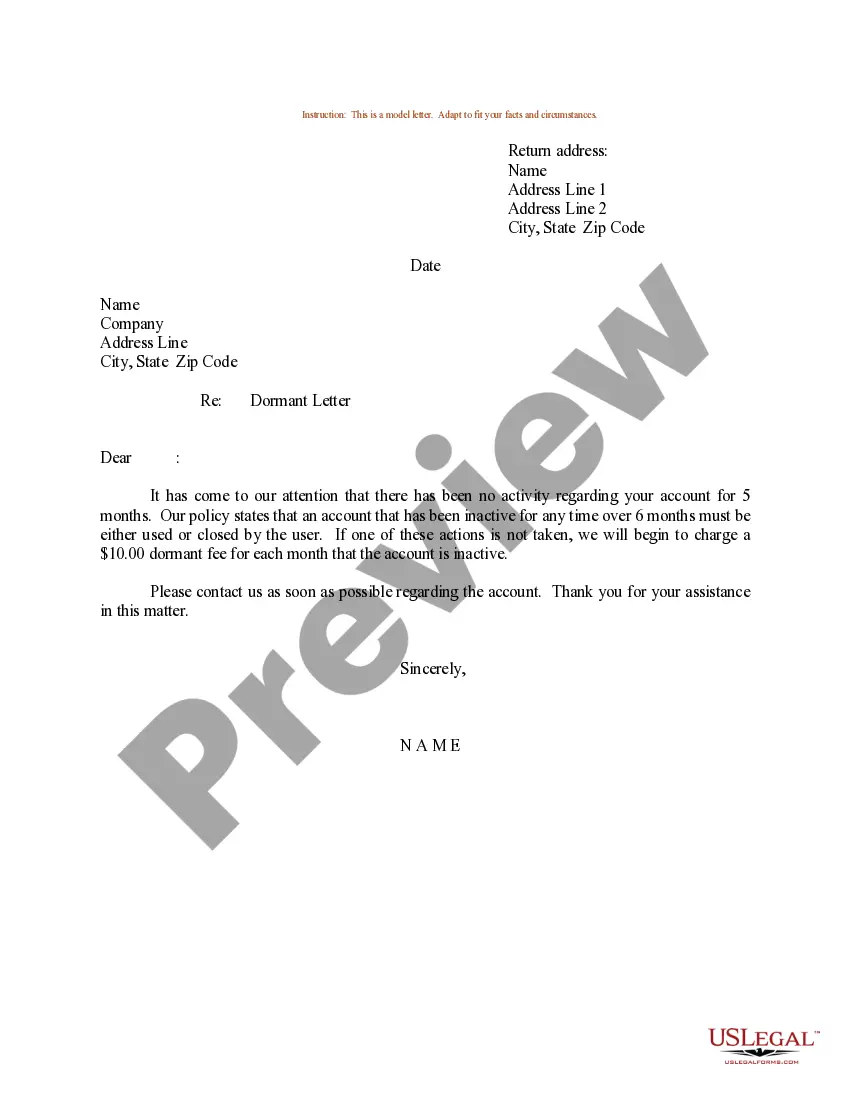
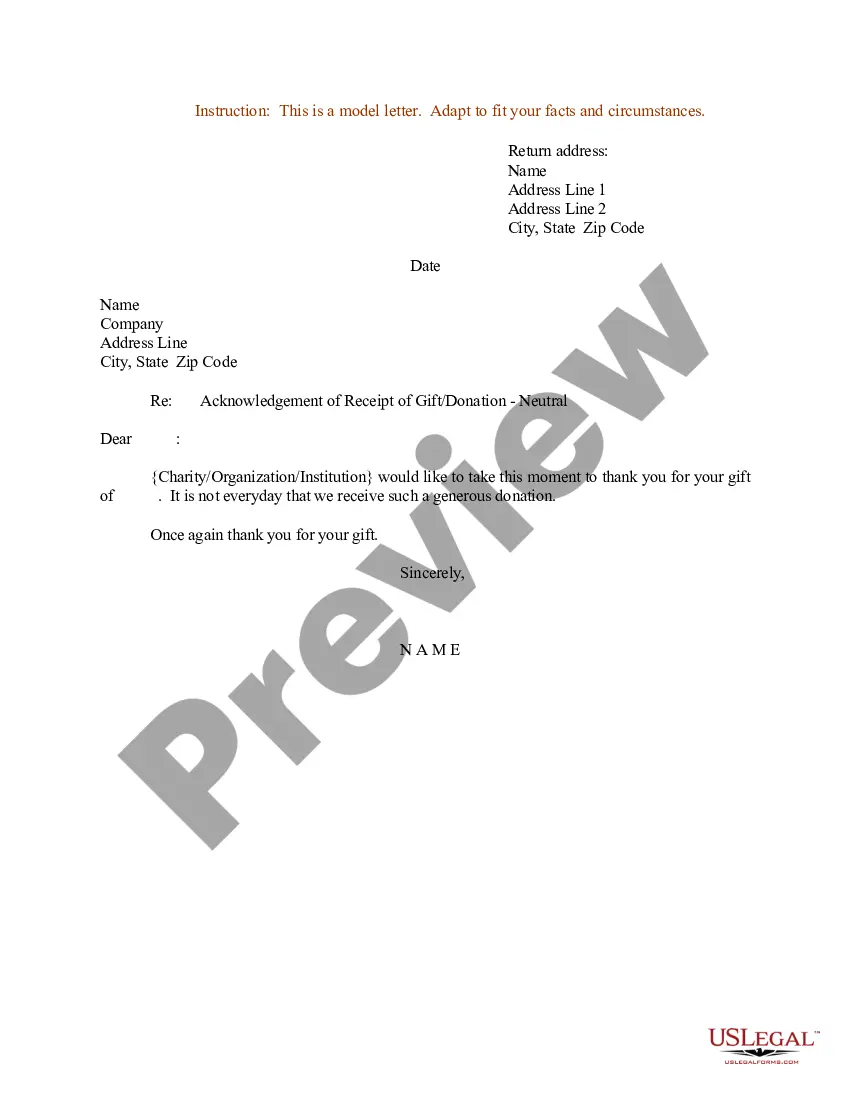
How to fill out Sample Letter For Request To Attend A Conference, Seminar, Etc.?
Whether for business purposes or for individual affairs, everyone has to manage legal situations sooner or later in their life. Completing legal paperwork demands careful attention, starting with picking the correct form template. For example, if you pick a wrong version of the Email Request To Attend Conference For Funding, it will be turned down when you send it. It is therefore important to get a trustworthy source of legal files like US Legal Forms.
If you need to get a Email Request To Attend Conference For Funding template, stick to these easy steps:
- Get the template you need using the search field or catalog navigation.
- Look through the form’s description to make sure it matches your situation, state, and county.
- Click on the form’s preview to examine it.
- If it is the incorrect form, get back to the search function to find the Email Request To Attend Conference For Funding sample you need.
- Get the template when it meets your requirements.
- If you have a US Legal Forms account, simply click Log in to gain access to previously saved templates in My Forms.
- In the event you don’t have an account yet, you can download the form by clicking Buy now.
- Select the correct pricing option.
- Complete the account registration form.
- Select your transaction method: use a credit card or PayPal account.
- Select the file format you want and download the Email Request To Attend Conference For Funding.
- When it is downloaded, you can complete the form by using editing applications or print it and complete it manually.
With a vast US Legal Forms catalog at hand, you never need to spend time searching for the right template across the web. Make use of the library’s easy navigation to find the appropriate form for any situation.
Form popularity
FAQ
Here is how to write a request letter in 7 steps: Collect information relating to your request. ... Create an outline. ... Introduce yourself. 4. Make your request. ... Explain the reason for the request. ... Offer to provide additional information. ... Show your gratitude and conclude the letter. ... Use a professional format.
"Attending the [Conference Name] will let me dive deeper into my career interests and aspirations. I am looking forward to learning more about [Topic 1], [Topic 2], and [Topic 3]. The featured speakers and sessions I attend will help me gain a more comprehensive understanding of these areas."
How to write a request letter Collect information relating to your request. ... Create an outline. ... Introduce yourself. 4. Make your request. ... Explain the reason for the request. ... Offer to provide additional information. ... Show your gratitude and conclude the letter. ... Use a professional format.
How to write a meeting request email Start with an explanatory subject line. ... Use a professional salutation. ... Introduce yourself. ... State the purpose of the meeting. ... Suggest a possible date and time. ... Request for a reply. ... Proofread before sending. ... Follow up and remind.
You should be upfront in your introduction and state your top three reasons for attending. You should articulate how the event will benefit you, your organization, and any current relevant initiatives. Consider including a few sessions you'd like to attend and a list of 5 speakers you'd like to network with.