Motion For Release Of Evidence
Description
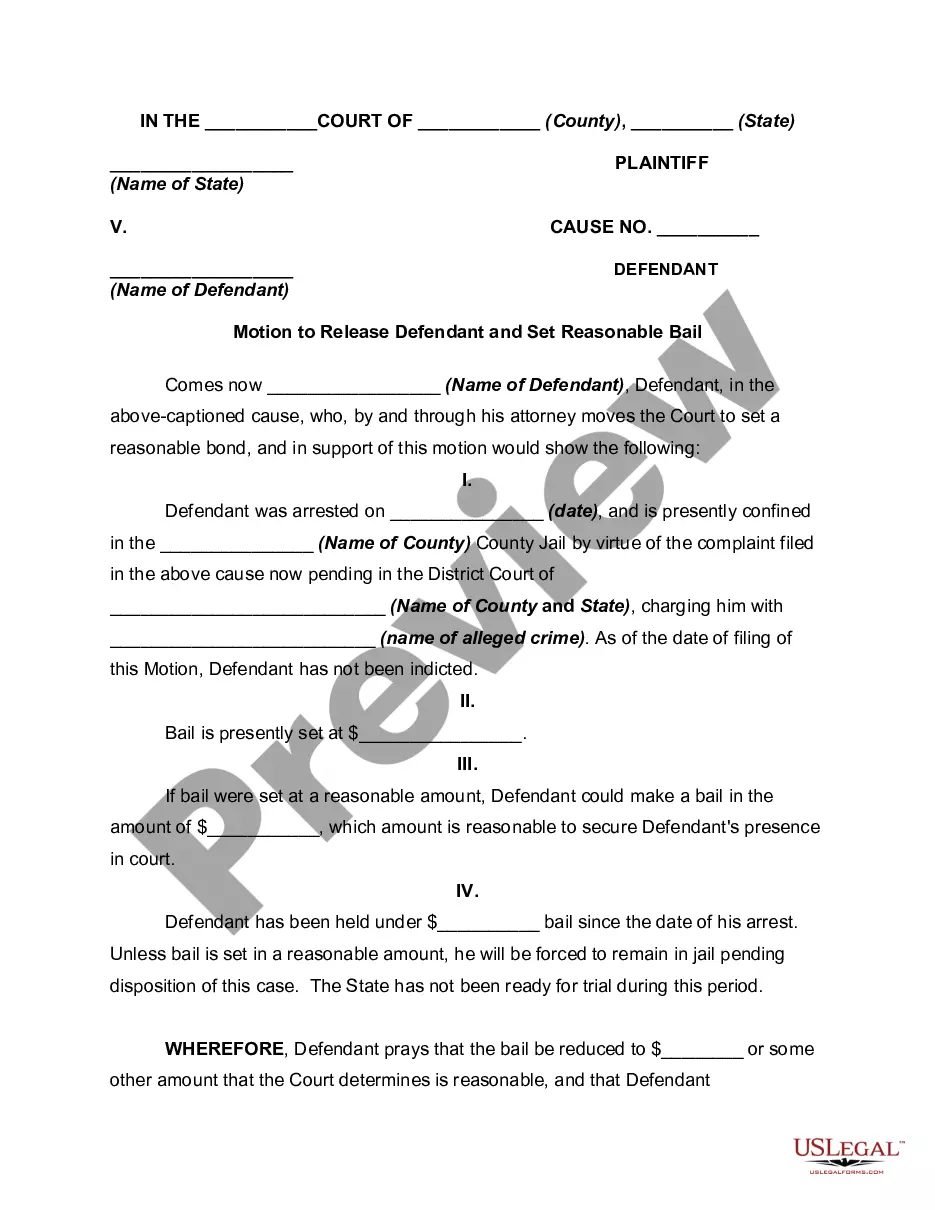
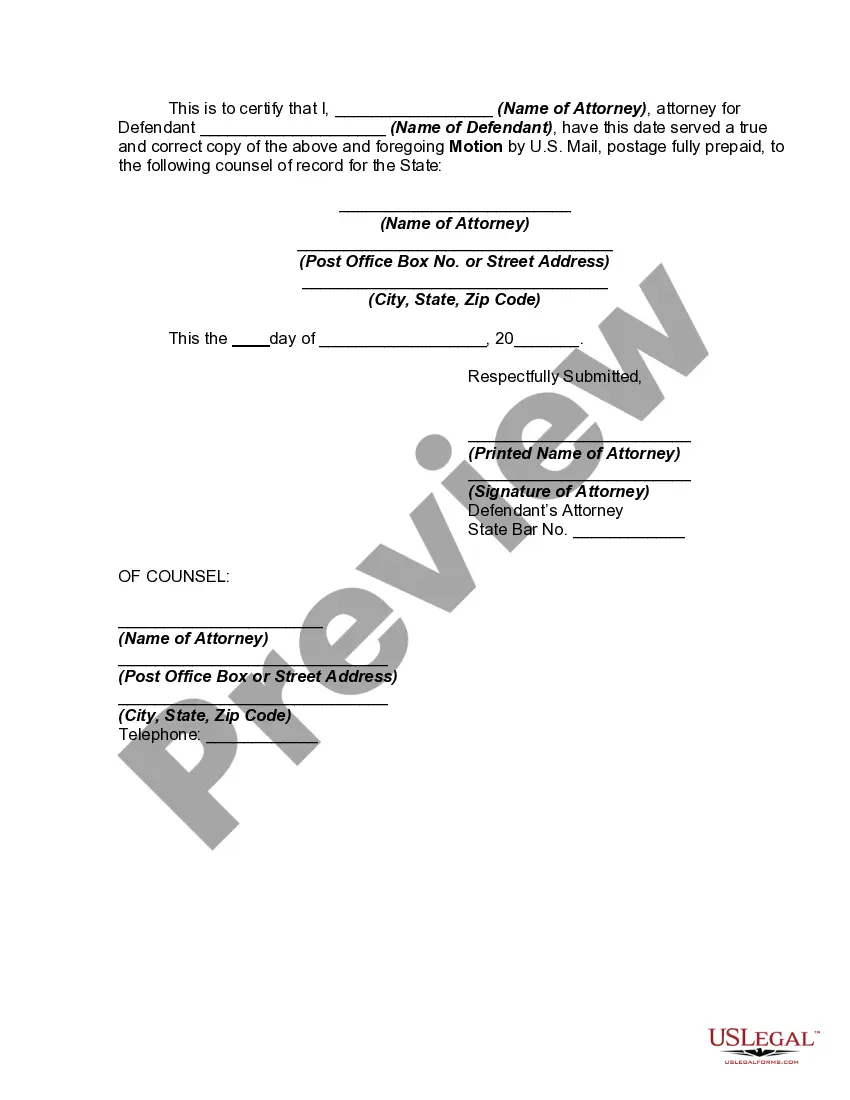
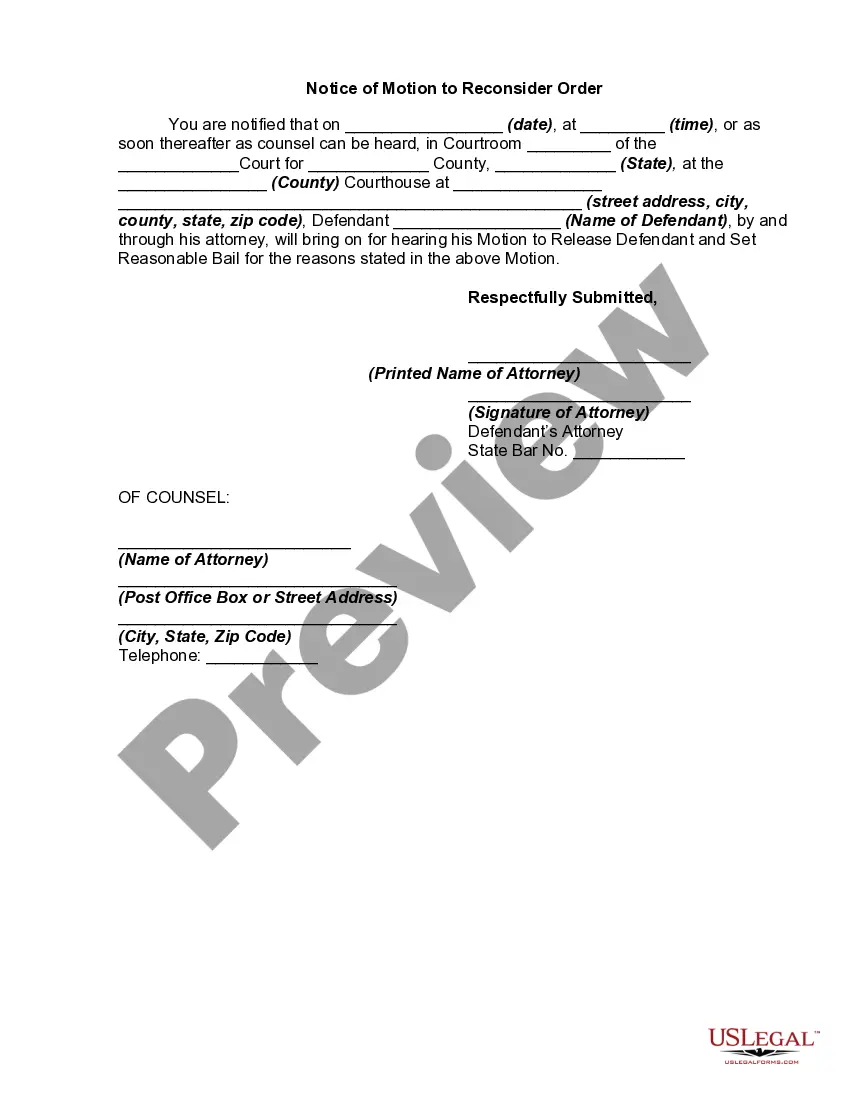
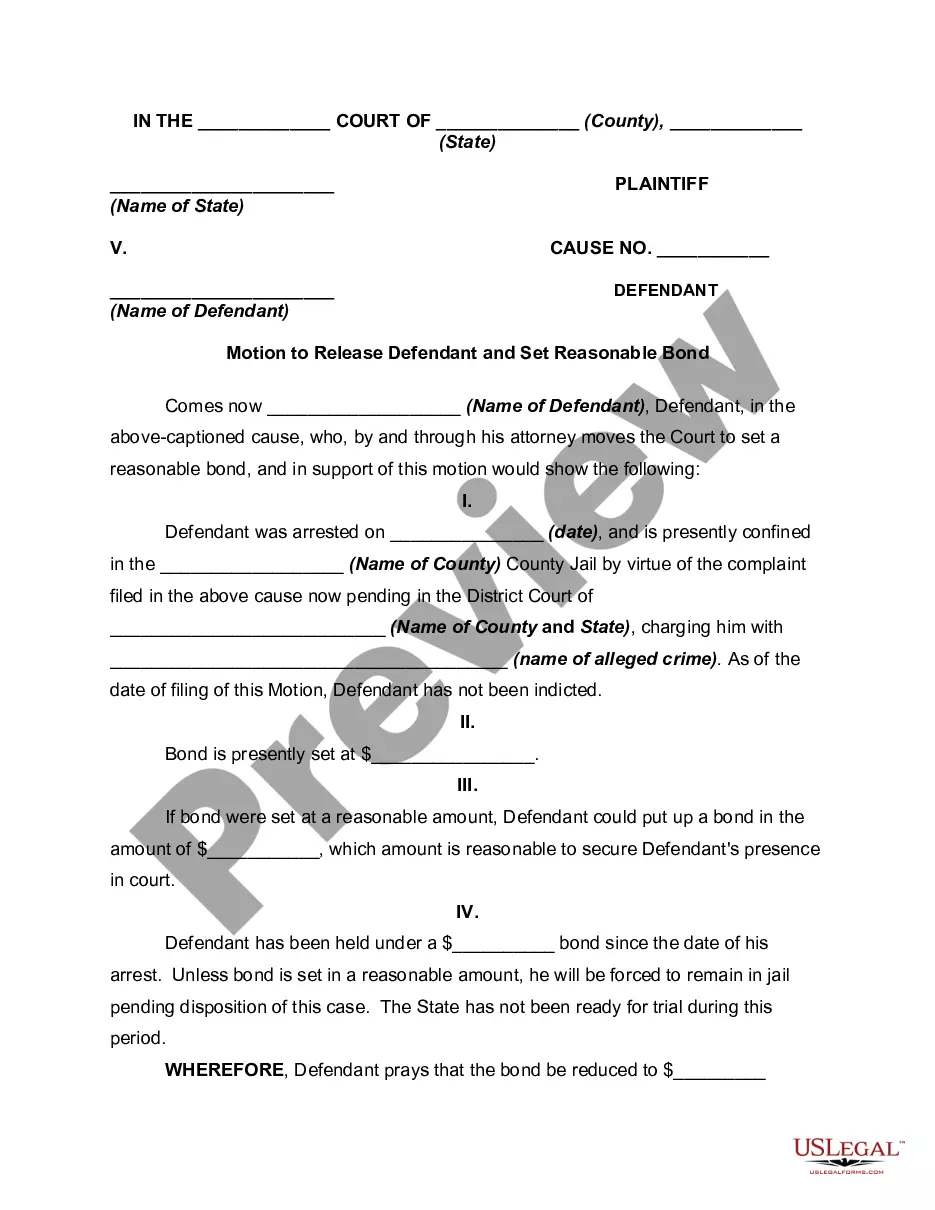

Get your form ready online
Our built-in tools help you complete, sign, share, and store your documents in one place.
Make edits, fill in missing information, and update formatting in US Legal Forms—just like you would in MS Word.
Download a copy, print it, send it by email, or mail it via USPS—whatever works best for your next step.
Sign and collect signatures with our SignNow integration. Send to multiple recipients, set reminders, and more. Go Premium to unlock E-Sign.
If this form requires notarization, complete it online through a secure video call—no need to meet a notary in person or wait for an appointment.
We protect your documents and personal data by following strict security and privacy standards.

Make edits, fill in missing information, and update formatting in US Legal Forms—just like you would in MS Word.

Download a copy, print it, send it by email, or mail it via USPS—whatever works best for your next step.

Sign and collect signatures with our SignNow integration. Send to multiple recipients, set reminders, and more. Go Premium to unlock E-Sign.

If this form requires notarization, complete it online through a secure video call—no need to meet a notary in person or wait for an appointment.

We protect your documents and personal data by following strict security and privacy standards.
Looking for another form?








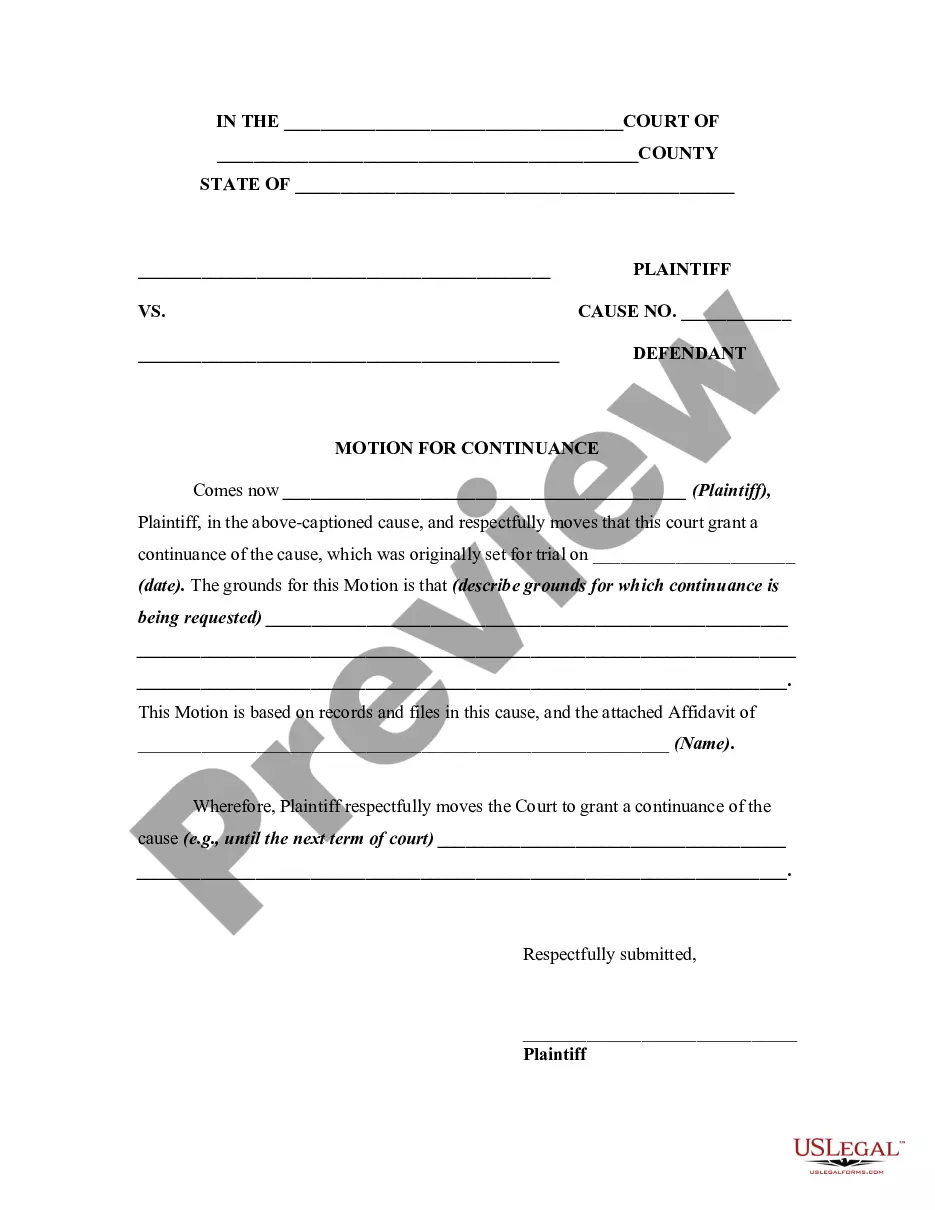
How to fill out Motion To Release Defendant And Set Reasonable Bail?
Managing legal documentation and processes can be an arduous extension to your entire day.
Request For Release Of Evidence and similar forms typically require you to locate them and comprehend how to fill them out accurately.
Consequently, whether you are addressing financial, legal, or personal issues, utilizing a comprehensive and functional online repository of forms at your disposal will greatly assist.
US Legal Forms is the premier online resource for legal documents, featuring over 85,000 state-specific forms and a variety of tools to help you complete your paperwork effortlessly.
Is this your first experience with US Legal Forms? Register and establish a complimentary account in a few moments, and you will obtain entry to the form library and Request For Release Of Evidence. Then, follow the steps outlined below to fill out your form: Make sure you have located the correct form by utilizing the Preview feature and reviewing the form details. Choose Buy Now once prepared, and select the subscription option that fits your needs. Hit Download, then complete, sign, and print the form. US Legal Forms has 25 years of experience assisting users in managing their legal documentation. Find the form you seek today and streamline any process effortlessly.
- Browse the assortment of relevant documents accessible with just one click.
- US Legal Forms provides you access to state- and county-specific forms for download at any moment.
- Safeguard your document management processes with a high-quality service that enables you to prepare any form in minutes without incurring additional or concealed charges.
- Simply Log Into your account, locate Request For Release Of Evidence, and download it right away from the My documents section.
- You can also access previously downloaded forms.
Form popularity
FAQ
File your Motion and the copies with the court clerk's office in the court where your case was heard. File a copy of the proposed order with your Motion. Contact your court to find out which filing methods are available. Depending on your court, you may be able to file electronically.
A Response will address the Motion and provide the party's position on the points raised in the Motion. This can include a rebuttal to issues of fact or law raised in the Motion. A Reply will address the points raised in the Response and provide the party's position on the points raised in the Response.
There are several different types of post-judgment motions, but the most common are motions for new trial, motions to vacate, and motions to set-aside. Motions for new trial, motions to vacate, and motions to set-aside are the three most common post-judgment motions.
File your Motion and the copies with the court clerk's office in the court where your case was heard. File a copy of the proposed order with your Motion. Contact your court to find out which filing methods are available. Depending on your court, you may be able to file electronically.
Be as persuasive as possible as you write your motion in a sequential, logical format. Express your ideas clearly, and make sure you outline what steps are necessary and how they will help your case. Use facts of the case whenever you can to avoid baseless emotional appeals.