Requestsdocumentation
Description
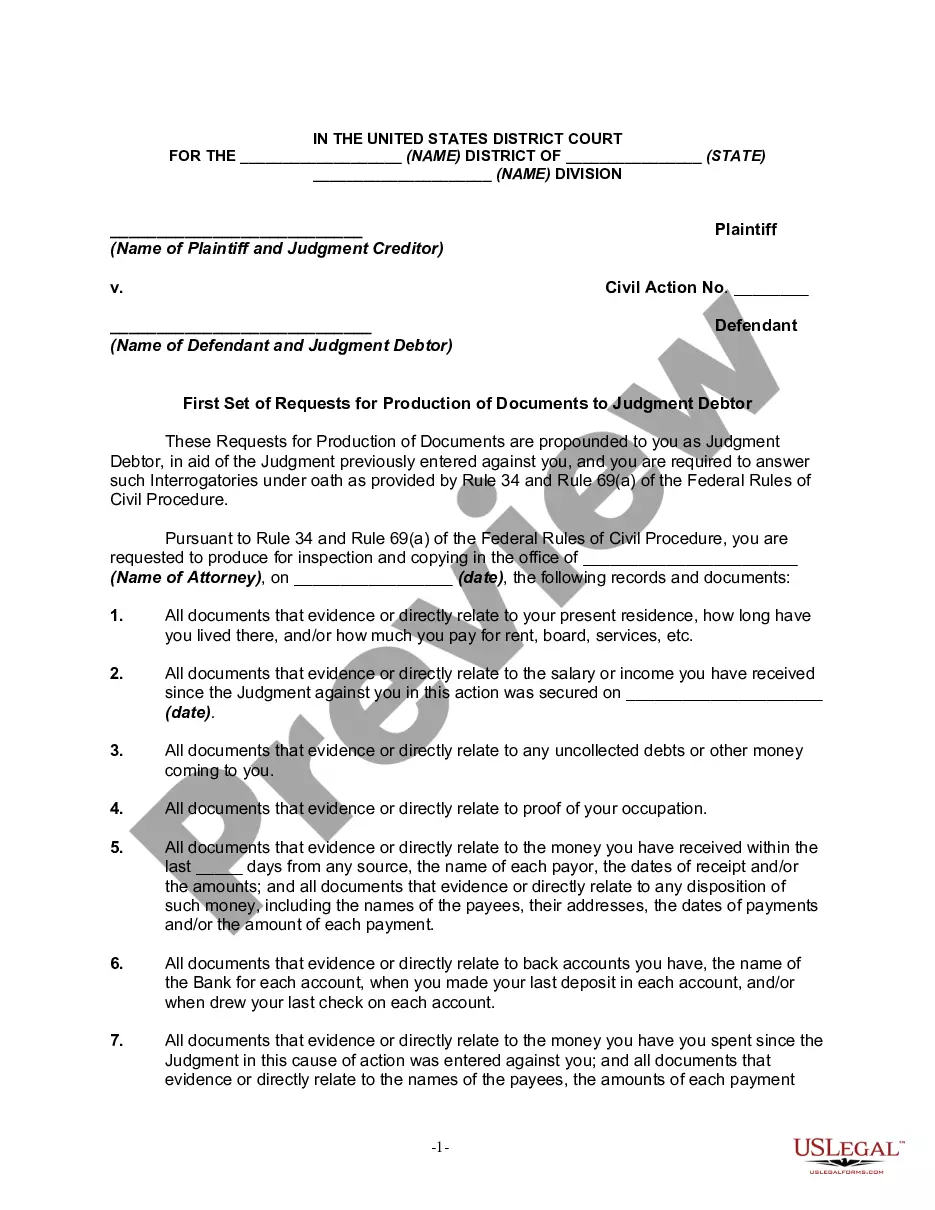
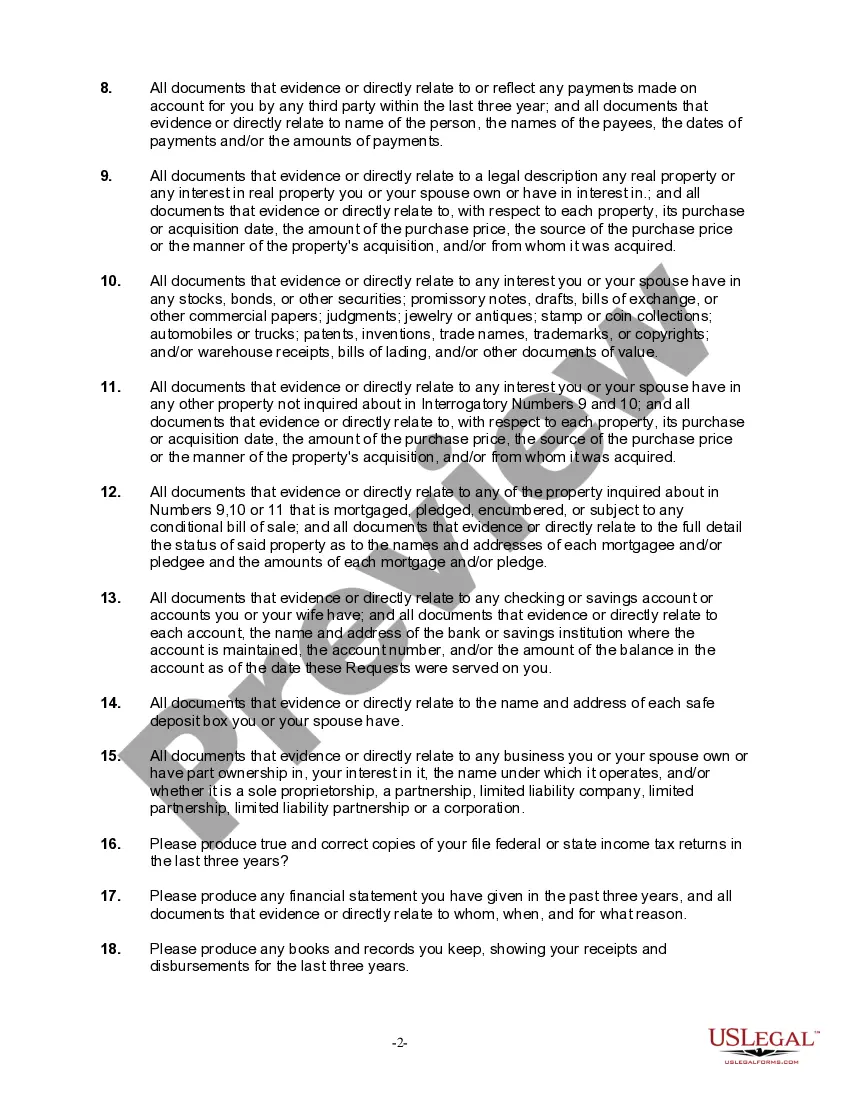
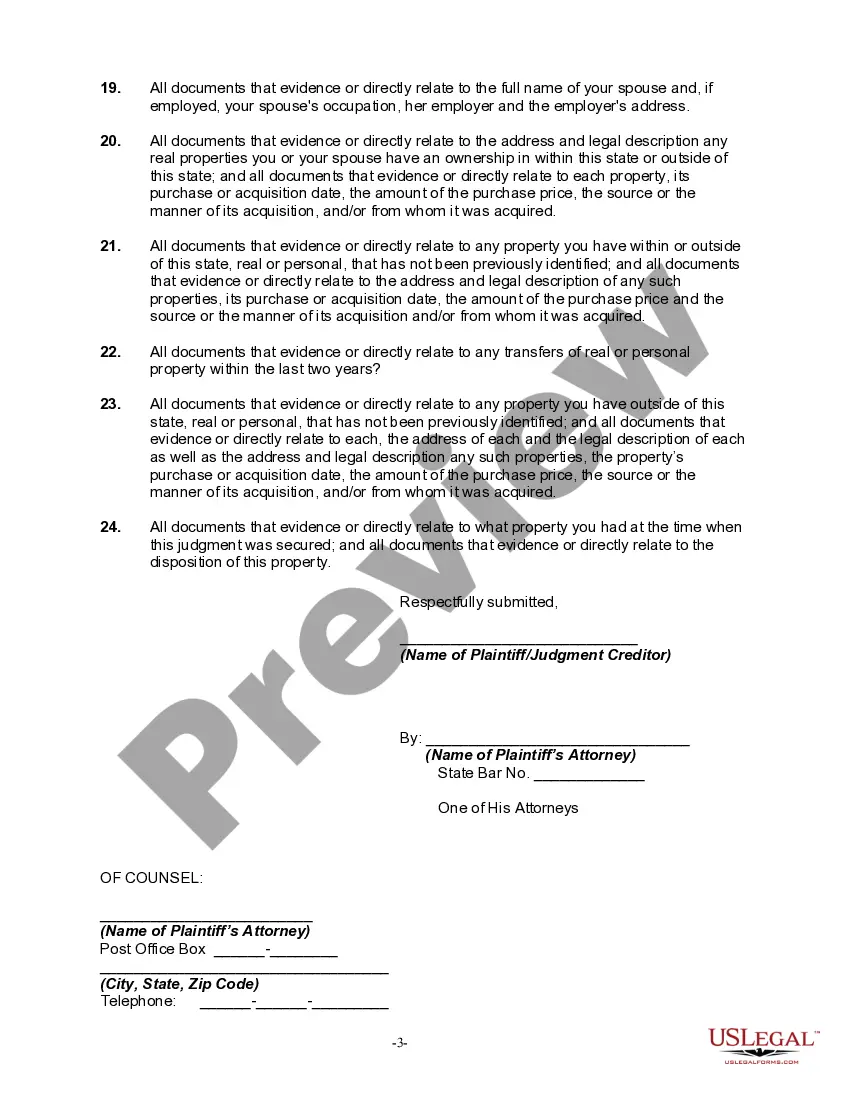
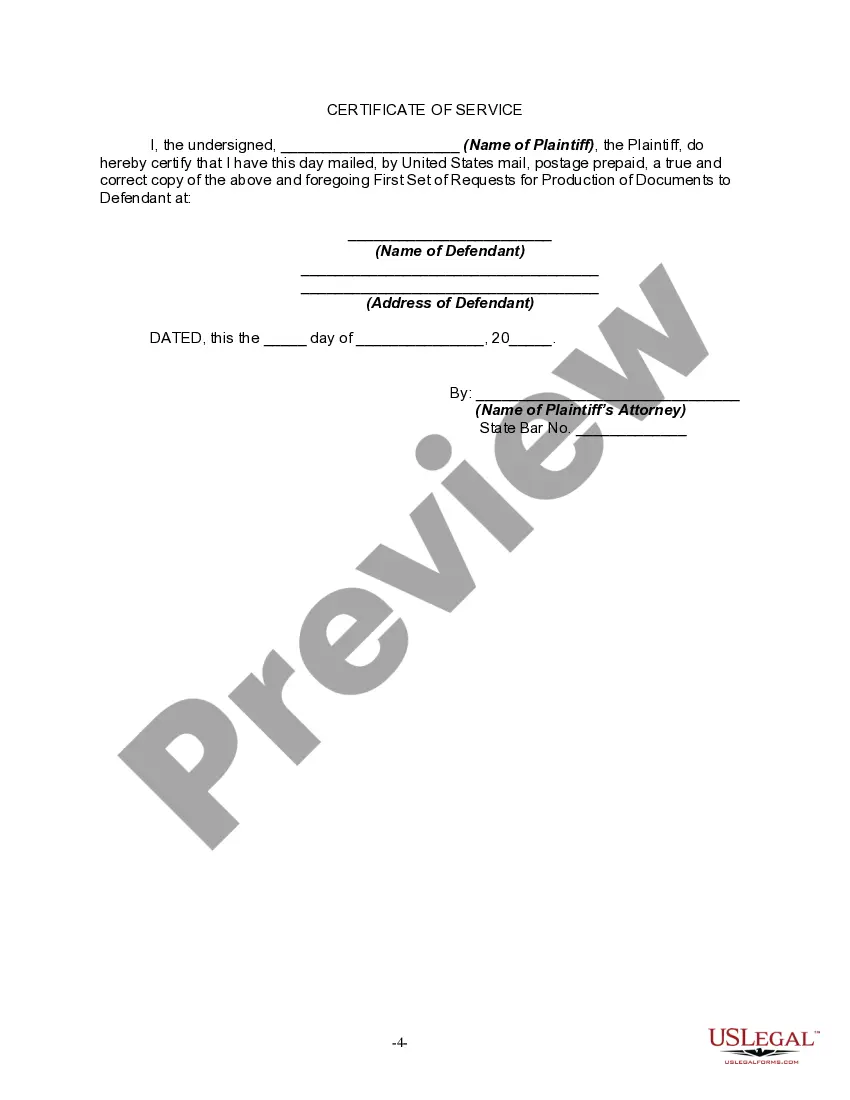
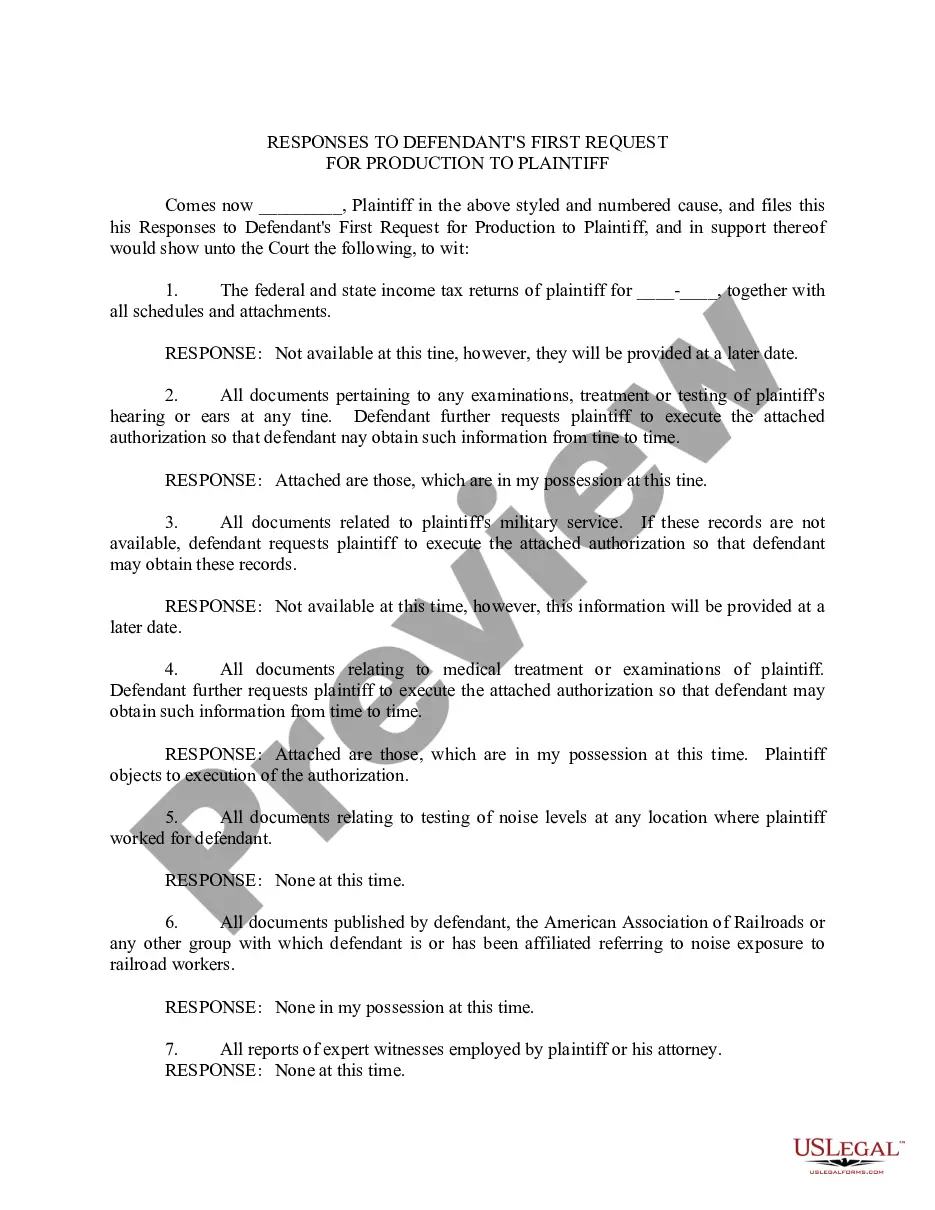
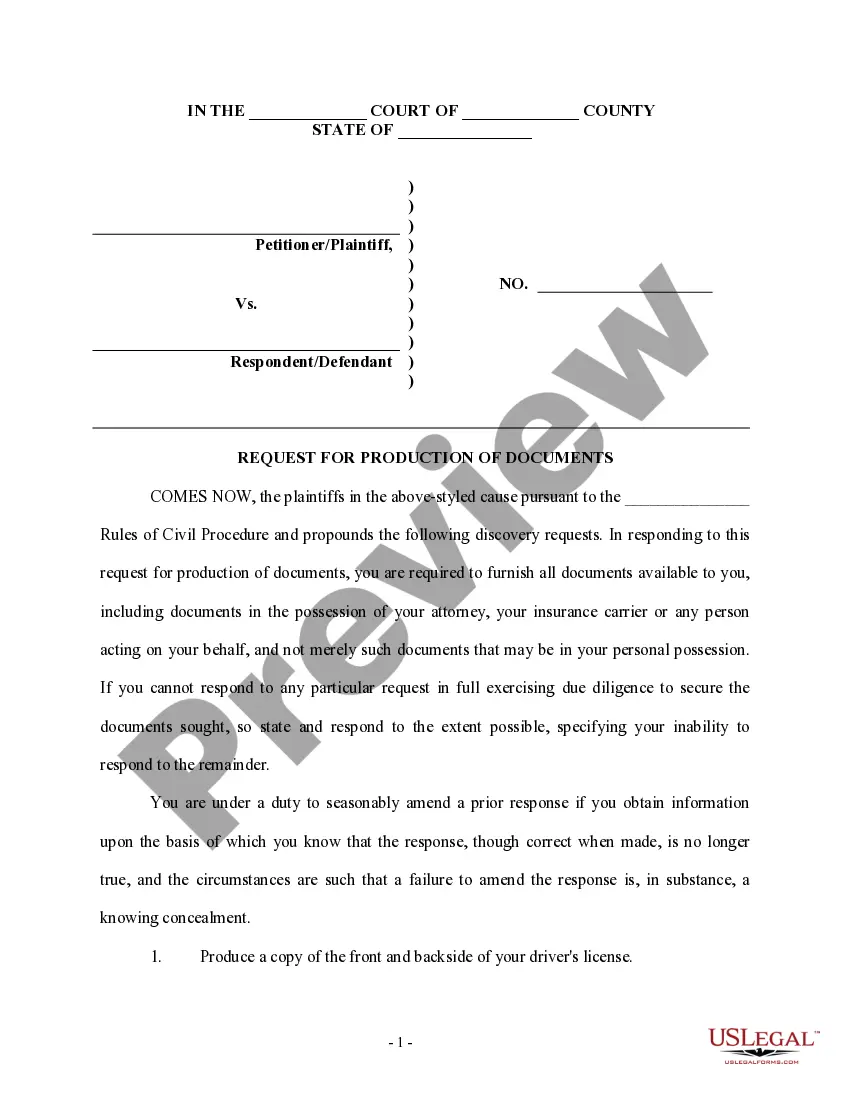
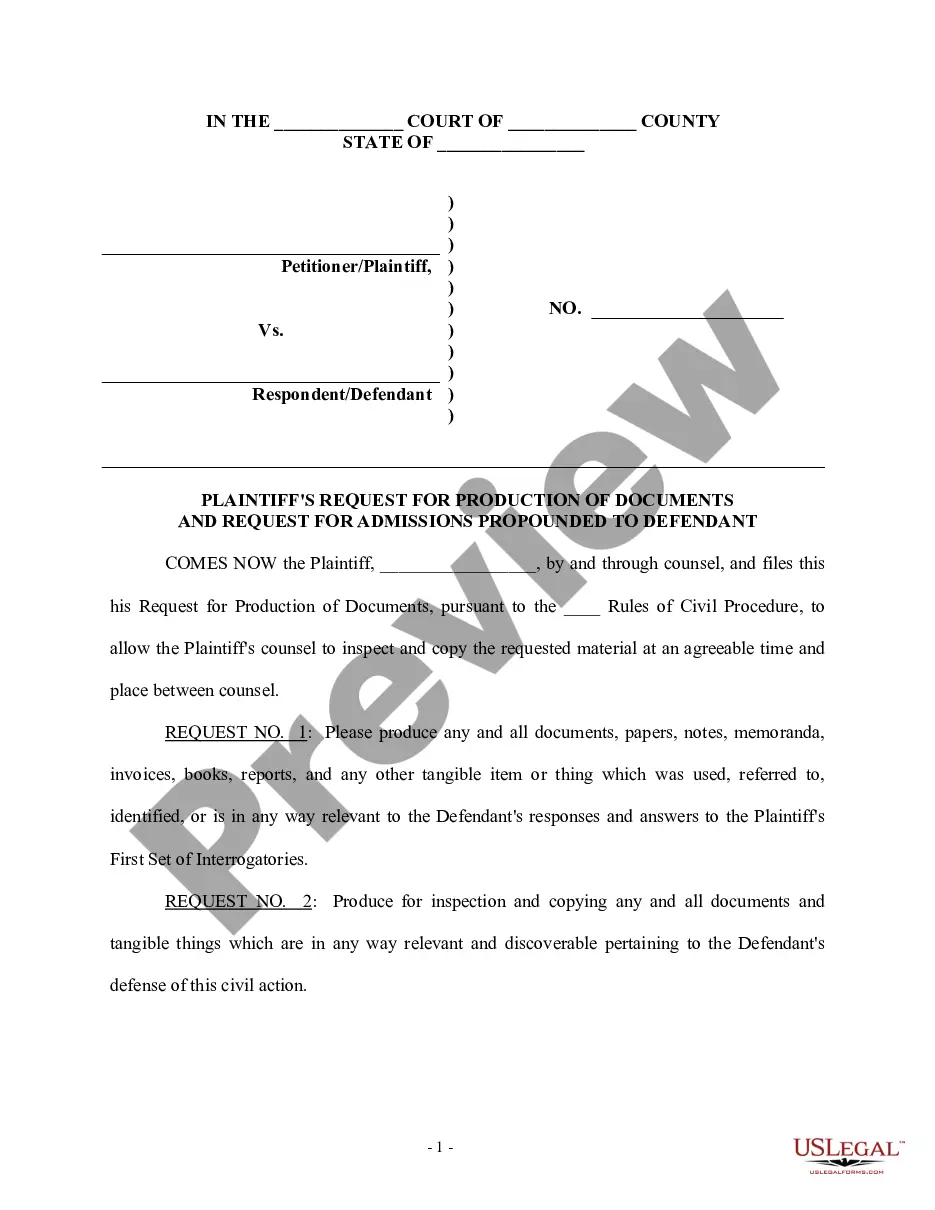
Get your form ready online
Our built-in tools help you complete, sign, share, and store your documents in one place.
Make edits, fill in missing information, and update formatting in US Legal Forms—just like you would in MS Word.
Download a copy, print it, send it by email, or mail it via USPS—whatever works best for your next step.
Sign and collect signatures with our SignNow integration. Send to multiple recipients, set reminders, and more. Go Premium to unlock E-Sign.
If this form requires notarization, complete it online through a secure video call—no need to meet a notary in person or wait for an appointment.
We protect your documents and personal data by following strict security and privacy standards.

Make edits, fill in missing information, and update formatting in US Legal Forms—just like you would in MS Word.

Download a copy, print it, send it by email, or mail it via USPS—whatever works best for your next step.

Sign and collect signatures with our SignNow integration. Send to multiple recipients, set reminders, and more. Go Premium to unlock E-Sign.

If this form requires notarization, complete it online through a secure video call—no need to meet a notary in person or wait for an appointment.

We protect your documents and personal data by following strict security and privacy standards.
Looking for another form?






How to fill out Requests For Production Of Documents In Federal Court To Judgment Debtor In General And Regarding Property Available To Satisfy Judgment?
- If you're an existing user, log in to your account and check that your subscription is active. Then, locate your desired form and click the Download button.
- If you are new to US Legal Forms, start by previewing the available forms. Review the description to ensure it aligns with your local legal requirements.
- Should you need a different document, utilize the Search tab to find the correct template. Confirm it meets your needs before proceeding.
- Select the form you wish to purchase by clicking on the Buy Now button and choose your preferred subscription plan. You'll need to create an account to gain full access to our extensive library.
- Complete your purchase by entering your credit card details or opting for PayPal. Ensure all payment information is accurate to avoid issues.
- Finally, download the completed template to your device and access it anytime from the My Forms section of your profile.
With US Legal Forms, you benefit from an extensive library, expert assistance, and a user-friendly experience that guarantees precise and legally valid documents. By following these steps, you ensure a smooth and efficient documentation process.
Start taking advantage of US Legal Forms today for all your legal documentation needs and ensure you're equipped with the right tools for success!
Form popularity
FAQ
A documentation is intended to serve as a reference and instructional guide for users. It aims to clarify functionalities, outline procedures, and provide useful insights into utilizing a platform. With Requestsdocumentation at your disposal, you gain a valuable tool to enhance your understanding and interaction with our services, ensuring you make the most of your experience.
The purpose of our documentation is to provide clear, accessible, and comprehensive guidance for users. This resource helps clarify processes, outlines features, and ensures users can utilize the platform effectively. Through Requestsdocumentation, you'll find everything you need to navigate and maximize the functionality of our services.
An information document request is a formal appeal for specific data or documentation. This process is crucial for businesses and individuals needing certain records for compliance or verification purposes. Using Requestsdocumentation, you can create and manage these requests efficiently, streamlining your operations and ensuring you receive the required information promptly.
Requests rely on certifi to ensure that SSL certificates are verified securely. This inclusion safeguards the data transmitted over the network and enhances the overall trustworthiness of the requests made. By utilizing Requestsdocumentation alongside certifi, users can feel confident that their sensitive information remains protected during the request process.
The requests library is a powerful tool for making HTTP requests in a straightforward manner. It allows users to interact with web services and APIs seamlessly, enabling efficient data exchange. With Requestsdocumentation, users can leverage this library to enhance their documentation management processes, making data retrieval faster and more reliable.
Requestsdocumentation provides a streamlined approach to handling requests effectively. By utilizing this feature, users can manage documentation requests with ease, ensuring that all necessary paperwork is accessed in a timely manner. This simplifies the overall process, allowing for improved communication and organization within teams.
To determine the request method in Python, you typically examine the response object obtained after making an HTTP request. You can access its 'method' attribute to identify how the request was made, whether it was a GET, POST, or another method. This allows you to customize your actions based on the request type. Always refer to the requests documentation for best practices and examples.
Examples of GET requests include fetching data from an API, retrieving web page content, and accessing resource details. For instance, you might use 'requests.get' to access weather data or social media posts from their respective APIs. Such functionality is essential in various applications and can be easily handled using the requests module. For detailed examples, explore the requests documentation.
To get the requests module in Python, simply use the pip installer. Open your terminal and enter 'pip install requests' to download and install the module. Once installed, you can add it to your scripts and access its features for making HTTP requests. Be sure to check the requests documentation for any additional setup you may need.
To get data from an HTTP request using the requests module, utilize the 'get' method by calling 'requests.get(url)'. This will send a GET request to the specified URL and return a response object. You can then access the data returned in the response using 'response.text' or 'response.json()' if the data is in JSON format. For more intricate use-cases, consider reviewing the requests documentation.