Reasons To Vacate A Judgement Without Notice
Description
Get your form ready online
Our built-in tools help you complete, sign, share, and store your documents in one place.
Make edits, fill in missing information, and update formatting in US Legal Forms—just like you would in MS Word.
Download a copy, print it, send it by email, or mail it via USPS—whatever works best for your next step.
Sign and collect signatures with our SignNow integration. Send to multiple recipients, set reminders, and more. Go Premium to unlock E-Sign.
If this form requires notarization, complete it online through a secure video call—no need to meet a notary in person or wait for an appointment.
We protect your documents and personal data by following strict security and privacy standards.

Make edits, fill in missing information, and update formatting in US Legal Forms—just like you would in MS Word.

Download a copy, print it, send it by email, or mail it via USPS—whatever works best for your next step.

Sign and collect signatures with our SignNow integration. Send to multiple recipients, set reminders, and more. Go Premium to unlock E-Sign.

If this form requires notarization, complete it online through a secure video call—no need to meet a notary in person or wait for an appointment.

We protect your documents and personal data by following strict security and privacy standards.
Looking for another form?



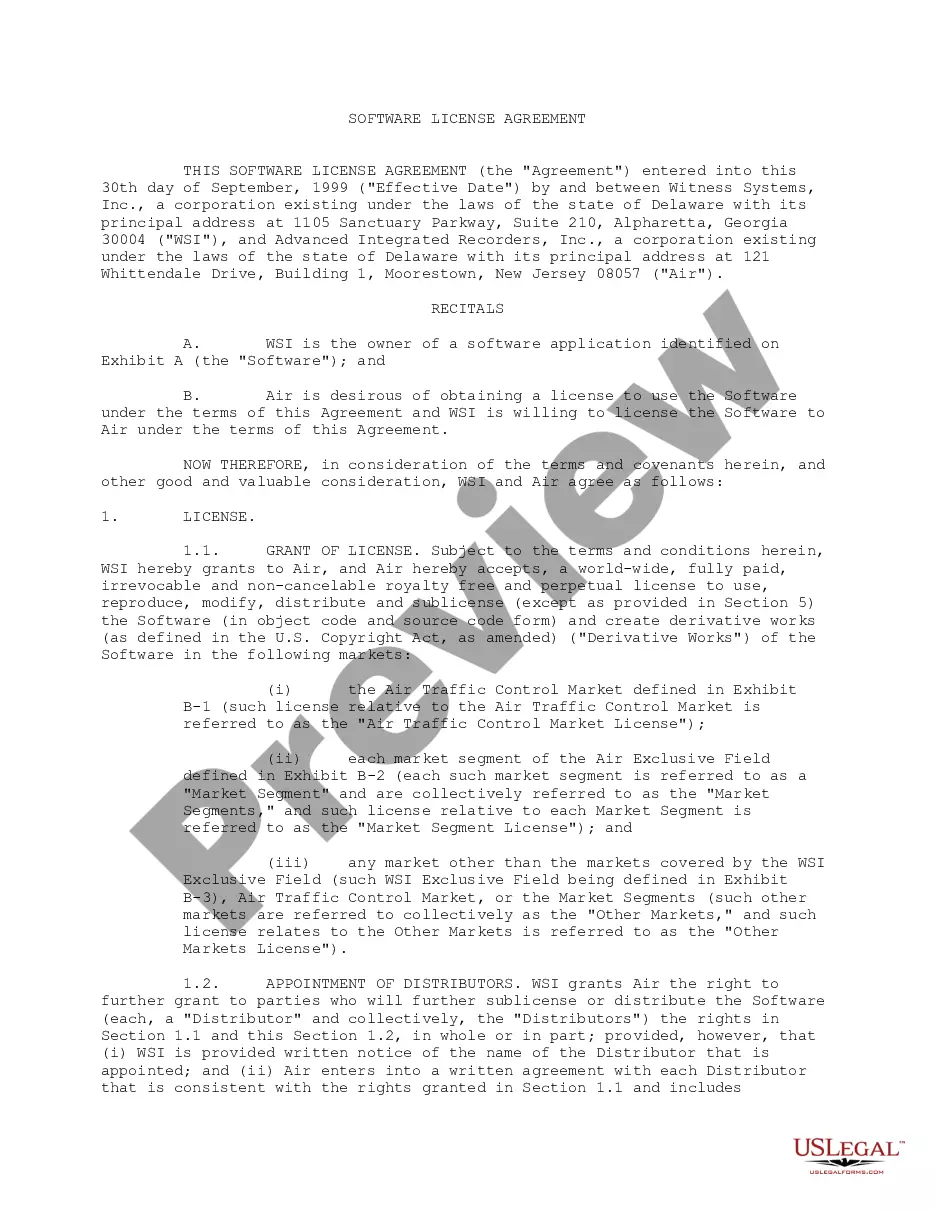



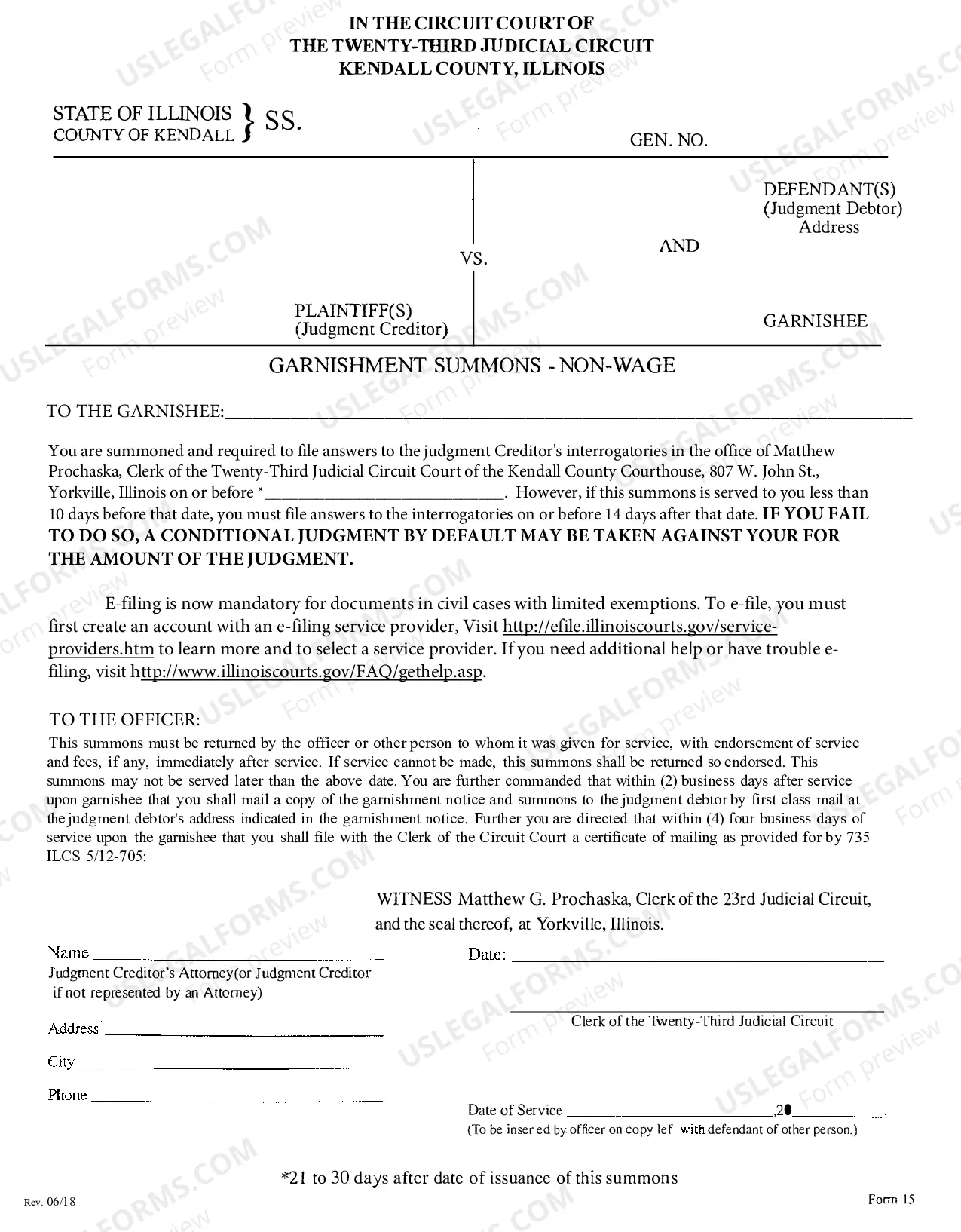

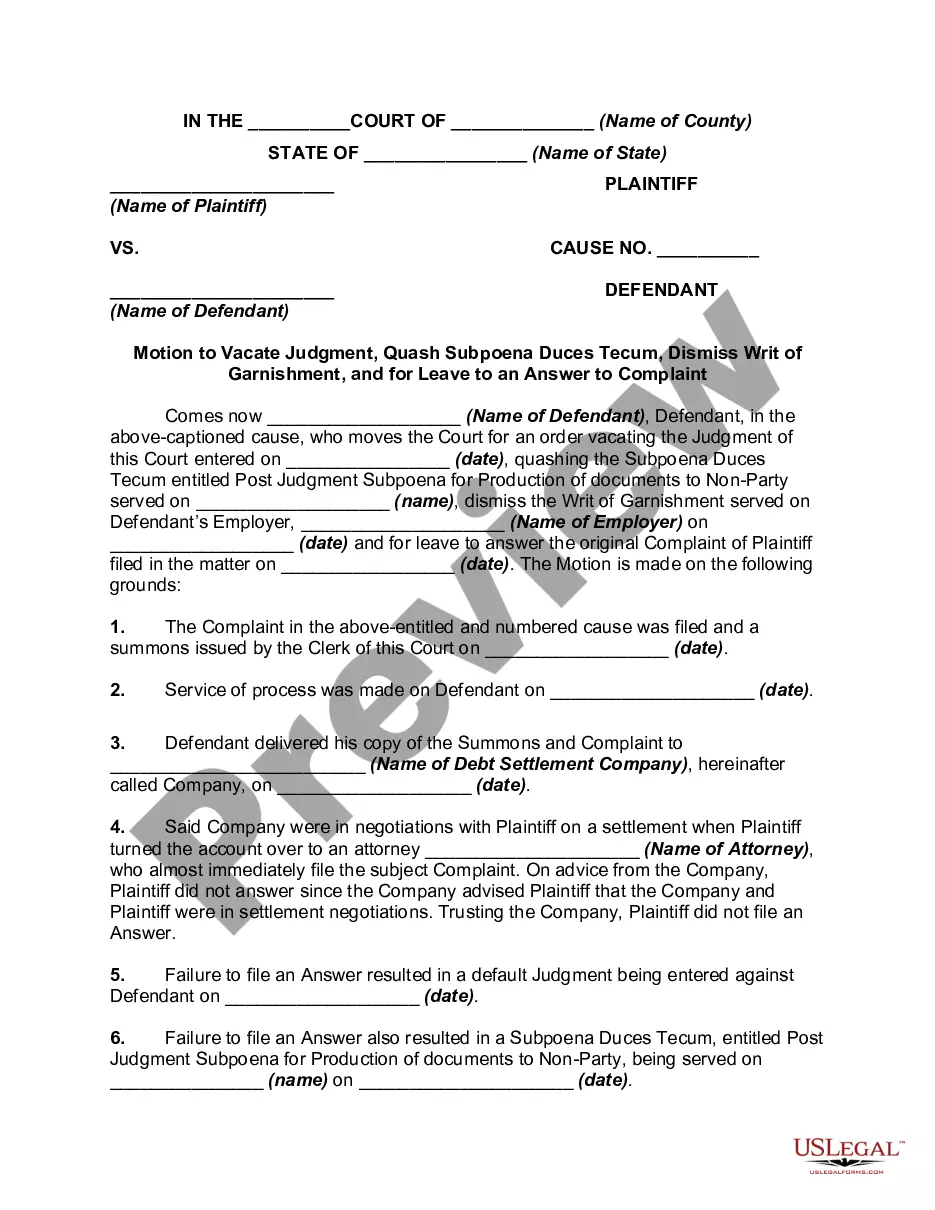
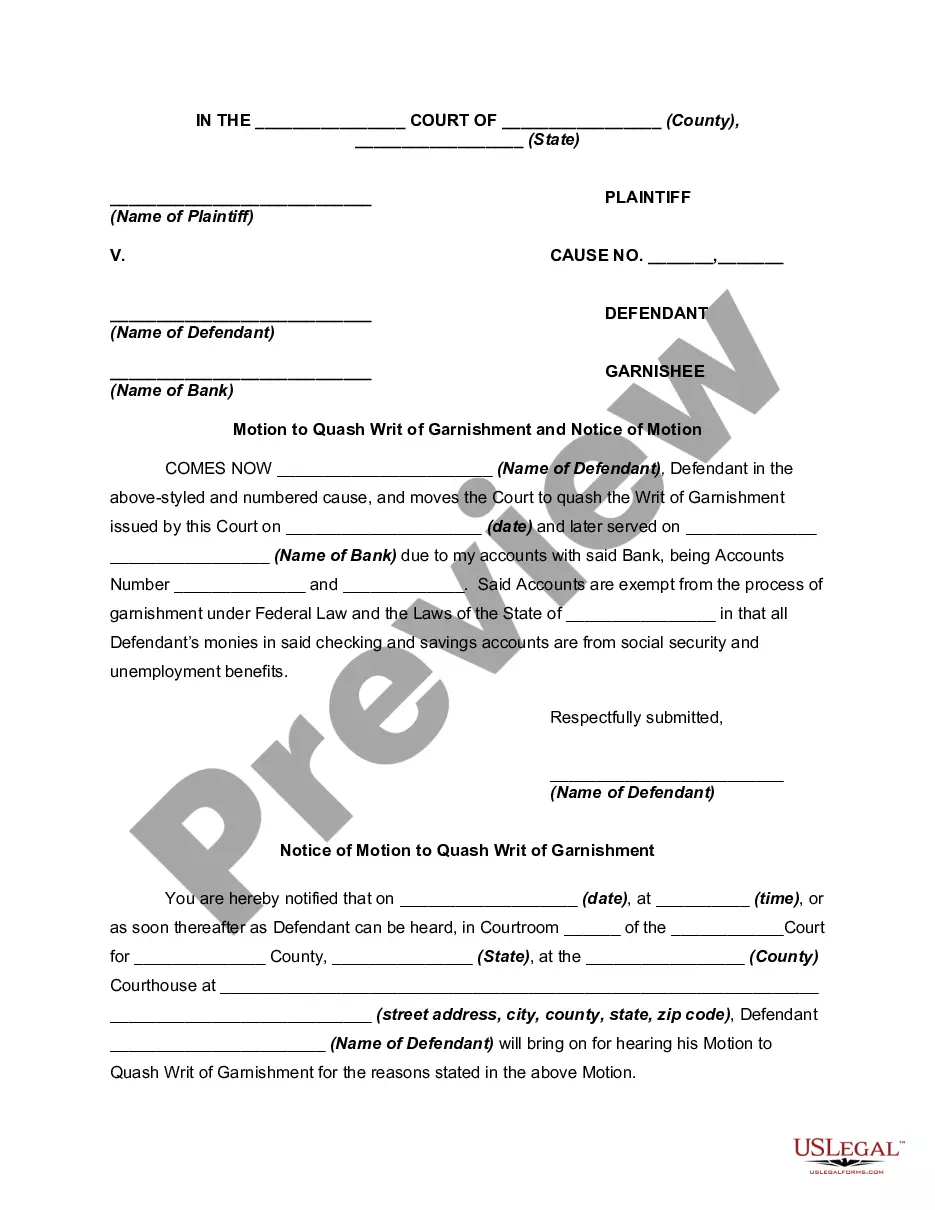
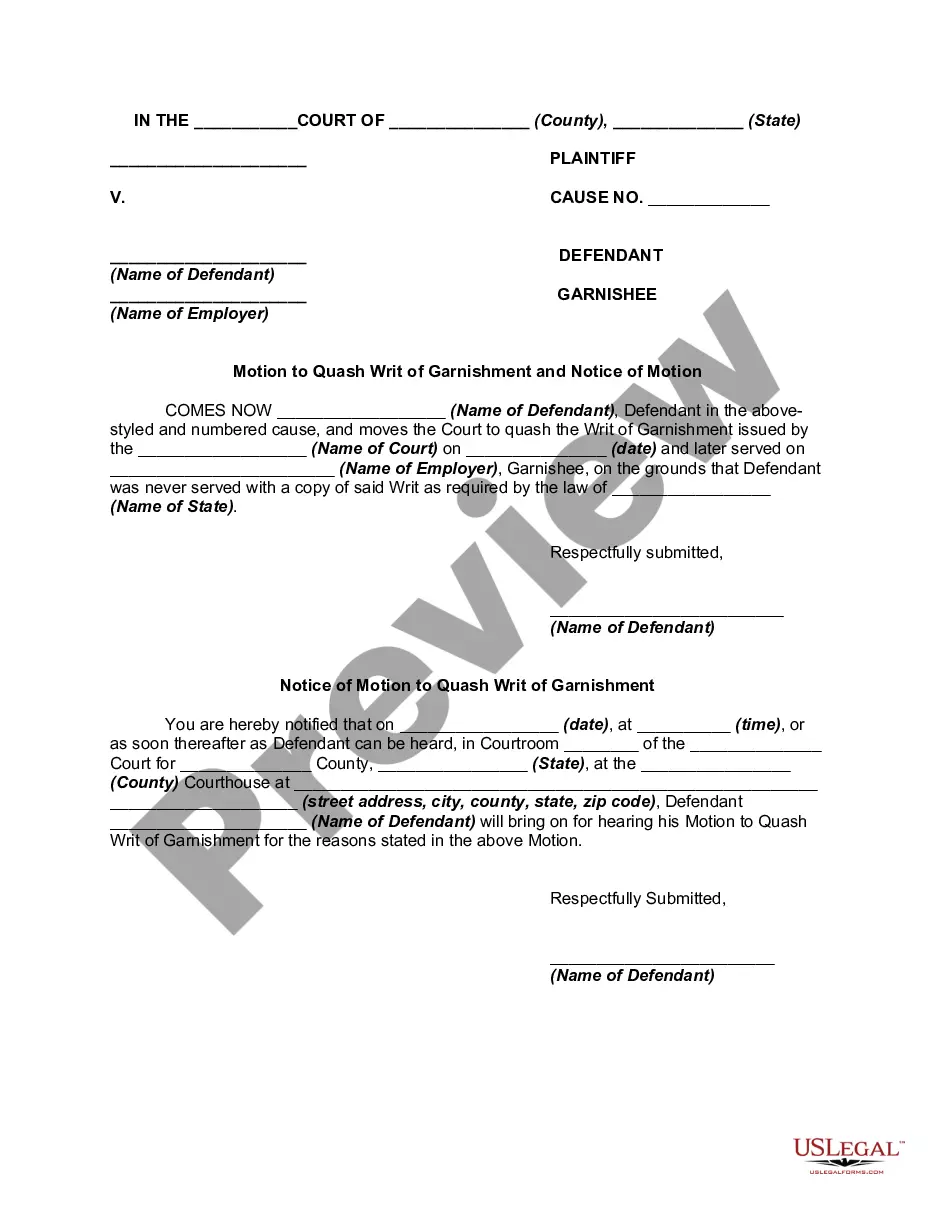
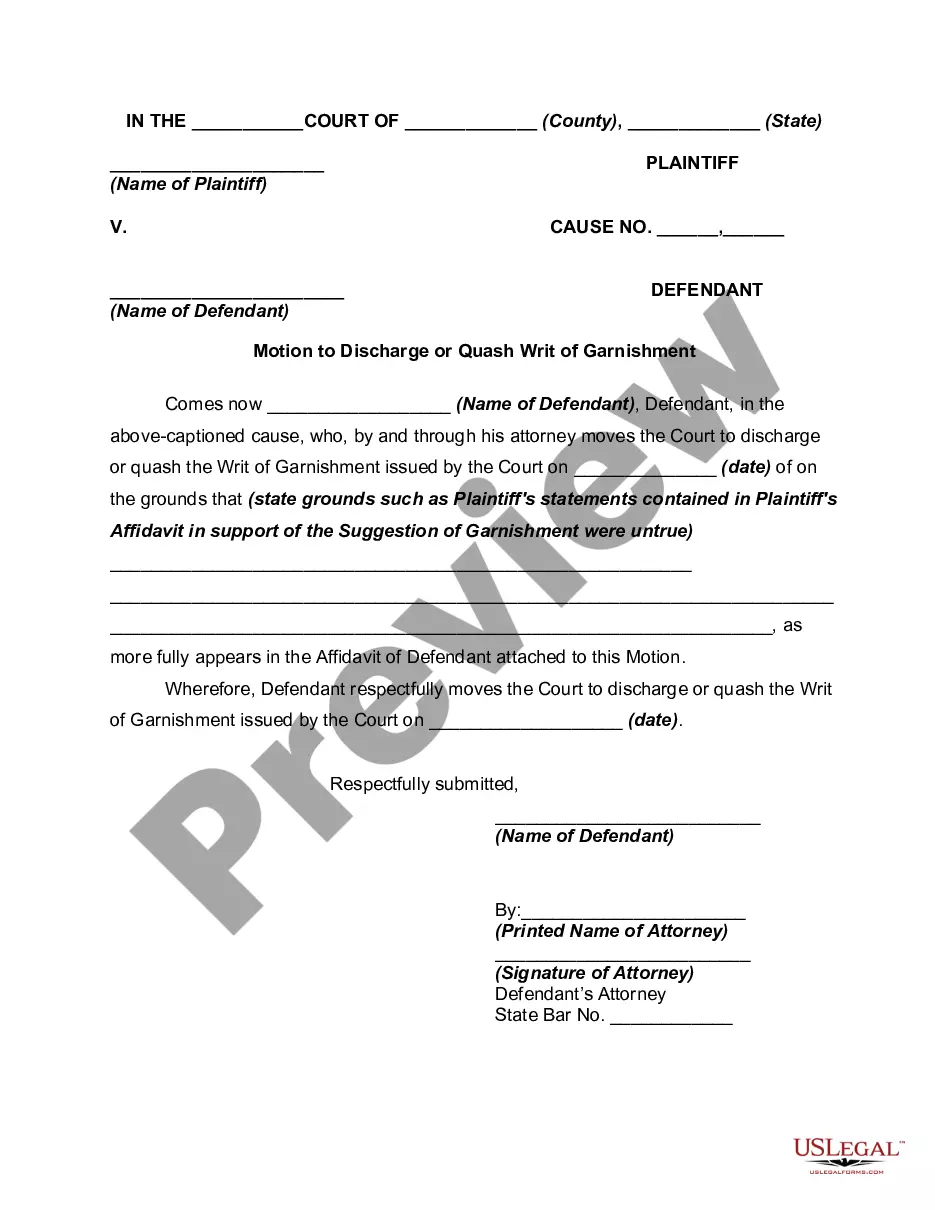
How to fill out Motion To Vacate Judgment, Quash Subpoena Duces Tecum, Dismiss Writ Of Garnishment, And For Leave To File An Answer To Complaint?
It’s well-known that you cannot transform into a legal authority in a day, nor can you swiftly learn how to efficiently create Reasons To Vacate A Judgement Without Notice without possessing a specific array of expertise.
Assembling legal documents is a lengthy process necessitating specialized education and competencies. So, why not entrust the creation of the Reasons To Vacate A Judgement Without Notice to the experts.
With US Legal Forms, which offers one of the most comprehensive collections of legal templates, you can find everything from court documents to templates for internal business communication.
If you need any additional template, restart your search.
Create a free account and choose a subscription plan to purchase the form.
- Recognize the necessity of compliance with federal and state laws and regulations.
- This is why, on our platform, every form is region-specific and updated.
- Begin with our website to acquire the document you require in just moments.
- Locate the document you seek using the search feature at the top of the page.
- Review it (if this function is available) and examine the accompanying description to ascertain whether Reasons To Vacate A Judgement Without Notice is what you are looking for.
Form popularity
FAQ
If you file a motion to vacate a default or a default judgment, you must file an answer to the original complaint along with any cross claims or counterclaims you may wish to assert, and the motion must be accompanied by the appropriate fee.
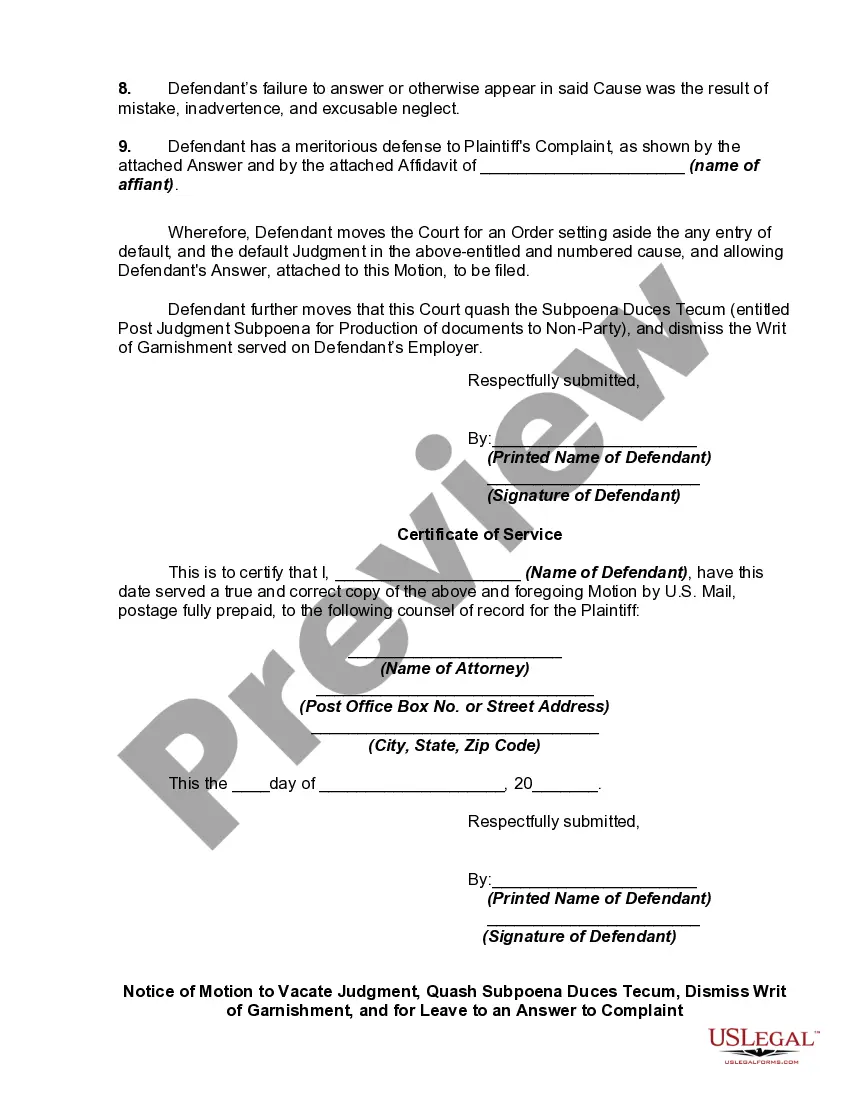
A Motion to Set Aside Default or Judgment is used to ask the court to set aside or "undo" a default or judgment or final order in a case, and to allow the case to move ahead as if the default or judgment had not been made.
A vacated judgment (also known as vacatur relief) makes a previous legal judgment legally void. A vacated judgment is usually the result of the judgment of an appellate court, which overturns, reverses, or sets aside the judgment of a lower court.
Once the judgment is set aside, the case starts up again. If you do not file an answer with the court to defend against plaintiff's complaint, you could again be defaulted and another default judgment could be entered against you.
If it has been 30 days or less, you can get rid of ("vacate") a default judgment by filing a motion. This is a written request to the judge asking them to throw out the judgment. You will have to send a copy of the motion to the other party in the case, and then show up in court for a hearing.