Reasons To Vacate A Judgement Foreclosure
Description
Get your form ready online
Our built-in tools help you complete, sign, share, and store your documents in one place.
Make edits, fill in missing information, and update formatting in US Legal Forms—just like you would in MS Word.
Download a copy, print it, send it by email, or mail it via USPS—whatever works best for your next step.
Sign and collect signatures with our SignNow integration. Send to multiple recipients, set reminders, and more. Go Premium to unlock E-Sign.
If this form requires notarization, complete it online through a secure video call—no need to meet a notary in person or wait for an appointment.
We protect your documents and personal data by following strict security and privacy standards.

Make edits, fill in missing information, and update formatting in US Legal Forms—just like you would in MS Word.

Download a copy, print it, send it by email, or mail it via USPS—whatever works best for your next step.

Sign and collect signatures with our SignNow integration. Send to multiple recipients, set reminders, and more. Go Premium to unlock E-Sign.

If this form requires notarization, complete it online through a secure video call—no need to meet a notary in person or wait for an appointment.

We protect your documents and personal data by following strict security and privacy standards.
Looking for another form?









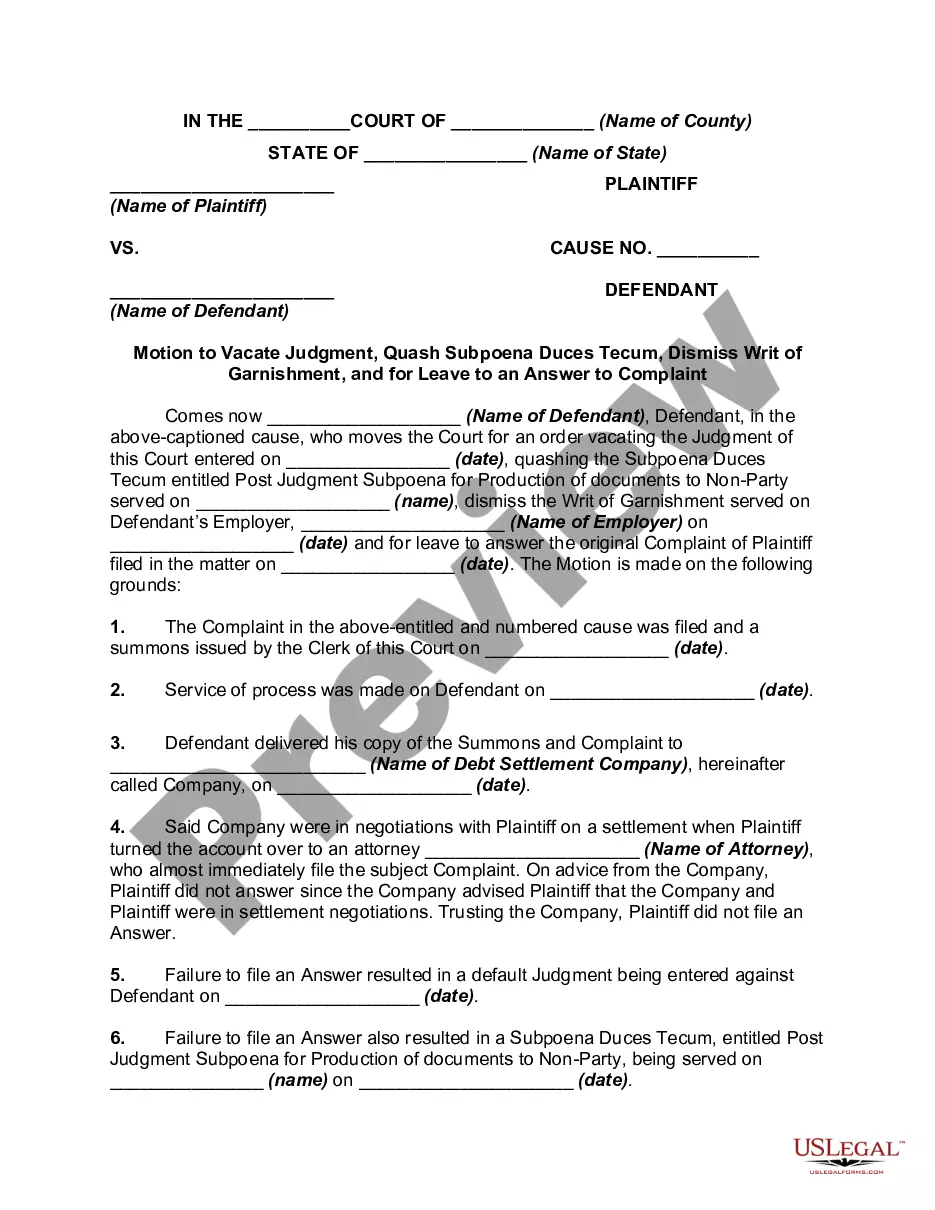
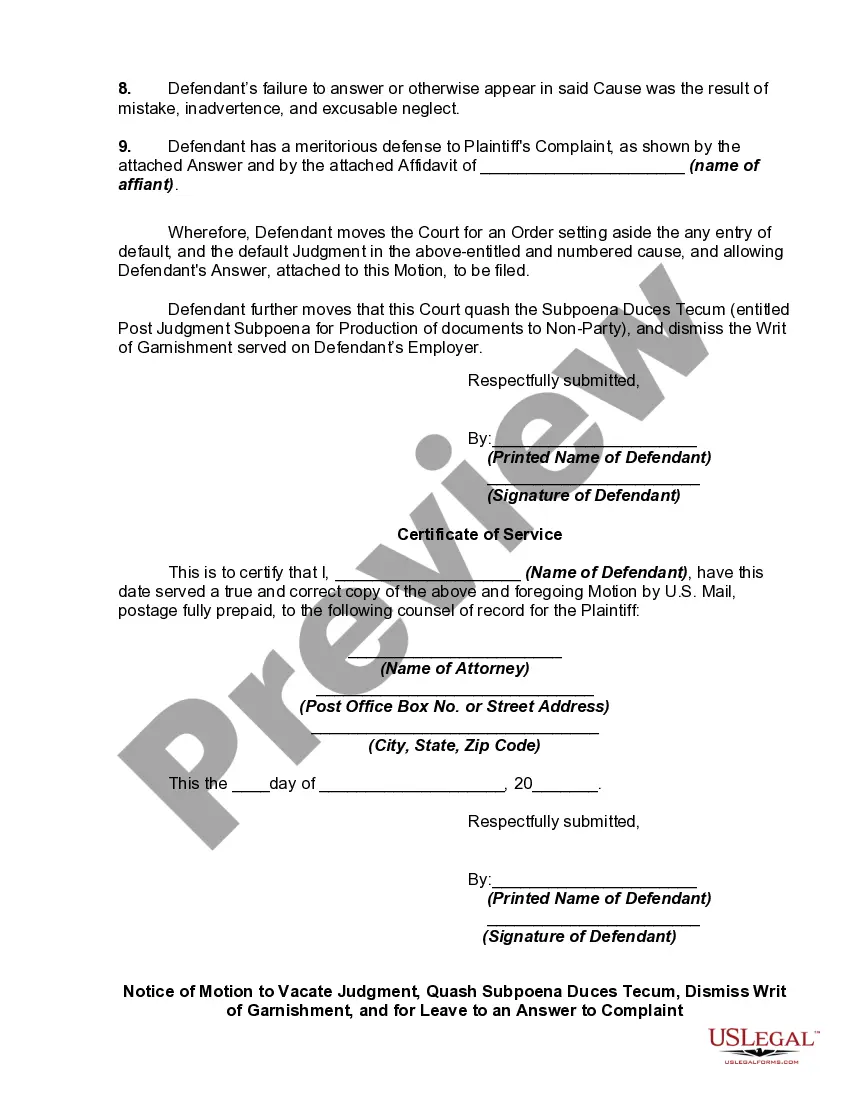
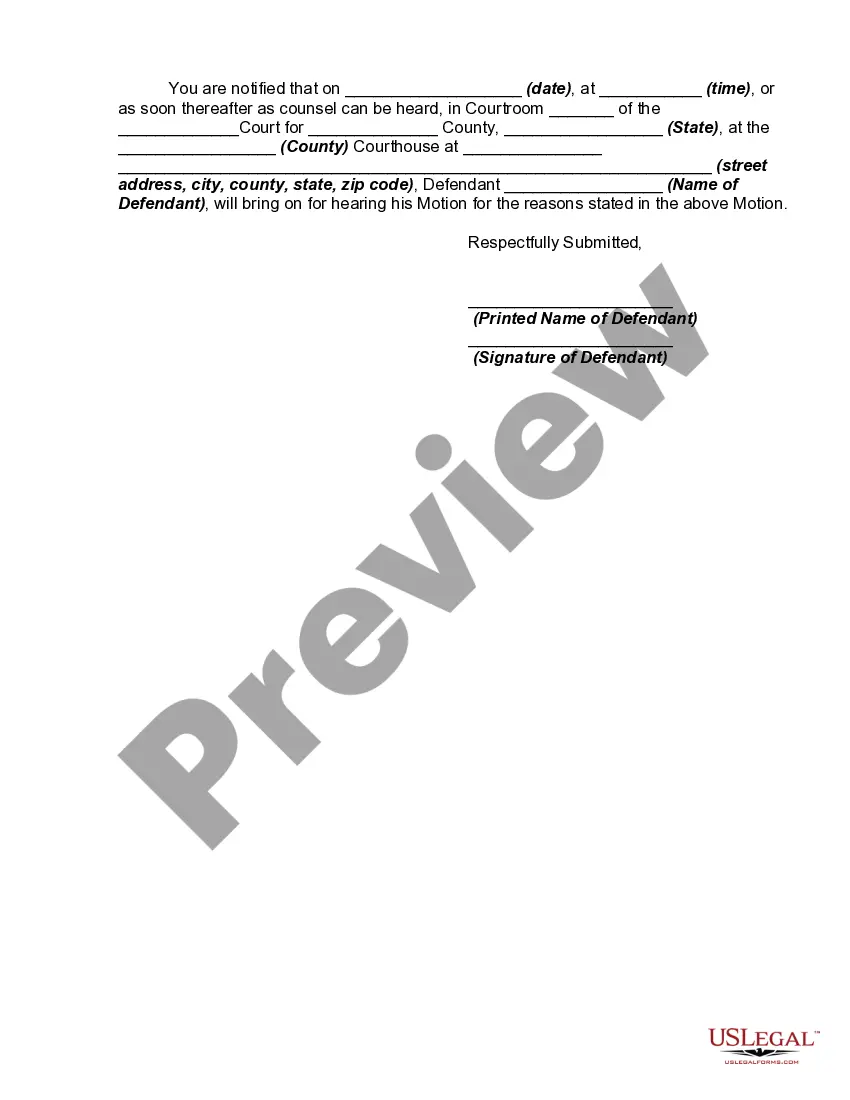
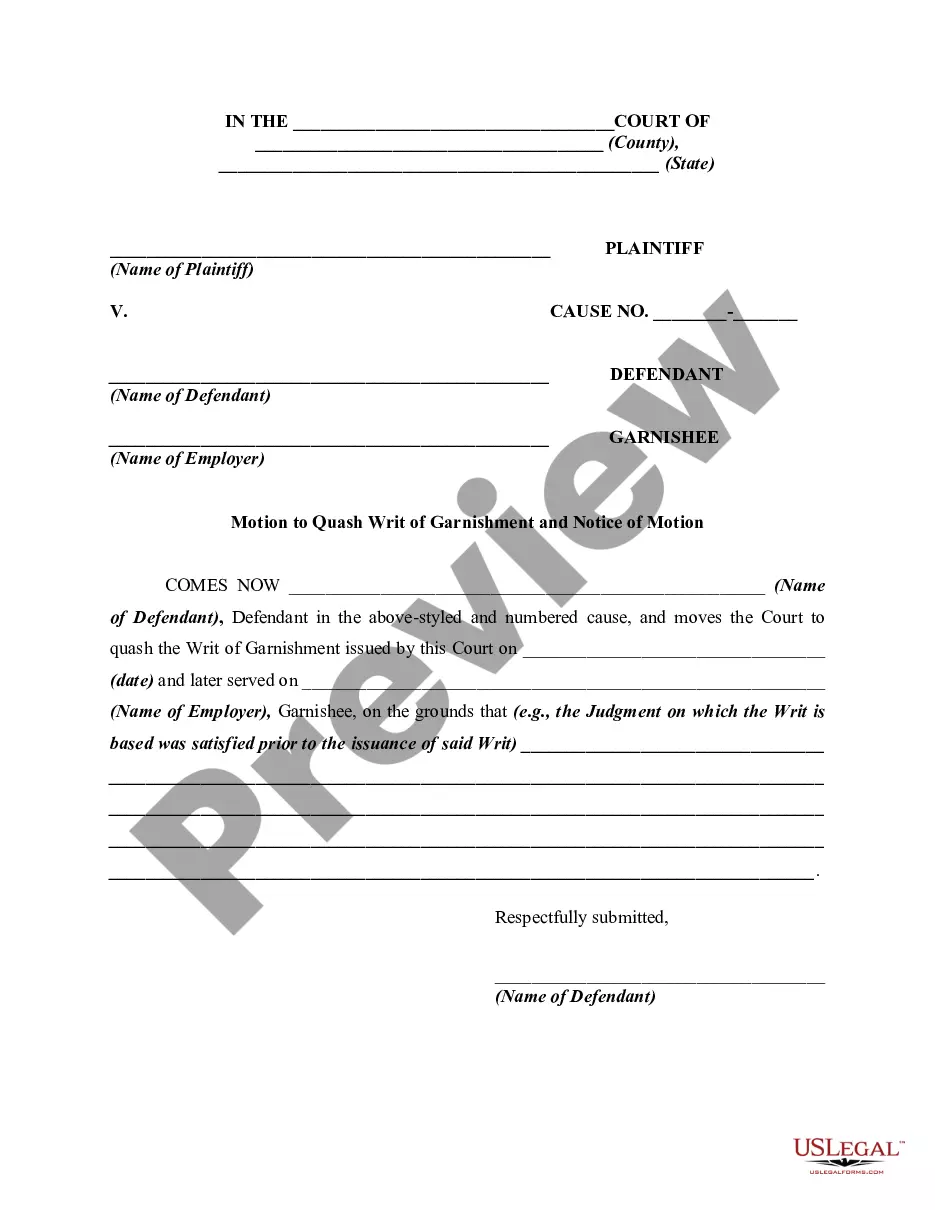
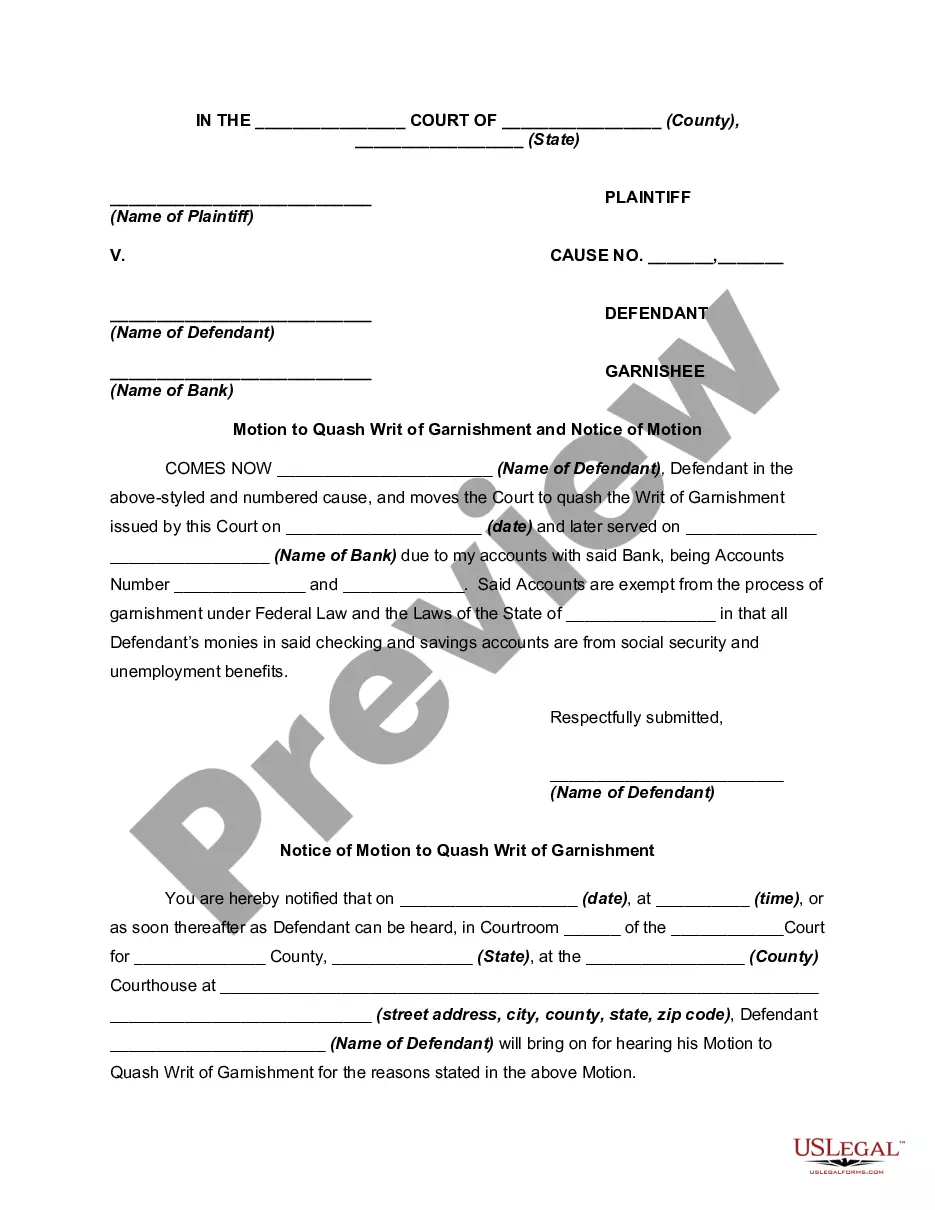
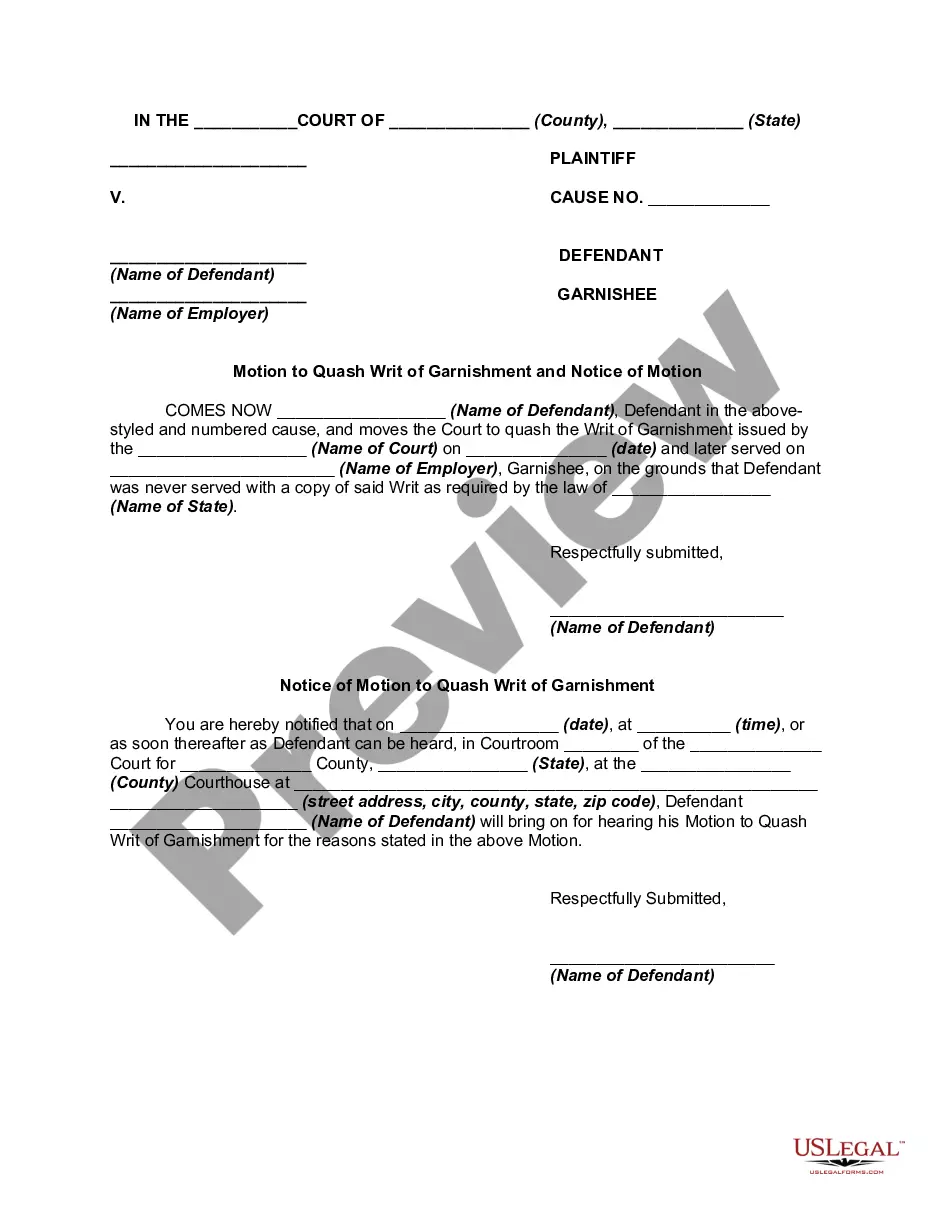
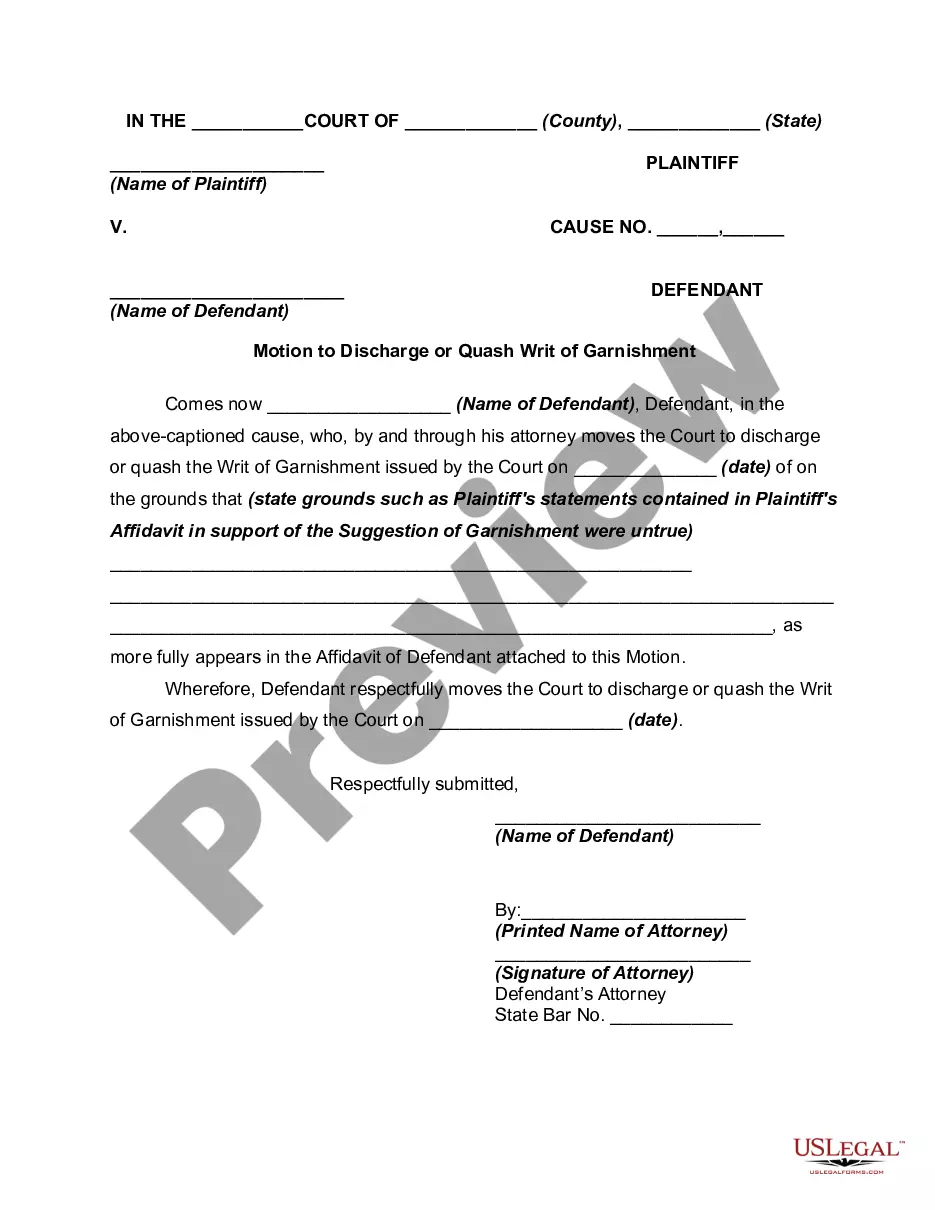
How to fill out Motion To Vacate Judgment, Quash Subpoena Duces Tecum, Dismiss Writ Of Garnishment, And For Leave To File An Answer To Complaint?
Whether for commercial reasons or personal affairs, everyone eventually encounters legal circumstances in their lifetime.
Completing legal paperwork requires meticulous focus, starting with selecting the appropriate document template.
With an extensive US Legal Forms collection available, you never have to waste time searching for the suitable template online. Utilize the library’s straightforward navigation to find the correct form for any scenario.
- Acquire the document you require using the search bar or catalog browsing.
- Review the form’s details to ensure it aligns with your circumstances, state, and locality.
- Select the form’s preview to inspect it.
- If it is the incorrect document, return to the search function to find the Reasons To Vacate A Judgement Foreclosure template you are looking for.
- Obtain the file if it suits your specifications.
- If you possess a US Legal Forms account, simply click Log in to access previously stored documents in My documents.
- If you do not possess an account yet, you can acquire the form by clicking Buy now.
- Select the right pricing option.
- Complete the account registration form.
- Choose your payment method: use a credit card or PayPal account.
- Select your preferred file format and download the Reasons To Vacate A Judgement Foreclosure.
- Once saved, you can finish the form using editing software or print it and fill it out by hand.
Form popularity
FAQ
To vacate a default judgment in Florida, you must file a motion with the court, explaining your reasons for not responding earlier. You typically need to demonstrate a valid excuse, such as not receiving proper notification of the court proceedings. Showing compelling reasons to vacate a judgment foreclosure is essential for a successful motion. Using the uslegalforms platform can streamline your legal process, providing resources and forms tailored to your needs.
Removing a default judgment involves submitting a request to the court to set aside the judgment. You’ll need to demonstrate valid reasons that justify this action, as courts are usually strict about their guidelines. Reasons to vacate a judgment foreclosure include showing you were not given proper notice or that you had a legitimate defense. USLegalForms offers an easy way to access the right documents and instructions that can help you remove that judgment efficiently.
To remove a default judgment, you must first file a motion with the court that issued the judgment. This motion should clearly outline your reasons and support your case with relevant evidence. Courts often consider valid reasons to vacate a judgment foreclosure, such as lack of proper notice or fraud. Utilizing a platform like USLegalForms can simplify the process, providing you with the necessary forms and guidance to effectively navigate your situation.
A vacated judgment (also known as vacatur relief) makes a previous legal judgment legally void. A vacated judgment is usually the result of the judgment of an appellate court, which overturns, reverses, or sets aside the judgment of a lower court. An appellate court may also vacate its own decisions.
You must file an appeal within 30 days from when the judge's decision (the Notice of Entry of Judgment (form SC-130 or SC-200)) was handed or mailed to you.
Section 2-1401 entitles a party to bring a petition to vacate a final judgment or order after the 30 day period provided for under section 2-1301(e) has expired and for two years from the date of the entry of the judgment or order.
If you file a motion to vacate a default or a default judgment, you must file an answer to the original complaint along with any cross claims or counterclaims you may wish to assert, and the motion must be accompanied by the appropriate fee.
Get the form SC-135: Notice of Motion to Vacate Judgment. You must explain on the form why you did not come to court. File the form with the Small Claims Court Clerk's Office at the court where your case was heard. Pay the filing fee.