Motion Vacate Judgment Form With 2 Points
Description







Get your form ready online
Our built-in tools help you complete, sign, share, and store your documents in one place.
Make edits, fill in missing information, and update formatting in US Legal Forms—just like you would in MS Word.
Download a copy, print it, send it by email, or mail it via USPS—whatever works best for your next step.
Sign and collect signatures with our SignNow integration. Send to multiple recipients, set reminders, and more. Go Premium to unlock E-Sign.
If this form requires notarization, complete it online through a secure video call—no need to meet a notary in person or wait for an appointment.
We protect your documents and personal data by following strict security and privacy standards.

Make edits, fill in missing information, and update formatting in US Legal Forms—just like you would in MS Word.

Download a copy, print it, send it by email, or mail it via USPS—whatever works best for your next step.

Sign and collect signatures with our SignNow integration. Send to multiple recipients, set reminders, and more. Go Premium to unlock E-Sign.

If this form requires notarization, complete it online through a secure video call—no need to meet a notary in person or wait for an appointment.

We protect your documents and personal data by following strict security and privacy standards.
Looking for another form?


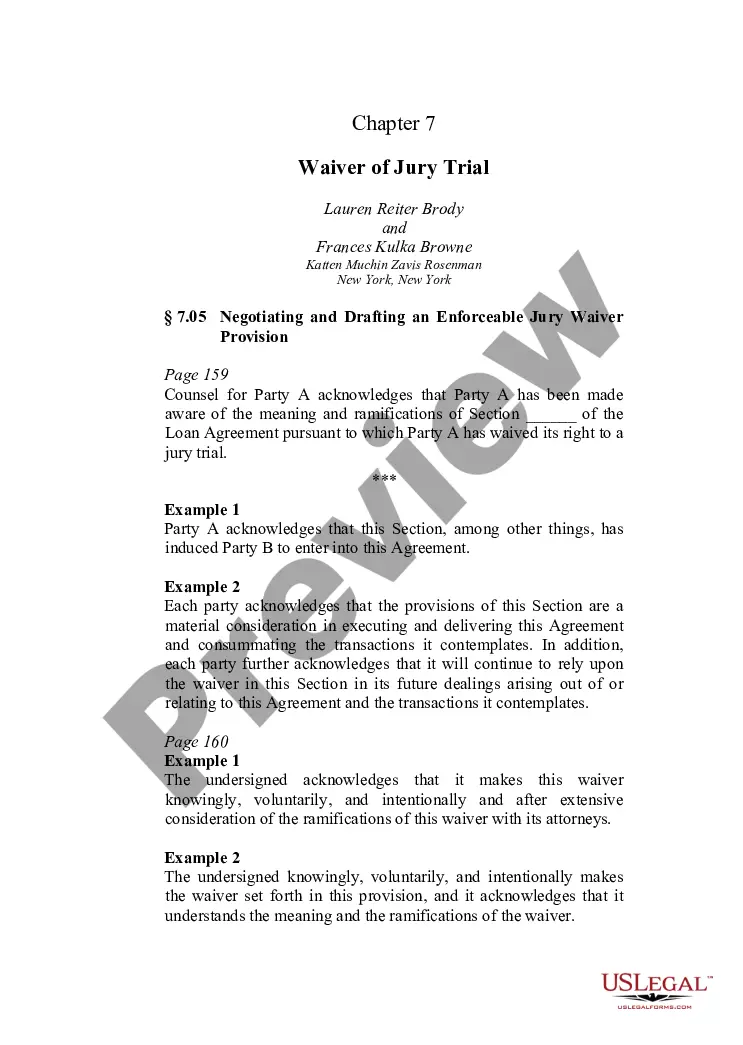
How to fill out Motion To Vacate Judgment, Quash Subpoena Duces Tecum, Dismiss Writ Of Garnishment, And For Leave To File An Answer To Complaint?
Utilizing legal templates that adhere to national and local regulations is essential, and the internet provides a plethora of options to choose from.
However, why spend time searching for the correct Motion Vacate Judgment Form With 2 Points sample online when the US Legal Forms digital library already consolidates such templates in one location.
US Legal Forms is the largest online legal repository with over 85,000 fillable templates created by attorneys for every business and personal circumstance.
Review the template using the Preview function or through the text outline to verify it meets your needs.
- They are easy to navigate with all documents categorized by state and intended use.
- Our specialists stay informed on legislative changes, ensuring you can always trust your form is current and compliant when obtaining a Motion Vacate Judgment Form With 2 Points from our site.
- Acquiring a Motion Vacate Judgment Form With 2 Points is straightforward and quick for both existing and new users.
- If you already possess an account with an active subscription, Log In and download the sample document you require in the correct format.
- If you're a newcomer to our site, follow the steps outlined below.
Form popularity
FAQ
To withdraw a default judgment, you typically need to file a Motion vacate judgment form with 2 points. This form allows you to request the court to set aside the judgment. It is essential to provide valid reasons for the request, such as not receiving proper notice of the original hearing. Using US Legal Forms can simplify this process, as they offer the necessary templates to help you navigate through the legal requirements confidently.
You must file an appeal within 30 days from when the judge's decision (the Notice of Entry of Judgment (form SC-130 or SC-200)) was handed or mailed to you.
Get the form SC-135: Notice of Motion to Vacate Judgment. You must explain on the form why you did not come to court. File the form with the Small Claims Court Clerk's Office at the court where your case was heard. Pay the filing fee.
Removing A Judgment from Your Record There are only three ways in which a judgment can be made to go away: paying the debt, vacating the judgment or discharging the debt through bankruptcy.
*Examples of mistake, inadvertence, surprise, or excusable neglect may include: Illness of Defendant. Attorney's abandonment of client. Fraud by the Plaintiff.
If you file a motion to vacate a default or a default judgment, you must file an answer to the original complaint along with any cross claims or counterclaims you may wish to assert, and the motion must be accompanied by the appropriate fee.