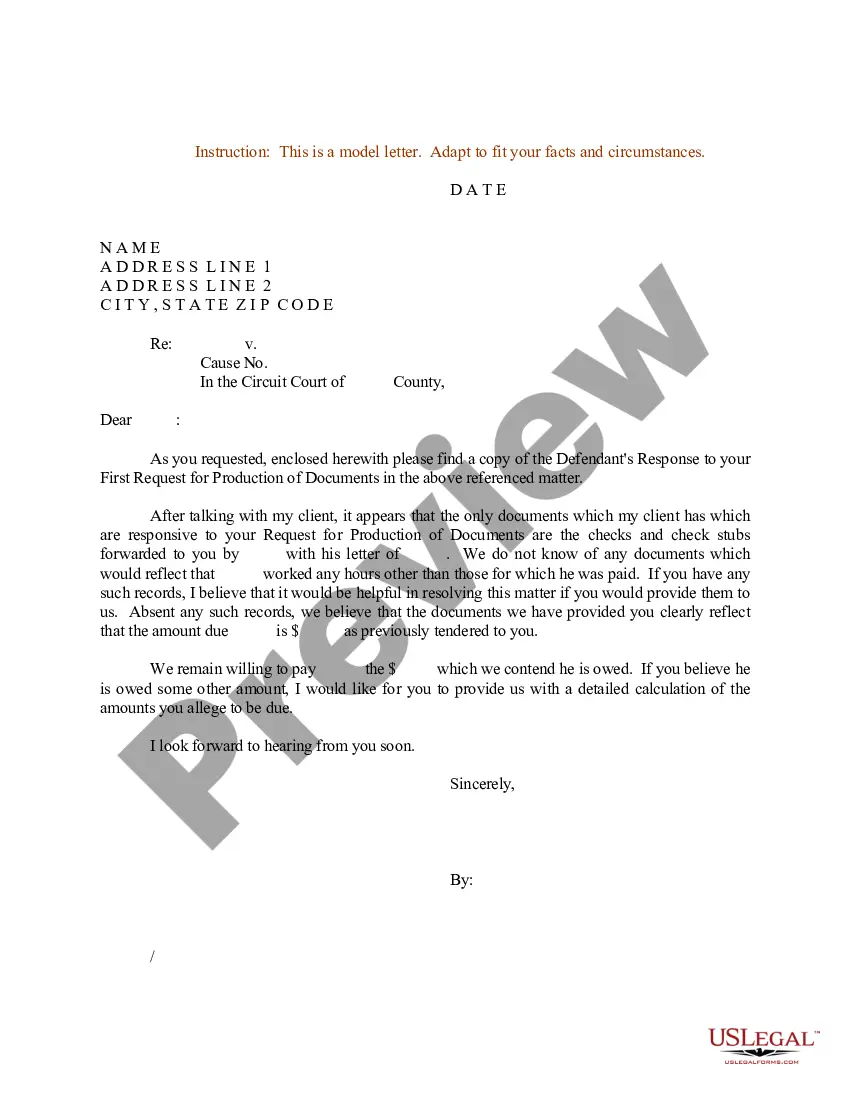
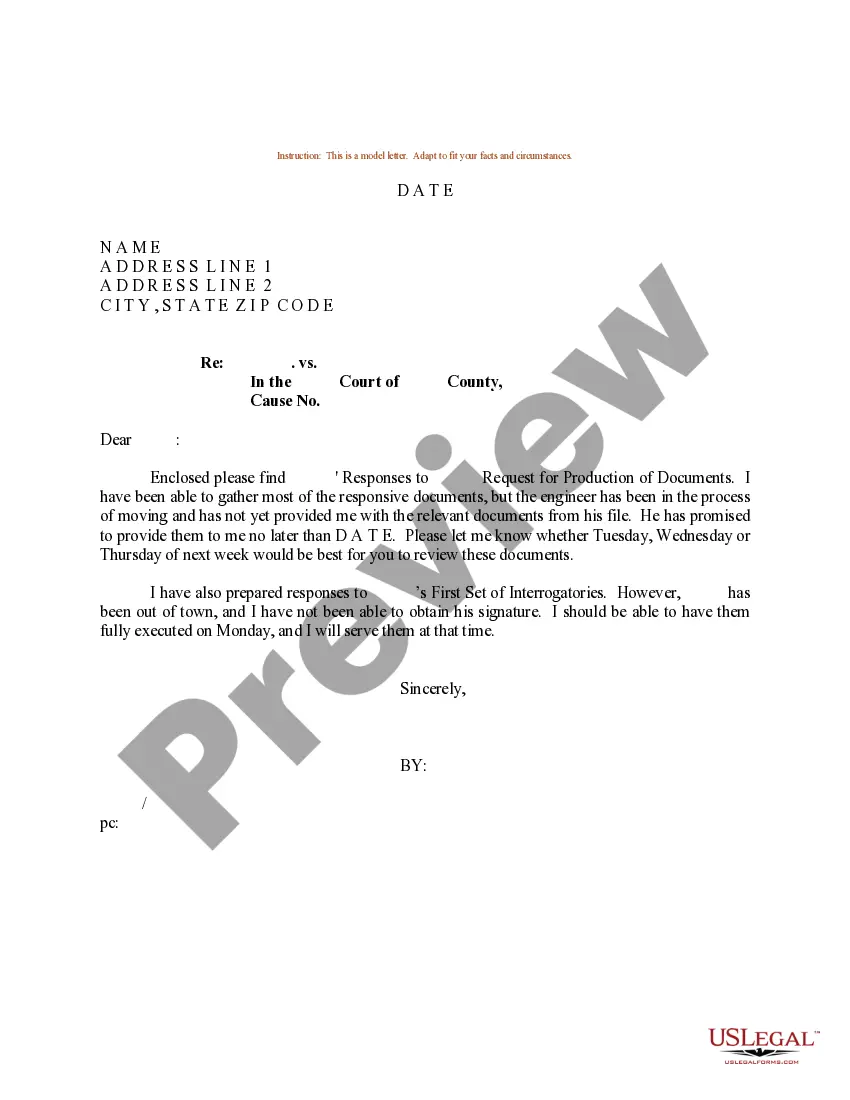
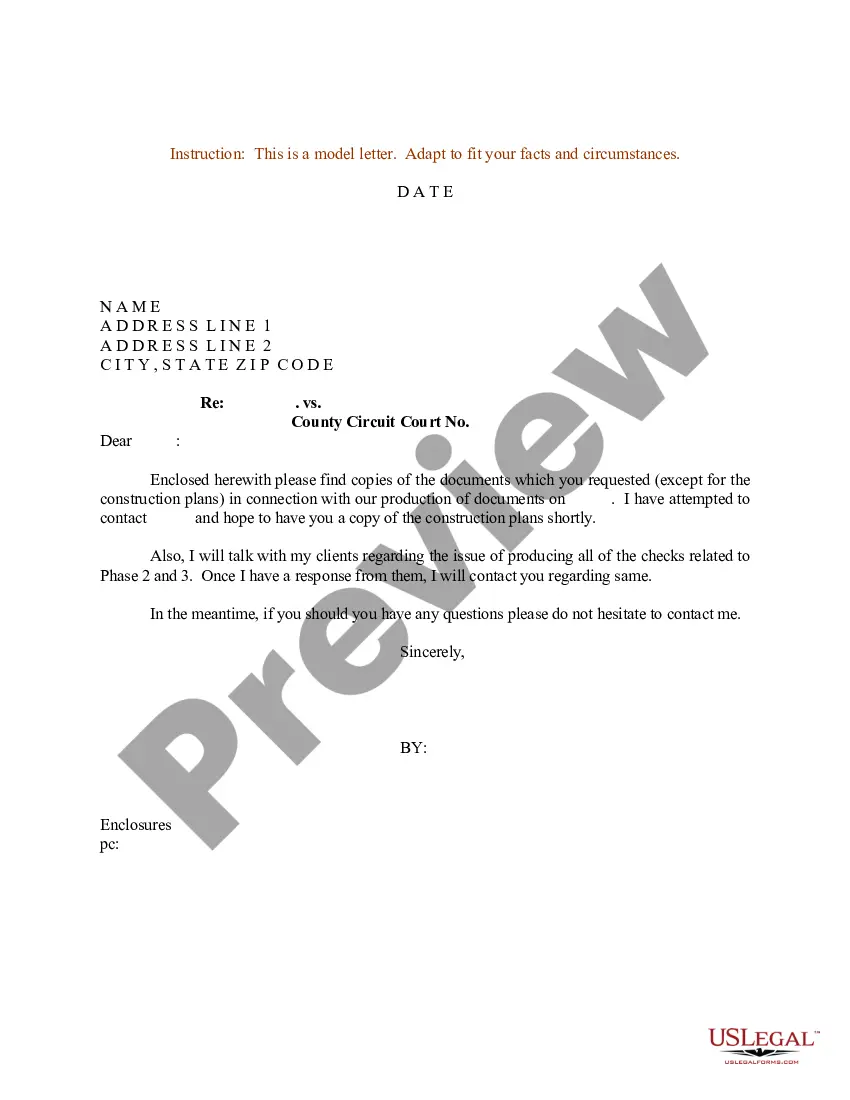
Letter Format With Thru
Description
Get your form ready online
Our built-in tools help you complete, sign, share, and store your documents in one place.
Make edits, fill in missing information, and update formatting in US Legal Forms—just like you would in MS Word.
Download a copy, print it, send it by email, or mail it via USPS—whatever works best for your next step.
Sign and collect signatures with our SignNow integration. Send to multiple recipients, set reminders, and more. Go Premium to unlock E-Sign.
If this form requires notarization, complete it online through a secure video call—no need to meet a notary in person or wait for an appointment.
We protect your documents and personal data by following strict security and privacy standards.

Make edits, fill in missing information, and update formatting in US Legal Forms—just like you would in MS Word.

Download a copy, print it, send it by email, or mail it via USPS—whatever works best for your next step.

Sign and collect signatures with our SignNow integration. Send to multiple recipients, set reminders, and more. Go Premium to unlock E-Sign.

If this form requires notarization, complete it online through a secure video call—no need to meet a notary in person or wait for an appointment.

We protect your documents and personal data by following strict security and privacy standards.
Looking for another form?
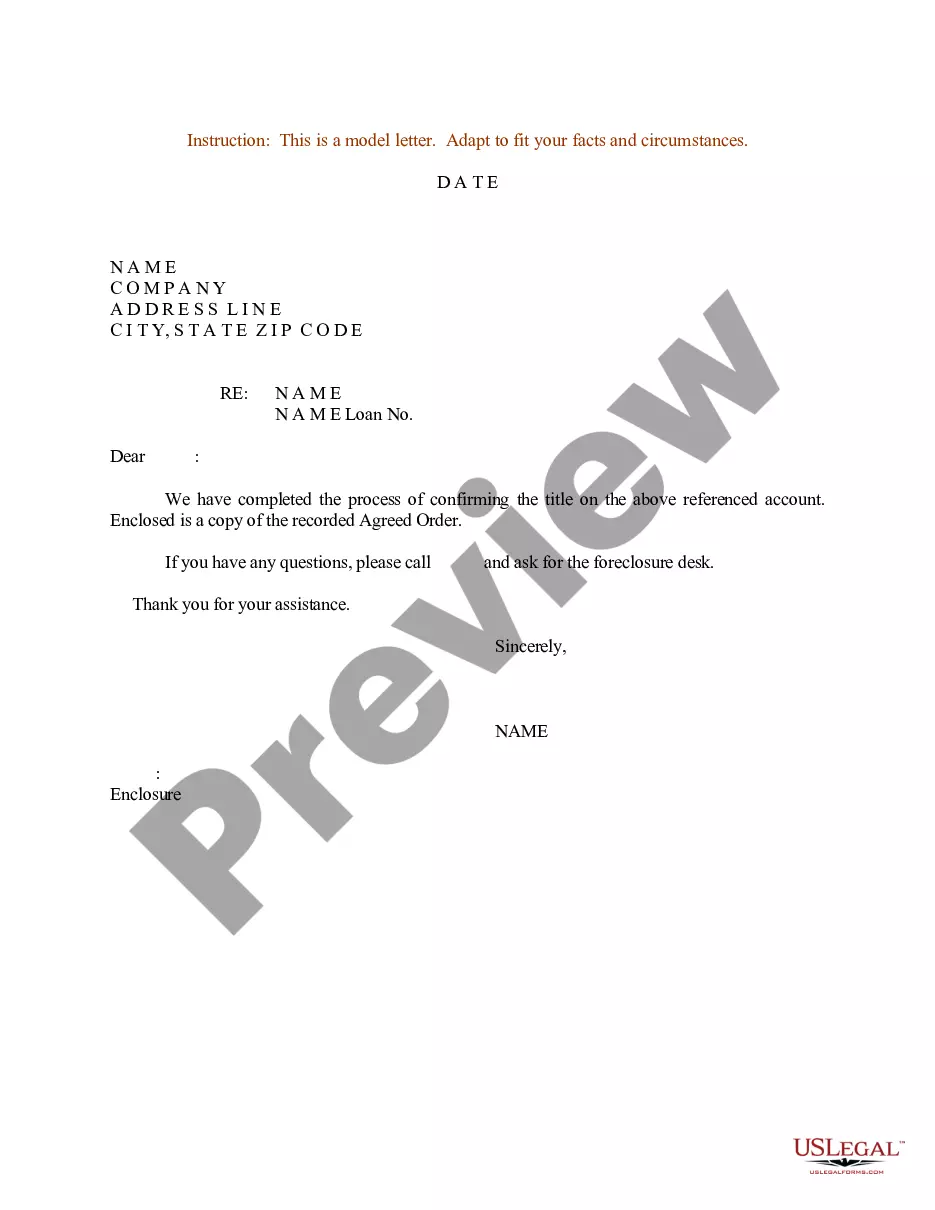
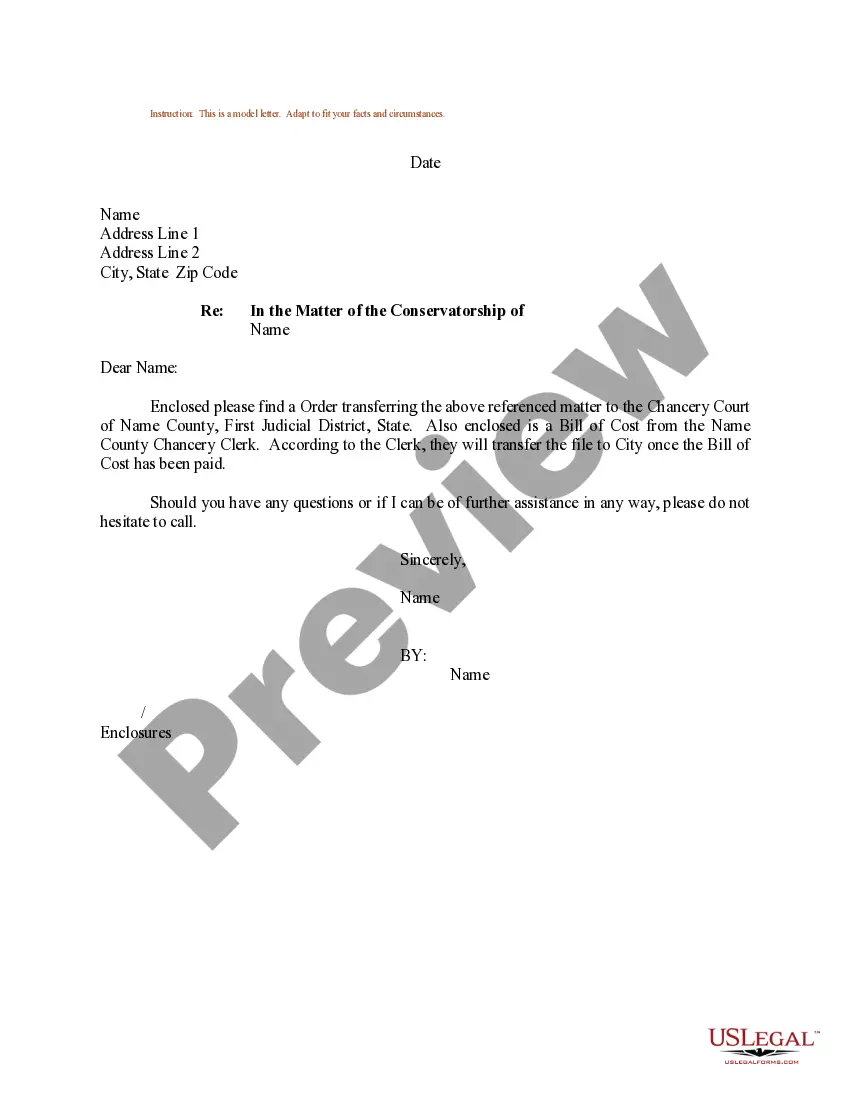
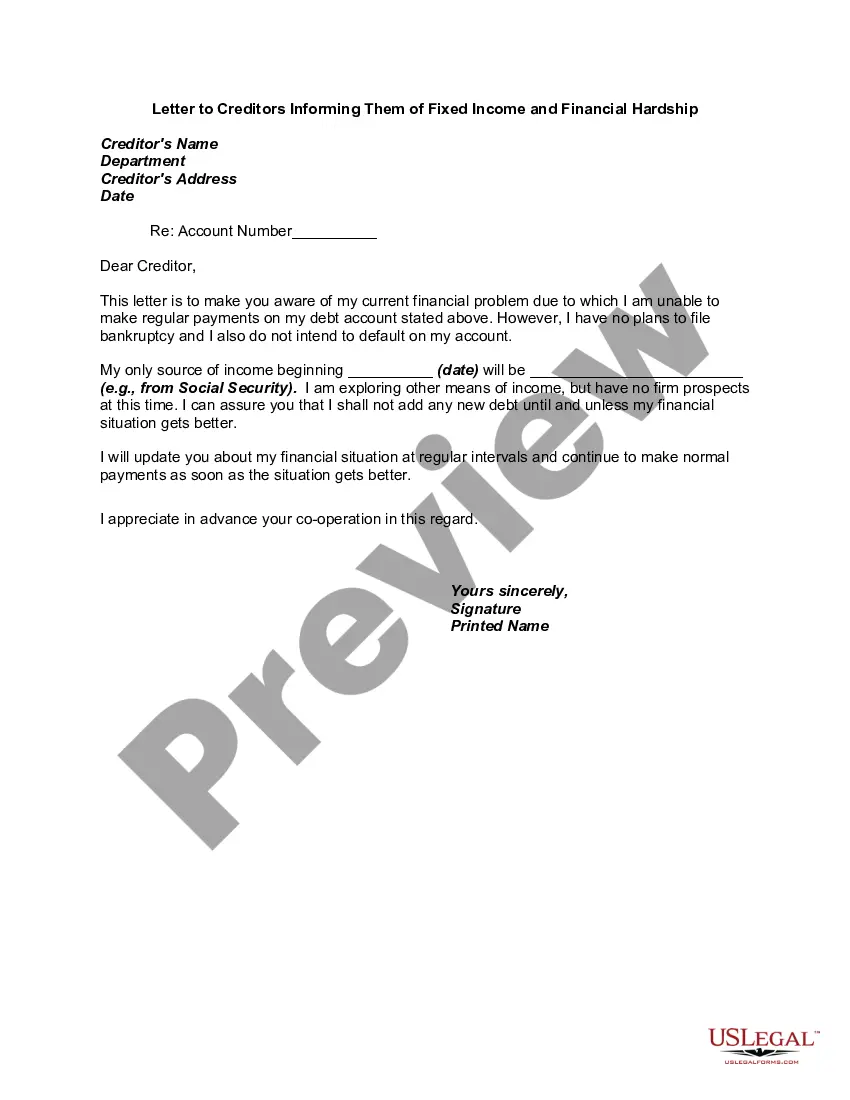
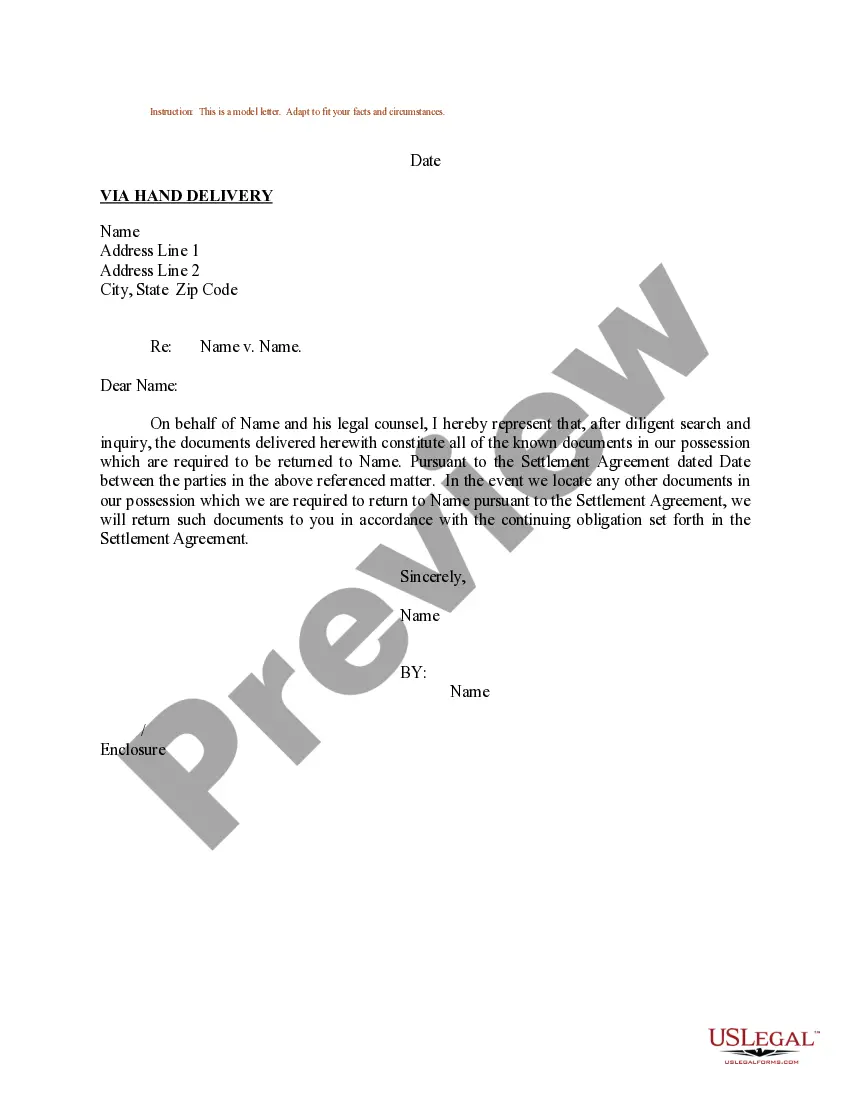
How to fill out Sample Letter For Request For Production Of Document?
The Document Structure With Thru you observe on this page is a reusable official template crafted by expert attorneys in accordance with national and local statutes.
For over 25 years, US Legal Forms has supplied individuals, businesses, and legal practitioners with more than 85,000 authenticated, state-specific documents for any commercial and personal circumstance.
Fill out and sign the documents. Print the template to complete it manually. Alternatively, utilize an online multifunctional PDF editor to quickly and accurately fill out and sign your form with a legally-binding electronic signature. Retrieve your documents again. Use the same document again whenever necessary. Open the My documents tab in your profile to redownload any previously acquired forms. Register for US Legal Forms to have verified legal templates for all of life’s circumstances at your fingertips.
- It's the fastest, simplest, and most reliable method to acquire the documentation you require, as the service ensures the utmost level of data protection and anti-malware safeguards.
- Searching for this Document Structure With Thru will take you just a few straightforward steps.
- Search for the document you require and examine it. Browse through the file you sought and preview it or review the form description to confirm it meets your requirements. If it doesn't, utilize the search bar to find the appropriate one. Click Buy Now once you have found the template you need.
- Subscribe and sign in. Select the pricing option that fits you and create an account. Use PayPal or a credit card to make a swift payment. If you already possess an account, sign in and verify your subscription to proceed.
- Obtain the editable template. Choose the format you desire for your Document Structure With Thru (PDF, DOCX, RTF) and save the sample on your device.
Form popularity
FAQ
Using 'thru' in writing is generally acceptable, especially in informal contexts. However, in formal documents, like legal papers or business letters, it's best to use 'through' for clarity. If you prefer a letter format with thru, ensure it aligns with the tone of your document. Consider platforms like USLegalForms to guide you on using terms appropriately in various writing styles.
'Thru' in an application letter typically indicates a process or direction. It can refer to reaching a certain stage or completing a step within your application. Using 'thru' in your letter format with thru can make your writing more direct and concise. However, be mindful of your audience and the formality of the letter.
To write 'thru' in a letter, position it appropriately in your content. Begin with a clear introduction, then use 'thru' to indicate a point or a transition. Ensure the overall letter format with thru maintains professionalism and clarity. Always proofread your letter to confirm that the use of 'thru' fits the tone and context.
Format of a Formal Letter Date: The date should be written in the following format: month day, year. Recipient's address: This is the full name and address of the person you are writing to. Salutation: The salutation is a formal greeting, such as "Dear Mr. Smith" or "Dear Ms. Jones."
Write your contact information and date at the top if you're using block style (see below). On a new line write a salutation, such as ?Dear Ms. Smith,? or ?To Whom It May Concern.? Write the body of your letter in a standard paragraph format. On a new line write a complimentary close, such as ?Sincerely,? or ?Best,?
Through and thru are often used interchangeably. They both mean the same thing; however, thru is more suitable for informal use, while through is the go-to for formal writing. If you're sending a text to your friend or making a post on Facebook, then you can use thru.
The types of Formal Letter Formats are mentioned below. Letter of Enquiry. Order Letter. Letter of Complaint. Reply to a Letter of Complaint. Promotion Letter. Sales Letter. Recovery Letter.
Here are the steps to follow if you need to send a properly formatted business letter as an email: Define your audience. ... Write your subject line. ... Use an appropriate salutation. ... Introduce yourself. ... Share your message. ... Close with gratitude and a call to action. ... Sign with contact information. ... Proofread and edit.