Definition Qtip Trust Without
Description

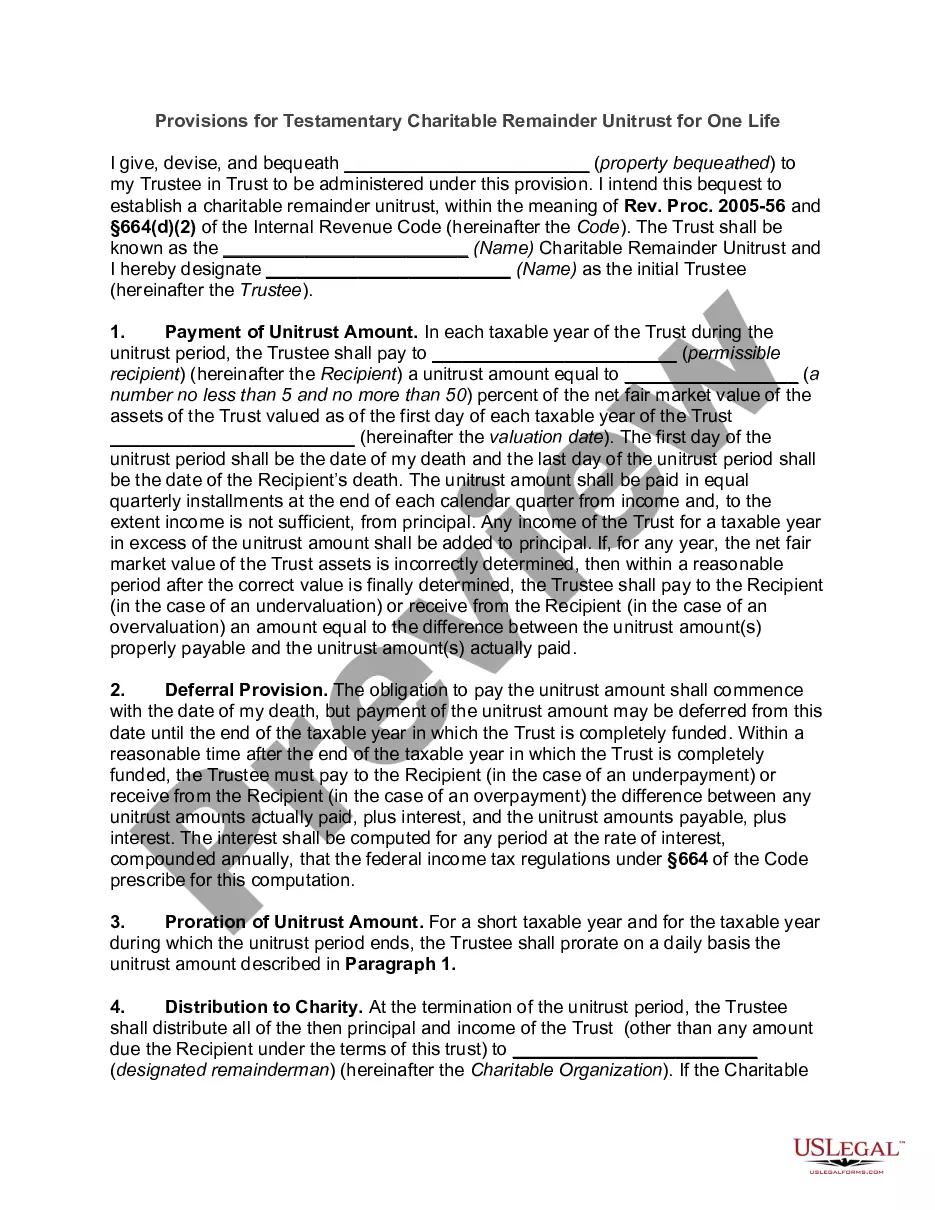
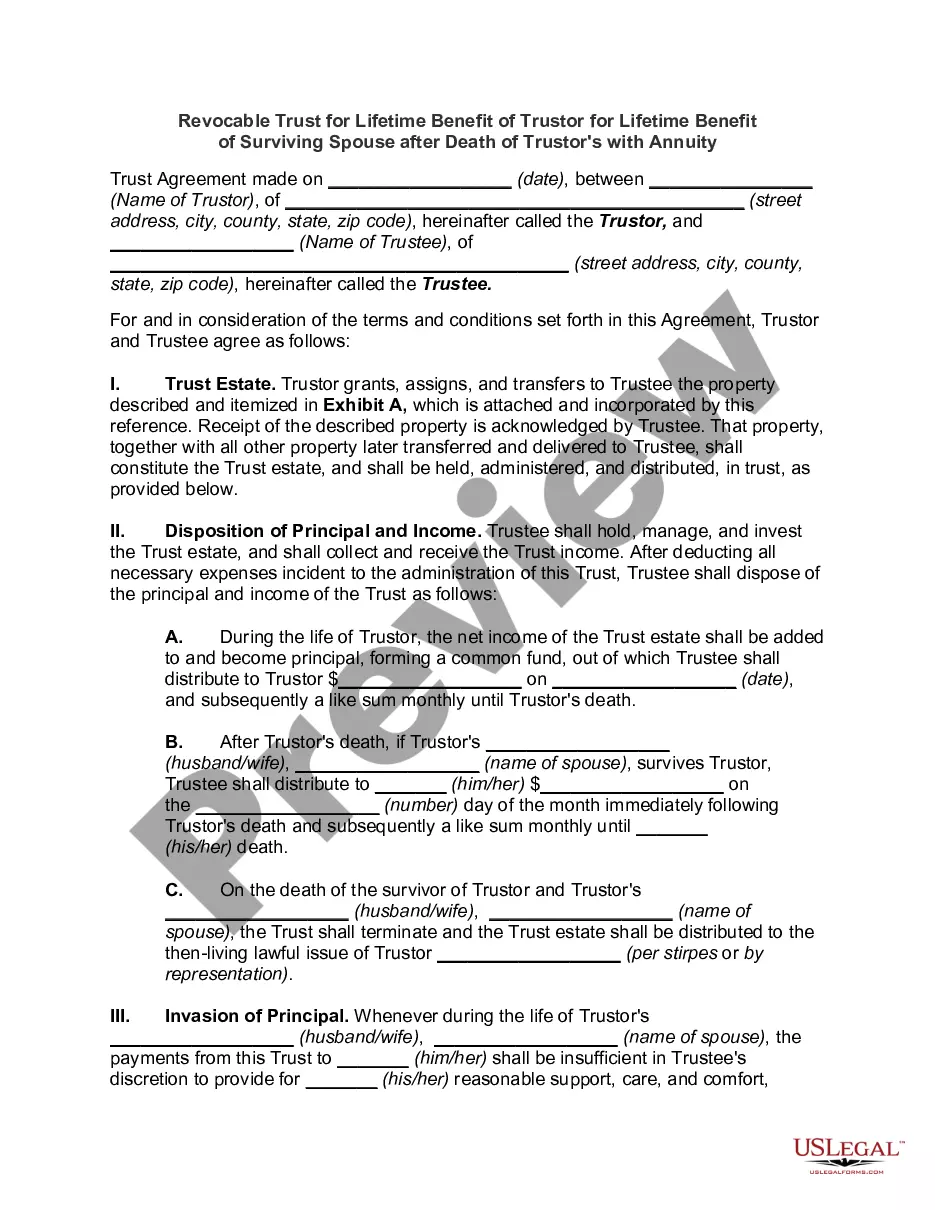
Get your form ready online
Our built-in tools help you complete, sign, share, and store your documents in one place.
Make edits, fill in missing information, and update formatting in US Legal Forms—just like you would in MS Word.
Download a copy, print it, send it by email, or mail it via USPS—whatever works best for your next step.
Sign and collect signatures with our SignNow integration. Send to multiple recipients, set reminders, and more. Go Premium to unlock E-Sign.
If this form requires notarization, complete it online through a secure video call—no need to meet a notary in person or wait for an appointment.
We protect your documents and personal data by following strict security and privacy standards.

Make edits, fill in missing information, and update formatting in US Legal Forms—just like you would in MS Word.

Download a copy, print it, send it by email, or mail it via USPS—whatever works best for your next step.

Sign and collect signatures with our SignNow integration. Send to multiple recipients, set reminders, and more. Go Premium to unlock E-Sign.

If this form requires notarization, complete it online through a secure video call—no need to meet a notary in person or wait for an appointment.

We protect your documents and personal data by following strict security and privacy standards.
Looking for another form?

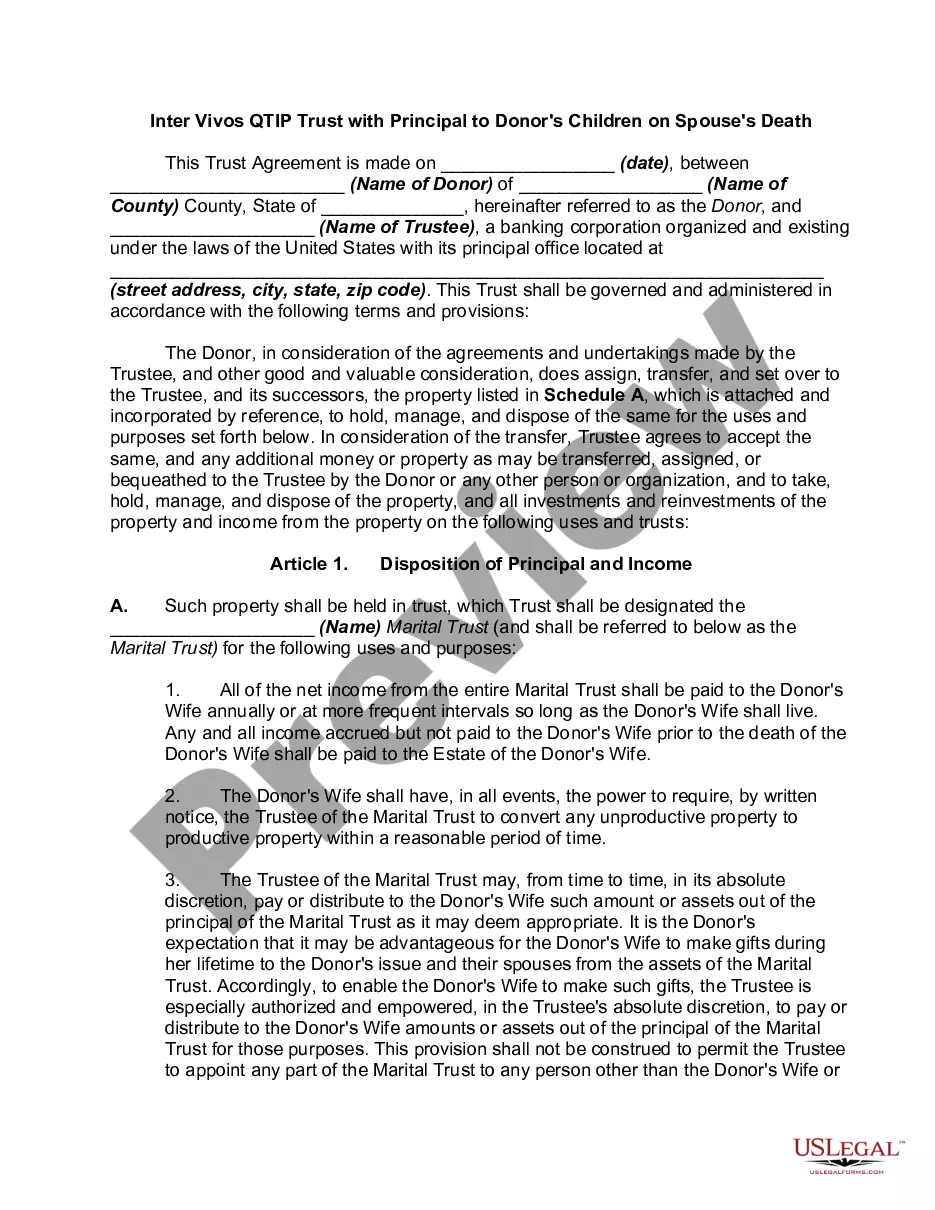
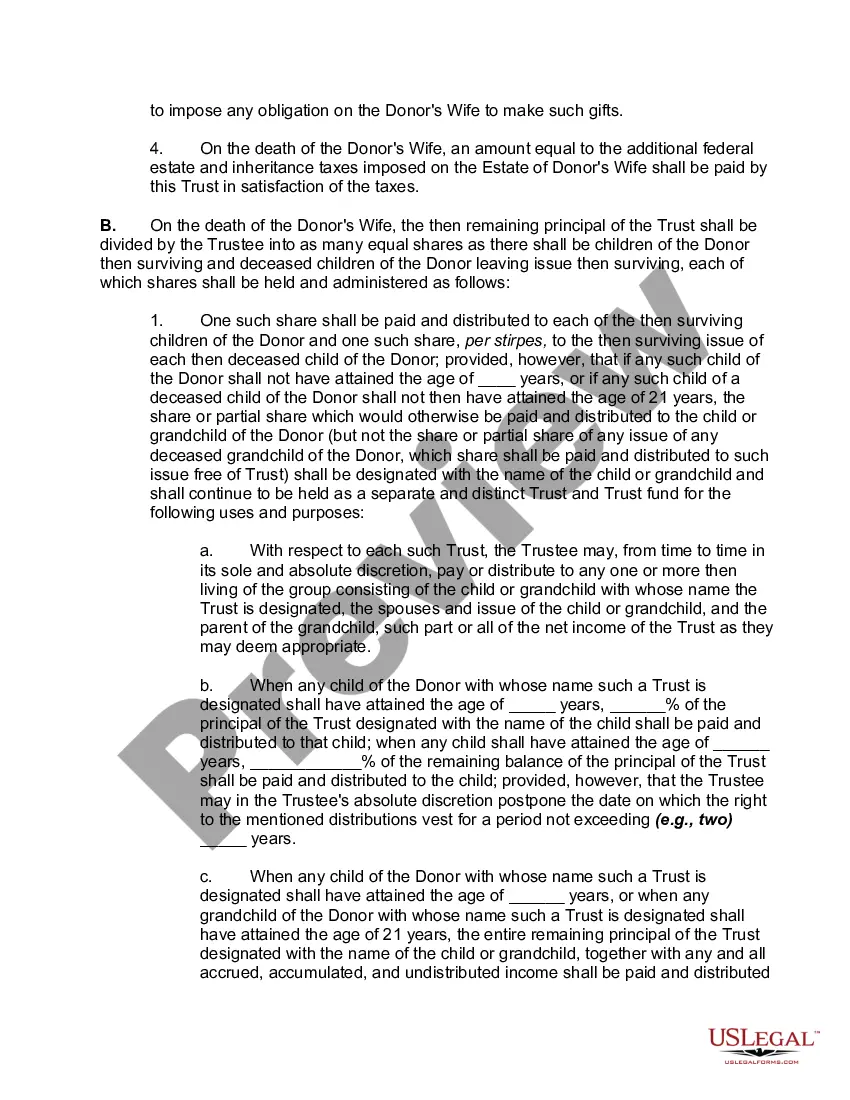
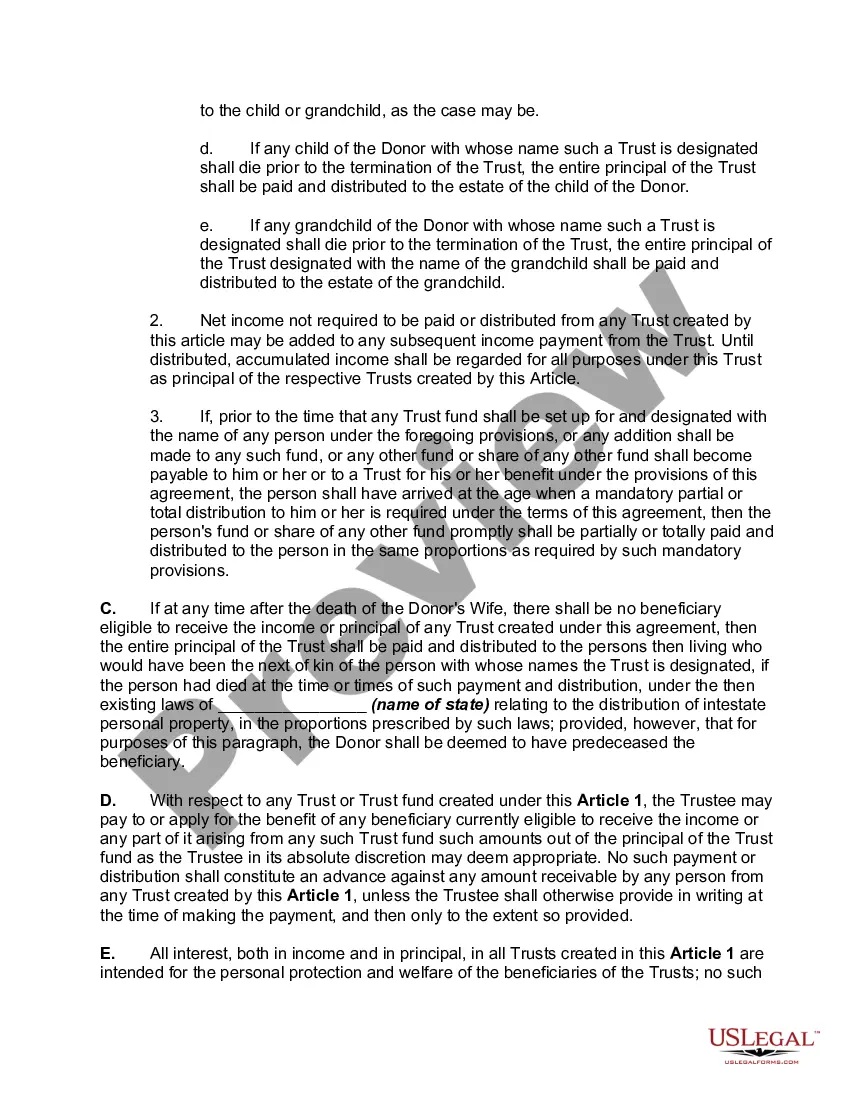
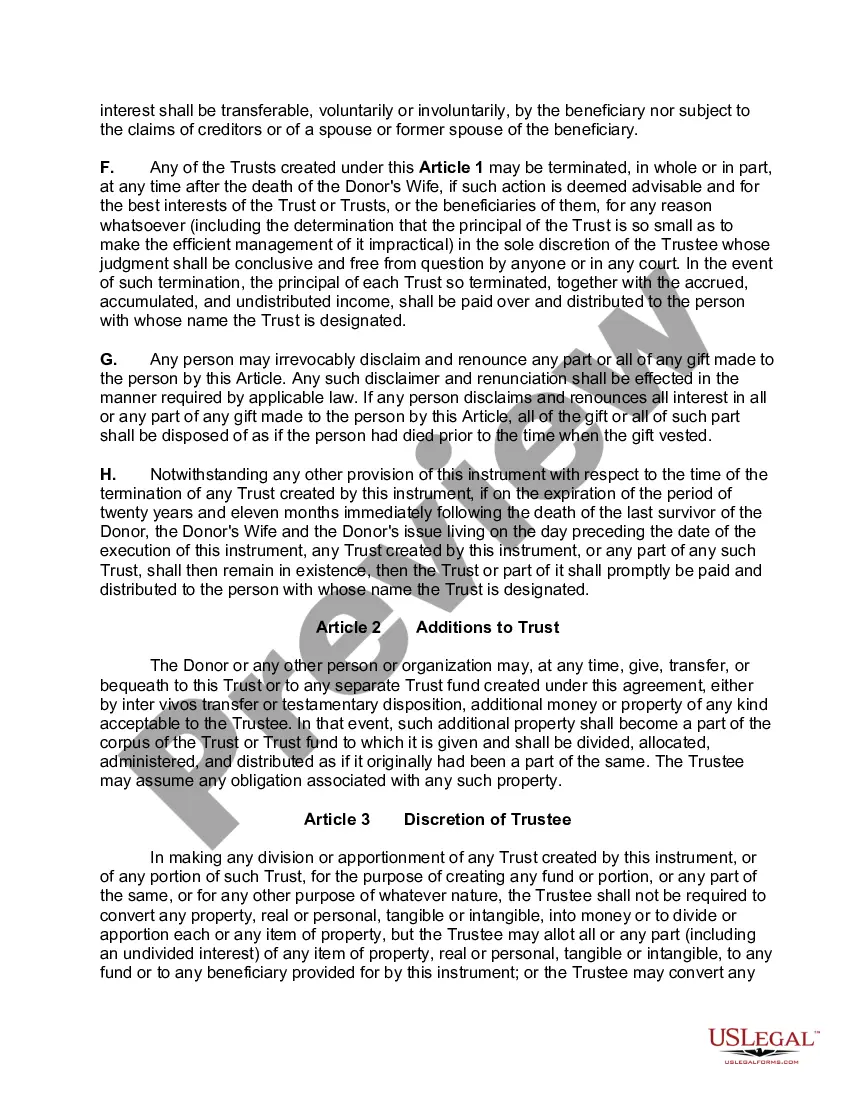
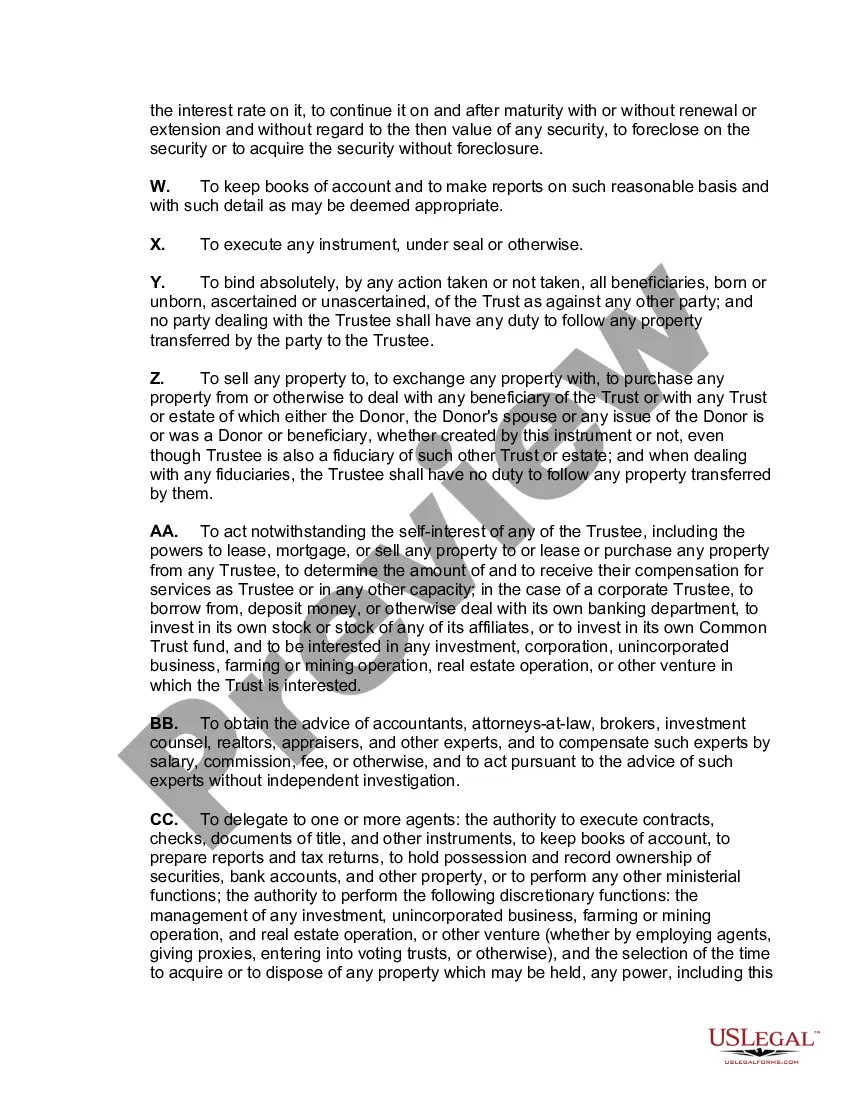
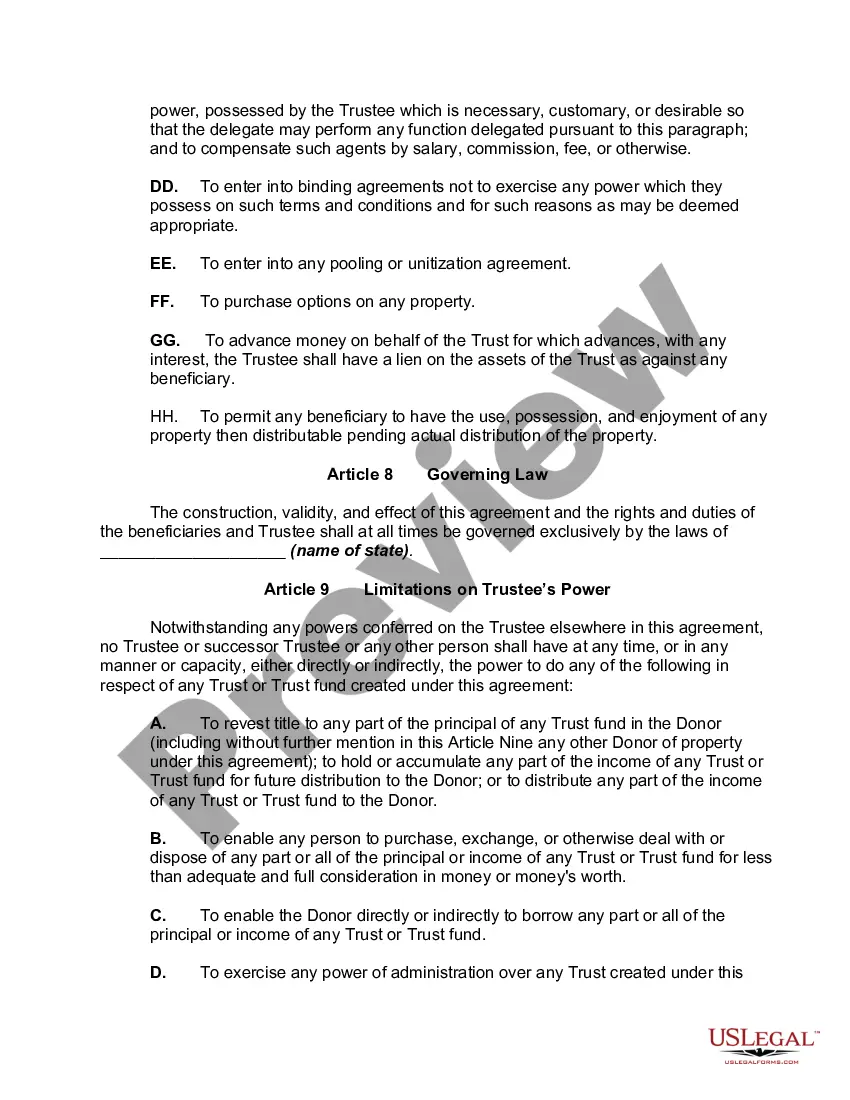
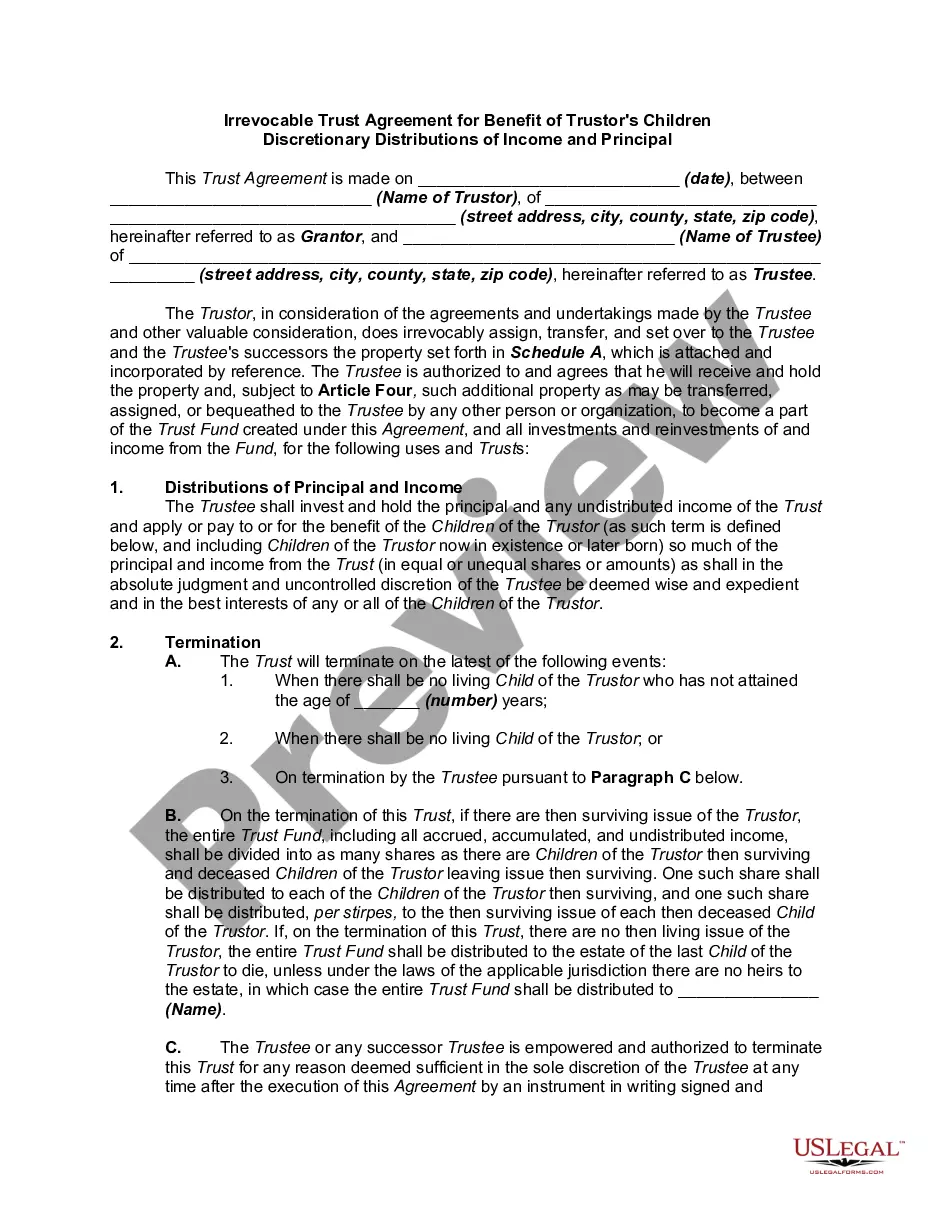
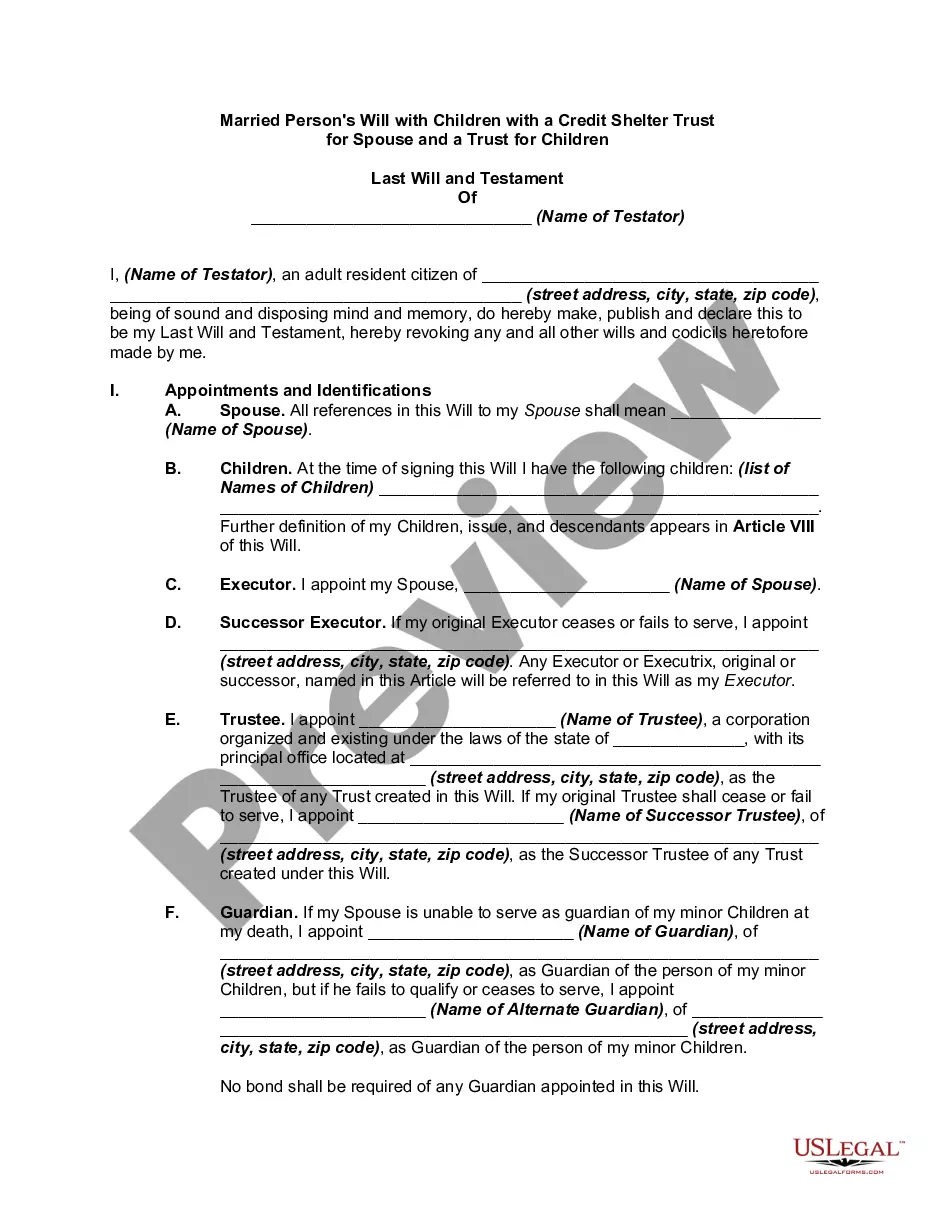
How to fill out Inter Vivos QTIP Trust With Principal To Donor's Children On Spouse's Death?
The Explanation Qtip Trust Without you observe on this webpage is a versatile official blueprint crafted by expert attorneys in compliance with national and local statutes and regulations.
For over 25 years, US Legal Forms has supplied individuals, entities, and legal experts with more than 85,000 validated, state-specific documents for any professional and personal occasion.
Select the format you prefer for your Definition Qtip Trust Without (PDF, DOCX, RTF) and download the specimen onto your device. Complete and sign the document. Print the template to fill it out by hand. Alternatively, employ an online multifunctional PDF editor to swiftly and accurately fill out and sign your form digitally.
- Search for the document you require and evaluate it.
- Browse through the sample you seek and preview it or examine the form description to confirm it meets your needs. If it does not, use the search bar to locate the correct one. Click Buy Now when you have found the template you need.
- Register and access your account.
- Select the payment plan that fits your needs and create an account. Utilize PayPal or a credit card to make an immediate payment. If you already possess an account, Log In and verify your subscription to proceed.
- Obtain the editable template.
Form popularity
FAQ
The special QTIP trust can save the day. Legally, to qualify as a QTIP trust, the trust is required to pay all of its income to the spouse beneficiary, and there can't be any other beneficiaries during that spouse's lifetime.
John and Mary are in their second marriage. John has children from his first marriage and wants to ensure they inherit his estate after his and Mary's death. He creates a QTIP Trust which will provide Mary with income for life after his death, and upon Mary's death, the remaining assets will go to his children.
To make the election (and create the QTIP trust), the executor lists, on an attachment (a "schedule") to the estate tax return, the assets that are to go into the QTIP trust. The executor can choose to put some or all of the deceased spouse's assets earmarked for the QTIP into the trust.
One disadvantage is that the grantor cannot change their mind about the trust after it has been created. Another disadvantage is that the trustee must manage the property following the terms of the trust, which can be complex. Finally, a QTIP trust can be expensive to set up and maintain.
To create a QTIP trust, you'll make a QTIP election on IRS estate tax return form 706. List the chosen assets (called the ?qualified terminable interest property?) and their value on Part A of Schedule M. There are a few requirements: The surviving spouse must be a U.S. citizen.