Letter Of Competency Template With Employer
Description
Get your form ready online
Our built-in tools help you complete, sign, share, and store your documents in one place.
Make edits, fill in missing information, and update formatting in US Legal Forms—just like you would in MS Word.
Download a copy, print it, send it by email, or mail it via USPS—whatever works best for your next step.
Sign and collect signatures with our SignNow integration. Send to multiple recipients, set reminders, and more. Go Premium to unlock E-Sign.
If this form requires notarization, complete it online through a secure video call—no need to meet a notary in person or wait for an appointment.
We protect your documents and personal data by following strict security and privacy standards.

Make edits, fill in missing information, and update formatting in US Legal Forms—just like you would in MS Word.

Download a copy, print it, send it by email, or mail it via USPS—whatever works best for your next step.

Sign and collect signatures with our SignNow integration. Send to multiple recipients, set reminders, and more. Go Premium to unlock E-Sign.

If this form requires notarization, complete it online through a secure video call—no need to meet a notary in person or wait for an appointment.

We protect your documents and personal data by following strict security and privacy standards.
Looking for another form?
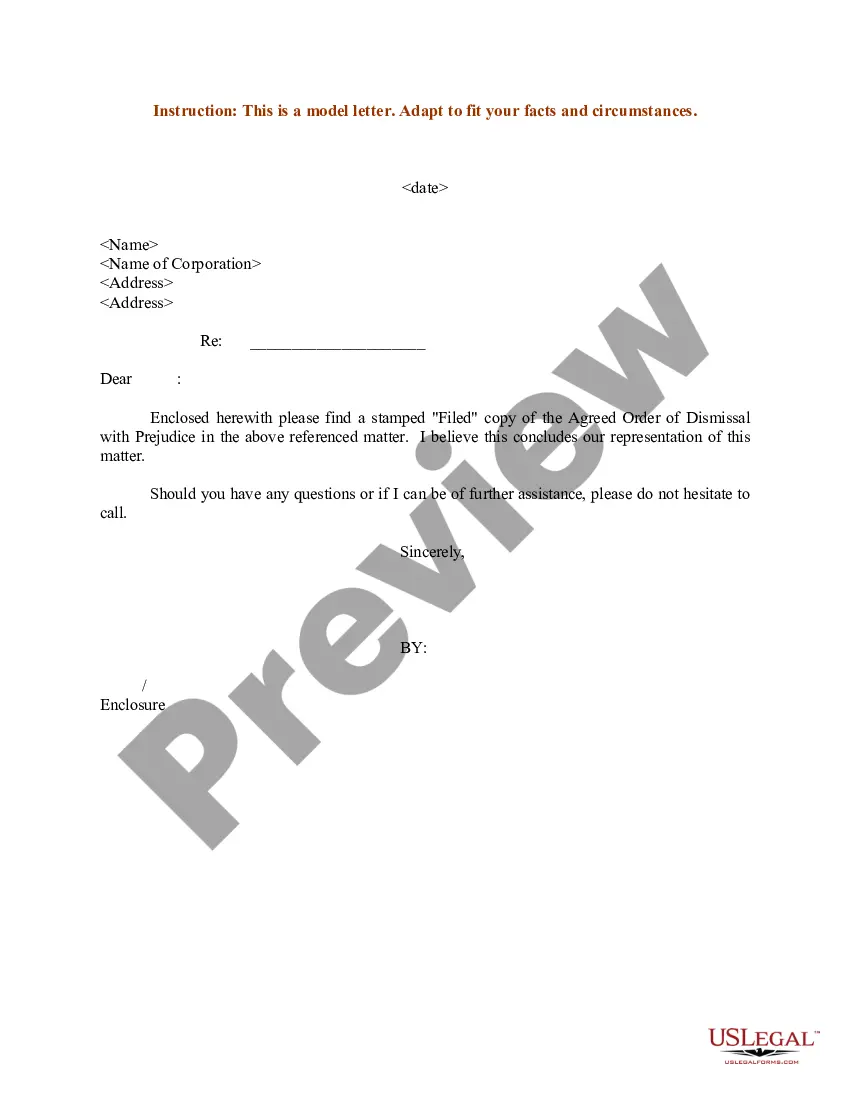
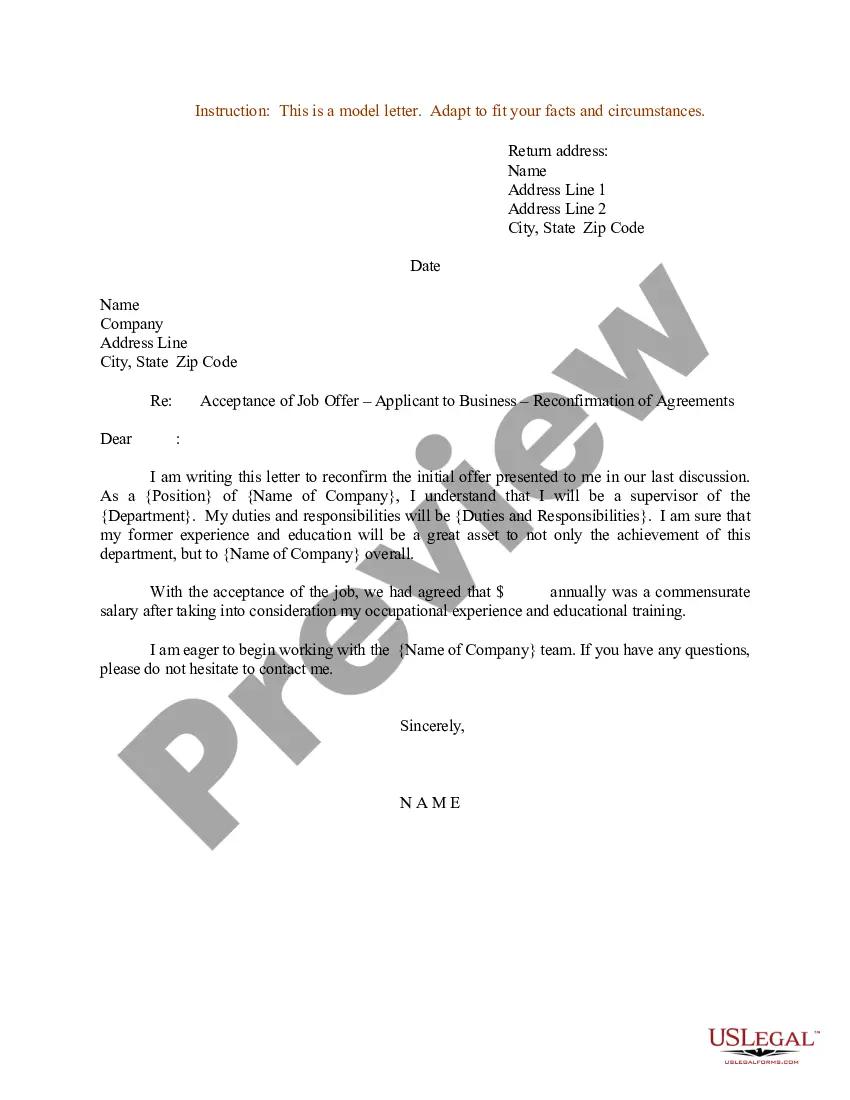
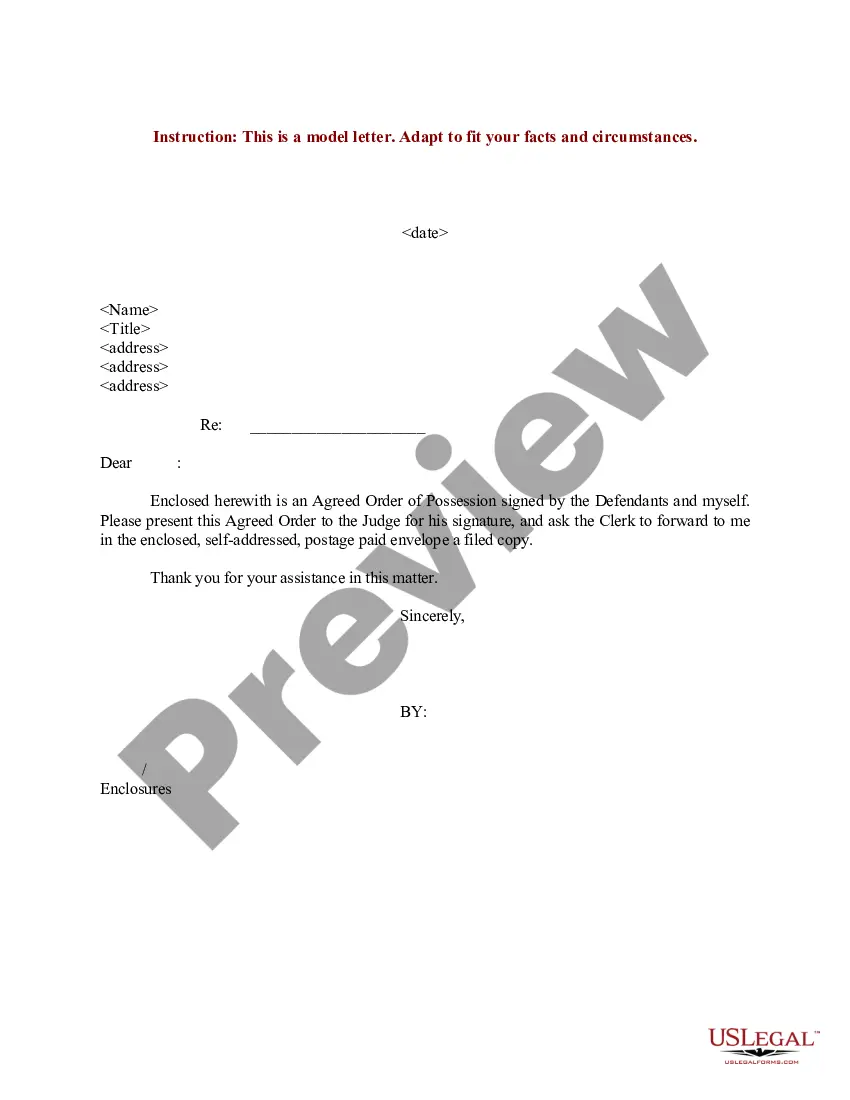
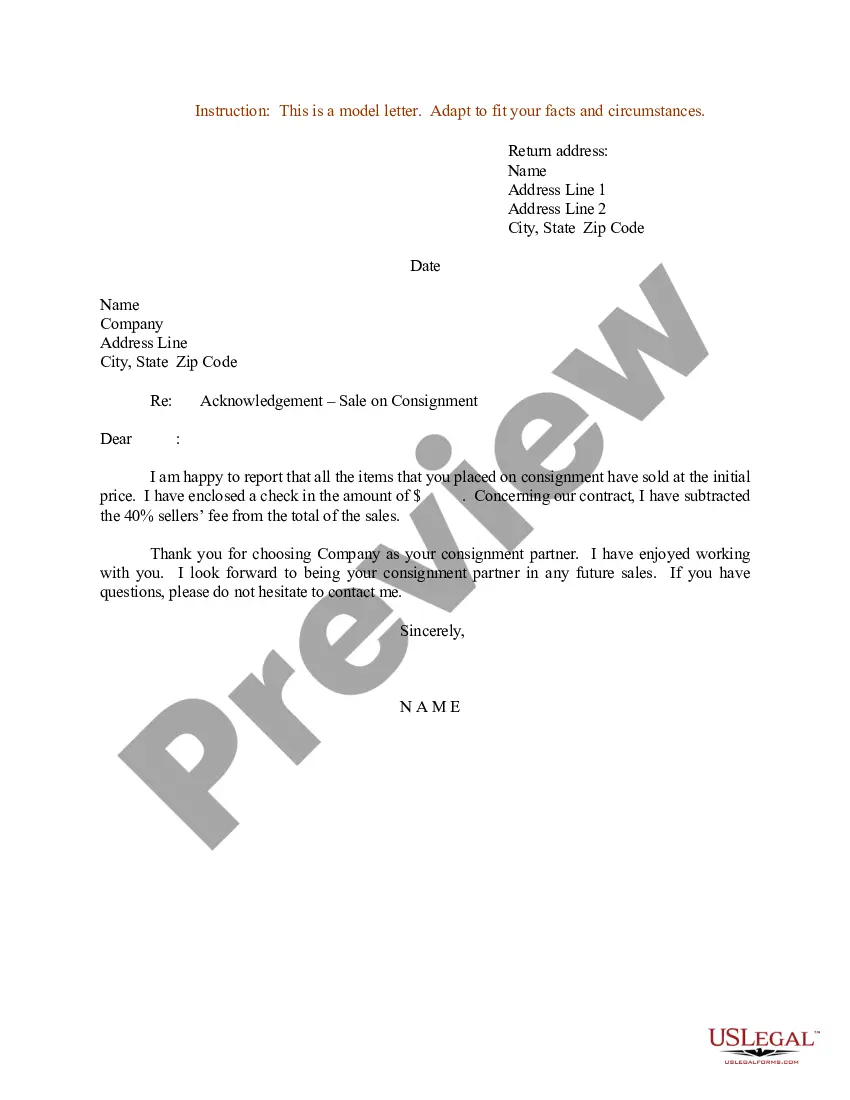
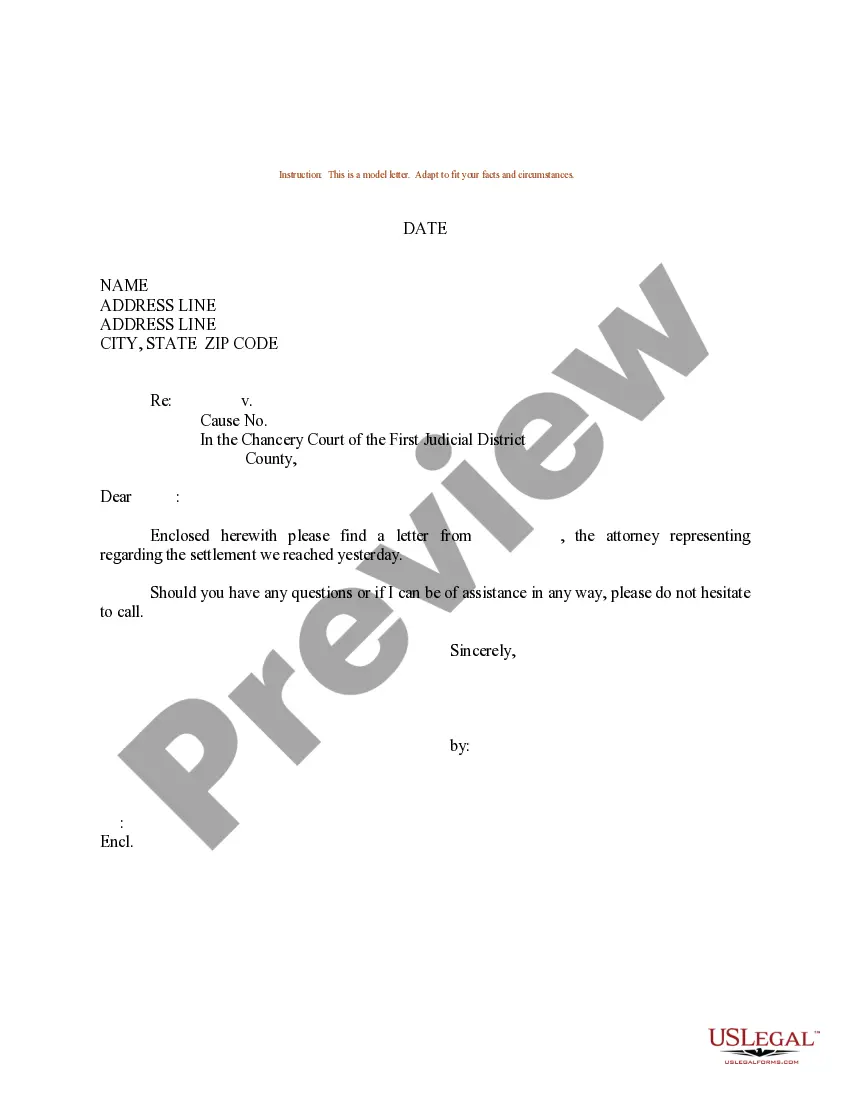

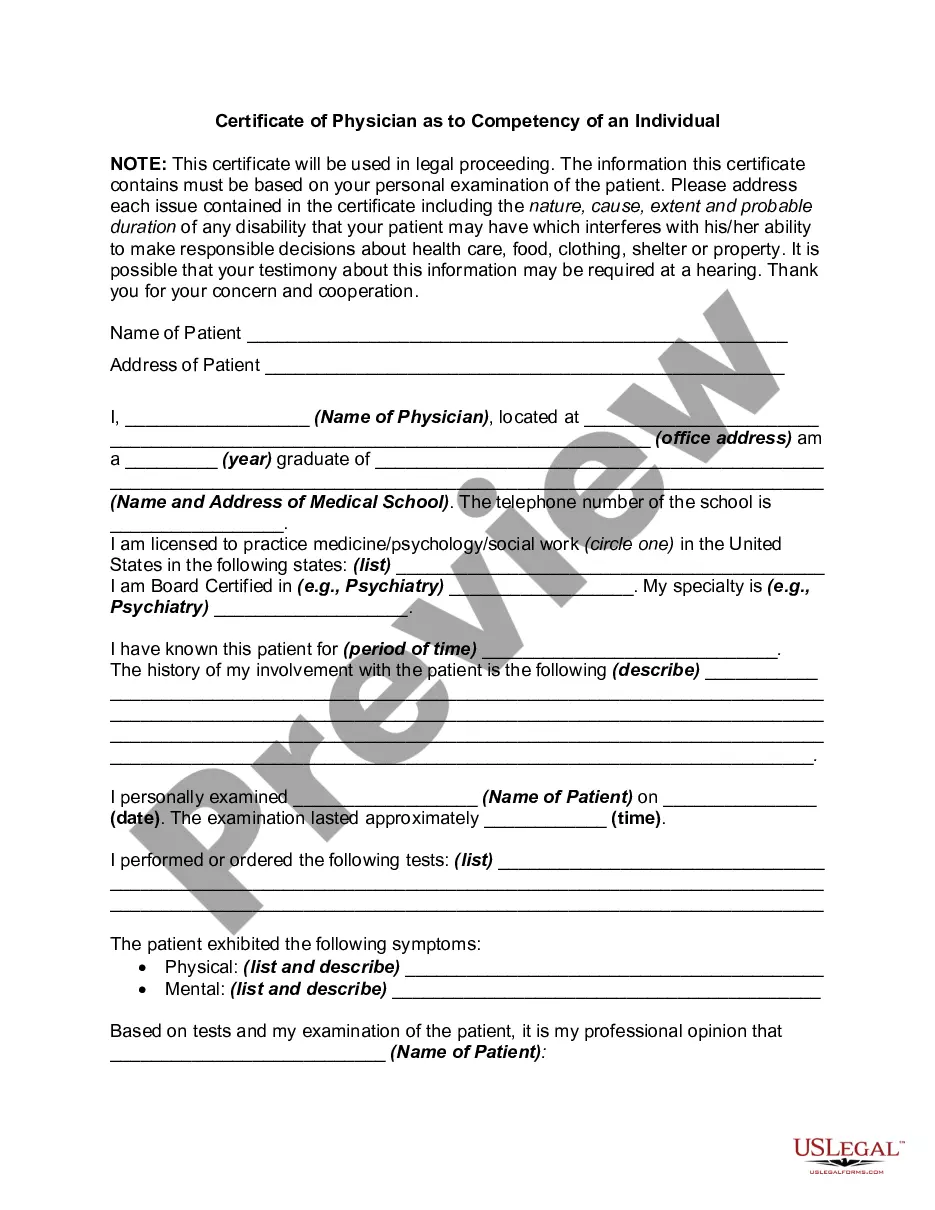
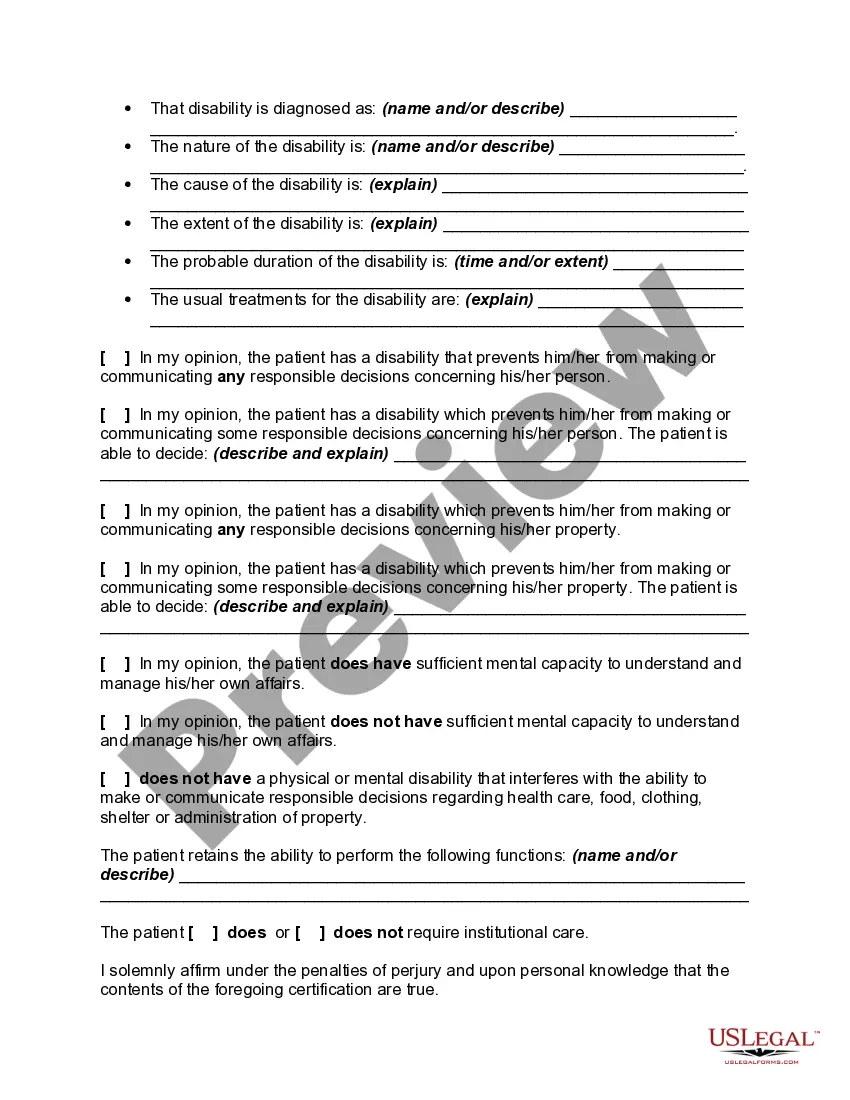
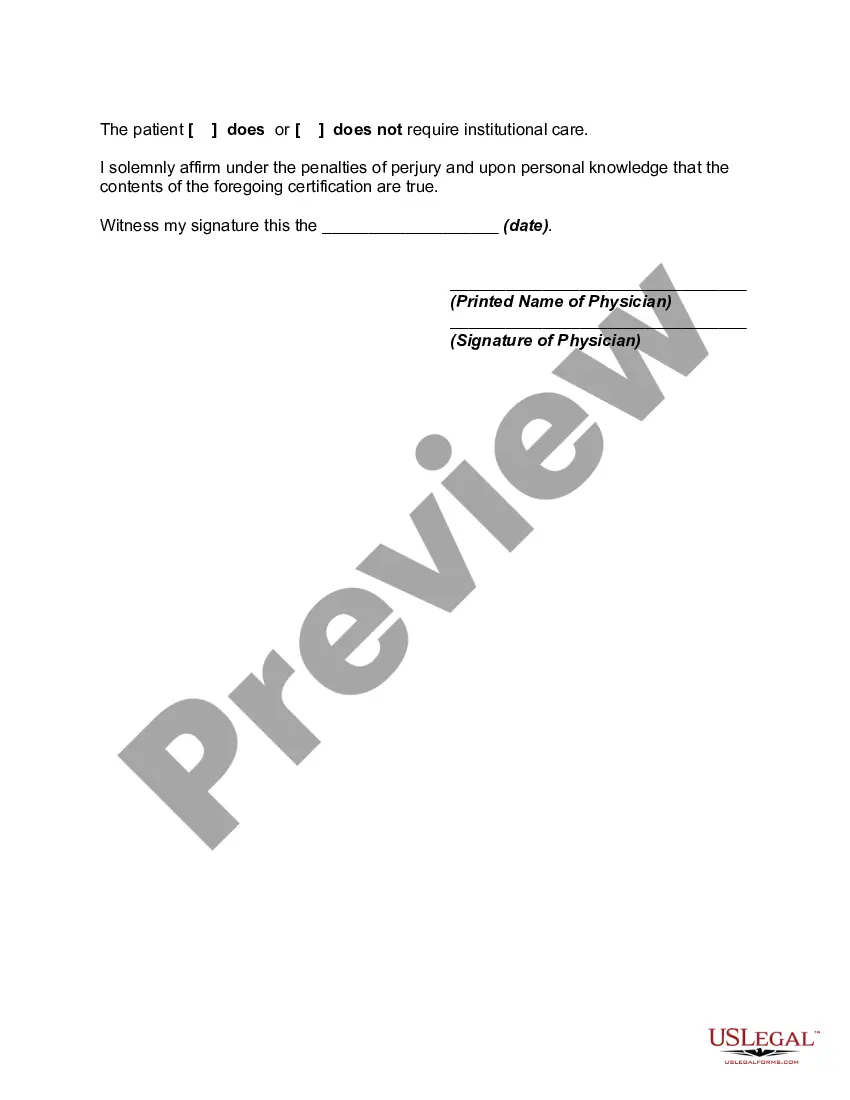
How to fill out Certificate Of Physician As To Competency Of An Individual?
Regardless of whether it's for corporate needs or personal matters, everyone encounters legal circumstances at various stages of their lives.
Completing legal documents requires meticulous focus, starting from selecting the appropriate template.
Once it has been downloaded, you can fill out the form using editing software or print it and complete it by hand. With an extensive US Legal Forms catalog available, you won't need to waste time hunting for the correct sample online. Make use of the library’s user-friendly navigation to find the right form for any occasion.
- Identify the template you require using the search bar or through catalog browsing.
- Review the form’s details to confirm it aligns with your situation, jurisdiction, and area.
- Access the form’s preview to examine it.
- If it is the incorrect document, return to the search tool to find the Letter Of Competency Template With Employer sample you need.
- Obtain the file when it fits your specifications.
- If you possess a US Legal Forms account, simply click Log in to retrieve previously saved documents in My documents.
- If you don't already have an account, you can download the document by selecting Buy now.
- Choose the suitable pricing plan.
- Complete the account registration form.
- Select your method of payment: either a credit card or a PayPal account.
- Select the document format you prefer and download the Letter Of Competency Template With Employer.
Form popularity
FAQ
One is the name and a brief description of the competency, such as ?Project Management?creating accurate and effective project schedules.? The second is a description of the observable behaviors that represent proficiency in the competency, such as ?continuously manage project risks and dependencies by making timely ...
A Competency Assessment Form is used to assess the competencies of an individual. In order to assess a person's competencies, you need to identify the competencies to be assessed, who will conduct the assessment and you'll need a defined process.
How to fill out your competency assessment - YouTube YouTube Start of suggested clip End of suggested clip Each competency also has a question mark. Click on it to get a better idea of what behaviors areMoreEach competency also has a question mark. Click on it to get a better idea of what behaviors are involved in each competency. Once you've assessed your competencies.
What to Include in a Physician Letter of Competency Patient's name. Patient's date of birth. Date the patient-physician relationship was established. Physician's statement testifying to the patient's ability or inability to make independent decisions regarding health care, finances and legal matters.
Make the competency definition behaviorally-based. This ensures the competency can be verified (such as on the applicant's resume) and assessed through measurable behaviors. One way to do this is to incorporate action verbs (e.g., "Recognizes", "Identifies", "Organizes") into the competency definitions.