Staff Review Form With Ratings
Description

Get your form ready online
Our built-in tools help you complete, sign, share, and store your documents in one place.
Make edits, fill in missing information, and update formatting in US Legal Forms—just like you would in MS Word.
Download a copy, print it, send it by email, or mail it via USPS—whatever works best for your next step.
Sign and collect signatures with our SignNow integration. Send to multiple recipients, set reminders, and more. Go Premium to unlock E-Sign.
If this form requires notarization, complete it online through a secure video call—no need to meet a notary in person or wait for an appointment.
We protect your documents and personal data by following strict security and privacy standards.

Make edits, fill in missing information, and update formatting in US Legal Forms—just like you would in MS Word.

Download a copy, print it, send it by email, or mail it via USPS—whatever works best for your next step.

Sign and collect signatures with our SignNow integration. Send to multiple recipients, set reminders, and more. Go Premium to unlock E-Sign.

If this form requires notarization, complete it online through a secure video call—no need to meet a notary in person or wait for an appointment.

We protect your documents and personal data by following strict security and privacy standards.
Looking for another form?




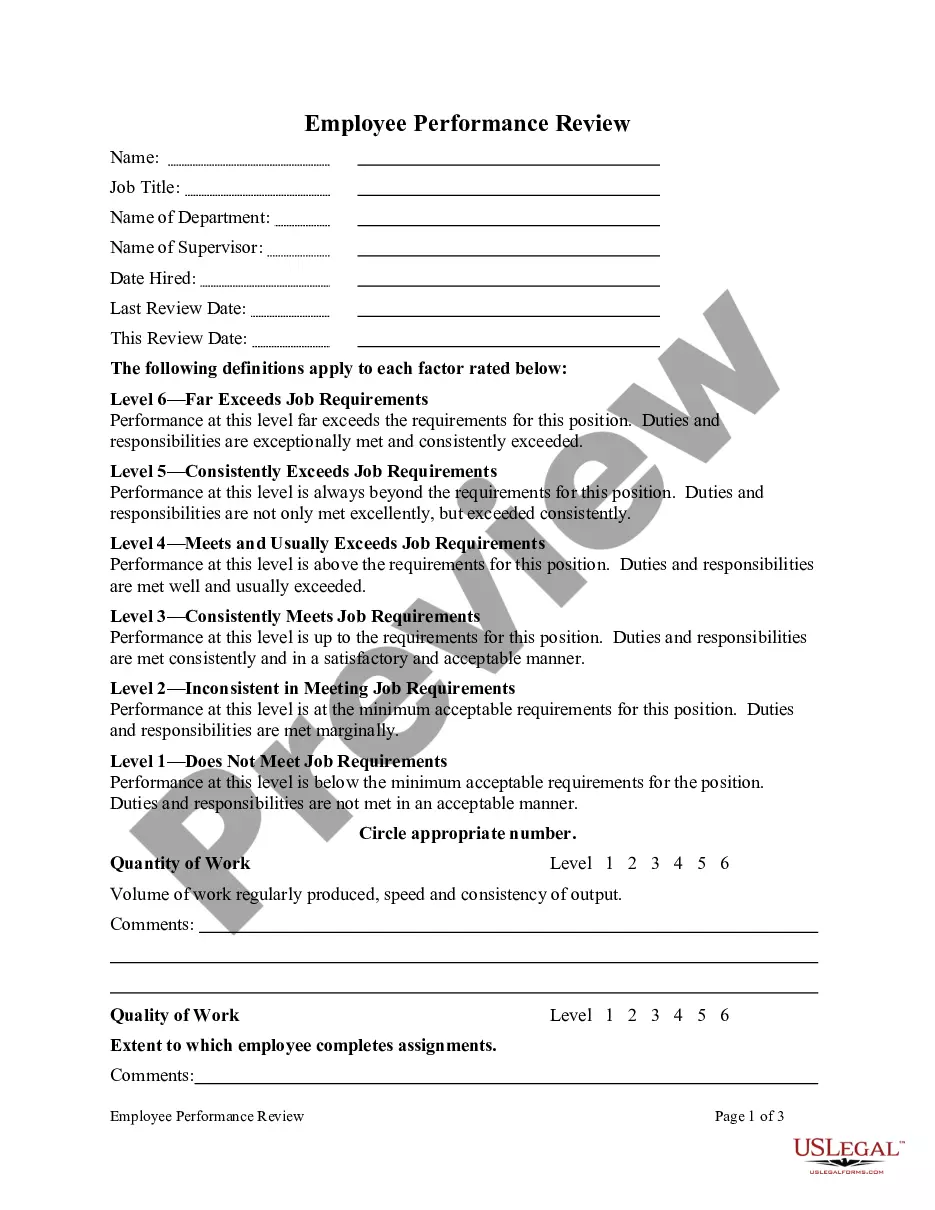
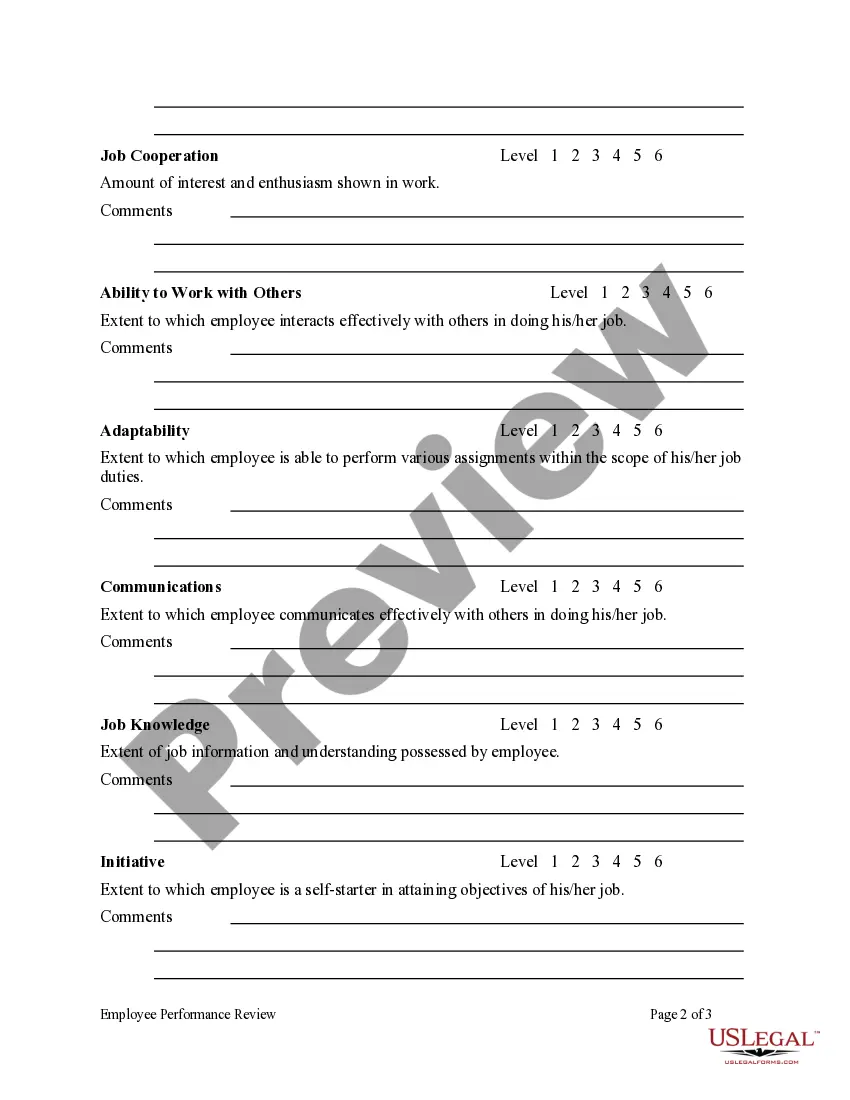
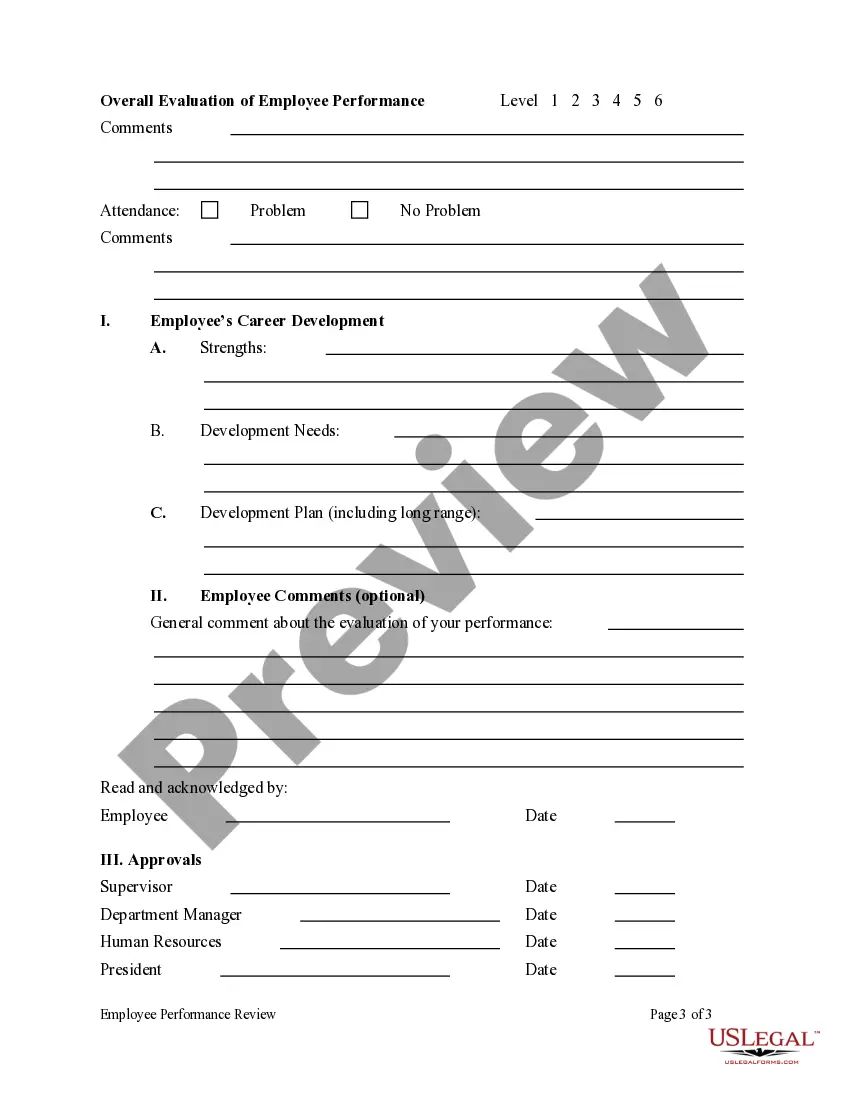
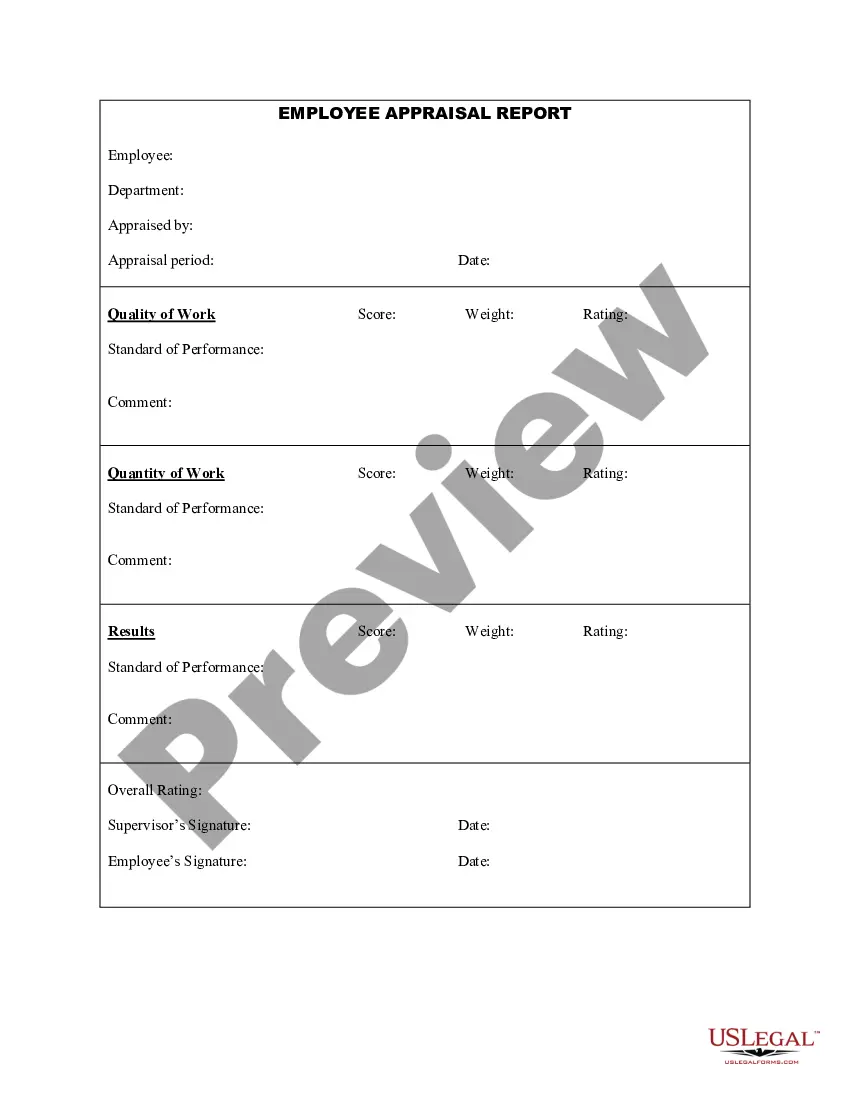
How to fill out Employee Performance Review?
Whether for professional reasons or personal matters, everyone must deal with legal issues at some point in their lives.
Filling out legal paperwork necessitates careful consideration, starting with selecting the correct form template.
Once saved, you can fill out the form using editing software or print it out and complete it manually. With an extensive US Legal Forms catalog available, you don’t need to waste time searching for the right template online. Utilize the library’s straightforward navigation to find the appropriate form for any situation.
- Locate the template you require using the search bar or through catalog browsing.
- Assess the form’s description to ensure it aligns with your situation, state, and jurisdiction.
- Click on the form’s preview to review it.
- If it is the incorrect document, return to the search feature to find the Staff Review Form With Ratings template you need.
- Download the file if it meets your specifications.
- If you possess a US Legal Forms account, simply click Log in to access previously saved documents in My documents.
- If you do not have an account yet, you can acquire the form by clicking Buy now.
- Choose the correct pricing option.
- Complete the account registration form.
- Select your payment method: you can utilize a credit card or PayPal account.
- Choose the document format you prefer and download the Staff Review Form With Ratings.
Form popularity
FAQ
In the age of the Industrial Revolution in the U.S., it's believed that the first commercial franchise was created by Isaac Merritt Singer, the founder of the Singer Sewing machine company. Having trouble building capital, Singer granted permission for representatives to sell and repair his machines.
At the federal level (applicable in all 50 states, Puerto Rico, the US Virgin Islands and US territories), the offer and sale of franchises is regulated by the Federal Trade Commission Franchise Disclosure Rule,2 adopted in 1978 (effective 1979) and amended in 2007.
The Franchise Rule requires the pre-sale disclosure of material information to prospective franchisees about the franchisor, the franchised business, and the terms and conditions that govern the franchise relationship.
Franchise law background In 1971 the FTC began a formal rule making proceeding, to possibly develop a regulation requiring disclosure and prohibiting unfair practices in offering and selling franchises. These developments resulted in promulgation of the FTC Franchise Rule in 1979.
Indiana Franchise Laws The initial FDD registration fee is $500 and the annual renewal fee is $250. Registration lasts for one year and requires annual renewal within 120 days of the end of your fiscal year.
What Are The Advantages And Disadvantages Of Owning A Franchise? Advantage #1: Proven Business Model & Operating Procedures. ... Advantage #2: Access To Training & Support. ... Advantage #3: Start Generating Income Quickly. ... Disadvantage # 1: Rules And Strict Guidelines. ... Disadvantage #2: Reputation.
Are franchise disclosure documents public record? Not all FDDs are public record because many franchise companies are privately owned. There is no requirement by the FTC that FDDs are public record. However, some state laws may require that an FDD is filed and registered with the state.
The Federal Trade Commission (FTC) Franchise Rule is a disclosure rule that requires a franchisor offering or selling a franchise located in the United States of America to provide the prospective franchisee with the relevant information about the franchise.