Grandchildren Trust With Employees
Description
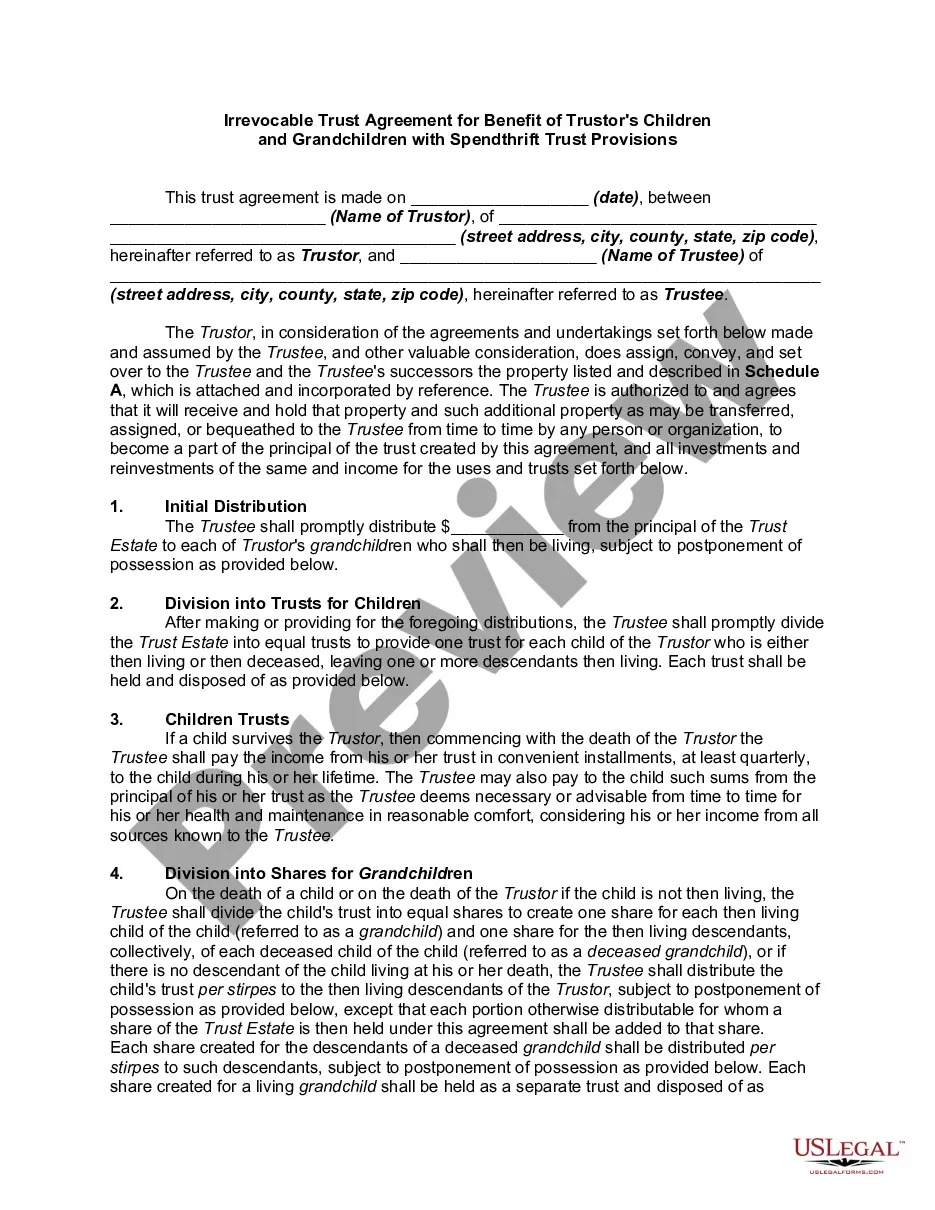
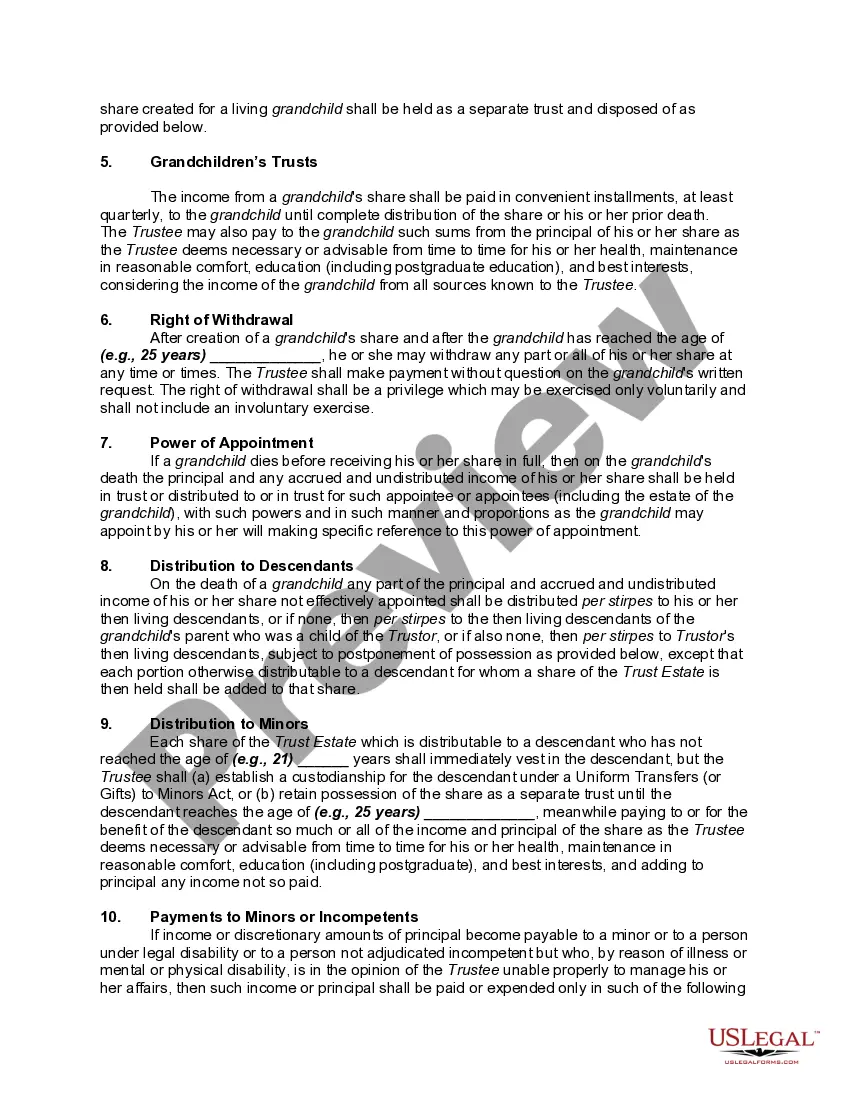
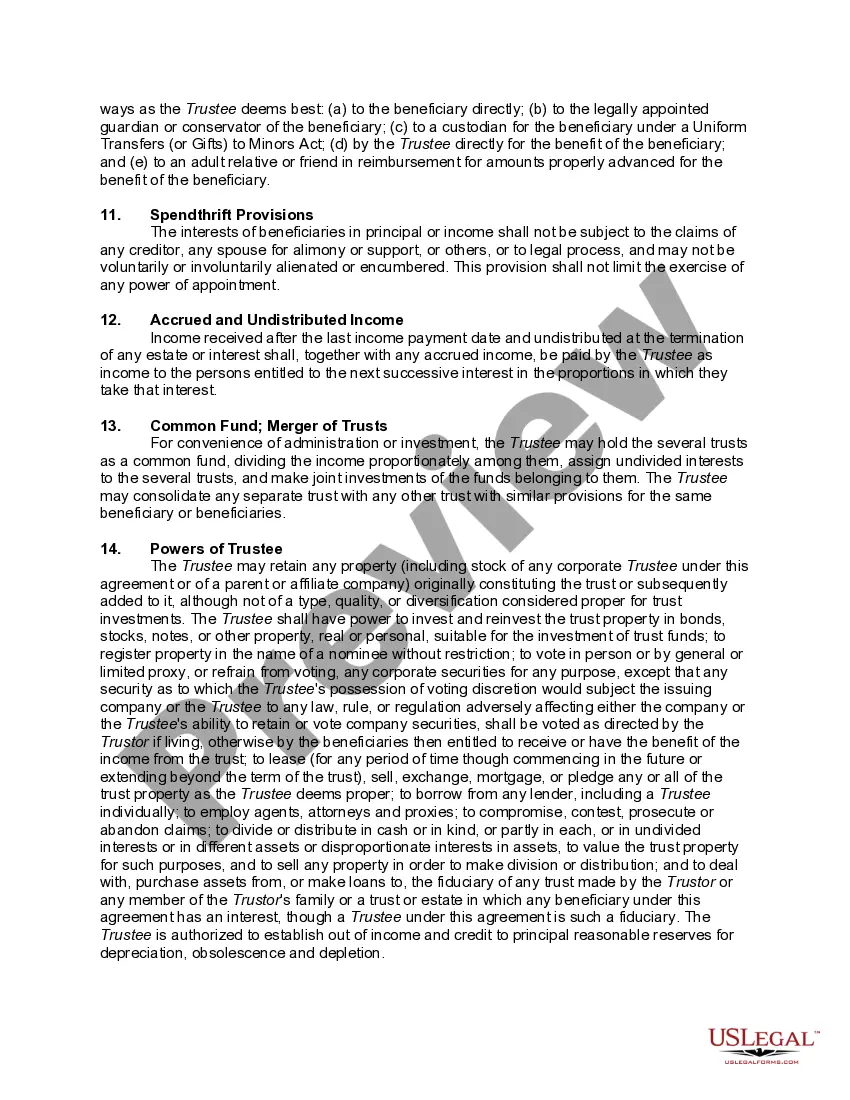
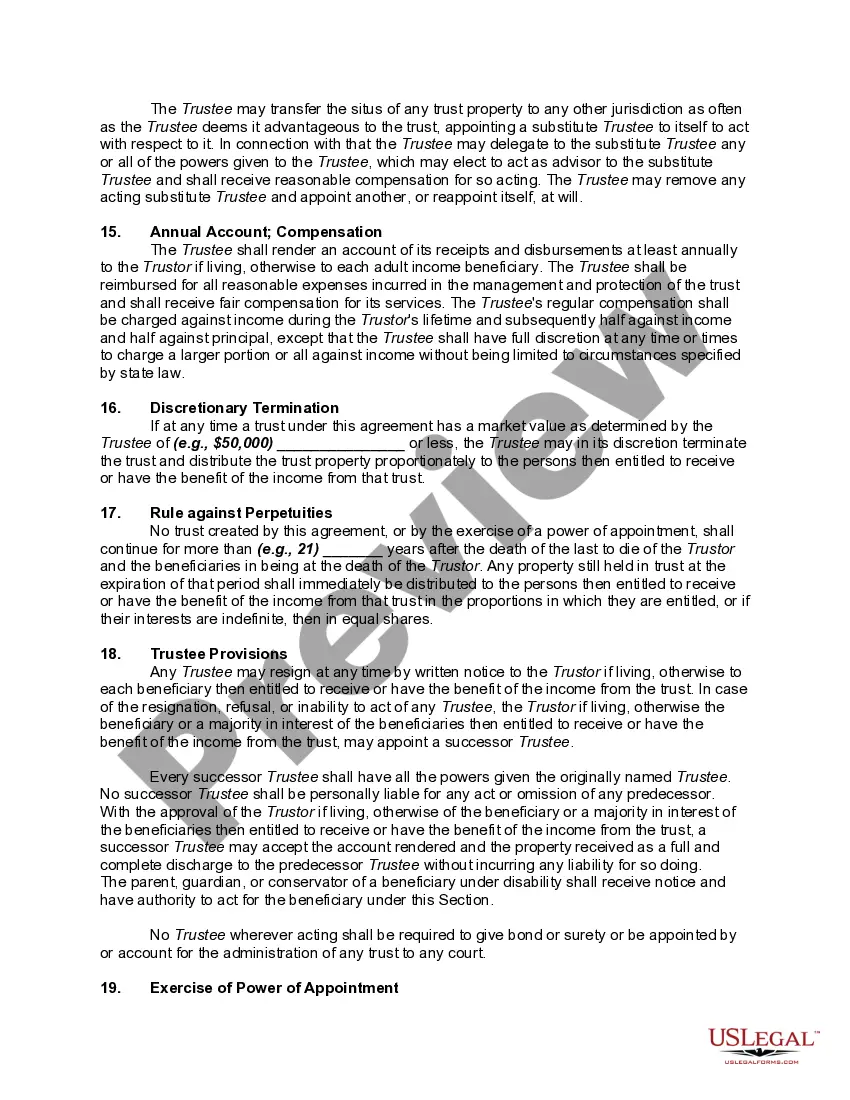
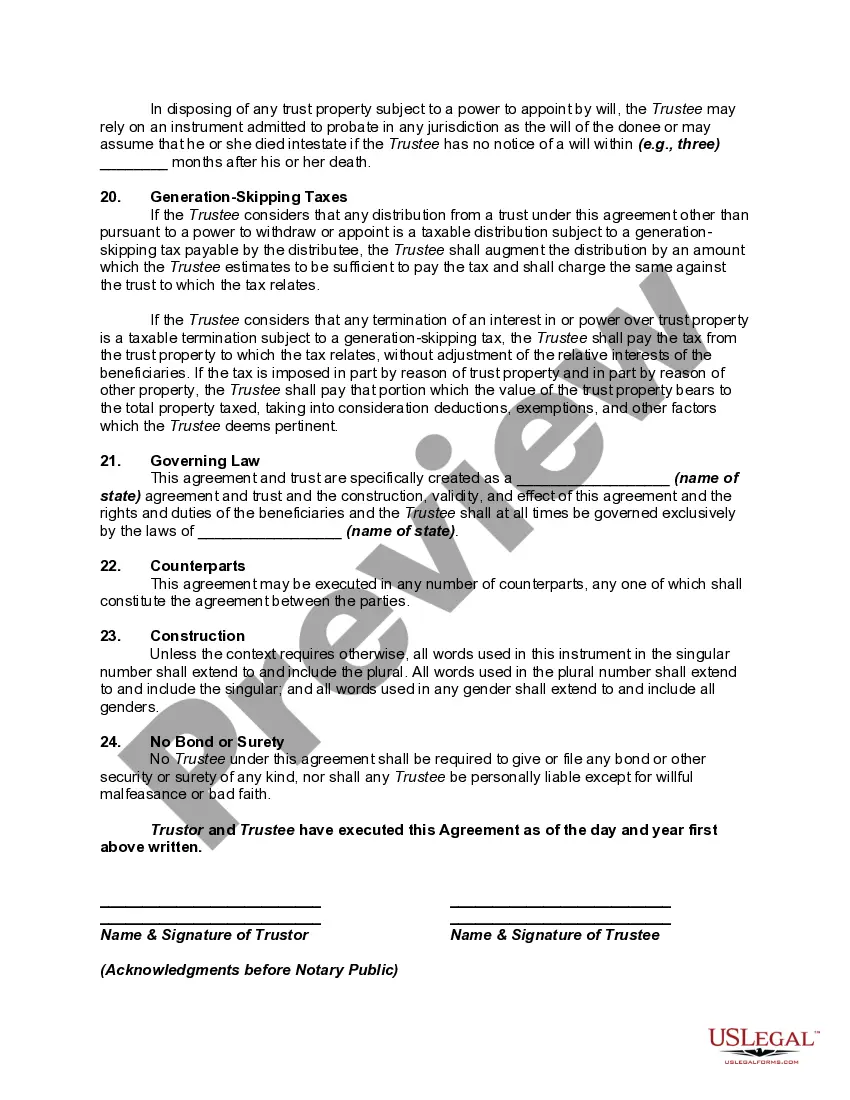
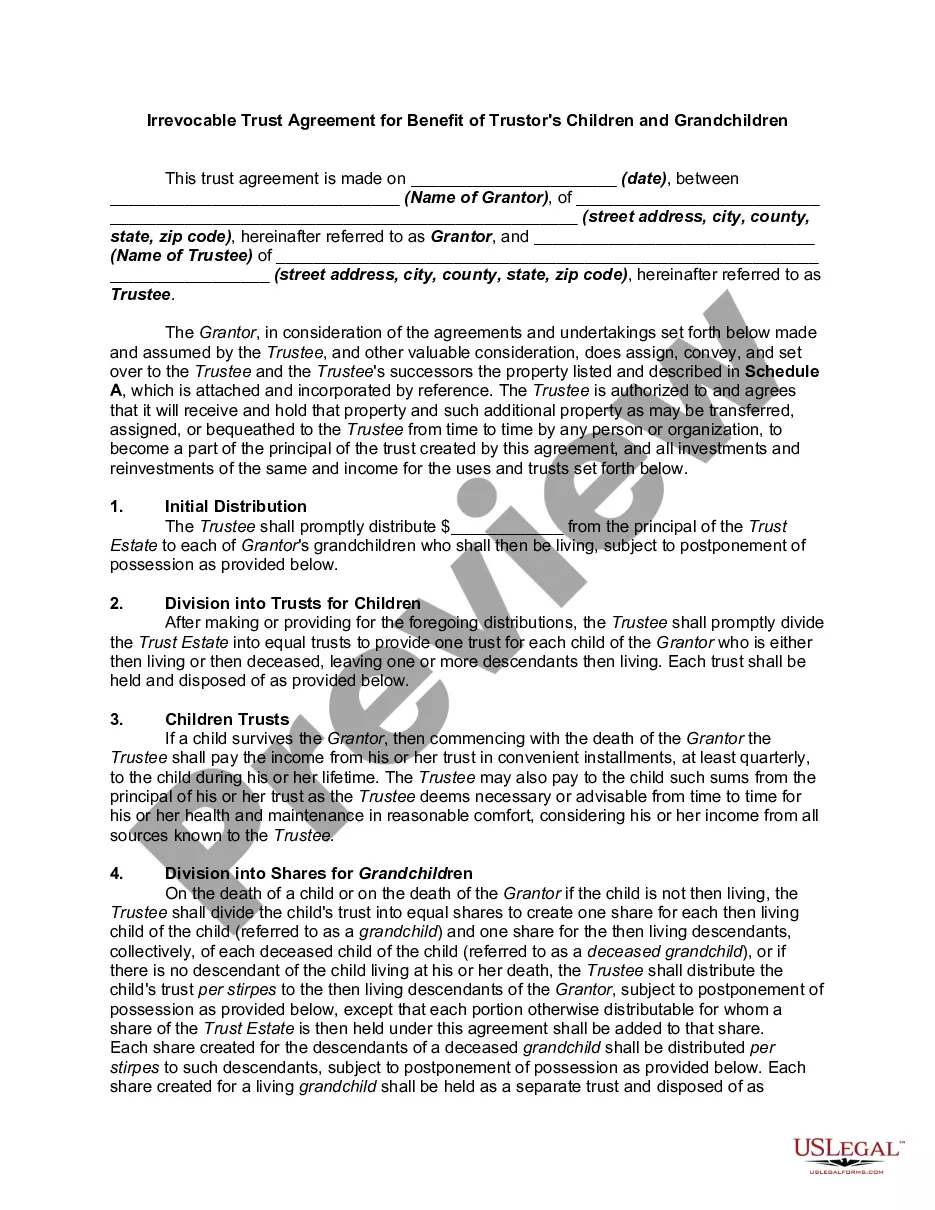
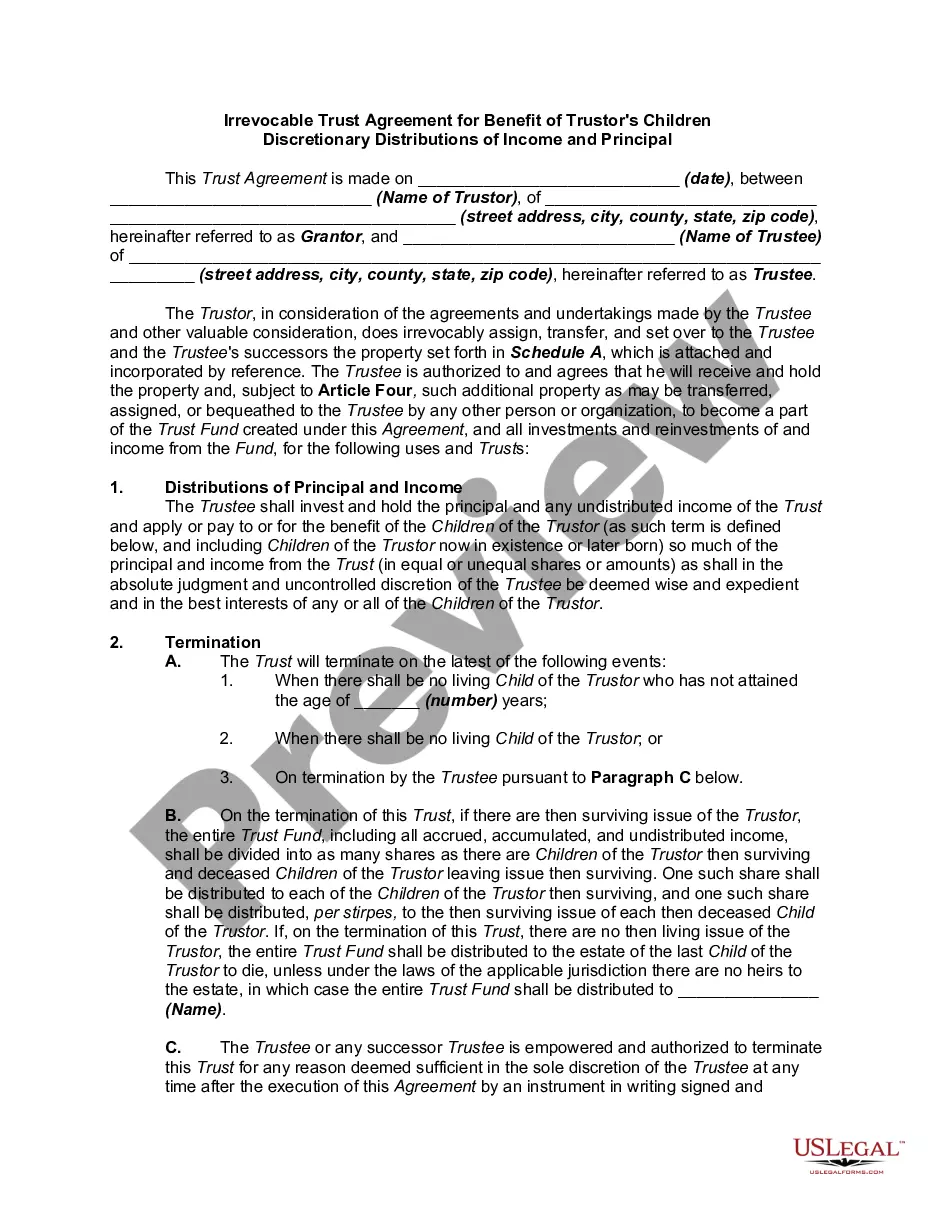
Get your form ready online
Our built-in tools help you complete, sign, share, and store your documents in one place.
Make edits, fill in missing information, and update formatting in US Legal Forms—just like you would in MS Word.
Download a copy, print it, send it by email, or mail it via USPS—whatever works best for your next step.
Sign and collect signatures with our SignNow integration. Send to multiple recipients, set reminders, and more. Go Premium to unlock E-Sign.
If this form requires notarization, complete it online through a secure video call—no need to meet a notary in person or wait for an appointment.
We protect your documents and personal data by following strict security and privacy standards.

Make edits, fill in missing information, and update formatting in US Legal Forms—just like you would in MS Word.

Download a copy, print it, send it by email, or mail it via USPS—whatever works best for your next step.

Sign and collect signatures with our SignNow integration. Send to multiple recipients, set reminders, and more. Go Premium to unlock E-Sign.

If this form requires notarization, complete it online through a secure video call—no need to meet a notary in person or wait for an appointment.

We protect your documents and personal data by following strict security and privacy standards.
Looking for another form?






How to fill out Irrevocable Trust Agreement For Benefit Of Trustor's Children And Grandchildren With Spendthrift Trust Provisions?
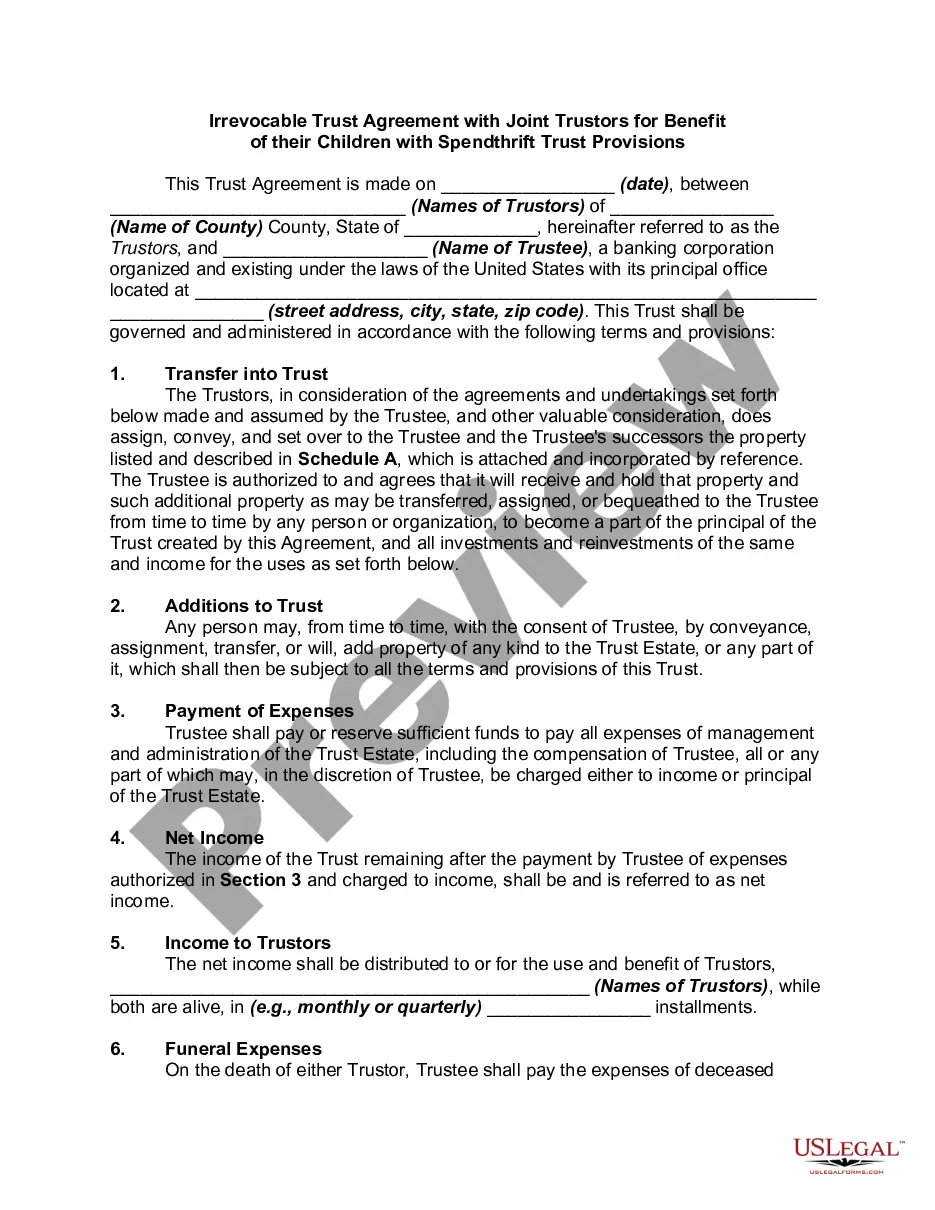
Locating a reliable source for obtaining the latest and suitable legal documents is a significant portion of dealing with bureaucratic matters. Securing the correct legal form requires precision and careful attention, which is why it is essential to gather samples of Grandchildren Trust With Employees solely from reputable platforms, such as US Legal Forms. An incorrect template will consume your time and hinder the situation you face. With US Legal Forms, your concerns are minimal. You can access and inspect all the details regarding the document’s application and significance for your situation and in your locality.
Follow these outlined steps to complete your Grandchildren Trust With Employees.
Eliminate the hassle associated with your legal paperwork. Discover the extensive US Legal Forms repository where you can find legal templates, verify their relevance to your situation, and download them promptly.
- Utilize the catalog navigation or search bar to find your document.
- Examine the form’s details to verify if it aligns with the requirements of your state and region.
- View the form preview, if accessible, to confirm that the form is indeed the one you seek.
- Return to the search and find the correct document if the Grandchildren Trust With Employees does not meet your specifications.
- Once you are certain of the form’s applicability, download it.
- If you are a registered user, click Log in to validate and access your chosen forms in My documents.
- If you have not created an account yet, click Buy now to purchase the form.
- Select the pricing option that best fits your requirements.
- Proceed to the registration to complete your order.
- Finish your purchase by choosing a payment method (credit card or PayPal).
- Choose the file format for downloading Grandchildren Trust With Employees.
- Once you have the form on your device, you can edit it with the editor or print it and complete it by hand.
Form popularity
FAQ
Forms History lets you see if changes have been made to a Google Form, create back-up versions, and access previous copies. Use Forms History if: 1) You would like to see if someone has modified a Google Form. 2) You want to create and access back-up copies of Google Forms.
2 ways to delete Google Forms responses (2023) - YouTube YouTube Start of suggested clip End of suggested clip So you can see all of them here. And then if I wanted to. I could actually just go through. And thenMoreSo you can see all of them here. And then if I wanted to. I could actually just go through. And then just delete them like that. I think actually the sheets.
If you make a change you later regret, there's no way to find the version before this change. The only way to revert these changes is by doing so manually or simply clicking the Undo button a few times.
Form owners or collaborators can enable the edit after submit option in Google Forms to allow form respondents to edit the response they have submitted. When this option is enabled, an edit link will be included in the confirmation message shown after submit and the response receipt sent to their email.