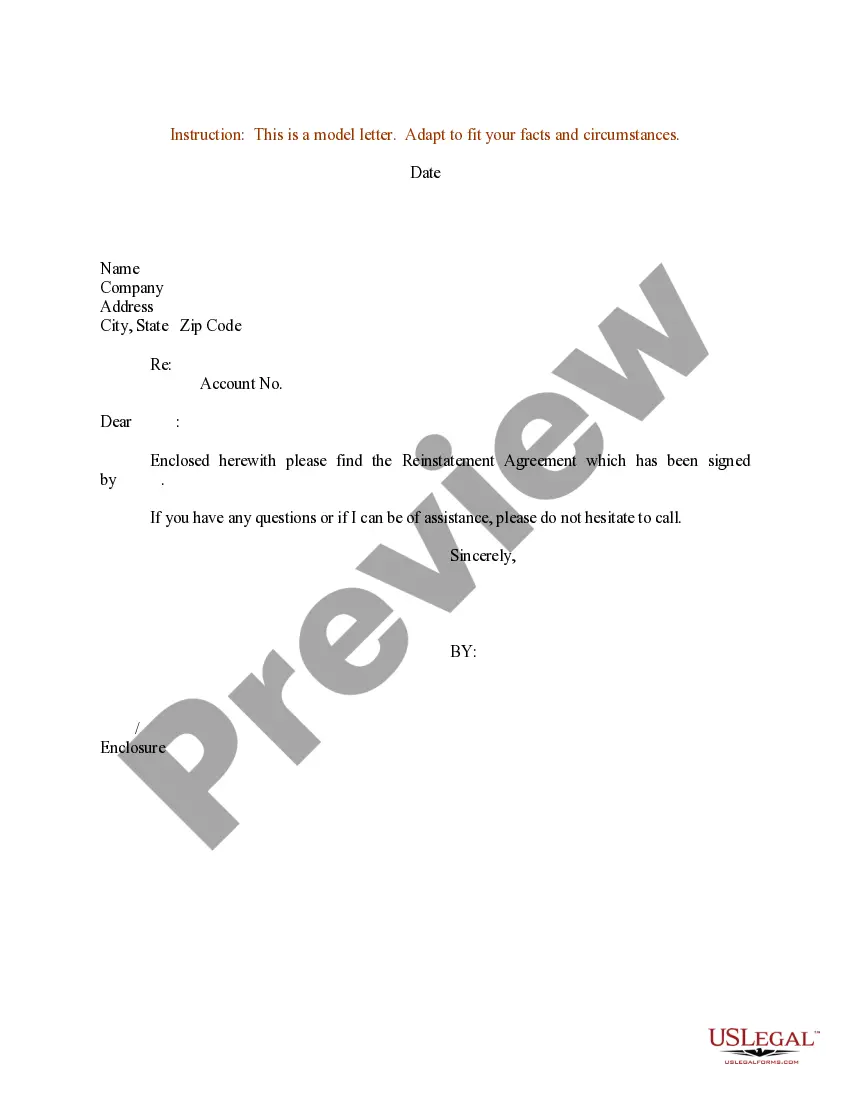
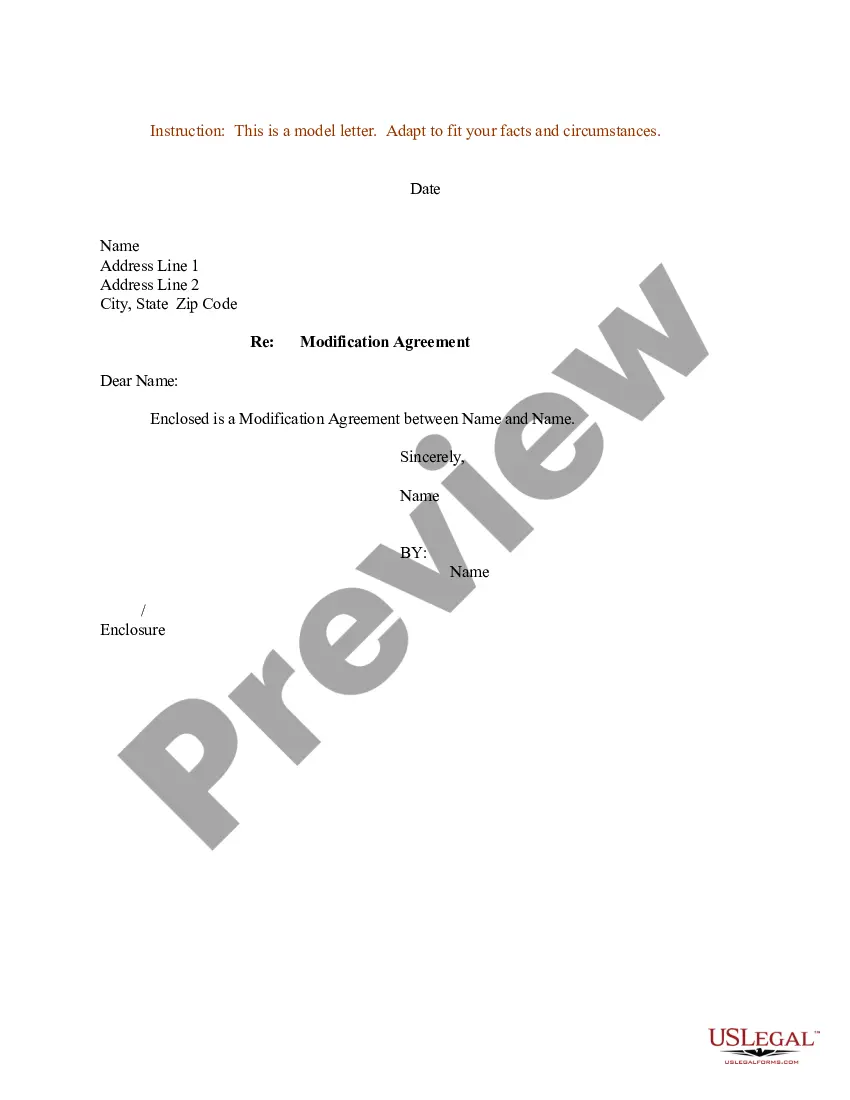
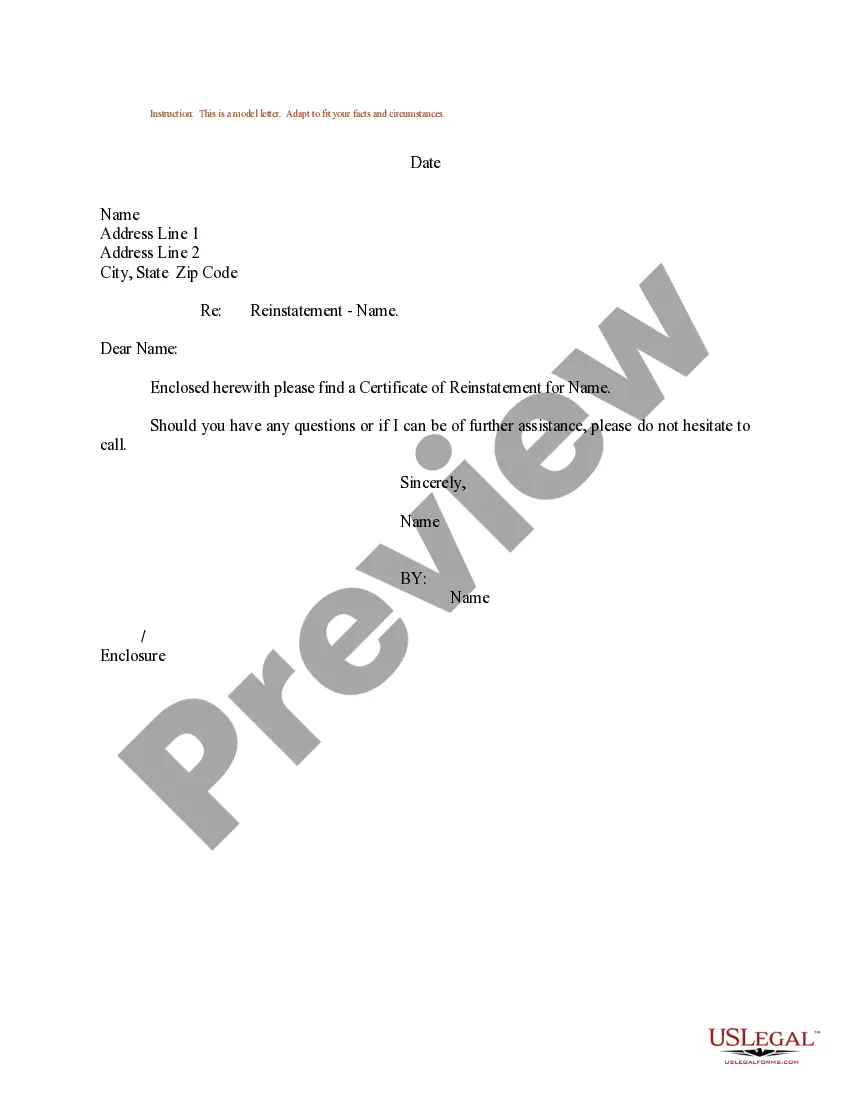
Sample Letter Reinstatement Document With Irs
Description


Get your form ready online
Our built-in tools help you complete, sign, share, and store your documents in one place.
Make edits, fill in missing information, and update formatting in US Legal Forms—just like you would in MS Word.
Download a copy, print it, send it by email, or mail it via USPS—whatever works best for your next step.
Sign and collect signatures with our SignNow integration. Send to multiple recipients, set reminders, and more. Go Premium to unlock E-Sign.
If this form requires notarization, complete it online through a secure video call—no need to meet a notary in person or wait for an appointment.
We protect your documents and personal data by following strict security and privacy standards.

Make edits, fill in missing information, and update formatting in US Legal Forms—just like you would in MS Word.

Download a copy, print it, send it by email, or mail it via USPS—whatever works best for your next step.

Sign and collect signatures with our SignNow integration. Send to multiple recipients, set reminders, and more. Go Premium to unlock E-Sign.

If this form requires notarization, complete it online through a secure video call—no need to meet a notary in person or wait for an appointment.

We protect your documents and personal data by following strict security and privacy standards.
Looking for another form?

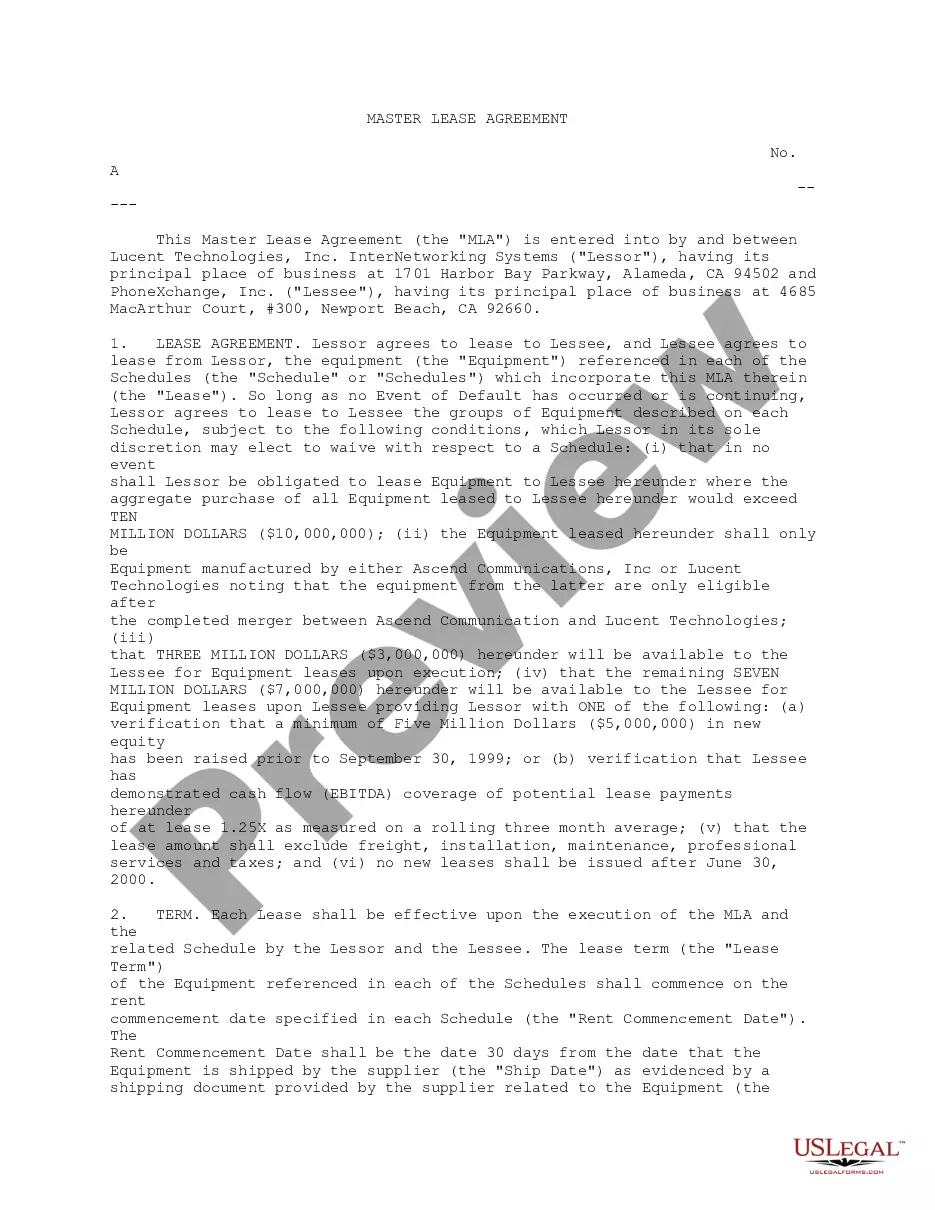

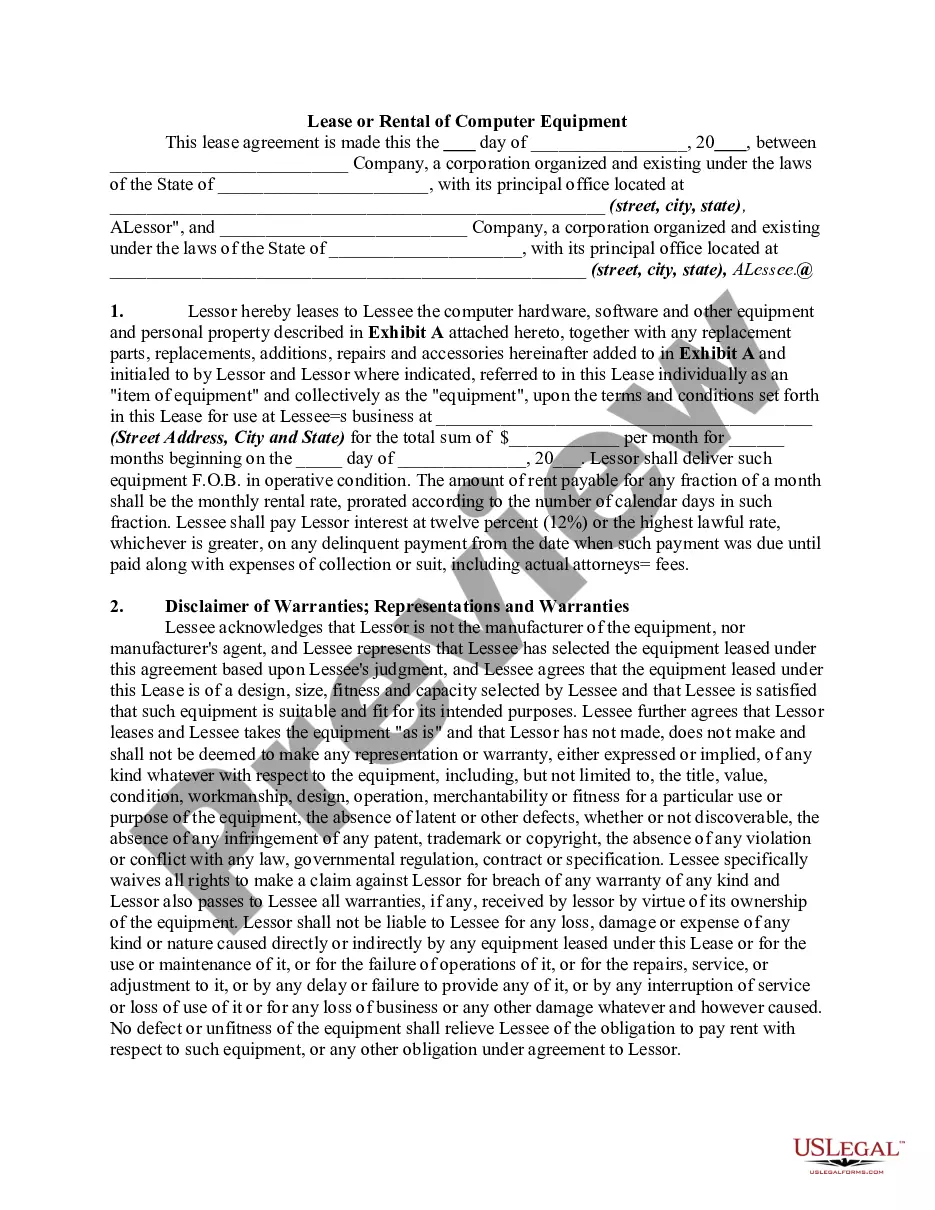
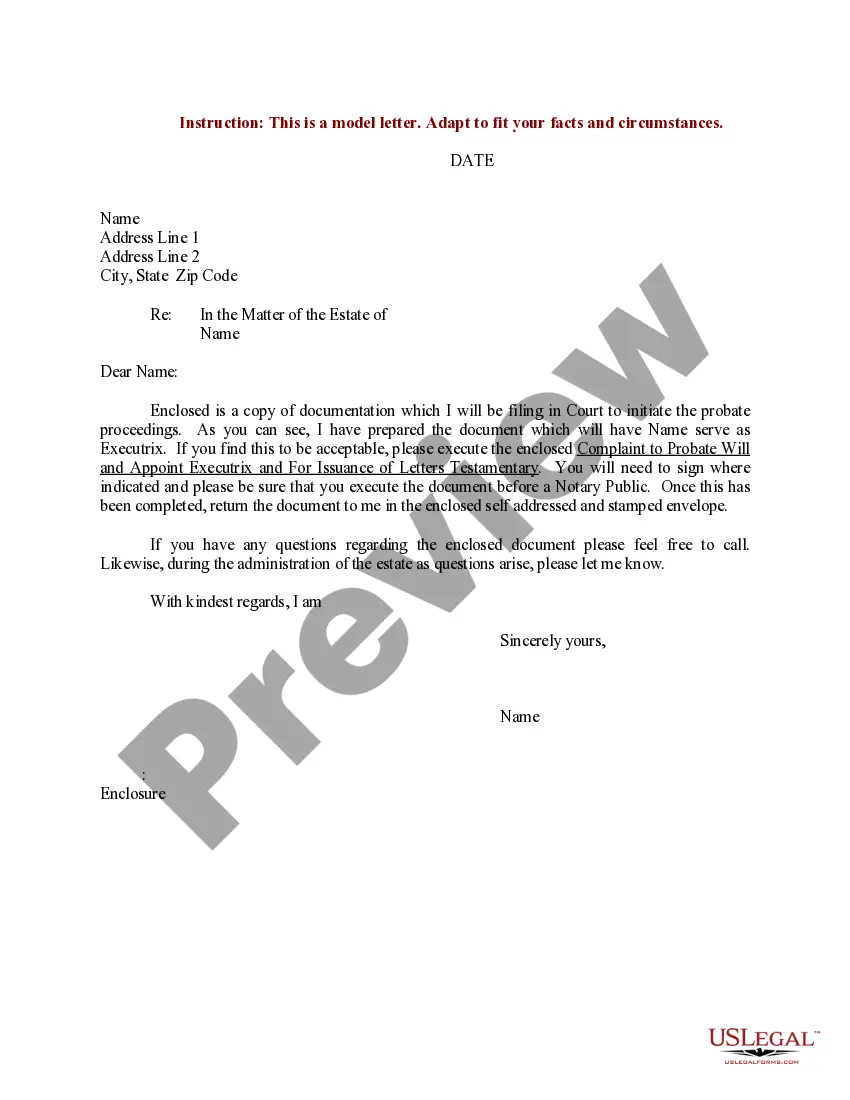

How to fill out Sample Letter For Reinstatement Agreement With Designated Signature?
Locating a reliable source for the latest and pertinent legal examples is a significant part of navigating bureaucratic processes.
Identifying the appropriate legal paperwork requires accuracy and meticulousness, which is why it's essential to obtain samples of Sample Letter Reinstatement Document With Irs solely from trusted providers, such as US Legal Forms. An incorrect template may squander your time and delay the matter at hand.
Eliminate the hassle associated with your legal documentation. Explore the vast US Legal Forms library where you can discover legal samples, assess their applicability to your situation, and download them instantly.
- Utilize the catalog navigation or search bar to locate your sample.
- Review the form’s details to verify it meets the standards of your state and region.
- Examine the form preview, if accessible, to confirm that the form is indeed the one you require.
- Return to the search results and find the correct document if the Sample Letter Reinstatement Document With Irs does not fulfill your needs.
- If you are confident about the form’s suitability, proceed to download it.
- If you are a registered user, click Log in to verify your identity and access your selected templates in My documents.
- If you haven’t created an account yet, click Buy now to acquire the form.
- Select the pricing option that best fits your needs.
- Proceed to the registration to complete your purchase.
- Conclude your transaction by choosing a payment method (credit card or PayPal).
- Select the file format for downloading Sample Letter Reinstatement Document With Irs.
- Once you have the form saved on your device, you can modify it using the editor or print it out to fill it in manually.
Form popularity
FAQ
Form 1023 must be physically mailed to the IRS, and the approval process can take up to 180 days, while Form 1023-EZ must be completed online and the approval time runs around 90 days.
Complete and submit Form 1023, Form 1024 or Form 1024-A with the appropriate user fee not later than 15 months after the later of the date on the organization's revocation letter (CP-120A) or the date the organization appeared on the Revocation List on the IRS website.
In addition, the IRS sends a letter to each organization, at its last known address, stating that its exempt status has been automatically revoked because it has not filed a required annual return or notice for three consecutive years.
In order to reinstate your tax-exempt status, you will need to complete an Application for Recognition of Exemption Under Section 501(c)(3) (Form 1023). An application is necessary for reinstatement even if you weren't originally required to apply for tax-exempt status.