Notification For Car
Description
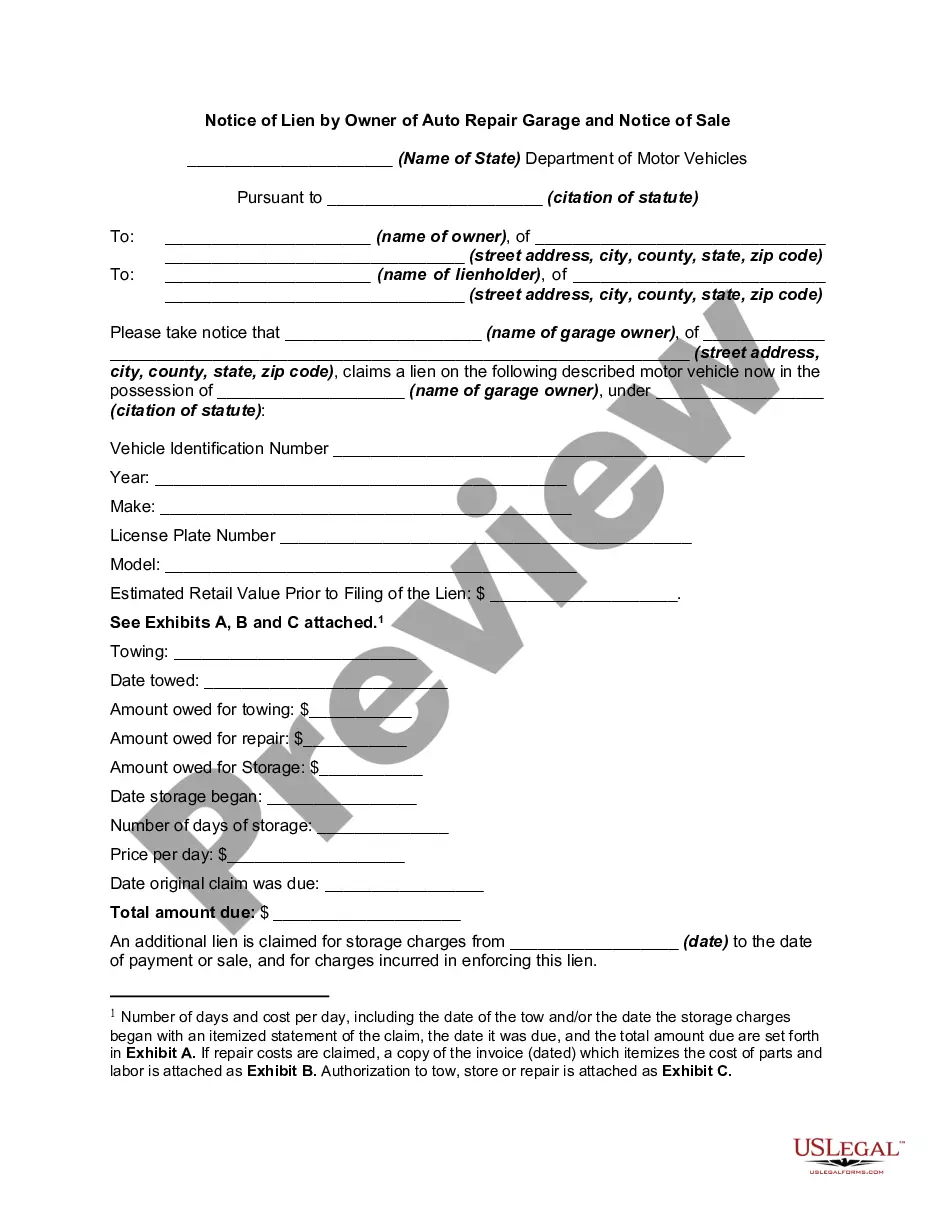
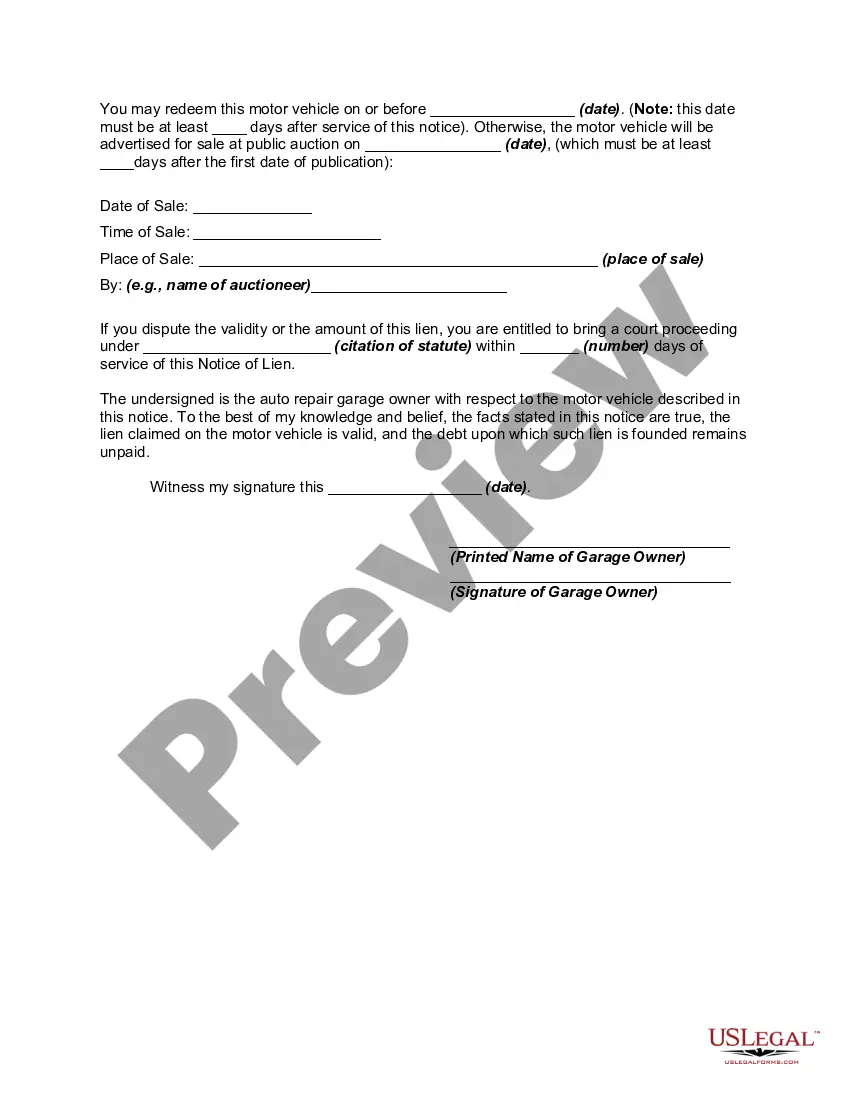
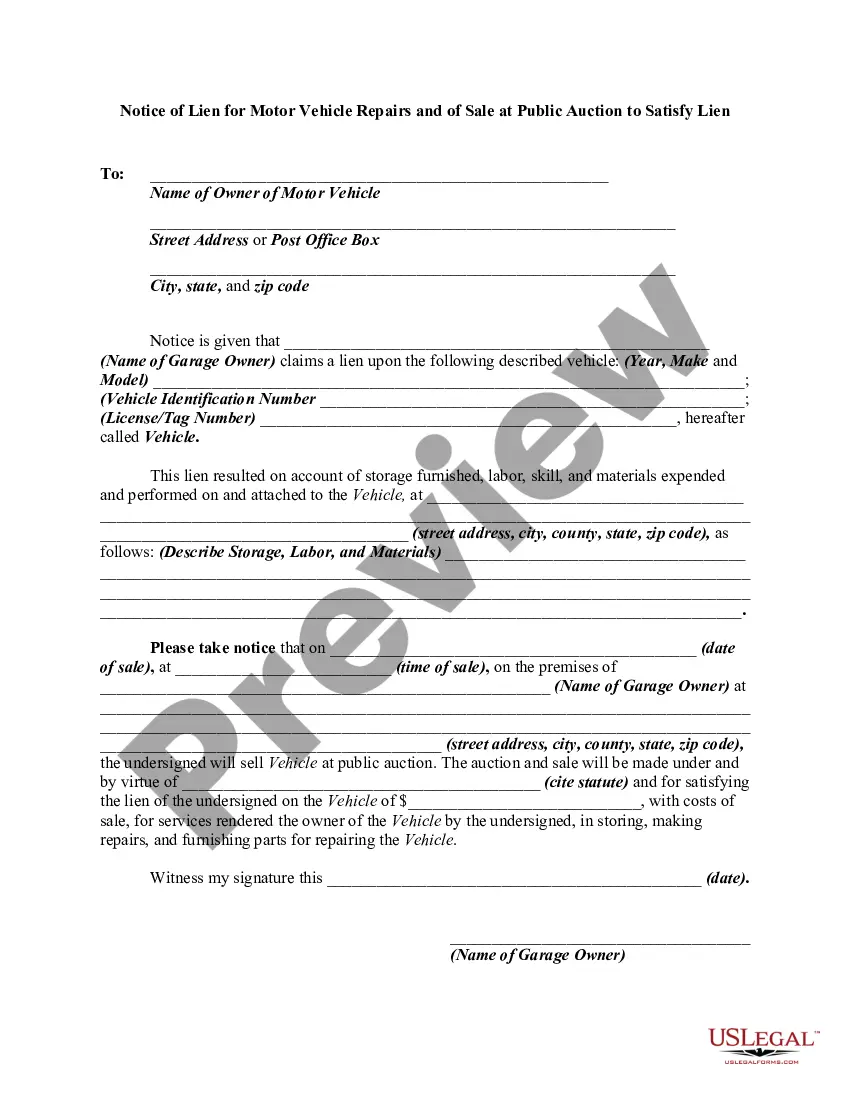
Get your form ready online
Our built-in tools help you complete, sign, share, and store your documents in one place.
Make edits, fill in missing information, and update formatting in US Legal Forms—just like you would in MS Word.
Download a copy, print it, send it by email, or mail it via USPS—whatever works best for your next step.
Sign and collect signatures with our SignNow integration. Send to multiple recipients, set reminders, and more. Go Premium to unlock E-Sign.
If this form requires notarization, complete it online through a secure video call—no need to meet a notary in person or wait for an appointment.
We protect your documents and personal data by following strict security and privacy standards.

Make edits, fill in missing information, and update formatting in US Legal Forms—just like you would in MS Word.

Download a copy, print it, send it by email, or mail it via USPS—whatever works best for your next step.

Sign and collect signatures with our SignNow integration. Send to multiple recipients, set reminders, and more. Go Premium to unlock E-Sign.

If this form requires notarization, complete it online through a secure video call—no need to meet a notary in person or wait for an appointment.

We protect your documents and personal data by following strict security and privacy standards.
Looking for another form?





How to fill out Notice Of Lien By Owner Of Auto Or Car Repair Garage And Notice Of Sale?
Creating legal documents from the beginning can occasionally be daunting.
Certain situations may require extensive research and substantial monetary investment.
If you’re looking for an easier and more cost-effective method of generating Notification For Car or any other forms without unnecessary complications, US Legal Forms is always available to assist.
Our online library of over 85,000 current legal documents covers nearly every aspect of your financial, legal, and personal matters. With just a few clicks, you can swiftly access state- and county-compliant templates meticulously crafted for you by our legal experts.
US Legal Forms boasts a flawless reputation and over 25 years of expertise. Join us today and transform form completion into an effortless and efficient process!
- Utilize our platform whenever you require a dependable service through which you can effortlessly locate and retrieve the Notification For Car.
- If you're familiar with our services and have previously registered, simply Log In to your account, choose the template, and download it or re-download it any time in the My documents section.
- Not yet registered? No problem. Registering takes minimal time, and navigating the library is straightforward.
- However, prior to downloading Notification For Car, consider these guidelines.
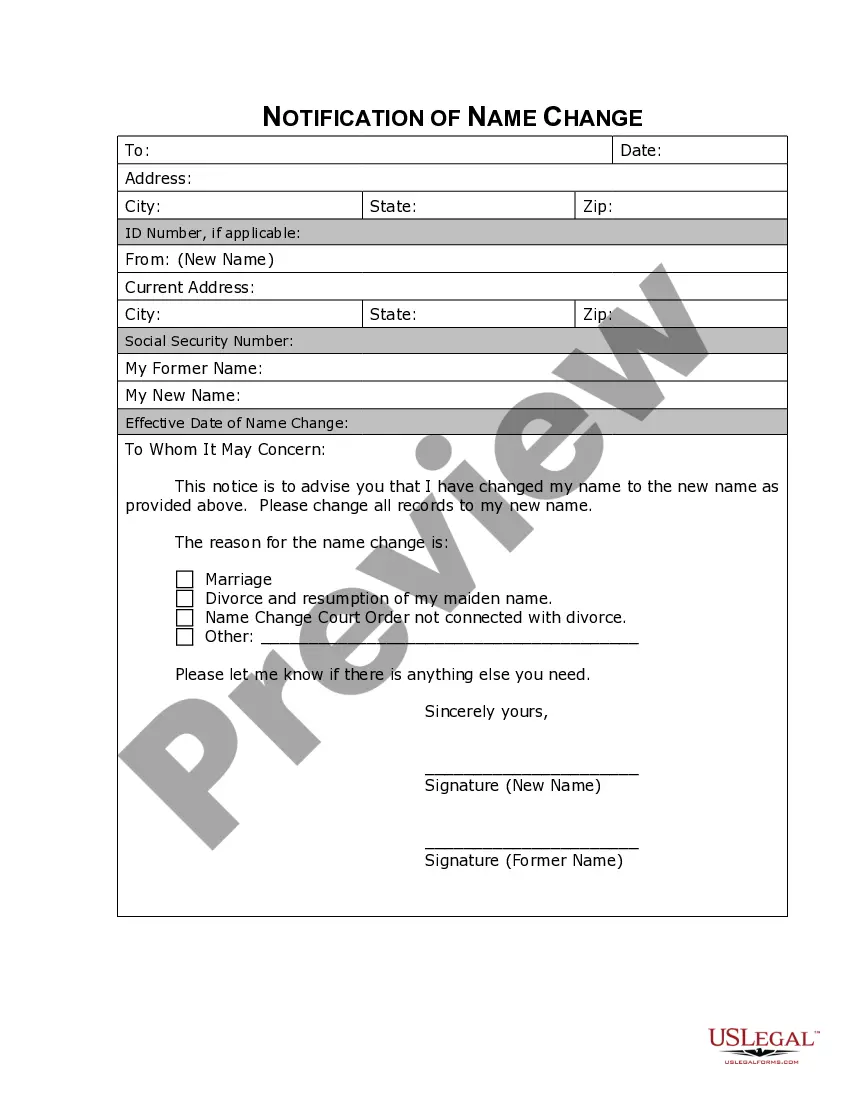
- Examine the form preview and descriptions to ensure you have the correct form.
Form popularity
FAQ
Prior to dismantling a vehicle, the vehicle owner must submit an application to DMV to record the vehicle as ?Junk.? When an owner dismantles a vehicle prior to doing this, the owner is subject to an investigative service fee. The following must be submitted: The evidence of ownership for the vehicle.
To transfer a vehicle between family members, submit the following: The California Certificate of Title properly signed or endorsed on line 1 by the registered owner(s) shown on the title. Complete the new owner information on the back of the title and sign it.
How do I let the DMV know I no longer own a vehicle? Submit it online. Mail a completed Vehicle Transfer Notification Form to the address located on the form. Visit a Texas Department of Motor Vehicles Regional Service Center.
To transfer a vehicle between family members, submit the following: The California Certificate of Title properly signed or endorsed on line 1 by the registered owner(s) shown on the title. Complete the new owner information on the back of the title and sign it.
Texas Title transfer -Private Sale - YouTube YouTube Start of suggested clip End of suggested clip Out. Before you take delivery of the vehicle. Never never accept an open title. Or you know anythingMoreOut. Before you take delivery of the vehicle. Never never accept an open title. Or you know anything like that you want to be sure that's all dated and filled out and signed before you leave with it.