Agree Line Property For Android
Description
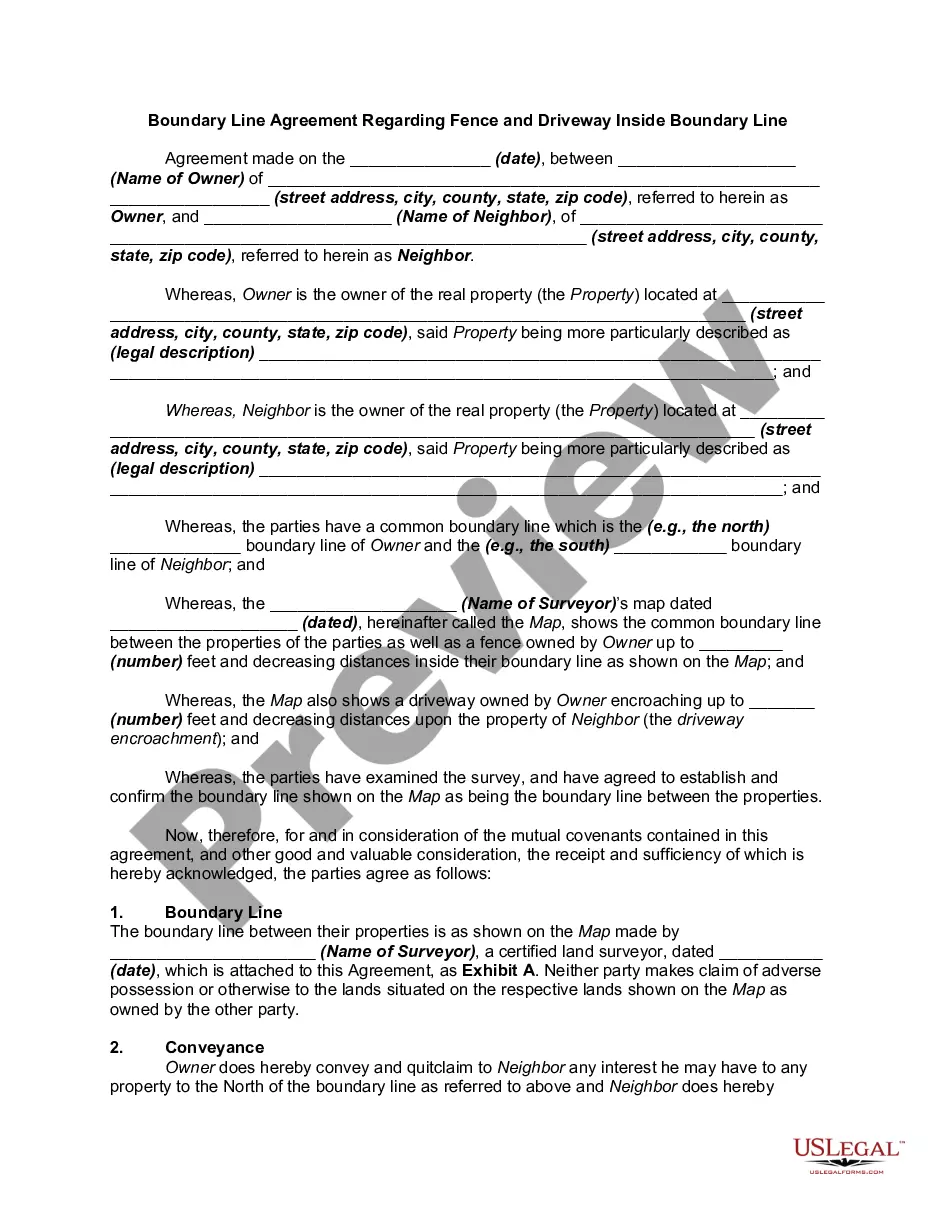
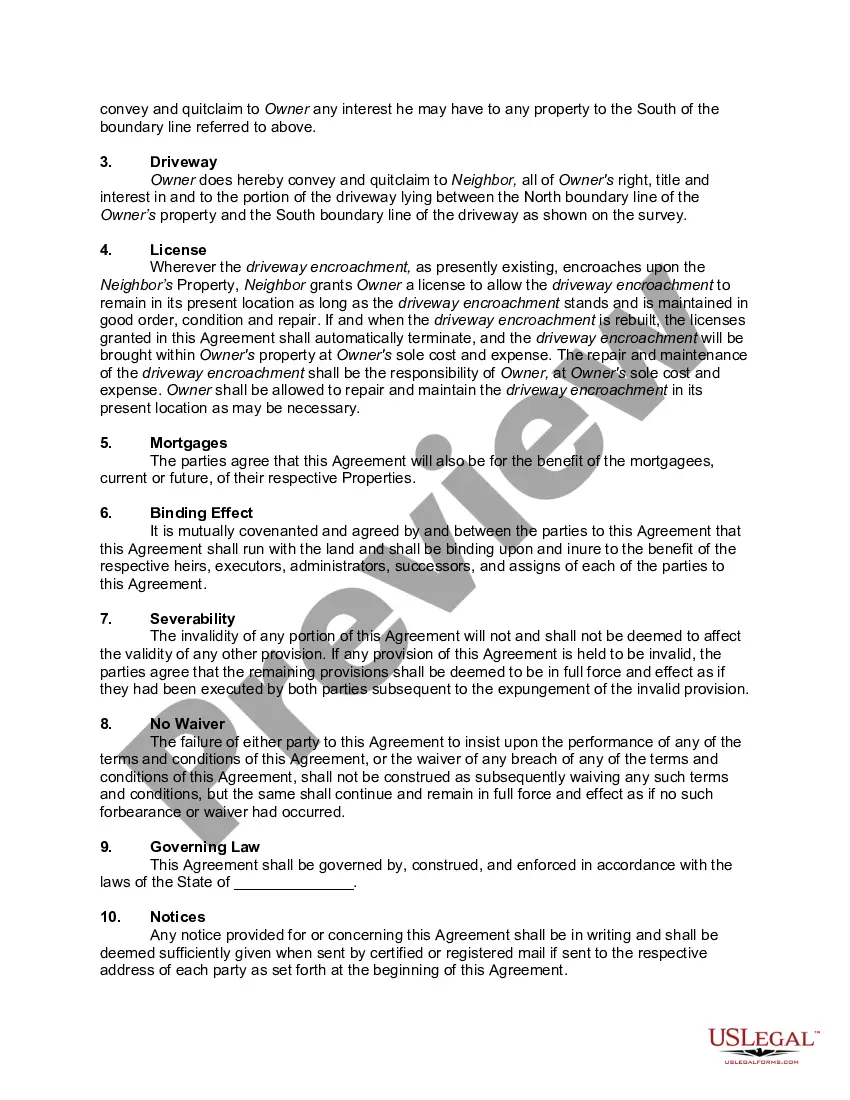
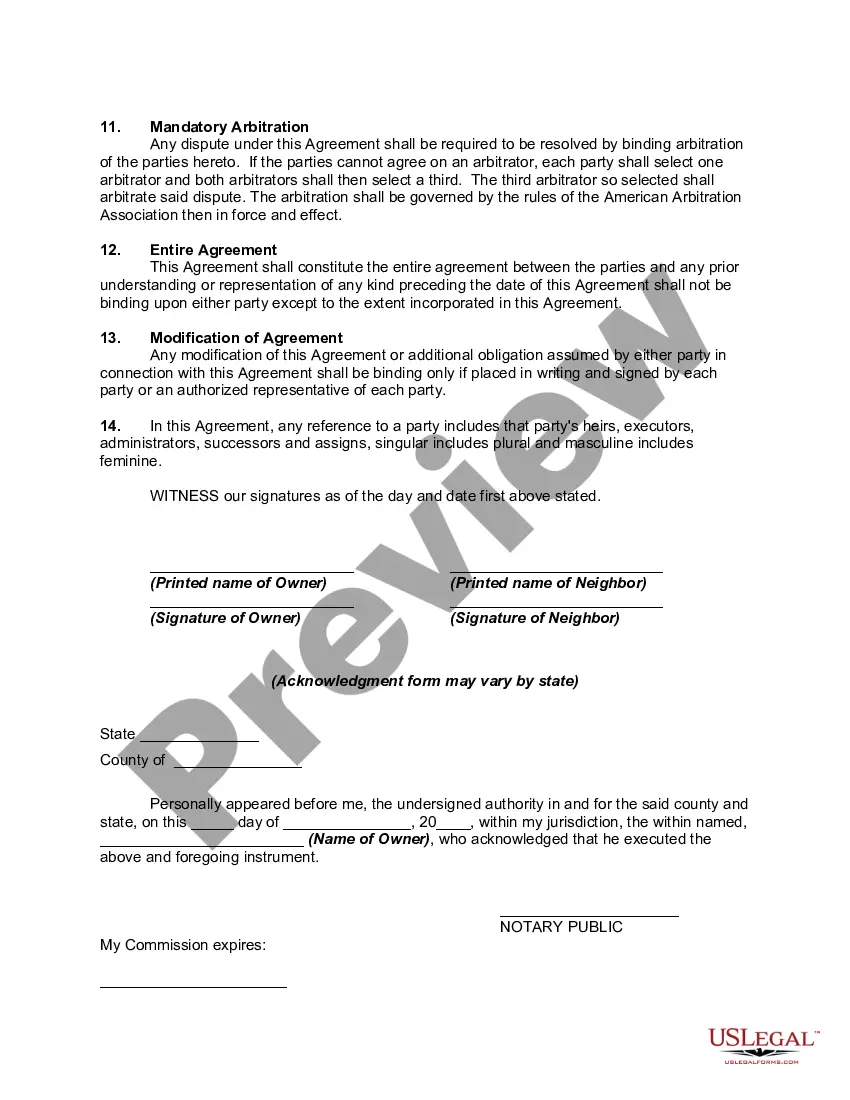
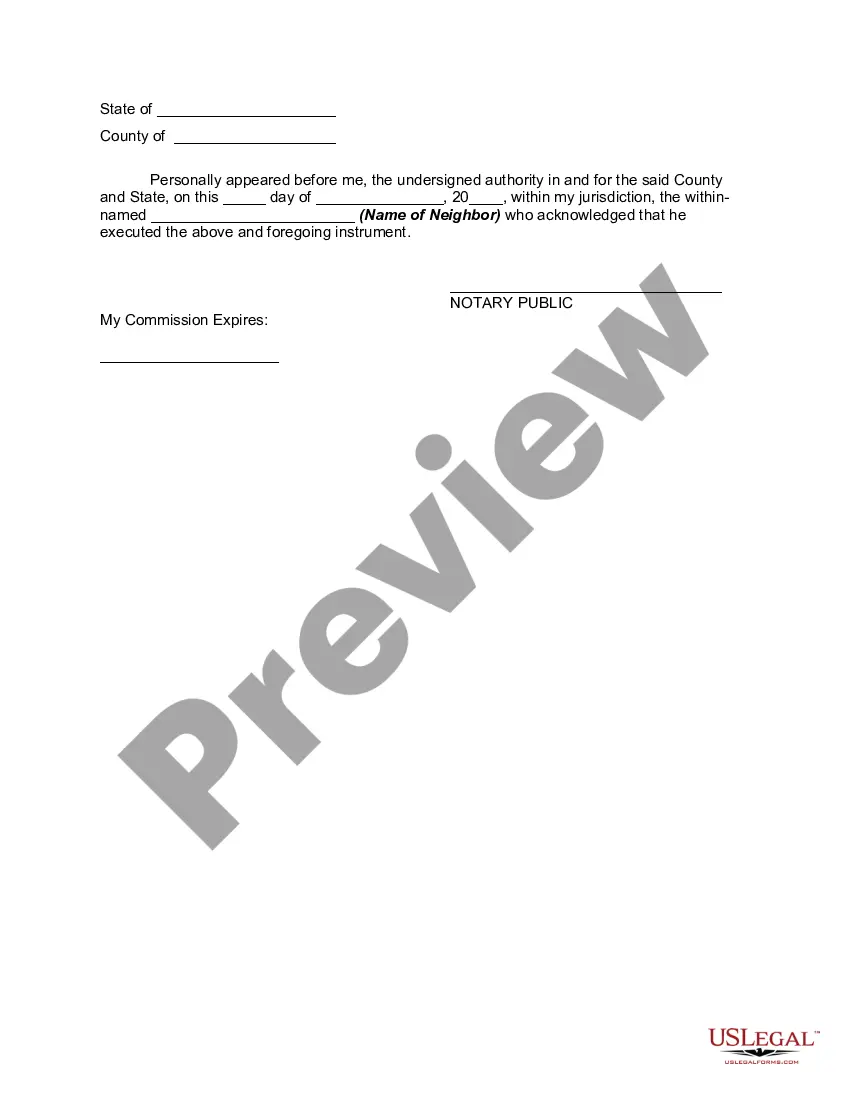

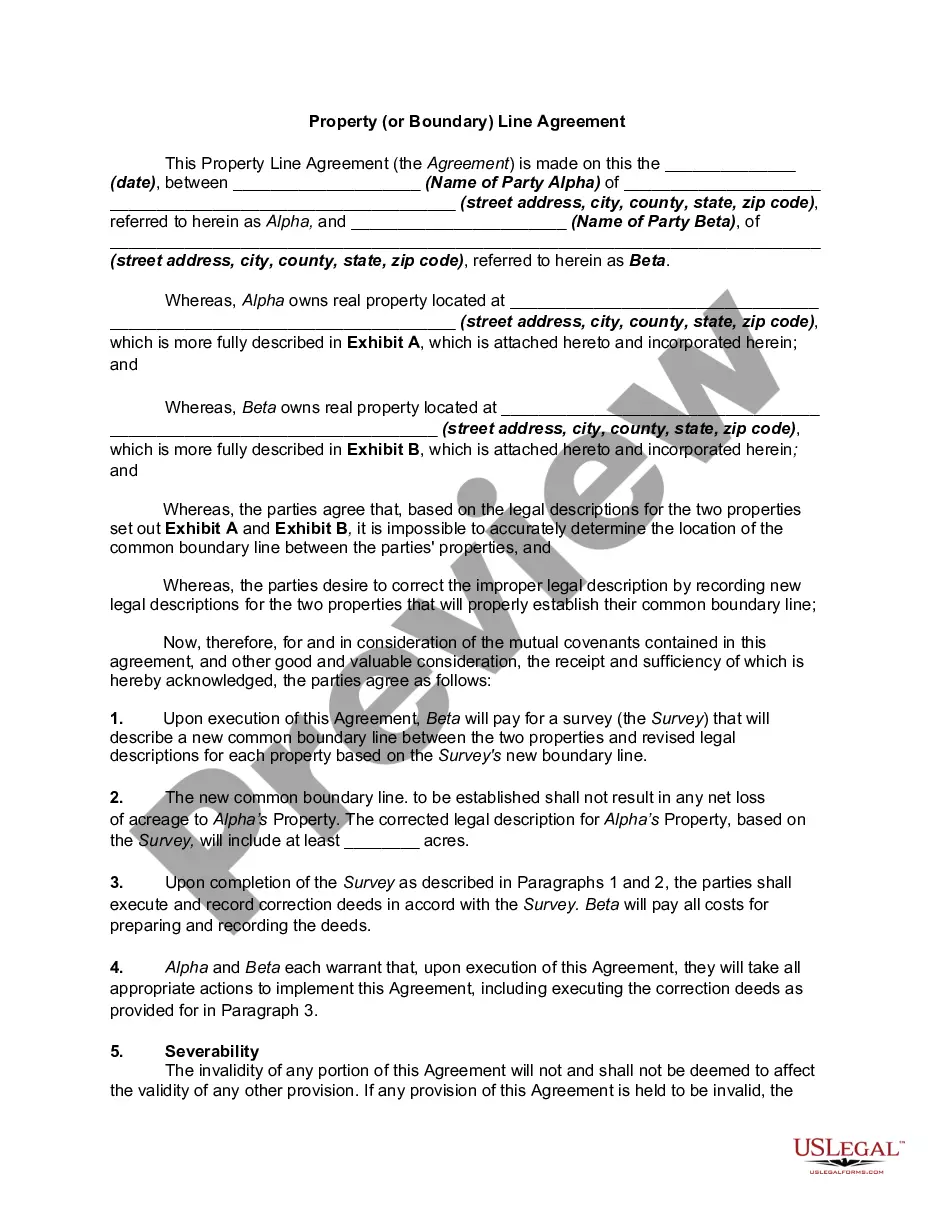
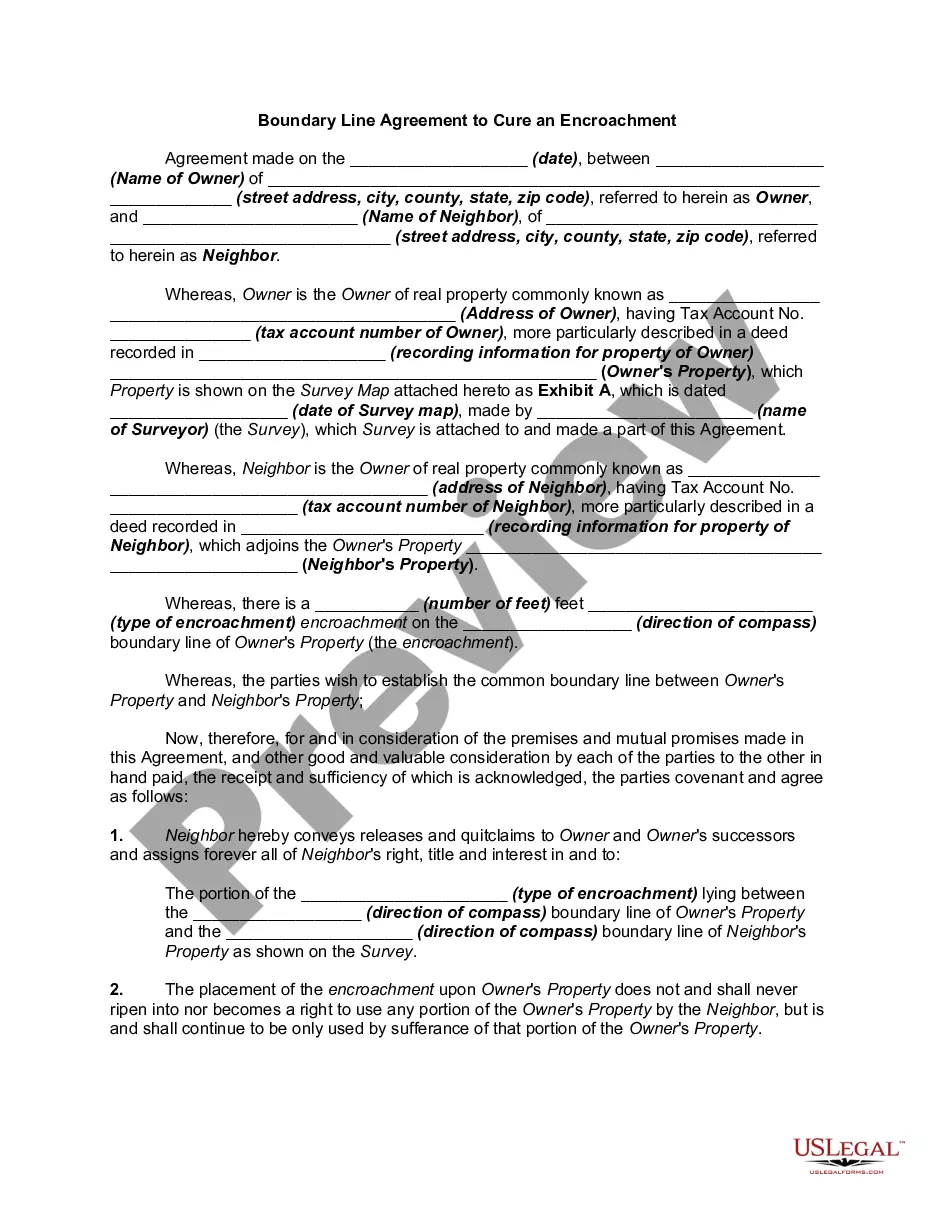
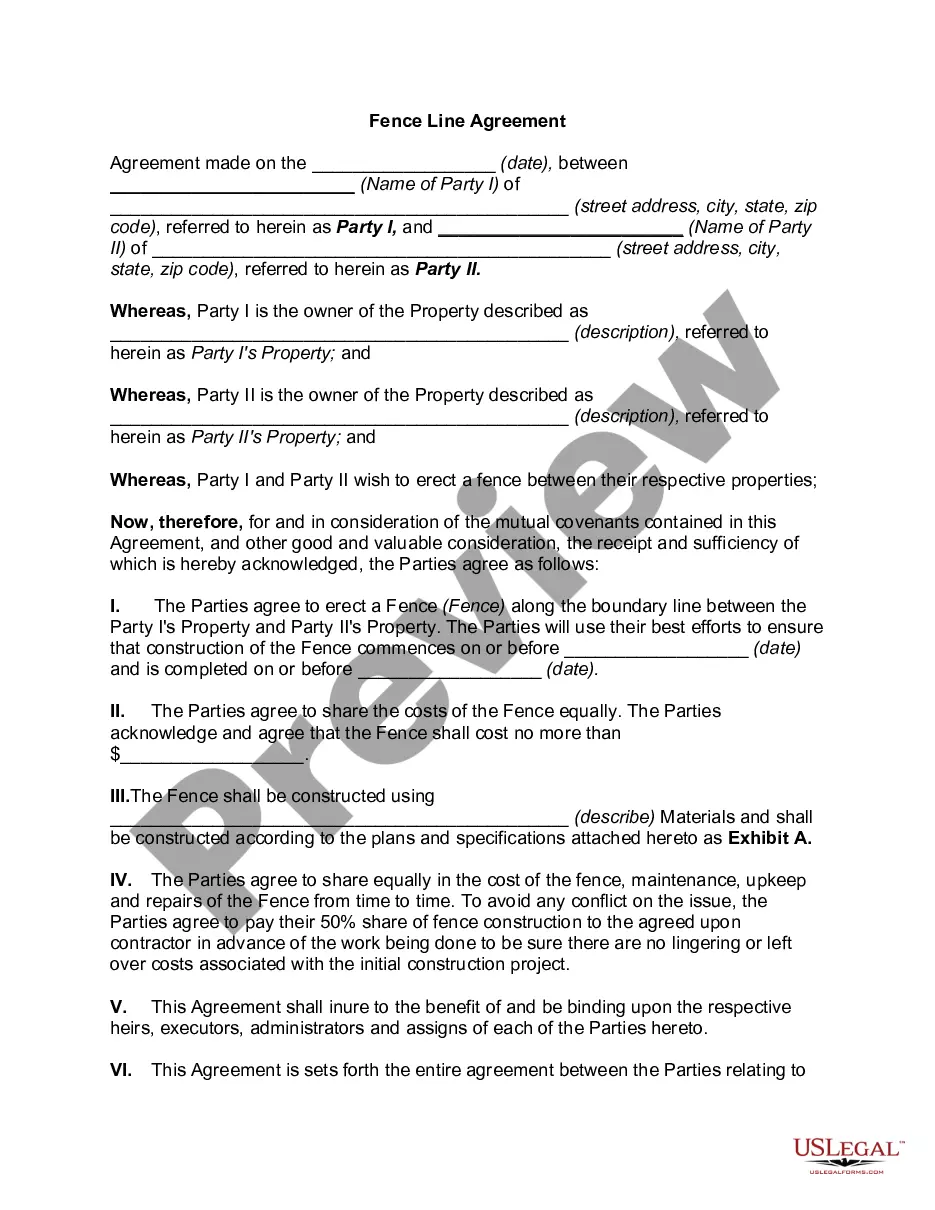
Get your form ready online
Our built-in tools help you complete, sign, share, and store your documents in one place.
Make edits, fill in missing information, and update formatting in US Legal Forms—just like you would in MS Word.
Download a copy, print it, send it by email, or mail it via USPS—whatever works best for your next step.
Sign and collect signatures with our SignNow integration. Send to multiple recipients, set reminders, and more. Go Premium to unlock E-Sign.
If this form requires notarization, complete it online through a secure video call—no need to meet a notary in person or wait for an appointment.
We protect your documents and personal data by following strict security and privacy standards.

Make edits, fill in missing information, and update formatting in US Legal Forms—just like you would in MS Word.

Download a copy, print it, send it by email, or mail it via USPS—whatever works best for your next step.

Sign and collect signatures with our SignNow integration. Send to multiple recipients, set reminders, and more. Go Premium to unlock E-Sign.

If this form requires notarization, complete it online through a secure video call—no need to meet a notary in person or wait for an appointment.

We protect your documents and personal data by following strict security and privacy standards.
Looking for another form?
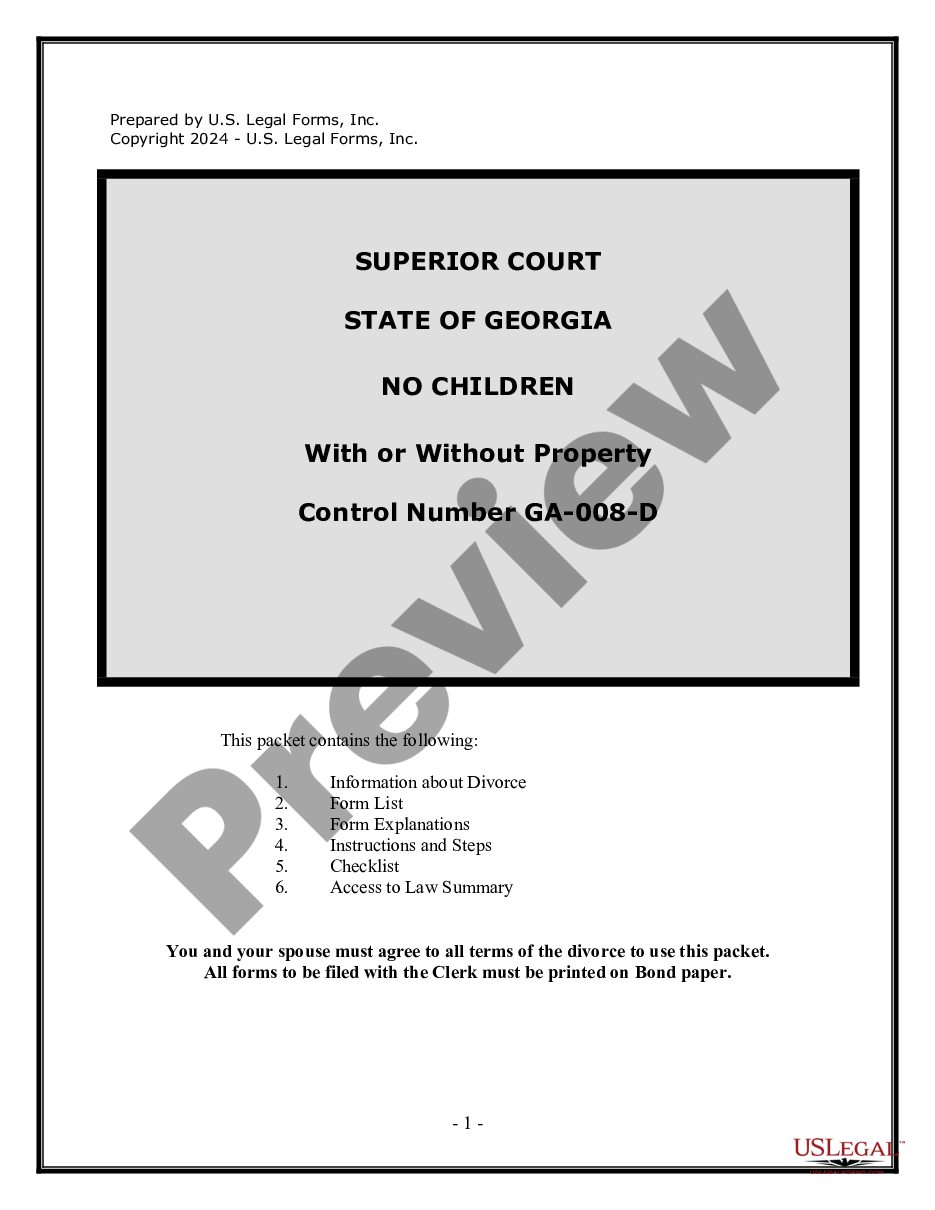








How to fill out Boundary Line Agreement Regarding Fence And Driveway Inside Boundary Line?
Handling legal documents and tasks can be a lengthy addition to the day.
Agree Line Property For Android and similar forms frequently require you to search for them and comprehend the best method to fill them out correctly.
For this reason, whether you are managing financial, legal, or personal issues, utilizing a comprehensive and user-friendly online repository of forms when necessary will be extremely beneficial.
US Legal Forms is the leading online source of legal templates, featuring over 85,000 state-specific forms and a variety of tools that will assist you in completing your documents swiftly.
Is this your first time using US Legal Forms? Sign up and create an account in just a few minutes, and you will gain access to the form library and Agree Line Property For Android. Next, follow the steps below to complete your form: Make sure you have located the correct form using the Review option and examining the form description. Click Buy Now when ready, and select the subscription plan that fits your needs. Click Download then complete, eSign, and print the form. US Legal Forms has 25 years of experience assisting users manage their legal documents. Obtain the form you need today and streamline any process effortlessly.
- Browse the library of pertinent documents available to you with just one click.
- US Legal Forms offers state- and county-specific forms accessible at any time for download.
- Protect your document management tasks using a high-quality service that enables you to prepare any form within minutes without any additional or hidden costs.
- Simply Log In to your account, find Agree Line Property For Android, and acquire it instantly in the My documents section.
- You can also access previously downloaded forms.
Form popularity
FAQ
Just add a \n to your text. This can be done directly in your layout file, or in a string resource and will cleanly break the text in your TextView to the next line.
If you already have a publisher account on Google Play, use your Play Console to set up licensing. Using the Google Play Console, you can: Obtain an app-specific public key for licensing. Debug and test an application's licensing implementation, prior to publishing the application.
You can accept the license agreement by launching Android Studio, then going to: Help > Check for Updates... When you are installing updates, it'll ask you to accept the license agreement. Accept the license agreement and the updates, and you are all set.
Here are some steps you can take to resolve this issue: Check if the SDK is installed: Go to the SDK Manager from the Android Studio Welcome Screen or from File > Settings > Appearance & Behavior > System Settings > Android SDK. ... Check SDK path: Ensure that the SDK path is properly set in Android Studio.
Ing to the publication, Handsets with a pixel density higher than 500 PPI would have to pay a $40 fee to license Google's apps. 400 to 500 PPI devices would pay a $20 fee, and devices under 400 PPI would pay $10.