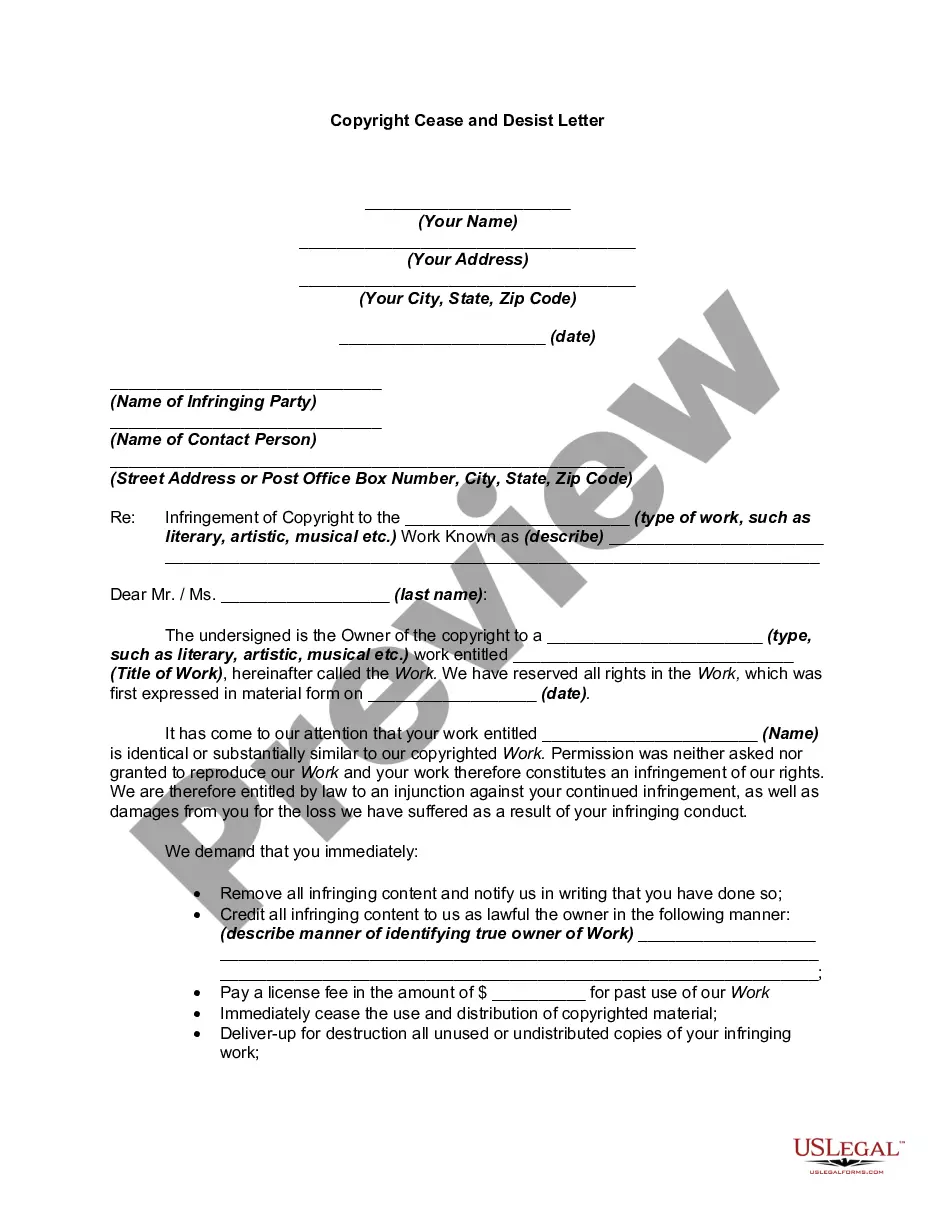
Copyright Symbol With Year
Description
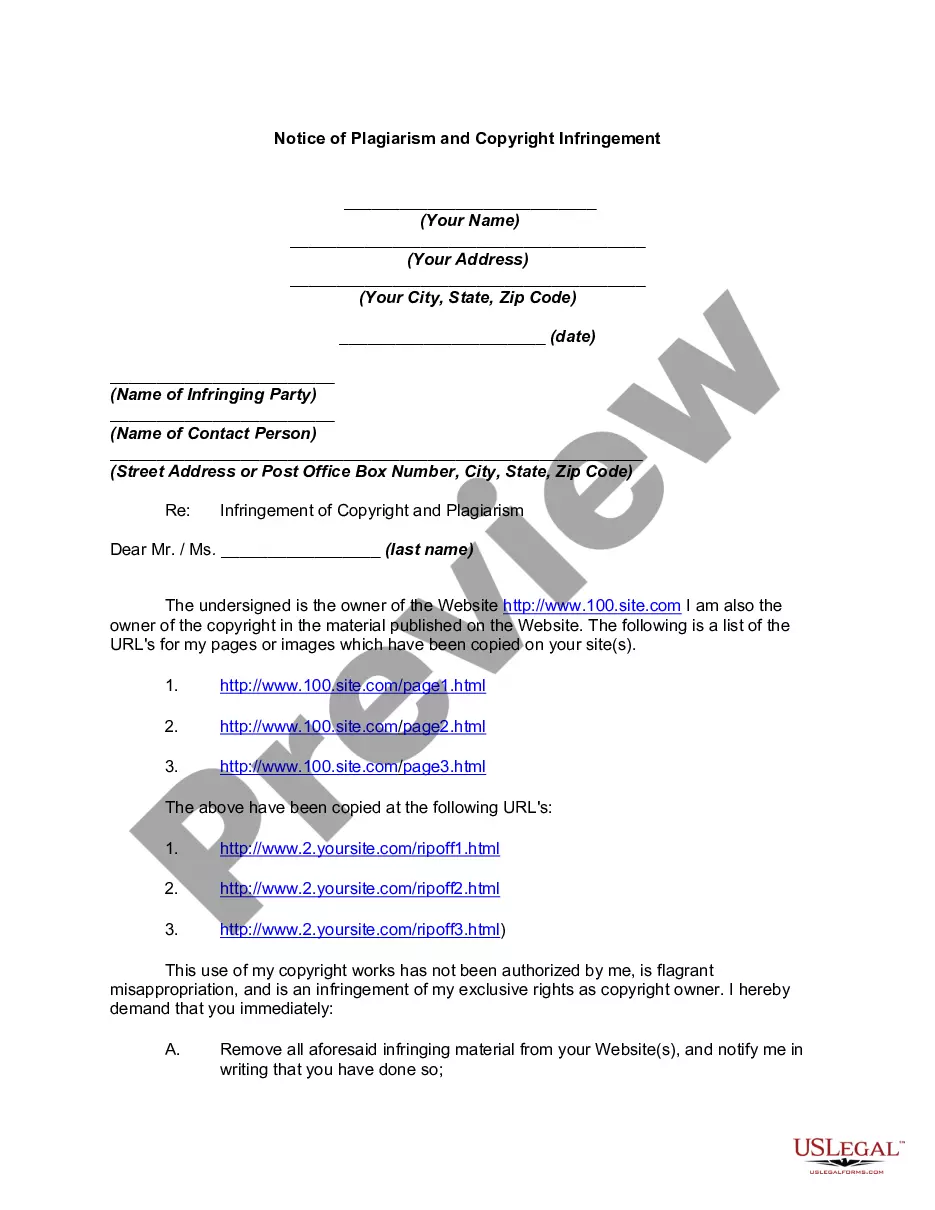
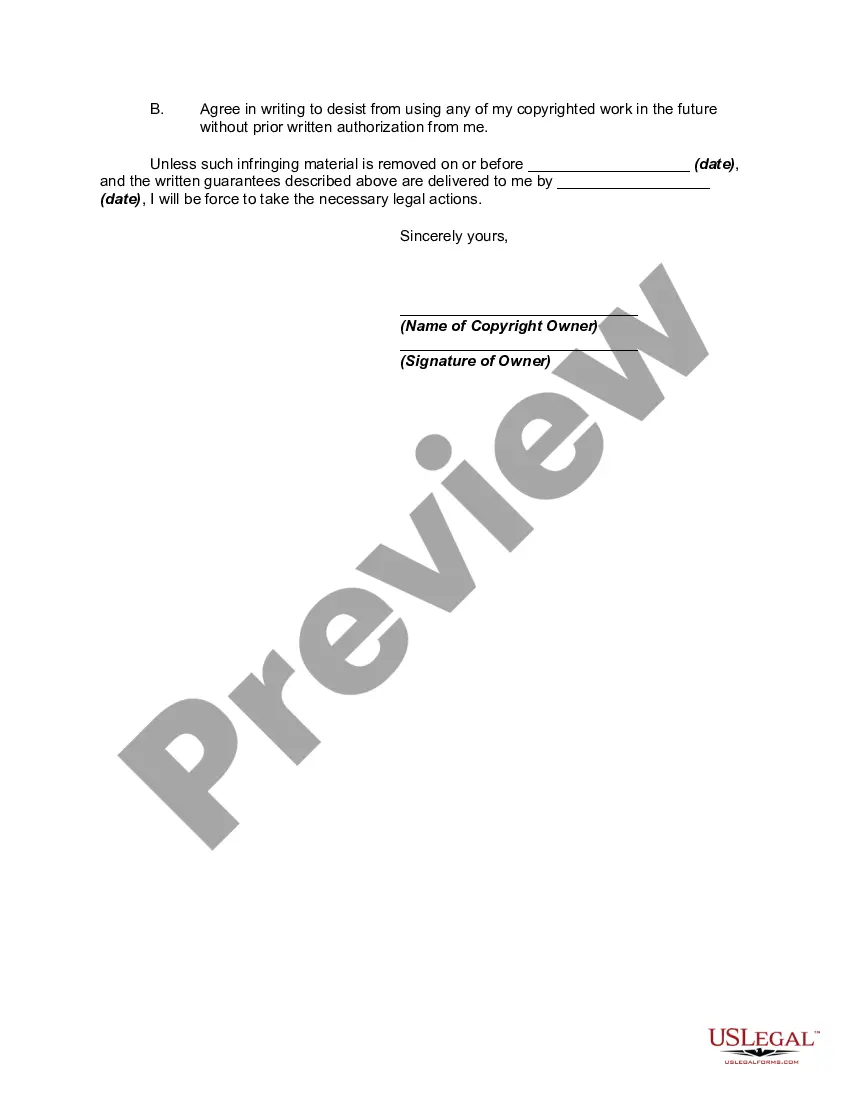
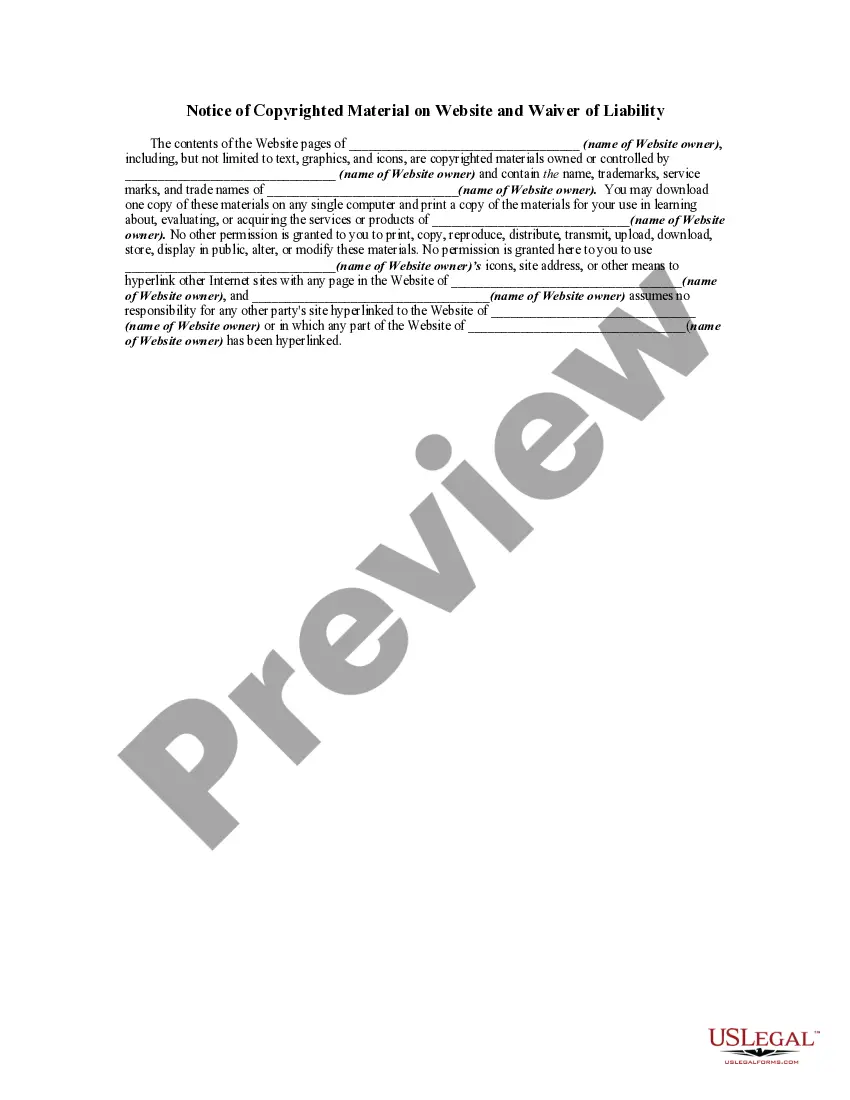
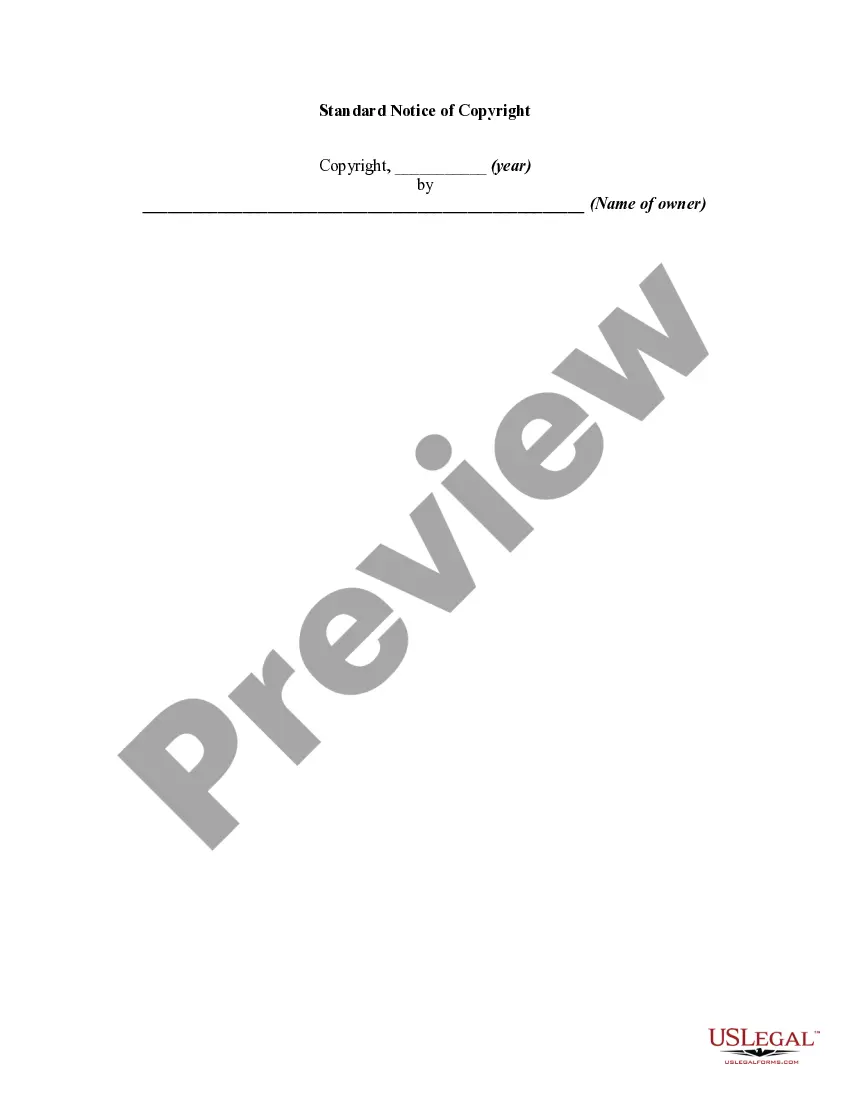

Get your form ready online
Our built-in tools help you complete, sign, share, and store your documents in one place.
Make edits, fill in missing information, and update formatting in US Legal Forms—just like you would in MS Word.
Download a copy, print it, send it by email, or mail it via USPS—whatever works best for your next step.
Sign and collect signatures with our SignNow integration. Send to multiple recipients, set reminders, and more. Go Premium to unlock E-Sign.
If this form requires notarization, complete it online through a secure video call—no need to meet a notary in person or wait for an appointment.
We protect your documents and personal data by following strict security and privacy standards.

Make edits, fill in missing information, and update formatting in US Legal Forms—just like you would in MS Word.

Download a copy, print it, send it by email, or mail it via USPS—whatever works best for your next step.

Sign and collect signatures with our SignNow integration. Send to multiple recipients, set reminders, and more. Go Premium to unlock E-Sign.

If this form requires notarization, complete it online through a secure video call—no need to meet a notary in person or wait for an appointment.

We protect your documents and personal data by following strict security and privacy standards.
Looking for another form?









How to fill out Notice Of Plagiarism And Copyright Infringement?
Regardless of whether it is for corporate reasons or personal matters, everyone must handle legal circumstances at some stage in their life.
Completing legal documents requires meticulous attention, beginning with the choice of the appropriate document template.
After downloading, you can either complete the form using editing software or print it and finish it by hand. With an extensive US Legal Forms catalog available, you don't need to waste time searching for the suitable template online. Utilize the library's user-friendly navigation to locate the right document for any circumstance.
- For instance, if you choose an incorrect edition of a Copyright Symbol With Year, it will be rejected upon submission.
- Thus, it is crucial to have a reliable provider of legal documents like US Legal Forms.
- To acquire a Copyright Symbol With Year example, adhere to these straightforward steps.
- Locate the sample you need by using the search box or catalog browsing.
- Review the form’s specifics to ensure it corresponds with your situation, state, and area.
- Click on the form's preview to inspect it.
- If it is the incorrect form, return to the search feature to find the Copyright Symbol With Year example you need.
- Download the file if it fulfills your criteria.
- If you already possess a US Legal Forms account, simply click Log in to access previously stored documents in My documents.
- If you lack an account, you can acquire the form by clicking Buy now.
- Choose the appropriate pricing option.
- Fill out the profile registration form.
- Select your payment method: use a credit card or PayPal account.
- Choose the file format you desire and download the Copyright Symbol With Year.
Form popularity
FAQ
To get the circled C or the Copyright symbol with year, you can use different methods based on your device. For Windows users, the 'Alt' code method works well, while Mac users can press 'Option' + 'G.' Additionally, platforms like uslegalforms offer easy-to-use tools for adding this symbol to your documents. Utilizing this symbol is essential for protecting your intellectual property.
On an iPhone, you can easily type the Copyright symbol with year by using the emoji keyboard. Simply press the emoji icon on your keyboard, search for the Copyright symbol (©), and tap to insert it into your text. This method provides a quick way to add the symbol wherever you need it, and it helps safeguard your creations.
Yes, it's good practice to update the copyright year on your website. Keeping it current shows that your content is up-to-date and reflects any new works you have created. Regularly updating the copyright symbol with year helps protect your rights and keeps visitors informed of your ongoing ownership.
To type the copyright symbol, you can use keyboard shortcuts or insert it through character maps on your device. For Windows, hold the 'Alt' key and type '0169' on the numeric keypad. On a Mac, you can press 'Option' and 'G'. This will produce the copyright symbol, which should always be followed by the year.
You should use the year when the work was first published for the copyright symbol with year. If you have updated or revised the work, you can consider including the update year as well. This helps track the timeline of your ownership and informs others of its status.
In a copyright notice, the year appears immediately after the copyright symbol. This format is important because it clarifies exactly when the work became protected. Always remember to place the copyright symbol with year properly to meet legal standards.
The copyright symbol with year signifies that the creator holds rights to the work from the specified year onward. It serves as a public notice of ownership and protects against unauthorized use. By using the copyright symbol with year, you communicate the legal claim over your creative output.
The year in a copyright notice indicates when the work was first published. This detail helps establish the duration of copyright protection, which generally lasts for the life of the author plus a specific number of years. By including the copyright symbol with year, you affirm your ownership and help inform others about the timeline of your work's protection.
Formatting a copyright symbol involves placing the 'C' inside a circle, which is universally recognized as a copyright notice. You can create it using your keyboard or find it in the symbols menu of most word processing software. In your documents, make sure it stands out yet fits well with the overall design to draw attention without detracting from the content.
To include a copyright symbol in a sentence, insert the copyright symbol followed by the year and the copyright owner's name. For instance, you could say, 'This document is protected by copyright © 2023 John Doe.' This format ensures clarity and emphasizes your ownership rights directly within the text.