Blank Type
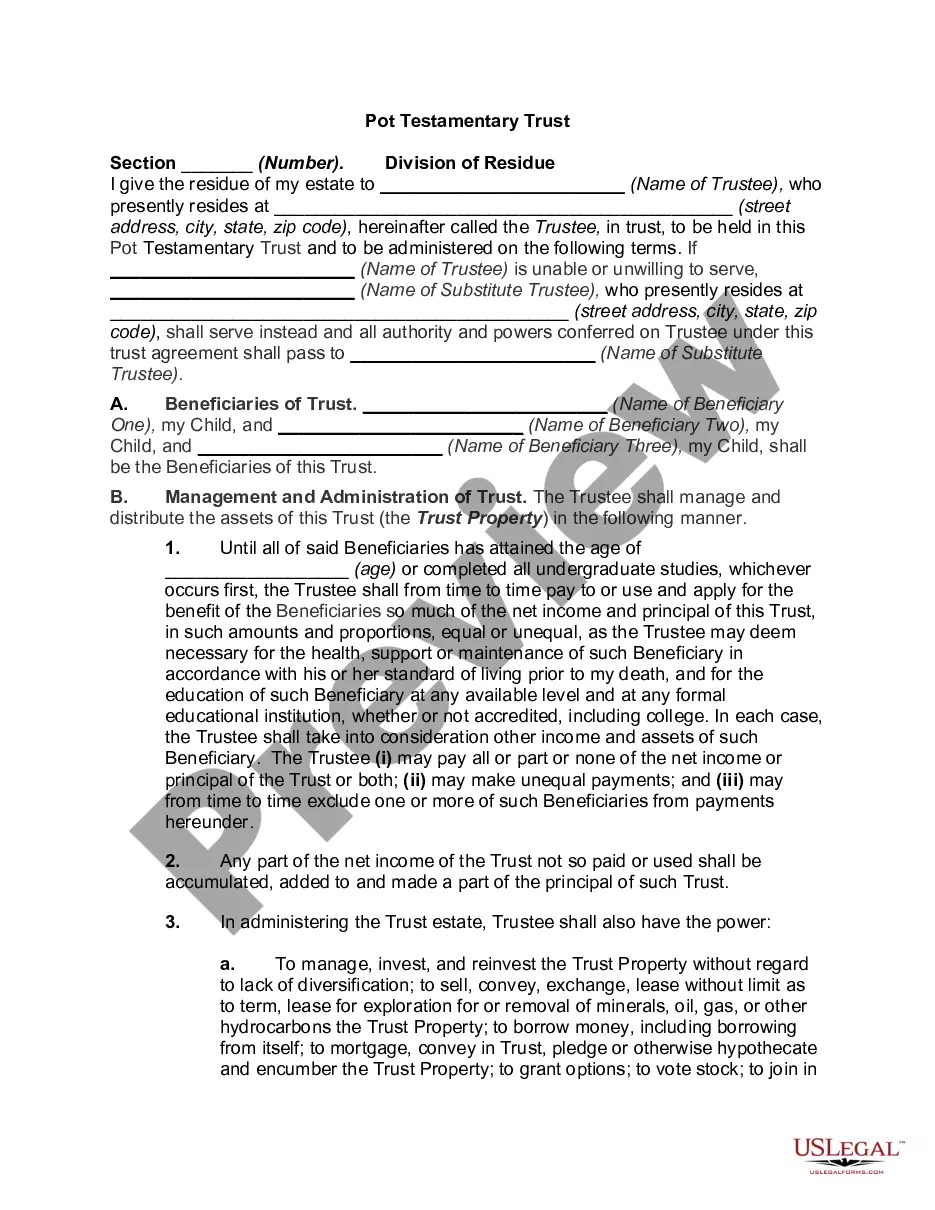
Description
Get your form ready online
Our built-in tools help you complete, sign, share, and store your documents in one place.
Make edits, fill in missing information, and update formatting in US Legal Forms—just like you would in MS Word.
Download a copy, print it, send it by email, or mail it via USPS—whatever works best for your next step.
Sign and collect signatures with our SignNow integration. Send to multiple recipients, set reminders, and more. Go Premium to unlock E-Sign.
If this form requires notarization, complete it online through a secure video call—no need to meet a notary in person or wait for an appointment.
We protect your documents and personal data by following strict security and privacy standards.

Make edits, fill in missing information, and update formatting in US Legal Forms—just like you would in MS Word.

Download a copy, print it, send it by email, or mail it via USPS—whatever works best for your next step.

Sign and collect signatures with our SignNow integration. Send to multiple recipients, set reminders, and more. Go Premium to unlock E-Sign.

If this form requires notarization, complete it online through a secure video call—no need to meet a notary in person or wait for an appointment.

We protect your documents and personal data by following strict security and privacy standards.
Looking for another form?
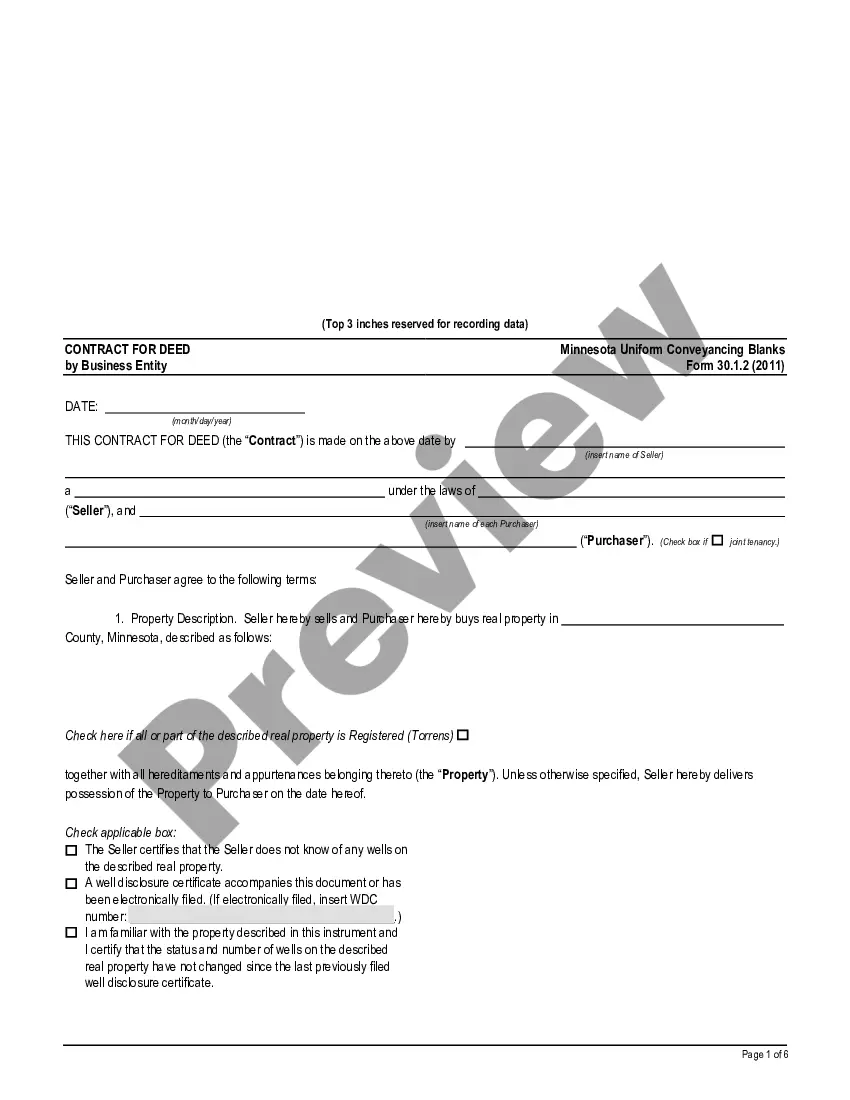
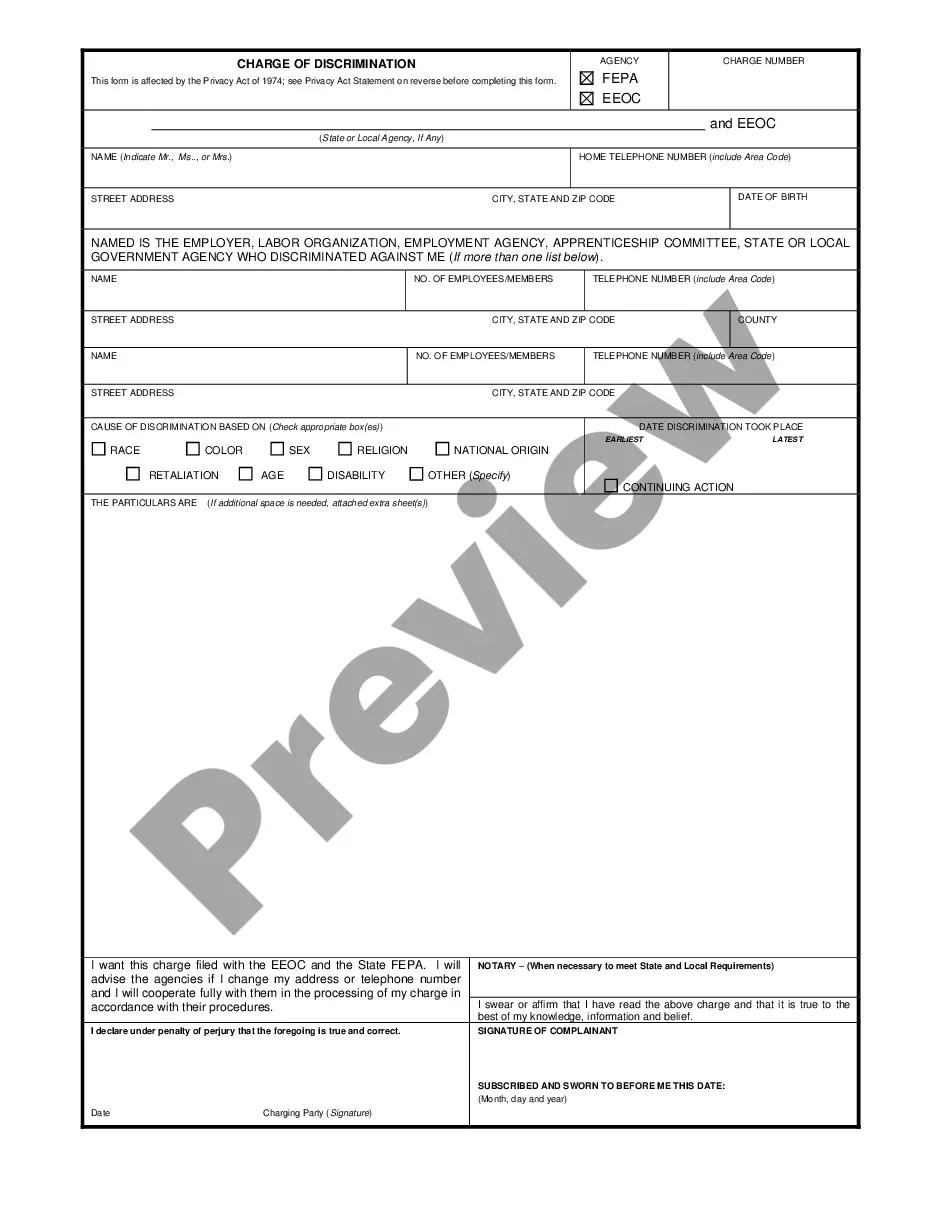


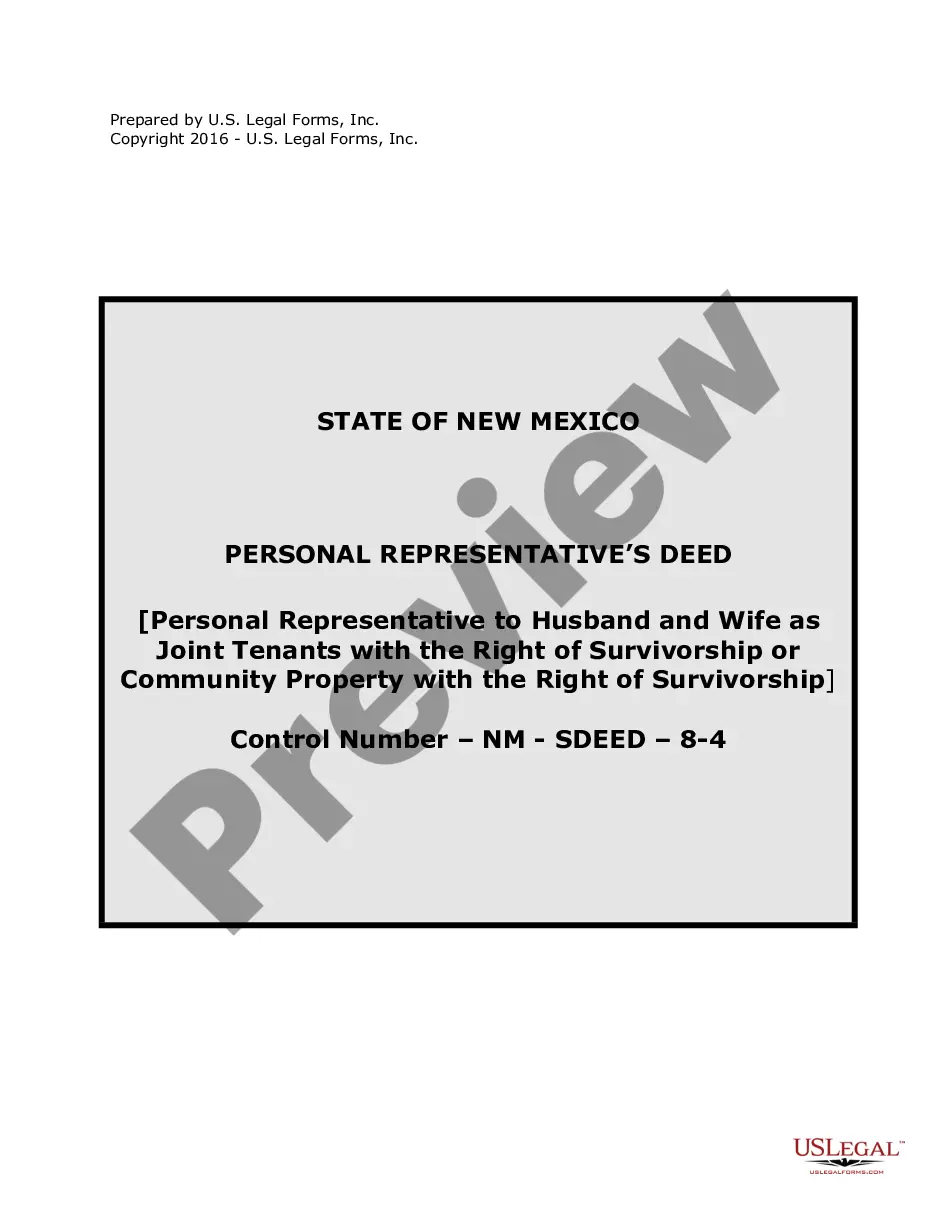




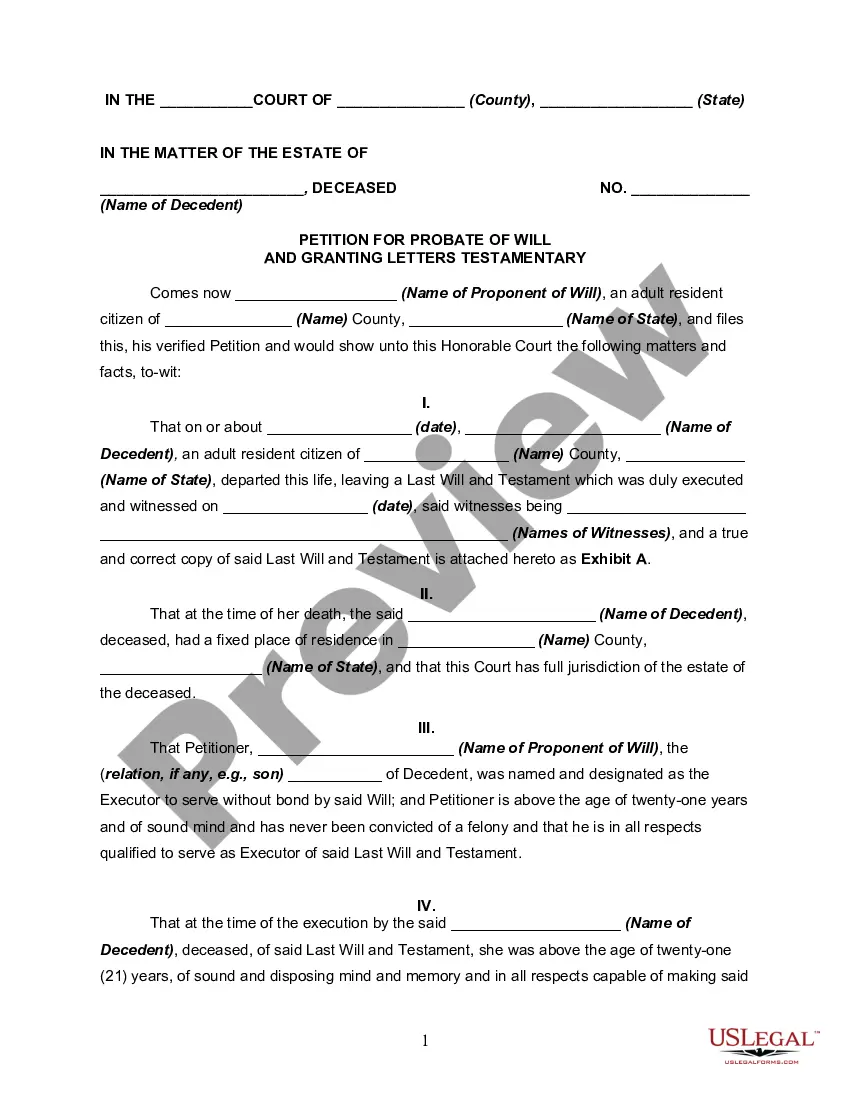
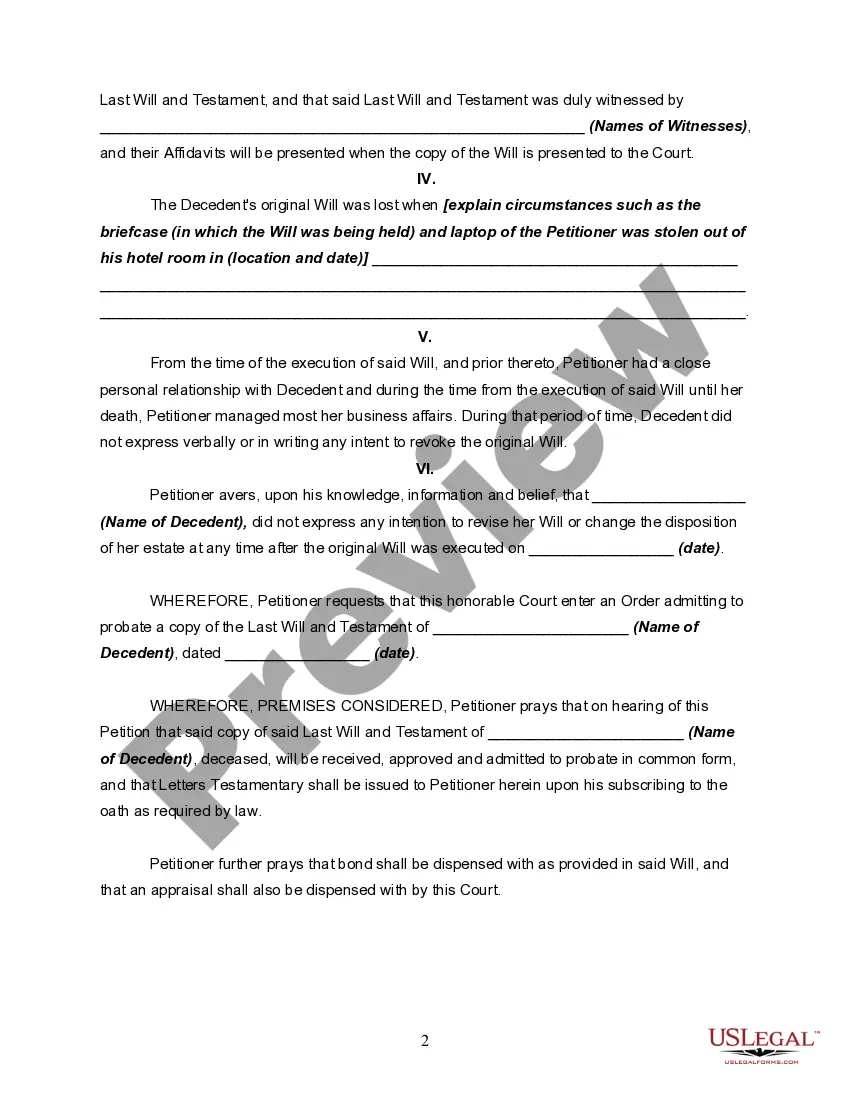
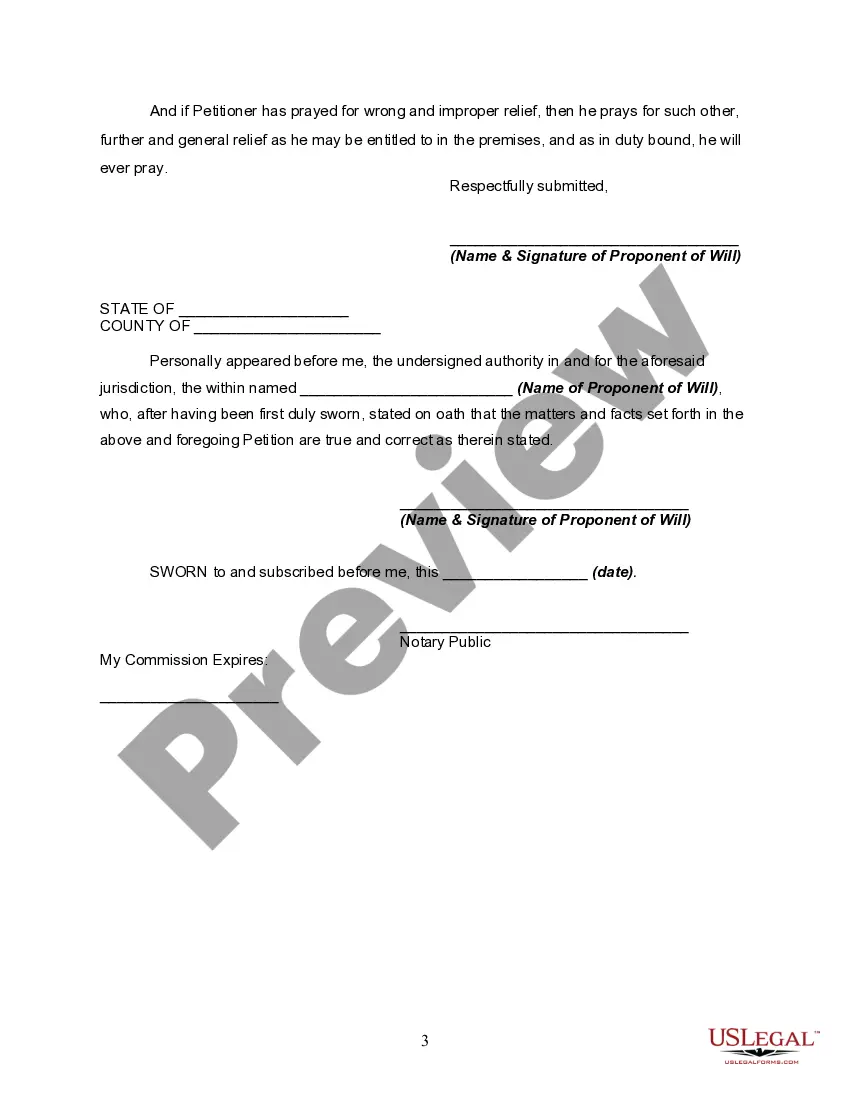
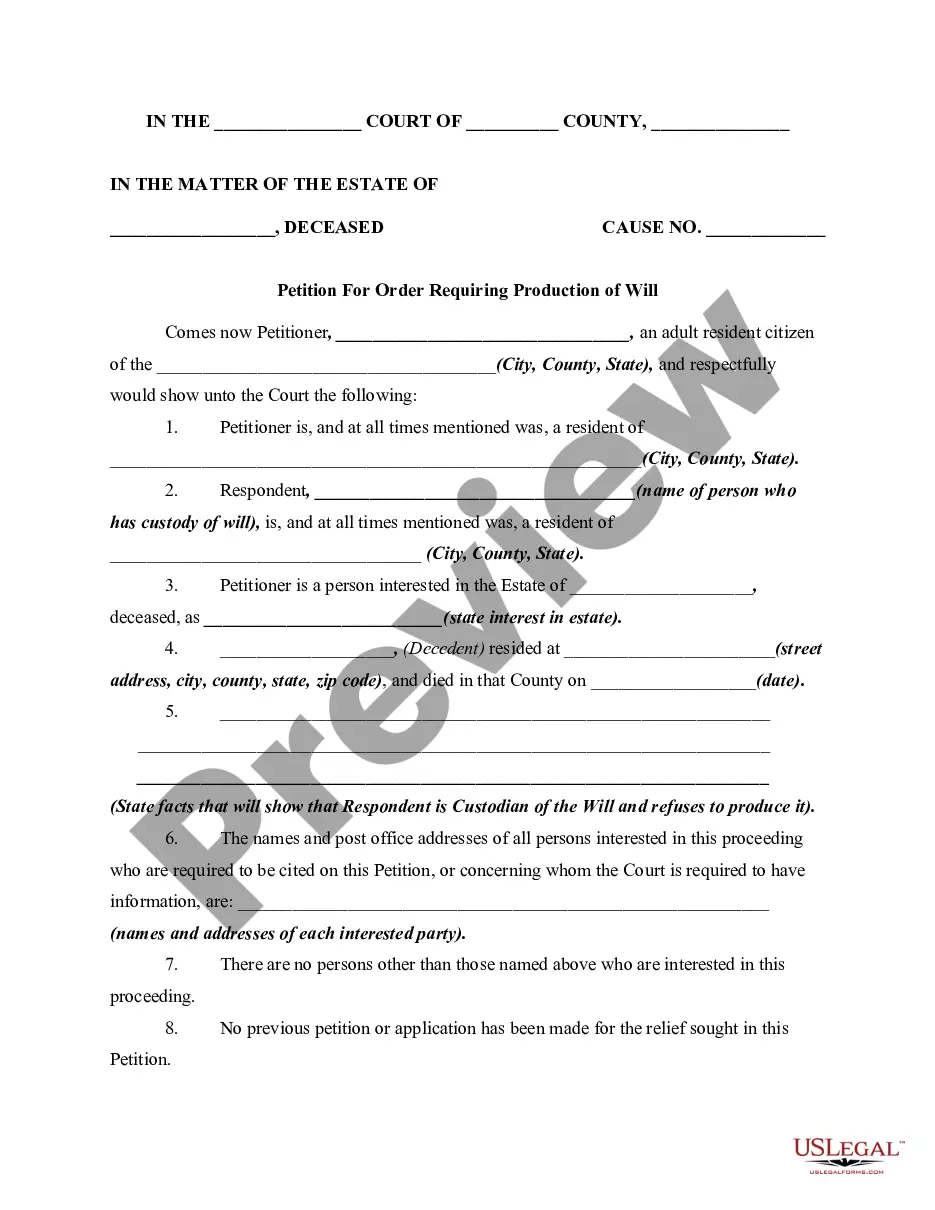
How to fill out Petition To Probate Lost Will?
- If you already have an account, log in and ensure your subscription is active. Then, click the Download button for your required form template.
- For first-time users, start by browsing the extensive library. Check the Preview mode and form description to choose the appropriate blank type that aligns with your specific needs.
- If you don't find what you need, utilize the Search tab to look for other relevant forms that comply with your local jurisdiction requirements.
- Once you locate the suitable document, click on the Buy Now button. Select your desired subscription plan and create an account to unlock access to the entire library.
- Proceed with the payment using your credit card or PayPal account information to finalize the purchase.
- After completing your transaction, download your form and save it to your device for easy access anytime from the My Forms section of your profile.
In conclusion, using US Legal Forms for your legal document needs offers numerous benefits. With its vast collection and user-centered approach, you can ensure your forms are tailored to your specific requirements.
Don't hesitate; start your journey with US Legal Forms today for prompt and precise legal document solutions!
Form popularity
FAQ
Creating a blank document is straightforward. Open your word processor, locate the option for a new document, and select it. This gives you a clean slate to work from. If you prefer starting with templates and structured designs within a blank type context, check out US Legal Forms for a variety of templates tailored to your needs.
To create a blank text file, right-click on your desktop or within a folder and select 'New' followed by 'Text Document'. Name your new file and open it to start typing. This basic blank type file is perfect for notes or simple documents. For more advanced document creation, you can explore templates from US Legal Forms that offer ready-to-fill options.
Getting a blank page for typing involves opening your document software and initiating a new file. Select the option that allows you to start with a blank document. If you're looking to print or save this page for future use, platforms like US Legal Forms can help you design it according to your specific needs, ensuring it’s prepared in a blank type format.
Typing a blank document is simple. Open your preferred word processing software and select 'New Document' or 'Blank Document'. From there, you can begin typing whatever content you need. If you seek a structured approach in a blank type format, consider using US Legal Forms for various document templates that are ready to use.
To make a fillable blank in Word, you should first enable the Developer tab in the ribbon. Next, insert text form fields where you want the blanks to appear. You can customize these fields to adjust their properties for a blank type document, making it user-friendly. This method allows users to fill out the form easily, and US Legal Forms provides templates that you can leverage.
To create a file with no specific type, simply open a text editor or any document software. Start a new document or file, then save it without selecting a format or extension. This will give you a blank file that does not conform to a standard type. If you are looking to use a blank type for specific purposes, platforms like US Legal Forms can guide you through creating useful templates.
The Alt key for a blank character typically refers to using Alt-255 or Alt-0160. These shortcuts produce invisible spaces when executed correctly on your numeric keypad. Incorporating these blank types can improve the structure of your text. Mastering these techniques helps you achieve cleaner, more organized documents.
Alt 0160 is a code that generates a non-breaking space, which is a type of blank character. This code can be typed by holding the Alt key and entering 0160 on the numeric keypad. The non-breaking space prevents automatic line breaks at its position, making it a useful feature in document formatting. Emphasizing proper use of codes like this helps to master different blank types in text applications.
When we talk about the Alt key for a blank space, we're usually referencing codes like Alt-255 or Alt-0160. Each of these key combinations inserts a type of blank character that functions without creating a visible mark on the screen. This can be crucial in many formatting contexts. Using these various blank types effectively allows you to control the appearance of your documents.
The code for a blank character varies based on your needs and system. A common code is Alt-255, which you can enter by holding the Alt key while typing this number on the numeric keypad. Another useful code is Alt-0160, which also creates an invisible space. Familiarizing yourself with these codes enhances your ability to access different types of blank characters.