Revocable Trust Regarding For Tax Purposes
Description
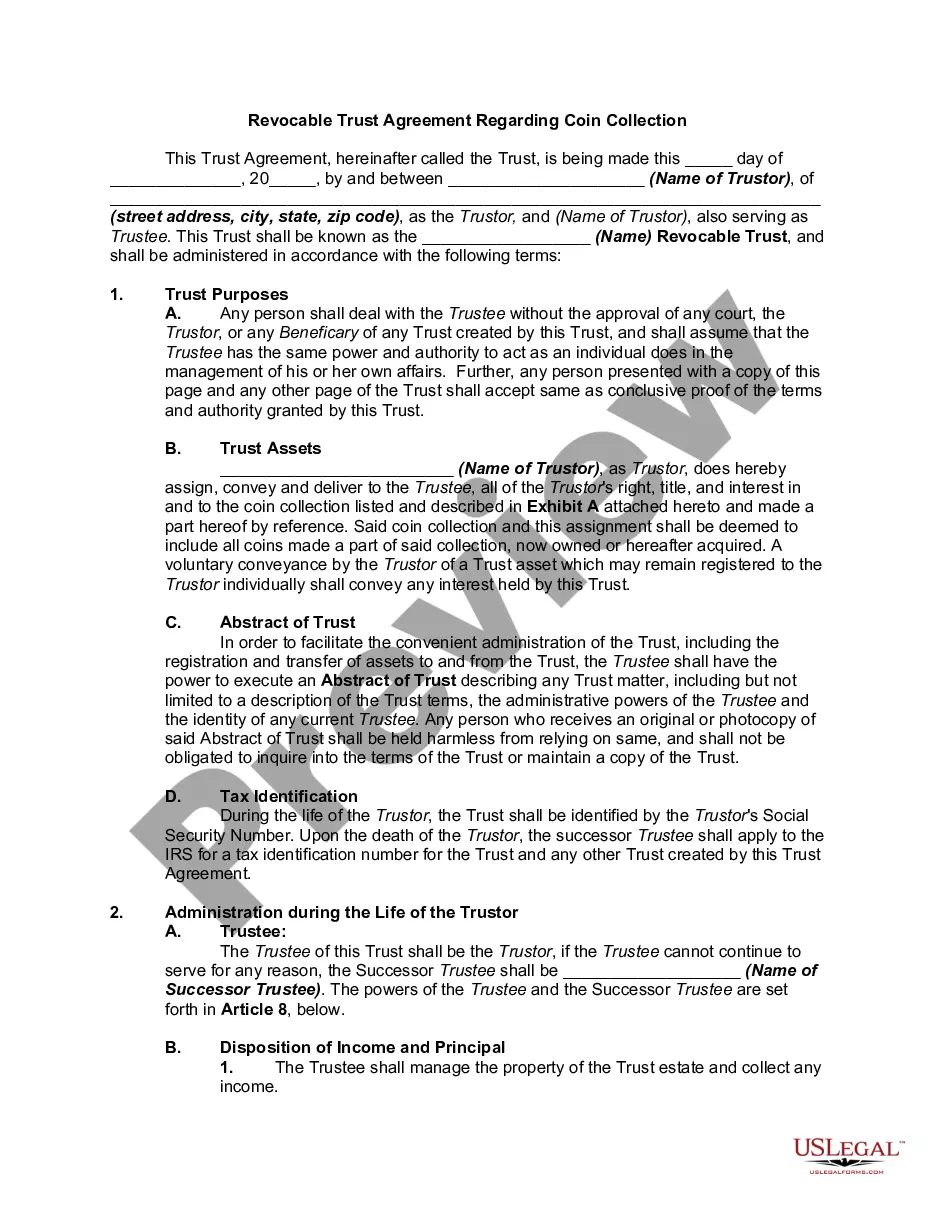
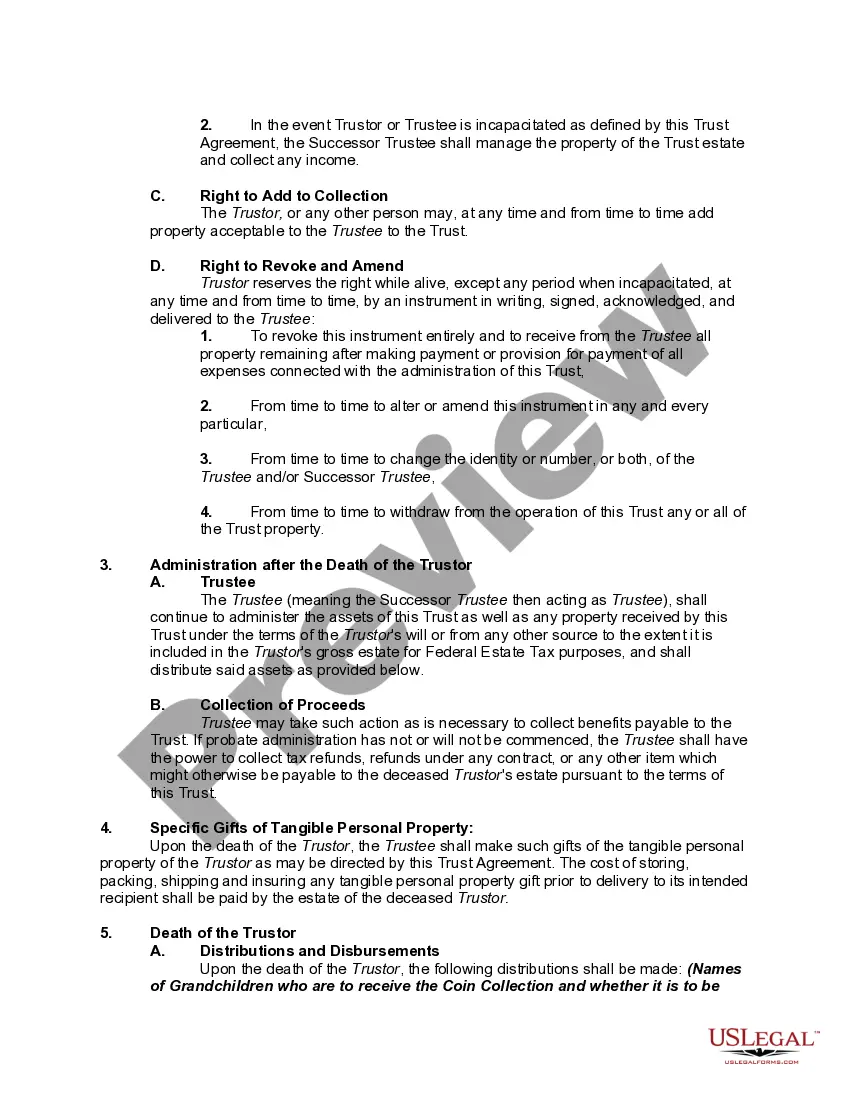
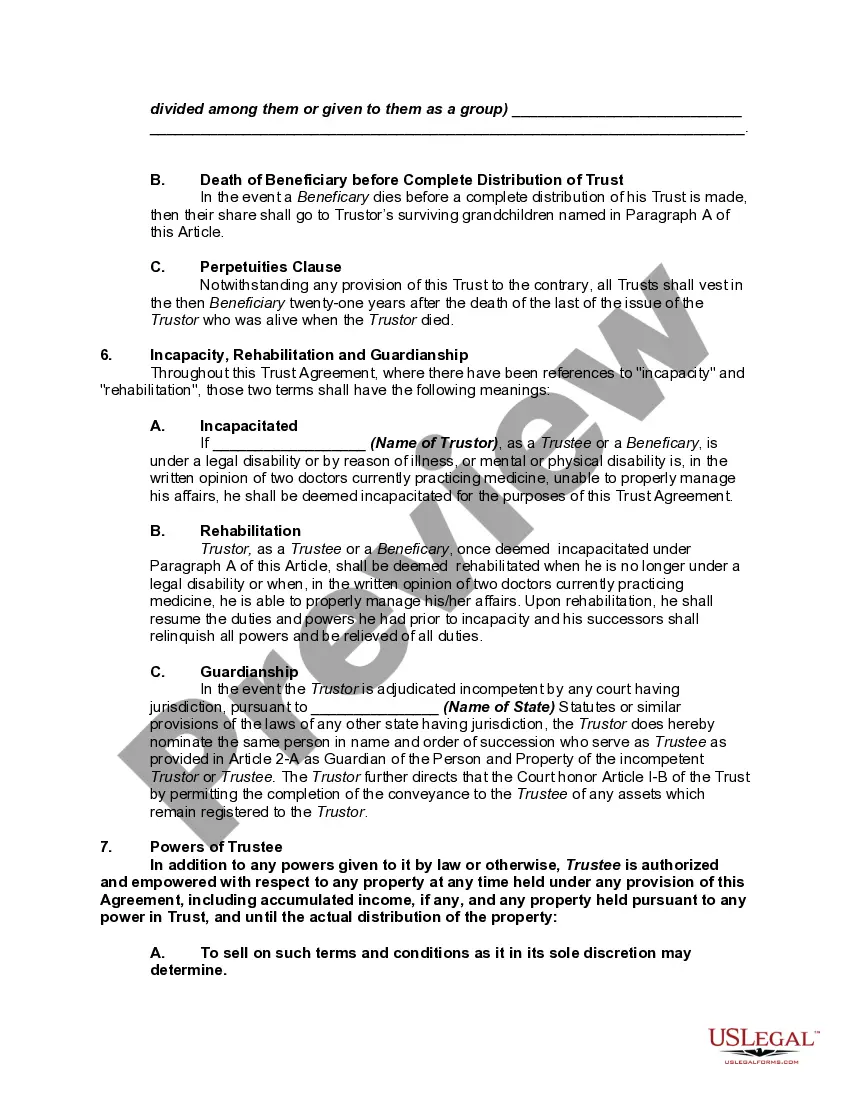
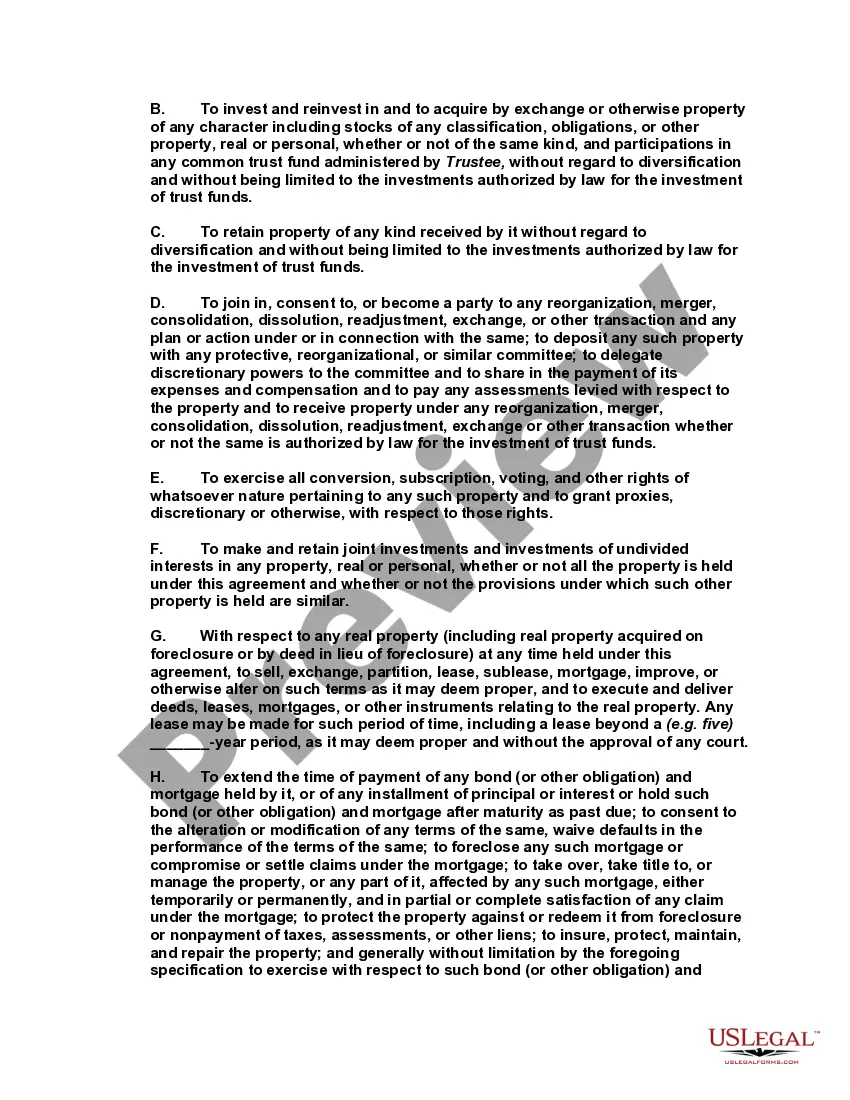
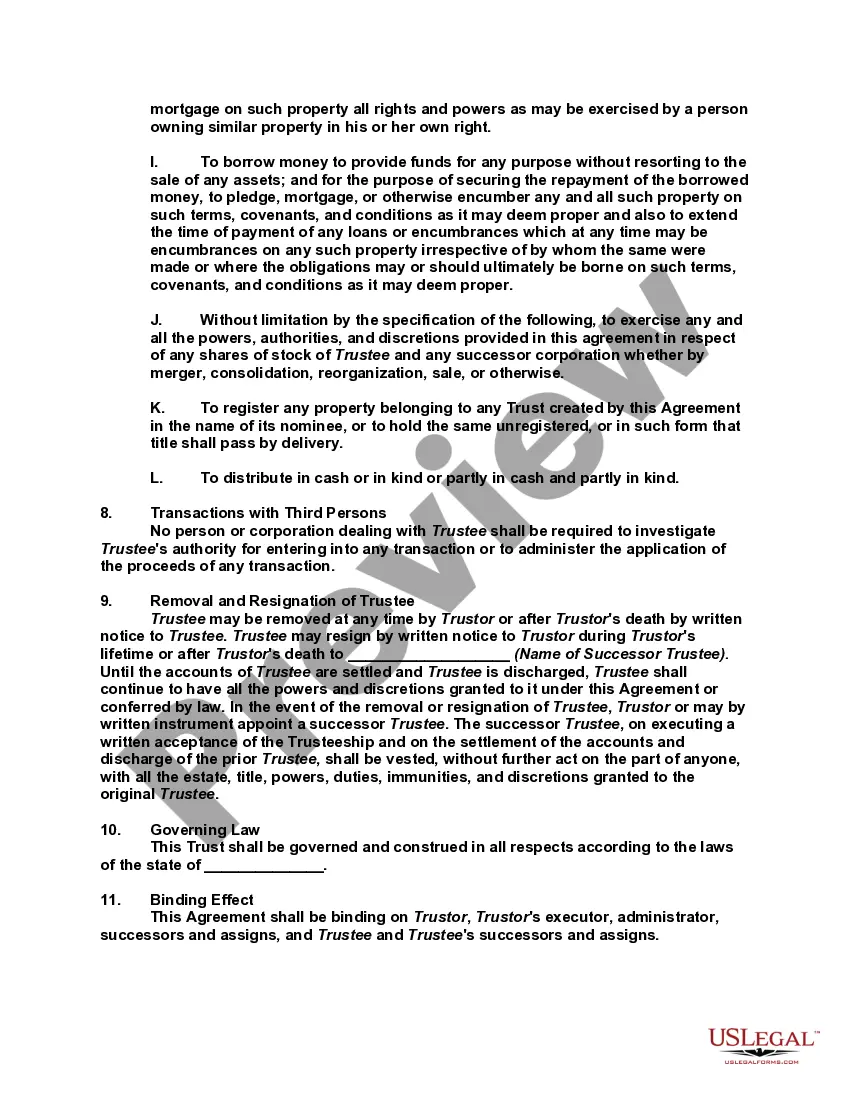
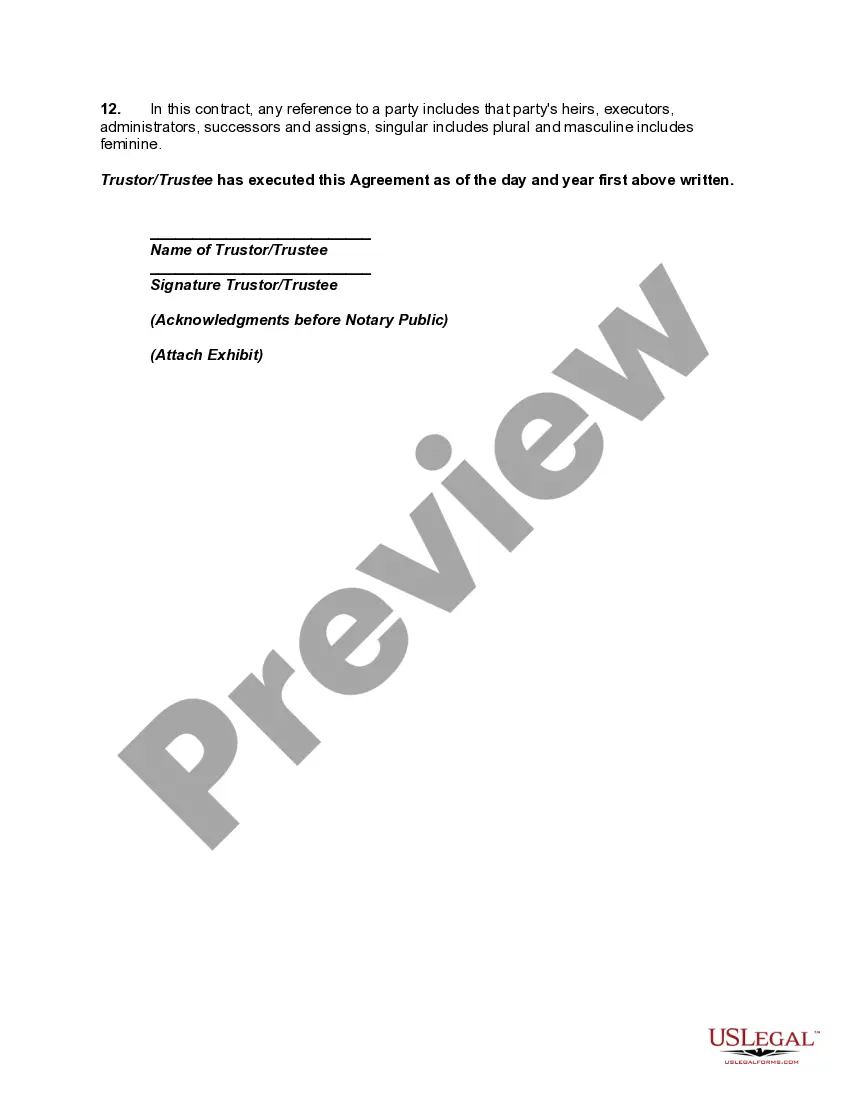
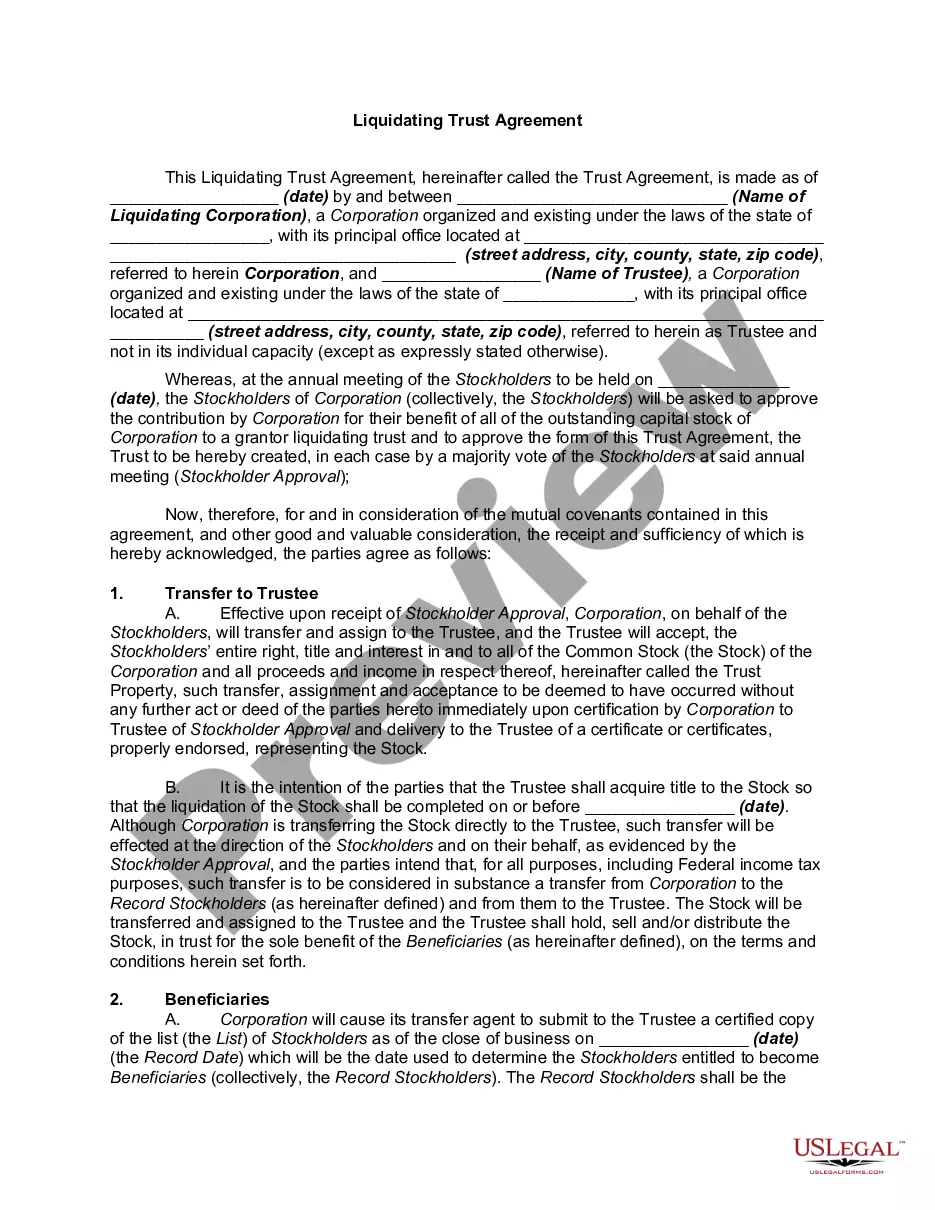

Get your form ready online
Our built-in tools help you complete, sign, share, and store your documents in one place.
Make edits, fill in missing information, and update formatting in US Legal Forms—just like you would in MS Word.
Download a copy, print it, send it by email, or mail it via USPS—whatever works best for your next step.
Sign and collect signatures with our SignNow integration. Send to multiple recipients, set reminders, and more. Go Premium to unlock E-Sign.
If this form requires notarization, complete it online through a secure video call—no need to meet a notary in person or wait for an appointment.
We protect your documents and personal data by following strict security and privacy standards.

Make edits, fill in missing information, and update formatting in US Legal Forms—just like you would in MS Word.

Download a copy, print it, send it by email, or mail it via USPS—whatever works best for your next step.

Sign and collect signatures with our SignNow integration. Send to multiple recipients, set reminders, and more. Go Premium to unlock E-Sign.

If this form requires notarization, complete it online through a secure video call—no need to meet a notary in person or wait for an appointment.

We protect your documents and personal data by following strict security and privacy standards.
Looking for another form?
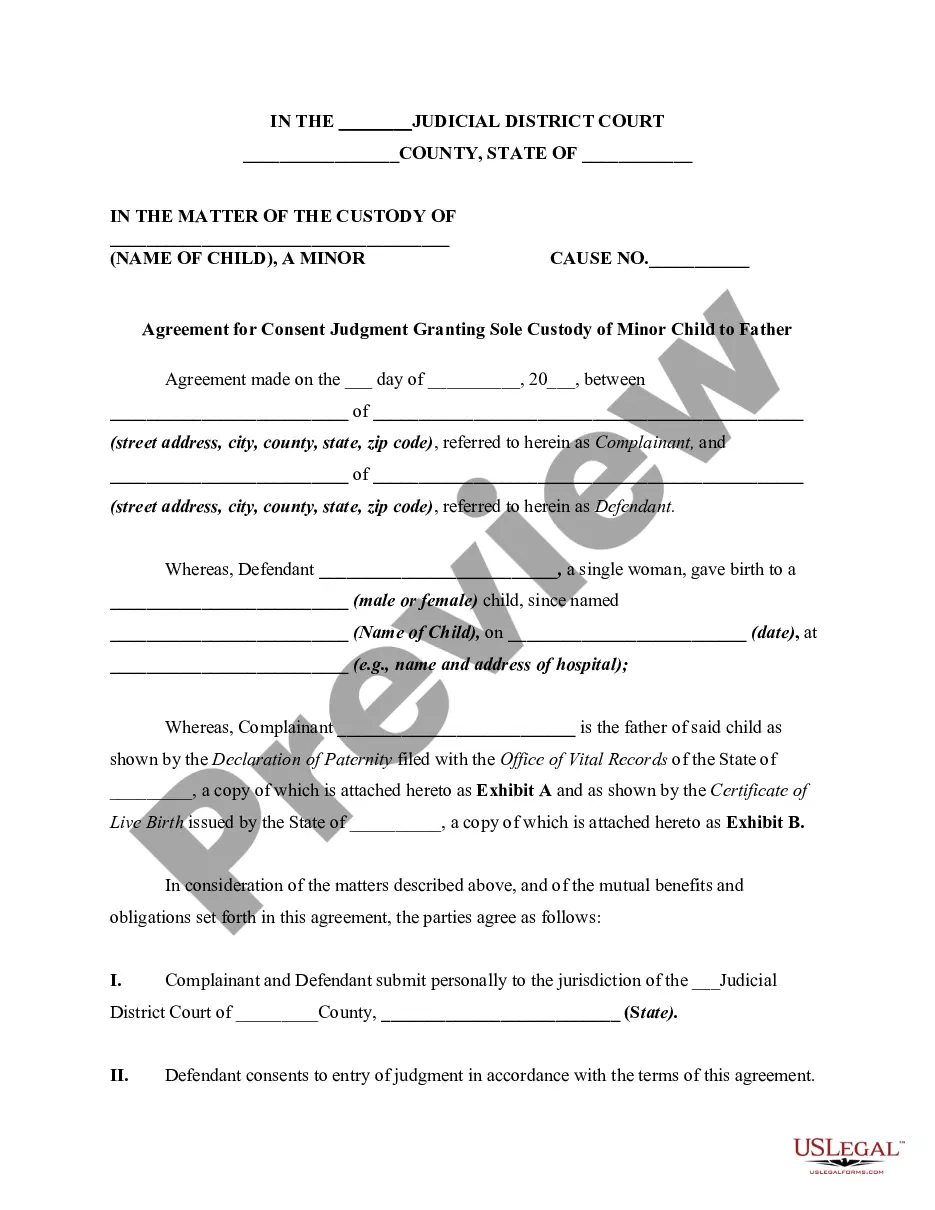








How to fill out Revocable Trust Agreement Regarding Coin Collection?
- For existing users, log in to access your account and download the relevant template by clicking the Download button. Ensure your subscription is active or renew it as necessary.
- For first-time users, start by exploring the Preview mode and form descriptions to confirm you've selected the appropriate document that adheres to your local jurisdiction's criteria.
- If you require a different form, utilize the Search tab to find alternatives that better suit your needs.
- Proceed to purchase the document by clicking the Buy Now button and selecting your desired subscription plan; registration is required for full access.
- Complete your transaction by entering your payment details or through your PayPal account.
- Download your selected form and save it on your device. You can also access it anytime from the My Forms section in your profile.
Leveraging US Legal Forms not only provides access to a vast library of over 85,000 legal documents but also ensures that you are equipped with forms specifically tailored to your needs.
Take control of your estate planning today by visiting US Legal Forms and start managing your revocable trust efficiently!
Form popularity
FAQ
The IRS does not have a specific form solely for revocable trusts since they are disregarded entities for tax purposes. Instead, you report all income generated by the trust on your Form 1040, typically using Schedule E. It's advisable to keep thorough records and documentation, and US Legal Forms offers helpful templates and resources to assist you with the necessary paperwork related to a revocable trust regarding tax purposes.
When filing taxes on a revocable trust, the IRS treats it as a disregarded entity, meaning you report income and losses directly on your personal tax return. You will include trust income on Schedule E of your Form 1040. To ensure accuracy and compliance, consider consulting the resources on the US Legal Forms platform, which can help you navigate any complexities regarding a revocable trust regarding tax purposes.
One downside to a revocable trust is that it may not provide protection from creditors, as you still retain control over the trust assets. Additionally, setting up a revocable trust can involve upfront costs, such as attorney fees or expenses for creating documentation. Therefore, while a revocable trust offers flexibility and ease of management regarding tax purposes, it's essential to weigh these drawbacks carefully.
To write up a revocable trust, start by defining your trust's purpose and naming your beneficiaries. Next, choose a trustee, who will manage the trust assets on behalf of the beneficiaries. You can draft the document yourself or use tools available on platforms like US Legal Forms, which provide templates tailored for creating a revocable trust regarding tax purposes. Lastly, ensure to sign the document in front of a notary to make it legally binding.
The IRS can indeed touch a revocable trust regarding for tax purposes. Since you retain control over the trust's assets and income, any tax obligations attached to you personally may also apply to the trust. Maintaining clear records and ensuring timely tax payments are crucial for both you and the trust to avoid issues with the IRS.
One tax advantage of a revocable trust regarding for tax purposes is the ease of managing income generated by trust assets. You report income on your personal tax return, which simplifies tax filing. Additionally, revocable trusts provide a clear framework for asset distribution and can aid in minimizing probate costs.
Revocable trusts do not avoid federal taxes regarding for tax purposes. The income generated by these trusts is taxed as personal income on your individual return. This characteristic differentiates revocable trusts from irrevocable trusts, which may have different tax treatments.
Yes, the IRS can go after a house in a revocable trust regarding for tax purposes. A revocable trust does not shield your assets from tax claims. If you have outstanding tax liabilities, the IRS can enforce liens or levies on your property within the trust.
The IRS can pursue claims against a revocable trust regarding for tax purposes, primarily if the trust owes taxes. Since the trust is treated as part of your taxable estate, you remain liable for any tax obligations arising from its income or assets. Keeping up with tax responsibilities helps prevent complications with the IRS.
Yes, the IRS can place a lien on your house even if it is in a revocable trust regarding for tax purposes. If you owe taxes, the IRS can claim against any property you own, including trust-held assets. Therefore, managing tax obligations is essential to protect your home and other valuables in the trust.