Vendor Booth Form Format In Excel
Description
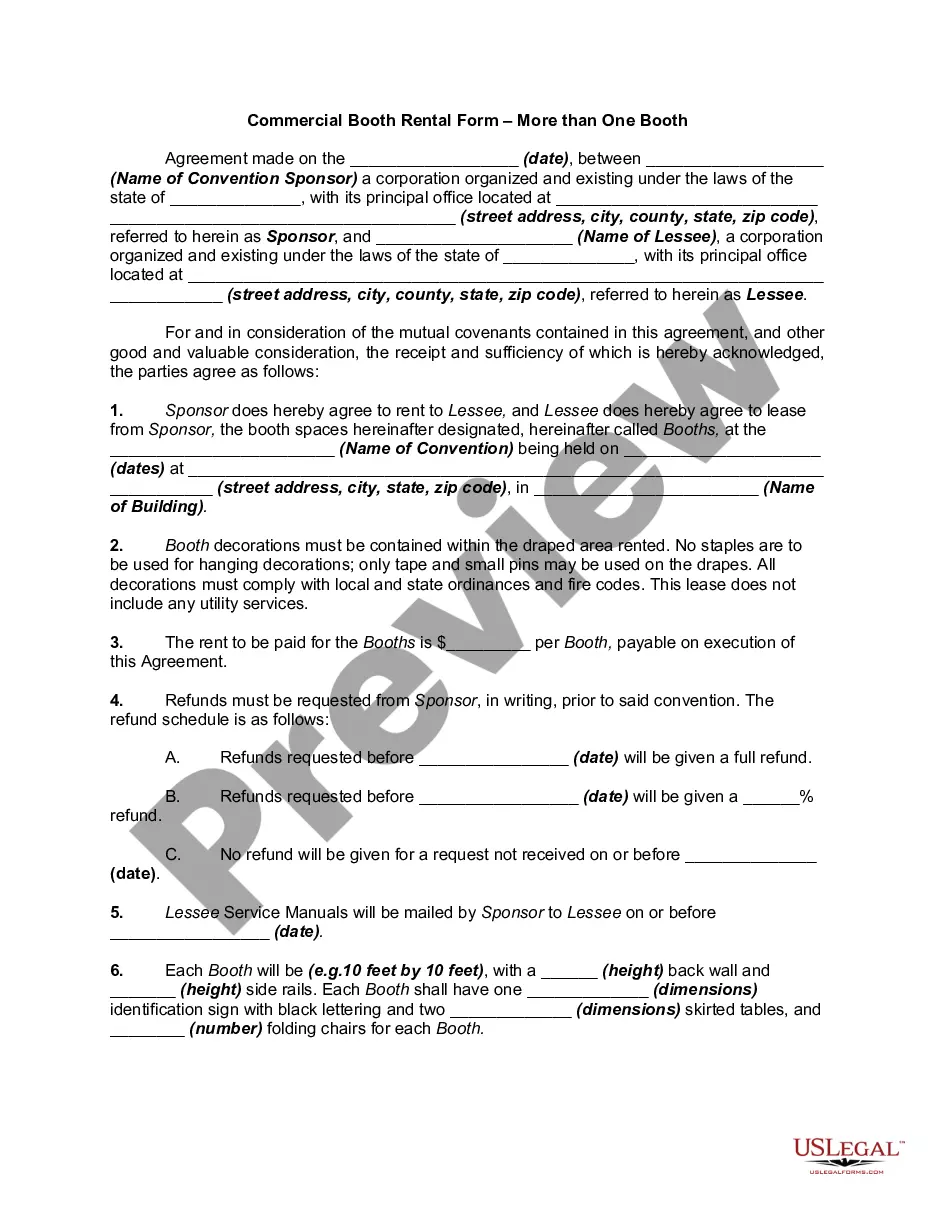
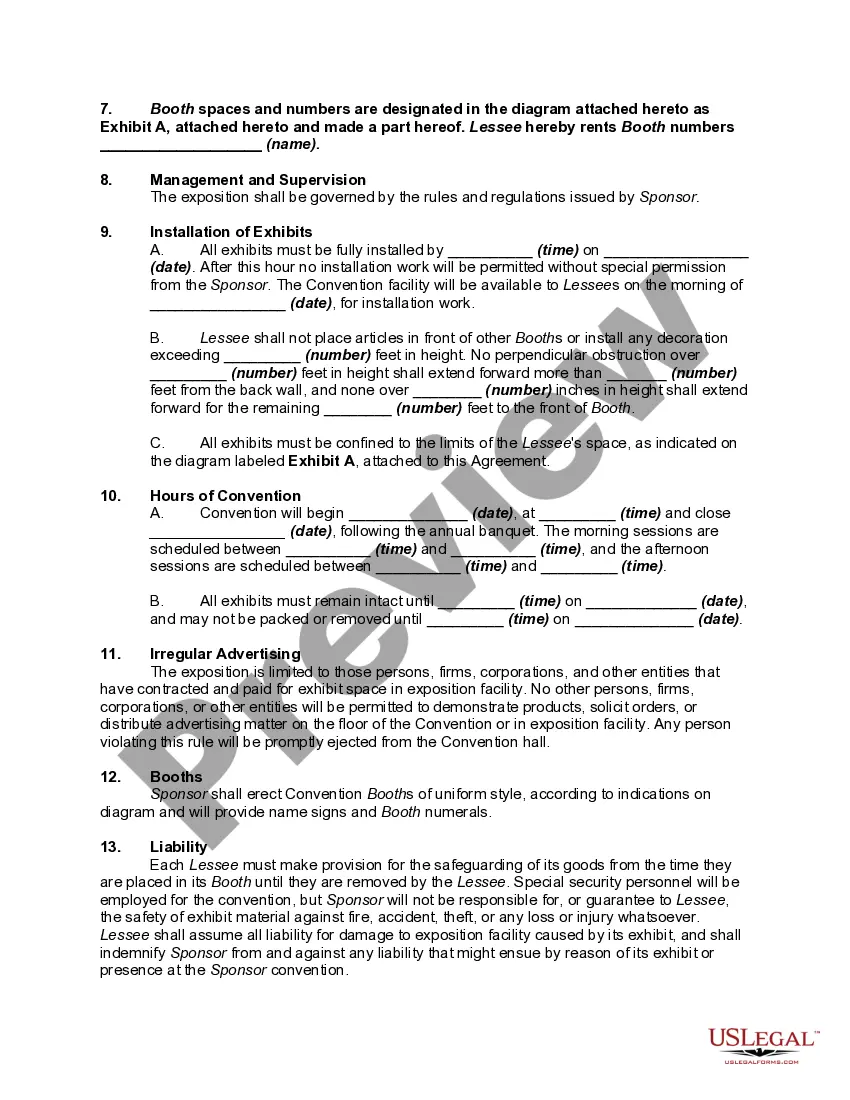
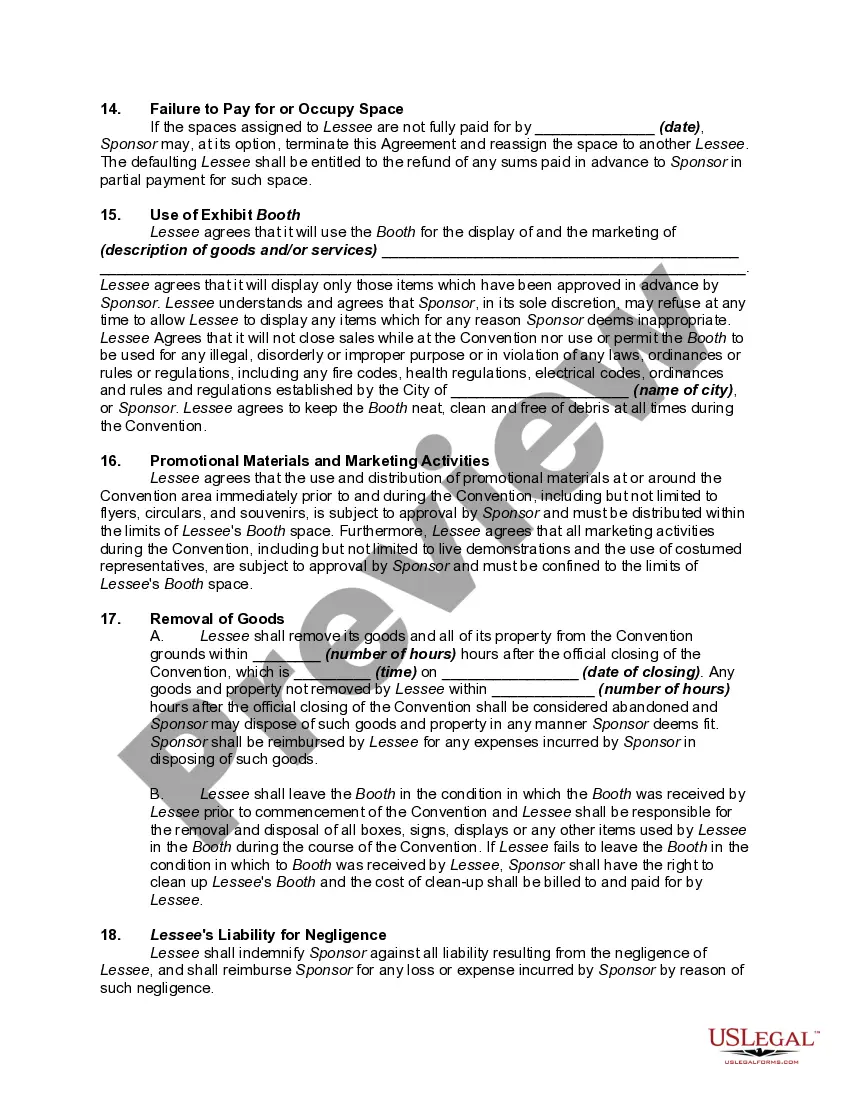
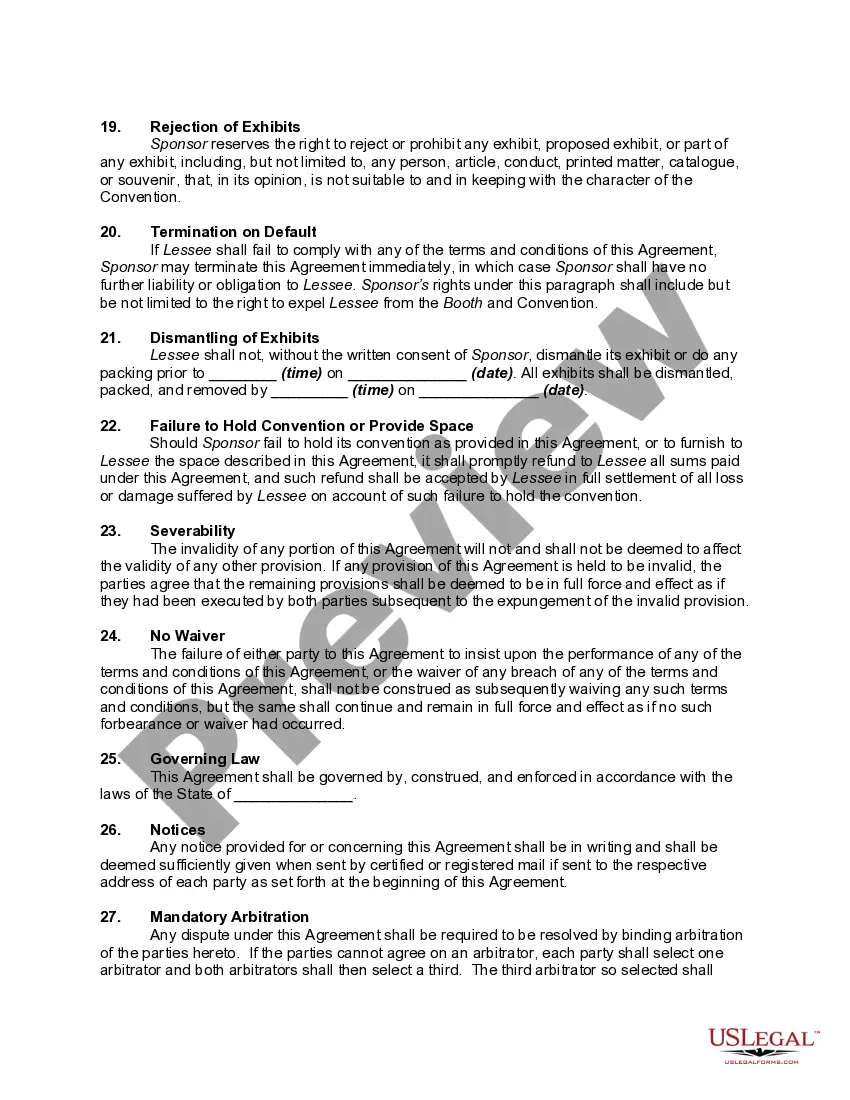
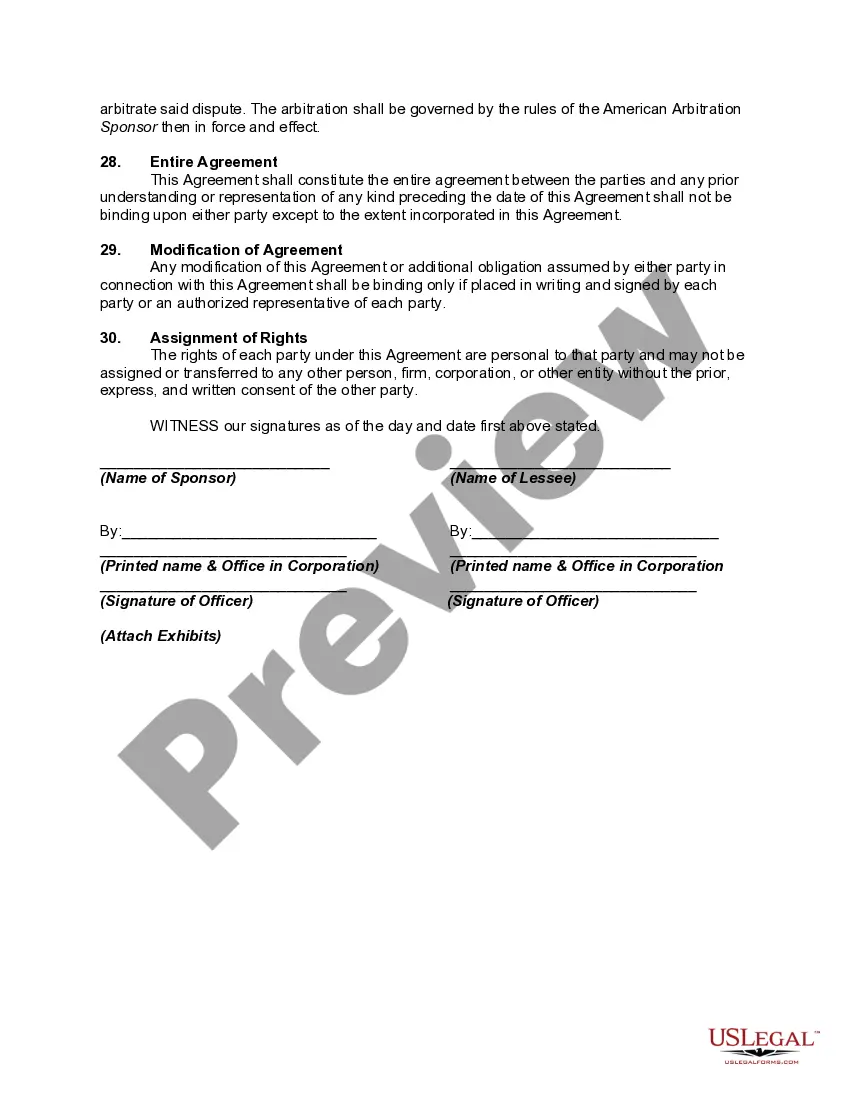
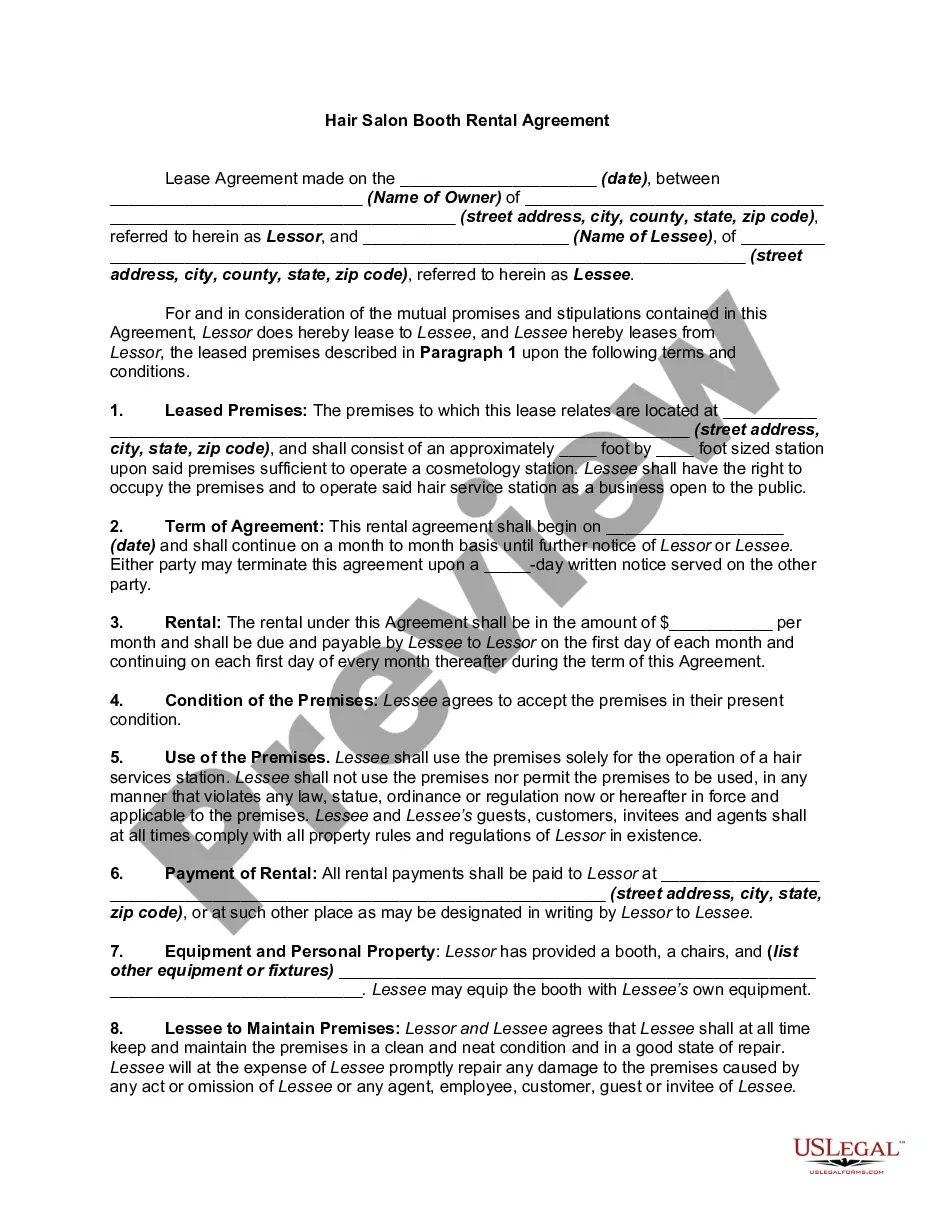
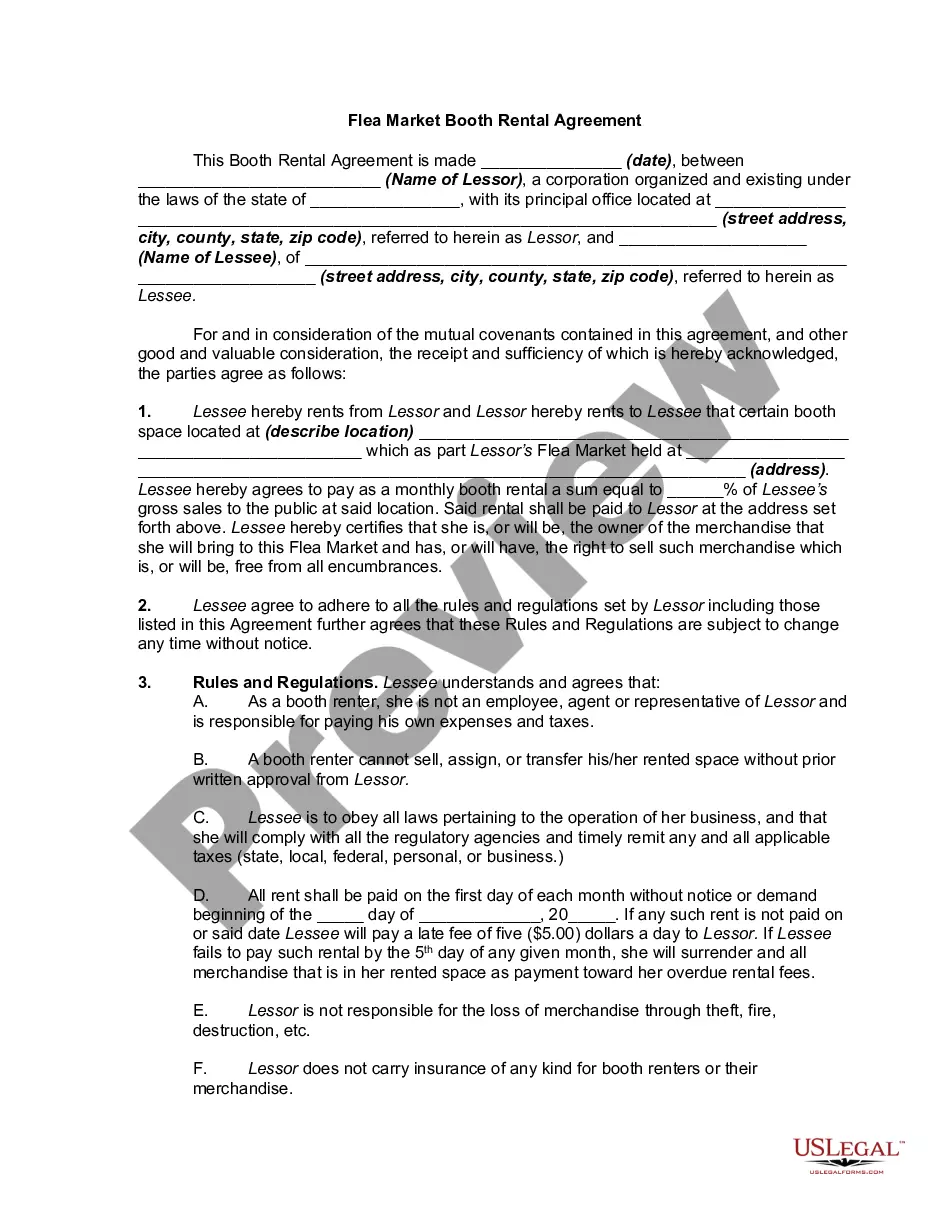
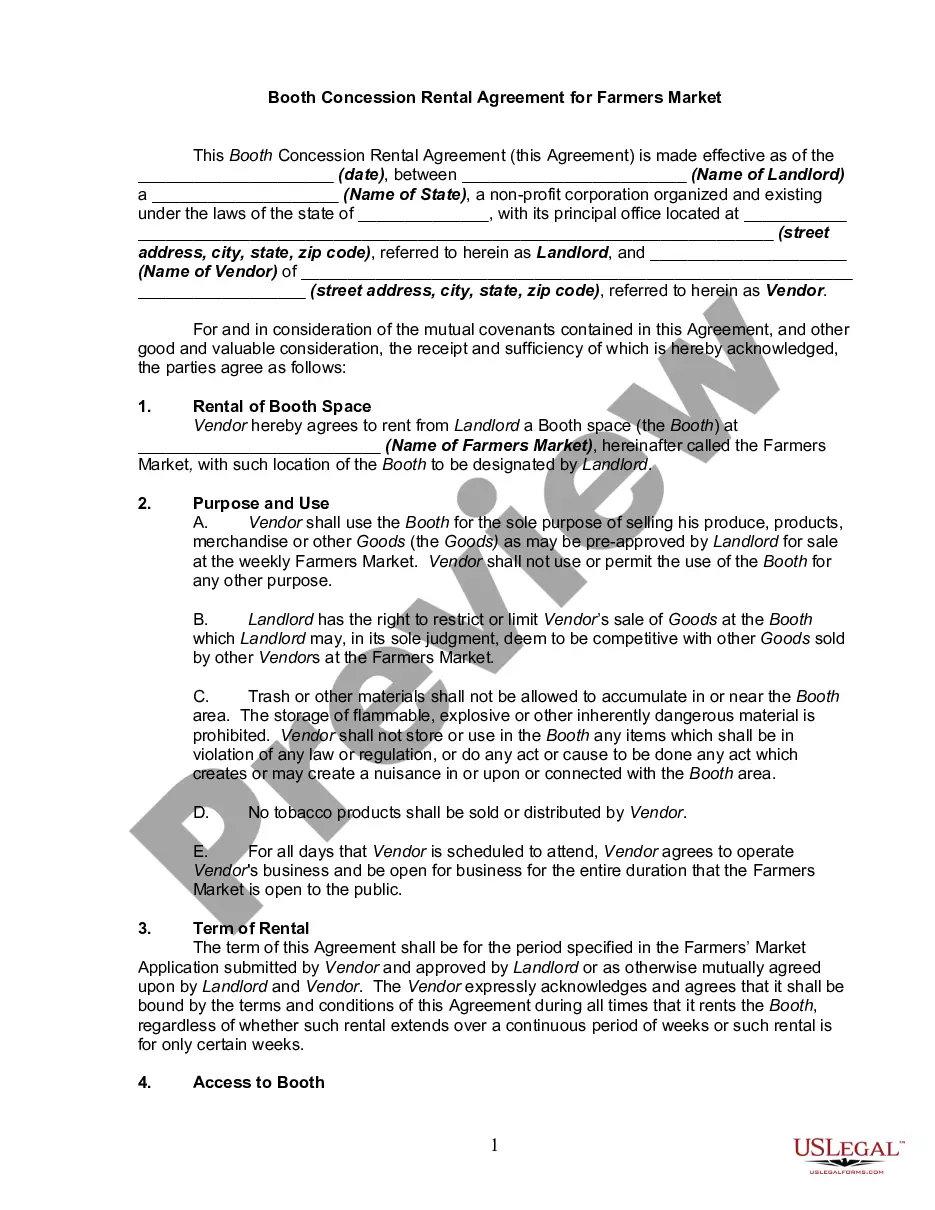
Get your form ready online
Our built-in tools help you complete, sign, share, and store your documents in one place.
Make edits, fill in missing information, and update formatting in US Legal Forms—just like you would in MS Word.
Download a copy, print it, send it by email, or mail it via USPS—whatever works best for your next step.
Sign and collect signatures with our SignNow integration. Send to multiple recipients, set reminders, and more. Go Premium to unlock E-Sign.
If this form requires notarization, complete it online through a secure video call—no need to meet a notary in person or wait for an appointment.
We protect your documents and personal data by following strict security and privacy standards.

Make edits, fill in missing information, and update formatting in US Legal Forms—just like you would in MS Word.

Download a copy, print it, send it by email, or mail it via USPS—whatever works best for your next step.

Sign and collect signatures with our SignNow integration. Send to multiple recipients, set reminders, and more. Go Premium to unlock E-Sign.

If this form requires notarization, complete it online through a secure video call—no need to meet a notary in person or wait for an appointment.

We protect your documents and personal data by following strict security and privacy standards.
Looking for another form?


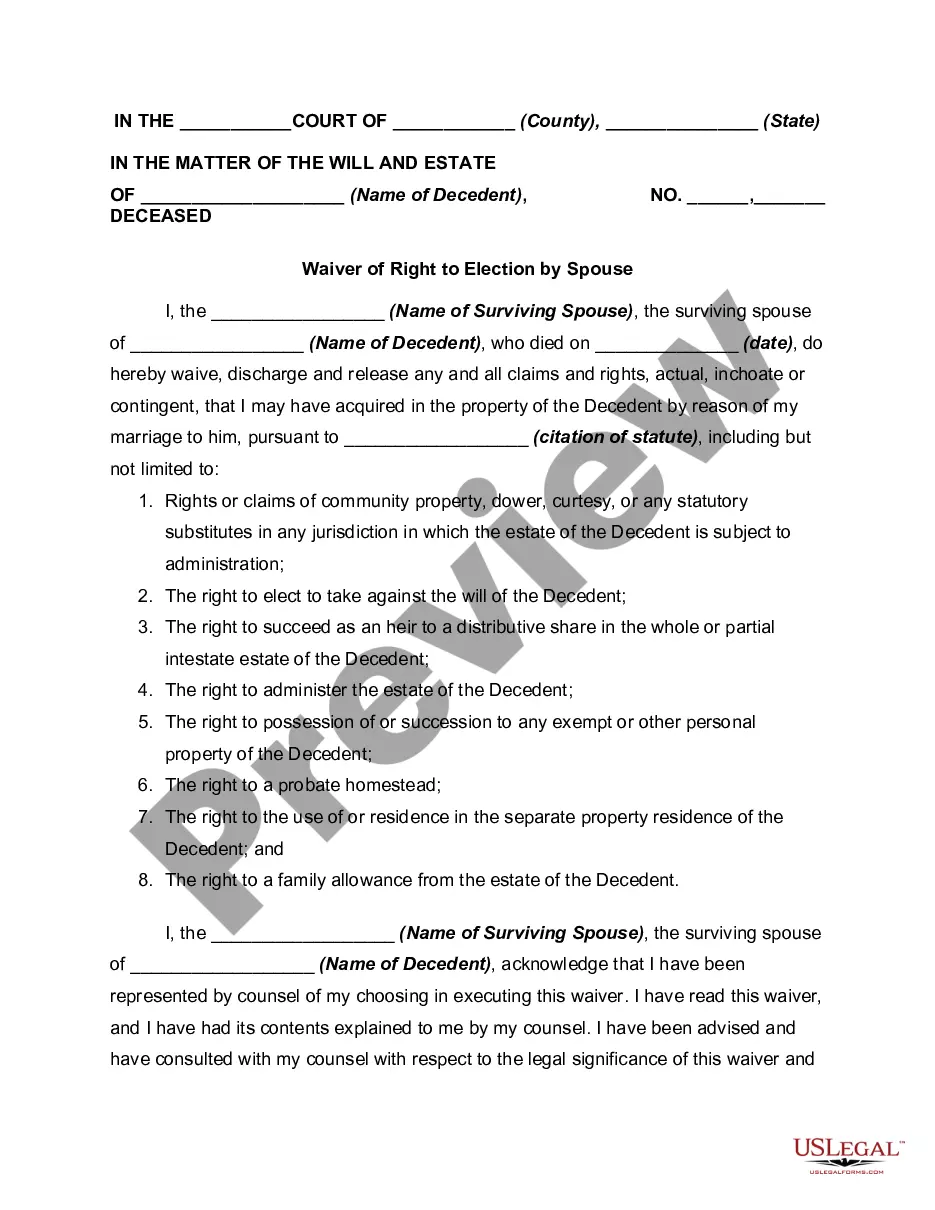



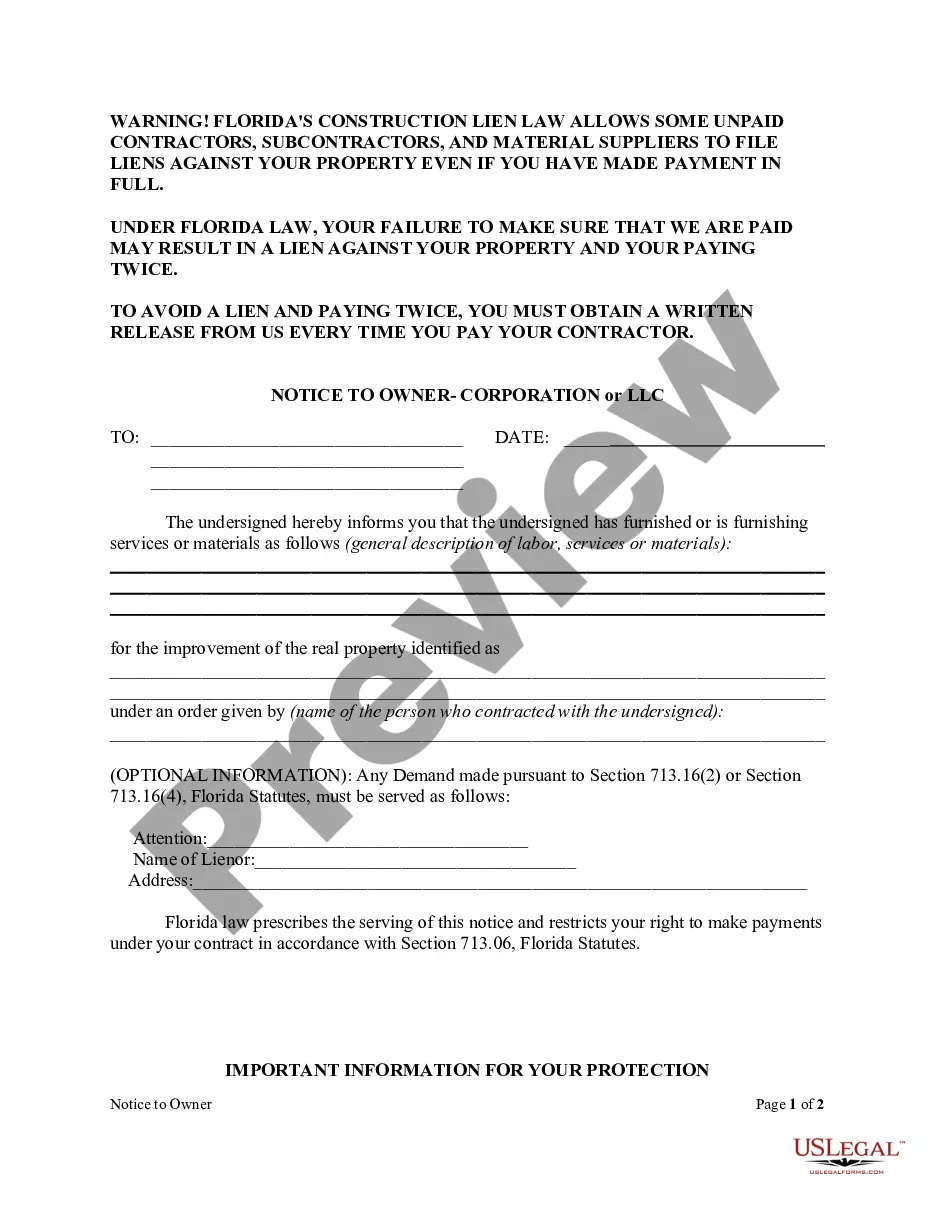



How to fill out Commercial Booth Rental Form - More Than One Booth - Conventions?
Legal administration can be daunting, even for the most seasoned professionals.
When you seek a Vendor Booth Form Template in Excel and lack the time to spend on locating the suitable and current version, the tasks can be taxing.
US Legal Forms addresses all your requirements, ranging from personal to business documents, all in one location.
Utilize cutting-edge tools to create and oversee your Vendor Booth Form Template in Excel.
Here are the recommended steps after acquiring the form you desire: Confirm that this is the correct form by previewing it and reviewing its description.
- Access a valuable resource pool of articles, guides, and manuals pertinent to your situation and requirements.
- Conserve time and effort searching for the documents you require, and leverage US Legal Forms' sophisticated search and Review feature to find the Vendor Booth Form Template in Excel.
- If you possess a membership, Log Into your US Legal Forms account, search for the form, and download it.
- Check the My documents tab to view the documents you have previously downloaded and manage your folders as needed.
- If you are new to US Legal Forms, sign up for a free account and gain unlimited access to all the platform's benefits.
- A comprehensive online form repository has the potential to be transformative for anyone striving to navigate these circumstances effectively.
- US Legal Forms stands as a frontrunner in digital legal documentation, offering over 85,000 state-specific legal forms accessible at any given moment.
- With US Legal Forms, you can access legal and business forms tailored to your state or county.
Form popularity
FAQ
Vendor Registration Form Template Enter vendor company contact information, company overview (e.g., general description of goods and services), banking information, and certification information to verify the information is accurate. Customize the template by adding a company logo.
Vendor Registration Form Template Enter vendor company contact information, company overview (e.g., general description of goods and services), banking information, and certification information to verify the information is accurate. Customize the template by adding a company logo.
Vendor Setup Form Instructions This form is used to add a new vendor to the vendor database, or to change information to an existing vendor. Purchase orders and payments can only be issued for vendors that are in the database.
What are the required fields in a vendor information form? Name of vendor. Type of business the vendor represents. The vendor's contact information, including phone number and email address. The type of product or services the vendor will be supplying. The vendor's preferred method of payment.
Enter the vendor's ID in the first column. Add the name of the company in the Vendor Name column. Include the name of the person at the vendor company who is in charge of your account. Include their contact information, including phone number, fax number (if applicable), e-mail address, and physical or mailing address.