Personal Form Estate Withdrawal
Description
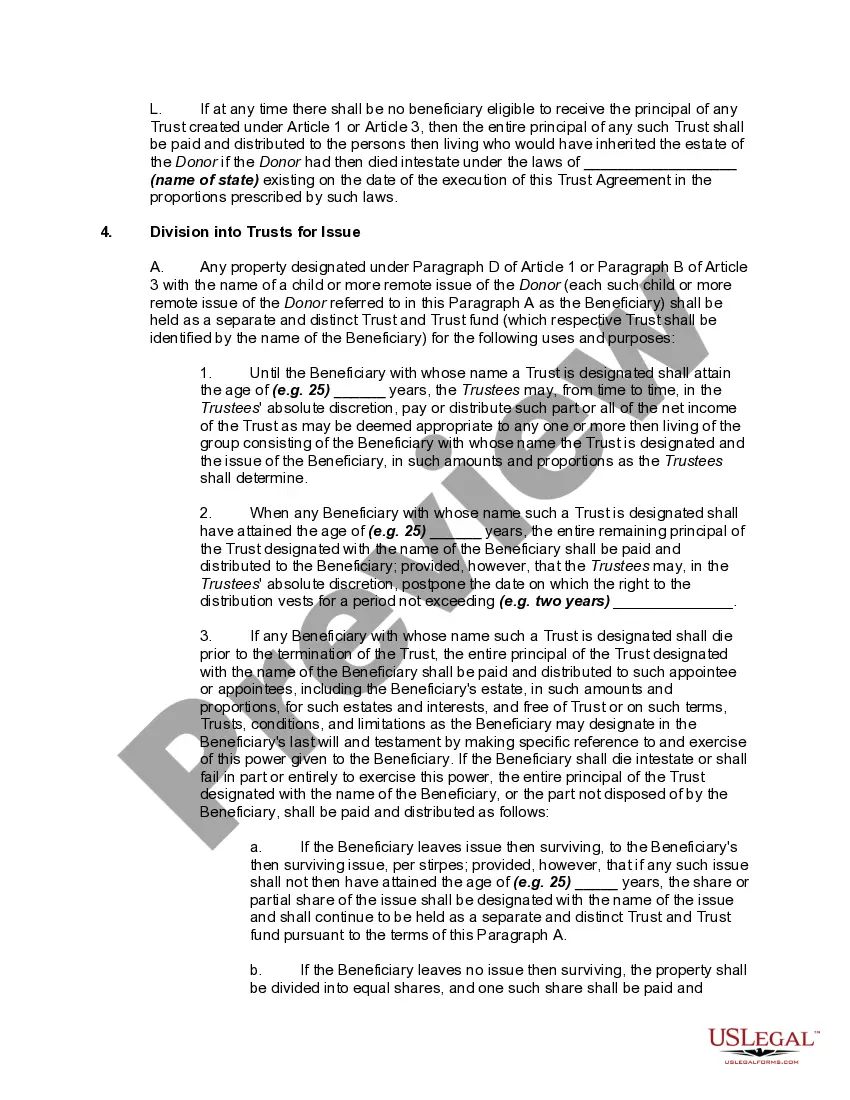
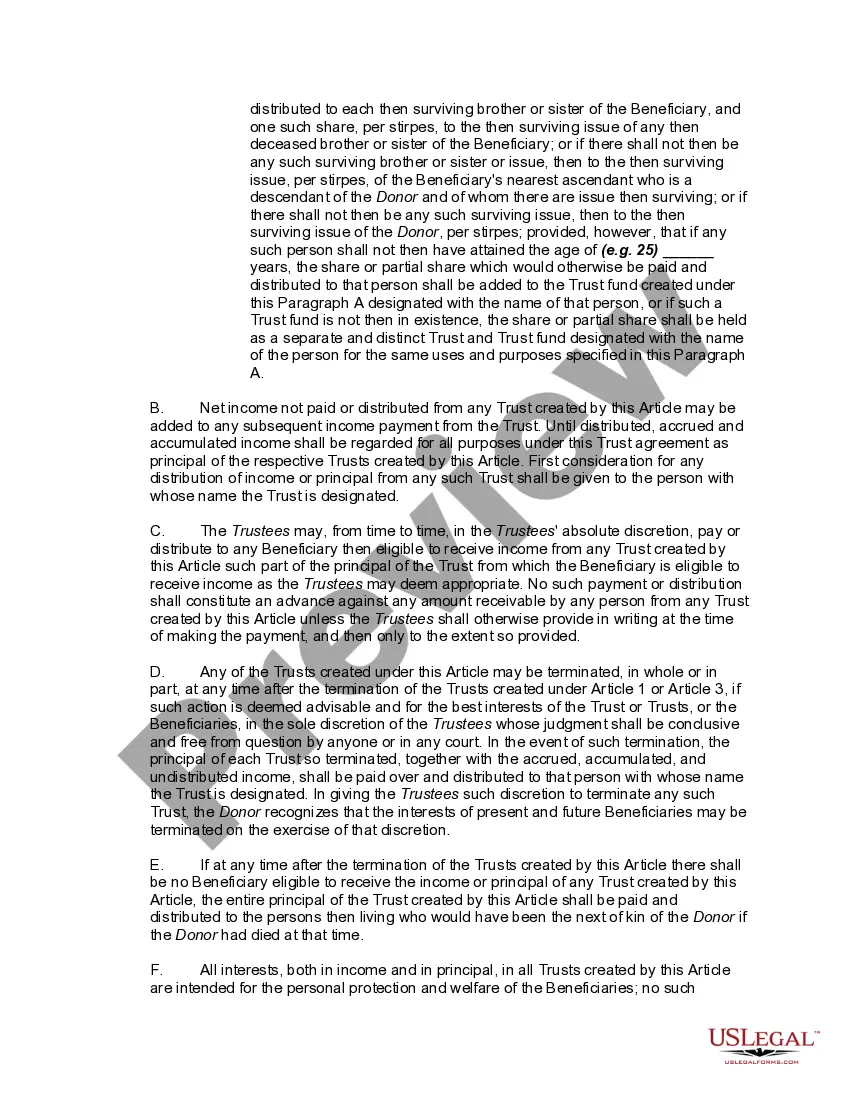
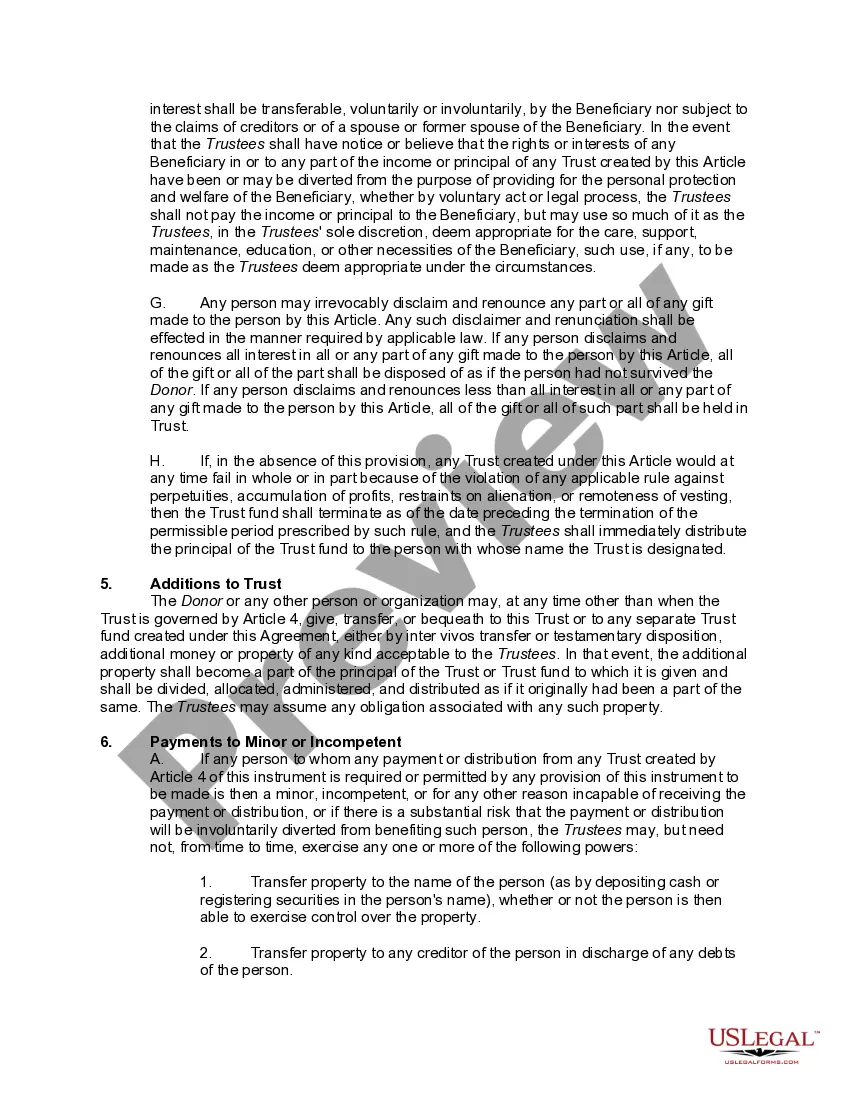
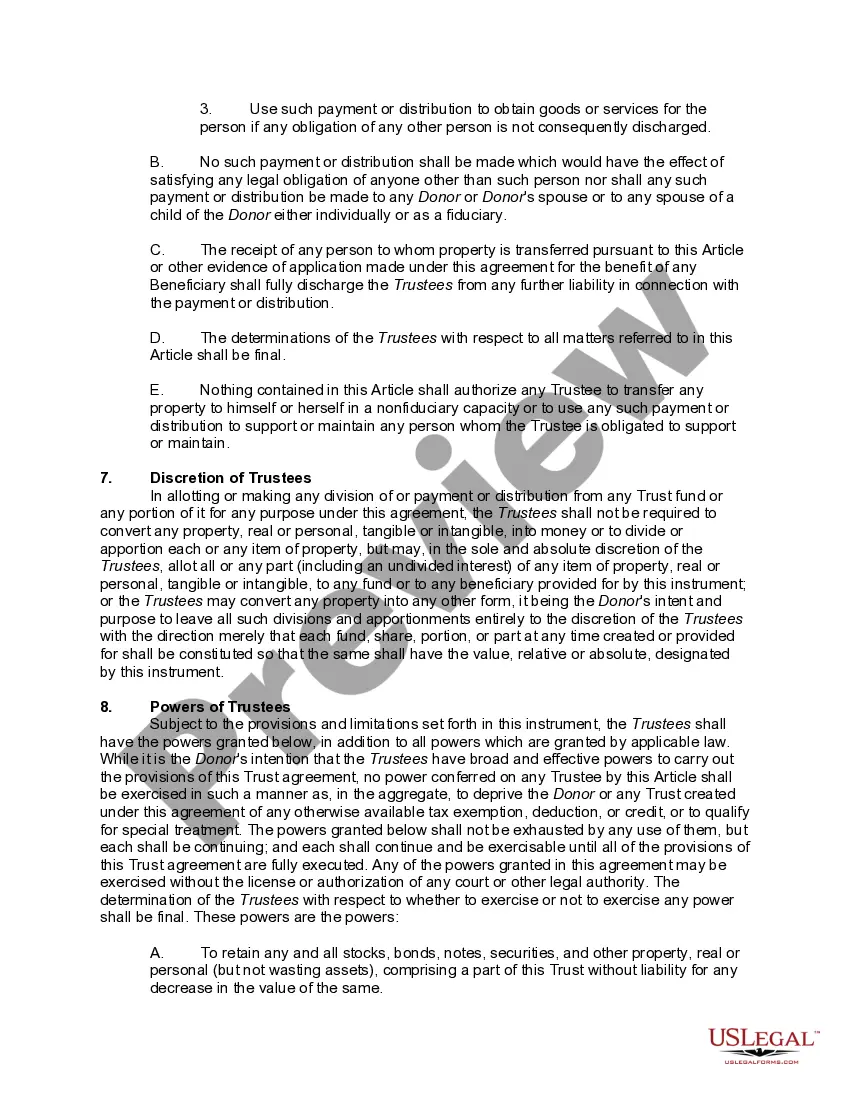

Get your form ready online
Our built-in tools help you complete, sign, share, and store your documents in one place.
Make edits, fill in missing information, and update formatting in US Legal Forms—just like you would in MS Word.
Download a copy, print it, send it by email, or mail it via USPS—whatever works best for your next step.
Sign and collect signatures with our SignNow integration. Send to multiple recipients, set reminders, and more. Go Premium to unlock E-Sign.
If this form requires notarization, complete it online through a secure video call—no need to meet a notary in person or wait for an appointment.
We protect your documents and personal data by following strict security and privacy standards.

Make edits, fill in missing information, and update formatting in US Legal Forms—just like you would in MS Word.

Download a copy, print it, send it by email, or mail it via USPS—whatever works best for your next step.

Sign and collect signatures with our SignNow integration. Send to multiple recipients, set reminders, and more. Go Premium to unlock E-Sign.

If this form requires notarization, complete it online through a secure video call—no need to meet a notary in person or wait for an appointment.

We protect your documents and personal data by following strict security and privacy standards.
Looking for another form?
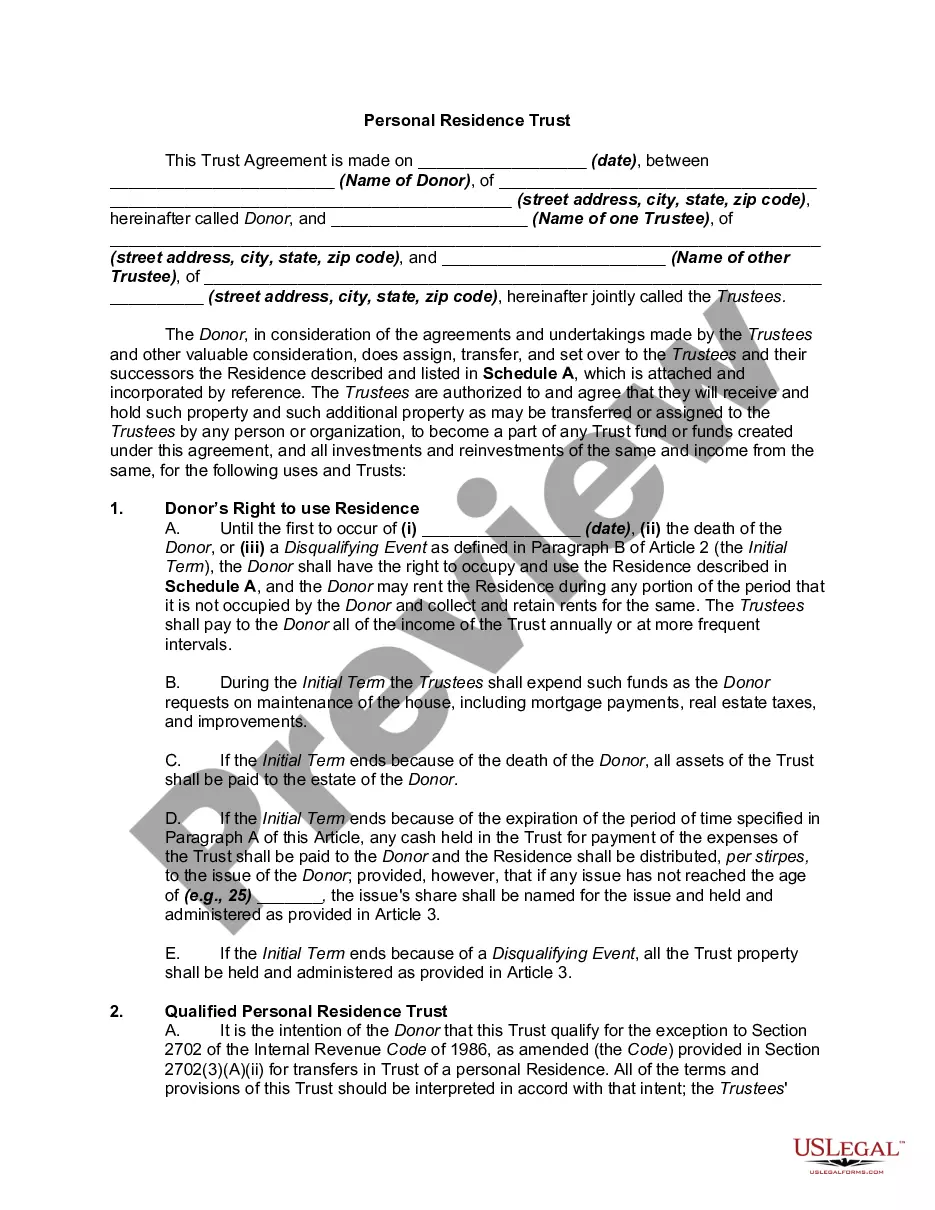
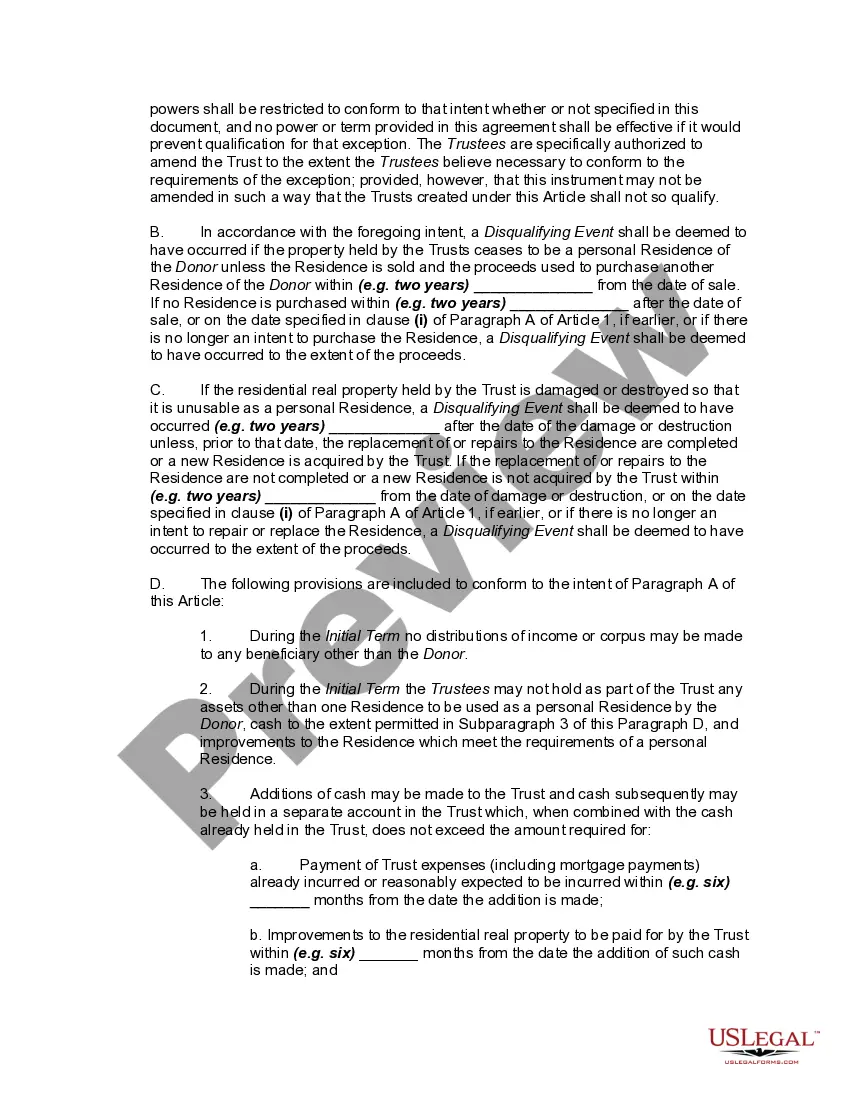
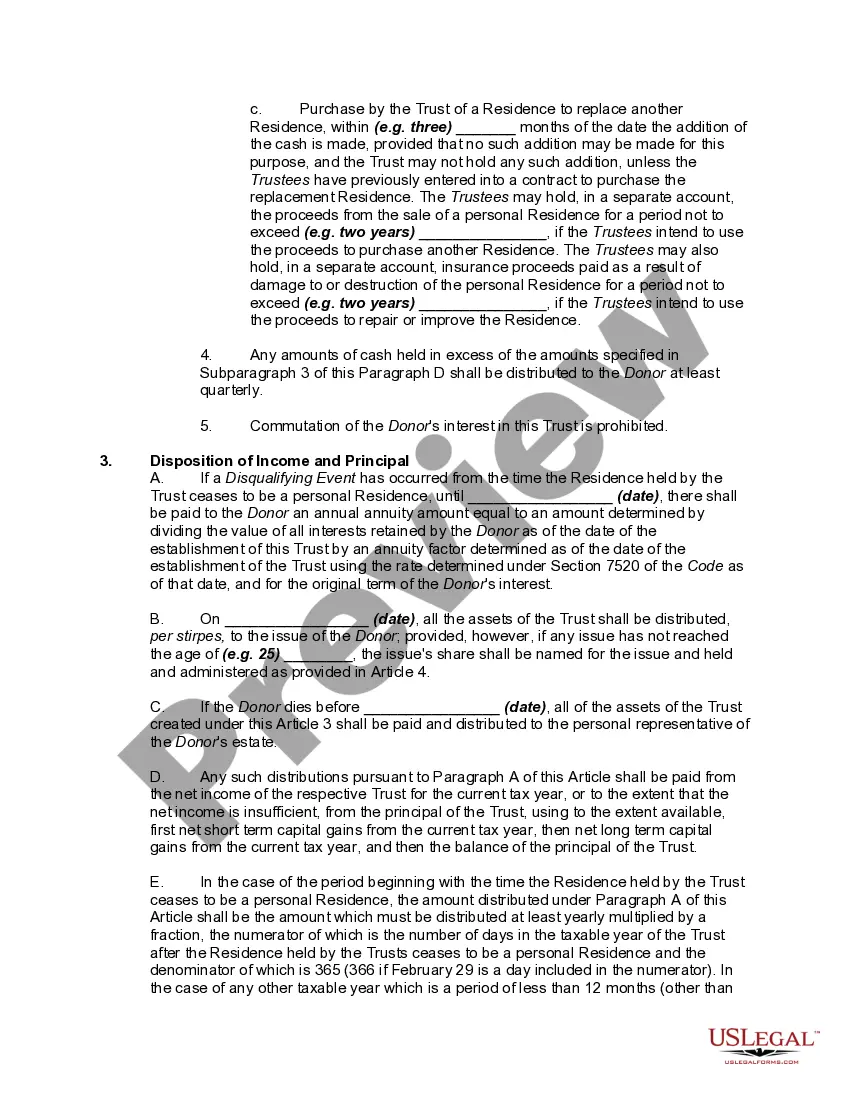
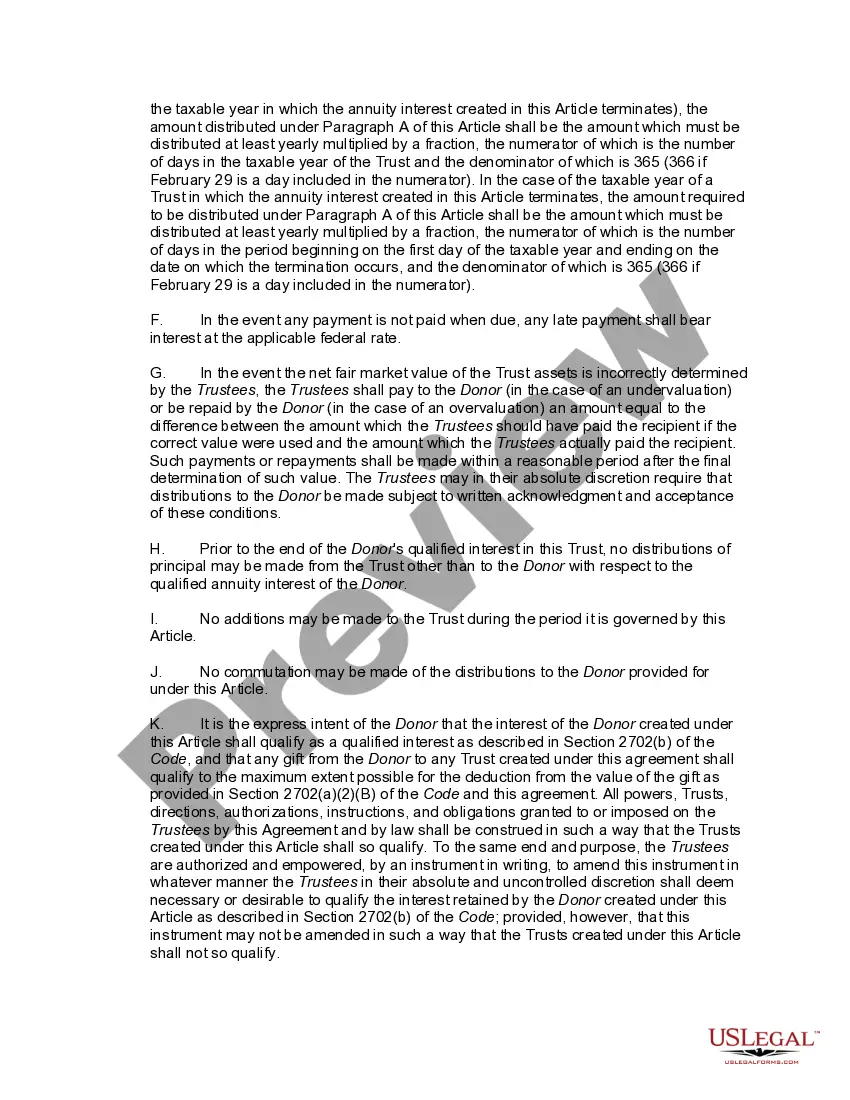
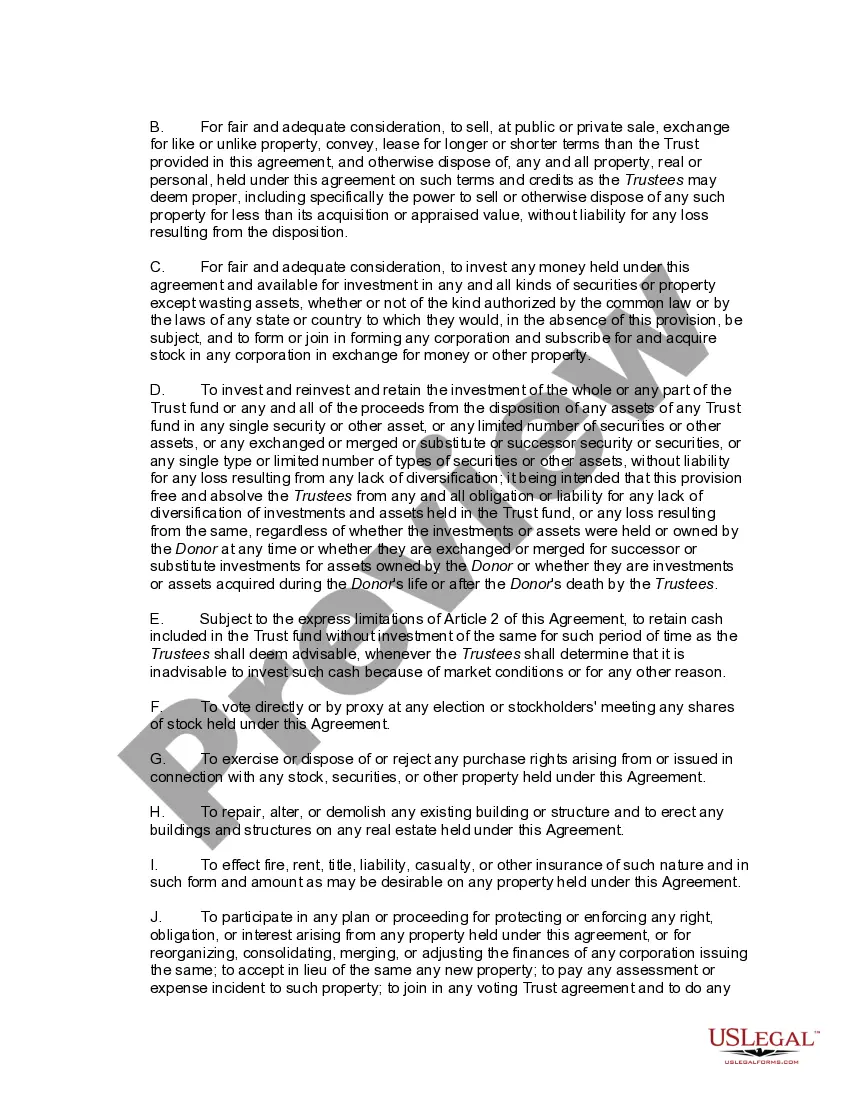
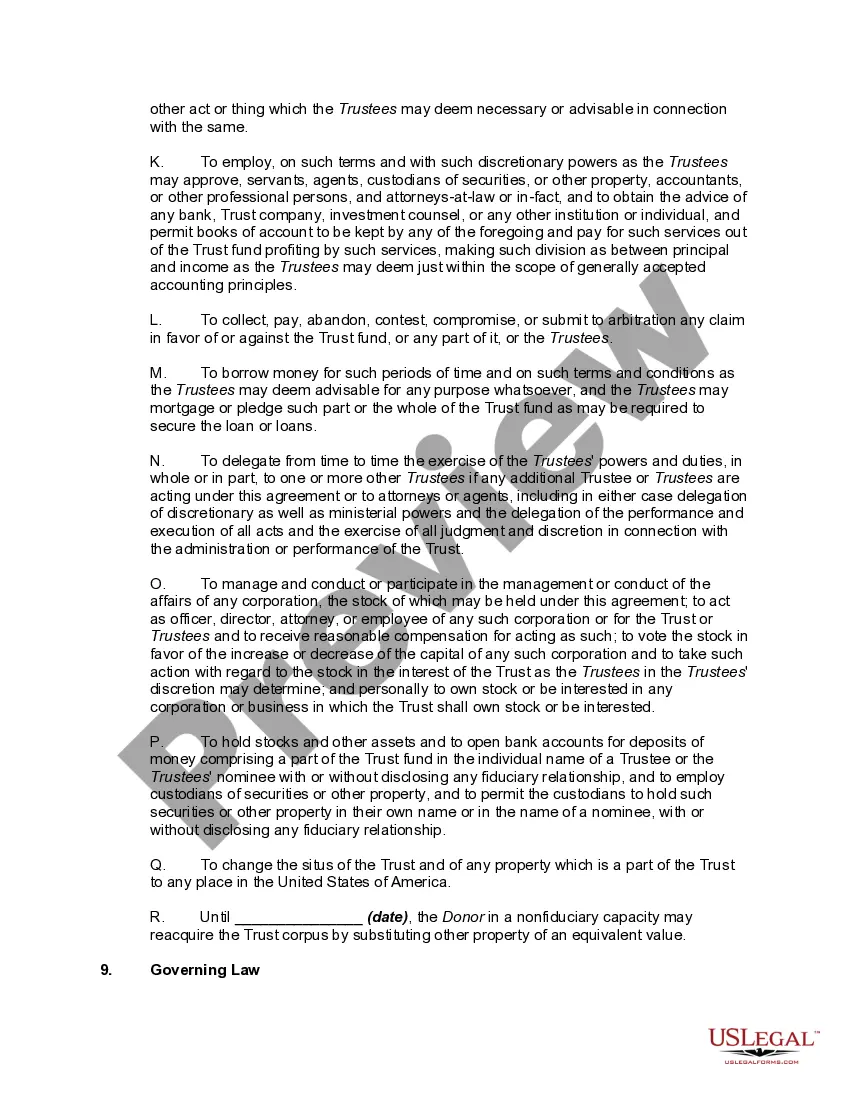
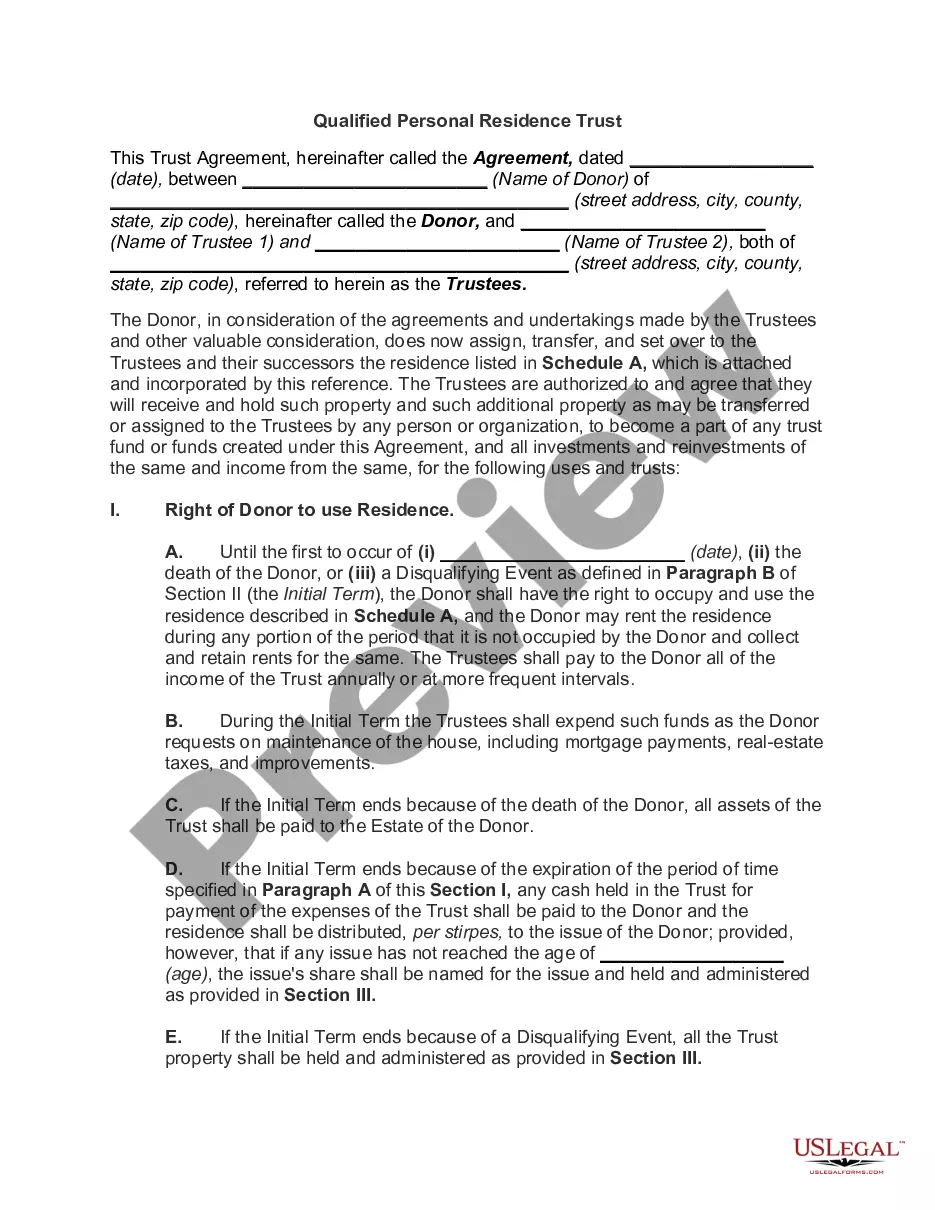
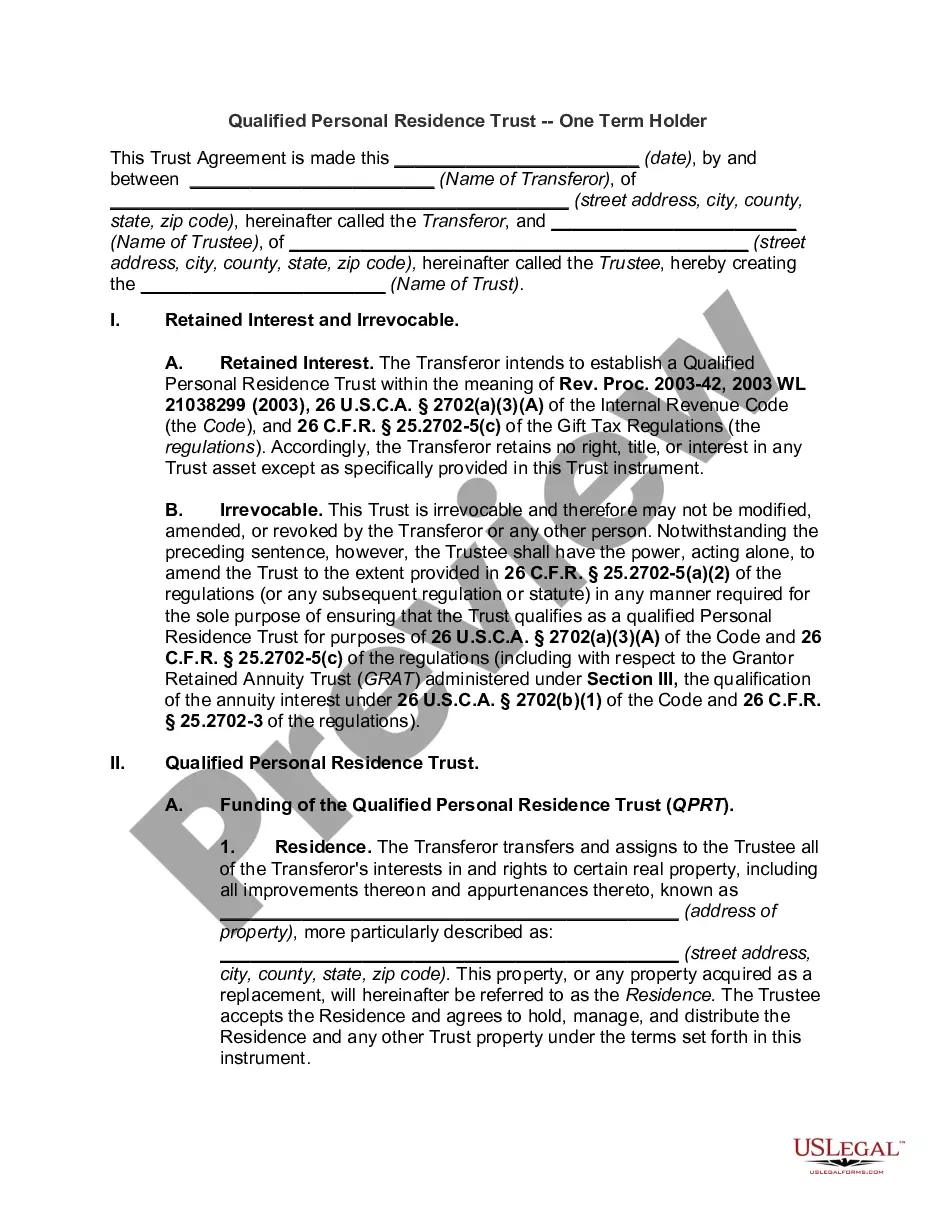
How to fill out Personal Residence Trust?
Obtaining legal document samples that comply with federal and state regulations is essential, and the internet provides numerous options to consider.
However, what's the purpose of spending time searching for the appropriate Personal Form Estate Withdrawal template online when the US Legal Forms digital library already houses such documents gathered in one location.
US Legal Forms is the largest online legal repository with over 85,000 editable templates created by attorneys for various business and personal situations.
Review the template using the Preview feature or through the written description to confirm it meets your requirements.
- They are easy to navigate with all documents categorized by state and intended use.
- Our experts stay updated on legislative changes, ensuring your form is current and compliant when obtaining a Personal Form Estate Withdrawal from our platform.
- Acquiring a Personal Form Estate Withdrawal is quick and simple for both existing and new users.
- If you already possess an account with an active subscription, Log In and save the document sample you need in the appropriate format.
- If you are new to our platform, follow the instructions below.
Form popularity
FAQ
Use Form 2848 to authorize an individual to represent you before the IRS. The individual you authorize must be a person eligible to practice before the IRS.
Does Form 2848 Need to be Notarized? Form 2848 does not need to be notarized. However, the person submitting the form is required to authenticate their client's identity if they do not have a personal or business relationship with them.
You can use Form 2848, Power of Attorney and Declaration of Representative for this purpose. Your signature on the Form 2848 allows the individual or individuals named to represent you before the IRS and to receive your tax information for the matter(s) and tax year(s)/period(s) specified on the Form 2848.
Learn How to Fill the Form 2848 Power of Attorney and ... - YouTube YouTube Start of suggested clip End of suggested clip And allows space for additions or deletions from the standard to allow the taxpayer to define theMoreAnd allows space for additions or deletions from the standard to allow the taxpayer to define the scope of the power of attorney. If the standard form is acceptable. Leave box 5 blank.
The "Submit Forms 2848 and 8821 Online" tool is available from the IRS.gov/taxpros page. It also has "friendly" web addresses that can be bookmarked: IRS.gov/submit2848 and IRS.gov/submit8821. To access the tool, tax professionals must have a Secure Access username and password from an IRS account such as e-Services.