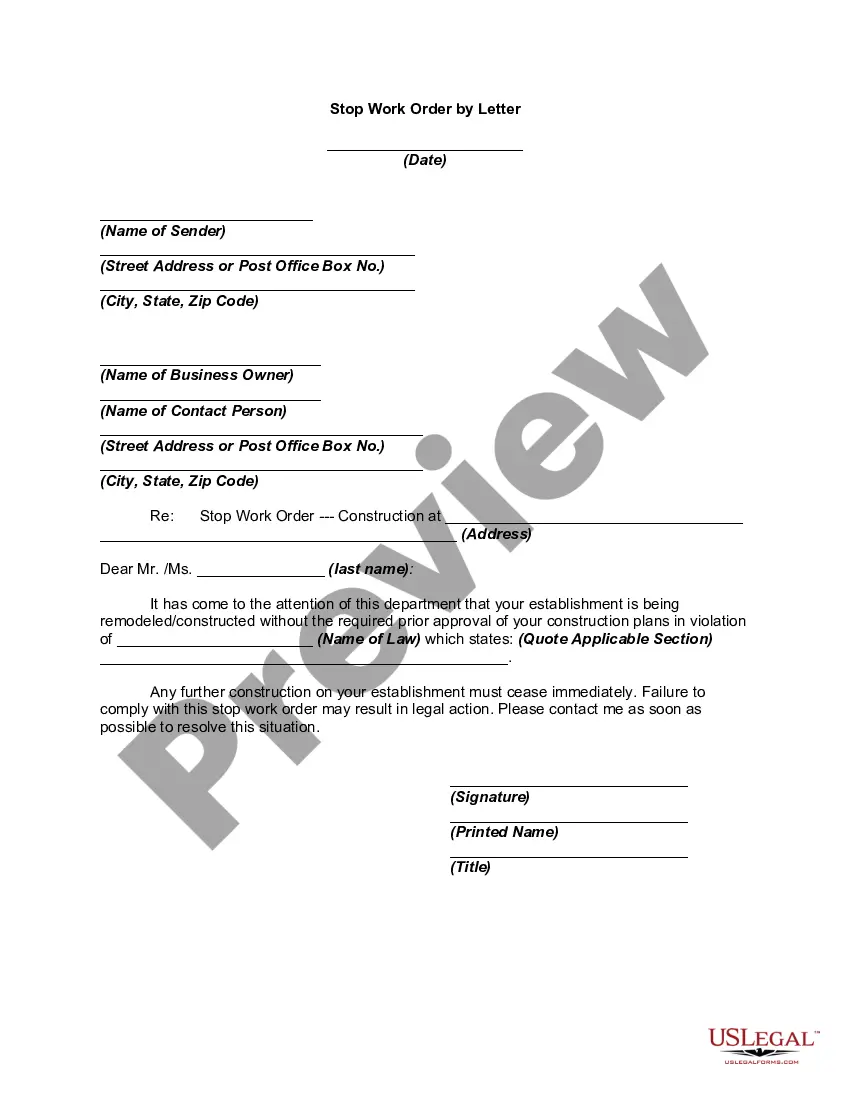
Stop Work Order Template For Tenants
Description
Get your form ready online
Our built-in tools help you complete, sign, share, and store your documents in one place.
Make edits, fill in missing information, and update formatting in US Legal Forms—just like you would in MS Word.
Download a copy, print it, send it by email, or mail it via USPS—whatever works best for your next step.
Sign and collect signatures with our SignNow integration. Send to multiple recipients, set reminders, and more. Go Premium to unlock E-Sign.
If this form requires notarization, complete it online through a secure video call—no need to meet a notary in person or wait for an appointment.
We protect your documents and personal data by following strict security and privacy standards.

Make edits, fill in missing information, and update formatting in US Legal Forms—just like you would in MS Word.

Download a copy, print it, send it by email, or mail it via USPS—whatever works best for your next step.

Sign and collect signatures with our SignNow integration. Send to multiple recipients, set reminders, and more. Go Premium to unlock E-Sign.

If this form requires notarization, complete it online through a secure video call—no need to meet a notary in person or wait for an appointment.

We protect your documents and personal data by following strict security and privacy standards.
Looking for another form?

How to fill out Stop Work Order By Letter?
Locating a primary location to obtain the most up-to-date and pertinent legal templates is part of the challenge of navigating bureaucracy.
Selecting the appropriate legal documents requires precision and meticulousness, which is why it is essential to acquire samples of the Stop Work Order Template For Tenants solely from trustworthy sources, such as US Legal Forms.
Once you have the form on your device, you can modify it using the editor or print it out and fill it in by hand. Eliminate the complications associated with your legal paperwork. Discover the extensive US Legal Forms collection to find legal templates, evaluate their applicability to your situation, and download them right away.
- Use the catalog search or query box to locate your template.
- Review the form's description to determine if it fulfills the requirements of your jurisdiction and locality.
- Examine the form preview, if accessible, to ensure the template is indeed the one you seek.
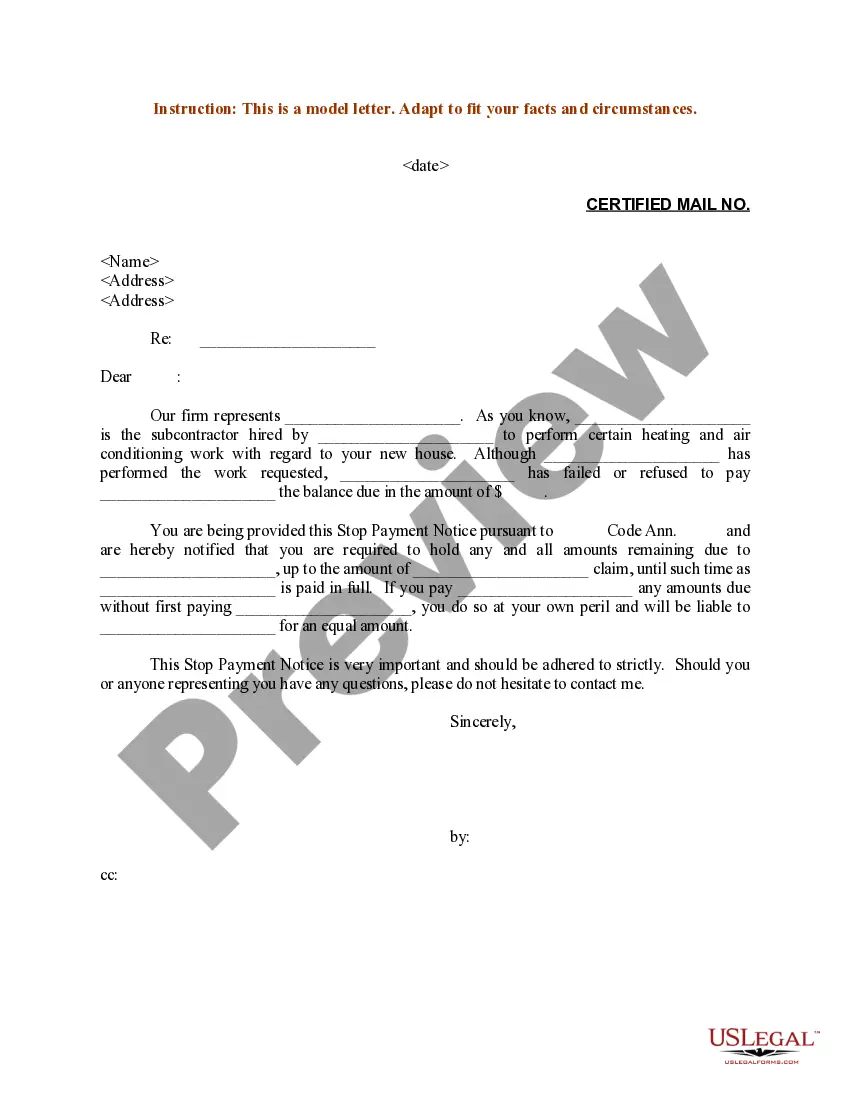
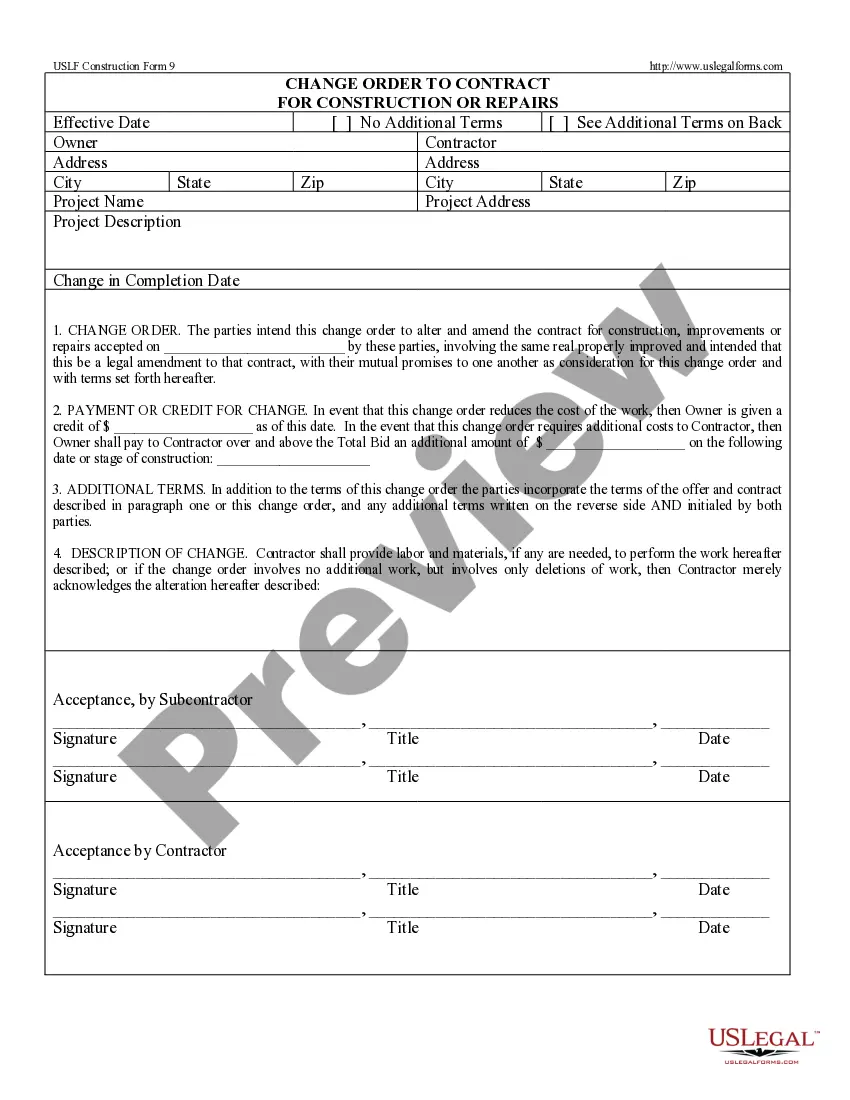
- Return to the search and find the suitable template if the Stop Work Order Template For Tenants does not meet your needs.
- Once you are certain about the form's applicability, download it.
- If you are a registered user, click Log in to verify and access your chosen forms in My documents.
- If you do not yet have an account, click Buy now to obtain the form.
- Select the pricing option that best fits your needs.
- Proceed with registration to finalize your transaction.
- Complete your purchase by selecting a payment method (credit card or PayPal).
- Pick the file format for downloading the Stop Work Order Template For Tenants.
Form popularity
FAQ
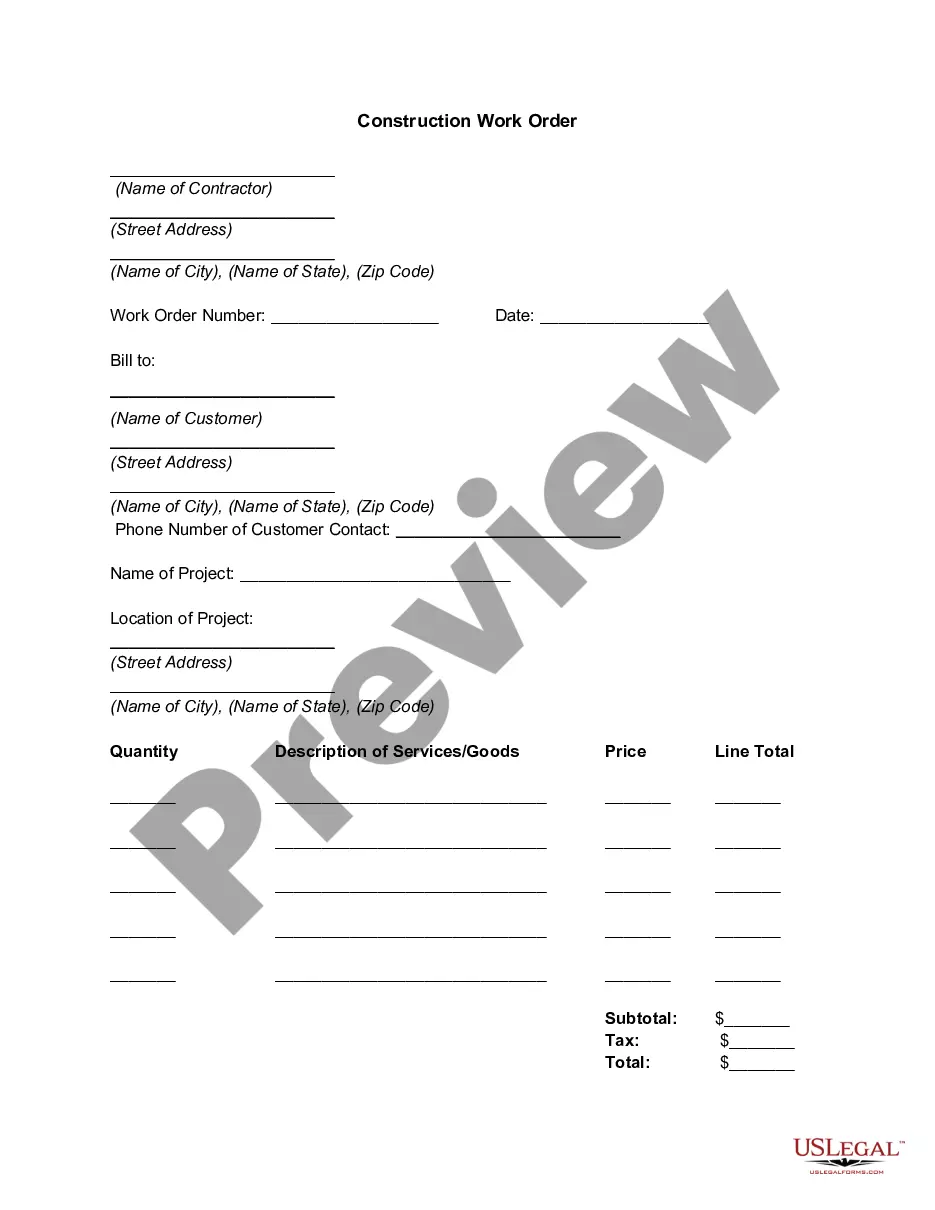
Essential fields for a work order form template. Company information. Deadlines. Job description. Billing and shipping details. Cost per unit and total cost. Line for electronic signatures.
What to include in a work order letter Company name. Start with your company name, typically in one of the upper corners. ... Company address. Below the company name, include your address. ... Work order number. Assign a number to the work order. ... Work order title. ... Work order description. ... Priority level. ... Work location. ... Worker's name.
For example, a machine operator might submit a work request when equipment breaks down. The work request is reviewed by a maintenance manager, who adds extra information, schedules the task, and assigns it to a technician. The work request is now a work order.
A work order should include a description of the maintenance activities and information such as who requested and approved the work order, the maintenance technician responsible for executing the work and the associated due dates, costs and resources. Work orders can be either executed by an internal maintenance team.
What to include in the Work Order Format? 1: Company Name. Start with your company's name, which should be in one of the top corners. ... 2: Company Address. Add your address under the company name. ... 3: Work Order Number. Submit the work order number. ... 4: Work Order Title. ... 5: Work Location. ... 6: Worker's Name. ... 7: Sender's Name.