Services Bookkeeping Online With Quickbooks Desktop
Description

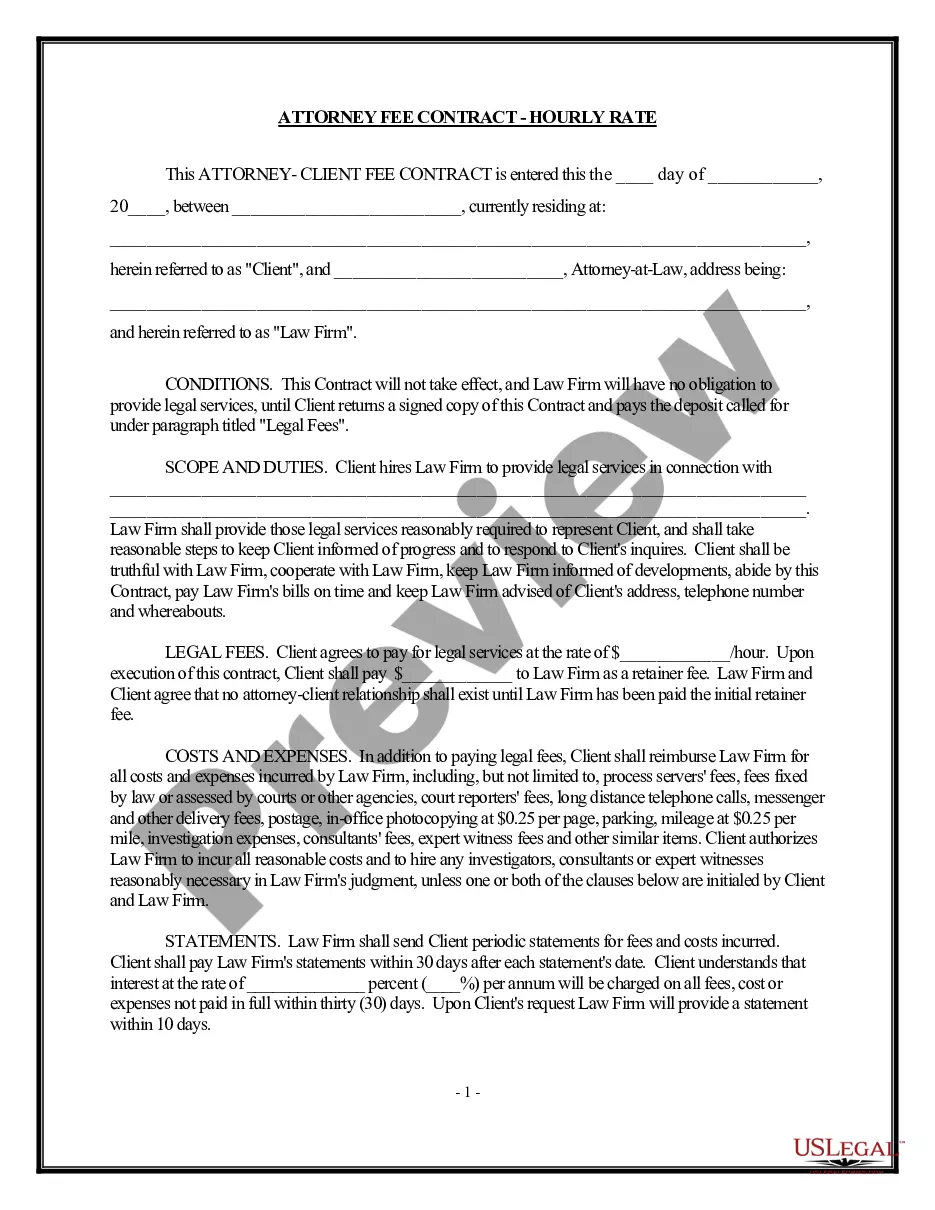
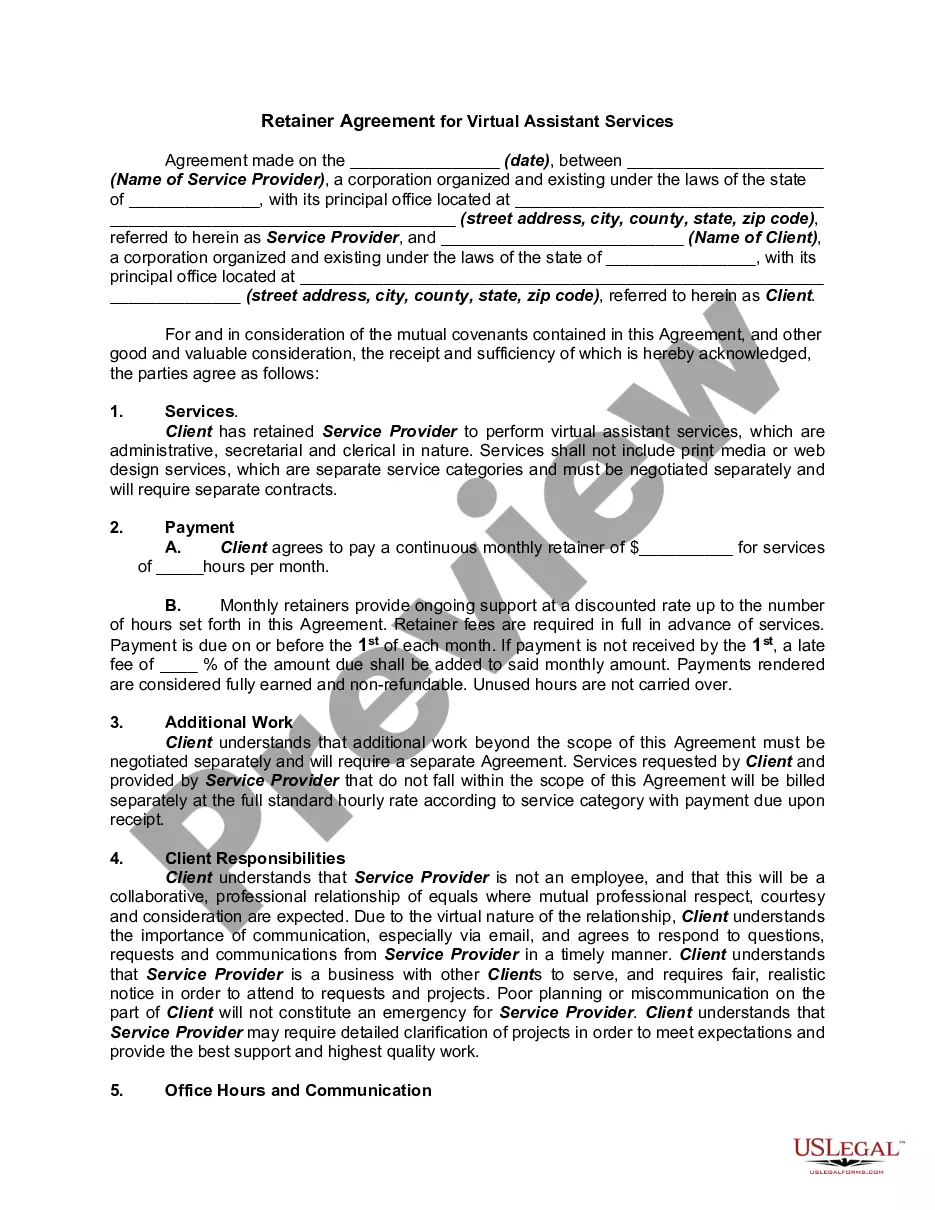
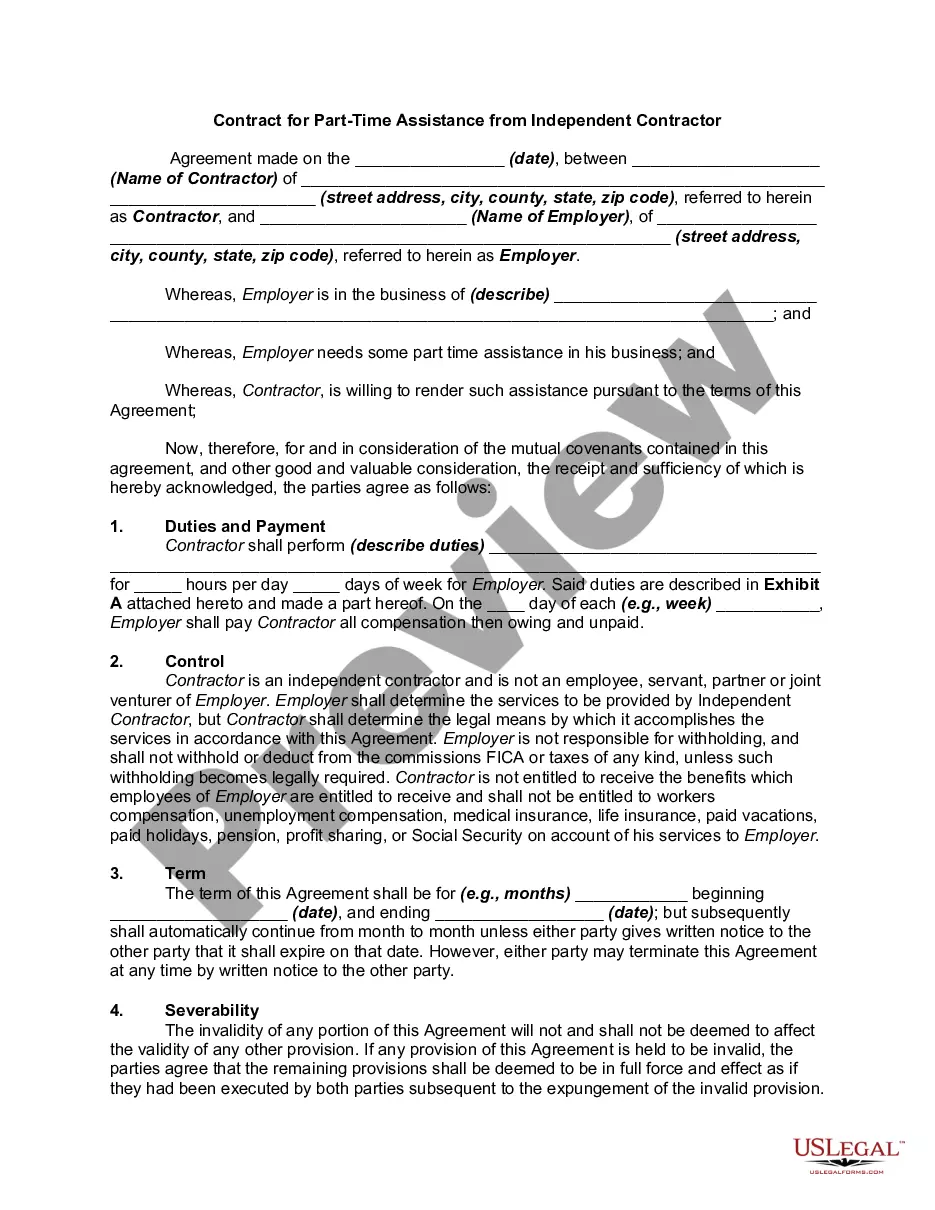
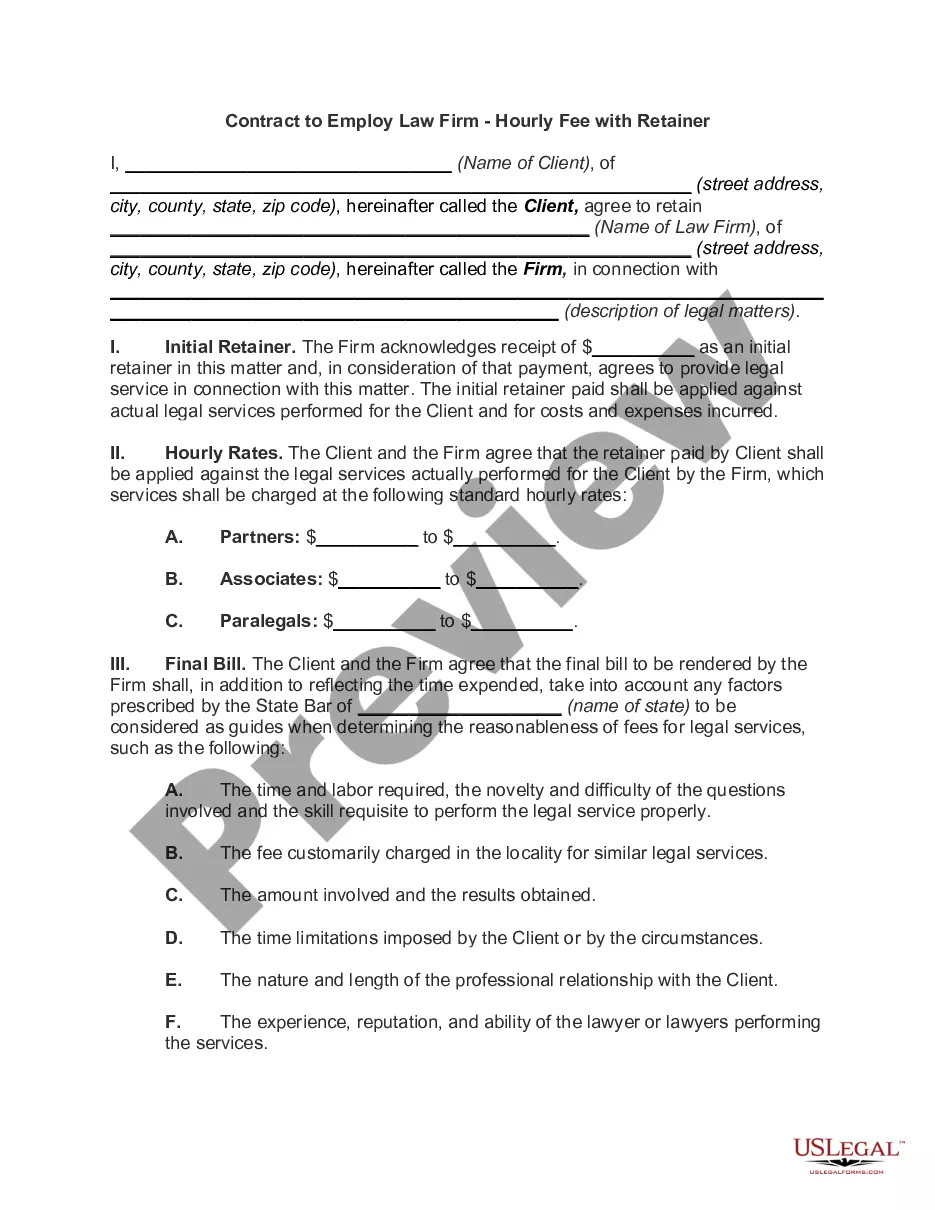
Get your form ready online
Our built-in tools help you complete, sign, share, and store your documents in one place.
Make edits, fill in missing information, and update formatting in US Legal Forms—just like you would in MS Word.
Download a copy, print it, send it by email, or mail it via USPS—whatever works best for your next step.
Sign and collect signatures with our SignNow integration. Send to multiple recipients, set reminders, and more. Go Premium to unlock E-Sign.
If this form requires notarization, complete it online through a secure video call—no need to meet a notary in person or wait for an appointment.
We protect your documents and personal data by following strict security and privacy standards.

Make edits, fill in missing information, and update formatting in US Legal Forms—just like you would in MS Word.

Download a copy, print it, send it by email, or mail it via USPS—whatever works best for your next step.

Sign and collect signatures with our SignNow integration. Send to multiple recipients, set reminders, and more. Go Premium to unlock E-Sign.

If this form requires notarization, complete it online through a secure video call—no need to meet a notary in person or wait for an appointment.

We protect your documents and personal data by following strict security and privacy standards.
Looking for another form?








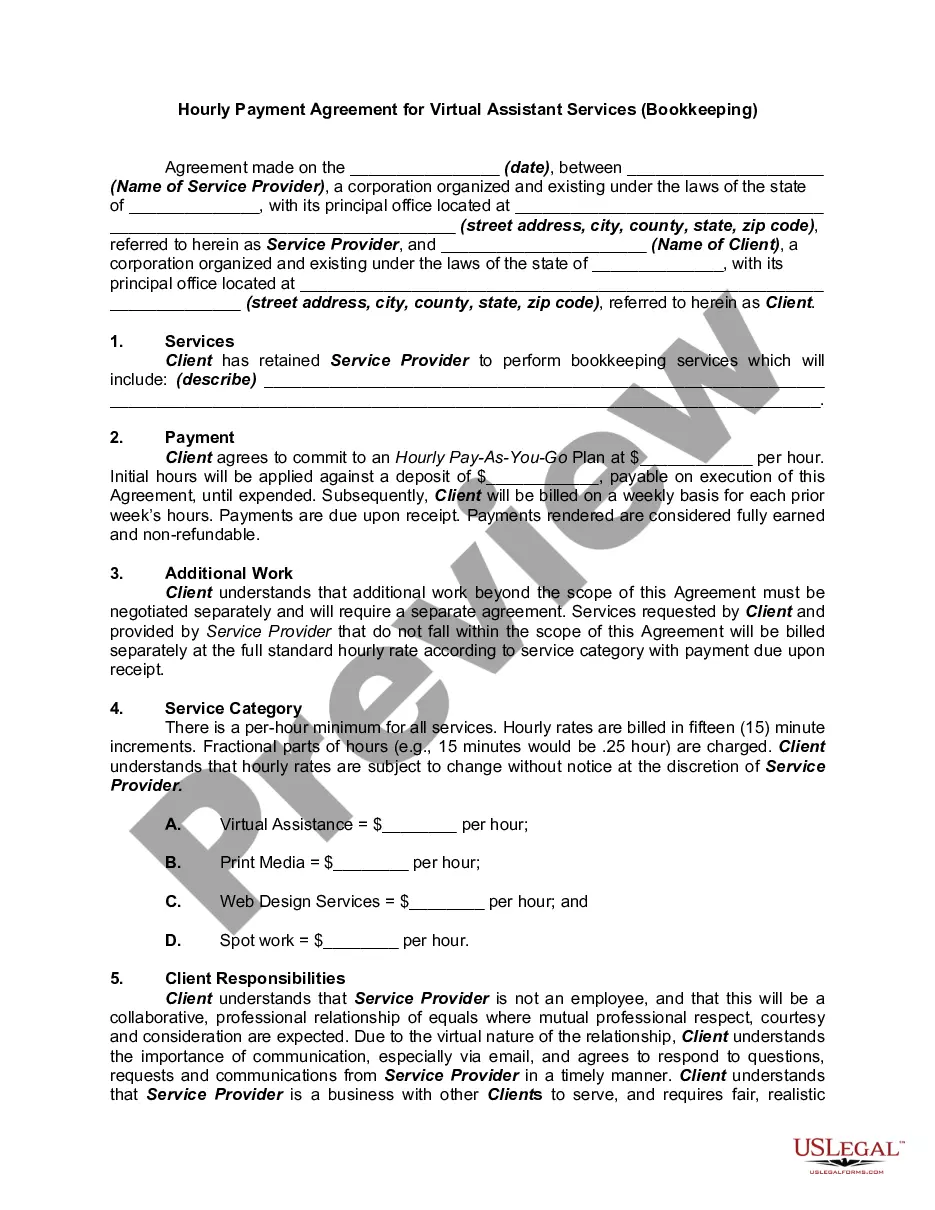
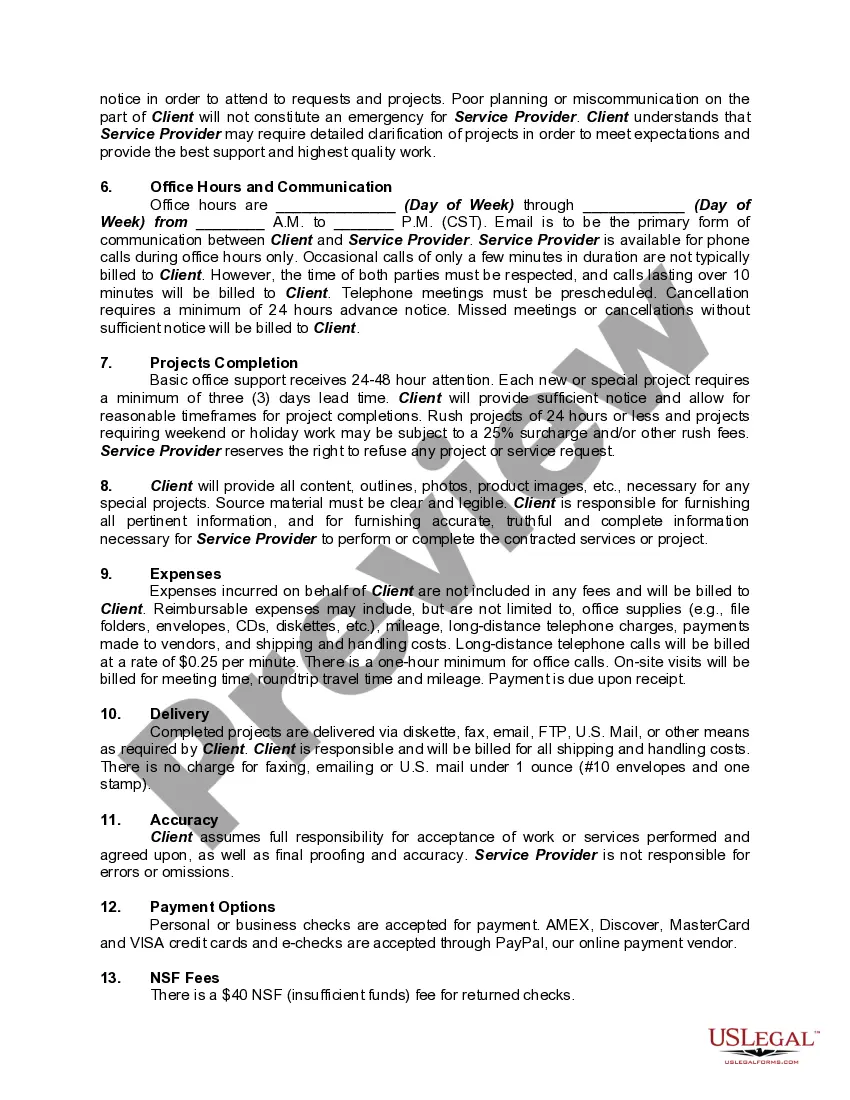
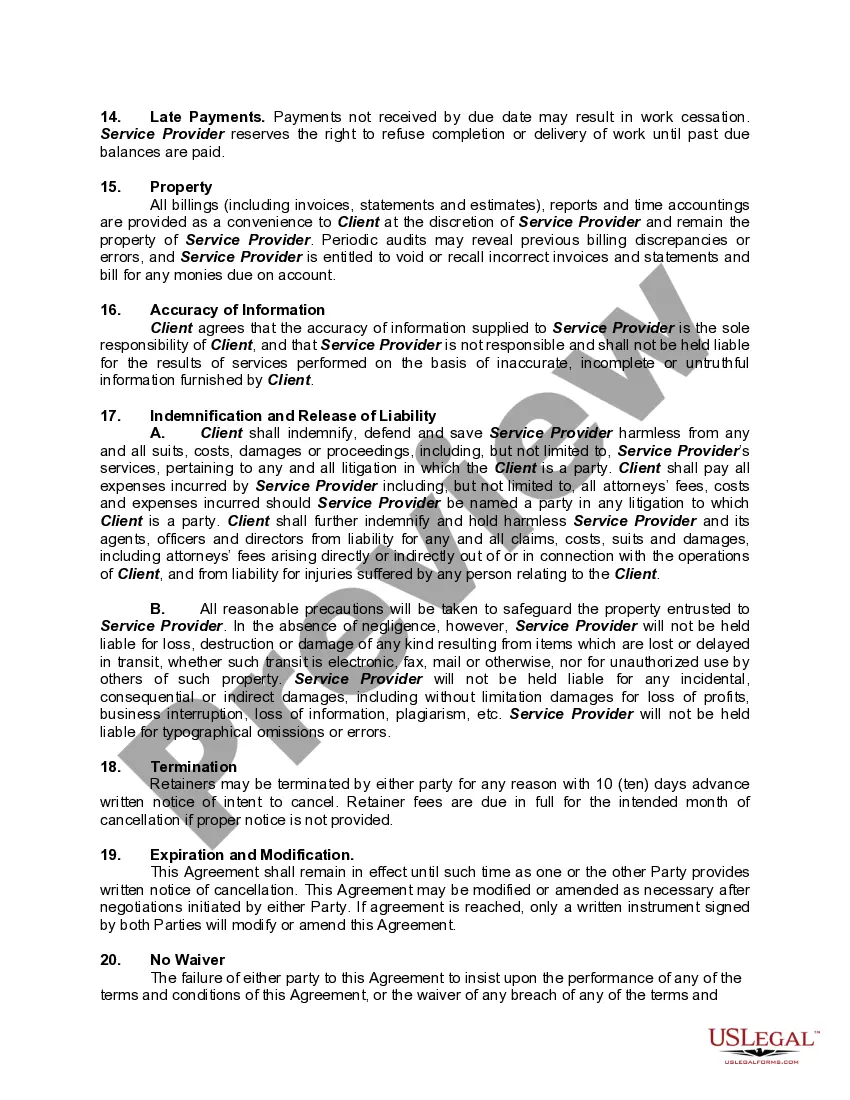
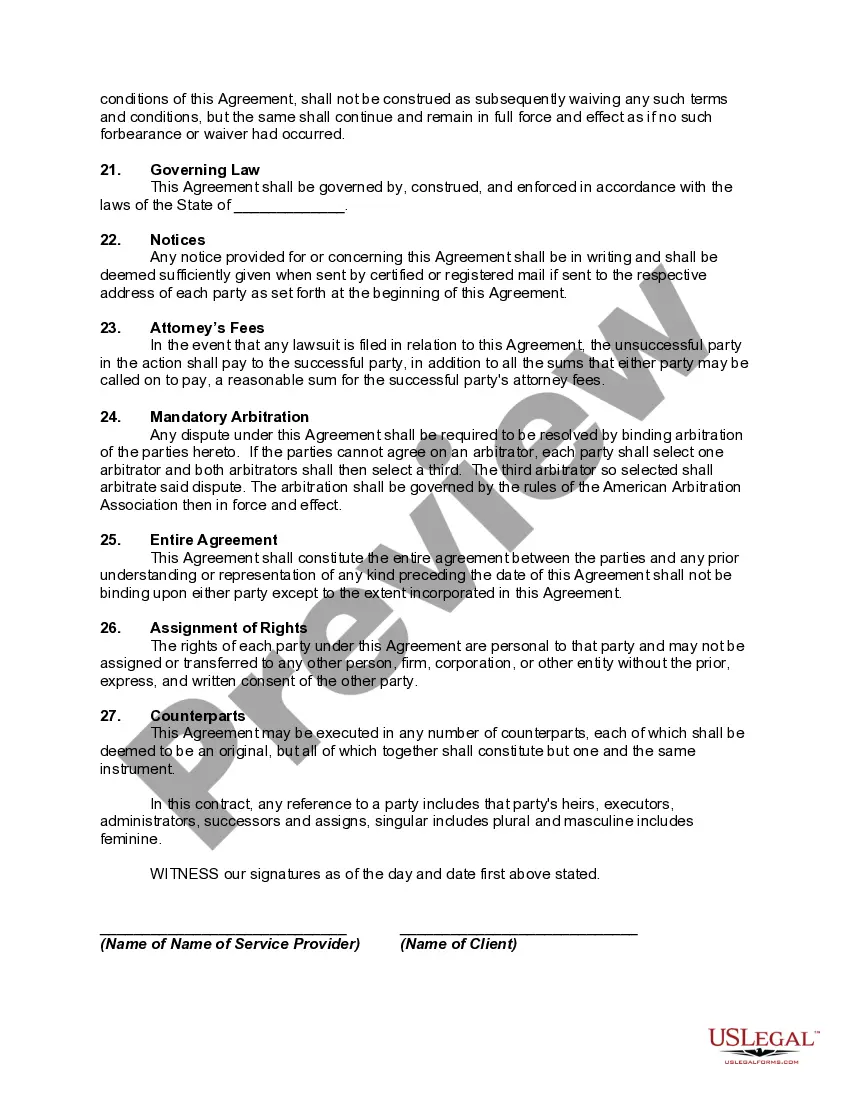
How to fill out Hourly Payment Agreement For Virtual Assistant Services - Bookkeeping?
- Log in to your US Legal Forms account if you're a returning user. Ensure your subscription is active; renew if necessary.
- If you're new, start by previewing the legal forms available. Choose the document that aligns with your needs and is applicable to your jurisdiction.
- Search for any additional templates you might require. Utilize the search bar to quickly find any other forms you may need.
- Purchase the selected document by clicking on the 'Buy Now' button, and select your preferred subscription plan. You'll have to register an account to unlock full access.
- Complete your transaction by entering your credit card information or using PayPal to finalize your subscription.
- Download your chosen form and save it on your device. You can find it later under 'My Forms' in your account.
With US Legal Forms, you have access to over 85,000 customizable and editable legal documents. The platform not only empowers users to create precise legal documents but also offers support from legal experts.
Start simplifying your legal documentation today. Visit US Legal Forms to explore the extensive library and get started with ease!
Form popularity
FAQ
To add services in QuickBooks Online, navigate to the 'Sales' section and click on 'Products and Services.' From there, select 'New' and choose 'Service.' Enter the details such as the service name, description, and rate. This straightforward process supports effective services bookkeeping online with QuickBooks Desktop, ensuring that all service offerings are accurately reflected in your financial records.
Setting up products or services in QuickBooks Online helps streamline your bookkeeping process. When you properly categorize offerings, you enhance your sales tracking, which ultimately leads to better financial insights. This organization leads to efficient invoicing and accurate reporting, vital for effective services bookkeeping online with QuickBooks Desktop. Additionally, it saves time during tax season, as everything is well-organized and easily accessible.
To categorize products and services in QuickBooks Online, you first need to access the 'Sales' tab and then select 'Products and Services.' Here, you can create new items by clicking 'New' and choosing the appropriate type, like product or service. Make sure to assign the right income account for better tracking. This process is essential for effective services bookkeeping online with QuickBooks Desktop, as it ensures accurate reporting and management of your offerings.
Yes, you can use QuickBooks Desktop and Online together, but it requires some additional steps. Intuit provides options for syncing data between both platforms, allowing for a seamless transition between offline and online bookkeeping. This feature can be especially useful for those utilizing services bookkeeping online with QuickBooks Desktop, as it provides flexibility while ensuring that financial records remain accurate and up-to-date.
While QuickBooks Desktop is not being phased out entirely, Intuit has been promoting QuickBooks Online more aggressively in recent years. Users should consider that, while the desktop version remains functional, it may not receive the same level of future updates and support as the online version. This shift suggests that businesses looking for long-term reliability in bookkeeping services may benefit from exploring services bookkeeping online with QuickBooks Desktop.
Most users gravitate towards QuickBooks Online for its convenience and accessibility. It allows them to manage finances from anywhere with an internet connection, which is a significant advantage for many small business owners. Additionally, the integration with various online services makes it easier to implement services bookkeeping online with QuickBooks Desktop, thereby enhancing productivity and streamlining workflows.
Many accountants have established preferences for either QuickBooks Desktop or QuickBooks Online based on their specific needs. Some appreciate the advanced features and functionality of QuickBooks Desktop, especially for complex accounting tasks. On the other hand, services bookkeeping online with QuickBooks Desktop are often complemented by the collaborative and accessible nature of QuickBooks Online, making it a strong choice for teams needing real-time updates.
QuickBooks Desktop has several disadvantages that you should consider. First, it requires installation on your computer, which limits accessibility compared to cloud-based solutions. Additionally, updates and support can pose challenges, particularly if you don't stay current with new versions. Finally, if you're looking to incorporate services bookkeeping online with QuickBooks Desktop, you may find that its online integration options are more limited compared to other platforms.
QuickBooks itself does not offer bookkeeping services, but it provides the tools needed for effective bookkeeping. Users can leverage its features, or opt for professional services bookkeeping online with QuickBooks Desktop to enhance their accounting experience. This combination allows for greater accuracy and efficiency in managing finances.
Some accountants may prefer different software due to the learning curve associated with QuickBooks. They may find that specialized software better meets their needs and enhances efficiency. However, services bookkeeping online with QuickBooks Desktop can still be beneficial for many, simplifying many routine tasks.