Privacy Policy Form Template With Url
Description
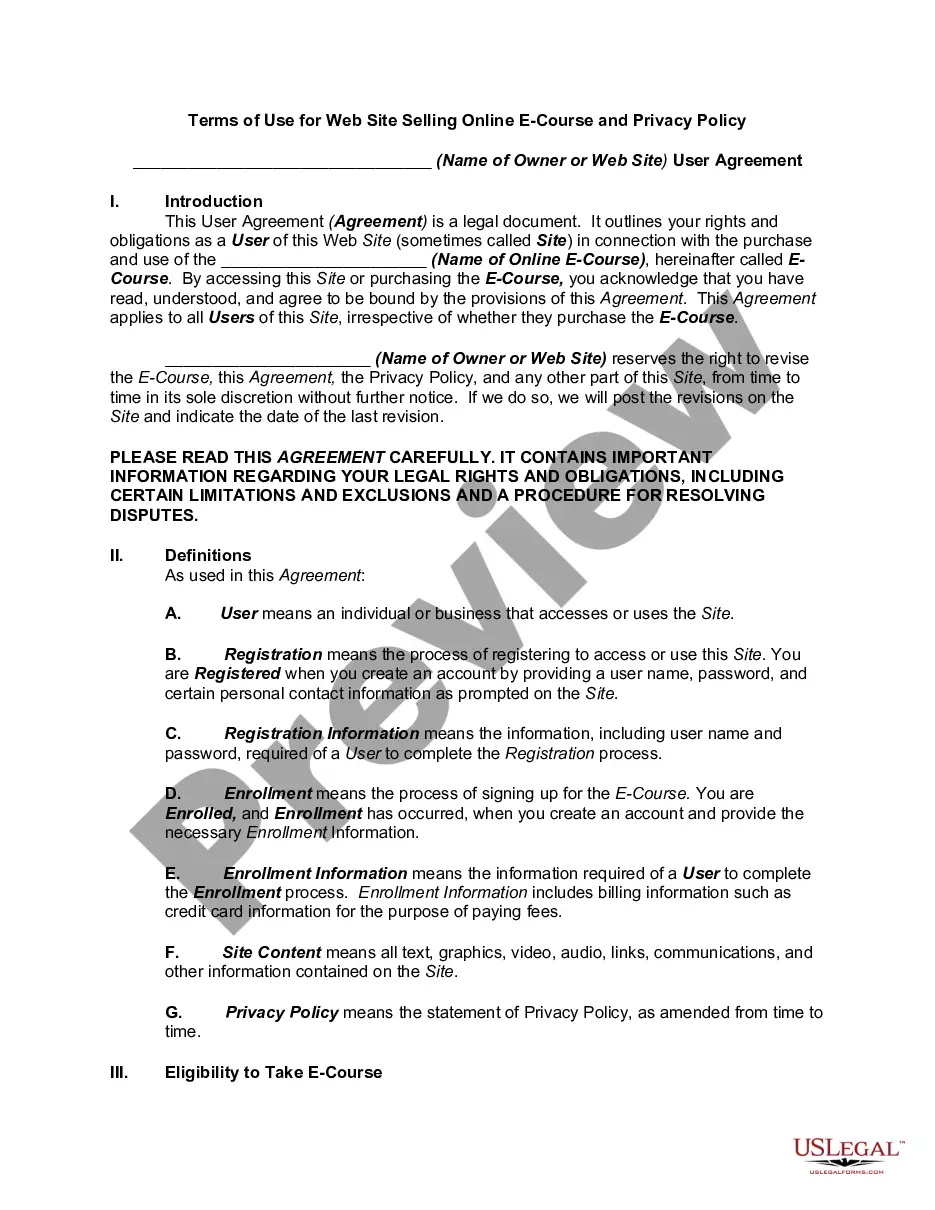
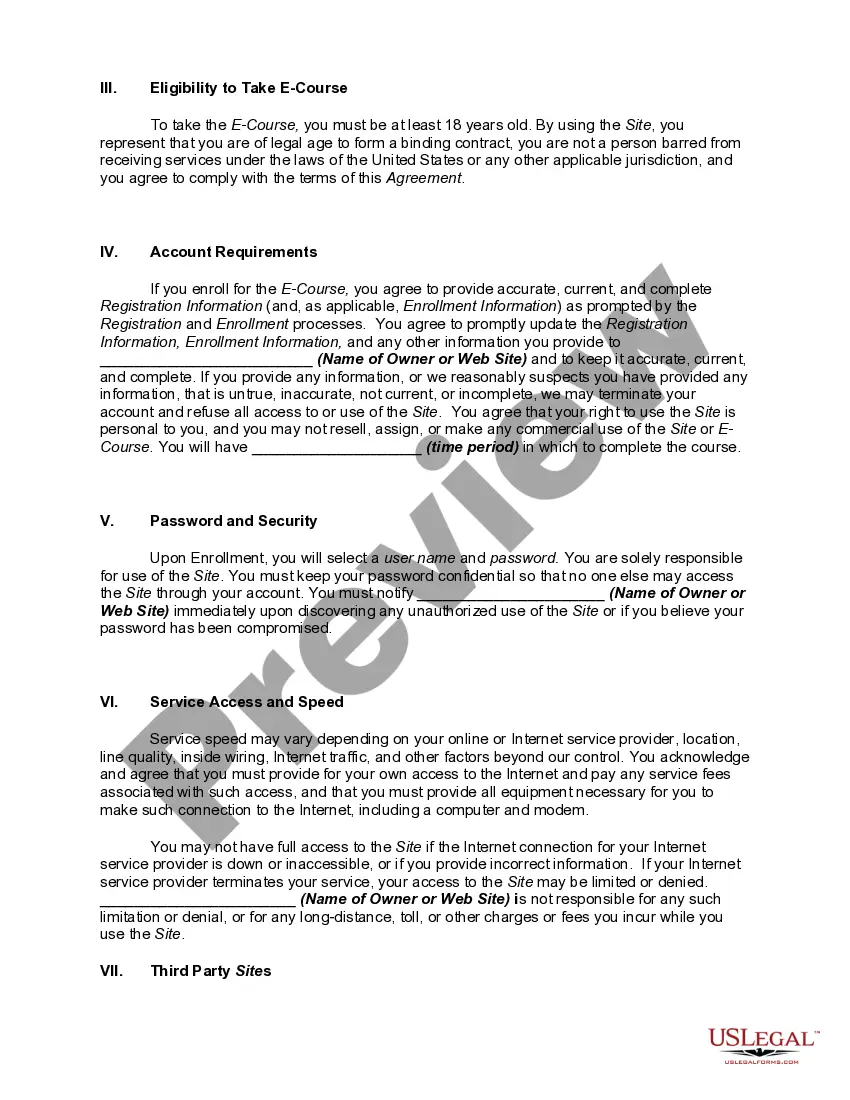
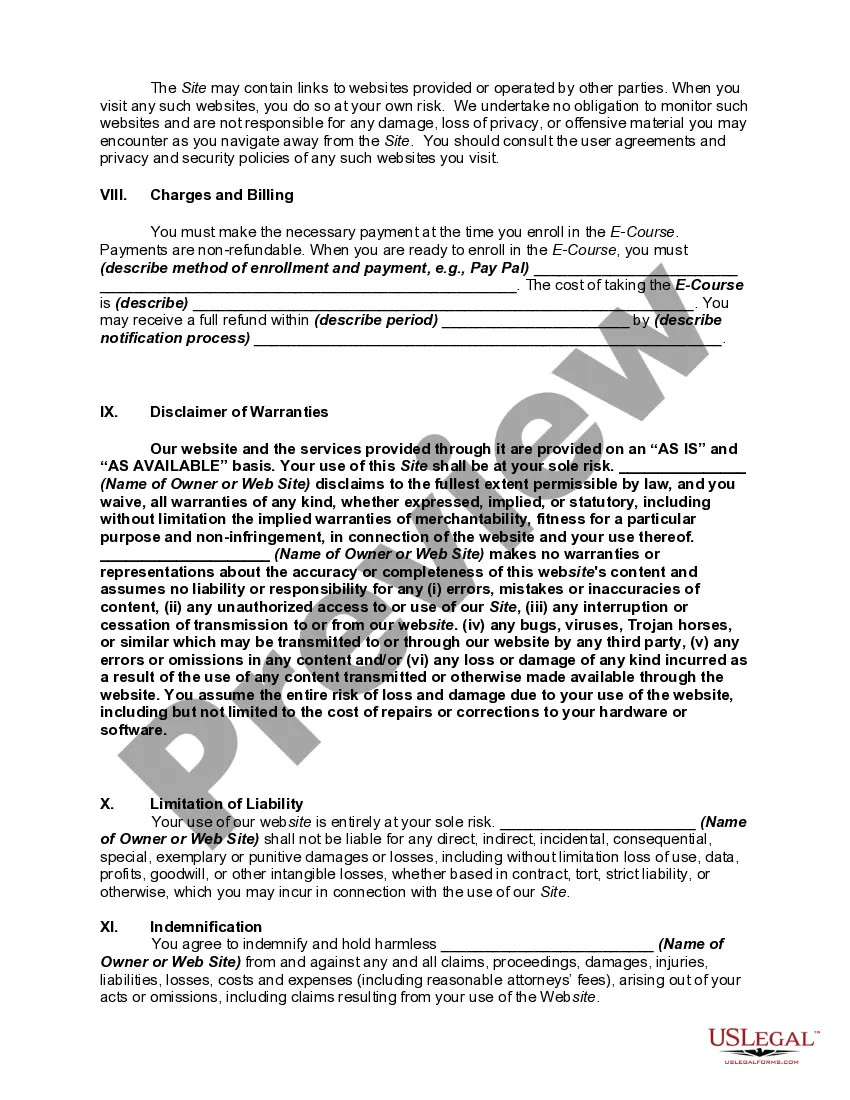
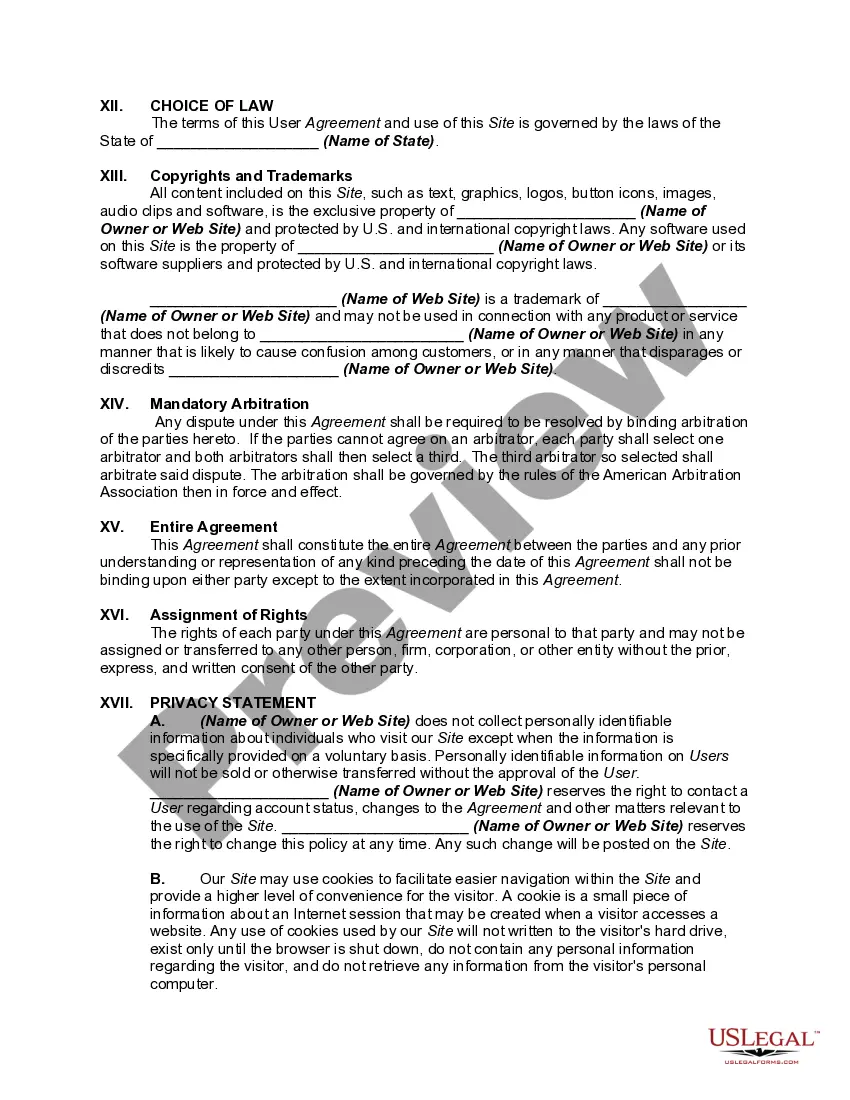
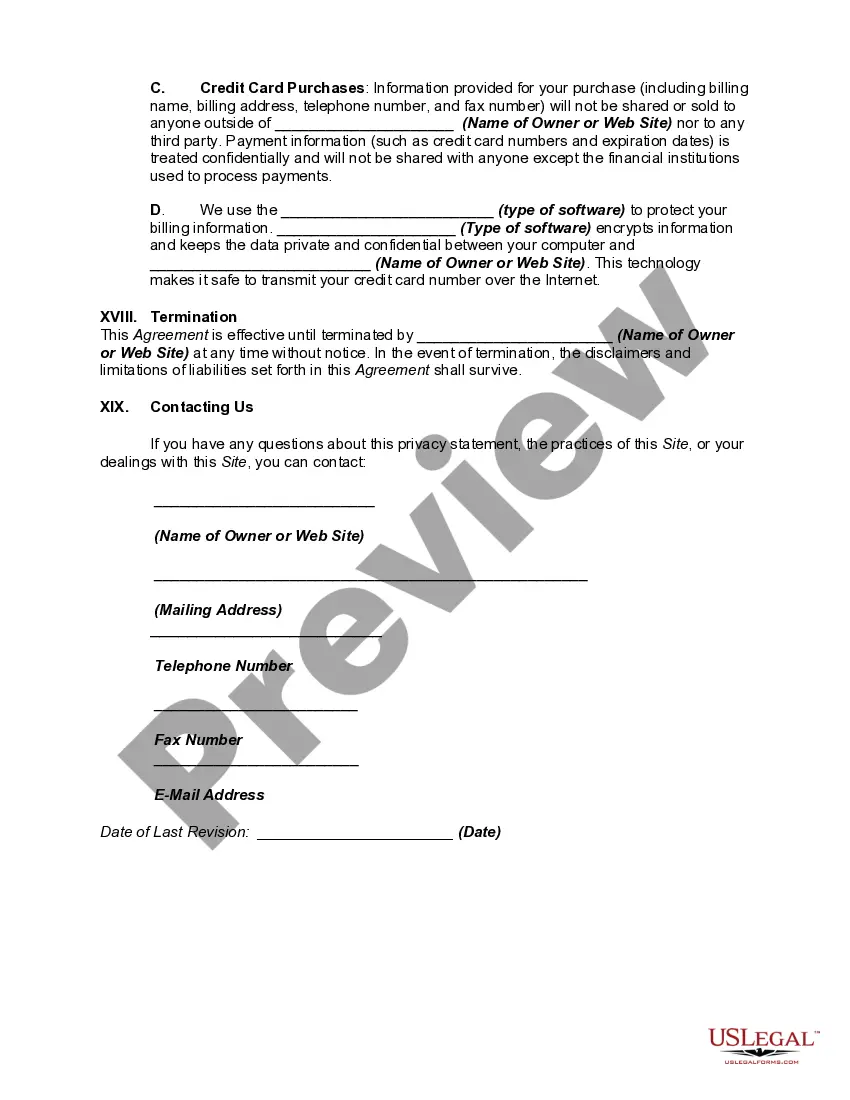
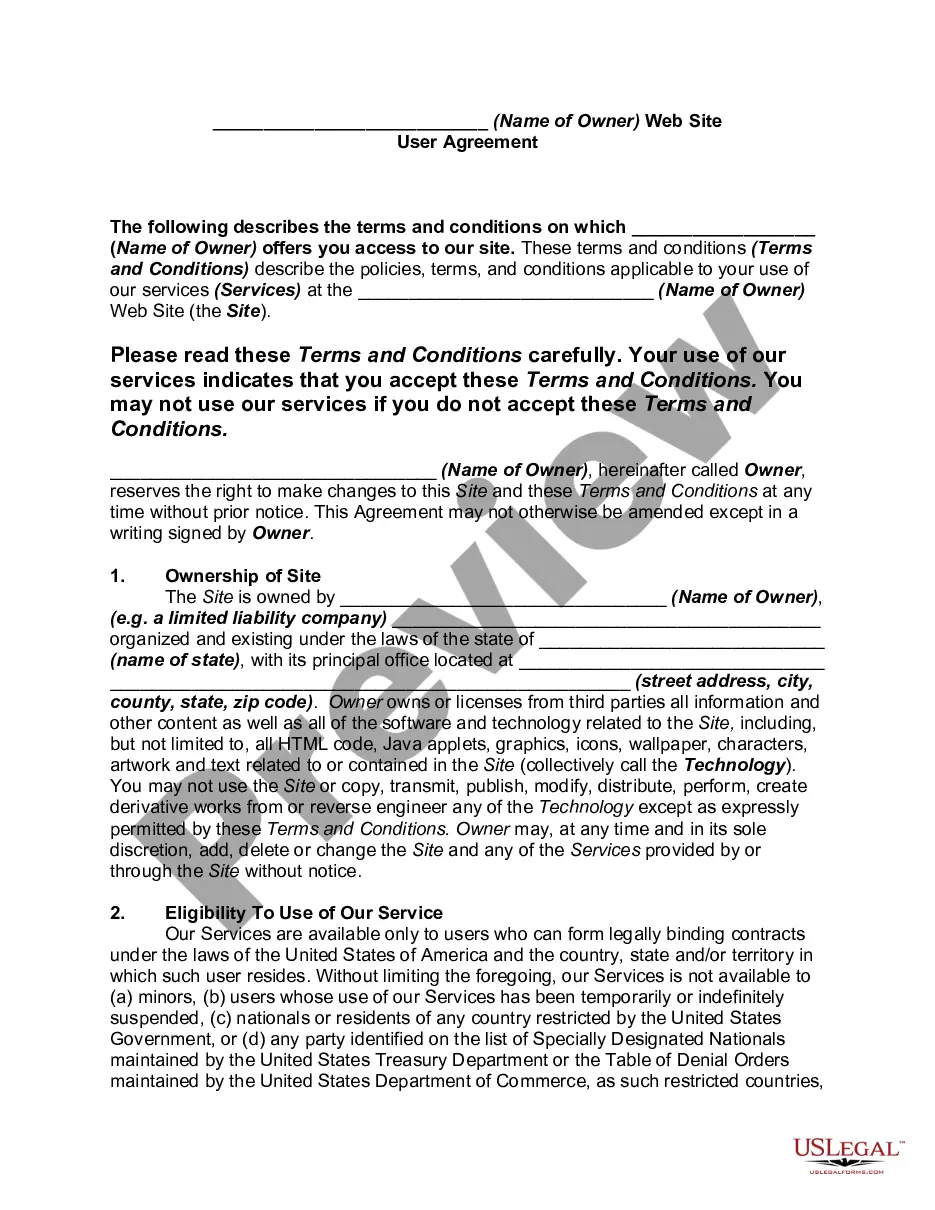
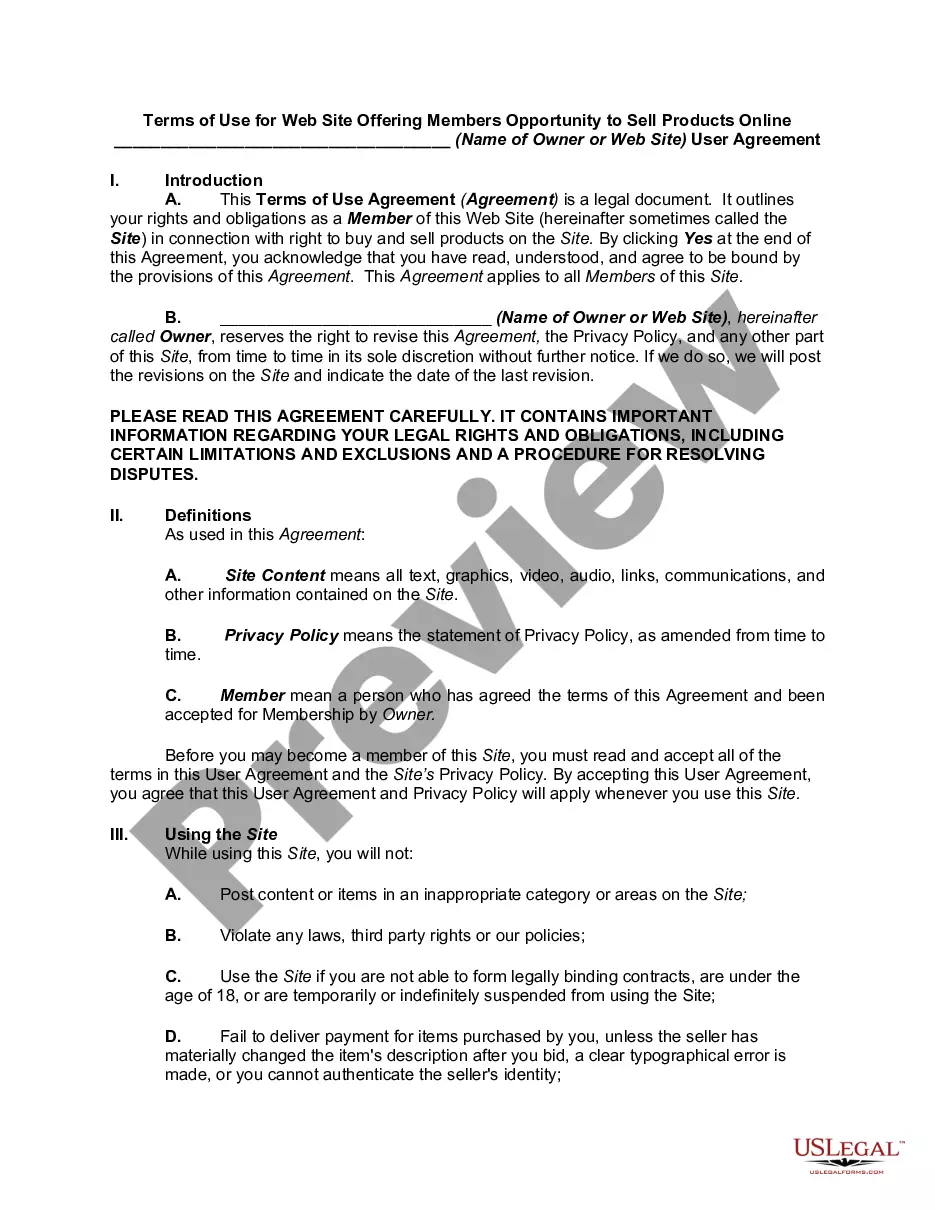
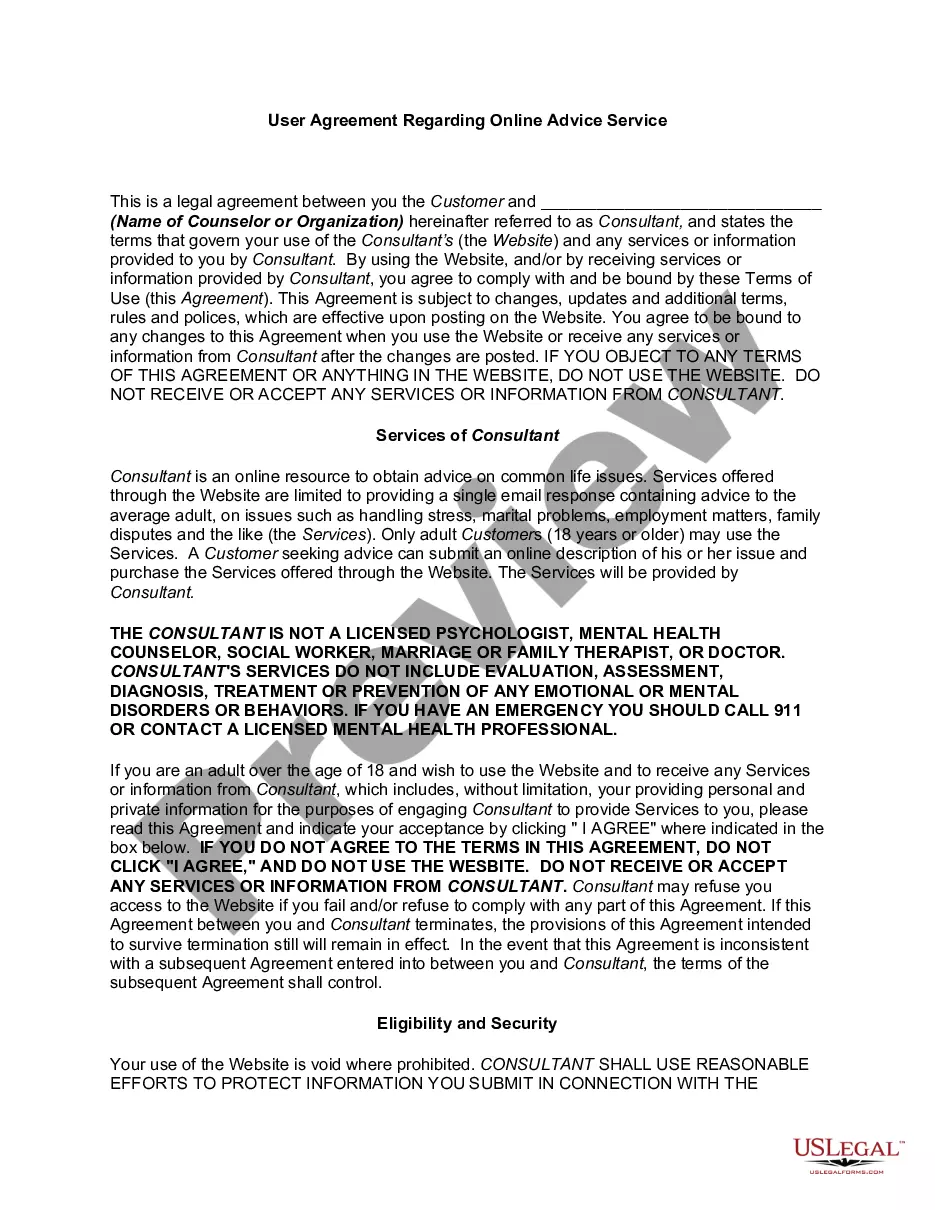
Get your form ready online
Our built-in tools help you complete, sign, share, and store your documents in one place.
Make edits, fill in missing information, and update formatting in US Legal Forms—just like you would in MS Word.
Download a copy, print it, send it by email, or mail it via USPS—whatever works best for your next step.
Sign and collect signatures with our SignNow integration. Send to multiple recipients, set reminders, and more. Go Premium to unlock E-Sign.
If this form requires notarization, complete it online through a secure video call—no need to meet a notary in person or wait for an appointment.
We protect your documents and personal data by following strict security and privacy standards.

Make edits, fill in missing information, and update formatting in US Legal Forms—just like you would in MS Word.

Download a copy, print it, send it by email, or mail it via USPS—whatever works best for your next step.

Sign and collect signatures with our SignNow integration. Send to multiple recipients, set reminders, and more. Go Premium to unlock E-Sign.

If this form requires notarization, complete it online through a secure video call—no need to meet a notary in person or wait for an appointment.

We protect your documents and personal data by following strict security and privacy standards.
Looking for another form?






How to fill out Website Subscription User Agreement - Terms Of Use For Website Selling Online E-Course Privacy Policy?
Managing legal paperwork and procedures can be a lengthy addition to your entire day.
Privacy Policy Form Template With Url and similar forms generally necessitate that you search for them and find your way to fill them out correctly.
As a result, if you are handling financial, legal, or personal issues, having a comprehensive and useful online library of forms at your disposal will significantly help.
US Legal Forms is the leading online platform for legal templates, offering over 85,000 state-specific forms along with various resources to help you complete your documents with ease.
Is this your first time using US Legal Forms? Register and create your account in a matter of minutes, and you’ll gain access to the form library and Privacy Policy Form Template With Url. Next, follow the instructions below to complete your form.
- Explore the collection of relevant documents available to you with just one click.
- US Legal Forms provides state- and county-specific forms that can be downloaded at any time.
- Protect your document management processes by using a reliable service that enables you to prepare any form in a few minutes without extra or hidden fees.
- Just Log In to your account, locate Privacy Policy Form Template With Url and download it immediately from the My documents section.
- You can also access forms that you have previously saved.
Form popularity
FAQ
To create a privacy policy URL for your Facebook app, you first need to draft your privacy policy document. Once it is complete, upload it to a reliable hosting service to generate a public URL. Then, you can input this URL in your Facebook app settings, ensuring compliance with Facebook's policies. A privacy policy form template with URL can assist you in creating an effective policy tailored for your app.
Writing your own privacy policy requires you to clearly outline how you collect, use, and protect user data. Start by identifying the types of information you collect, and detail your data handling practices. You can also reference legal requirements applicable to your business. To streamline this process, consider using a privacy policy form template with URL, which provides a solid structure for your document.
Adding a privacy policy to your website involves a few simple steps. First, ensure you have your privacy policy document ready. Then, upload this document to your website’s file manager or a cloud service, and create a link to it. You can enhance user experience by placing this link in your site’s footer or on your contact page. Utilizing a privacy policy form template with URL can help you create an effective policy quickly.
If you don’t have a website, you can still create a privacy policy URL using various online document hosting services. Platforms like Google Docs or Dropbox allow you to publish your document online and generate a shareable link. This link can serve as your privacy policy URL, ensuring that you remain compliant with privacy regulations. Consider using a privacy policy form template with URL to craft your document.
To put a privacy policy on your website, first, create a comprehensive document that outlines your data collection practices. Once you have your privacy policy ready, upload it to your website and obtain a URL for it. Then, link to this URL in the footer of your site or on relevant pages. Using a privacy policy form template with URL can simplify this process.
Yes, having a privacy policy on your website is often legally required, especially if you collect personal information from users. Regulations like the GDPR and CCPA mandate transparency about how you handle data. A well-crafted privacy policy helps build trust with your visitors and protects your business. You can use a privacy policy form template with URL to create a compliant document easily.
To get a privacy policy URL, first create your privacy policy using a privacy policy form template with URL. After drafting your document, host it on your website or an online document-sharing service. This action will generate a unique URL for your privacy policy. Finally, make sure to share this URL wherever necessary, such as in your app, website, or social media profiles, to ensure compliance and transparency.
To find a privacy policy on a website, look for a link usually located in the footer area of the site. Many websites have a dedicated section for their privacy policy, often labeled as 'Privacy Policy' or 'Legal'. If you cannot find it there, consider using a search engine by entering the website name followed by 'privacy policy'. This approach helps you locate the policy quickly and efficiently.
To obtain a privacy policy URL on Facebook, first create your privacy policy using a privacy policy form template with URL. After drafting your policy, upload it to your website or a trusted document-sharing platform. Once uploaded, copy the link to your privacy policy and paste it into the designated field in your Facebook settings. This ensures users can access your privacy policy directly from your Facebook page.
To create a privacy policy URL for your iOS app, start by drafting your privacy policy using a privacy policy form template with URL. Once you have your policy ready, host it on a reliable website or a document-sharing service. This hosting will generate a URL that you can then link to in your app. Make sure to include this URL in your app's metadata to comply with Apple’s guidelines.