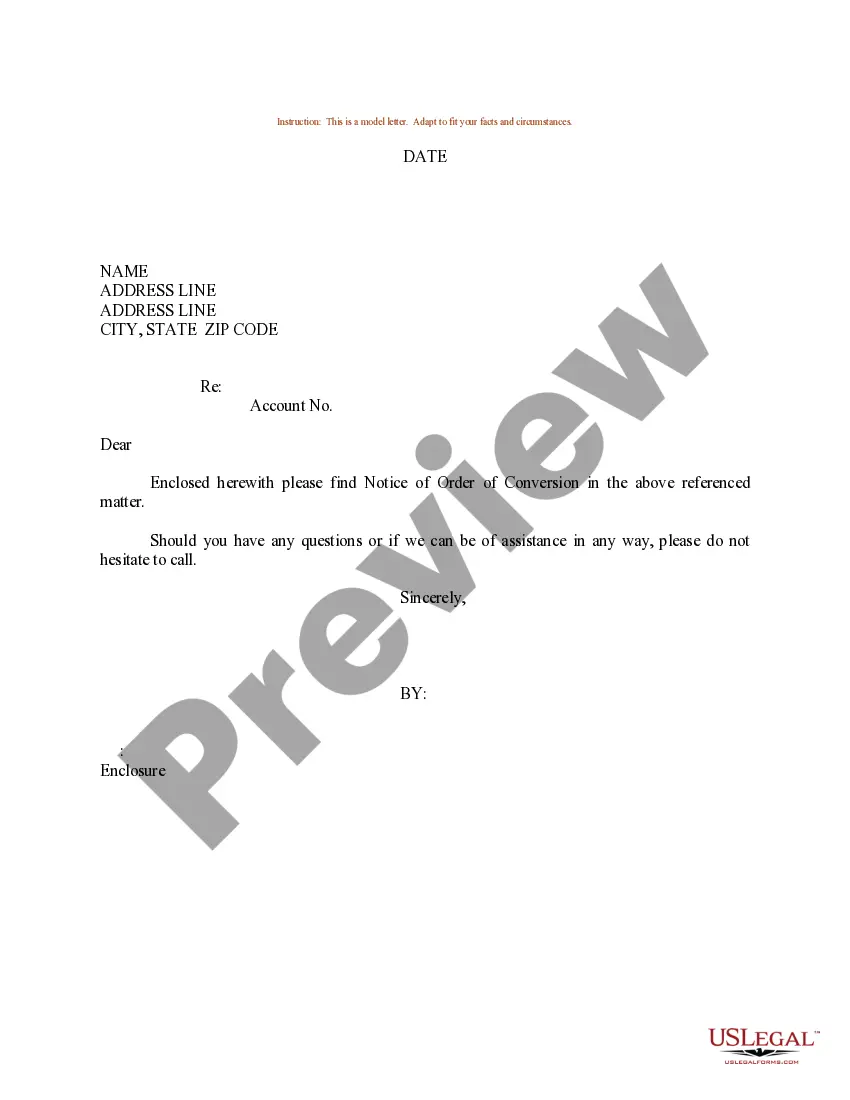
Notice Of Order Rule 306a
Description
Get your form ready online
Our built-in tools help you complete, sign, share, and store your documents in one place.
Make edits, fill in missing information, and update formatting in US Legal Forms—just like you would in MS Word.
Download a copy, print it, send it by email, or mail it via USPS—whatever works best for your next step.
Sign and collect signatures with our SignNow integration. Send to multiple recipients, set reminders, and more. Go Premium to unlock E-Sign.
If this form requires notarization, complete it online through a secure video call—no need to meet a notary in person or wait for an appointment.
We protect your documents and personal data by following strict security and privacy standards.

Make edits, fill in missing information, and update formatting in US Legal Forms—just like you would in MS Word.

Download a copy, print it, send it by email, or mail it via USPS—whatever works best for your next step.

Sign and collect signatures with our SignNow integration. Send to multiple recipients, set reminders, and more. Go Premium to unlock E-Sign.

If this form requires notarization, complete it online through a secure video call—no need to meet a notary in person or wait for an appointment.

We protect your documents and personal data by following strict security and privacy standards.
Looking for another form?
How to fill out Sample Letter For Notice Of Order Of Conversion?
It’s well-known that you cannot instantly become a legal authority, nor can you swiftly learn how to effectively prepare Notice Of Order Rule 306a without possessing a specific skill set. Assembling legal documents is a lengthy process that demands particular training and abilities. So why not entrust the development of the Notice Of Order Rule 306a to the experts.
With US Legal Forms, one of the most comprehensive legal document collections, you can discover anything from court papers to templates for internal organizational communication. We understand how crucial compliance and adherence to federal and state regulations are. That’s why, on our site, all forms are region-specific and current.
Let’s begin with our website and acquire the document you require in just a few minutes: Discover the form you need using the search bar at the top of the page. Preview it (if this option is available) and review the accompanying description to determine if Notice Of Order Rule 306a is what you’re looking for. Restart your search if you need a different form. Create a free account and select a subscription plan to purchase the template. Click Buy now. Once the purchase is completed, you can obtain the Notice Of Order Rule 306a, fill it out, print it, and send or mail it to the appropriate individuals or organizations.
- You can re-access your documents from the My documents tab at any time.
- If you’re an existing customer, you can simply Log In, and find and download the template from the same tab.
- Regardless of the purpose of your forms—whether it’s financial, legal, or personal—our website has you covered.
- Try US Legal Forms now!
Form popularity
FAQ
Judges, attorneys and clerks are directed to use their best efforts to cause all judgments, decisions and orders of any kind to be reduced to writing and signed by the trial judge with the date of signing stated therein.
An abstract of judgment permits the plaintiff to acquire judgment liens on your real and personal property. A writ of execution permits law enforcement authorities to repossess your property. Default judgments also authorize plaintiffs to garnish your wages or attach your bank accounts to the judgment.
508.3. Rule 508.3 - Default Judgment (a)Generally. If the defendant does not file an answer to a claim by the answer date or otherwise appear in the case, the judge must promptly render a default judgment upon the plaintiff's proof of the amount of damages.
In Texas, this must be filed within 14 days of the judgment. Essentially, in a motion to vacate, you would be giving the Court a reason to set aside the judgment and keep the lawsuit active. If the Court thinks the reason you have given is a good one, the judgment will be vacated.
At or immediately prior to the time an interlocutory or final default judgment is rendered, the party taking the same or his attorney shall certify to the clerk in writing the last known mailing address of the party against whom the judgment is taken, which certificate shall be filed among the papers in the cause.