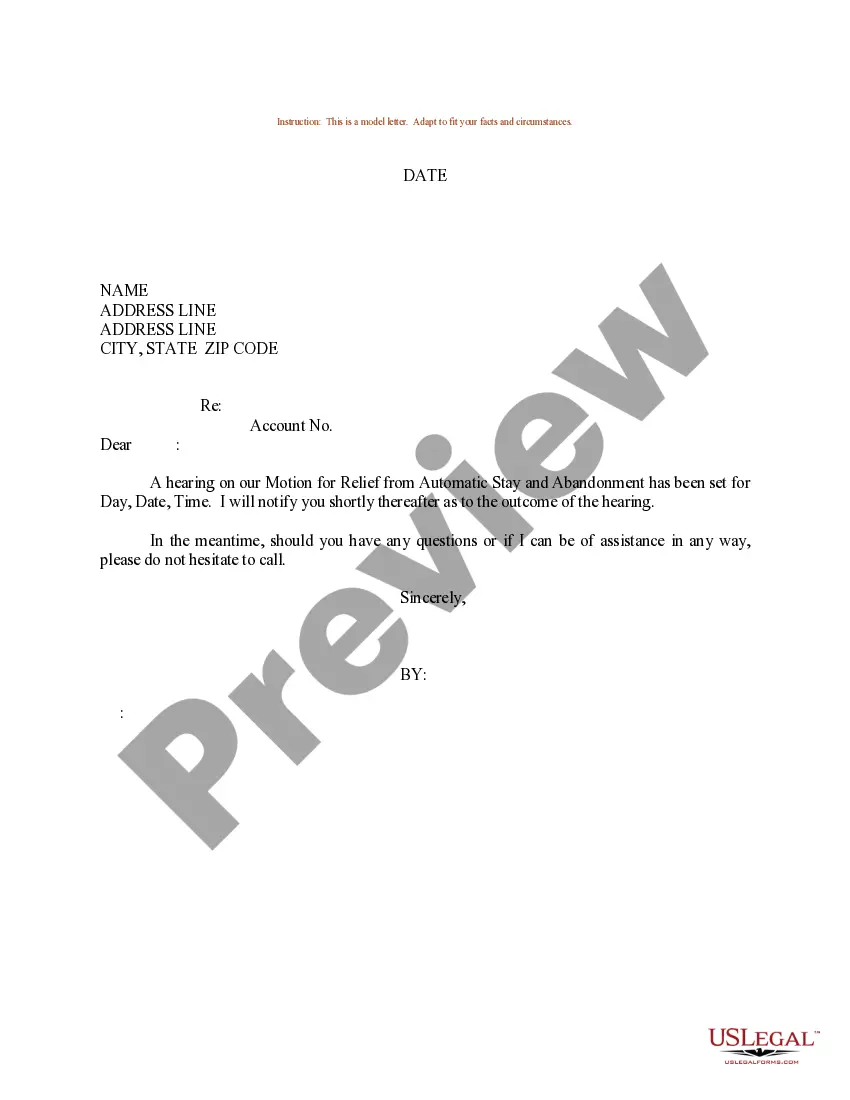
Sample Motion Stay With Exhibits
Description
Get your form ready online
Our built-in tools help you complete, sign, share, and store your documents in one place.
Make edits, fill in missing information, and update formatting in US Legal Forms—just like you would in MS Word.
Download a copy, print it, send it by email, or mail it via USPS—whatever works best for your next step.
Sign and collect signatures with our SignNow integration. Send to multiple recipients, set reminders, and more. Go Premium to unlock E-Sign.
If this form requires notarization, complete it online through a secure video call—no need to meet a notary in person or wait for an appointment.
We protect your documents and personal data by following strict security and privacy standards.

Make edits, fill in missing information, and update formatting in US Legal Forms—just like you would in MS Word.

Download a copy, print it, send it by email, or mail it via USPS—whatever works best for your next step.

Sign and collect signatures with our SignNow integration. Send to multiple recipients, set reminders, and more. Go Premium to unlock E-Sign.

If this form requires notarization, complete it online through a secure video call—no need to meet a notary in person or wait for an appointment.

We protect your documents and personal data by following strict security and privacy standards.
Looking for another form?



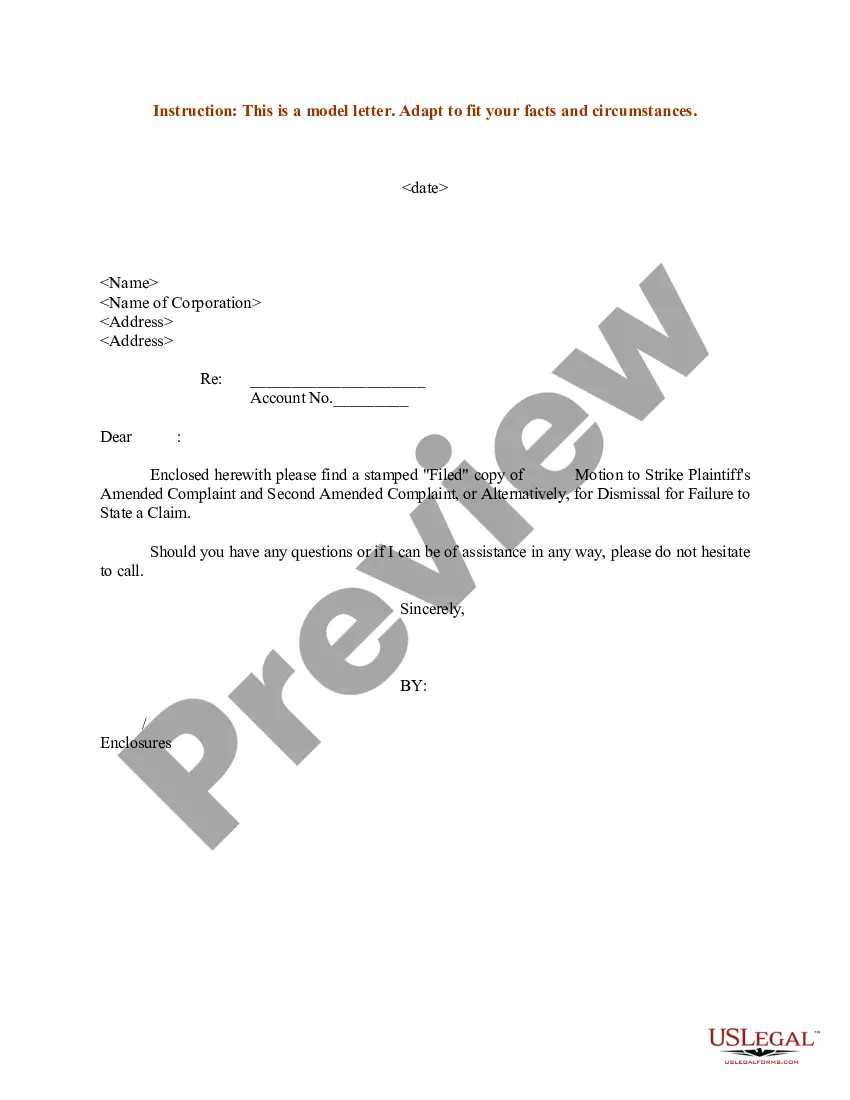


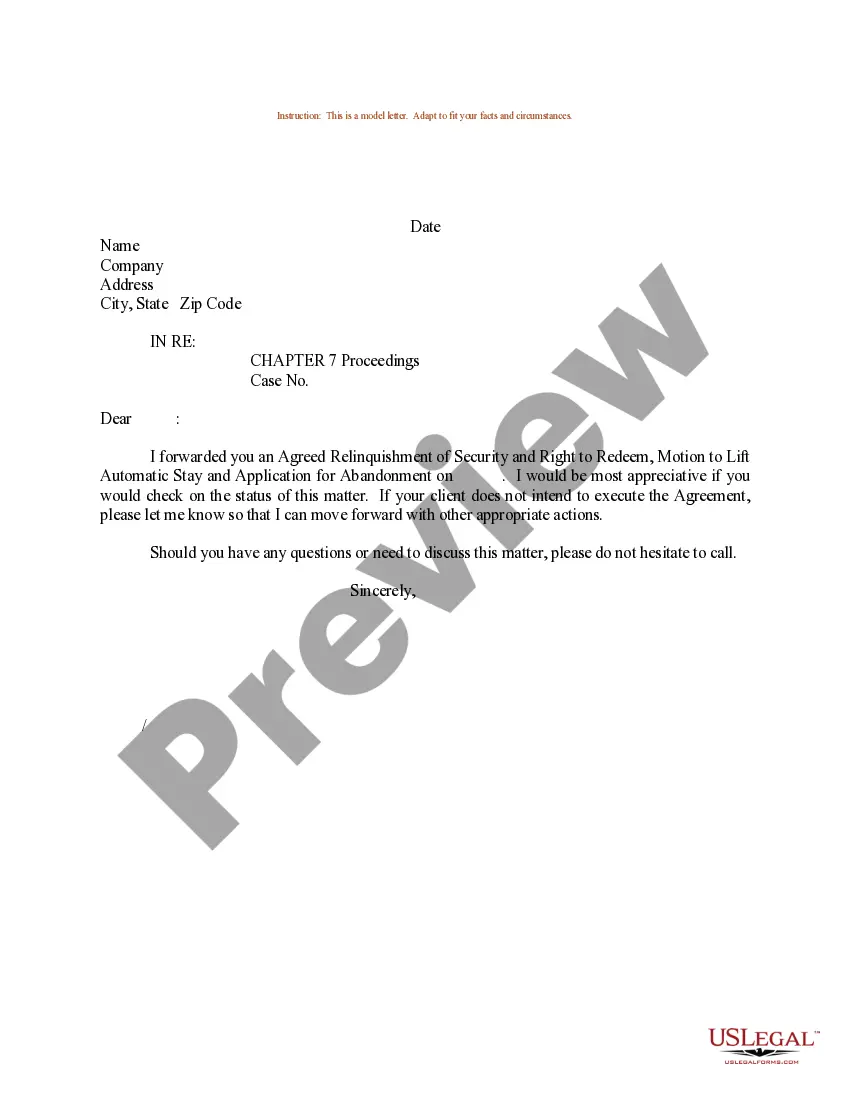
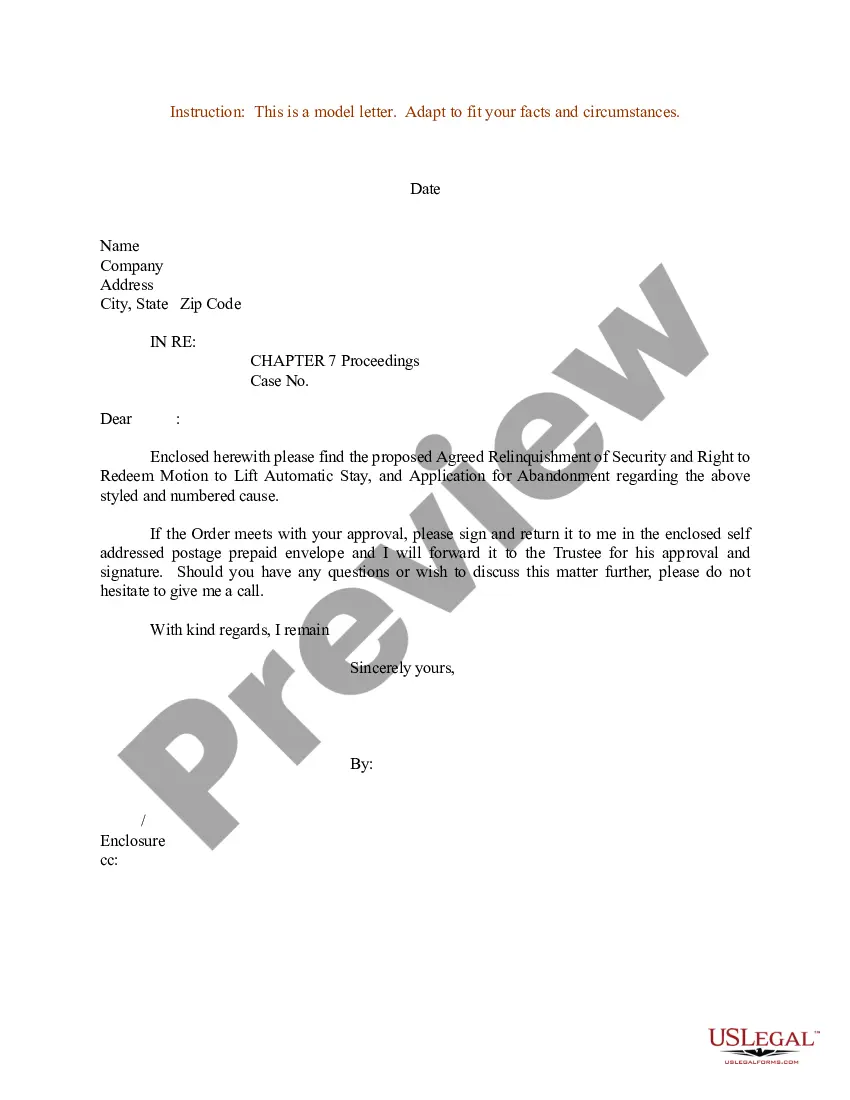
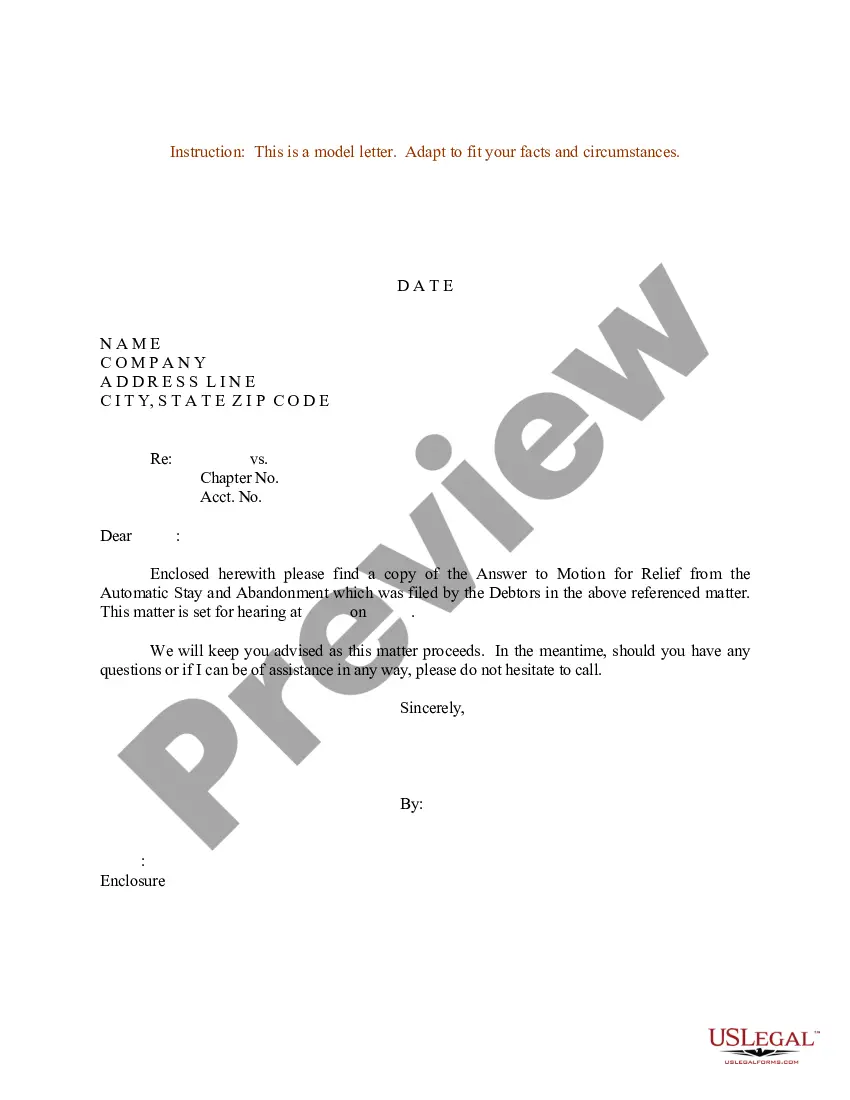
How to fill out Sample Letter For Hearing On Motion For Relief From Automatic Stay?
Accessing legal document examples that comply with federal and local regulations is essential, and the web provides numerous selections to choose from.
Yet, what is the benefit of spending time searching for the properly written Sample Motion Stay With Exhibits template online when the US Legal Forms virtual library already compiles such documents in one location.
US Legal Forms boasts the largest online legal repository with over 85,000 fillable templates created by attorneys for various professional and personal scenarios.
Maximize the benefits of the most comprehensive and user-friendly legal document service!
- They are simple to navigate, with all documents categorized by state and intended use.
- Our experts keep abreast of legal modifications, ensuring your documents are current and compliant when acquiring a Sample Motion Stay With Exhibits from our site.
- Securing a Sample Motion Stay With Exhibits is quick and straightforward for both existing and new users.
- If you already possess an account with an active subscription, Log In and download the desired document sample in your chosen format.
- For those new to our platform, follow the steps outlined below.
Form popularity
FAQ
In legal terms, an exhibit refers to a document, object, or piece of evidence that is presented in court. Exhibits support arguments or claims made during a trial or hearing. When preparing a sample motion stay with exhibits, including clear and well-organized exhibits can strengthen your case significantly.
Marking exhibits: Each exhibit should be marked with an exhibit sticker or label for identification. Typically, exhibits are sequentially numbered (Exhibit 1, Exhibit 2, etc.) or lettered (Exhibit A, Exhibit B, etc.).
Documents, photographs, or other items you bring to trial to help prove your case are called exhibits. The judge must to allow you to admit the exhibit as evidence in order for you to use it in your case.
The exhibit list shall contain all exhibits that the parties intend to offer for admission into evidence. Those exhibits should be appropriately labeled as Plaintiff's or Defendant's exhibits, e.g., PX-1, DX-1. Any exhibits that have been produced by bates number must also include the bates number.
Find out about labeling exhibits The plaintiff's exhibits are traditionally numbered (?Exhibit 1?), while the defendant's exhibits are lettered (?Exhibit A?). Your court may want you to label your own exhibits as you introduce them or the court may prefer that the court clerk labels the exhibits instead.
Documents attached to a motion are usually referred to as exhibits. If you attach multiple exhibits to your motion, label each exhibit. For example, Exhibit 1, Exhibit 2, etc. or Exhibit A, Exhibit B, etc. Read about e-filing your court papers here. You can learn more about how to file a motion here.