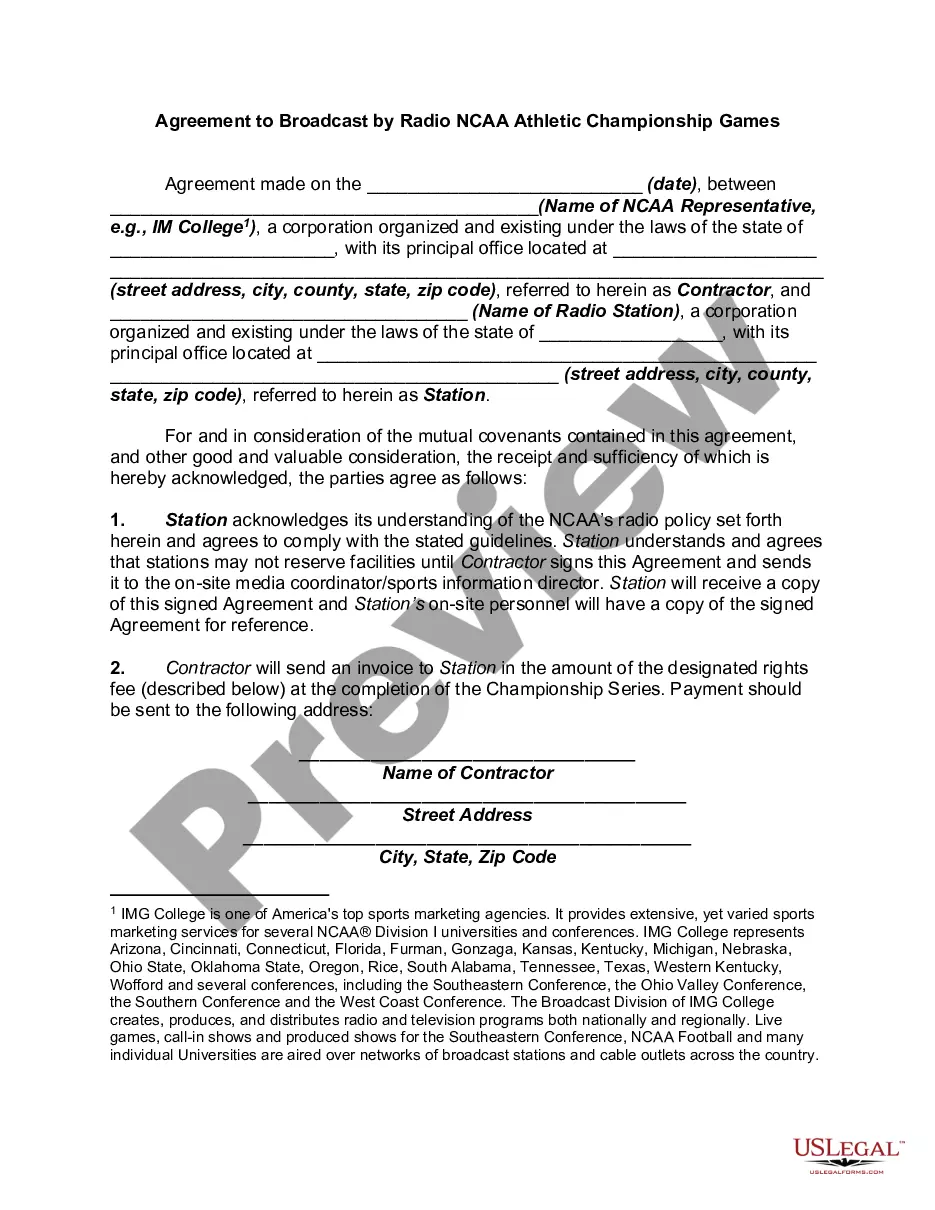
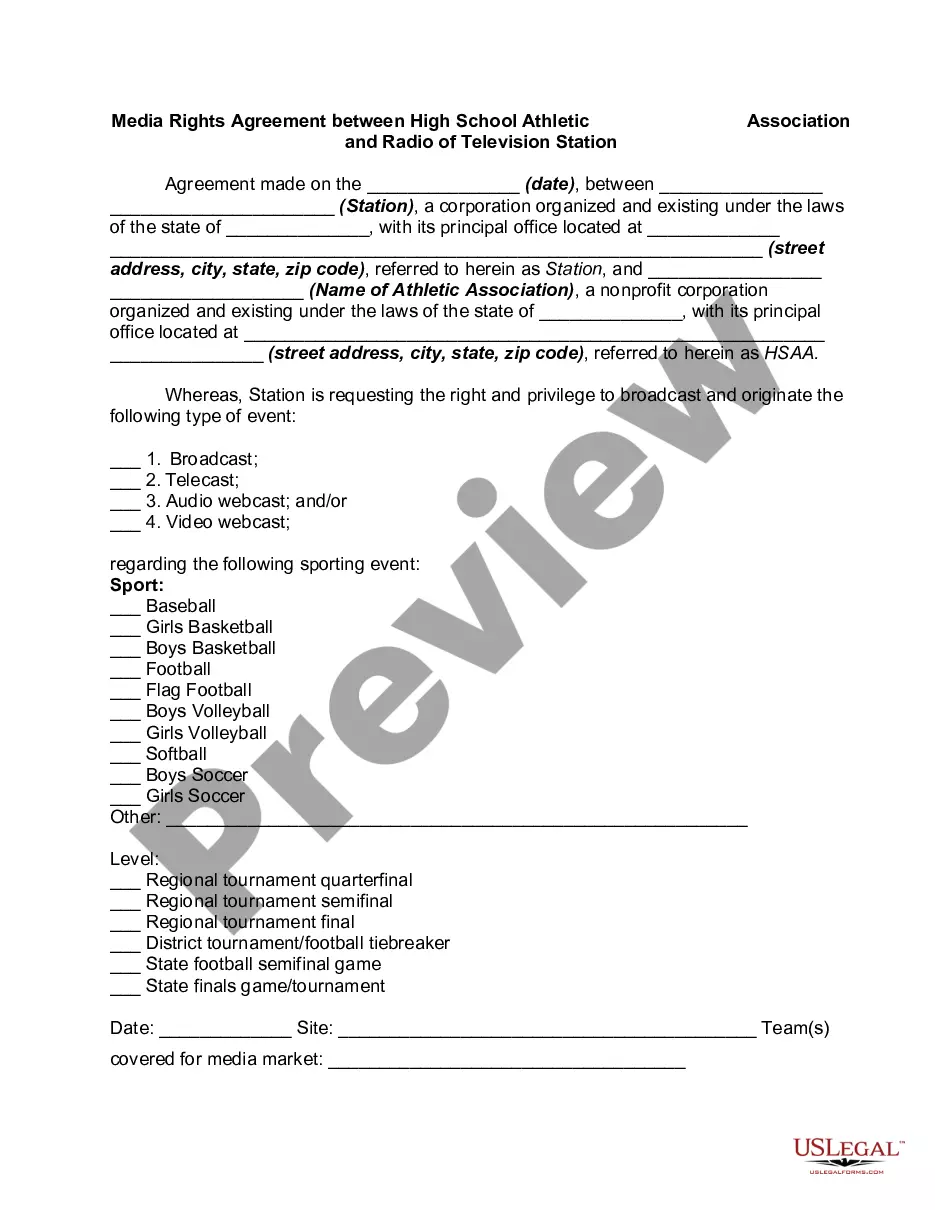
Agreement Radio Contract With Client
Description
Get your form ready online
Our built-in tools help you complete, sign, share, and store your documents in one place.
Make edits, fill in missing information, and update formatting in US Legal Forms—just like you would in MS Word.
Download a copy, print it, send it by email, or mail it via USPS—whatever works best for your next step.
Sign and collect signatures with our SignNow integration. Send to multiple recipients, set reminders, and more. Go Premium to unlock E-Sign.
If this form requires notarization, complete it online through a secure video call—no need to meet a notary in person or wait for an appointment.
We protect your documents and personal data by following strict security and privacy standards.

Make edits, fill in missing information, and update formatting in US Legal Forms—just like you would in MS Word.

Download a copy, print it, send it by email, or mail it via USPS—whatever works best for your next step.

Sign and collect signatures with our SignNow integration. Send to multiple recipients, set reminders, and more. Go Premium to unlock E-Sign.

If this form requires notarization, complete it online through a secure video call—no need to meet a notary in person or wait for an appointment.

We protect your documents and personal data by following strict security and privacy standards.
Looking for another form?










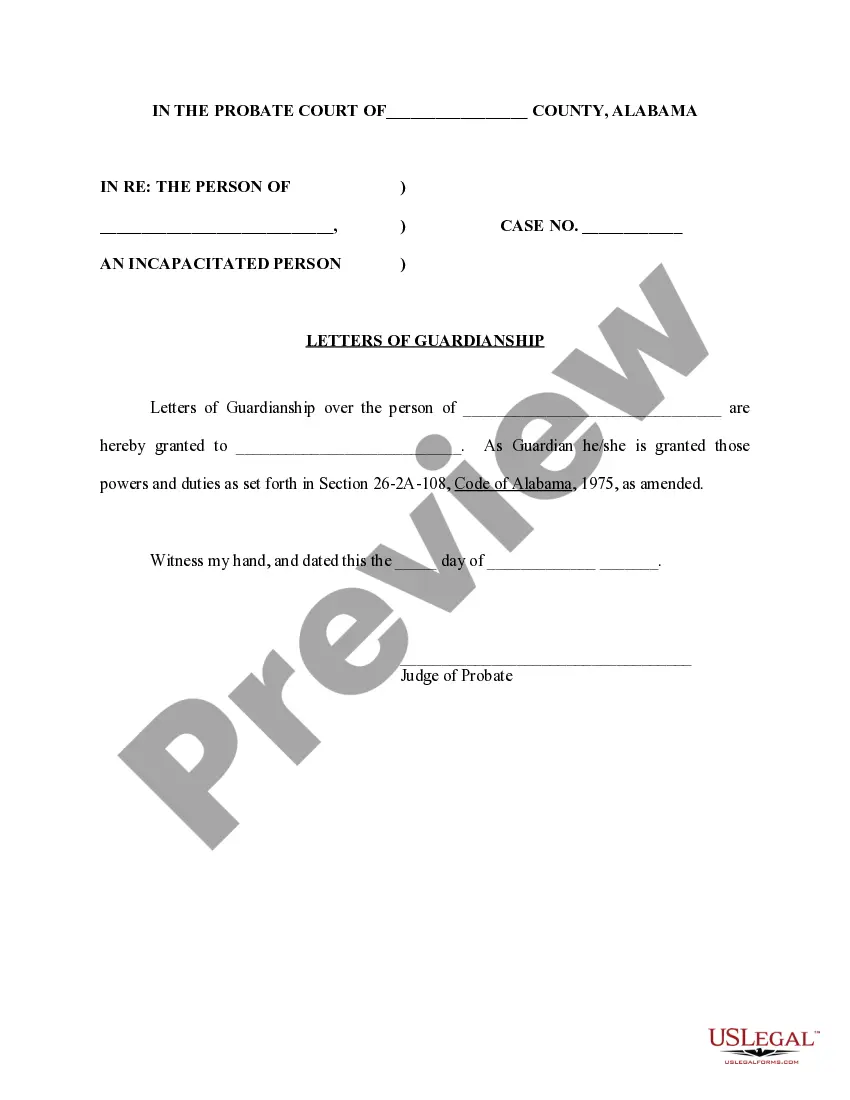
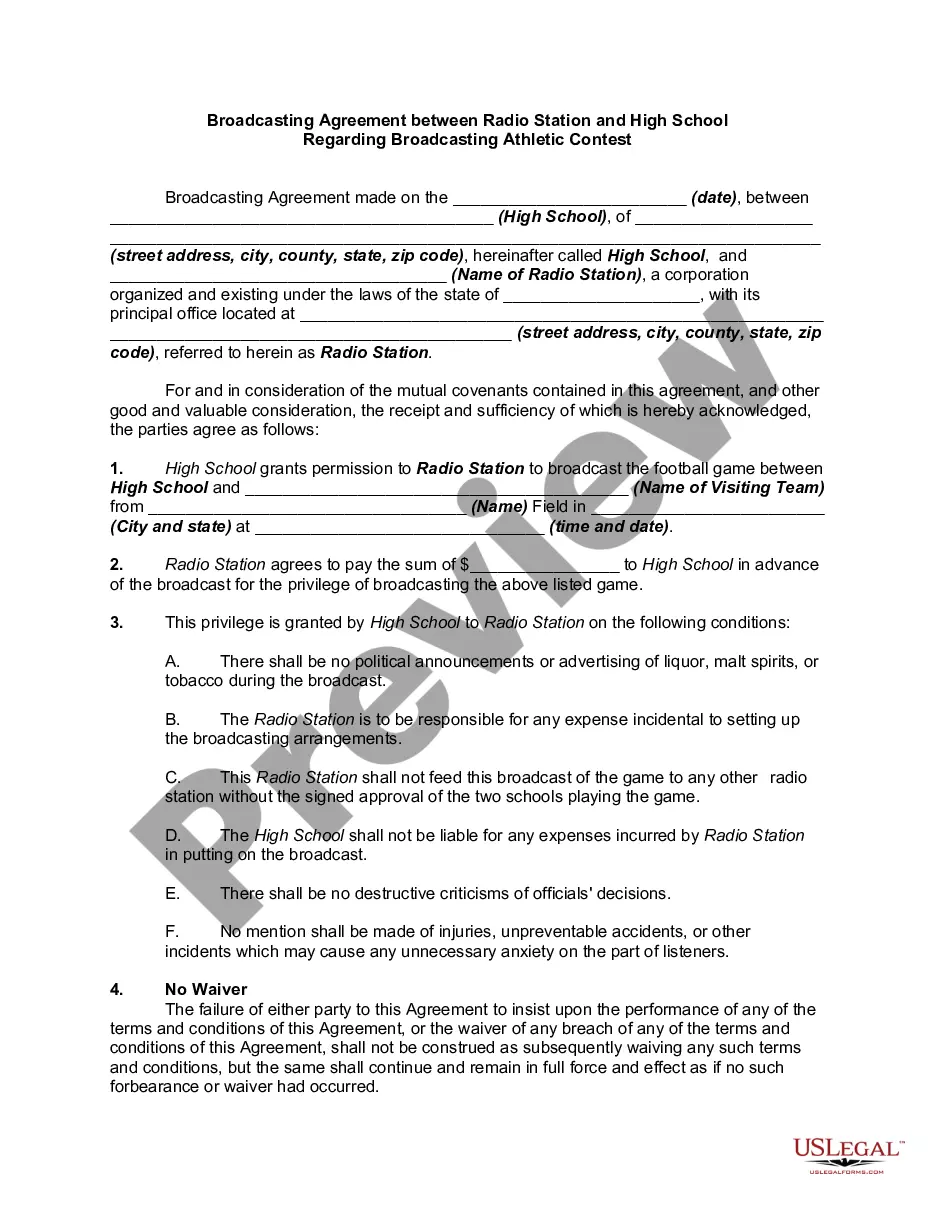
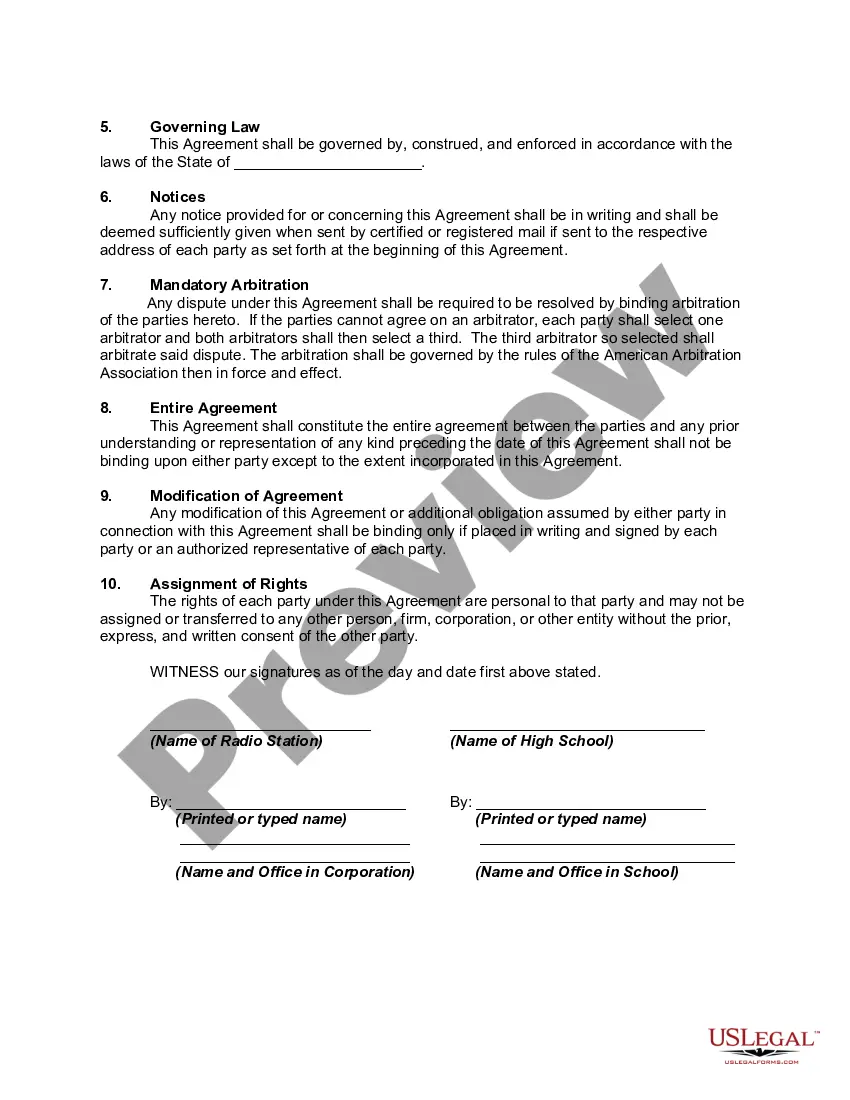
How to fill out Broadcasting Agreement Between Radio Station And High School Regarding Broadcasting Athletic Contest?
There is no longer any need to squander time looking for legal documents to adhere to your local state laws.
US Legal Forms has compiled all of them in a single location and made them easily accessible.
Our site offers over 85,000 templates suitable for various business and personal legal situations categorized by state and purpose.
Completing legal documentation under federal and state guidelines is quick and straightforward with our resource. Try US Legal Forms today to keep your records organized!
- All forms are expertly prepared and verified for legitimacy, ensuring that you acquire a current Agreement Radio Contract With Client.
- If you are acquainted with our service and have an account, make sure your subscription is active before obtaining any templates.
- Log In to your account, select the document, and click Download.
- You can also revisit all downloaded paperwork whenever necessary by accessing the My documents tab in your profile.
- If you are a new user to our platform, the process will involve a few more steps.
- Here's the procedure for newcomers to find the Agreement Radio Contract With Client in our catalog.
- Carefully review the page content to confirm it includes the sample you need.
- Utilize the form description and preview options if available.
Form popularity
FAQ
A digital contract is simply an electronic form of a contractual agreement. While a digital contract can be printed on paper and signed with ink, the use of electronic signatures means that never has to happen. Digital contracts are beneficial because they're: Easy to use.
Select / confirm the contract due date and/or shoot date.Save the contract!Review your contract.Click the "Send to Client" button in the top right, (if you are using a second signer you can choose to send the document to both or only one of the clients on the contract), edit the email as you wish, and click "Send."
That being said, let's create a contract agreement form with a digital signature field....Preparing Your Contract Agreement FormThe name of the person signing.The address of the person signing.The date the contract is signed.Space for your client (or new employee) to actually sign the contract.
A Service Agreement, also known as a Service Contract or Contract for Services, is a written agreement between a service provider and customer that outlines the terms of a particular service between the two parties.
Write the contract in six stepsStart with a contract template.Open with the basic information.Describe in detail what you have agreed to.Include a description of how the contract will be ended.Write into the contract which laws apply and how disputes will be resolved.Include space for signatures.