Failed Instruction Charges
Description
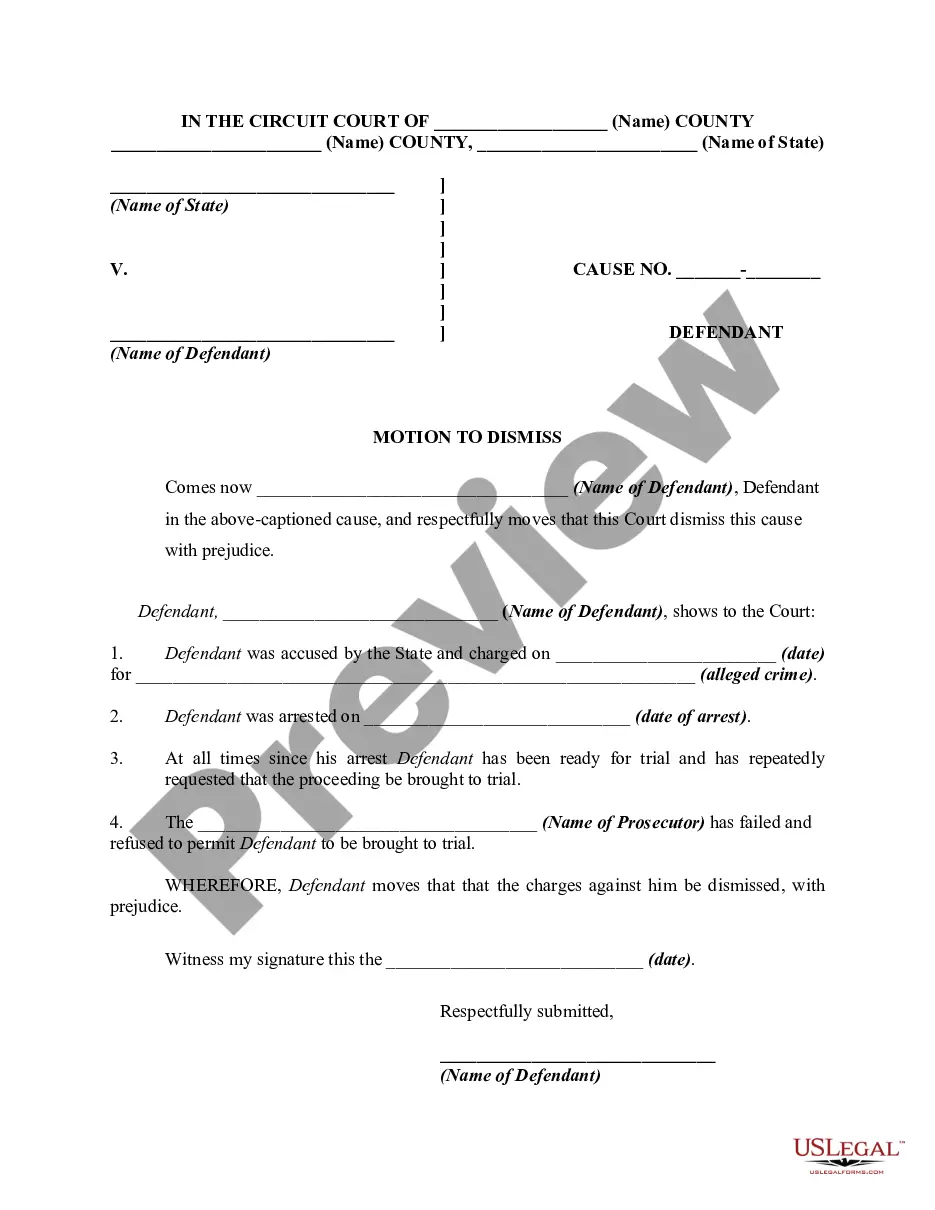


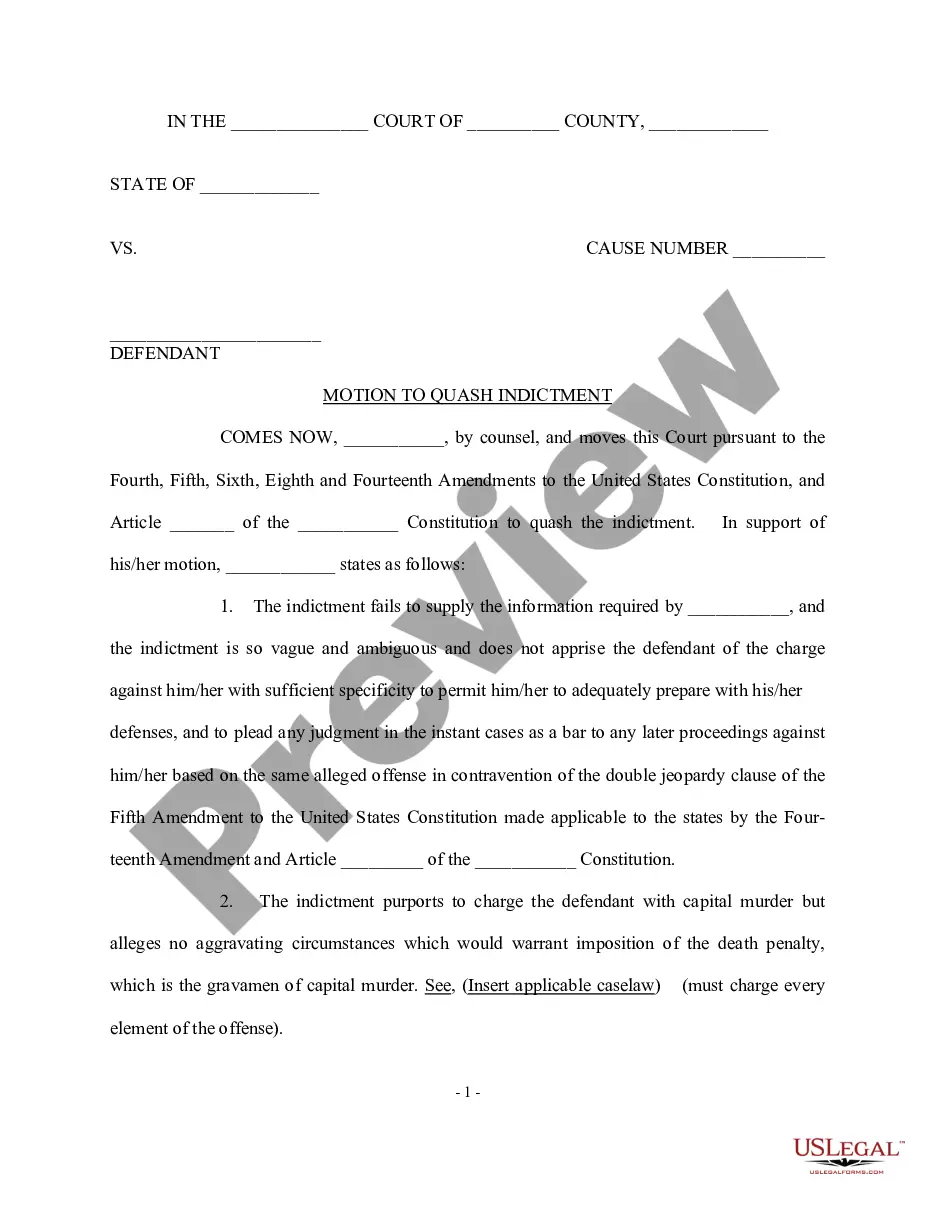
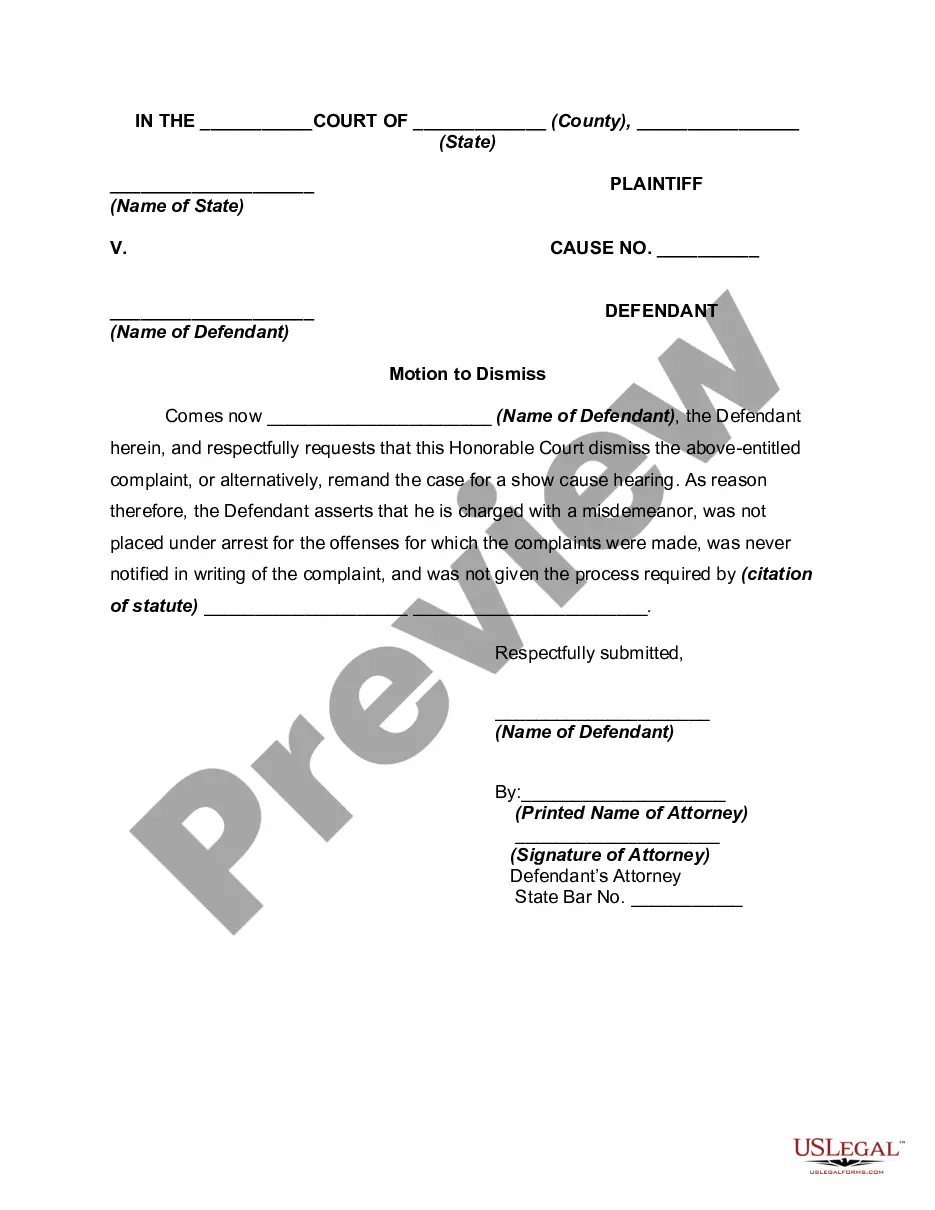
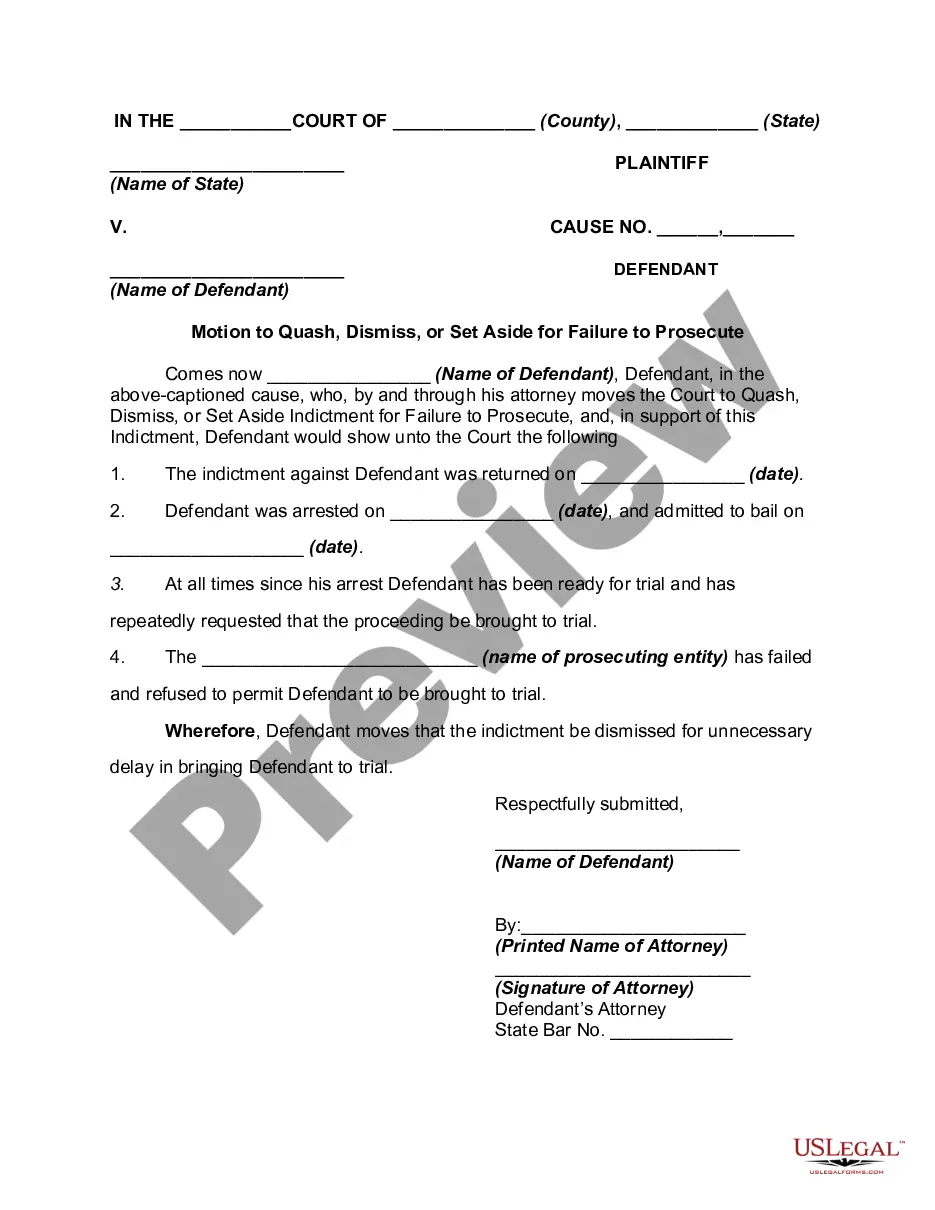
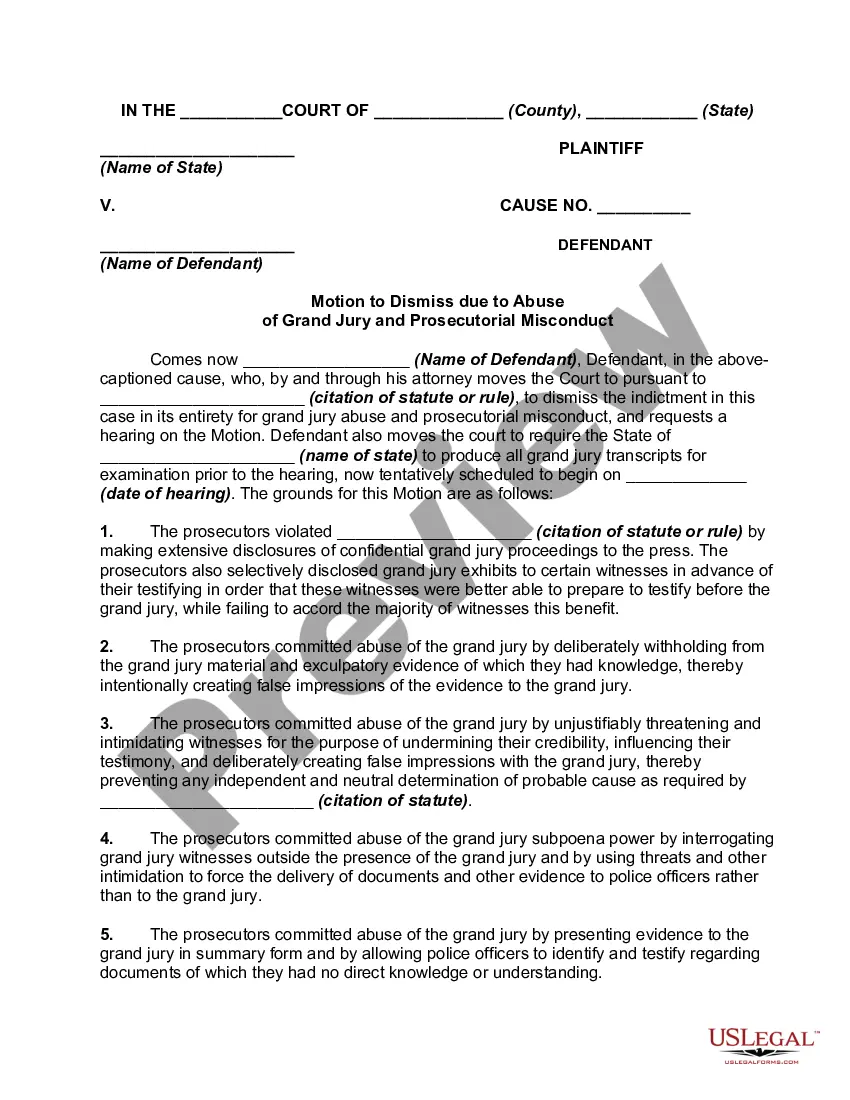
Get your form ready online
Our built-in tools help you complete, sign, share, and store your documents in one place.
Make edits, fill in missing information, and update formatting in US Legal Forms—just like you would in MS Word.
Download a copy, print it, send it by email, or mail it via USPS—whatever works best for your next step.
Sign and collect signatures with our SignNow integration. Send to multiple recipients, set reminders, and more. Go Premium to unlock E-Sign.
If this form requires notarization, complete it online through a secure video call—no need to meet a notary in person or wait for an appointment.
We protect your documents and personal data by following strict security and privacy standards.

Make edits, fill in missing information, and update formatting in US Legal Forms—just like you would in MS Word.

Download a copy, print it, send it by email, or mail it via USPS—whatever works best for your next step.

Sign and collect signatures with our SignNow integration. Send to multiple recipients, set reminders, and more. Go Premium to unlock E-Sign.

If this form requires notarization, complete it online through a secure video call—no need to meet a notary in person or wait for an appointment.

We protect your documents and personal data by following strict security and privacy standards.
Looking for another form?



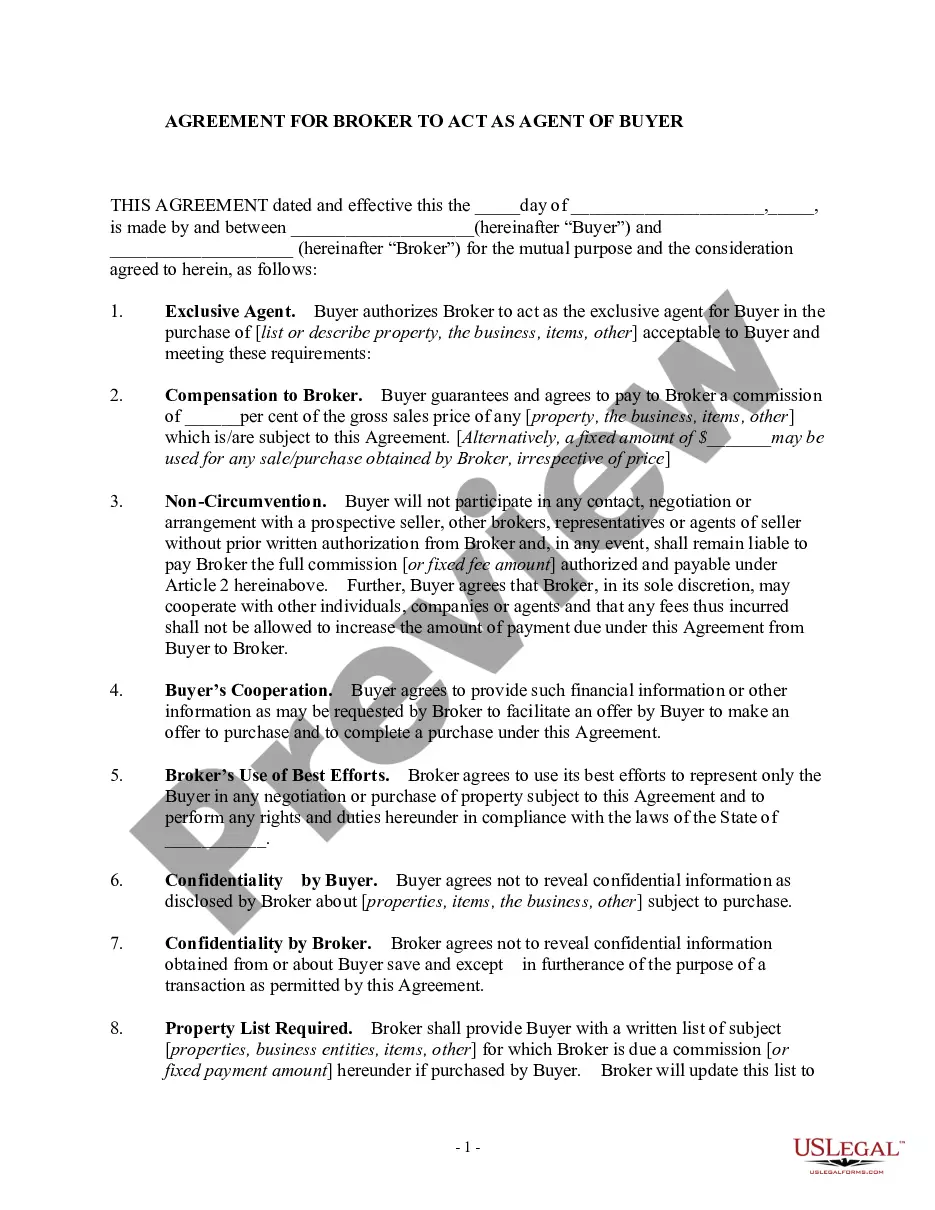



How to fill out Motion To Quash, Dismiss, Or Set Aside Criminal Charges For Failure To Prosecute?
Whether for business purposes or for personal matters, everybody has to deal with legal situations sooner or later in their life. Completing legal paperwork demands careful attention, starting with choosing the correct form sample. For example, when you select a wrong version of a Failed Instruction Charges, it will be rejected when you submit it. It is therefore crucial to get a reliable source of legal papers like US Legal Forms.
If you have to get a Failed Instruction Charges sample, follow these easy steps:
- Find the template you need using the search field or catalog navigation.
- Check out the form’s information to ensure it matches your situation, state, and region.
- Click on the form’s preview to examine it.
- If it is the incorrect document, get back to the search function to locate the Failed Instruction Charges sample you require.
- Get the template if it matches your requirements.
- If you have a US Legal Forms account, simply click Log in to gain access to previously saved documents in My Forms.
- If you don’t have an account yet, you may download the form by clicking Buy now.
- Pick the appropriate pricing option.
- Complete the account registration form.
- Choose your transaction method: you can use a credit card or PayPal account.
- Pick the document format you want and download the Failed Instruction Charges.
- Once it is saved, you are able to complete the form with the help of editing software or print it and finish it manually.
With a large US Legal Forms catalog at hand, you never need to spend time looking for the appropriate template across the web. Make use of the library’s simple navigation to find the right form for any situation.
Form popularity
FAQ
Then, file a dispute by using the credit bureau's online process, by phone or by mail. The bureau has 30 days to respond. It's free to dispute errors on your credit report with the bureaus, and it won't harm your score. You can dispute online, by phone, or by mail.
How to remove negative items from your credit report yourself Get a free copy of your credit report. ... File a dispute with the credit reporting agency. ... File a dispute directly with the creditor. ... Review the claim results. ... Hire a credit repair service. ... Send a request for ?goodwill deletion? ... Work with a credit counseling agency.
You can ask the creditor ? either the original creditor or a debt collector ? for what's called a ?goodwill deletion.? Write the collector a letter explaining your circumstances and why you would like the debt removed, such as if you're about to apply for a mortgage.
A 609 Dispute Letter is often billed as a credit repair secret or legal loophole that forces the credit reporting agencies to remove certain negative information from your credit reports. And if you're willing, you can spend big bucks on templates for these magical dispute letters.
If you recently had an item deleted from your credit report as a result of a dispute, it can be surprising if the collection suddenly reappears. Although this doesn't happen often, it is possible for disputed collections to reappear on your credit report. Credit files can be tricky.