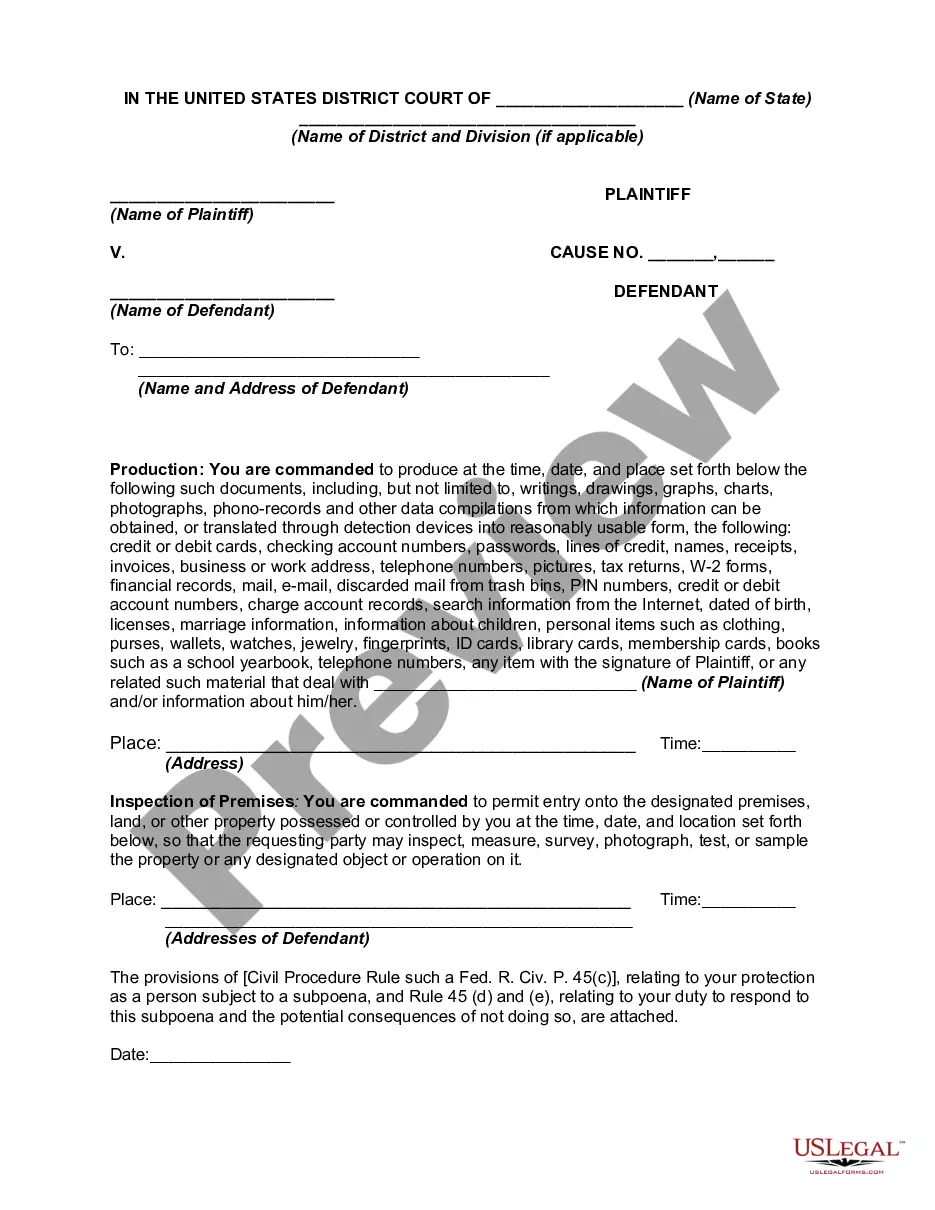
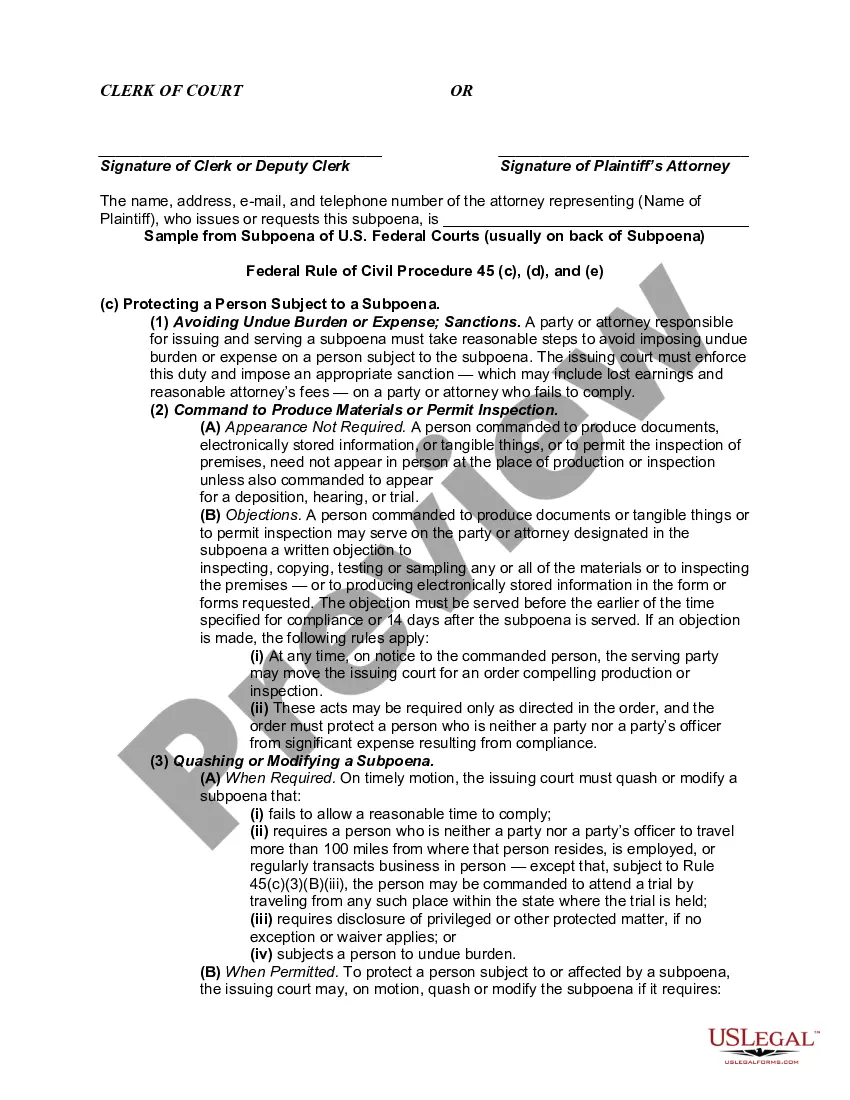
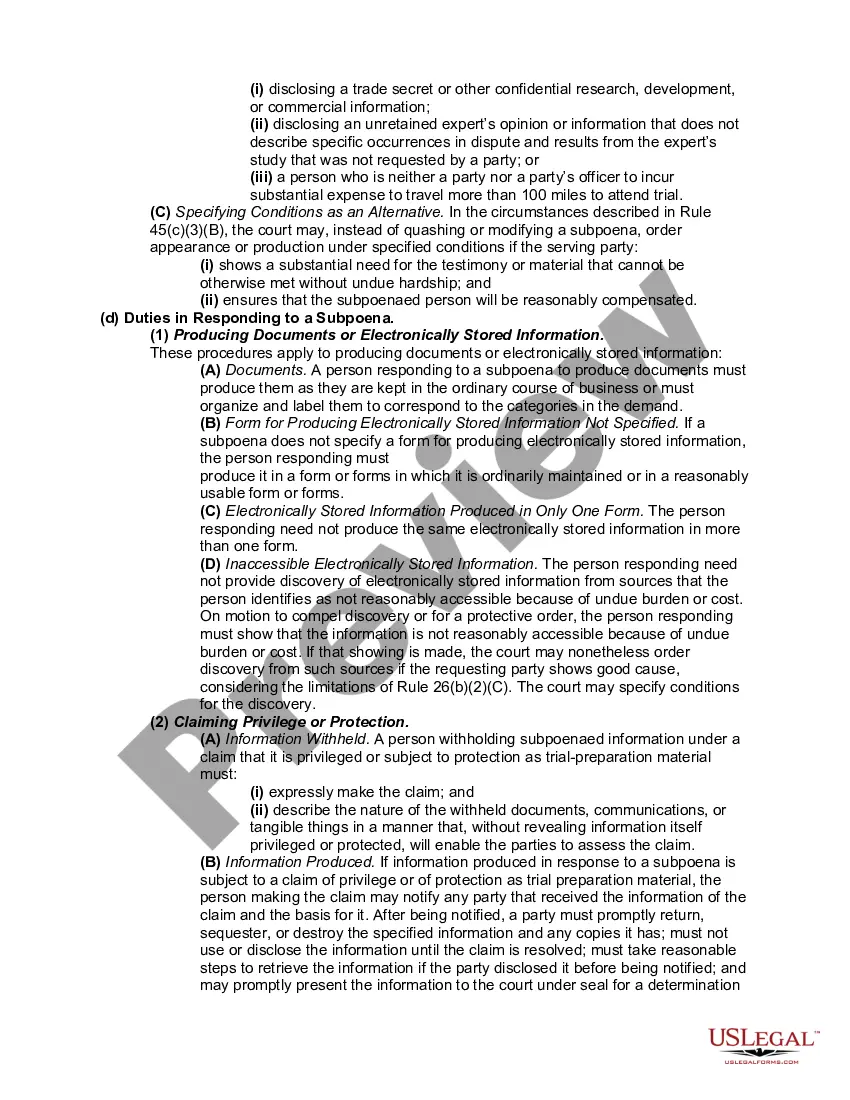
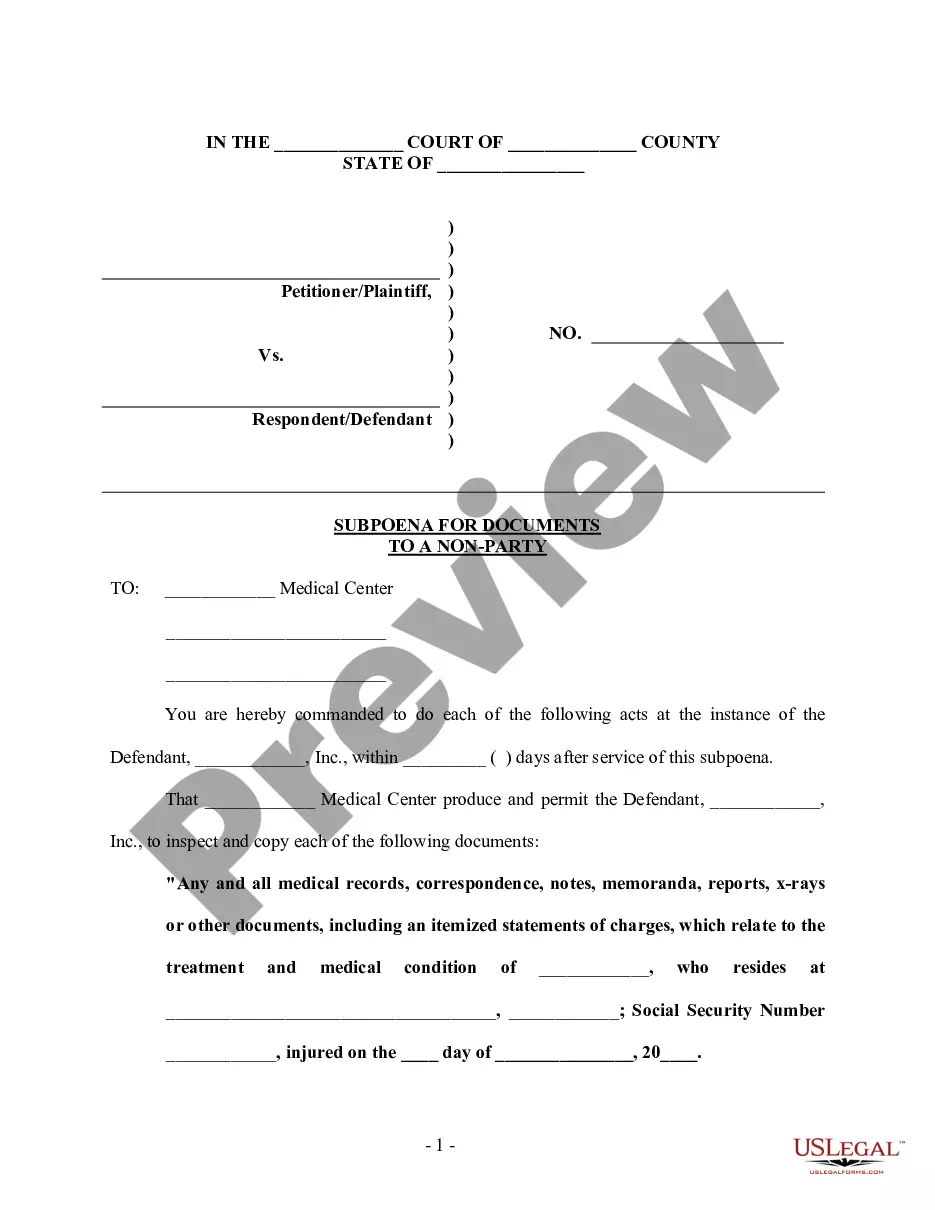
Phone Records Subpoena Example
Description

Get your form ready online
Our built-in tools help you complete, sign, share, and store your documents in one place.
Make edits, fill in missing information, and update formatting in US Legal Forms—just like you would in MS Word.
Download a copy, print it, send it by email, or mail it via USPS—whatever works best for your next step.
Sign and collect signatures with our SignNow integration. Send to multiple recipients, set reminders, and more. Go Premium to unlock E-Sign.
If this form requires notarization, complete it online through a secure video call—no need to meet a notary in person or wait for an appointment.
We protect your documents and personal data by following strict security and privacy standards.

Make edits, fill in missing information, and update formatting in US Legal Forms—just like you would in MS Word.

Download a copy, print it, send it by email, or mail it via USPS—whatever works best for your next step.

Sign and collect signatures with our SignNow integration. Send to multiple recipients, set reminders, and more. Go Premium to unlock E-Sign.

If this form requires notarization, complete it online through a secure video call—no need to meet a notary in person or wait for an appointment.

We protect your documents and personal data by following strict security and privacy standards.
Looking for another form?
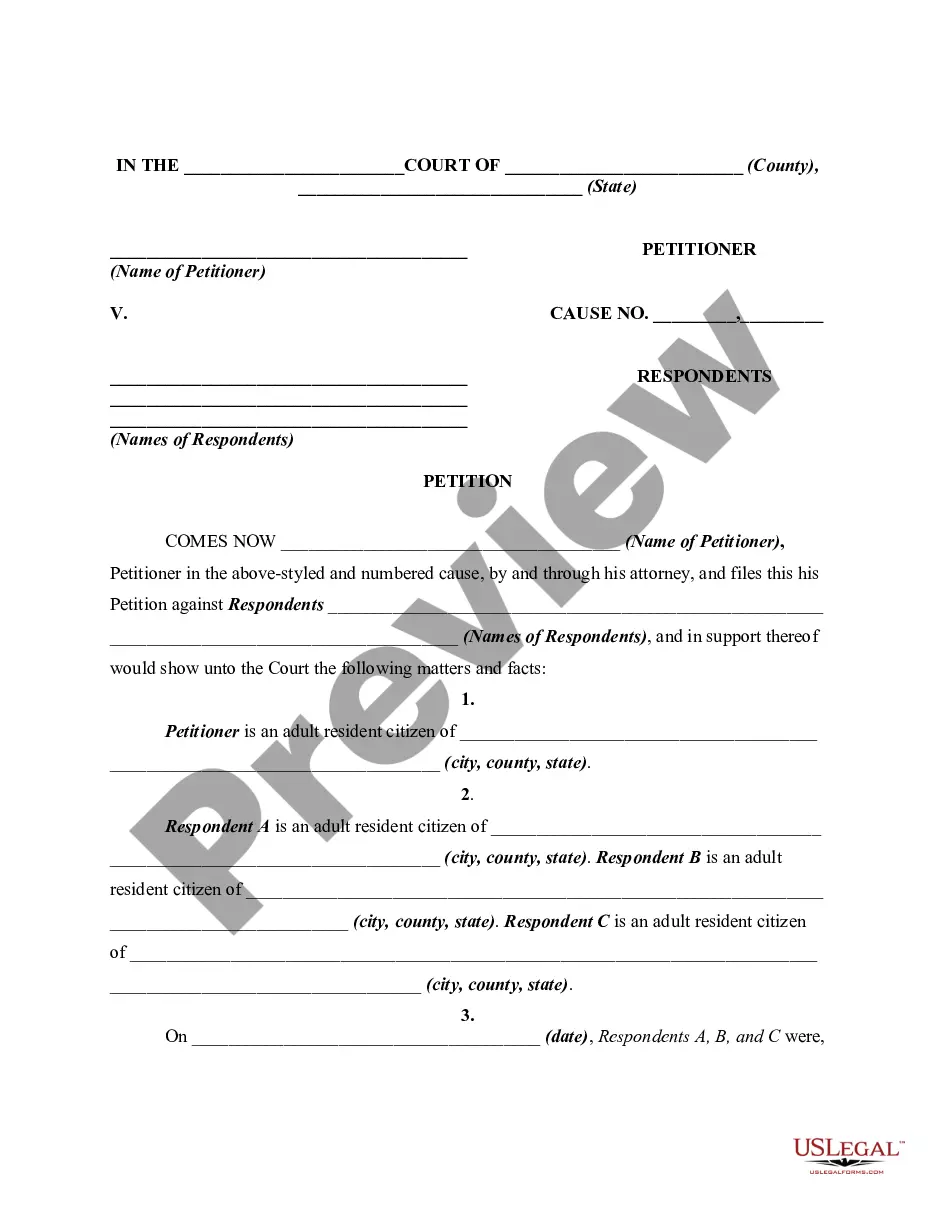


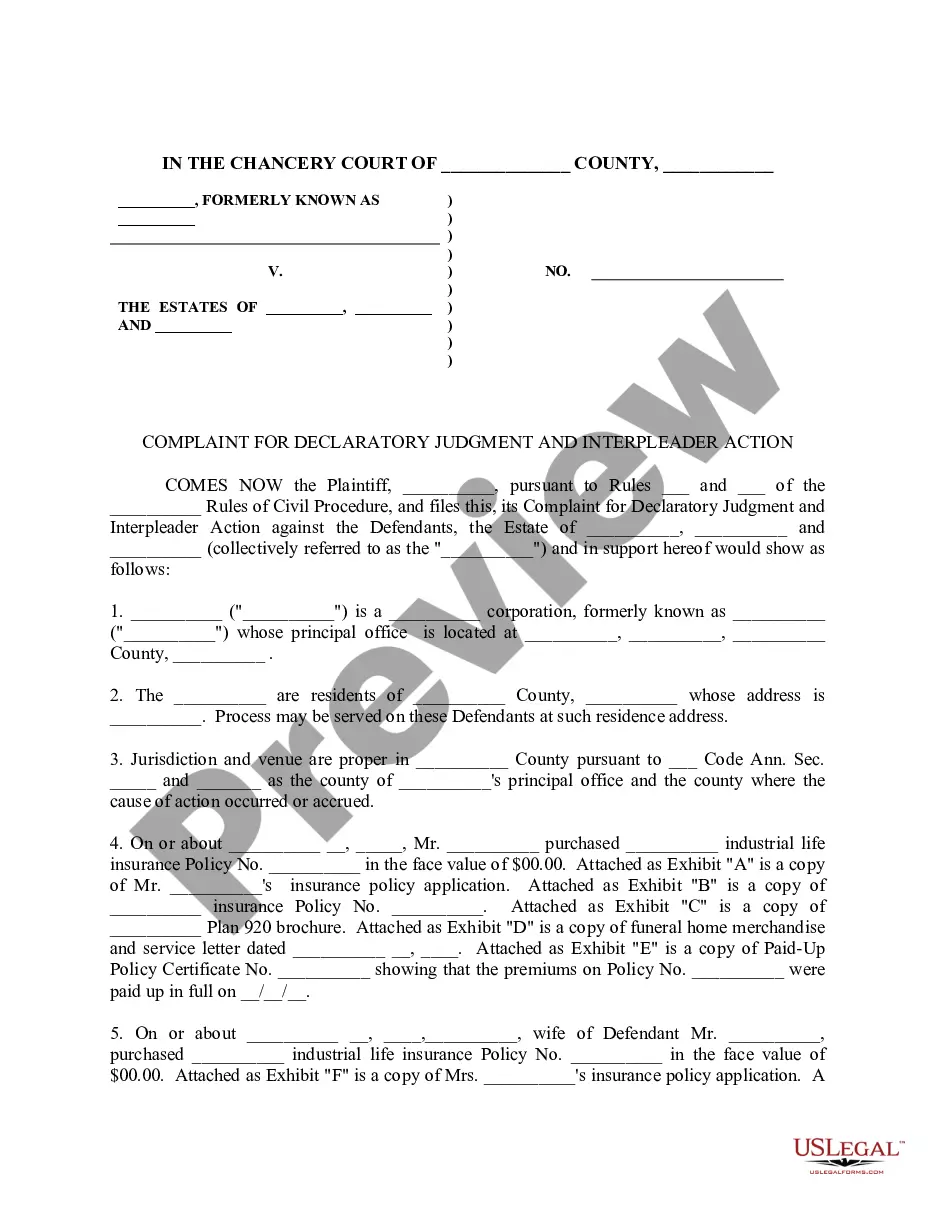
How to fill out Subpoena To Produce Documents, Information, Or Objects Or Permit Inspection Of Premises In A Civil Action Involving Identity Theft?
Managing legal documents and procedures can be a labor-intensive supplement to your daily routine.
Phone Records Subpoena Sample and similar forms usually require you to search for them and figure out how to fill them out correctly.
Thus, whether you are handling financial, legal, or personal issues, having a comprehensive and user-friendly online repository of forms at your disposal will be incredibly beneficial.
US Legal Forms is the top online resource for legal templates, boasting over 85,000 state-specific documents and a variety of tools to help you complete your paperwork efficiently.
Is this your initial experience with US Legal Forms? Register and create an account in a matter of minutes to gain access to the form library and Phone Records Subpoena Sample. Then, follow the steps below to complete your form: Ensure you have the correct document using the Review feature and examining the form details. Select Buy Now when ready, and pick the subscription plan that suits you best. Click Download and then complete, eSign, and print the document. US Legal Forms has 25 years of expertise assisting users in managing their legal documentation. Find the form you need today and streamline any process effortlessly.
- Browse the collection of relevant documents available to you with just one click.
- US Legal Forms provides state- and county-specific documents ready for download at any time.
- Protect your document management processes by utilizing a high-quality service that allows you to prepare any form within minutes without extra or hidden fees.
- Just Log In to your account, find Phone Records Subpoena Sample and obtain it immediately from the My documents section.
- You can also access previously downloaded documents.
Form popularity
FAQ
A revocable trust and living trust are separate terms that describe the same thing: a trust in which the terms can be changed at any time. An irrevocable trust describes a trust that cannot be modified after it is created without the beneficiaries' consent.
To make a living trust in Vermont, you: Choose whether to make an individual or shared trust. Decide what property to include in the trust. Choose a successor trustee. Decide who will be the trust's beneficiaries?that is, who will get the trust property. Create the trust document.
The two basic types of trusts are a revocable trust, also known as a revocable living trust or simply a living trust, and an irrevocable trust. The owner of a revocable trust may change its terms at any time.
Limitations: Requires adherence to trust document's instructions on asset assignments. Joint assets, including certain IRAs and retirement plans, cannot be placed into a one-person trust. No complete tax avoidance: Total avoidance of taxes is rarely possible with living trusts, though there may be ways to reduce them.
The Disadvantage of a Revocable Living Trust Expansive: Creating a revocable living trust can be more expensive than a simple will due to legal fees and document preparation. Complexity: Managing a trust requires ongoing paperwork and record-keeping, which can be burdensome and time-consuming.
A living trust can help you manage and pass on a variety of assets. However, there are a few asset types that generally shouldn't go in a living trust, including retirement accounts, health savings accounts, life insurance policies, UTMA or UGMA accounts and vehicles.
How to Write ( Fill Out ) a Living Trust Form Step 1: Fill out the grantor information. ... Step 2: Indicate the purpose of the trust. ... Step 3: Include trustee information. ... Step 4: List beneficiaries and make specific gifts. ... Step 5: Sign and notarize the completed document.
Create a trust agreement: To make sure you do this correctly, you should hire an attorney. But if you want to do this cheaply, you can use an online program. Sign the trust document: You must do this before a notary public. Transfer assets to the trust: This can be done by retitling them or deeding them to the trust.