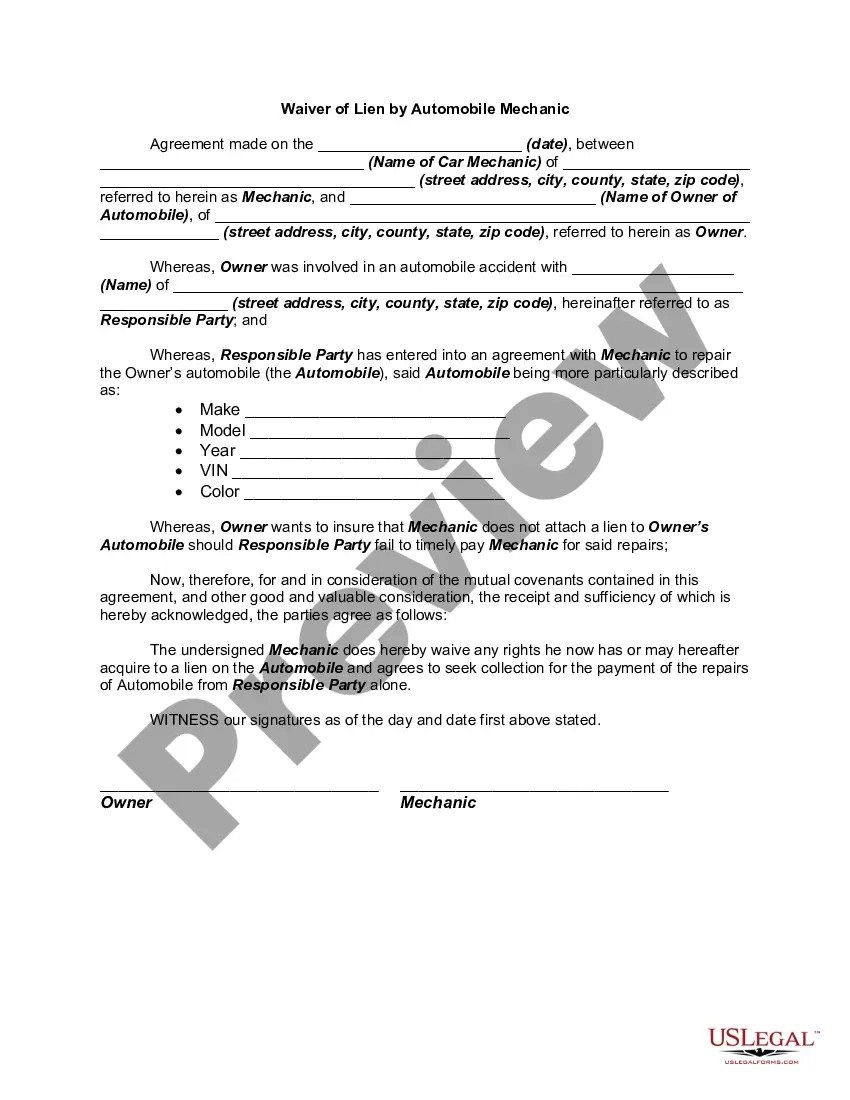
Owner Name Of Car
Description
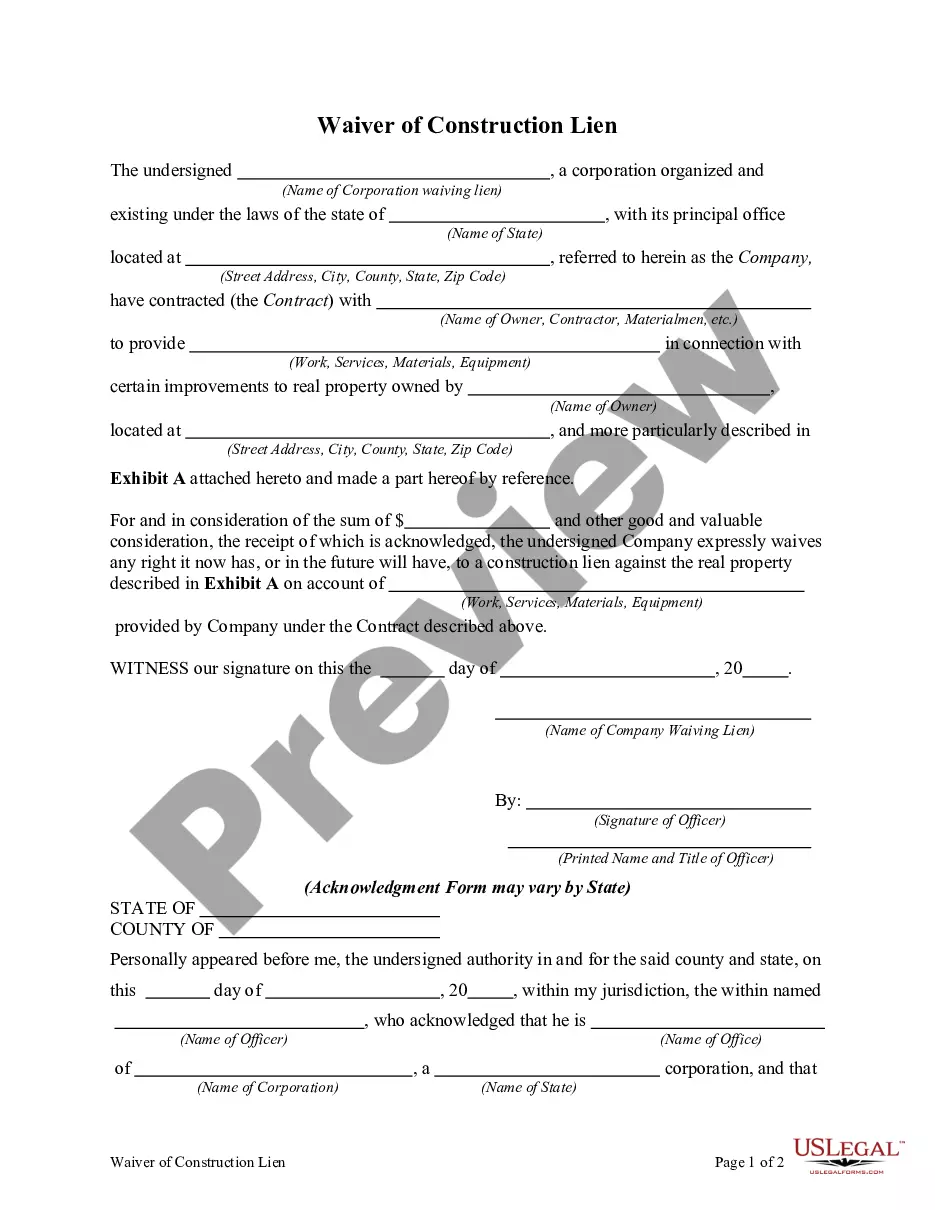
Get your form ready online
Our built-in tools help you complete, sign, share, and store your documents in one place.
Make edits, fill in missing information, and update formatting in US Legal Forms—just like you would in MS Word.
Download a copy, print it, send it by email, or mail it via USPS—whatever works best for your next step.
Sign and collect signatures with our SignNow integration. Send to multiple recipients, set reminders, and more. Go Premium to unlock E-Sign.
If this form requires notarization, complete it online through a secure video call—no need to meet a notary in person or wait for an appointment.
We protect your documents and personal data by following strict security and privacy standards.

Make edits, fill in missing information, and update formatting in US Legal Forms—just like you would in MS Word.

Download a copy, print it, send it by email, or mail it via USPS—whatever works best for your next step.

Sign and collect signatures with our SignNow integration. Send to multiple recipients, set reminders, and more. Go Premium to unlock E-Sign.

If this form requires notarization, complete it online through a secure video call—no need to meet a notary in person or wait for an appointment.

We protect your documents and personal data by following strict security and privacy standards.
Looking for another form?







How to fill out Waiver Of Lien By Automobile Or Car Mechanic?
Whether for commercial intentions or for personal matters, everyone must confront legal circumstances sooner or later in their lives.
Filling out legal documents requires meticulous consideration, starting from selecting the correct form example.
With an extensive catalog from US Legal Forms available, you do not need to waste time searching for the correct template online. Utilize the library’s easy navigation to find the suitable template for any situation.
- Locate the template you require using the search bar or catalog browsing.
- Review the details of the form to ensure it suits your needs, region, and county.
- Select the form's preview to examine it.
- If it is the wrong document, return to the search feature to find the Owner Name Of Car template you need.
- Download the template when it aligns with your requirements.
- If you already possess a US Legal Forms account, click Log in to access previously saved files in My documents.
- If you do not yet have an account, you can acquire the form by clicking Buy now.
- Select the appropriate payment option.
- Complete the account registration form.
- Choose your payment method: you can use a credit card or PayPal.
- Select the desired file format and download the Owner Name Of Car.
- Once downloaded, you can fill out the form using editing software or print it and complete it by hand.
Form popularity
FAQ
Changing the name of a vehicle's registered owner usually requires submitting a form and supporting documents to your state's department of motor vehicles. Changing a name on the registration may also require updating the vehicle's title document, which signifies legal ownership of the vehicle.
If the owner and the settlor are the same person, complete Part II of form DTF-802 for a gift. Complete the donor section and the recipient section. The person who is the owner of the vehicle must complete the seller sections on the back of the certificate. The owner must sign the title certificate as the seller.
What You'll Need to Do to Transfer your Vehicle Title in South Carolina Complete and sign the title certificate (seller and buyer). Complete a Bill of Sale (if applicable). Complete the title application form. Visit any DMV office near you. Consider making a DMV appointment or getting a line waiting concierge.
If the car is titled in only one of the partner's names, then legally they are the owner, and they get to keep the car after a cohabitation break up. Remember, marital property laws do not apply to non-married cohabitators! If the property is titled in someone's name, it belongs to them.
In the small box to the right, fill in the Date of Sale and Sale Price on the lines provided. The Buyer(s) signs, and prints name on the line beneath the odometer section. At bottom right, the seller(s) signs on the indicated line, and prints name on the line provided beneath, and the address on the line below that.