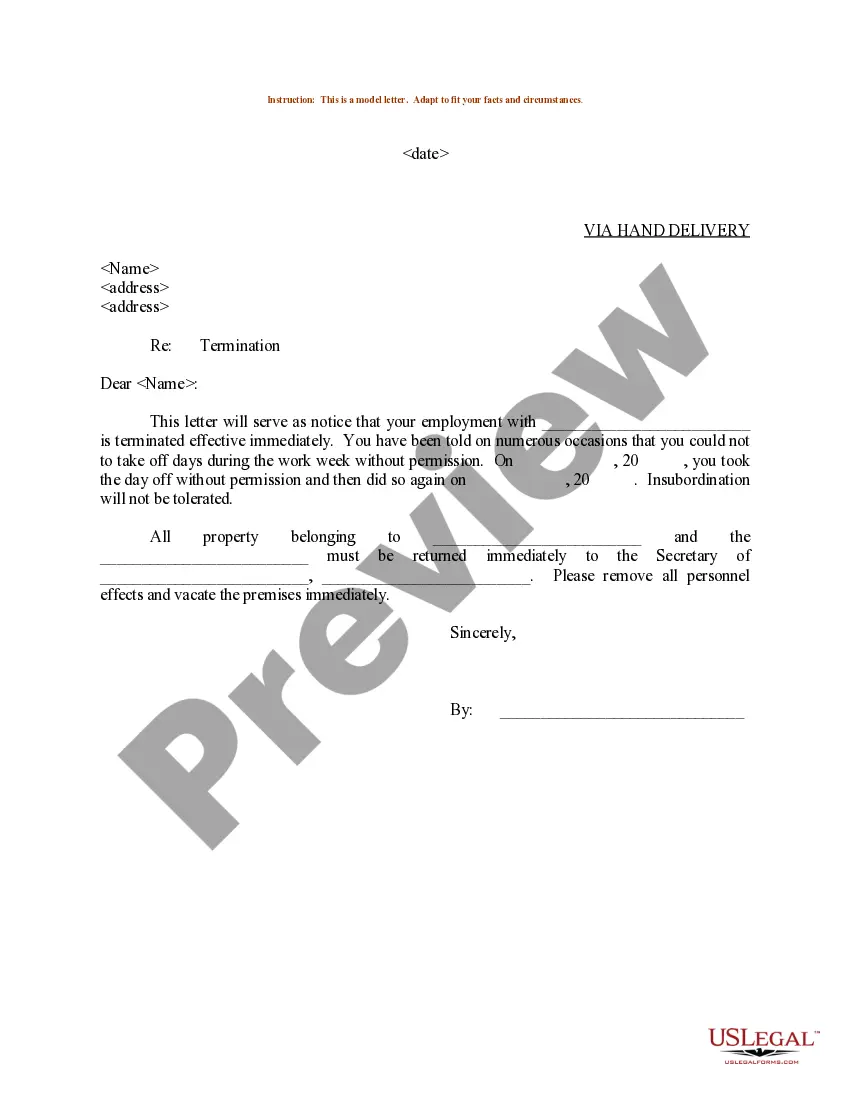
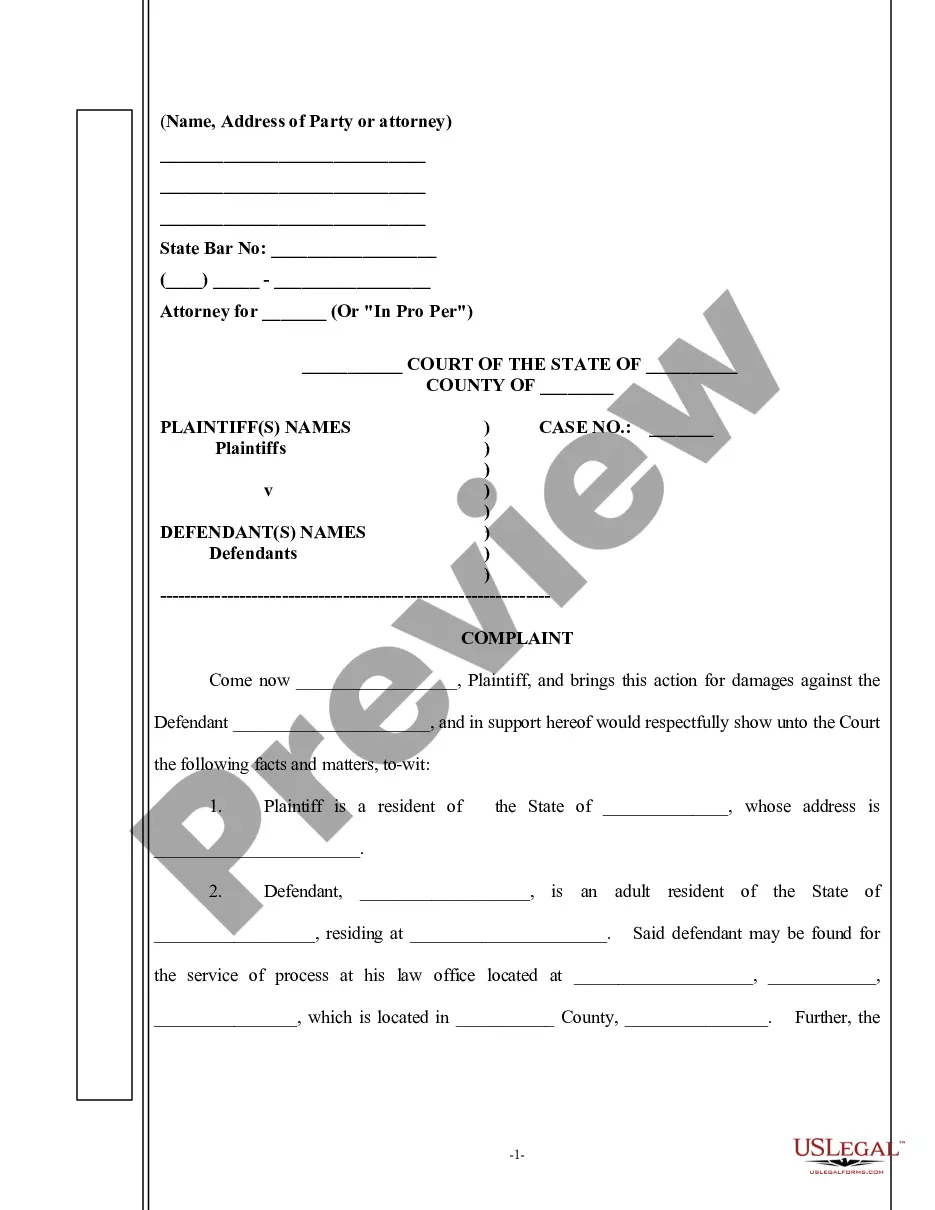
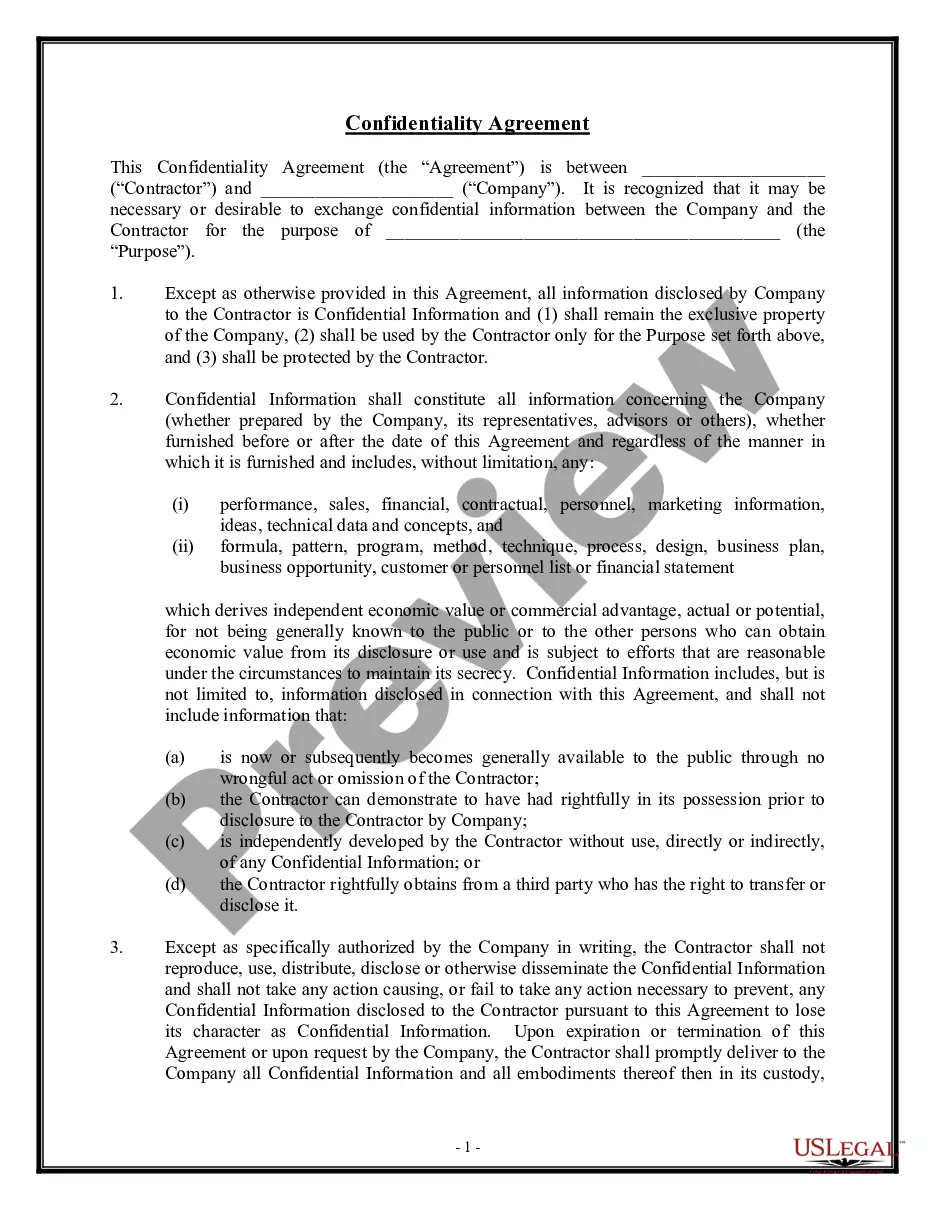
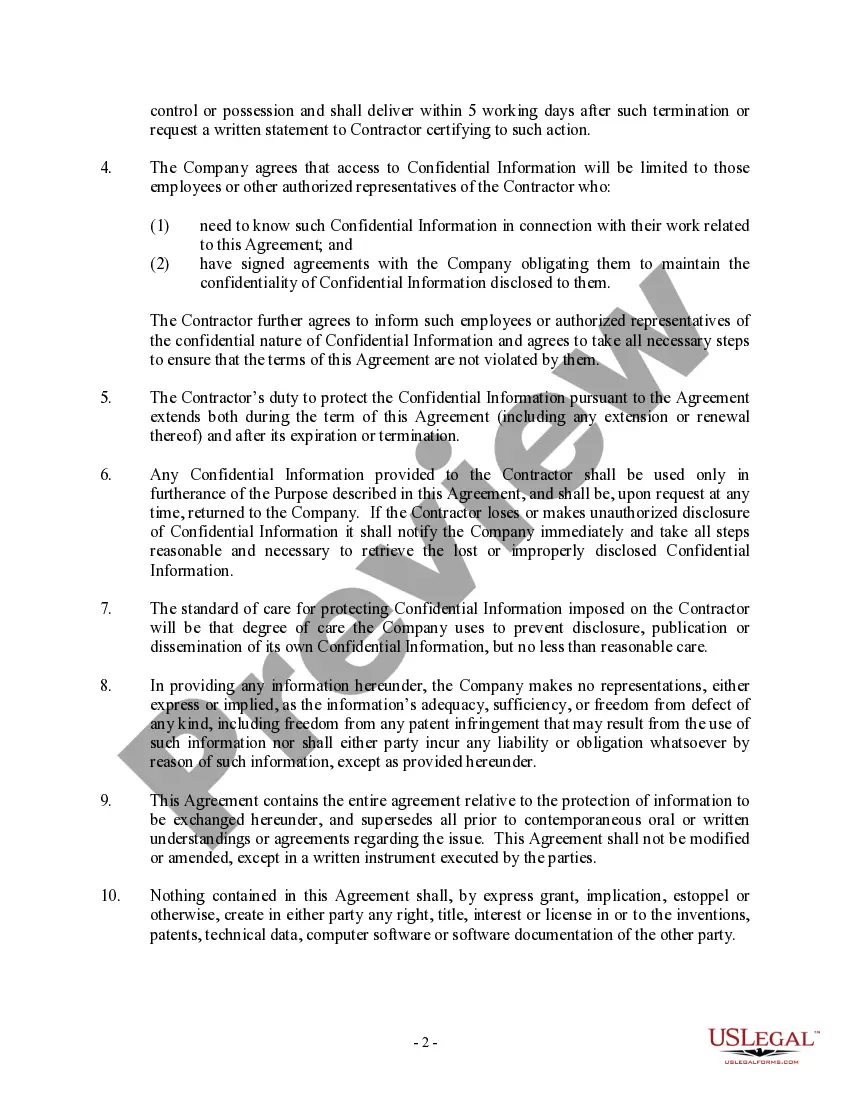
Confidentiality Form For Employees
Description
Get your form ready online
Our built-in tools help you complete, sign, share, and store your documents in one place.
Make edits, fill in missing information, and update formatting in US Legal Forms—just like you would in MS Word.
Download a copy, print it, send it by email, or mail it via USPS—whatever works best for your next step.
Sign and collect signatures with our SignNow integration. Send to multiple recipients, set reminders, and more. Go Premium to unlock E-Sign.
If this form requires notarization, complete it online through a secure video call—no need to meet a notary in person or wait for an appointment.
We protect your documents and personal data by following strict security and privacy standards.

Make edits, fill in missing information, and update formatting in US Legal Forms—just like you would in MS Word.

Download a copy, print it, send it by email, or mail it via USPS—whatever works best for your next step.

Sign and collect signatures with our SignNow integration. Send to multiple recipients, set reminders, and more. Go Premium to unlock E-Sign.

If this form requires notarization, complete it online through a secure video call—no need to meet a notary in person or wait for an appointment.

We protect your documents and personal data by following strict security and privacy standards.
Looking for another form?









How to fill out Confidentiality And Nondisclosure Agreement - General?
No matter if you handle documents frequently or occasionally need to submit a legal report, it is essential to find a resource where all the examples are pertinent and current.
One action you must carry out with a Confidentiality Form For Employees is to ensure that it is indeed the latest version, as it determines its eligibility for submission.
If you would like to make your search for the most up-to-date document samples easier, look for them on US Legal Forms.
To procure a form without an account, follow these instructions.
- US Legal Forms is a collection of legal documentation that includes nearly every type of document example you might need.
- Search for the templates required, verify their relevance immediately, and discover more about their application.
- With US Legal Forms, you can access approximately 85,000 template forms in various areas.
- Obtain the Confidentiality Form For Employees samples in a few clicks and save them at any time in your account.
- Having a US Legal Forms profile will enable you to access all the samples you require conveniently and with minimal effort.
- You only need to click Log In at the site header and access the My documents section where all the forms you need are readily available.
- You will no longer need to spend time either searching for the suitable template or verifying its authenticity.
Form popularity
FAQ
Sharing employees' personal data, like payroll details, bank details, home addresses and medical records. Using materials or sharing information belonging to one employee for another without their permission, like PowerPoint presentations.
A typical confidentiality clause might say, "The phrases and circumstances of this Agreement are completely confidential between the parties and shall not be disclosed to anybody else. Any disclosure in violation shall be deemed a breach of this Agreement."
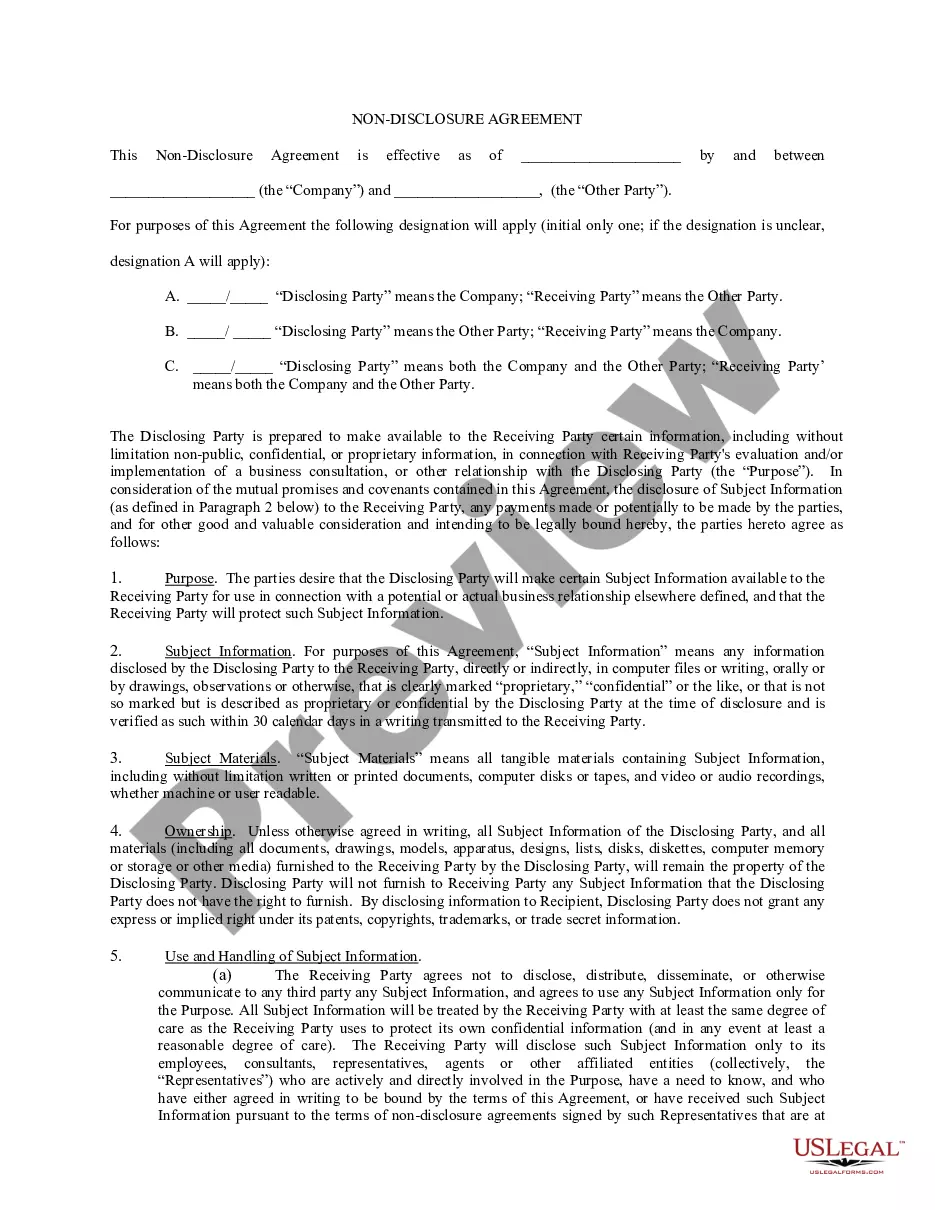
A confidentiality statement, also called a confidentiality agreement or clause or a non-disclosure agreement (NDA), is a binding contract. The other party agrees to keep certain information to themselves, and not disclose it. In other words, the other party must keep that information a secret.
2. Clearly label all confidential information as confidential. This means writing confidential on documents or any folder you keep them in. If you are sending an email, make sure the title clearly identifies it as confidential.
Generally, an effective confidentiality statement example must include these basic parts:The definition of confidential information.The parties involved.The reason the recipient received the information.Any limitations or exclusions on confidential information.The obligations of the receiving party.Term or time frame.More items...