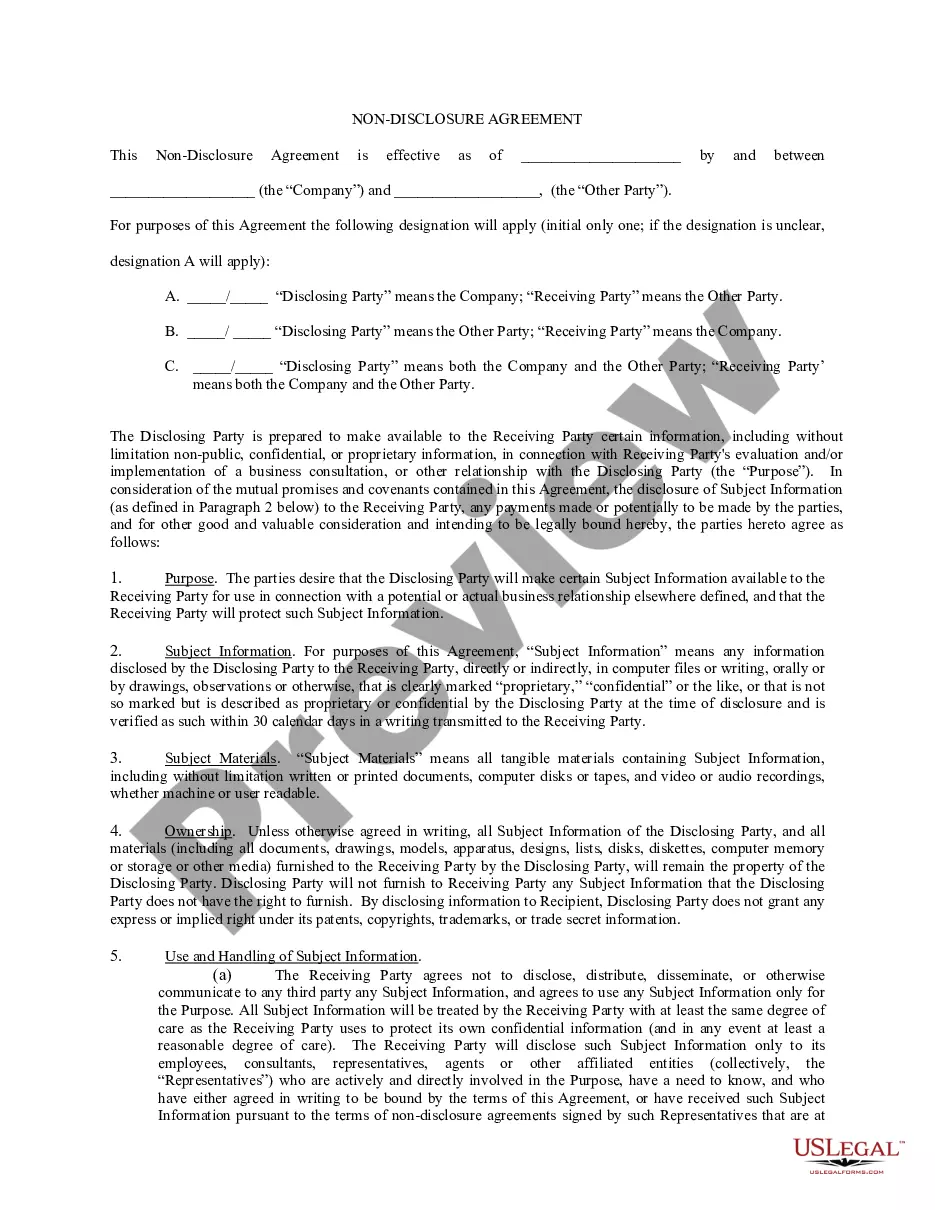
Non Disclosure Agreement Form With Contractor
Description
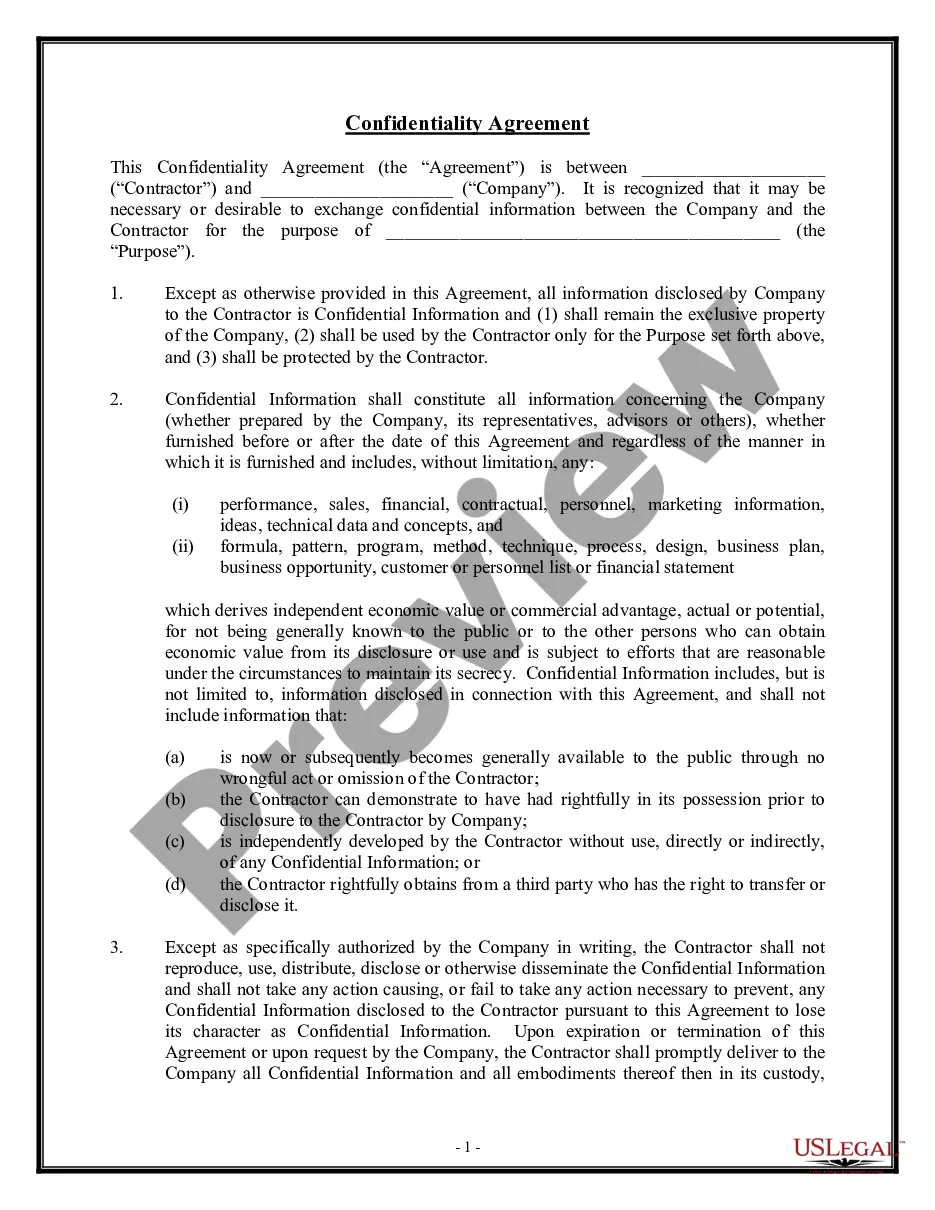
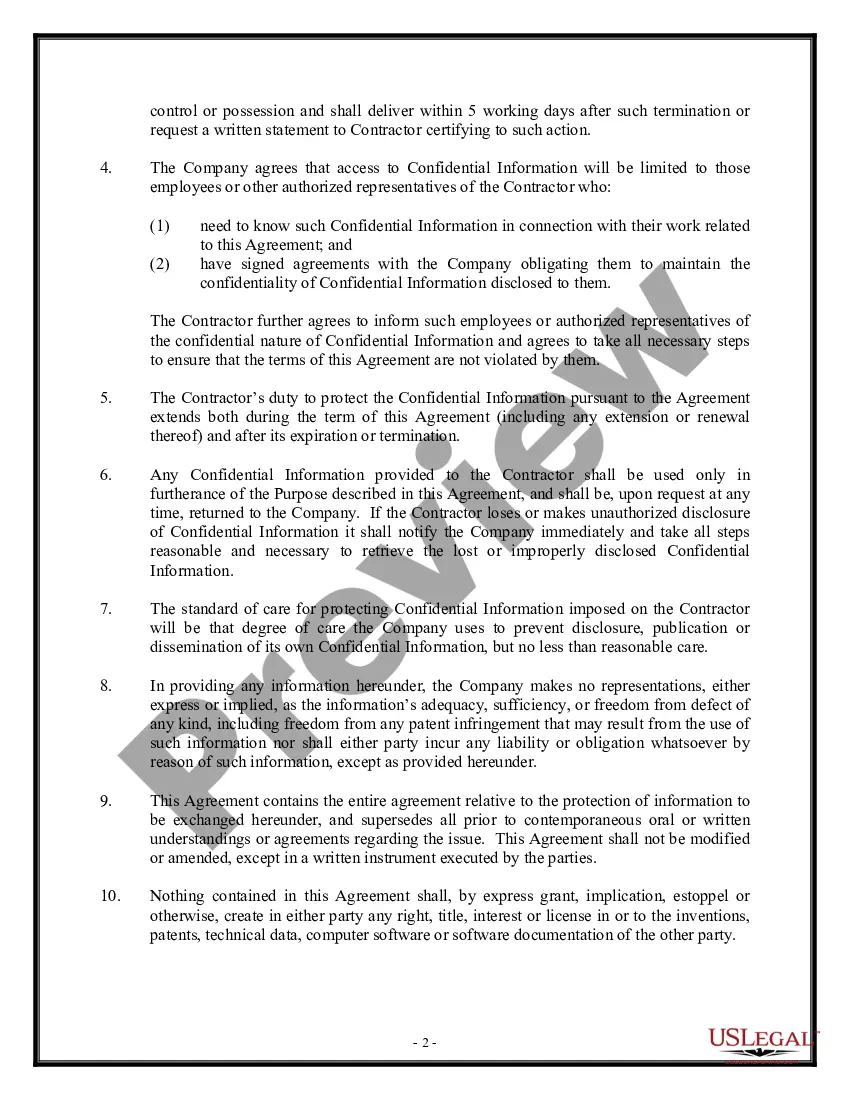
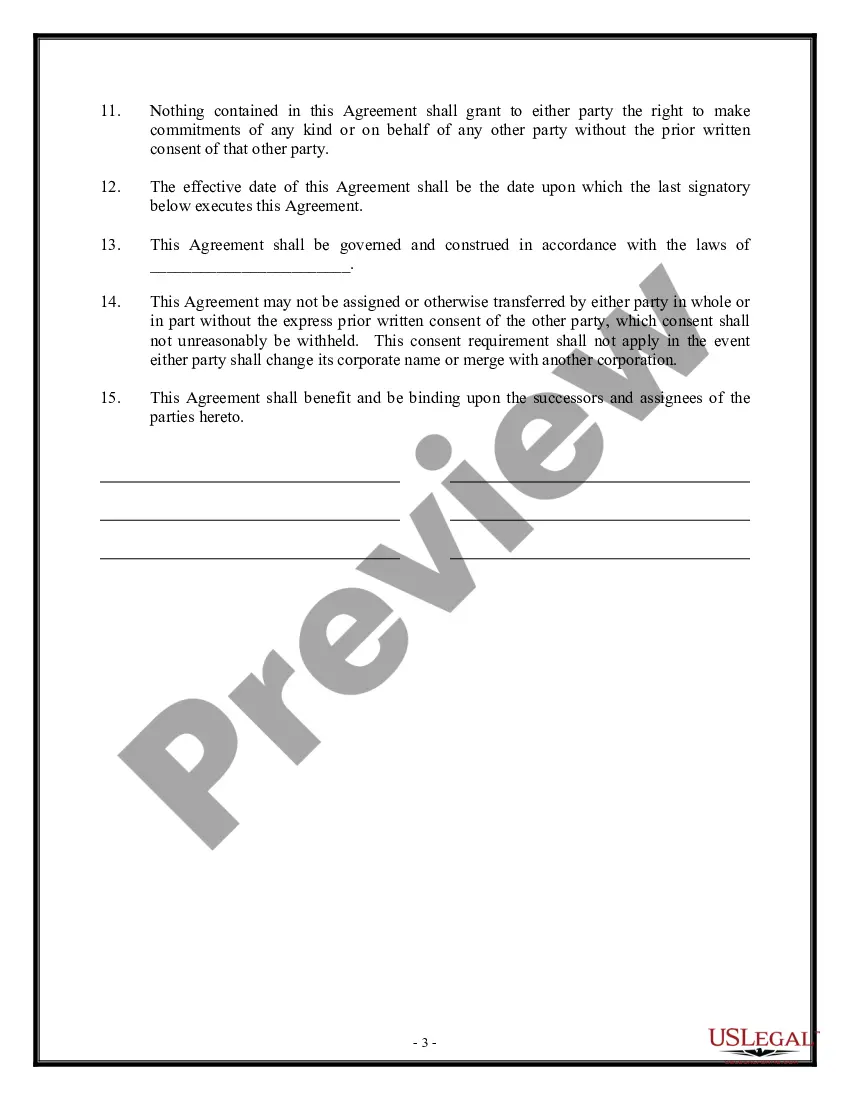
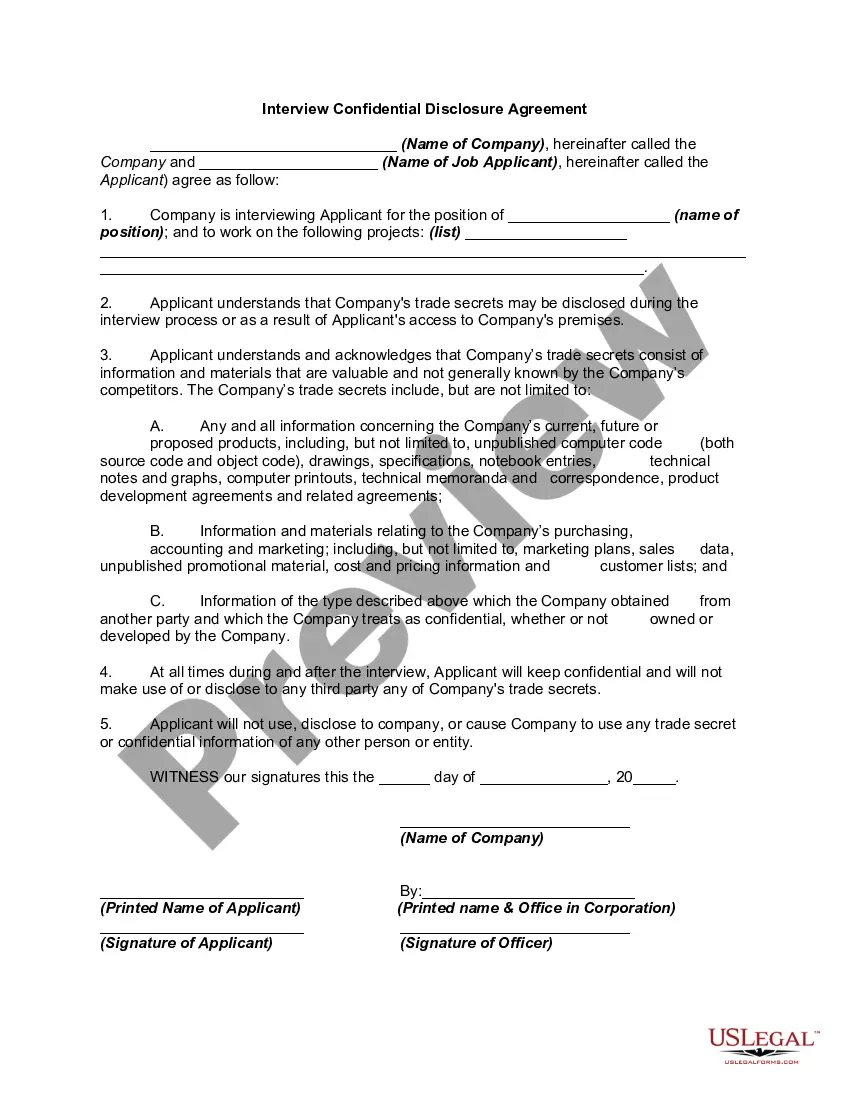
Get your form ready online
Our built-in tools help you complete, sign, share, and store your documents in one place.
Make edits, fill in missing information, and update formatting in US Legal Forms—just like you would in MS Word.
Download a copy, print it, send it by email, or mail it via USPS—whatever works best for your next step.
Sign and collect signatures with our SignNow integration. Send to multiple recipients, set reminders, and more. Go Premium to unlock E-Sign.
If this form requires notarization, complete it online through a secure video call—no need to meet a notary in person or wait for an appointment.
We protect your documents and personal data by following strict security and privacy standards.

Make edits, fill in missing information, and update formatting in US Legal Forms—just like you would in MS Word.

Download a copy, print it, send it by email, or mail it via USPS—whatever works best for your next step.

Sign and collect signatures with our SignNow integration. Send to multiple recipients, set reminders, and more. Go Premium to unlock E-Sign.

If this form requires notarization, complete it online through a secure video call—no need to meet a notary in person or wait for an appointment.

We protect your documents and personal data by following strict security and privacy standards.
Looking for another form?









How to fill out Non-Disclosure Agreement For Interviewees?
There's no longer a requirement to squander hours searching for legal documents to meet your local state's obligations.
US Legal Forms has gathered all of them in one location and made their accessibility easier.
Our platform provides over 85k templates for any business and personal legal situations categorized by state and purpose.
Feel free to use the Search bar above to find another sample if the current one does not meet your needs.
- All forms are properly drafted and verified for accuracy, ensuring you receive an up-to-date Non Disclosure Agreement Form With Contractor.
- If you are acquainted with our platform and already possess an account, ensure your subscription is active before accessing any templates.
- Log In to your account, select the document, and click Download.
- You can also view all acquired documents at any time by accessing the My documents tab in your profile.
- If you have never used our platform before, the process will involve a few more steps.
- Here's how new users can locate the Non Disclosure Agreement Form With Contractor in our catalog.
- Review the page content closely to ensure it contains the sample you need.
- Utilize the form description and preview options if available.
Form popularity
FAQ
How do I write a Non-Disclosure Agreement?Contact information for the parties involved.Details about the confidential information that needs protection.Permitted uses of the confidential information by the recipient.Time restrictions for keeping information confidential.Reason for disclosure.
Insert Short Warning at TopClick the "File" menu and select "Options."Select the "Mail" tab on the left, and then scroll down to the Send Messages section.Click the field next to "Default Sensitivity Level" and then select "Confidential."Click "OK" to save the change.
Sharing employees' personal data, like payroll details, bank details, home addresses and medical records. Using materials or sharing information belonging to one employee for another without their permission, like PowerPoint presentations.
A typical confidentiality clause might say, "The phrases and circumstances of this Agreement are completely confidential between the parties and shall not be disclosed to anybody else. Any disclosure in violation shall be deemed a breach of this Agreement."
Generally, an effective confidentiality statement example must include these basic parts:The definition of confidential information.The parties involved.The reason the recipient received the information.Any limitations or exclusions on confidential information.The obligations of the receiving party.Term or time frame.More items...
