User Agreement For Twitter
Description
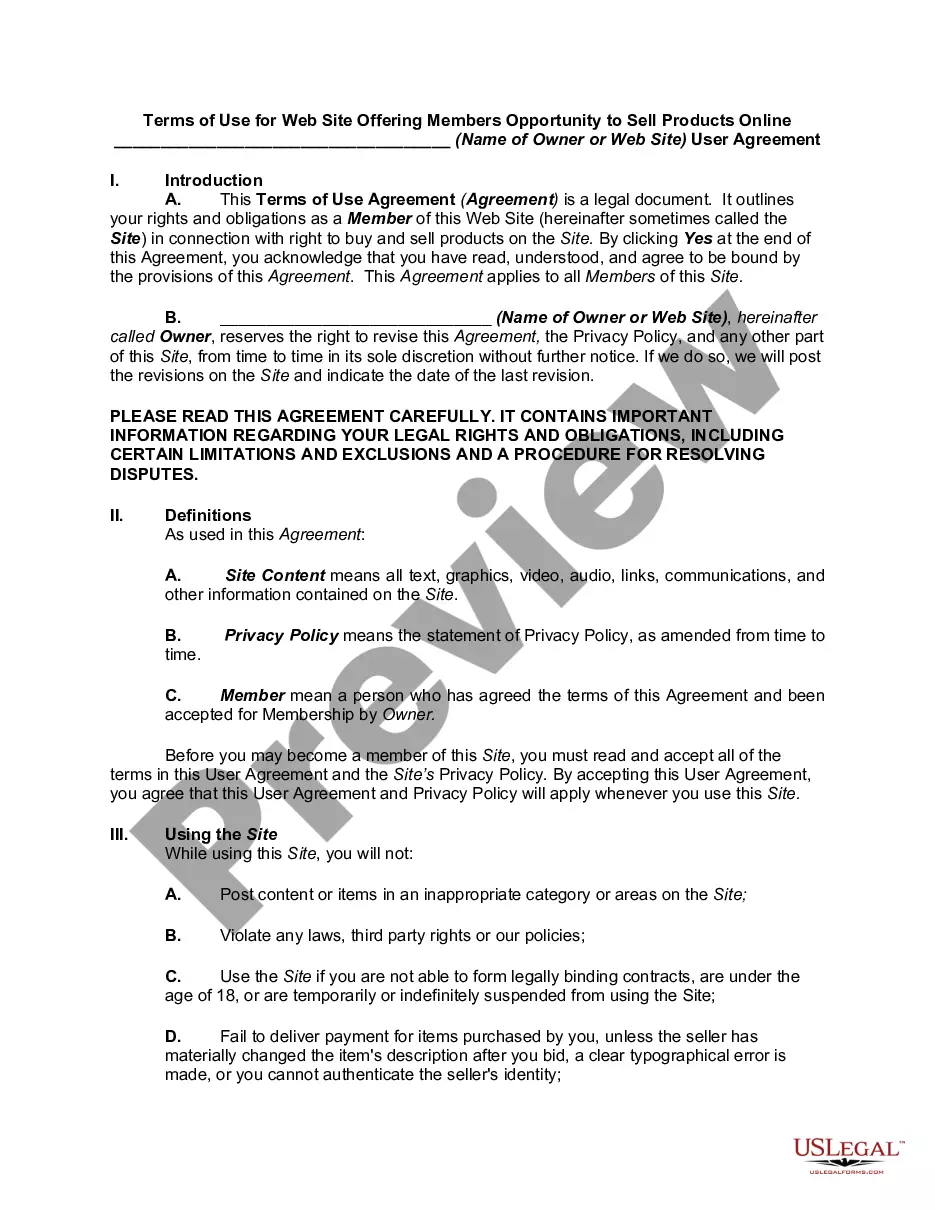
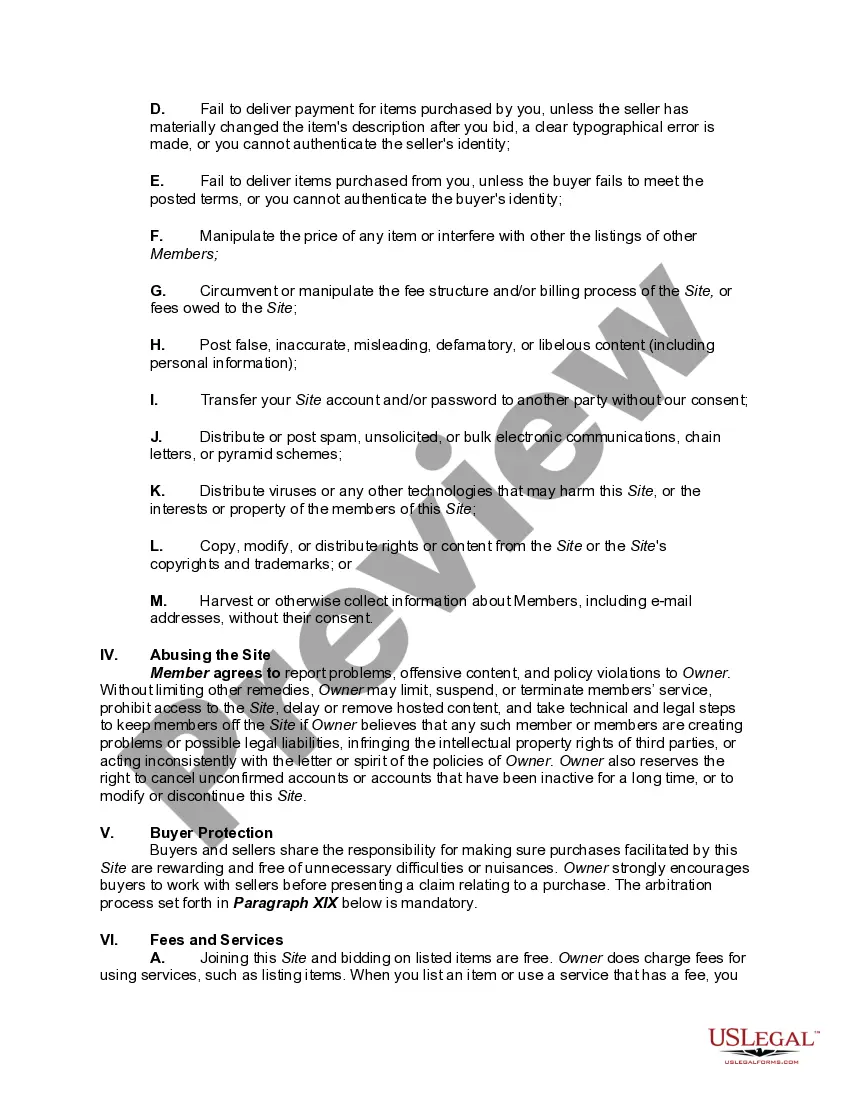
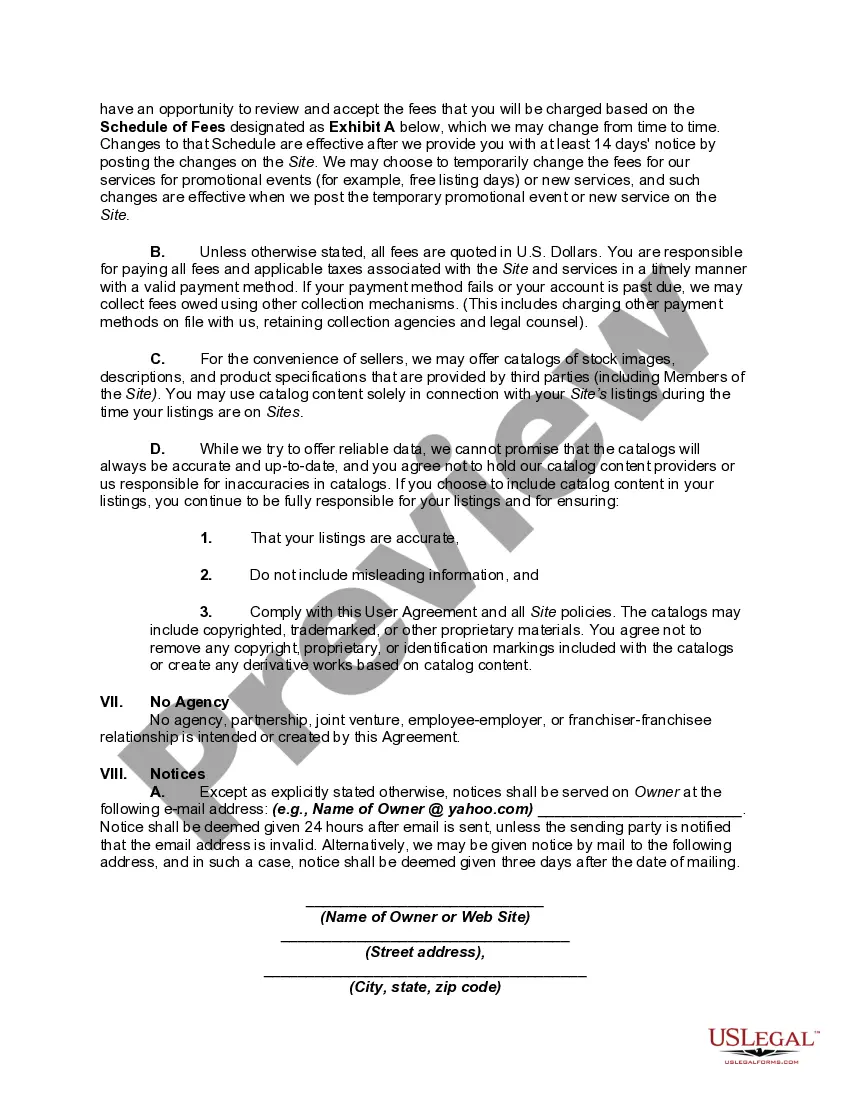
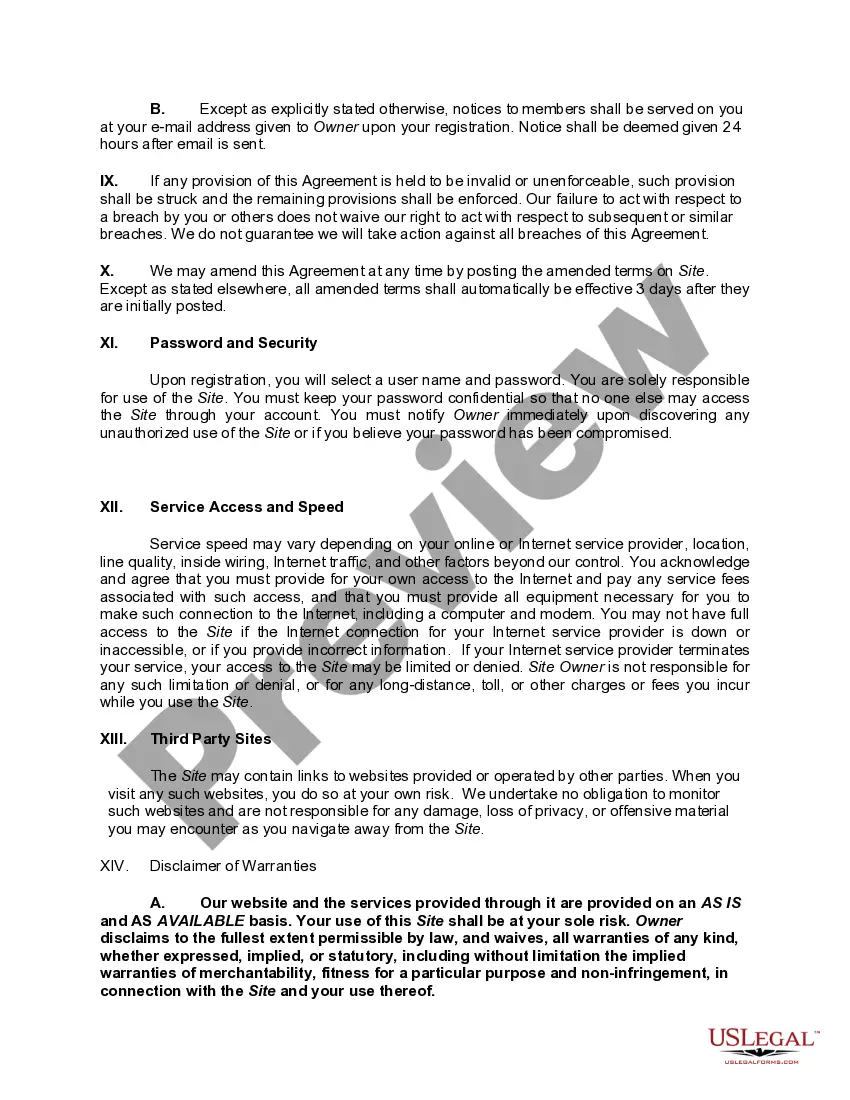
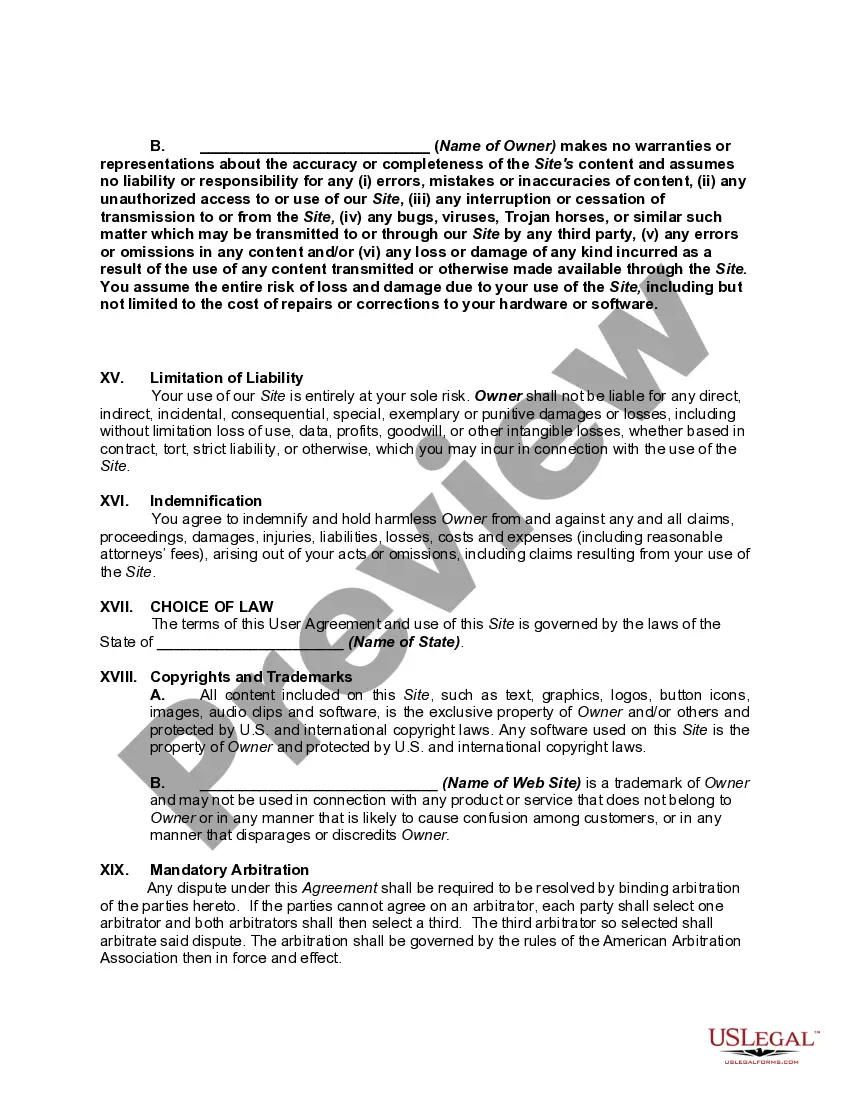
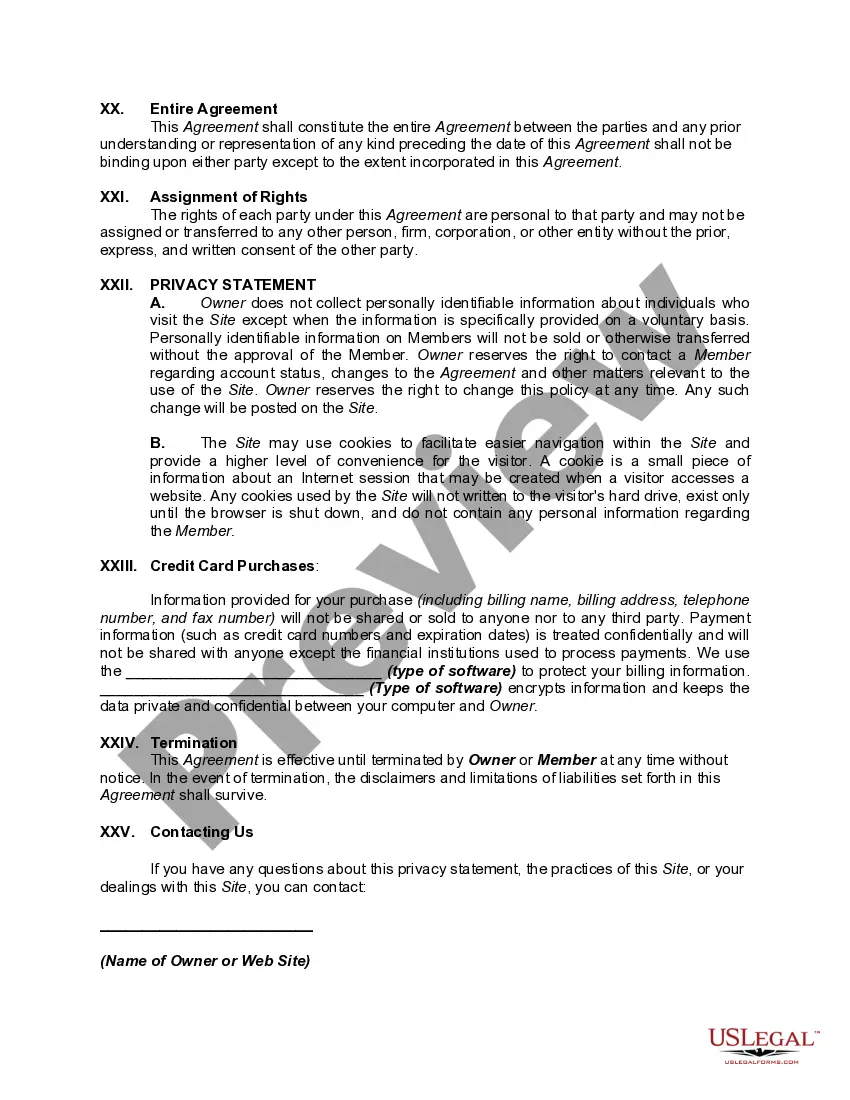
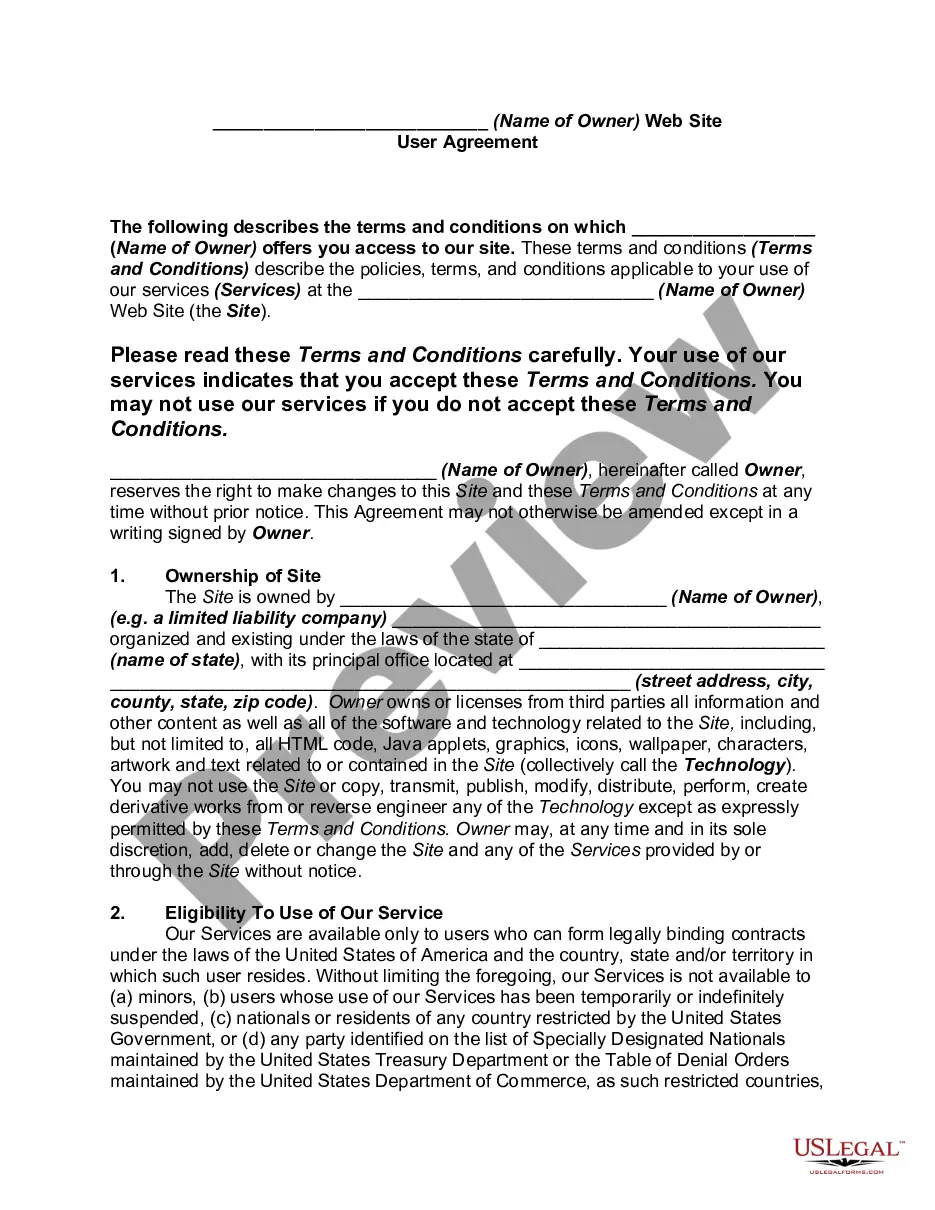
Get your form ready online
Our built-in tools help you complete, sign, share, and store your documents in one place.
Make edits, fill in missing information, and update formatting in US Legal Forms—just like you would in MS Word.
Download a copy, print it, send it by email, or mail it via USPS—whatever works best for your next step.
Sign and collect signatures with our SignNow integration. Send to multiple recipients, set reminders, and more. Go Premium to unlock E-Sign.
If this form requires notarization, complete it online through a secure video call—no need to meet a notary in person or wait for an appointment.
We protect your documents and personal data by following strict security and privacy standards.

Make edits, fill in missing information, and update formatting in US Legal Forms—just like you would in MS Word.

Download a copy, print it, send it by email, or mail it via USPS—whatever works best for your next step.

Sign and collect signatures with our SignNow integration. Send to multiple recipients, set reminders, and more. Go Premium to unlock E-Sign.

If this form requires notarization, complete it online through a secure video call—no need to meet a notary in person or wait for an appointment.

We protect your documents and personal data by following strict security and privacy standards.
Looking for another form?





How to fill out Website Subscription User Agreement - Terms Of Use For Website Offering Members Opportunity To Sell Products Online?
Individuals often link legal documentation with something intricate that only a specialist can manage.
In a way, this is accurate, as composing a User Agreement For Twitter requires significant knowledge in subject matter, encompassing state and local laws.
However, with US Legal Forms, everything has become simpler: pre-made legal templates for any personal and professional situation tailored to state regulations are collected in one online directory and are now accessible to all.
- Review the webpage content thoroughly to confirm it fulfills your requirements.
- Examine the form overview or review it via the Preview feature.
- Find another template using the Search field in the header if the prior one does not meet your needs.
- Click Buy Now once you identify the appropriate User Agreement For Twitter.
- Choose a pricing option that aligns with your needs and budget.
- Set up an account or Log In to proceed to the payment section.
- Purchase your subscription using PayPal or via your credit card.
- Select the format for your document and click Download.
- Print your document or upload it to an online editor for a faster completion.
Form popularity
FAQ
Basic Account Information If you do choose to create an account, you must provide us with some personal data so that we can provide our services to you. On Twitter this includes a display name (for example, Twitter Moments), a username (for example, @TwitterMoments), a password, and an email address or phone number.
Developer and Twitter shall attempt to resolve any dispute, claim, or controversy arising out of or relating to this Agreement or the breach, termination, enforcement, interpretation, or validity thereof, including the determination of the scope or applicability of this Agreement to arbitrate, through informal
20 Essential Twitter Rules You've Probably Never HeardDo: Repeat Tweets.Don't: Tweet the Same Type of Content Again and Again.Do: Use a Ratio.Don't: Confuse Your Followers.Do: Write a Good Bio.Don't: Only Promote Yourself.Do: Inject Some Individuality Into Your Tweets.Don't: Retweet Anything You Haven't Read.More items...
Click Edit access to account. Click the Add access button. Begin typing the username of the person you want to grant access to, and select it from the suggested list that appears. Select desired permission-level from the list.
If you live in the European Union, EFTA States, or the United Kingdom, the Twitter User Agreement comprises these Terms of Service, our Privacy Policy, the Twitter Rules and Policies, and all incorporated policies.
