Example Of Personal Loan Agreement Letter
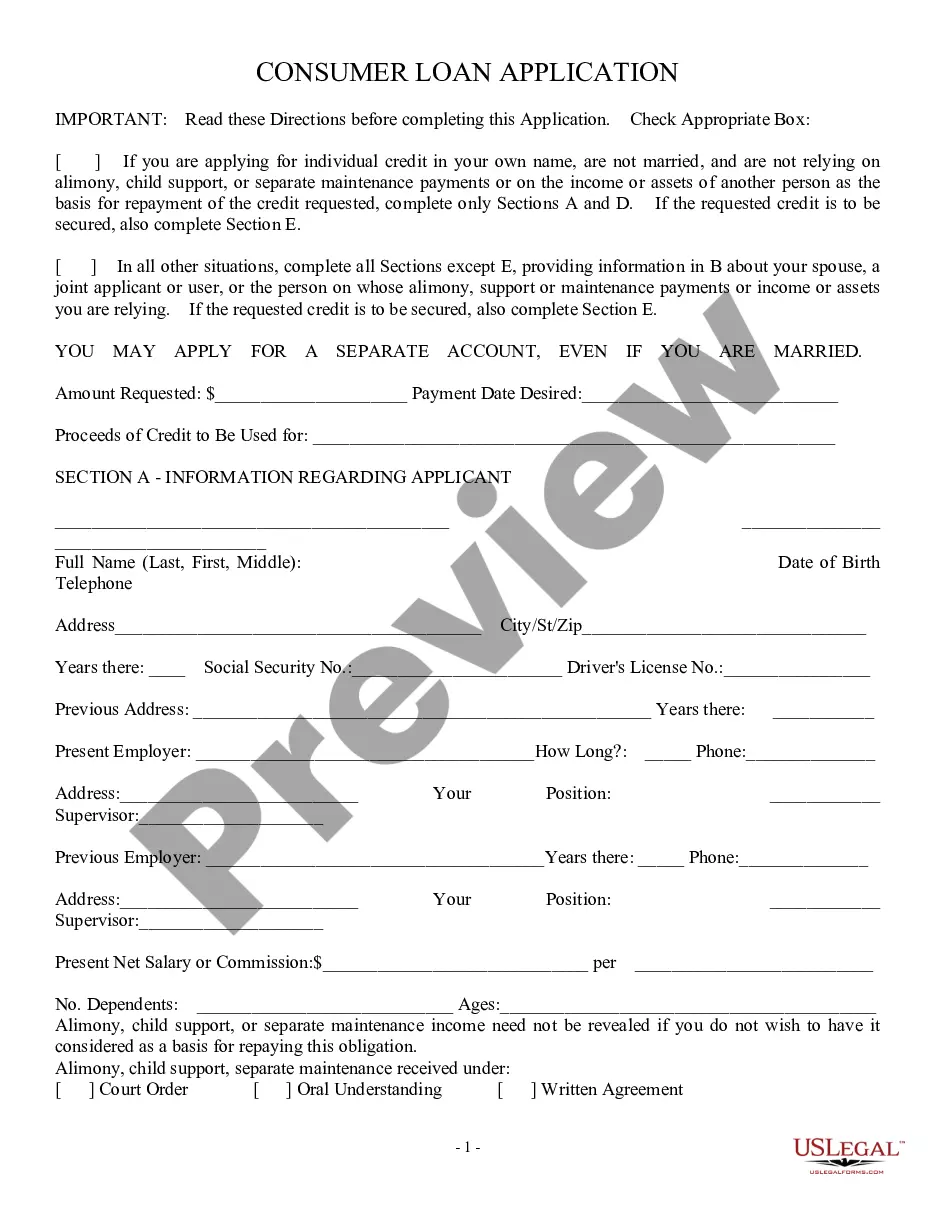
Description
Get your form ready online
Our built-in tools help you complete, sign, share, and store your documents in one place.
Make edits, fill in missing information, and update formatting in US Legal Forms—just like you would in MS Word.
Download a copy, print it, send it by email, or mail it via USPS—whatever works best for your next step.
Sign and collect signatures with our SignNow integration. Send to multiple recipients, set reminders, and more. Go Premium to unlock E-Sign.
If this form requires notarization, complete it online through a secure video call—no need to meet a notary in person or wait for an appointment.
We protect your documents and personal data by following strict security and privacy standards.

Make edits, fill in missing information, and update formatting in US Legal Forms—just like you would in MS Word.

Download a copy, print it, send it by email, or mail it via USPS—whatever works best for your next step.

Sign and collect signatures with our SignNow integration. Send to multiple recipients, set reminders, and more. Go Premium to unlock E-Sign.

If this form requires notarization, complete it online through a secure video call—no need to meet a notary in person or wait for an appointment.

We protect your documents and personal data by following strict security and privacy standards.
Looking for another form?
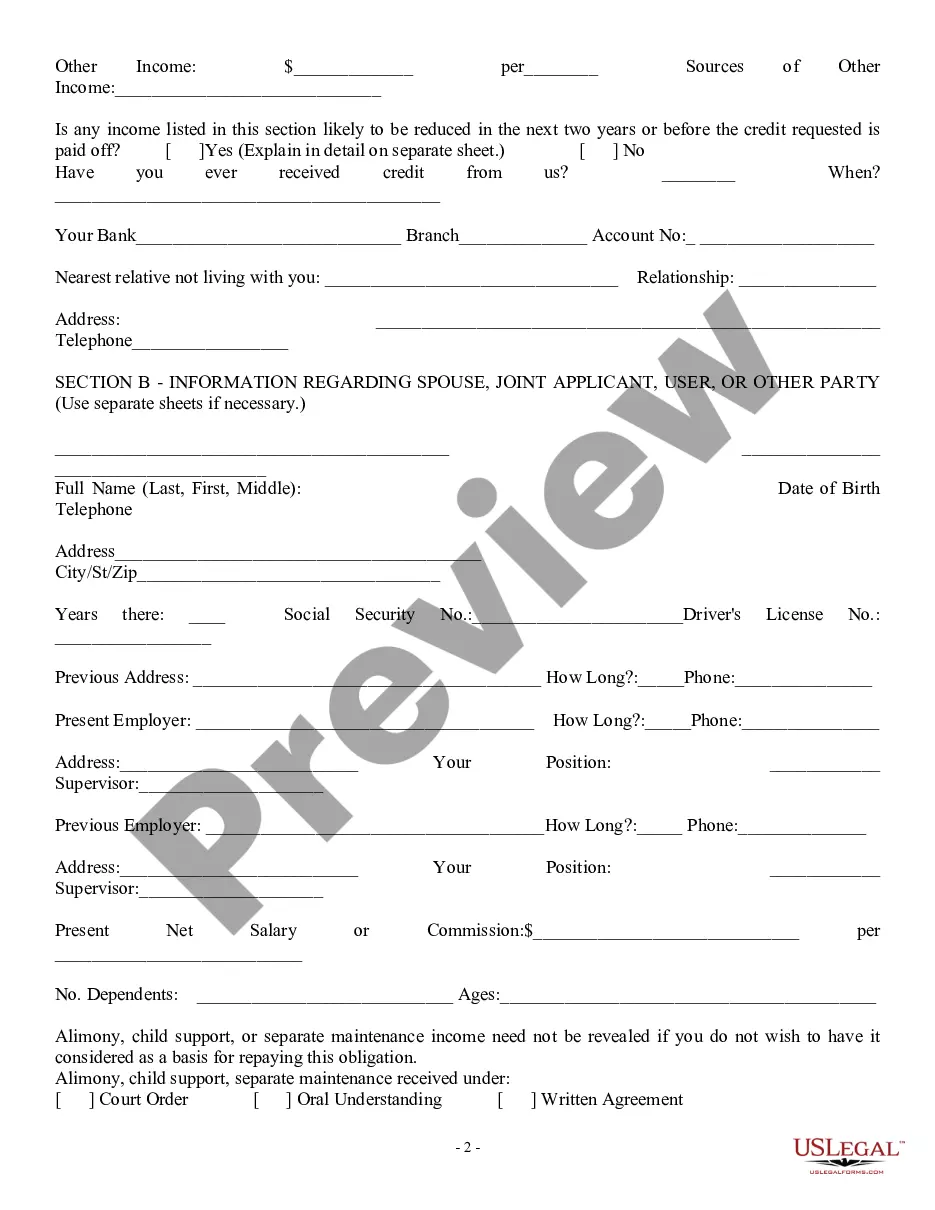
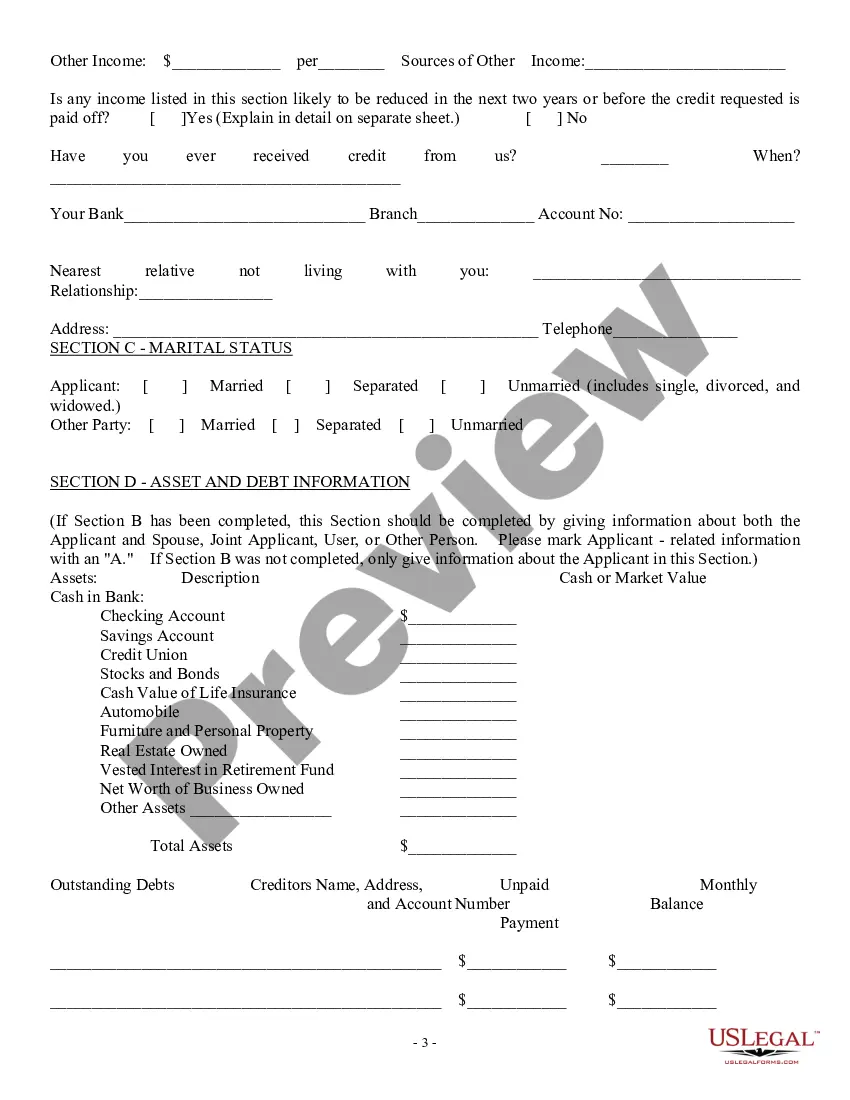
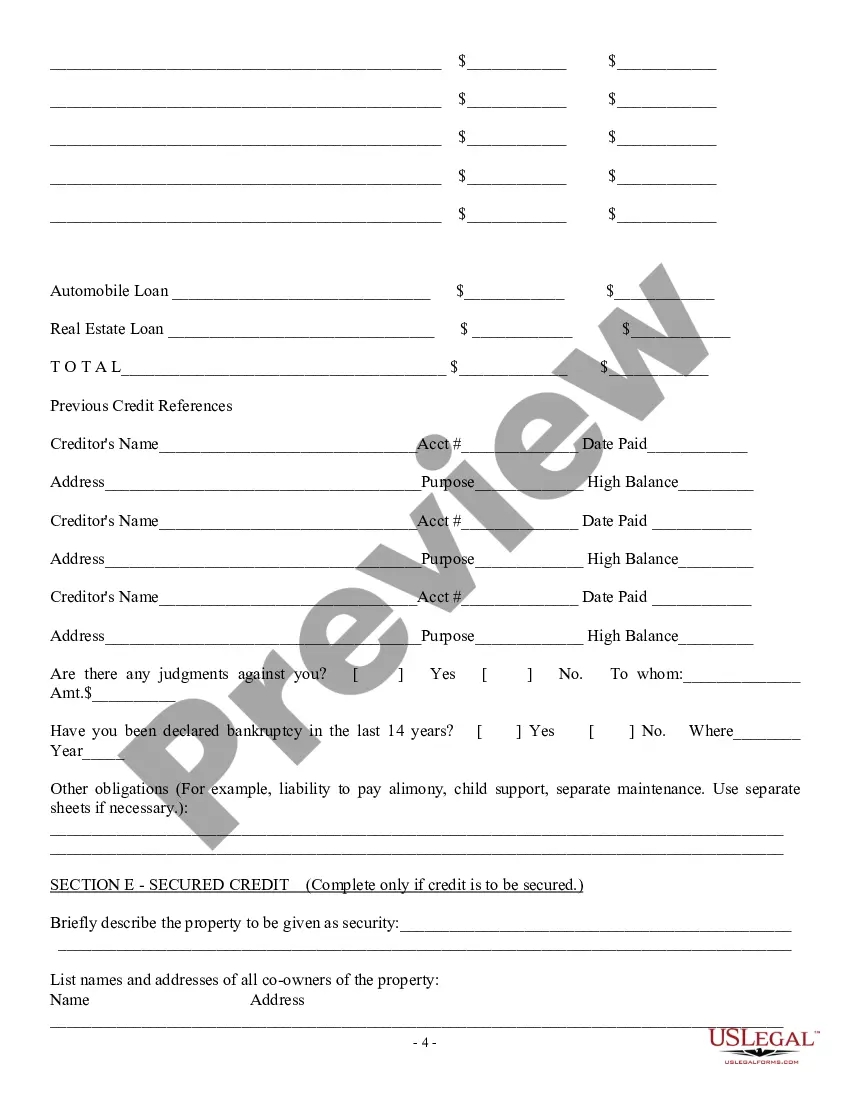
How to fill out Consumer Loan Application - Personal Loan Agreement?
Locating a reliable source to obtain the most updated and suitable legal templates is a significant part of navigating bureaucracy.
Selecting the correct legal documents requires accuracy and careful consideration, which is why it is essential to acquire samples of Example Of Personal Loan Agreement Letter solely from reputable providers, such as US Legal Forms.
Eliminate the stress associated with your legal documentation. Explore the extensive US Legal Forms library where you can discover legal templates, verify their applicability to your situation, and download them instantly.
- Utilize the catalog browsing or search option to locate your template.
- Examine the form’s details to ensure it fulfills the criteria of your jurisdiction and region.
- Access the form preview, if available, to confirm that the template is the one you need.
- Return to your search and find the suitable document if the Example Of Personal Loan Agreement Letter does not meet your requirements.
- If you are confident about the form’s applicability, download it.
- If you have a registered account, click Log in to verify your identity and access your chosen templates in My documents.
- If you haven't created an account yet, click Buy now to acquire the template.
- Select the pricing option that best fits your needs.
- Move forward with the registration to finalize your purchase.
- Conclude your purchase by selecting a payment method (credit card or PayPal).
- Choose the file format for downloading Example Of Personal Loan Agreement Letter.
- Once you have the document on your device, you can edit it with the editor or print it and fill it out by hand.
Form popularity
FAQ
In South Carolina, state fees can vary depending on the type of entity you choose to form. ing to the South Carolina Secretary of State website, expect to pay roughly $50 - $350 to start a business in South Carolina.
How much does it cost to start a South Carolina corporation? At least $135. This includes the $110 fee to submit your Articles and the $25 fee to submit your Initial Report.
It will cost $110 ($125 online) to file formation paperwork to start your South Carolina LLC. Luckily, your business won't be on the hook for any annual report fees in South Carolina. However, you'll still have other expenses to consider while establishing your LLC.
1 Form must be included with the Articles of Incorporation. You must submit a total payment of $135 which includes the $25 fee for the CL1 Form. $110.00. CL1 The Initial Annual Report of Corporations. This form is filed with the South Carolina Department of Revenue.
An attorney licensed to practice law in South Carolina must sign articles of incorporation for a business corporation.
South Carolina Articles of Organization FAQs The easiest way to do this is to fill out and submit a copy of South Carolina's Amendment Articles of Organization form. File the form online, in person, or by mail. The filing fee is the same regardless of the filing method you choose.
To make your LLC official in South Carolina, you need to file a form called articles of organization and pay a filing fee of $110. You can download the form from the Secretary of State's website, or you can enter the information online.
Education CostTimeIncorporation & Initial Report: $135Incorporation: ~7-10 business days by mail. ~1-2 business days online.