Athletic Contract Template With Word
Description
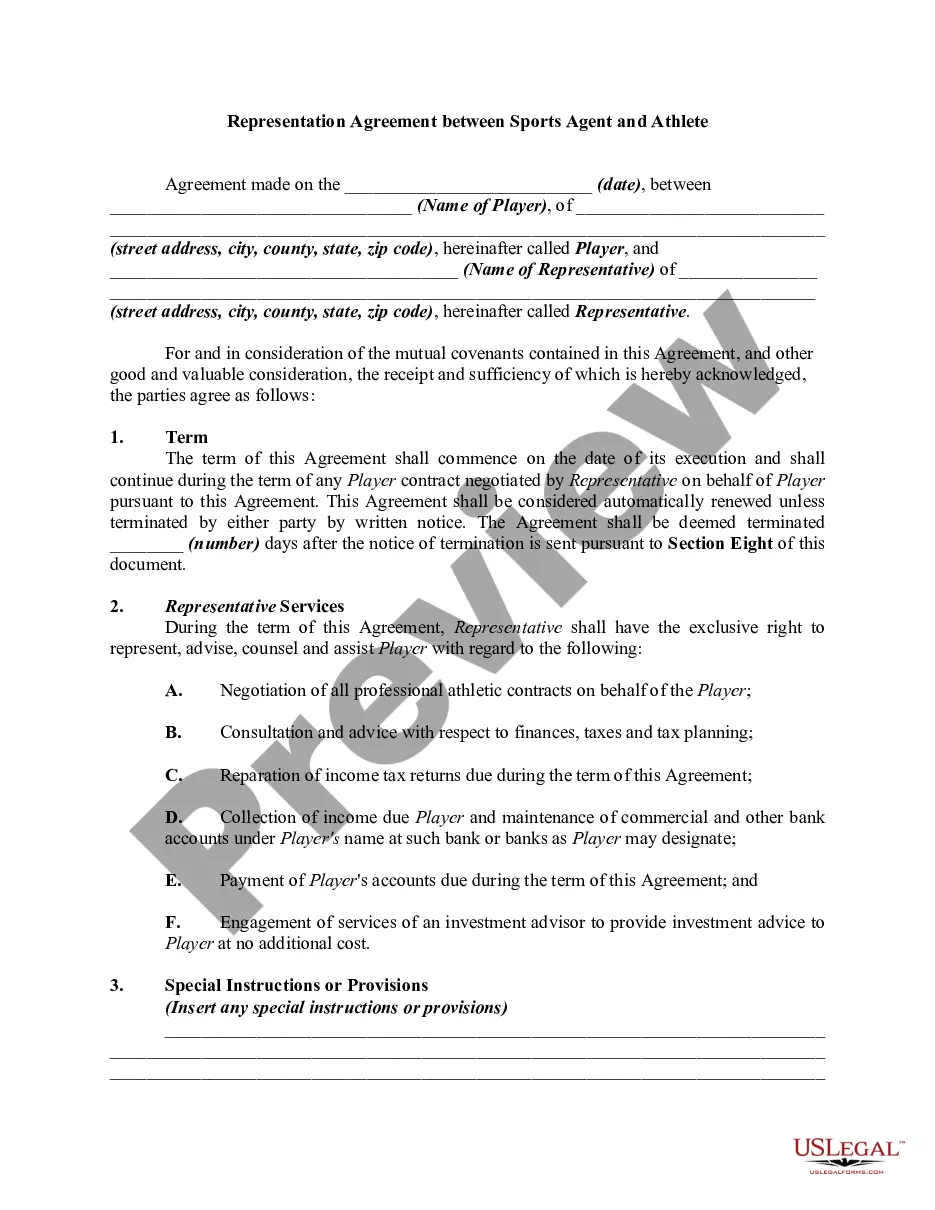
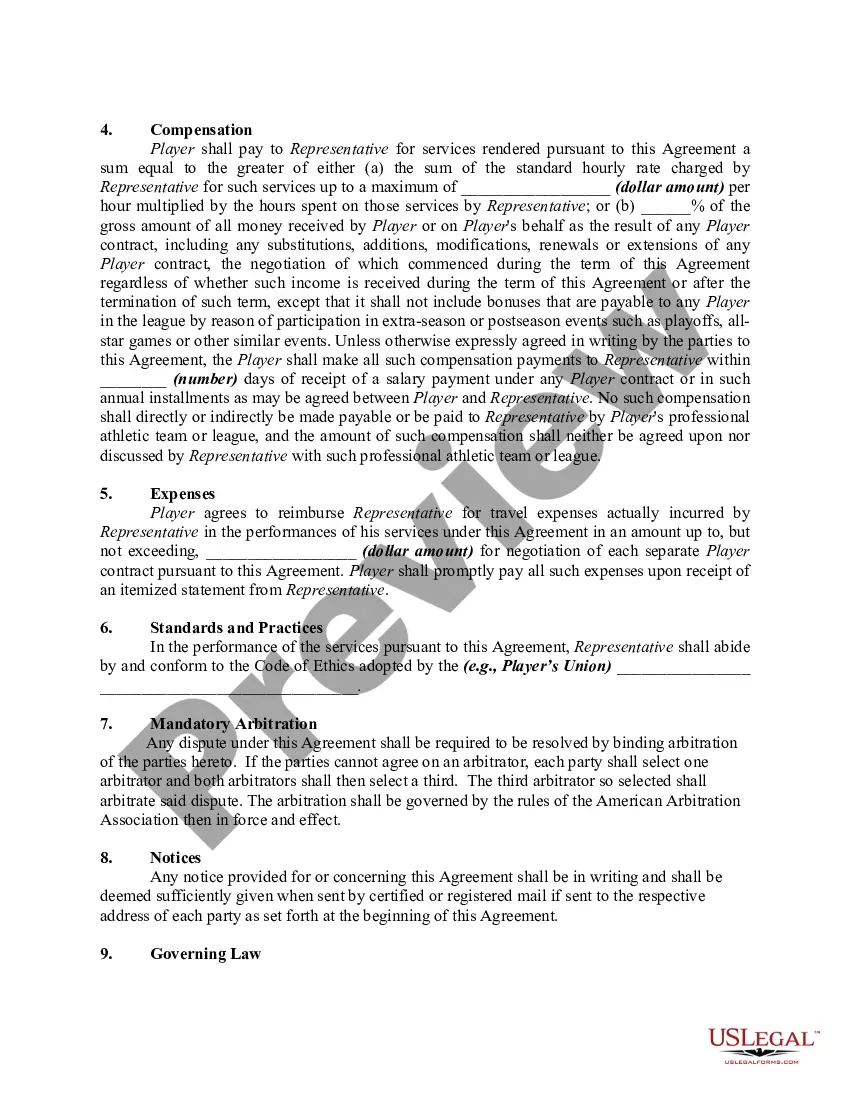
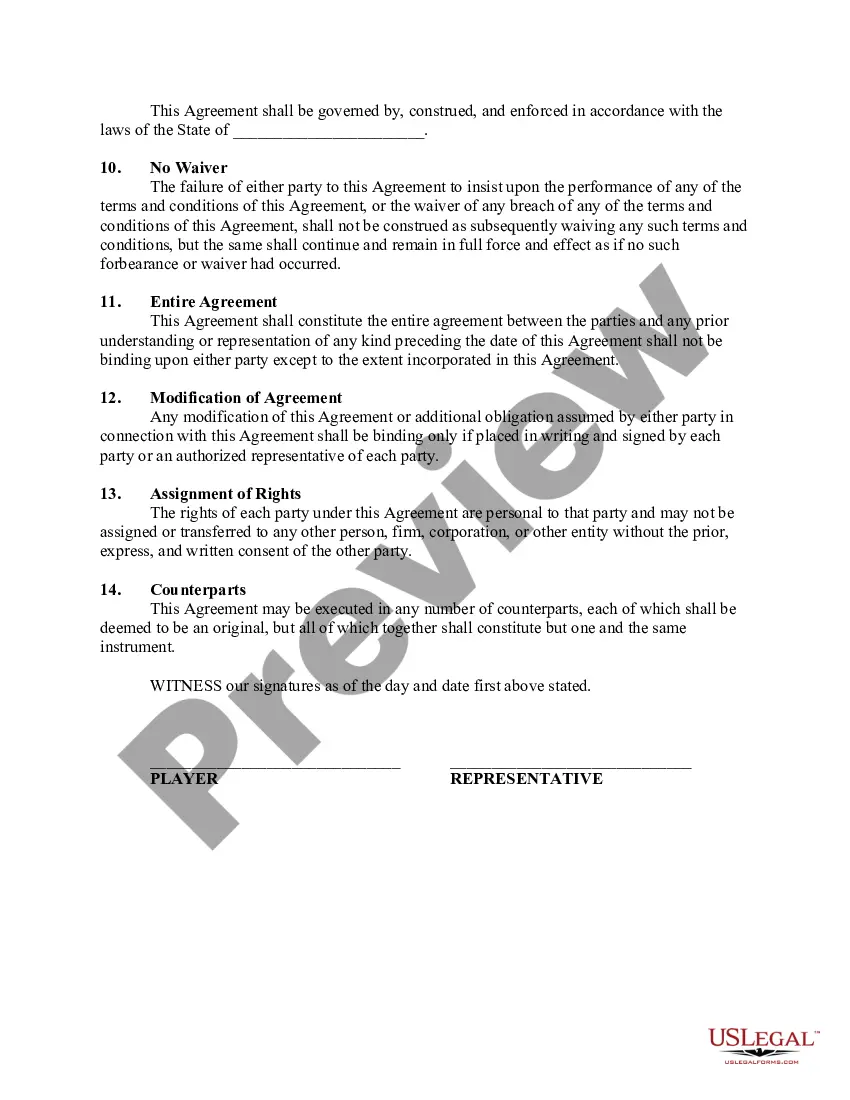
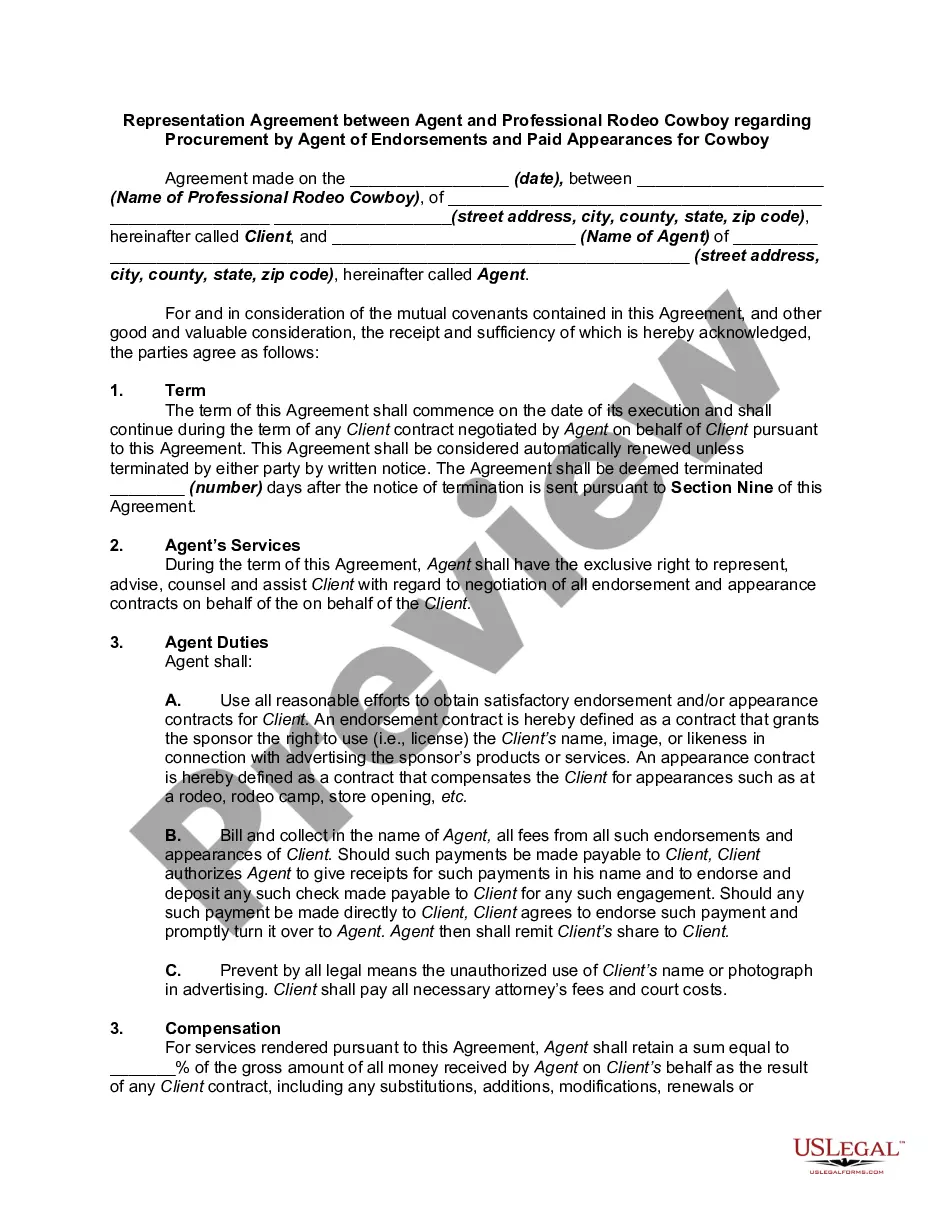
Get your form ready online
Our built-in tools help you complete, sign, share, and store your documents in one place.
Make edits, fill in missing information, and update formatting in US Legal Forms—just like you would in MS Word.
Download a copy, print it, send it by email, or mail it via USPS—whatever works best for your next step.
Sign and collect signatures with our SignNow integration. Send to multiple recipients, set reminders, and more. Go Premium to unlock E-Sign.
If this form requires notarization, complete it online through a secure video call—no need to meet a notary in person or wait for an appointment.
We protect your documents and personal data by following strict security and privacy standards.

Make edits, fill in missing information, and update formatting in US Legal Forms—just like you would in MS Word.

Download a copy, print it, send it by email, or mail it via USPS—whatever works best for your next step.

Sign and collect signatures with our SignNow integration. Send to multiple recipients, set reminders, and more. Go Premium to unlock E-Sign.

If this form requires notarization, complete it online through a secure video call—no need to meet a notary in person or wait for an appointment.

We protect your documents and personal data by following strict security and privacy standards.
Looking for another form?







How to fill out Representation Agreement Between Sports Agent And Athlete?
Administration requires exactness and correctness.
If you do not manage completing documents like Athletic Contract Template With Word regularly, it might lead to some confusions.
Selecting the appropriate sample from the beginning will guarantee that your document submission proceeds without issues and avoid any hassles of re-submitting a file or doing the same work entirely from the ground up.
Acquiring the correct and updated samples for your documentation takes just a few minutes with an account at US Legal Forms. Eliminate bureaucratic uncertainties and simplify your paperwork.
- Locate the template with the search function.
- Confirm the Athletic Contract Template With Word you’ve discovered is suitable for your state or county.
- View the preview or examine the description that details the specifics on utilizing the sample.
- If the result matches your search, click the Buy Now button.
- Choose the fitting option among the proposed subscription plans.
- Sign in to your account or set up a new one.
- Finalize the purchase using a credit card or PayPal payment method.
- Receive the form in your preferred format.
Form popularity
FAQ
Go to Studio > Contracts > Templates.Open an existing template, or create a new template by clicking New Template.Place your cursor where you'd like the fillable form to go > Insert Fillable Field.Choose Short or Long Field.Save Template - Now you can use this template to create client contracts!
Creating Fillable Forms Using Microsoft WordEnable Developer Tab. Open Microsoft Word, then go to the File Tab > Options > Customize Ribbon > check the Developer Tab in the right column > Click OK.Insert a Control.Edit Filler Text.Design Mode button again to exit the mode.Customize Content Controls.
Launch Word. If Word is already open, click the File tab and select New. Type contract in the Search For Online Templates field. Scroll through the results to find a template that suits your needs or click on any of the categories in the left menu to filter your search results.
Write the contract in six stepsStart with a contract template.Open with the basic information.Describe in detail what you have agreed to.Include a description of how the contract will be ended.Write into the contract which laws apply and how disputes will be resolved.Include space for signatures.
The following is a checklist of matters to be considered in drafting a contract for the employment of an athlete:Names of parties.Addresses of parties.Statement of hiring.Term of contract.Duties and obligations of athlete.Attendance at training camp.Amount of compensation.Times at which compensation payable.More items...
