Change Order Contractor Form Format
Description
Get your form ready online
Our built-in tools help you complete, sign, share, and store your documents in one place.
Make edits, fill in missing information, and update formatting in US Legal Forms—just like you would in MS Word.
Download a copy, print it, send it by email, or mail it via USPS—whatever works best for your next step.
Sign and collect signatures with our SignNow integration. Send to multiple recipients, set reminders, and more. Go Premium to unlock E-Sign.
If this form requires notarization, complete it online through a secure video call—no need to meet a notary in person or wait for an appointment.
We protect your documents and personal data by following strict security and privacy standards.

Make edits, fill in missing information, and update formatting in US Legal Forms—just like you would in MS Word.

Download a copy, print it, send it by email, or mail it via USPS—whatever works best for your next step.

Sign and collect signatures with our SignNow integration. Send to multiple recipients, set reminders, and more. Go Premium to unlock E-Sign.

If this form requires notarization, complete it online through a secure video call—no need to meet a notary in person or wait for an appointment.

We protect your documents and personal data by following strict security and privacy standards.
Looking for another form?





How to fill out Change Order For Construction Or Repairs By Contractor?
Acquiring a reliable source for obtaining the latest and suitable legal documents is a significant part of navigating bureaucracy.
Selecting the appropriate legal paperwork requires accuracy and meticulousness, which is why it is essential to obtain examples of Change Order Contractor Form Format solely from trustworthy providers, like US Legal Forms.
Once you have the form on your device, you can edit it using the editor or print it and fill it out manually. Eliminate the inconvenience associated with your legal documentation. Explore the vast US Legal Forms library where you can discover legal templates, assess their relevance to your situation, and download them instantly.
- Utilize the library navigation or search bar to locate your sample.
- Examine the form's description to determine if it fulfills the criteria of your state and region.
- Check the form preview, if available, to confirm that the template is indeed the one you seek.
- Return to the search and look for the suitable template if the Change Order Contractor Form Format does not align with your needs.
- Once you are certain about the form's applicability, download it.
- If you are a registered user, click Log in to verify and access your chosen forms in My documents.
- If you haven't created an account yet, click Buy now to obtain the template.
- Select the pricing plan that fits your needs.
- Continue to the registration to complete your purchase.
- Finalize your transaction by selecting a payment method (credit card or PayPal).
- Choose the document format for downloading Change Order Contractor Form Format.
Form popularity
FAQ
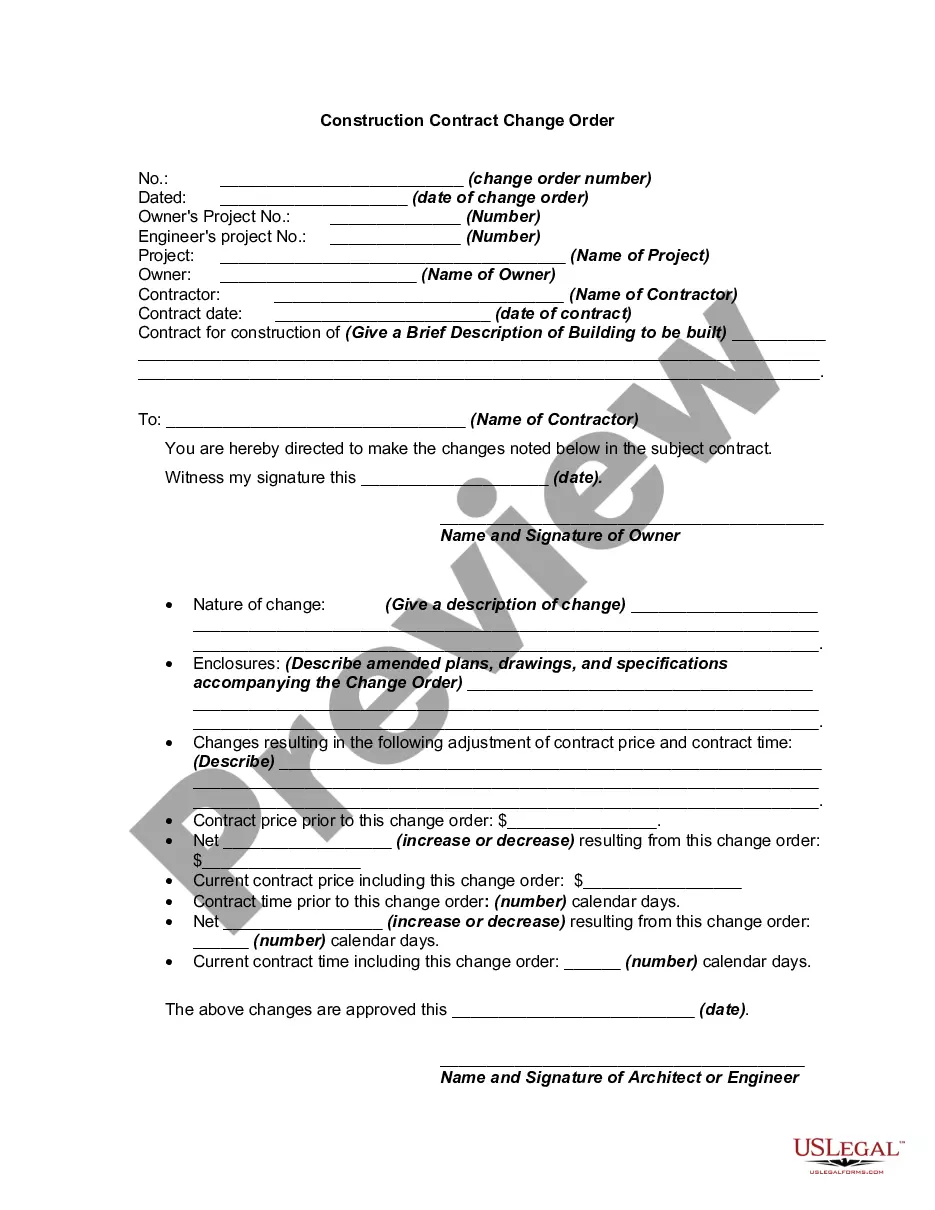
6 things every change order should include Project and contact information. The change order form should include: ... Dates of the change. The change order form should include the date that you complete the change order. ... Details of the work. ... Updated schedule. ... Cost of the change. ... Updated contract value.
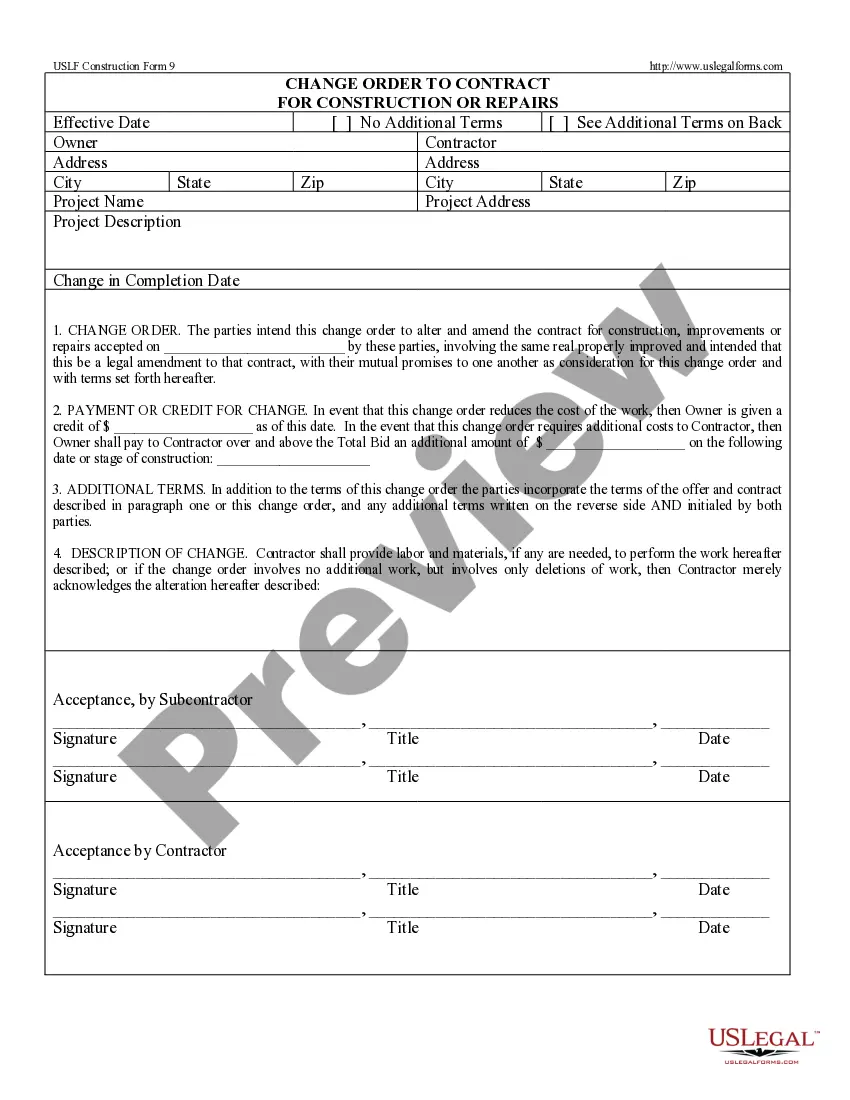
A change order form is used in construction projects to track any modifications to the original contract. Our construction change order form example is available in a variety of formats, including PDF and Word, and can be downloaded for free.
After describing the change and the impacts on the contract sum and time, the change order should list any attachments, including each of the supporting documents, with the date of each. Upon completing the changer order form, the architect will compile all attachments and issue with the change order.
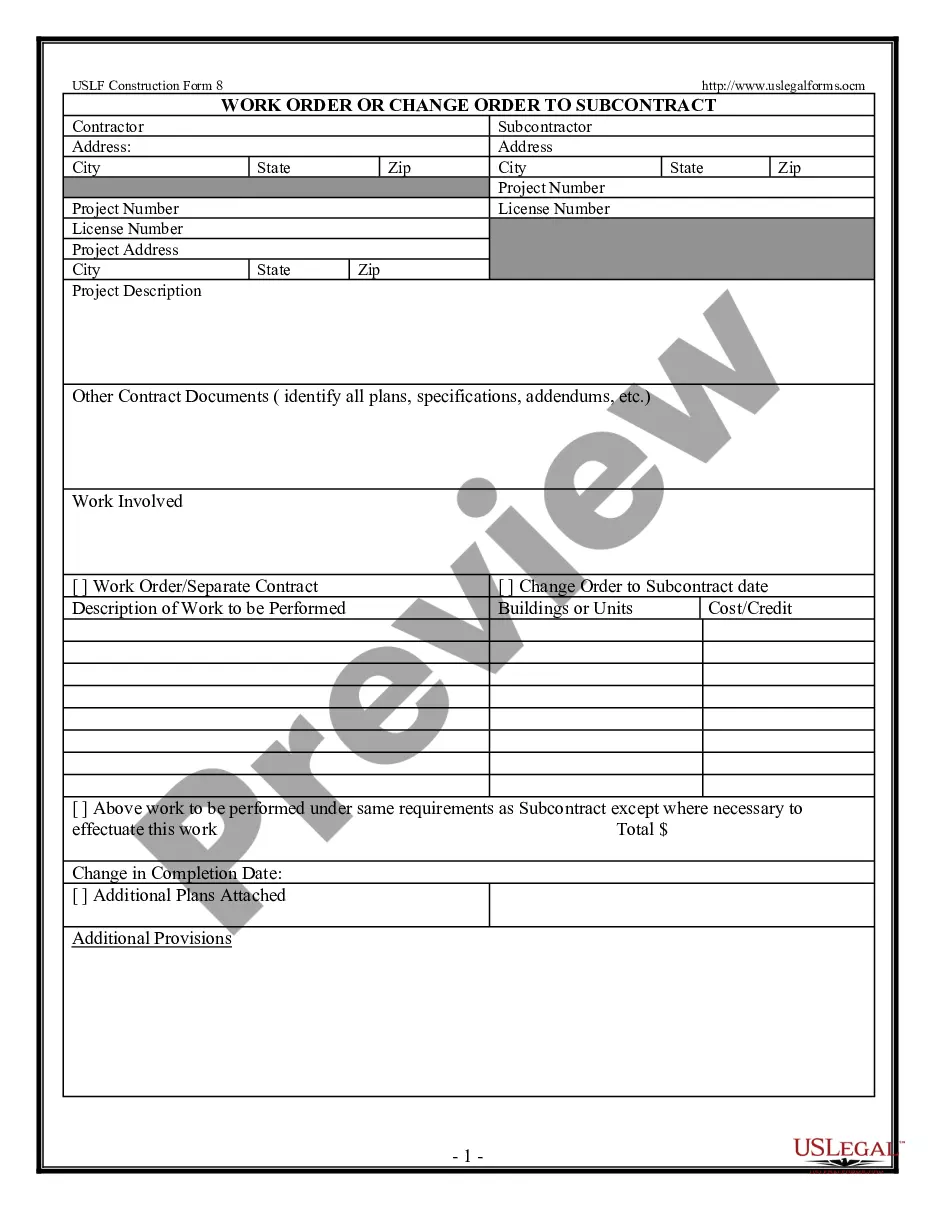
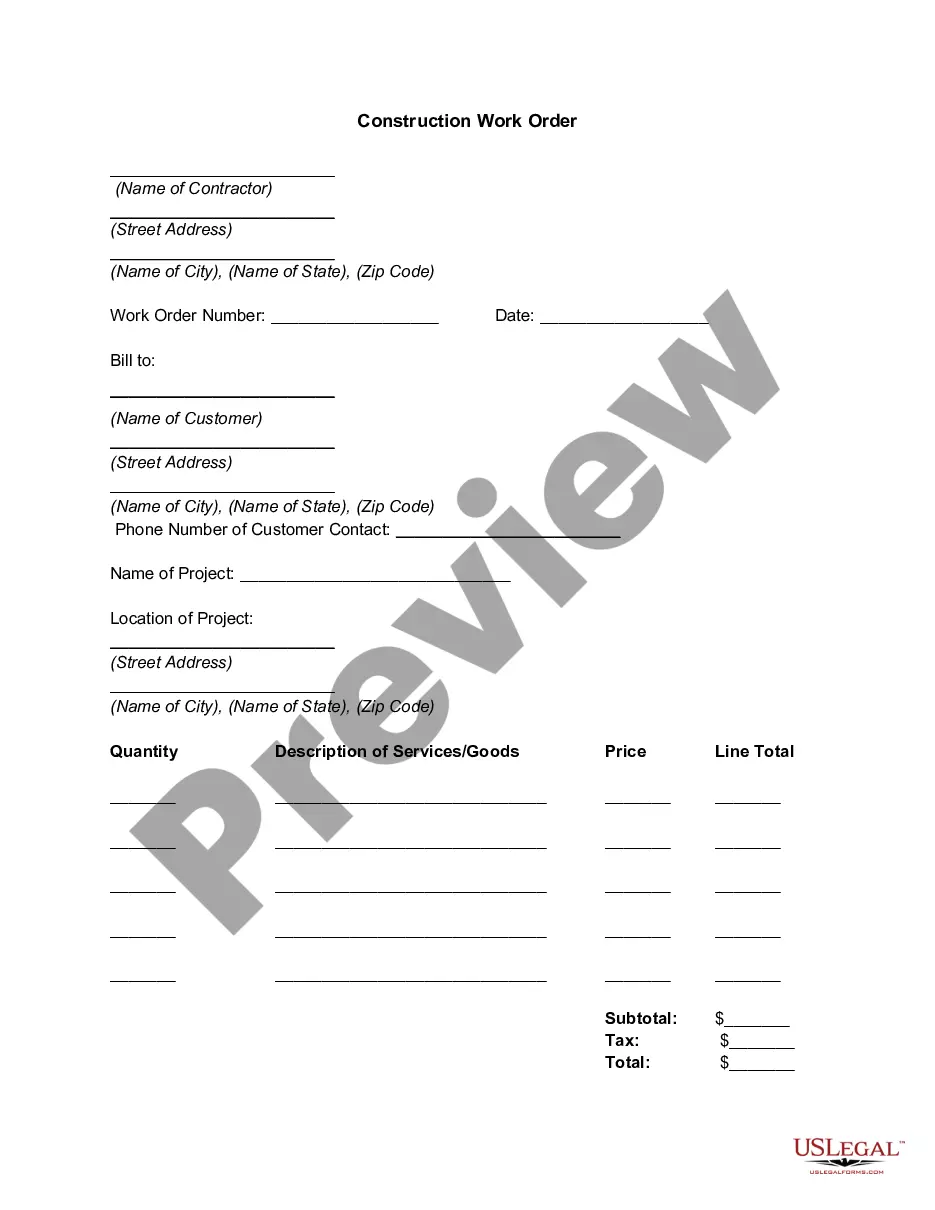
Change orders typically consist of three parts: the project information, the changes to the contract, and the change in cost and time for performance. Project information includes the project name and the owner's and contractor's information.
Classic examples of change orders include the owner's desire to move the location of a wall to accommodate some other design element, adding a window where there was none in the original plans, or changing the finish of the floors from tile to terrazzo.