Fcc Consumer Complaint Form With Email
Description

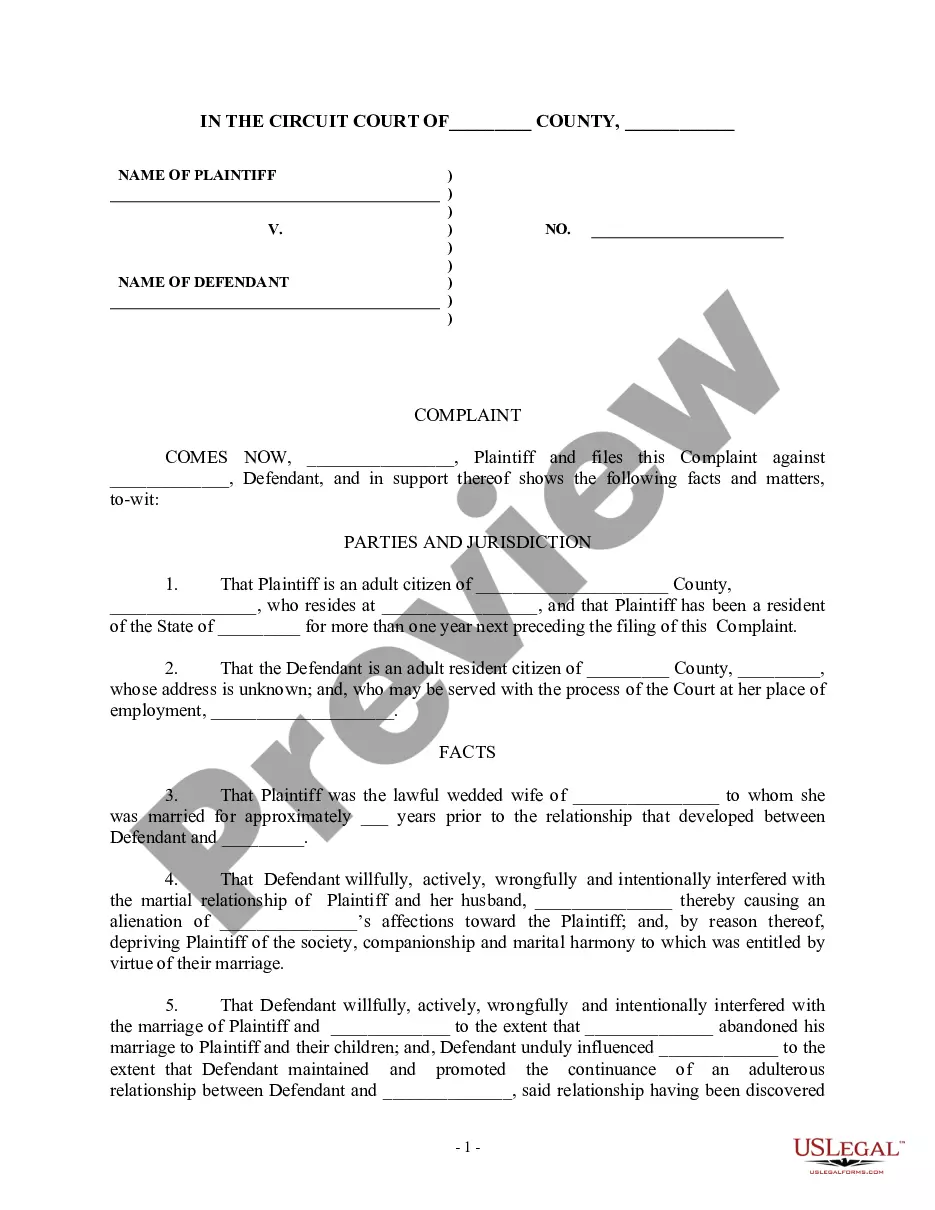
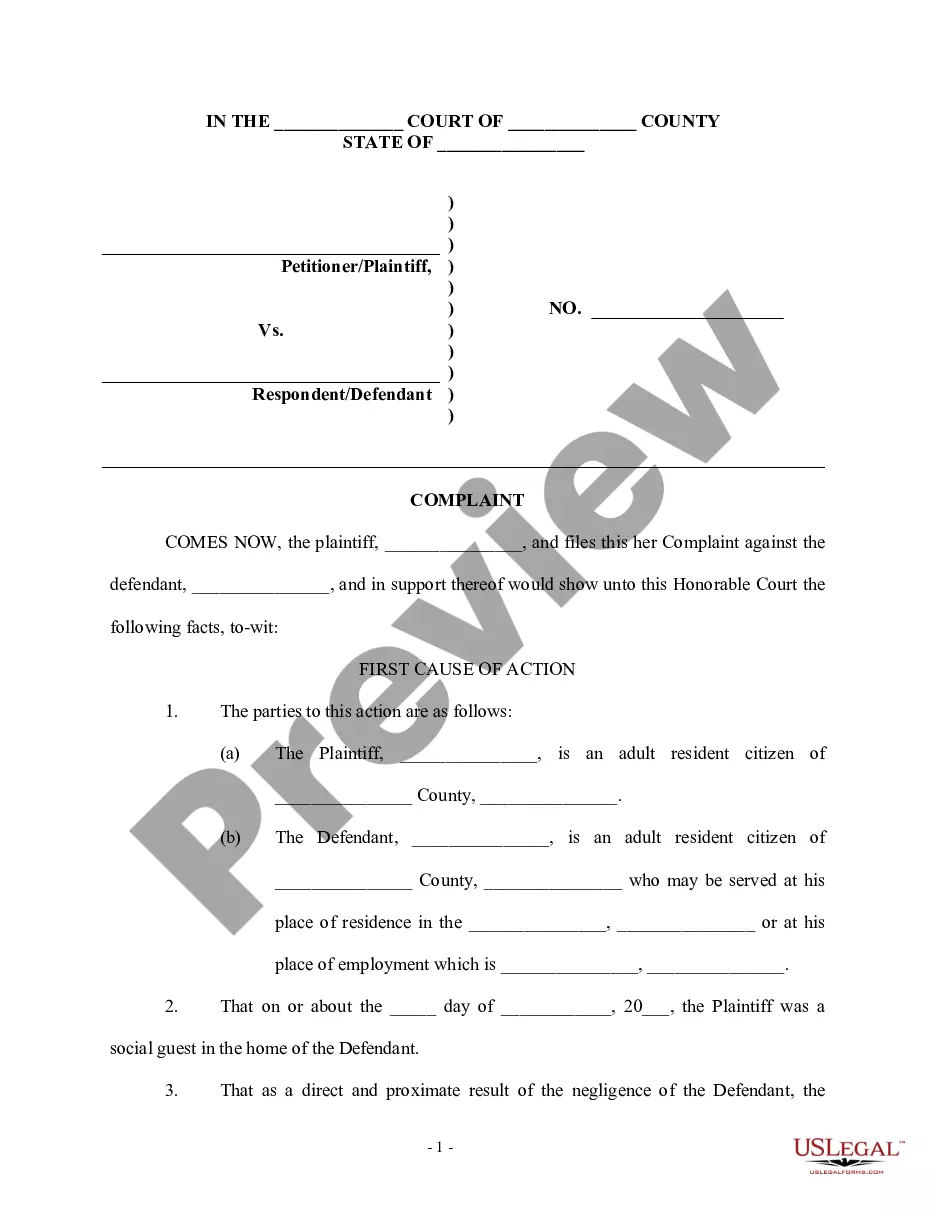
Get your form ready online
Our built-in tools help you complete, sign, share, and store your documents in one place.
Make edits, fill in missing information, and update formatting in US Legal Forms—just like you would in MS Word.
Download a copy, print it, send it by email, or mail it via USPS—whatever works best for your next step.
Sign and collect signatures with our SignNow integration. Send to multiple recipients, set reminders, and more. Go Premium to unlock E-Sign.
If this form requires notarization, complete it online through a secure video call—no need to meet a notary in person or wait for an appointment.
We protect your documents and personal data by following strict security and privacy standards.

Make edits, fill in missing information, and update formatting in US Legal Forms—just like you would in MS Word.

Download a copy, print it, send it by email, or mail it via USPS—whatever works best for your next step.

Sign and collect signatures with our SignNow integration. Send to multiple recipients, set reminders, and more. Go Premium to unlock E-Sign.

If this form requires notarization, complete it online through a secure video call—no need to meet a notary in person or wait for an appointment.

We protect your documents and personal data by following strict security and privacy standards.
Looking for another form?

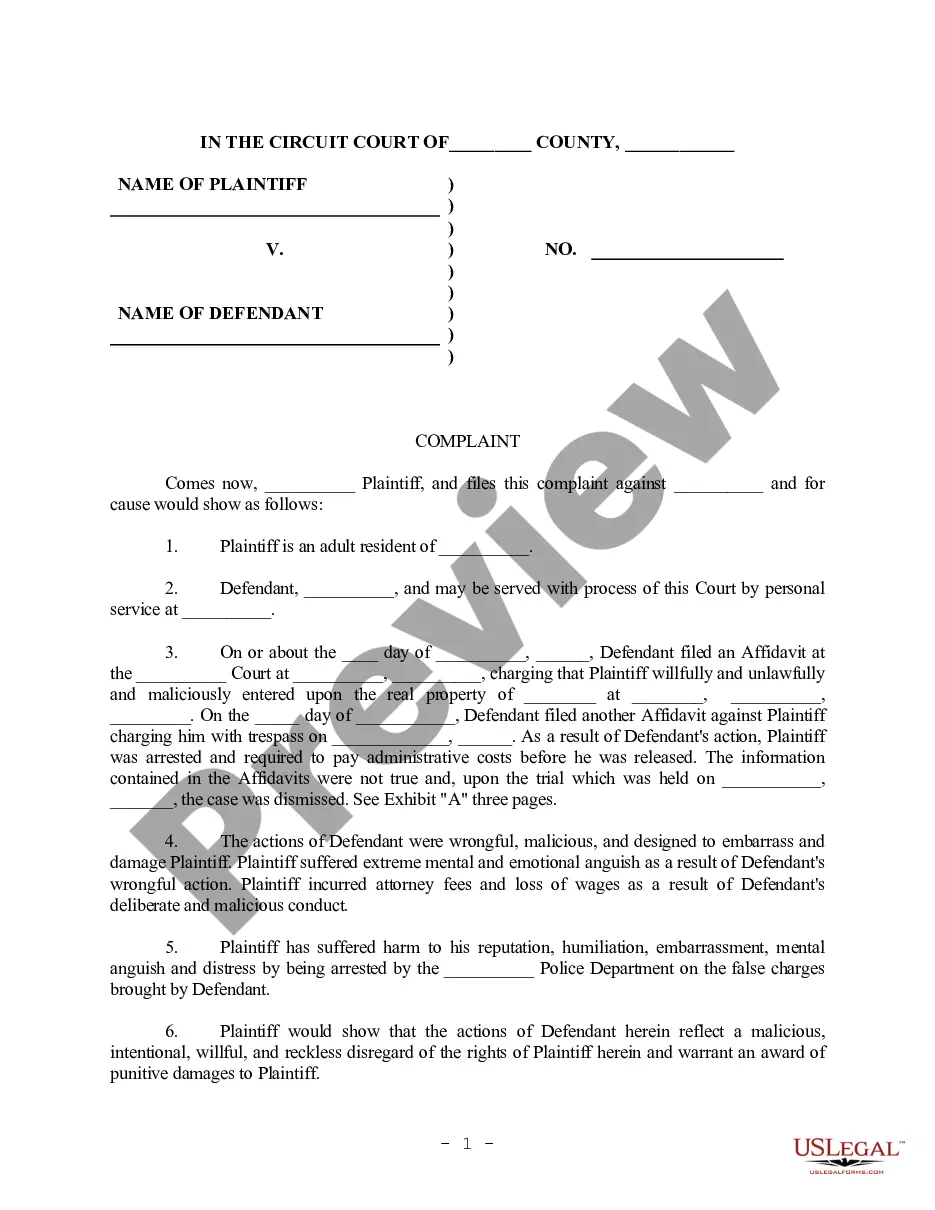
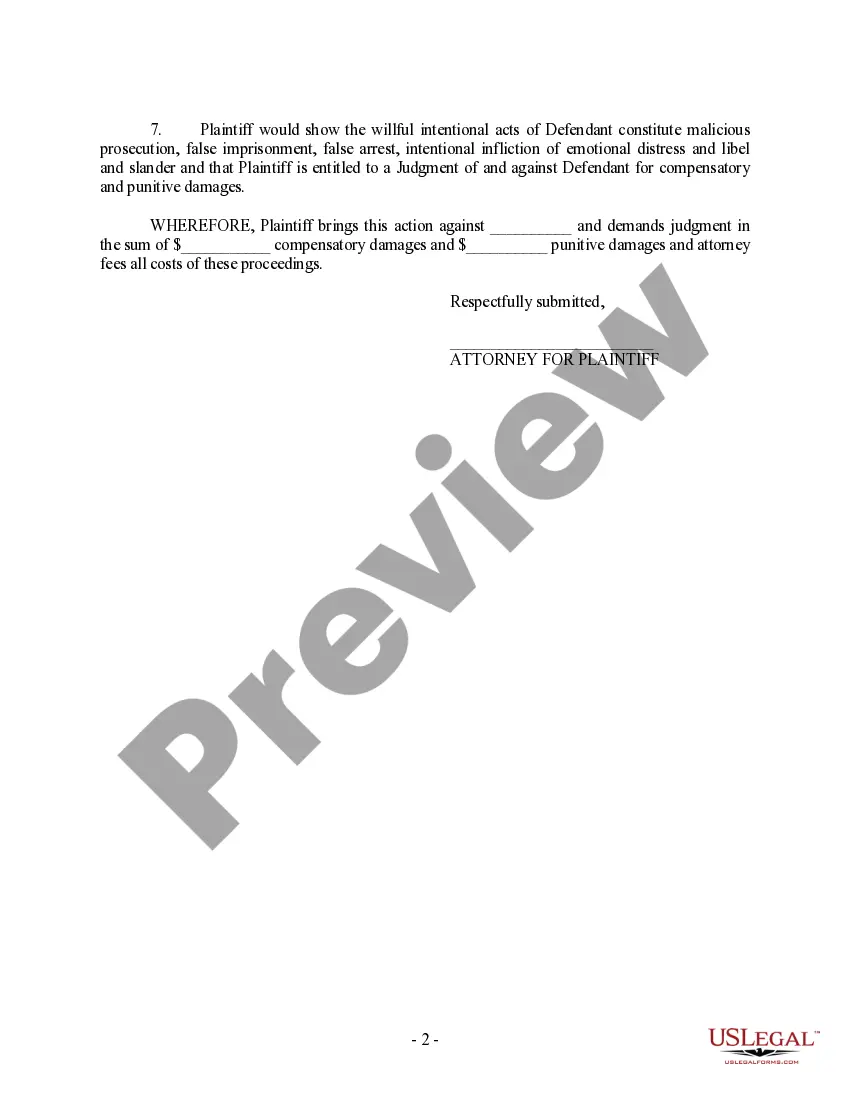
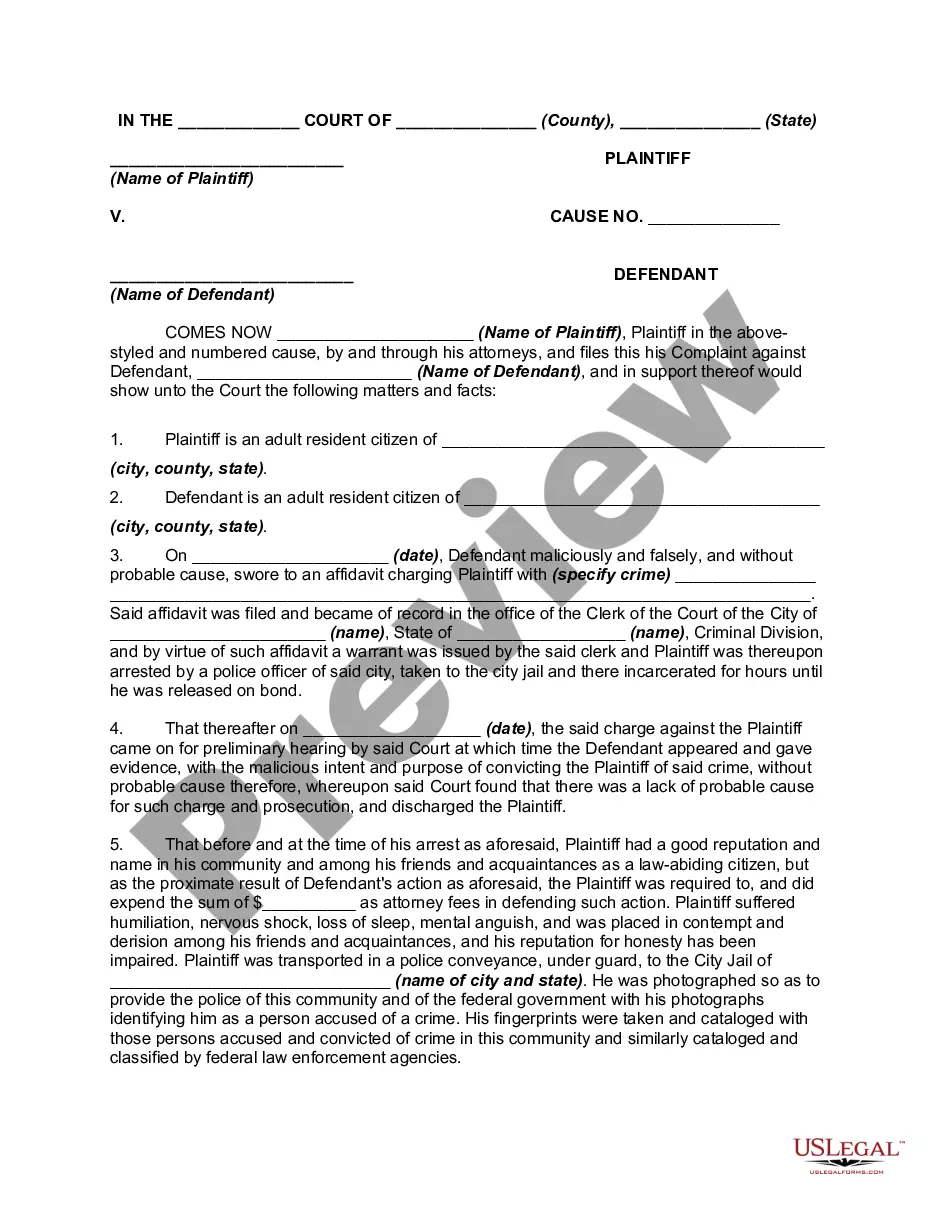
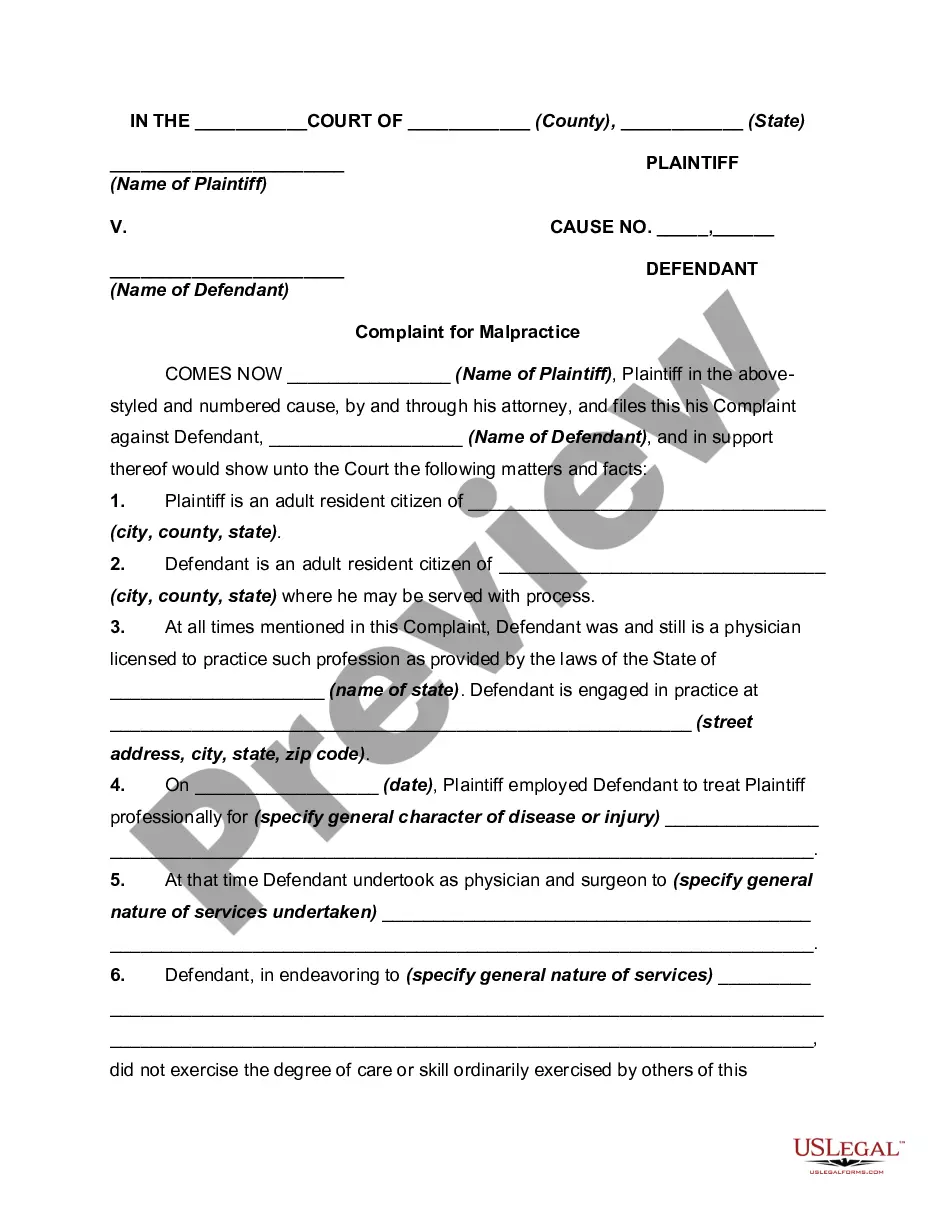
How to fill out Complaint For Malicious Prosecution?
Whether for business purposes or for individual affairs, everyone has to handle legal situations sooner or later in their life. Completing legal documents requires careful attention, beginning from selecting the correct form template. For example, if you choose a wrong version of the Fcc Consumer Complaint Form With Email, it will be rejected once you send it. It is therefore essential to have a reliable source of legal files like US Legal Forms.
If you have to obtain a Fcc Consumer Complaint Form With Email template, follow these simple steps:
- Find the sample you need using the search field or catalog navigation.
- Examine the form’s information to ensure it suits your case, state, and region.
- Click on the form’s preview to view it.
- If it is the wrong document, go back to the search function to find the Fcc Consumer Complaint Form With Email sample you require.
- Get the file when it matches your requirements.
- If you already have a US Legal Forms account, just click Log in to gain access to previously saved files in My Forms.
- In the event you don’t have an account yet, you may obtain the form by clicking Buy now.
- Select the proper pricing option.
- Finish the account registration form.
- Pick your transaction method: use a bank card or PayPal account.
- Select the document format you want and download the Fcc Consumer Complaint Form With Email.
- After it is downloaded, you are able to fill out the form by using editing software or print it and finish it manually.
With a vast US Legal Forms catalog at hand, you do not need to spend time looking for the appropriate sample across the internet. Utilize the library’s easy navigation to find the right template for any occasion.
Form popularity
FAQ
If you want to file a consumer complaint about the issue you are experiencing, go to consumercomplaints.fcc.gov and choose from the six category buttons under File a Complaint (TV, phone, Internet, radio, emergency communications, access for people with disabilities).
For more information on consumer issues, visit the FCC's Consumer Help Center at .fcc.gov/consumers. To request this article in an alternate format - braille, large print, Word or text document or audio - write or call us at the address or phone number at the bottom of the page, or send an email to fcc504@fcc.gov.
Complaints may be shared among FCC bureaus and offices for further review and possible investigation. By filing a consumer complaint with the FCC, you contribute to federal enforcement and consumer protection efforts on a national scale and help us identify trends and track the issues that matter most.
By filing a consumer complaint with the FCC, you contribute to federal enforcement and consumer protection efforts on a national scale and help us identify trends and track the issues that matter most. The FCC does not resolve all individual complaints.
Consumers can file complaints with the FCC by going to fcc.gov/complaints. You should choose the phone form and the unwanted calls issue for all complaints involving unwanted calls, including if your number is being spoofed, blocked, or labeled.