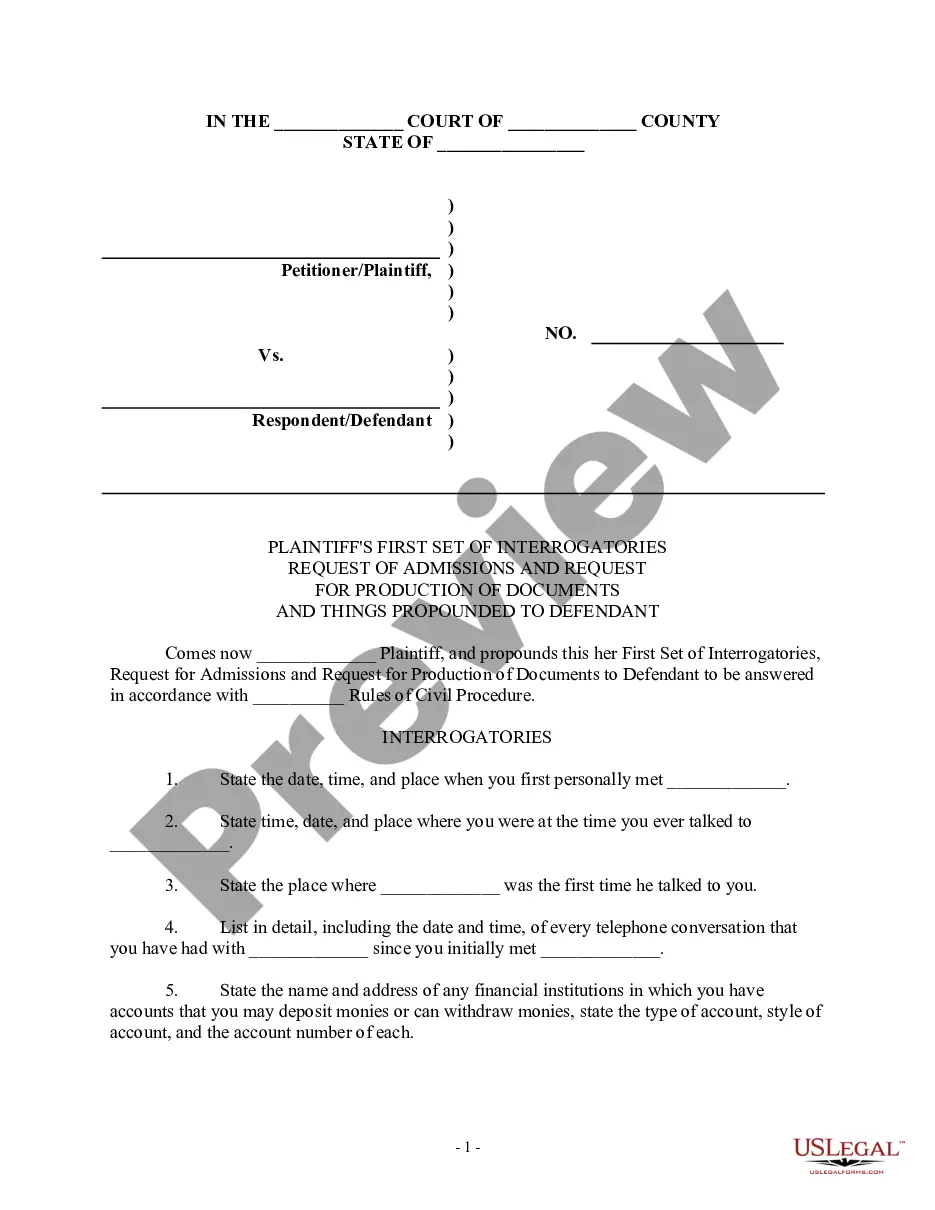
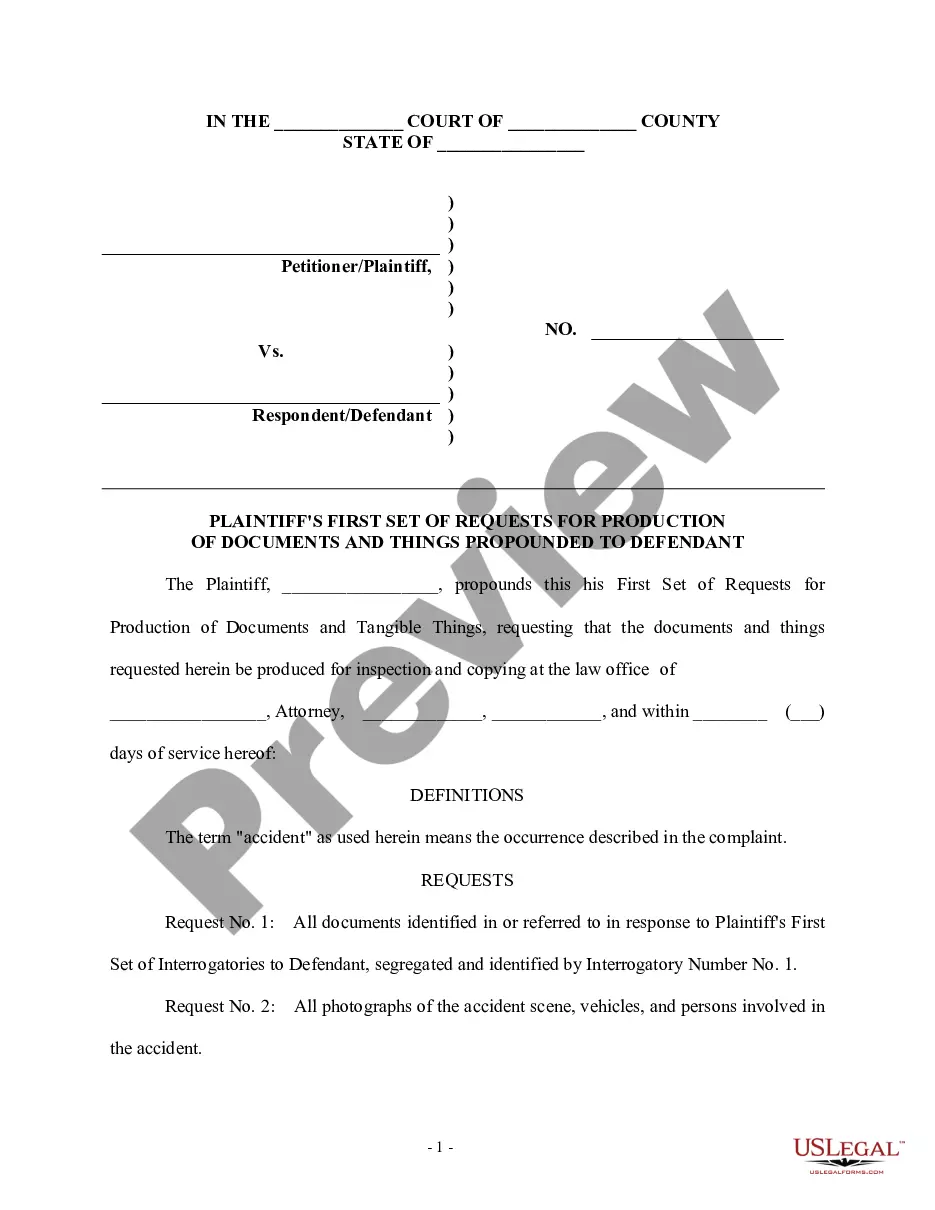
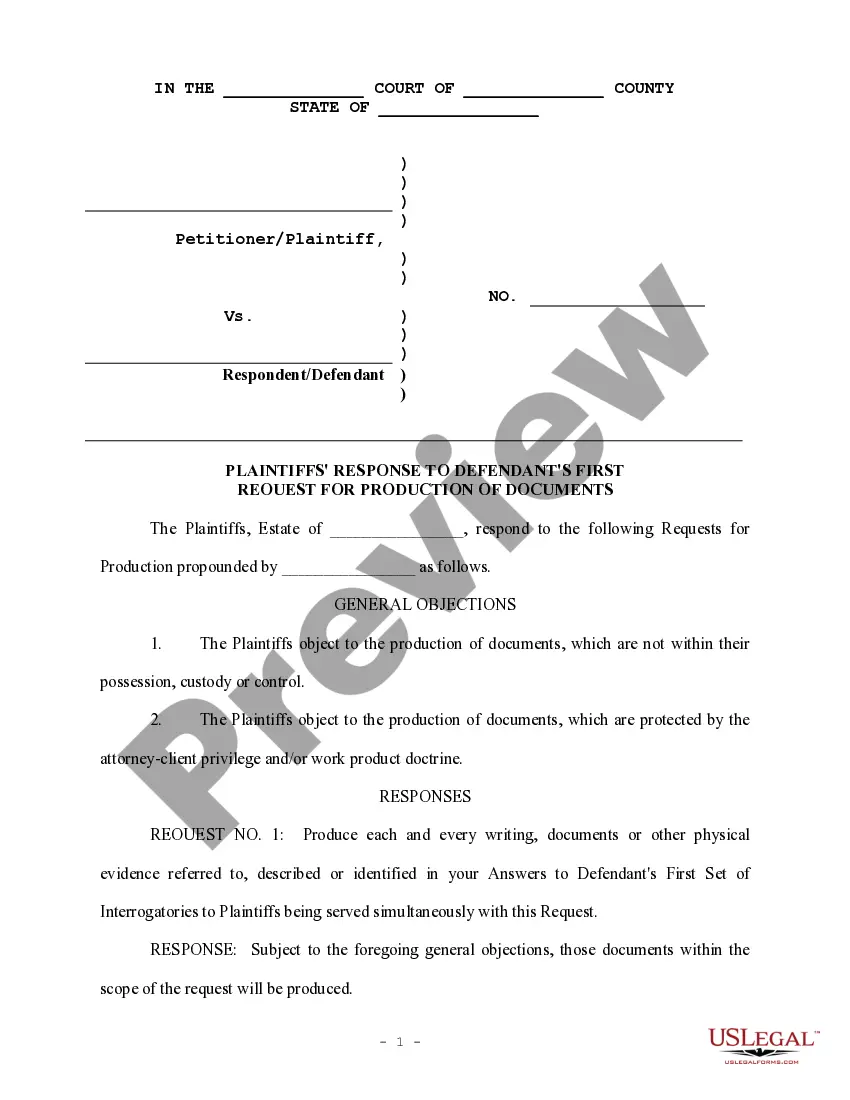
Responses Request Documents For Interview
Description
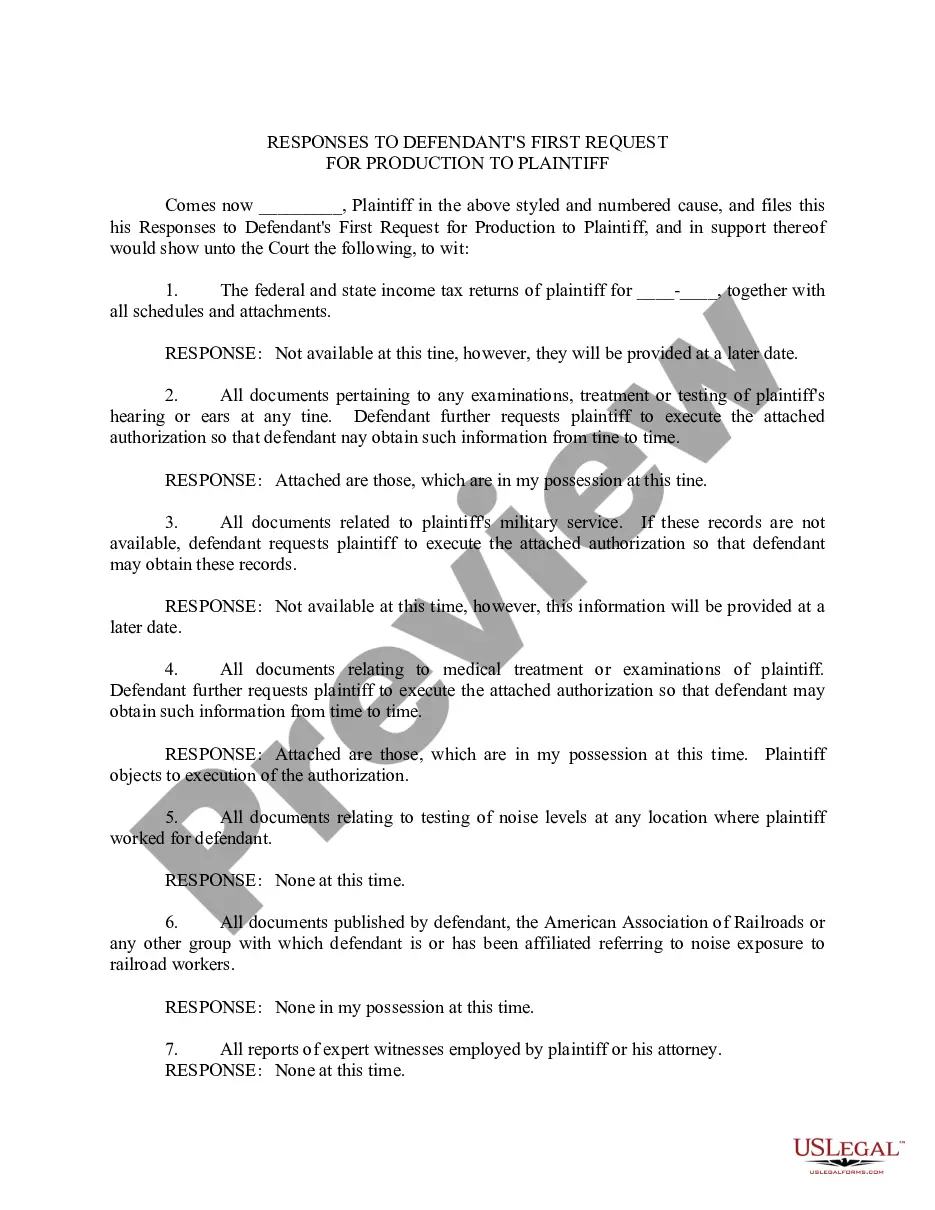
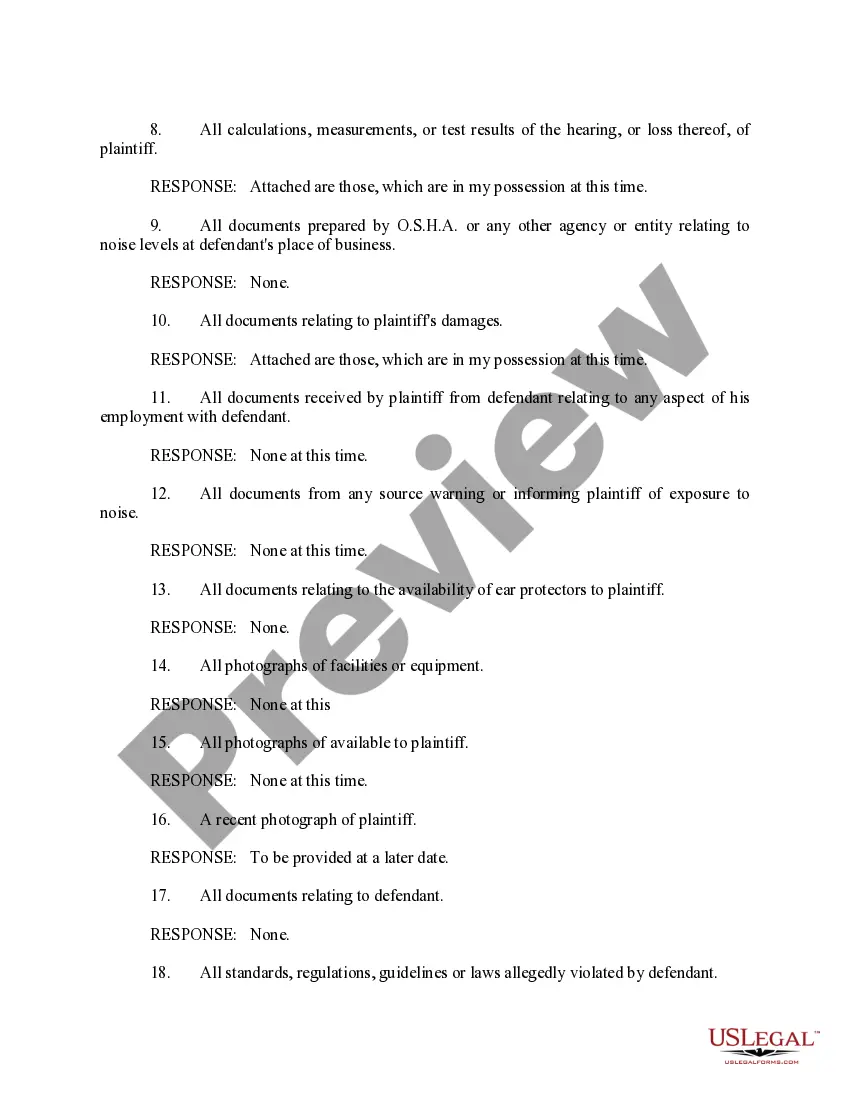
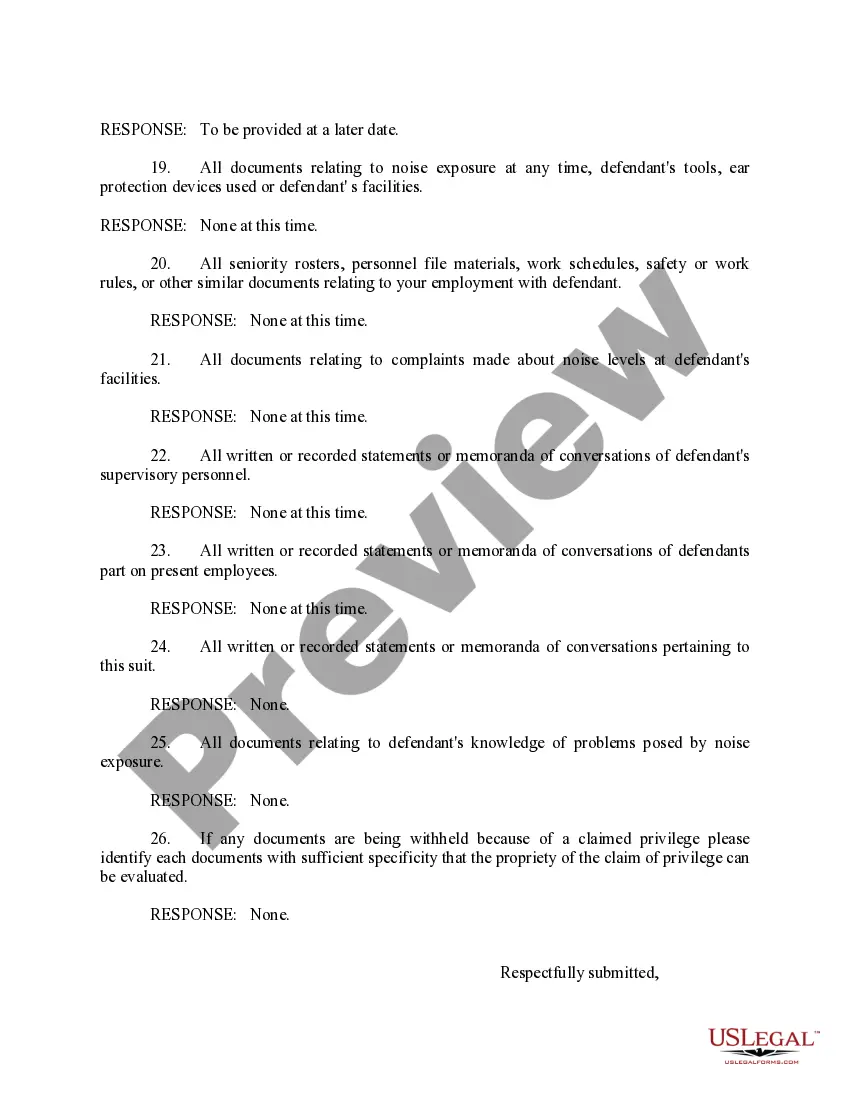
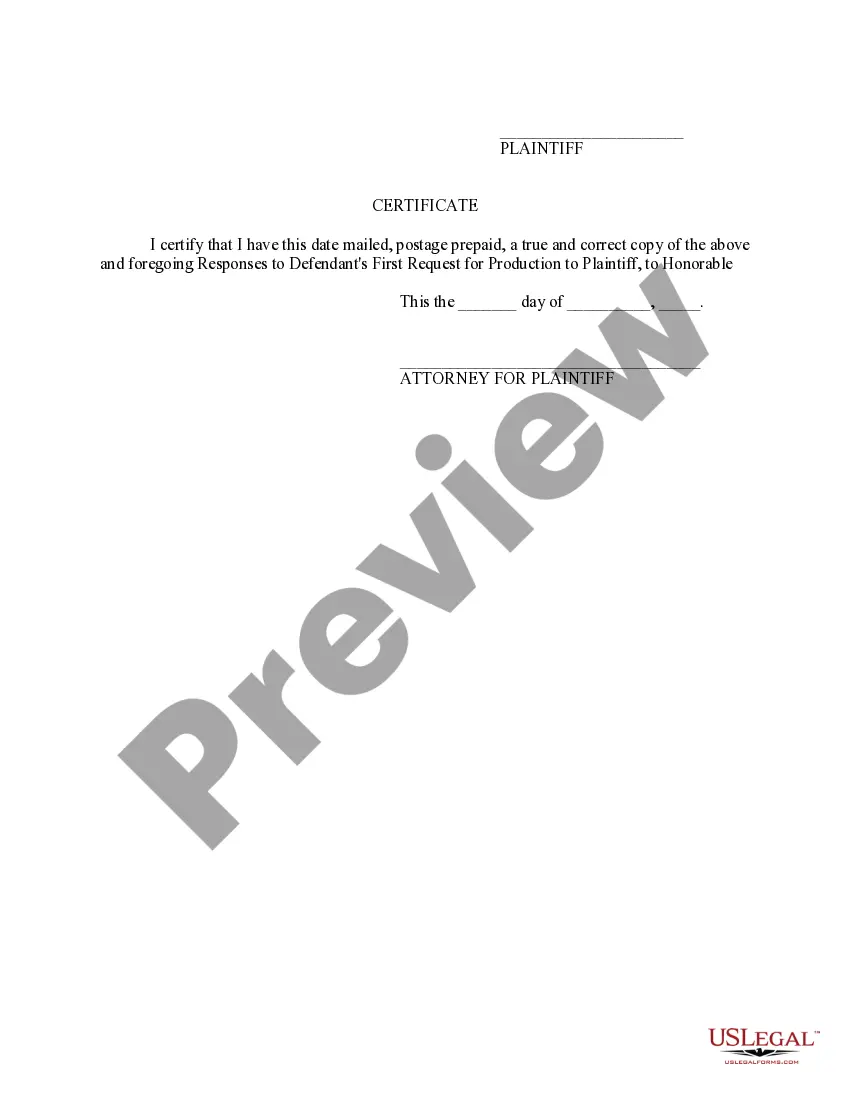

Get your form ready online
Our built-in tools help you complete, sign, share, and store your documents in one place.
Make edits, fill in missing information, and update formatting in US Legal Forms—just like you would in MS Word.
Download a copy, print it, send it by email, or mail it via USPS—whatever works best for your next step.
Sign and collect signatures with our SignNow integration. Send to multiple recipients, set reminders, and more. Go Premium to unlock E-Sign.
If this form requires notarization, complete it online through a secure video call—no need to meet a notary in person or wait for an appointment.
We protect your documents and personal data by following strict security and privacy standards.

Make edits, fill in missing information, and update formatting in US Legal Forms—just like you would in MS Word.

Download a copy, print it, send it by email, or mail it via USPS—whatever works best for your next step.

Sign and collect signatures with our SignNow integration. Send to multiple recipients, set reminders, and more. Go Premium to unlock E-Sign.

If this form requires notarization, complete it online through a secure video call—no need to meet a notary in person or wait for an appointment.

We protect your documents and personal data by following strict security and privacy standards.
Looking for another form?
How to fill out Responses To Defendant's First Request For Production To Plaintiff?
Regardless of whether it's for professional aims or personal issues, everyone eventually encounters legal matters in their lives.
Completing legal documents requires meticulous care, starting with choosing the correct template.
With a vast US Legal Forms catalog available, you will never have to waste time searching for the right template online. Utilize the library’s intuitive navigation to find the correct form for any scenario.
- For instance, if you choose an incorrect version of a Responses Request Documents For Interview, it will be rejected upon submission.
- Thus, it is crucial to obtain a reliable source of legal forms such as US Legal Forms.
- If you wish to acquire a Responses Request Documents For Interview template, follow these straightforward steps.
- Obtain the sample you require by utilizing the search bar or catalog navigation.
- Review the form’s details to confirm it aligns with your circumstances, state, and county.
- Click on the form’s preview to inspect it.
- If it is the incorrect form, return to the search feature to locate the Responses Request Documents For Interview template you need.
- Acquire the template when it fulfills your requirements.
- If you already possess a US Legal Forms account, simply click Log in to access previously stored documents in My documents.
- If you do not have an account yet, you can download the form by clicking Buy now.
- Select the suitable pricing option.
- Complete the account registration form.
- Choose your payment method: use a credit card or PayPal account.
- Select the file format you prefer and download the Responses Request Documents For Interview.
- Once downloaded, you can fill out the form using editing software or print it and complete it by hand.
Form popularity
FAQ
Best Practices: Include your company name in the opening paragraph. ... Specify the location or mode of the interview. ... Specify who will conduct the interview. ... Give the candidate several times to choose from. ... Include details about what the candidate should bring to the interview.
Hi [Recruiter's name], Thank you for inviting me to interview for [position]. I'd be happy to attend a video call to discuss the position further. I am available this week at [specific days and times] if you have any availability at those times.
How to reply to an interview request email Be prompt. After receiving the interview invitation, prepare and send your response as soon as possible. ... Use a professional greeting. ... Show appreciation for their consideration. ... Confirm your availability. ... Ask for any clarifications you need. ... Close with a professional sign-off.
Here are a few examples: Thanks for reaching out. Thanks for inviting me to an interview. Thanks for the opportunity to interview for [name the position]. Thank you for considering me for [name the position]. Thanks for contacting me about [name the position].
Thank you for reaching out to me regarding the interview for the [title of position]. I would like to confirm my attendance for the interview. I have availability on [date] at [time] or [date] at [time]. Enclosed is a copy of [form of personal identification] and [form of personal identification].