A Warrant Form For Tax
Description

Get your form ready online
Our built-in tools help you complete, sign, share, and store your documents in one place.
Make edits, fill in missing information, and update formatting in US Legal Forms—just like you would in MS Word.
Download a copy, print it, send it by email, or mail it via USPS—whatever works best for your next step.
Sign and collect signatures with our SignNow integration. Send to multiple recipients, set reminders, and more. Go Premium to unlock E-Sign.
If this form requires notarization, complete it online through a secure video call—no need to meet a notary in person or wait for an appointment.
We protect your documents and personal data by following strict security and privacy standards.

Make edits, fill in missing information, and update formatting in US Legal Forms—just like you would in MS Word.

Download a copy, print it, send it by email, or mail it via USPS—whatever works best for your next step.

Sign and collect signatures with our SignNow integration. Send to multiple recipients, set reminders, and more. Go Premium to unlock E-Sign.

If this form requires notarization, complete it online through a secure video call—no need to meet a notary in person or wait for an appointment.

We protect your documents and personal data by following strict security and privacy standards.
Looking for another form?
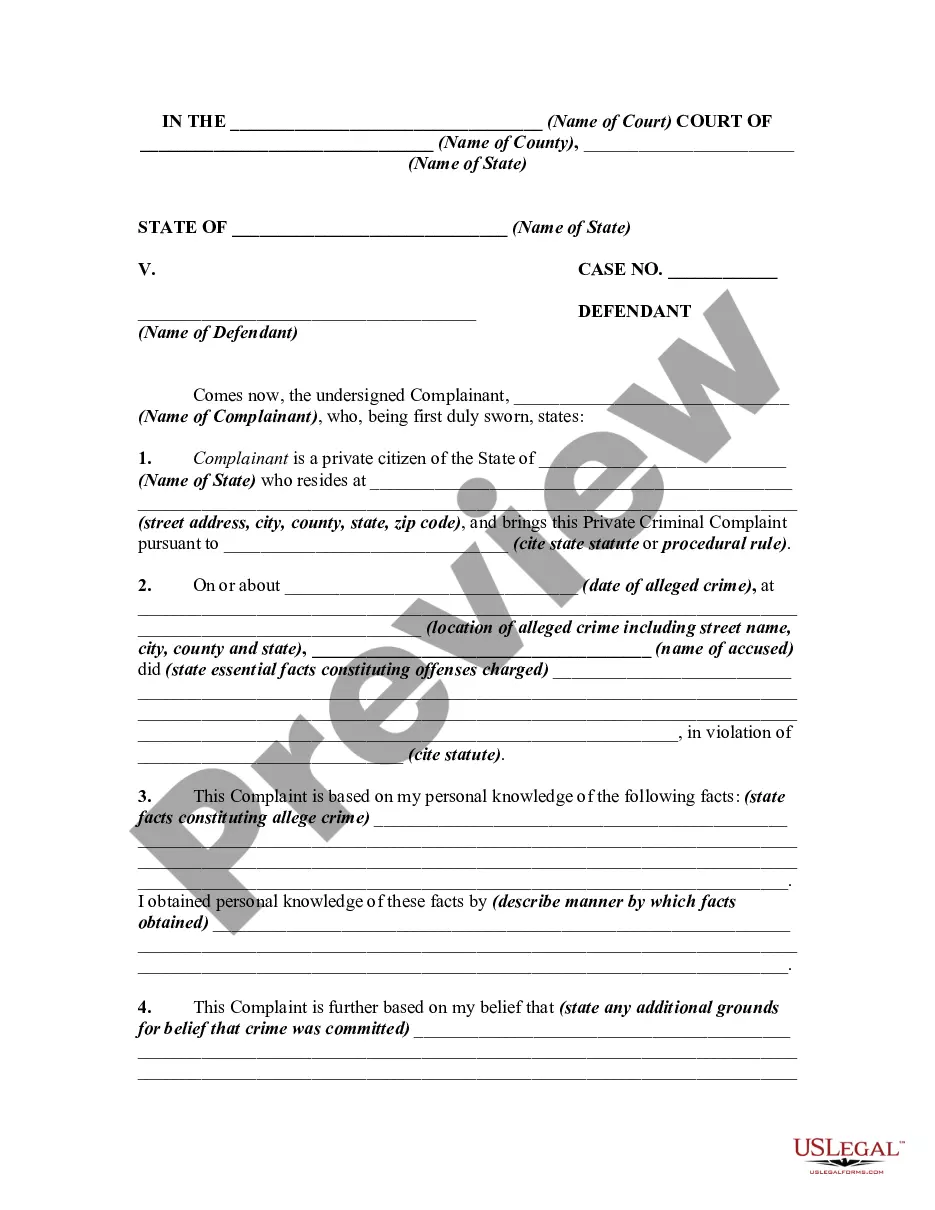
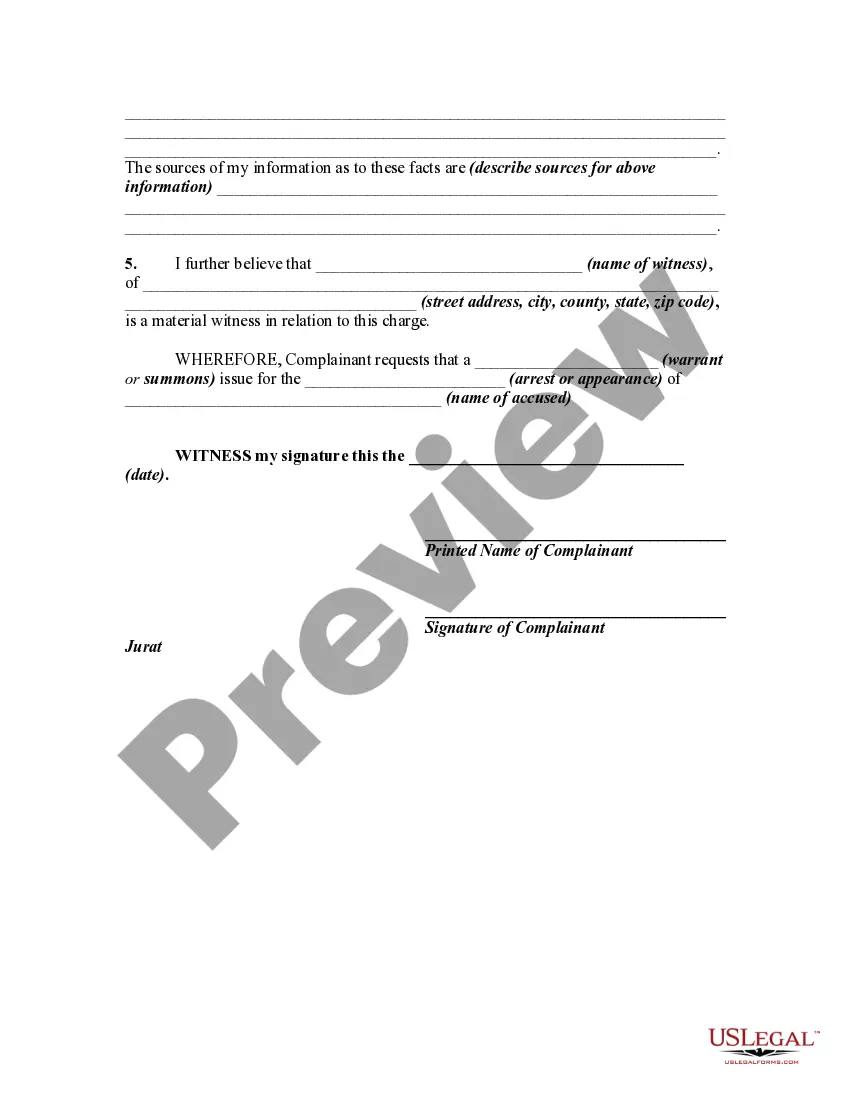
How to fill out Private Criminal Complaint For Arrest Warrant And/or Summons?
It’s clear that you can’t become a legal expert instantly, nor can you determine how to rapidly draft A Warrant Form For Tax without possessing a specialized knowledge.
Generating legal documents is a lengthy procedure that necessitates particular education and expertise.
So why not entrust the development of the A Warrant Form For Tax to the specialists.
View it (if this option is available) and read the supporting description to ascertain whether A Warrant Form For Tax is what you’re looking for.
If you need another template, restart your search.
- With US Legal Forms, one of the most comprehensive legal template collections, you can find anything from court documents to templates for office correspondence.
- We understand how vital compliance and adherence to federal and state regulations are.
- That’s why, on our platform, all templates are location-specific and current.
- Navigate to our website and secure the form you require in just minutes.
- Identify the document you need by utilizing the search bar located at the top of the page.
Form popularity
FAQ
By placing a ?0? on line 5, you are indicating that you want the most amount of tax taken out of your pay each pay period. If you wish to claim 1 for yourself instead, then less tax is taken out of your pay each pay period. 2. You can choose to have no taxes taken out of your tax and claim Exemption (see Example 2).
1. Complete the form. Line 1a: Enter your name as it's shown on your tax returns. Line 1b: Enter your Social Security number. Line 2a: Enter your spouse's name if you filed a joint return. Line 2b: Enter your spouse's Social Security number, if you filed a joint return. Line 3: Enter your current address.
1. Complete the form. Line 1a: Enter your name as it's shown on your tax returns. Line 1b: Enter your Social Security number. Line 2a: Enter your spouse's name if you filed a joint return. Line 2b: Enter your spouse's Social Security number, if you filed a joint return. Line 3: Enter your current address.
The Form W-4 in Depth Step 1: Provide Your Information. Provide your name, address, filing status, and Social Security number. ... Step 2: Indicate Multiple Jobs or a Working Spouse. ... Step 3: Add Dependents. ... Step 4: Add Other Adjustments. ... Step 5: Sign and Date Form W-4.
Understanding the New IRS Form W-4P - YouTube YouTube Start of suggested clip End of suggested clip And step five sign and date the form frequently asked questions why did the IRS change the w4p. FormMoreAnd step five sign and date the form frequently asked questions why did the IRS change the w4p. Form the IRS redesigned the w4p form to simplify your withholding.