Irrevocable Trust Withdrawals With Grantor Social Security Number
Description





Get your form ready online
Our built-in tools help you complete, sign, share, and store your documents in one place.
Make edits, fill in missing information, and update formatting in US Legal Forms—just like you would in MS Word.
Download a copy, print it, send it by email, or mail it via USPS—whatever works best for your next step.
Sign and collect signatures with our SignNow integration. Send to multiple recipients, set reminders, and more. Go Premium to unlock E-Sign.
If this form requires notarization, complete it online through a secure video call—no need to meet a notary in person or wait for an appointment.
We protect your documents and personal data by following strict security and privacy standards.

Make edits, fill in missing information, and update formatting in US Legal Forms—just like you would in MS Word.

Download a copy, print it, send it by email, or mail it via USPS—whatever works best for your next step.

Sign and collect signatures with our SignNow integration. Send to multiple recipients, set reminders, and more. Go Premium to unlock E-Sign.

If this form requires notarization, complete it online through a secure video call—no need to meet a notary in person or wait for an appointment.

We protect your documents and personal data by following strict security and privacy standards.
Looking for another form?







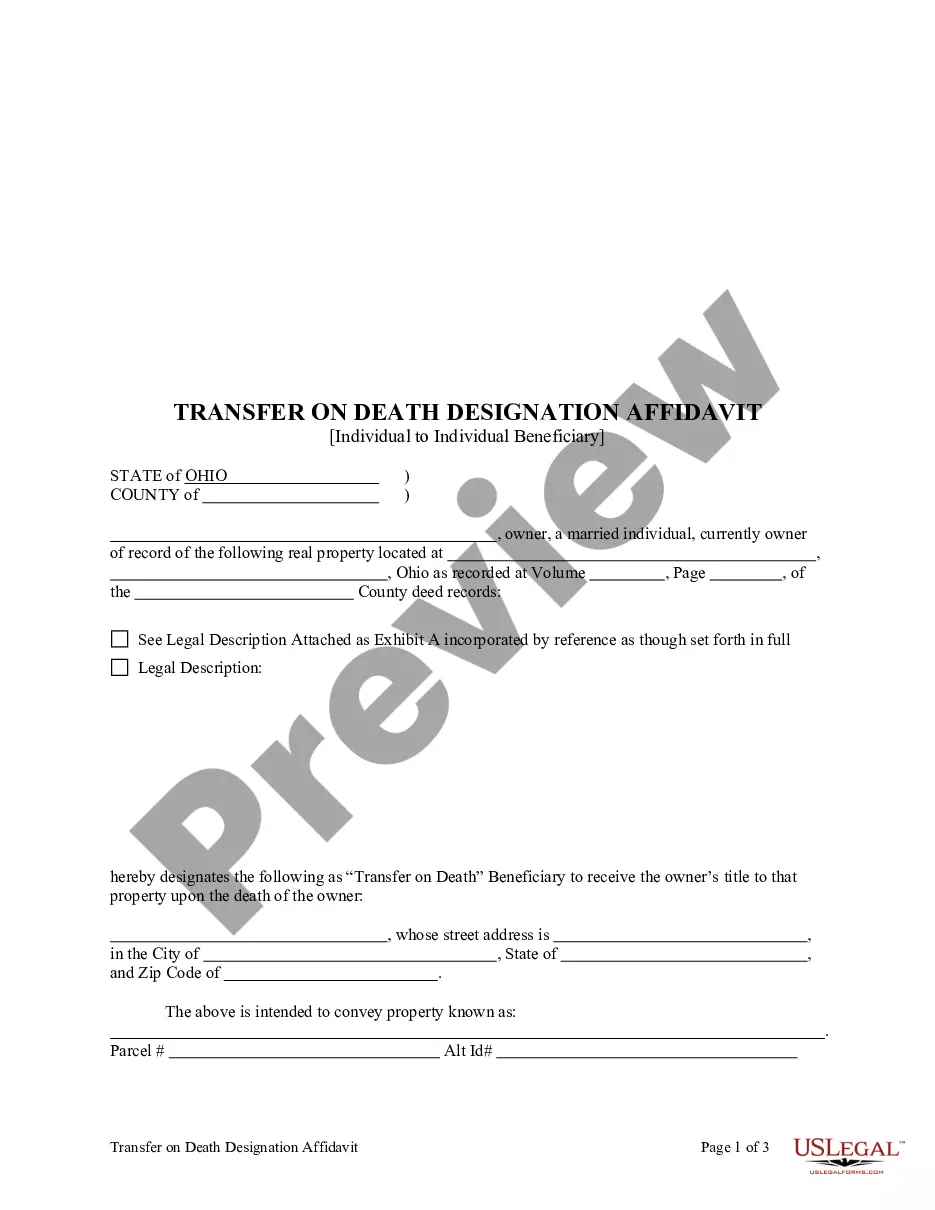
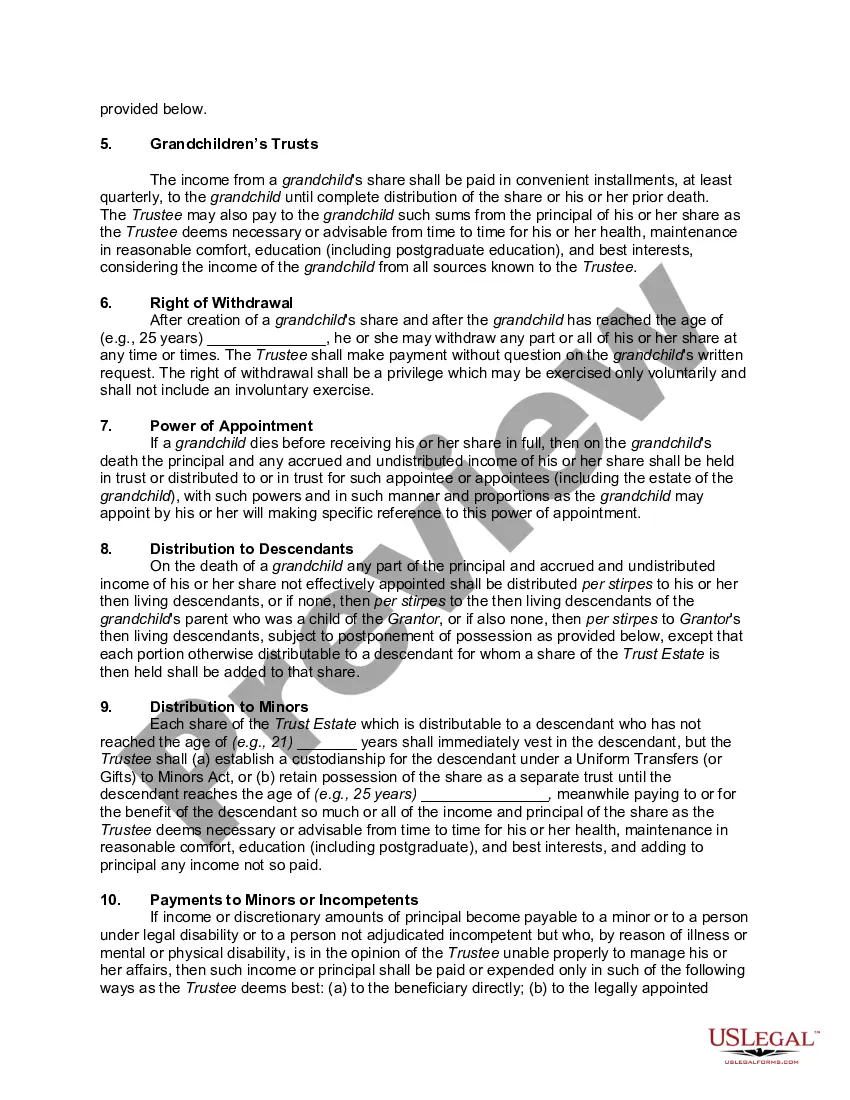
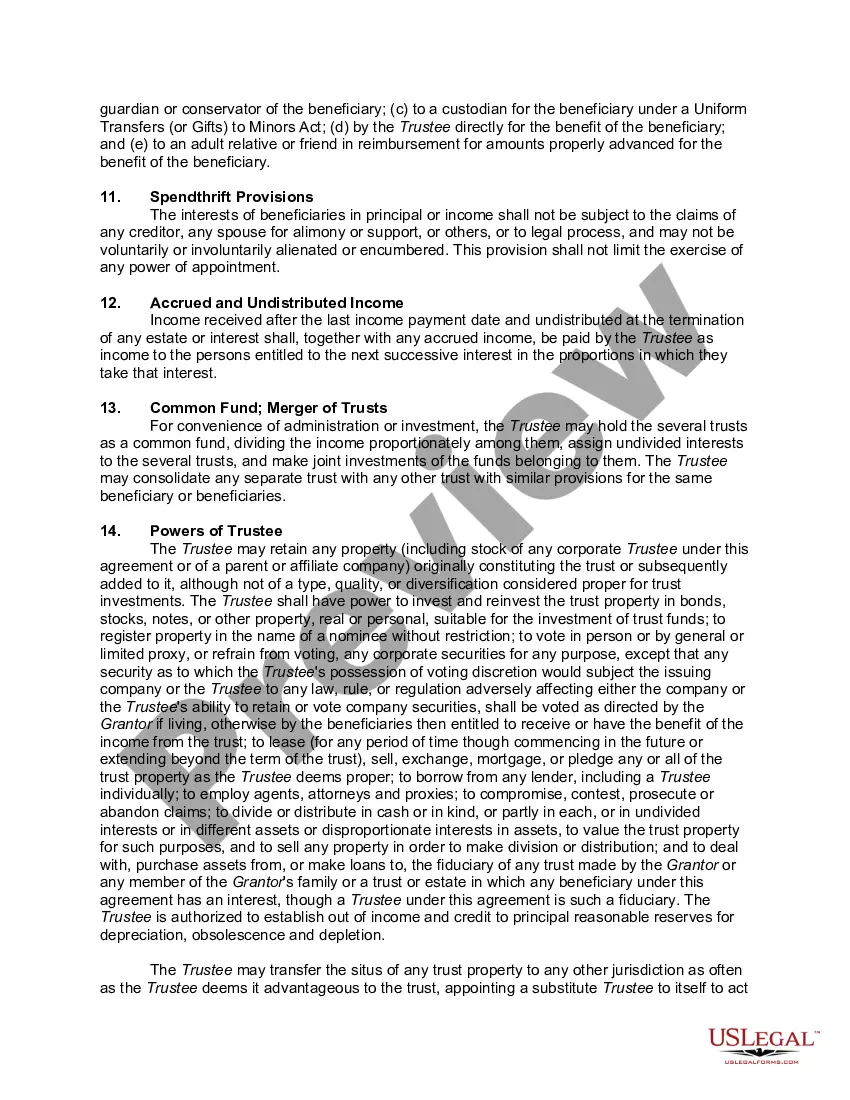
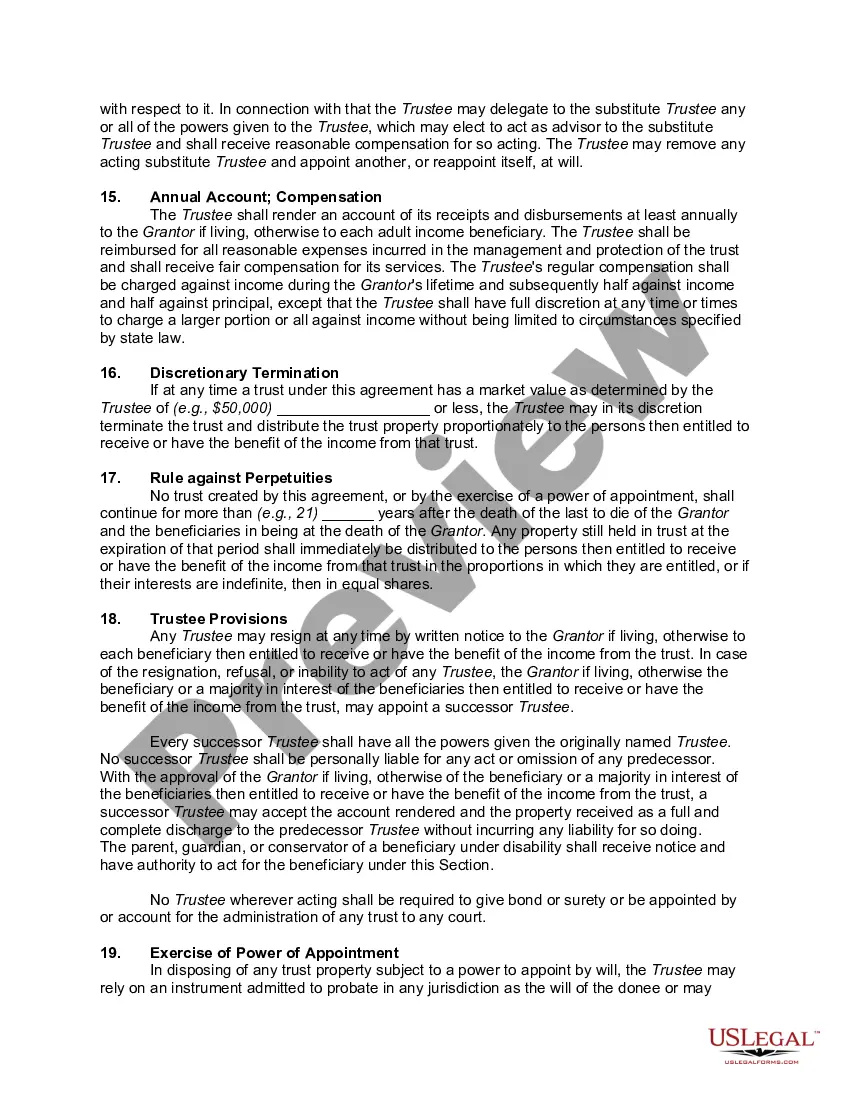
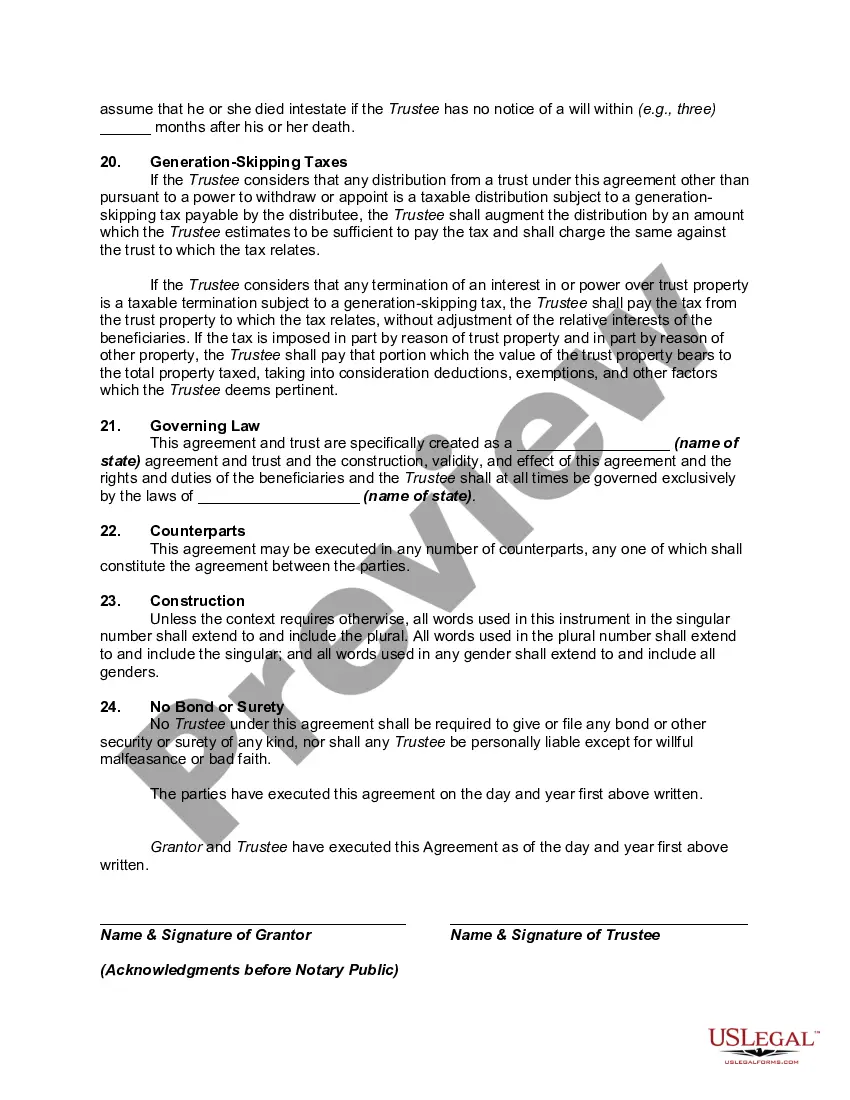
How to fill out Irrevocable Trust Agreement For Benefit Of Trustor's Children And Grandchildren?
Creating legal documents from the ground up can frequently be intimidating.
Certain situations may require extensive research and significant financial expenditure.
If you’re looking for a simpler and more cost-effective method of preparing Irrevocable Trust Withdrawals With Grantor Social Security Number or any other documents without unnecessary complications, US Legal Forms is always available to assist you.
Our online library of over 85,000 current legal forms encompasses nearly every aspect of your financial, legal, and personal matters.
Check the document preview and descriptions to confirm that you have selected the correct form. Ensure that the template you choose meets the requirements of your state and county. Select the most suitable subscription option to purchase the Irrevocable Trust Withdrawals With Grantor Social Security Number. Download the form and then complete, certify, and print it. US Legal Forms has a solid reputation and over 25 years of experience. Join us today and make form execution a straightforward and efficient process!
- With just a few clicks, you can swiftly access state- and county-specific forms meticulously prepared for you by our legal experts.
- Utilize our platform whenever you require trusted and dependable services to efficiently locate and download the Irrevocable Trust Withdrawals With Grantor Social Security Number.
- If you’re a returning user and previously established an account with us, simply Log In to your account, select the form and download it or re-download it at any time in the My documents section.
- Not registered yet? No problem. Registration only takes a few minutes and allows you to browse the catalog.
- Before proceeding to download Irrevocable Trust Withdrawals With Grantor Social Security Number, adhere to these suggestions.
Form popularity
FAQ
Your social security number can be used as the TIN for a trust that is considered a ?grantor trust? under federal income tax law. A grantor trust is recognized as a separate entity under state law but is ignored for purposes of federal income tax law.
Irrevocable Trust Tax Return The trustee will report estate taxes using Form 1041, U.S. Income Tax Return for Estates and Trusts. On this form, you'll disclose any interest income, deductions, gains and losses for the trust. You'll also report any distributions on this form.
If the trust is irrevocable, on the other hand, it's a separate legal entity. It cannot be changed by the grantor of the trust. The beneficiary would need to allow for any changes on their own end. Consequently, the irrevocable trust will need its own tax ID number, also known as an EIN.
Your social security number can be used as the TIN for a trust that is considered a ?grantor trust? under federal income tax law. A grantor trust is recognized as a separate entity under state law but is ignored for purposes of federal income tax law.
Regardless, once a trust becomes irrevocable, it is no longer in the hands of the individual who created it. An irrevocable trust is going to need a tax ID (also known as an employer identification number) because it can no longer use the SSN or ITIN of the individual (or individuals) who created it.