Trademark Search Uspto
Description
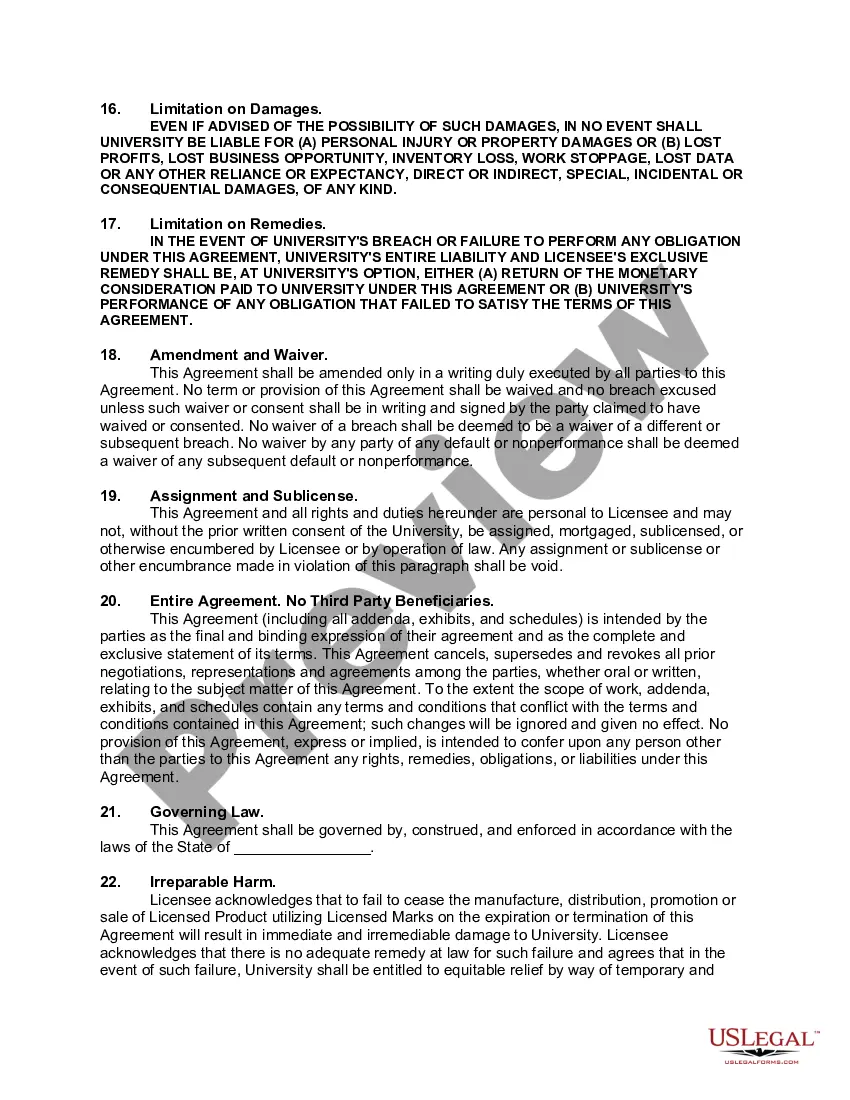
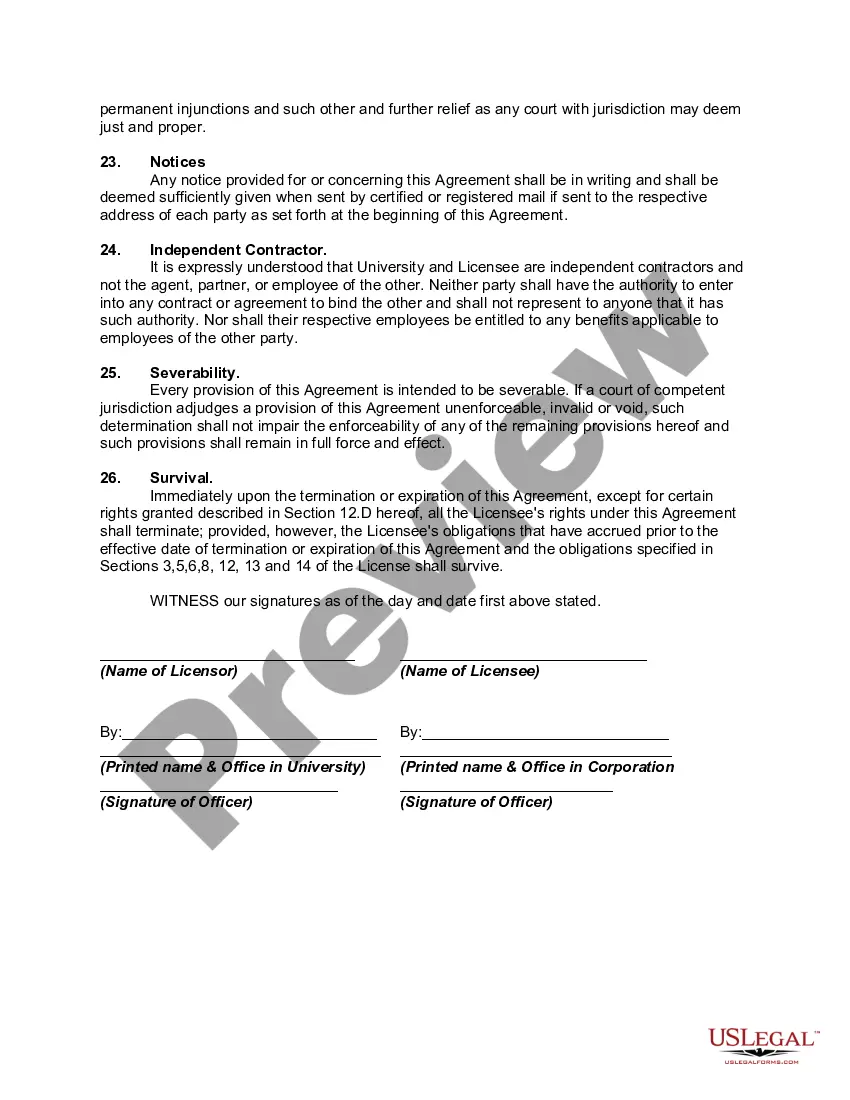
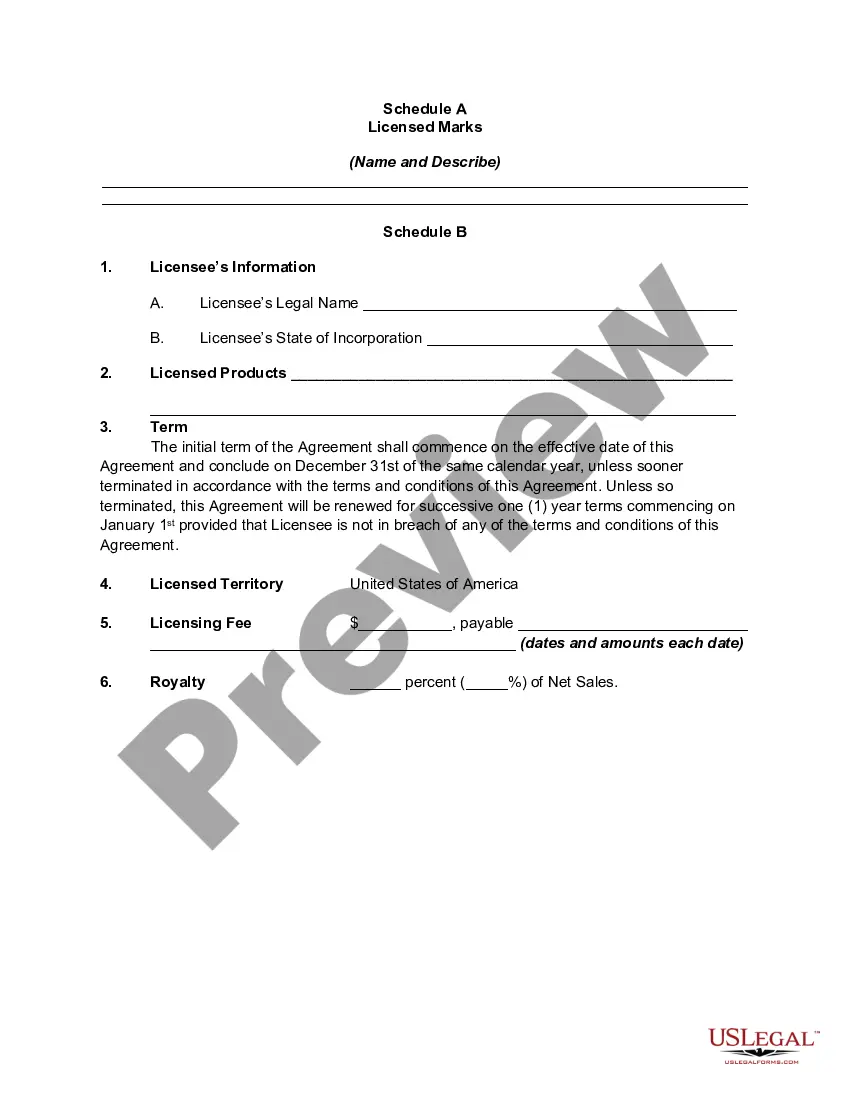
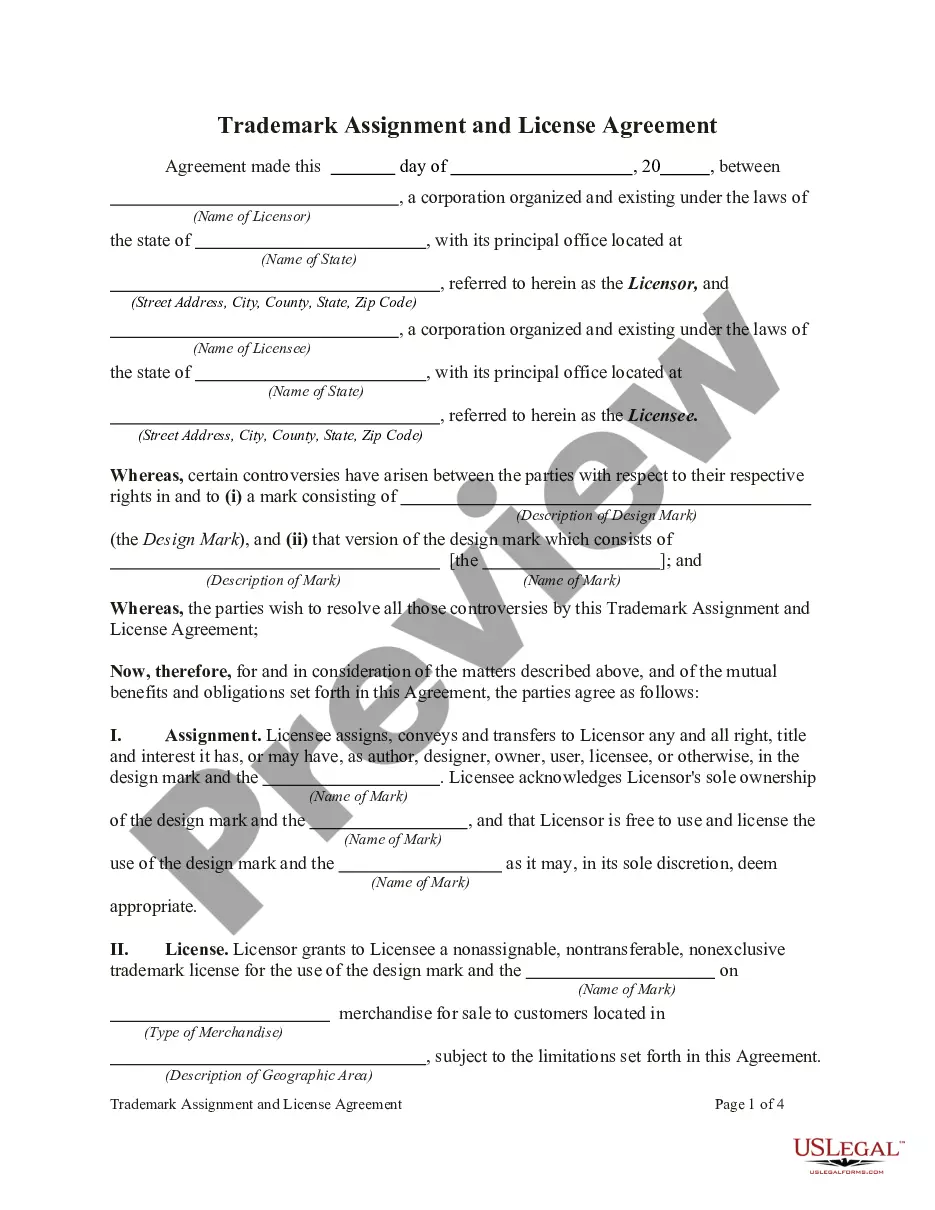
Get your form ready online
Our built-in tools help you complete, sign, share, and store your documents in one place.
Make edits, fill in missing information, and update formatting in US Legal Forms—just like you would in MS Word.
Download a copy, print it, send it by email, or mail it via USPS—whatever works best for your next step.
Sign and collect signatures with our SignNow integration. Send to multiple recipients, set reminders, and more. Go Premium to unlock E-Sign.
If this form requires notarization, complete it online through a secure video call—no need to meet a notary in person or wait for an appointment.
We protect your documents and personal data by following strict security and privacy standards.

Make edits, fill in missing information, and update formatting in US Legal Forms—just like you would in MS Word.

Download a copy, print it, send it by email, or mail it via USPS—whatever works best for your next step.

Sign and collect signatures with our SignNow integration. Send to multiple recipients, set reminders, and more. Go Premium to unlock E-Sign.

If this form requires notarization, complete it online through a secure video call—no need to meet a notary in person or wait for an appointment.

We protect your documents and personal data by following strict security and privacy standards.
Looking for another form?







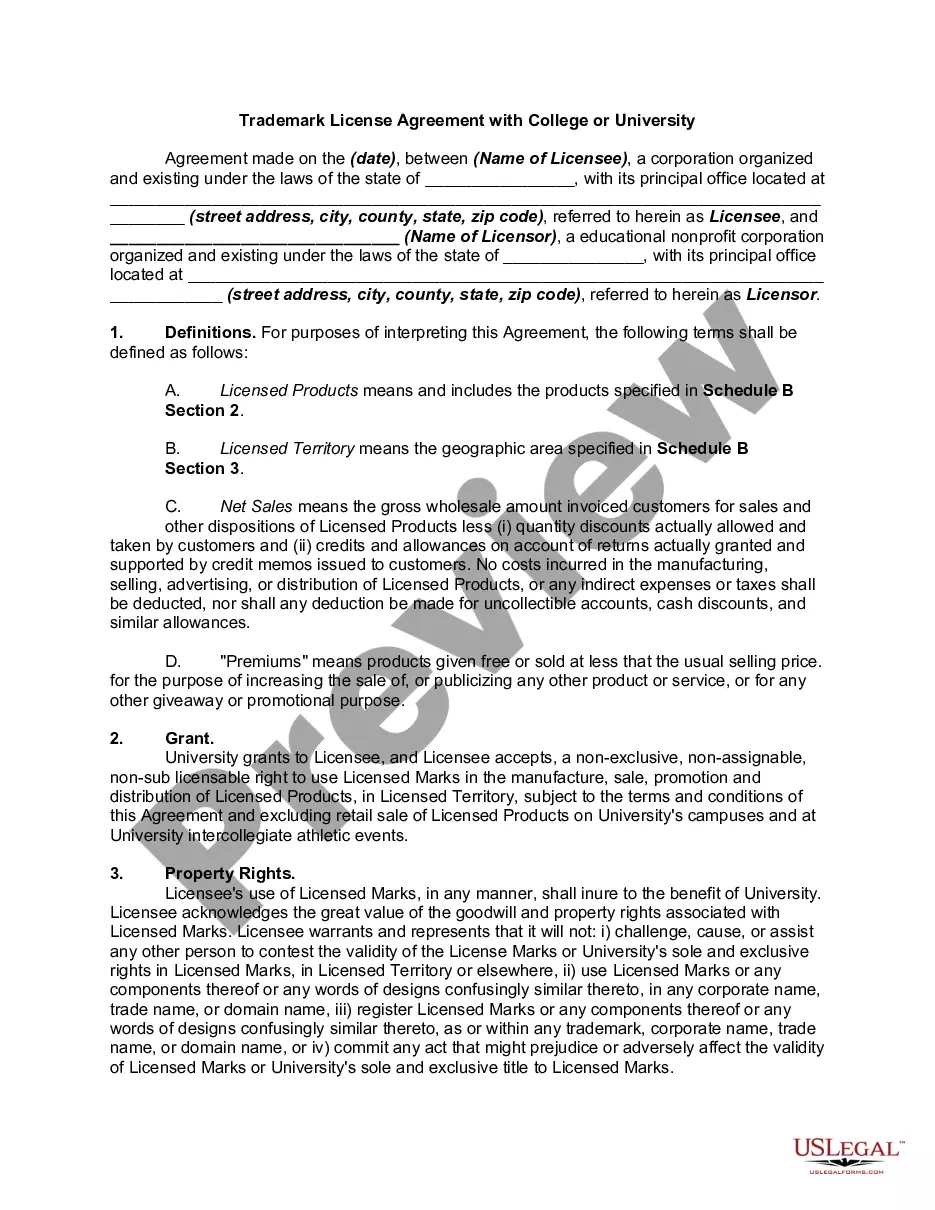
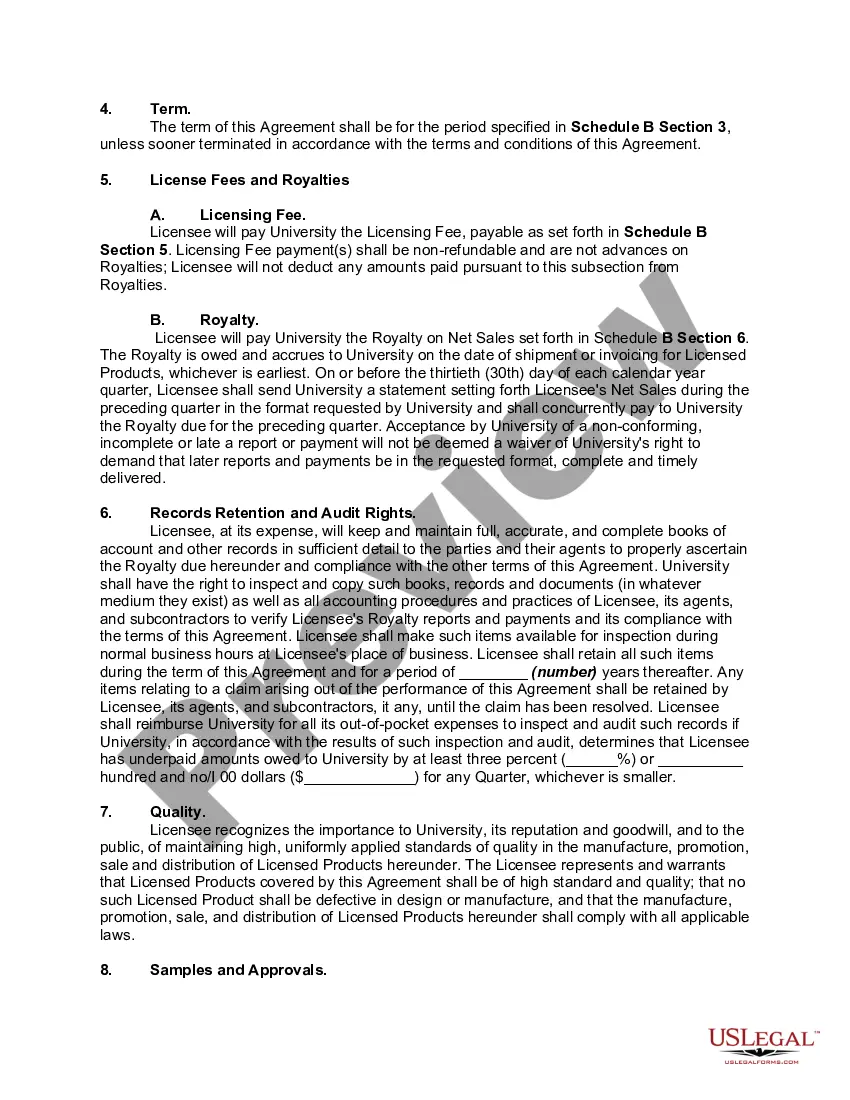
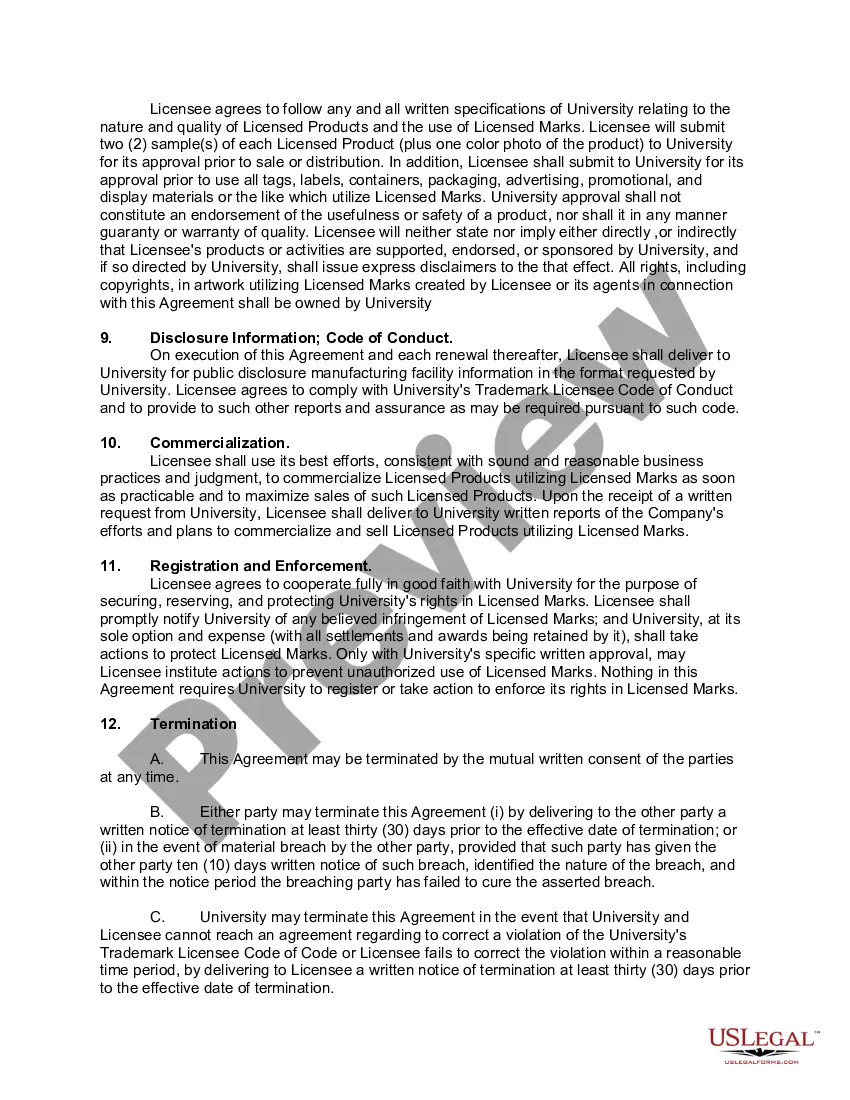
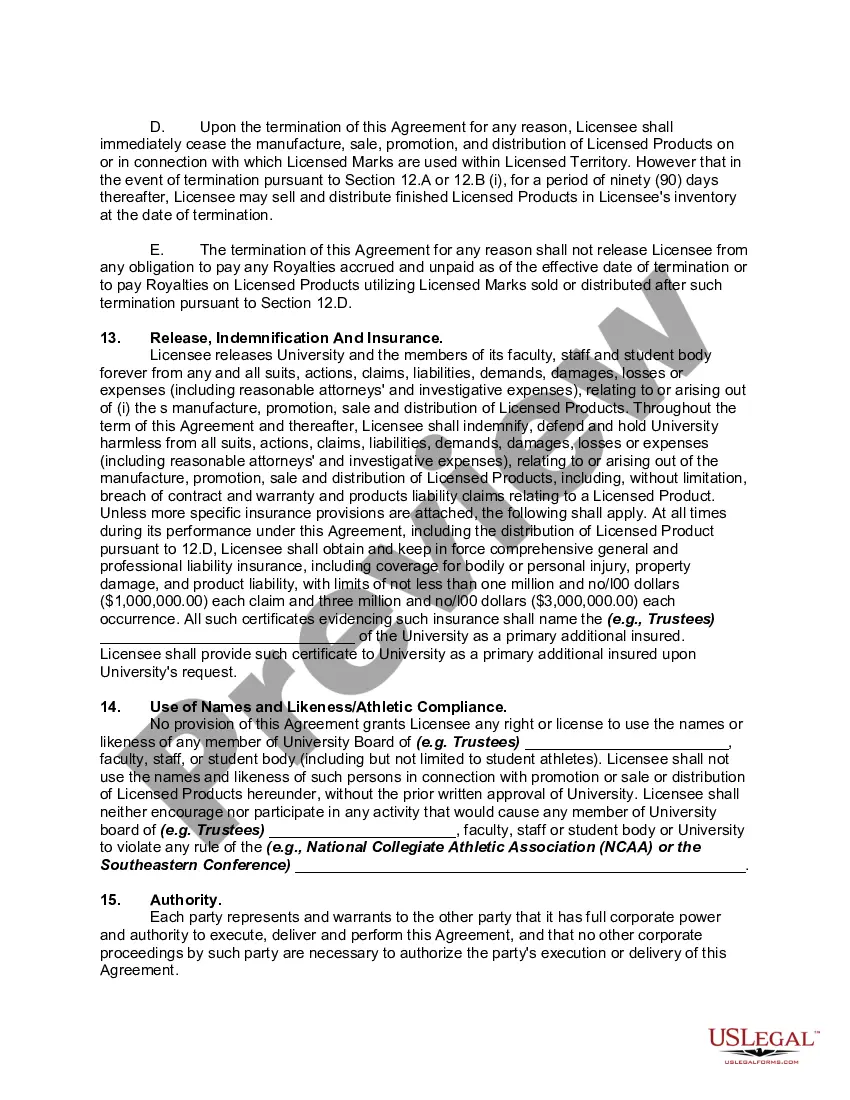
How to fill out Trademark License Agreement With College Or University?
- Log in to your account if you're an existing user and download your required form by clicking the Download button. Ensure your subscription is valid; if not, renew it as per your payment plan.
- For new users, begin by checking the Preview mode and form description to confirm you have the correct document that fits your local legal requirements.
- If the form doesn’t meet your needs, utilize the Search tab to find alternatives. Ensure the new template suits your requirements before proceeding.
- Select your desired document by clicking 'Buy Now'. Choose a subscription plan that works for you and create an account to access the library.
- Make the payment using your credit card or PayPal account to complete your purchase.
- Once your payment is processed, download your form onto your device and access it anytime via the 'My Forms' menu in your profile.
US Legal Forms provides users with a robust collection of over 85,000 easily fillable legal forms, enabling quick and accurate form execution. This extensive library, combined with premium expert support, ensures your documents are legally sound.
Start your trademark search efficiently today with US Legal Forms. Visit our website to explore the vast library of legal templates and empower your brand protection journey!
Form popularity
FAQ
To file for a trademark, start by conducting a thorough trademark search USPTO to ensure your desired trademark is not already in use. Next, prepare the necessary application, which includes information about your trademark and how you plan to use it. After that, submit your application through the USPTO's online system, paying the required fees. Finally, monitor the status of your application and respond to any inquiries from the USPTO to ensure a smooth registration process.
Yes, you can conduct a trademark search yourself using the USPTO's online resources. The process involves navigating the database to find existing trademarks that may be similar to yours. While this may seem straightforward, it can be intricate, and small details matter. For a more thorough analysis, the uslegalforms platform offers guidance and tools to help you conduct an efficient trademark search.
To check if a name has been trademarked, you can perform a trademark search with the USPTO's online database. This tool allows you to search for existing trademarks that may conflict with your desired name. It is essential to check for similar names to ensure you avoid any potential legal issues. Using the USPTO trademark search not only saves you time but also offers peace of mind.
To show use of a trademark, you need to provide evidence that your trademark is actively used in commerce. Examples include sales receipts, advertisements, or product packaging displaying the trademark. Collecting this evidence is crucial not only for application purposes but also for maintaining your trademark rights. Platforms like US Legal Forms can assist you in gathering the necessary documentation.
A trademark statement typically describes how your trademark is used in commerce. For instance, you might state, 'The trademark is used on branded clothing sold through an online retail platform.' This straightforward statement clarifies your use of the trademark and supports your application process, making it easier to align with the trademark search USPTO guidelines.
To submit a statement of use for your trademark, first ensure you have already filed an application. Collect all necessary documentation showing how you use your trademark in commerce. You can then use the Trademark Electronic Application System (TEAS) to submit your statement. Ensuring a clear and detailed statement helps protect your trademark rights effectively.
Conducting a proper trademark search involves looking for existing trademarks that may conflict with yours. Start by using the USPTO database, and consider searching state databases and global databases as well. This comprehensive approach helps you identify potential issues before you file your application. Using reliable resources, like US Legal Forms, can simplify the process.
To use the new USPTO trademark search, begin by visiting the United States Patent and Trademark Office website. Look for the Trademark Electronic Search System (TESS) which allows you to enter keywords relevant to your trademark. You can filter results based on various criteria and review existing trademarks. This efficient trademark search USPTO tool helps you ensure your desired trademark is available.