Policy For Employee Benefits
Description

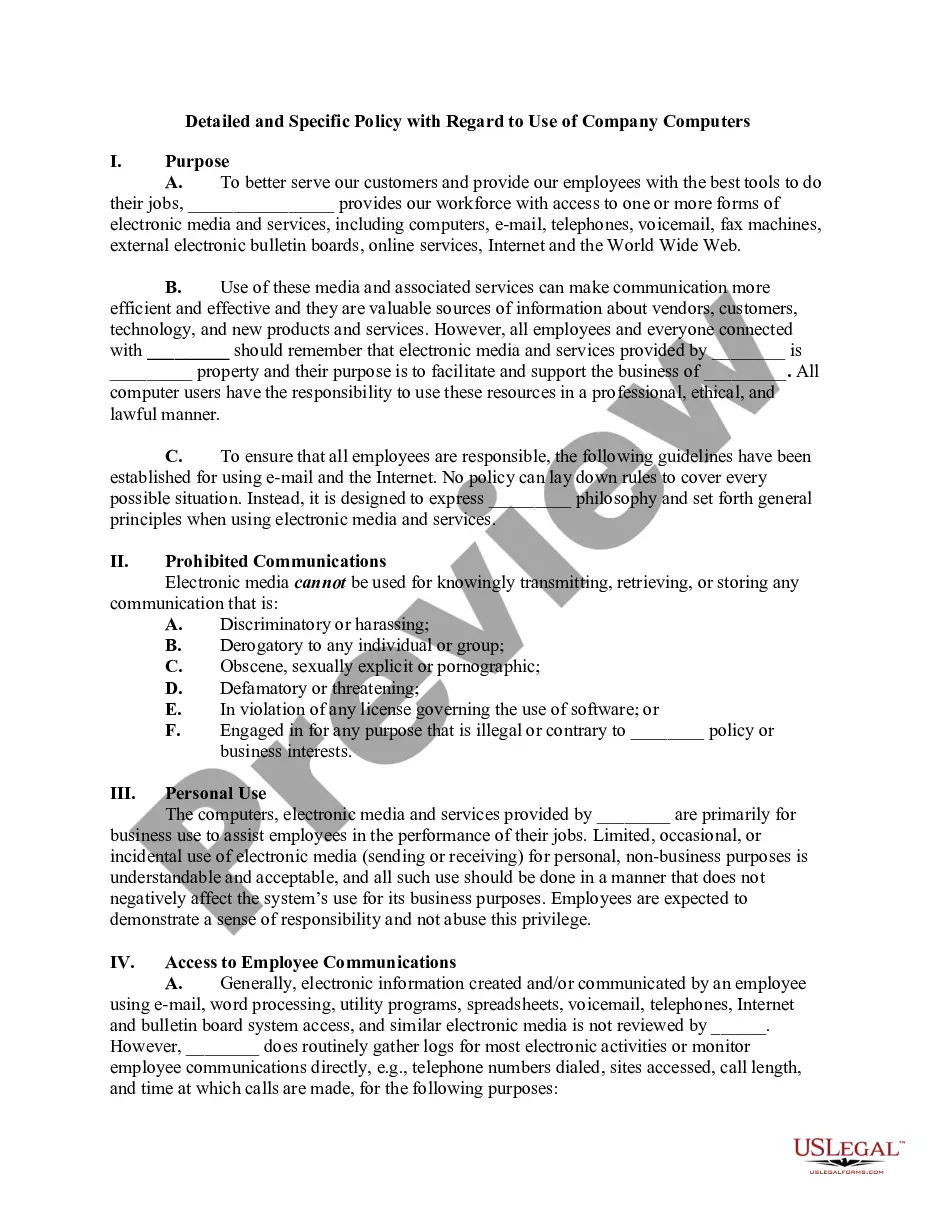
Get your form ready online
Our built-in tools help you complete, sign, share, and store your documents in one place.
Make edits, fill in missing information, and update formatting in US Legal Forms—just like you would in MS Word.
Download a copy, print it, send it by email, or mail it via USPS—whatever works best for your next step.
Sign and collect signatures with our SignNow integration. Send to multiple recipients, set reminders, and more. Go Premium to unlock E-Sign.
If this form requires notarization, complete it online through a secure video call—no need to meet a notary in person or wait for an appointment.
We protect your documents and personal data by following strict security and privacy standards.

Make edits, fill in missing information, and update formatting in US Legal Forms—just like you would in MS Word.

Download a copy, print it, send it by email, or mail it via USPS—whatever works best for your next step.

Sign and collect signatures with our SignNow integration. Send to multiple recipients, set reminders, and more. Go Premium to unlock E-Sign.

If this form requires notarization, complete it online through a secure video call—no need to meet a notary in person or wait for an appointment.

We protect your documents and personal data by following strict security and privacy standards.
Looking for another form?





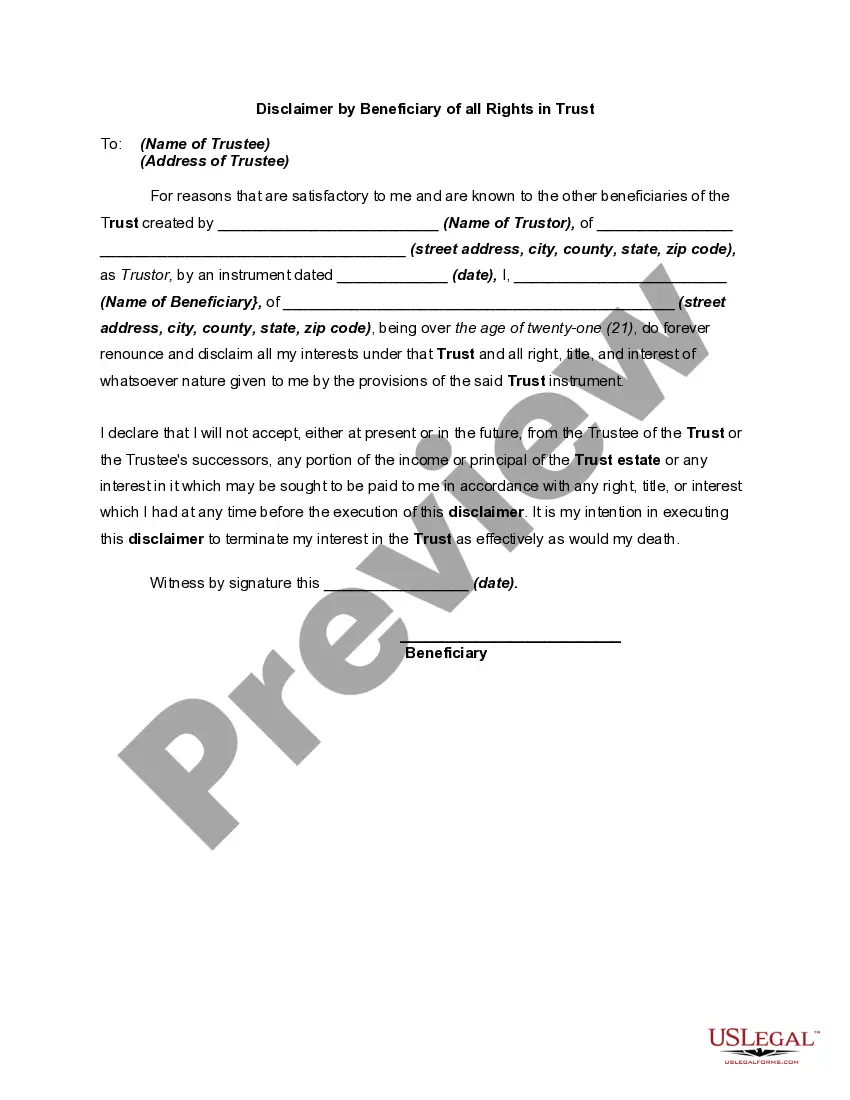
How to fill out Computer Use And Internet Policy For Employees Of Business?
The Guidelines For Employee Advantages you find on this site is a reusable official format prepared by skilled attorneys in accordance with national and regional regulations.
For over 25 years, US Legal Forms has supplied individuals, businesses, and legal experts with more than 85,000 validated, state-specific documents for any corporate and personal situation. It’s the fastest, simplest, and most dependable way to acquire the documentation you require, as the service ensures the utmost level of data protection and malware prevention.
Choose the format you want for your Guidelines For Employee Advantages (PDF, DOCX, RTF) and save the document on your device.
- Search for the document you need and examine it.
- Browse through the file you searched and preview it or review the form description to verify it suits your requirements. If it does not, use the search function to locate the right one. Click Buy Now once you have discovered the format you need.
- Select a subscription and sign in.
- Pick the pricing option that works best for you and create an account. Use PayPal or a credit card to make a swift payment. If you already possess an account, Log In and check your subscription to continue.
- Acquire the editable template.
Form popularity
FAQ
Consolidated Court Automation Programs (CCAP) Steering Committee. CCAP is responsible for supporting the IT needs of the entire Wisconsin Court System.
The public may view all nonconfidential portions of a circuit court record in person, at the office of the clerk of court for the county where the case was filed, or may view certain portions of the circuit court record online via the Director of State Courts' public internet website.
This website provides public access to the records of the Wisconsin circuit courts for counties using the Consolidated Court Automation Programs (CCAP) Case Management system. These records are open to public view under Wisconsin's Open Records law, sections 19.31-19.39, Wisconsin Statutes.
Access to criminal history information can be obtained on the Wisconsin Online Record Check System at .
The court has helpful resources for those people who are representing themselves. When you are without an attorney, you are proceeding "pro se." If you represent yourself in court, you are called a "pro se litigant" or a "self-represented litigant." A civil case generally refers to all cases other than criminal cases.
Consolidated Court Automation Programs (CCAP) Steering Committee. CCAP is responsible for supporting the IT needs of the entire Wisconsin Court System.
The purpose of the notice of retainer is to indicate to the court who you are representing. The court may already know who you are representing, and can add you as the attorney of record for the appropriate party before you opt in.
Wisconsin CCAP is a system that allows the general public to look up civil and criminal records throughout the state. Although other states have programs similar to CCAP, this system only covers cases that occur within Wisconsin.
