Payments Template Form For Google
Description



Get your form ready online
Our built-in tools help you complete, sign, share, and store your documents in one place.
Make edits, fill in missing information, and update formatting in US Legal Forms—just like you would in MS Word.
Download a copy, print it, send it by email, or mail it via USPS—whatever works best for your next step.
Sign and collect signatures with our SignNow integration. Send to multiple recipients, set reminders, and more. Go Premium to unlock E-Sign.
If this form requires notarization, complete it online through a secure video call—no need to meet a notary in person or wait for an appointment.
We protect your documents and personal data by following strict security and privacy standards.

Make edits, fill in missing information, and update formatting in US Legal Forms—just like you would in MS Word.

Download a copy, print it, send it by email, or mail it via USPS—whatever works best for your next step.

Sign and collect signatures with our SignNow integration. Send to multiple recipients, set reminders, and more. Go Premium to unlock E-Sign.

If this form requires notarization, complete it online through a secure video call—no need to meet a notary in person or wait for an appointment.

We protect your documents and personal data by following strict security and privacy standards.
Looking for another form?




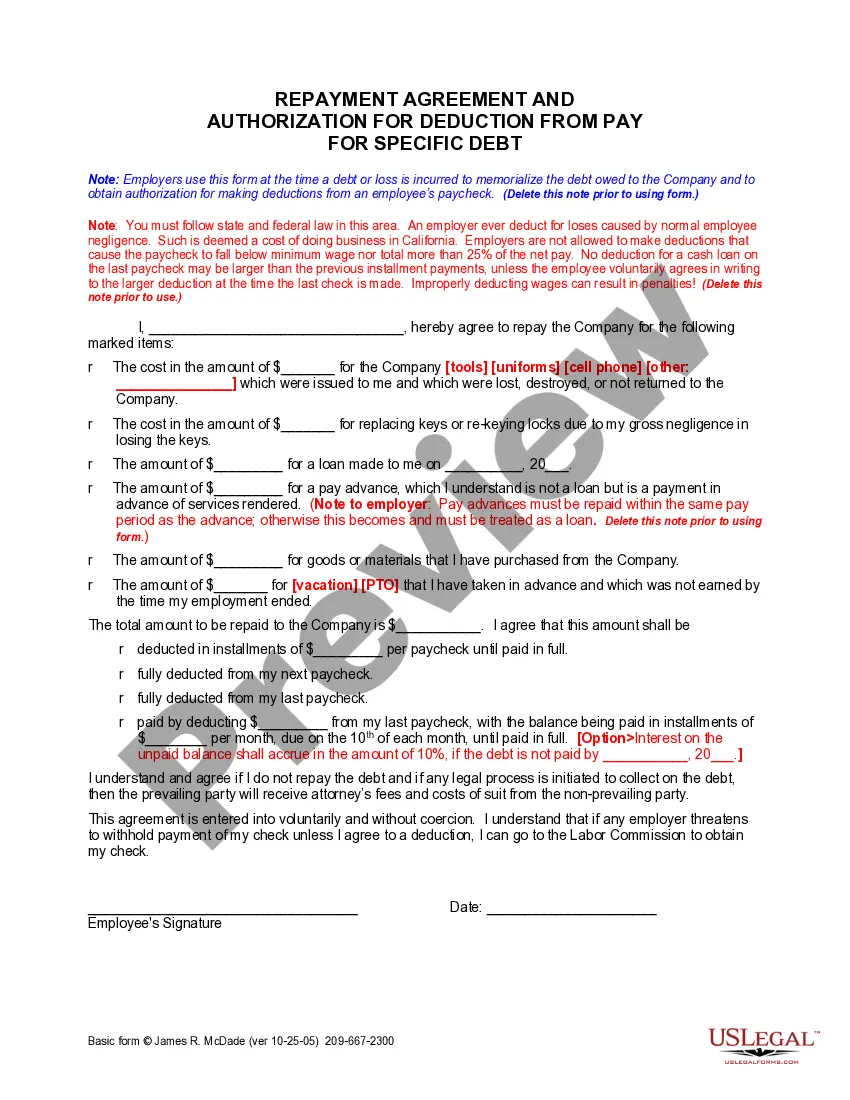
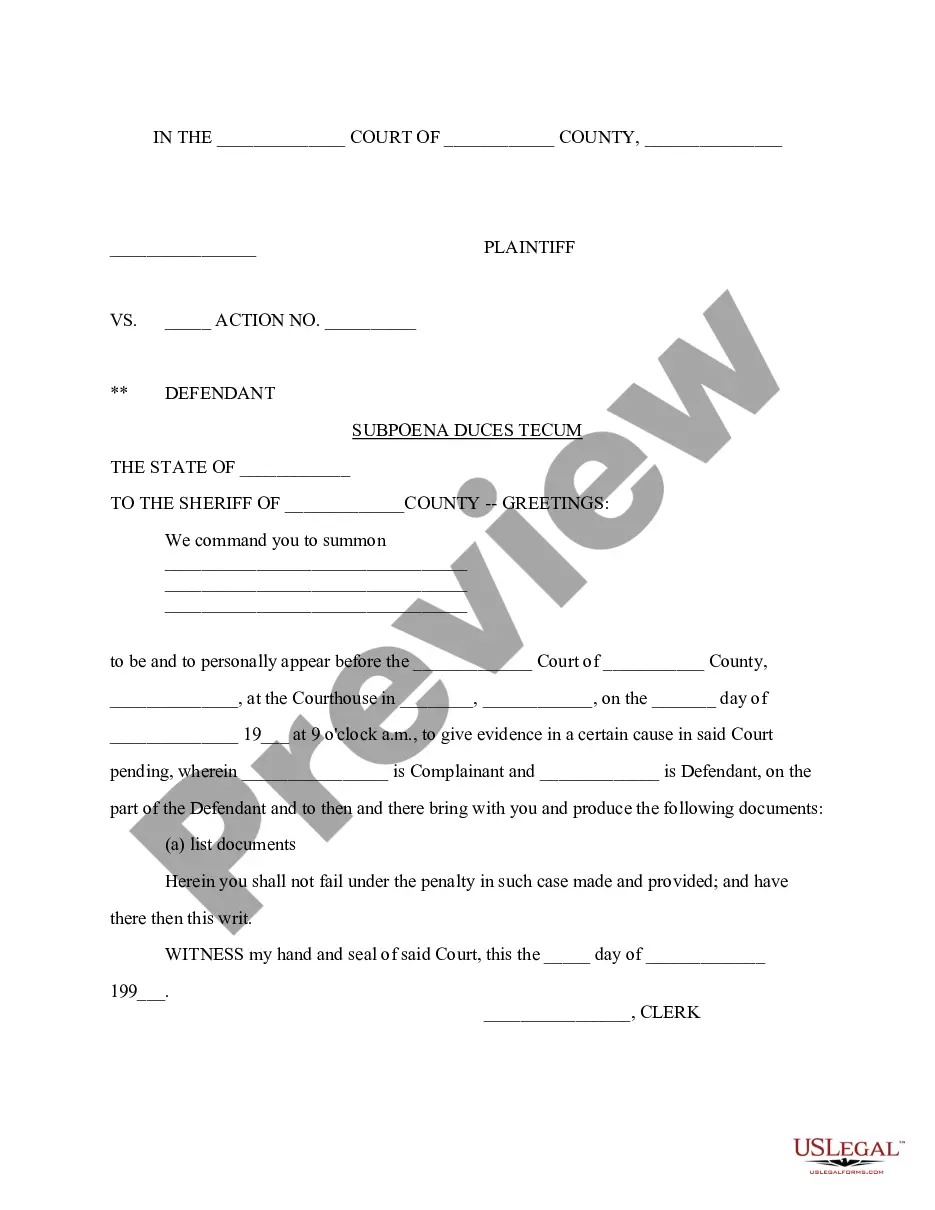

How to fill out Receipt For Payments - Template?
Locating a reliable source for the latest and suitable legal templates is a significant part of navigating through bureaucracy. Acquiring the correct legal documents requires precision and meticulousness, which is why it is essential to obtain samples of Payments Template Form For Google exclusively from trustworthy providers, such as US Legal Forms. An incorrect template will consume your time and delay your situation.
With US Legal Forms, you have minimal concerns. You can access and review all details regarding the document’s applicability and significance for your situation and in your locality.
Eliminate the stress associated with your legal documentation. Explore the extensive US Legal Forms collection to discover legal samples, evaluate their relevance to your situation, and download them instantly.
- Utilize the catalog navigation or search bar to locate your sample.
- Examine the form’s description to verify if it aligns with the requirements of your state and county.
- Check the form preview, if offered, to confirm that the template is the one you need.
- Return to the search and locate the appropriate template if the Payments Template Form For Google does not meet your needs.
- Once you are certain about the form’s applicability, download it.
- If you are a registered user, click Log in to verify and access your chosen forms in My documents.
- If you haven't created a profile yet, click Buy now to acquire the template.
- Choose the pricing plan that suits your requirements.
- Proceed to the registration to complete your purchase.
- Finalize your transaction by selecting a payment method (credit card or PayPal).
- Pick the document format for downloading Payments Template Form For Google.
- Once you have the form on your device, you can edit it with the editor or print it and complete it manually.
Form popularity
FAQ
To create a payable Google Form, first design your form using Google Forms, ensuring it includes all the necessary fields for your payment information. Then, integrate a payment platform like PayPal or Square to handle the transactions. This combination allows you to create an efficient Payments template form for Google that not only collects responses but also facilitates payments seamlessly.
Yes, you can integrate a payment form into Google Forms by using third-party services. While Google Forms itself does not support direct payment processing, you can use tools like PayPal or Stripe to collect payments. Simply create your Payments template form for Google, and include a link to your payment processor to ensure secure transactions for your users.
To use a Google Form template, start by visiting Google Forms and selecting a template that suits your needs. You can customize the template by adding questions, changing the layout, and incorporating your branding elements. Once you have made your adjustments, you can share the form with your audience. This process makes creating a Payments template form for Google straightforward and user-friendly.
You can find Google Form templates by visiting the Google Forms homepage and clicking on the template gallery. Here, you will discover various pre-designed templates, including those suitable for payments. If you are looking specifically for a Payments template form for Google, consider exploring platforms like US Legal Forms, which offer specialized templates tailored for your needs. This approach saves you time and ensures you have a professional form ready for use.
Google Forms does not have a built-in payment option; however, you can use the Payments template form for Google to facilitate transactions. By integrating your form with payment platforms like PayPal or Stripe, you can easily collect payments from respondents. This integration enhances your forms, making them more functional for various needs, including event registrations or product sales.
To create a Google Form for payment, start by opening Google Forms and selecting a blank form or a template. Next, add the necessary fields such as name, email, and payment details. You can integrate the Payments template form for Google with third-party payment processors like PayPal or Stripe by using add-ons. This setup allows you to efficiently collect payments while maintaining a professional appearance.
How to add a payment method to your Google Play account Go to play.google.com. At the top right, click your profile icon. Select Payments & Subscriptions. Payment Methods. Select Add a Payment Method. Follow the steps on the screen. The new payment method will be added to your Google account.
To add a payment method, follow these steps: Check to make sure the card or bank account you want to add is on the list of accepted payment methods. Sign in to the payments profile. Click Payment methods. Choose Add payment method. Enter payment method details and follow any instructions. ... Choose Save.
Payments & Credits: Accept credit card, ACH, bitcoin, and PayPal payments online in minutes. The setup process could not be easier. Accept any payment method with Invoiced.
Add Paypal link to Google Form Your customers will be able to pay you directly via Paypal, but the downside is that you will have to entrust them to pay you the right amount and manually reconcile orders and payments to ensure that orders are paid.
