Birth Social Security Formula
Description

Get your form ready online
Our built-in tools help you complete, sign, share, and store your documents in one place.
Make edits, fill in missing information, and update formatting in US Legal Forms—just like you would in MS Word.
Download a copy, print it, send it by email, or mail it via USPS—whatever works best for your next step.
Sign and collect signatures with our SignNow integration. Send to multiple recipients, set reminders, and more. Go Premium to unlock E-Sign.
If this form requires notarization, complete it online through a secure video call—no need to meet a notary in person or wait for an appointment.
We protect your documents and personal data by following strict security and privacy standards.

Make edits, fill in missing information, and update formatting in US Legal Forms—just like you would in MS Word.

Download a copy, print it, send it by email, or mail it via USPS—whatever works best for your next step.

Sign and collect signatures with our SignNow integration. Send to multiple recipients, set reminders, and more. Go Premium to unlock E-Sign.

If this form requires notarization, complete it online through a secure video call—no need to meet a notary in person or wait for an appointment.

We protect your documents and personal data by following strict security and privacy standards.
Looking for another form?




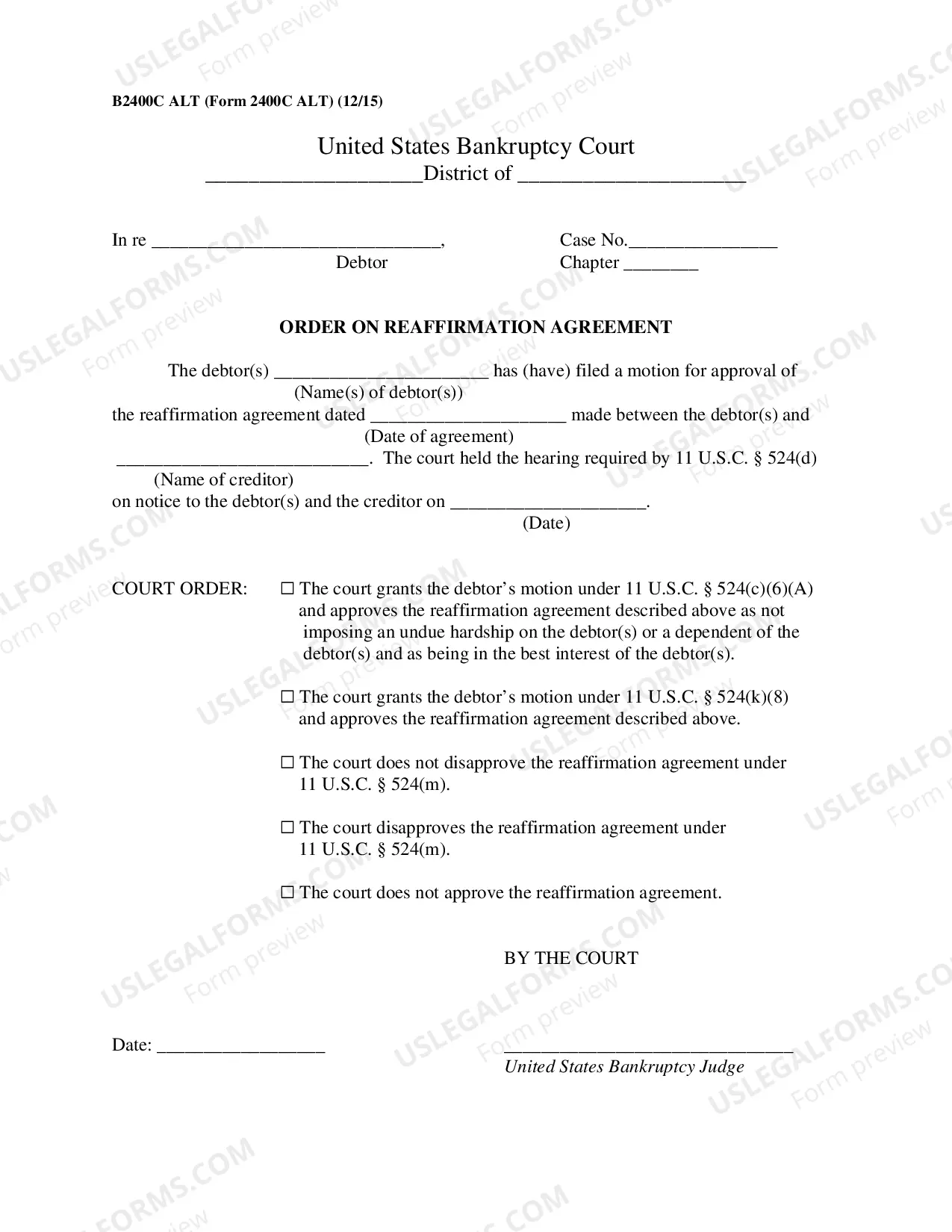




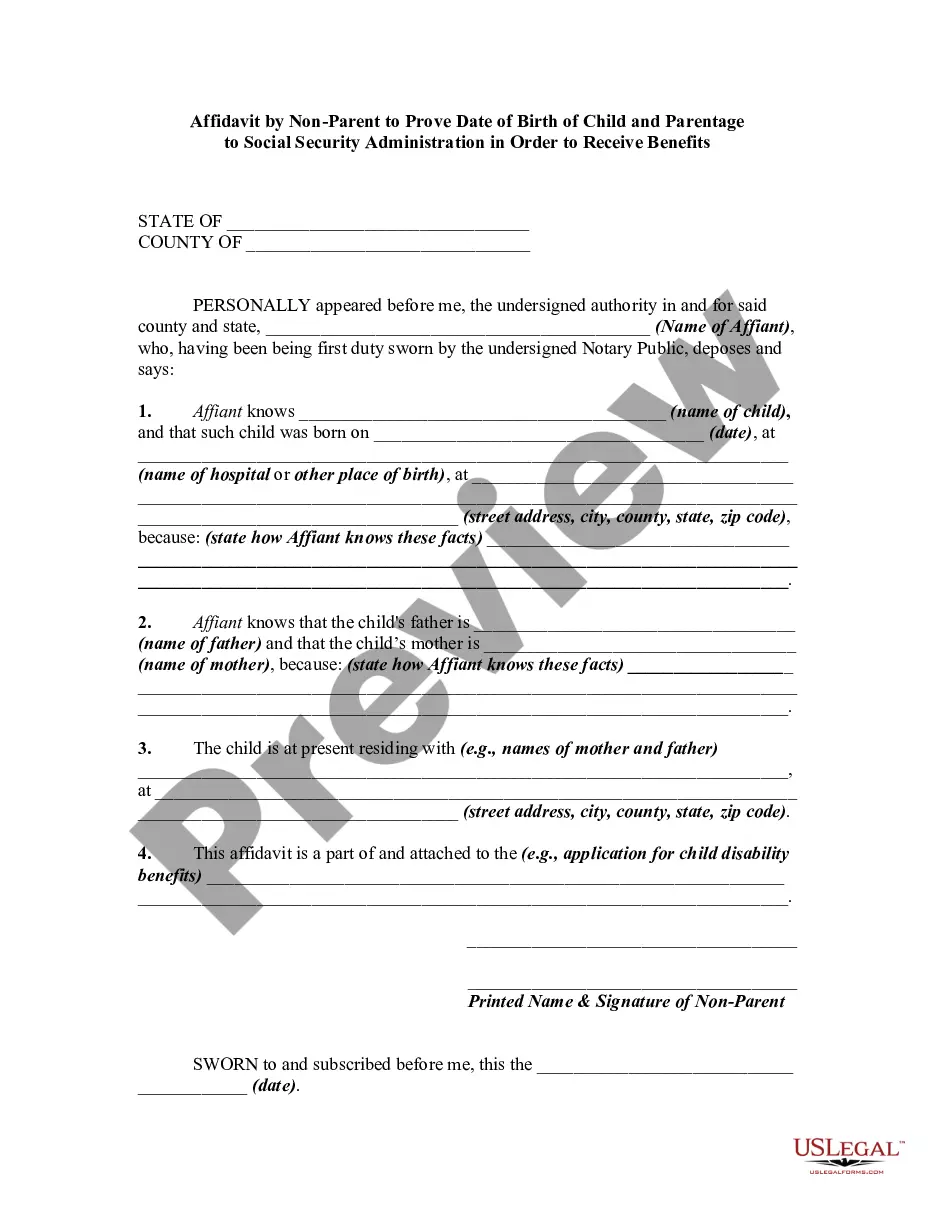
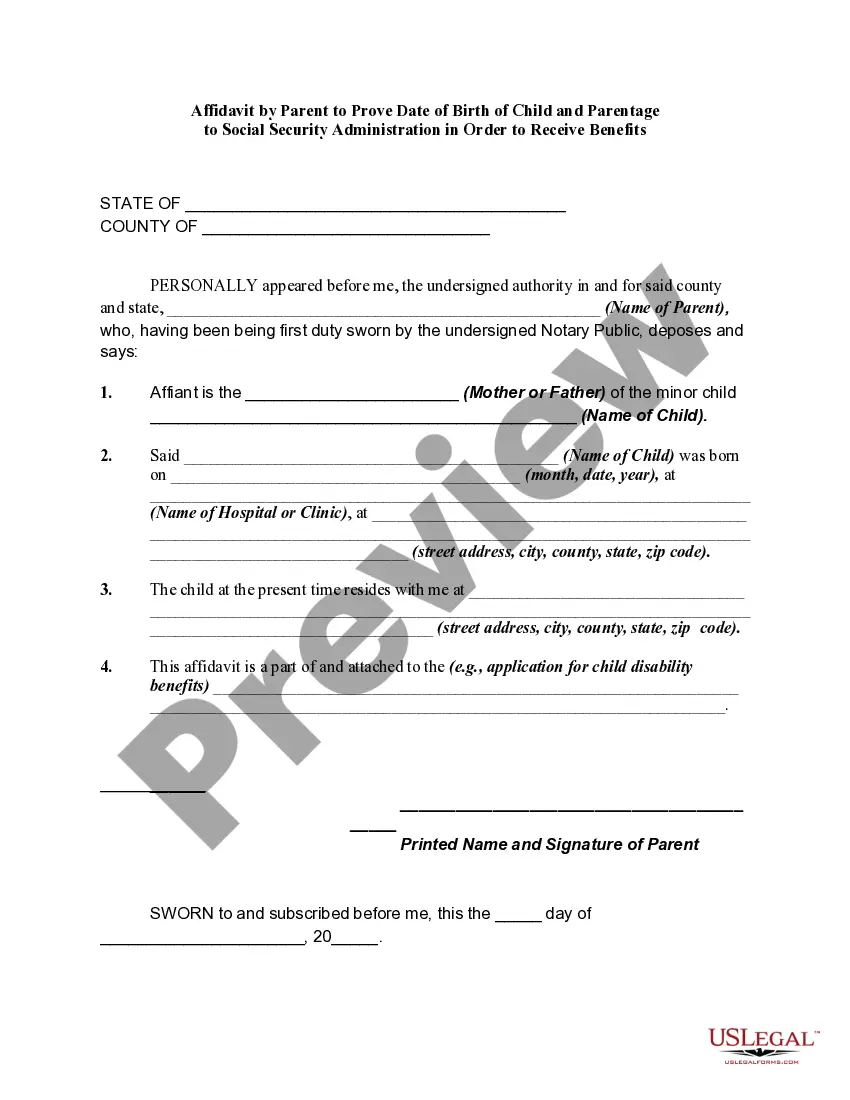
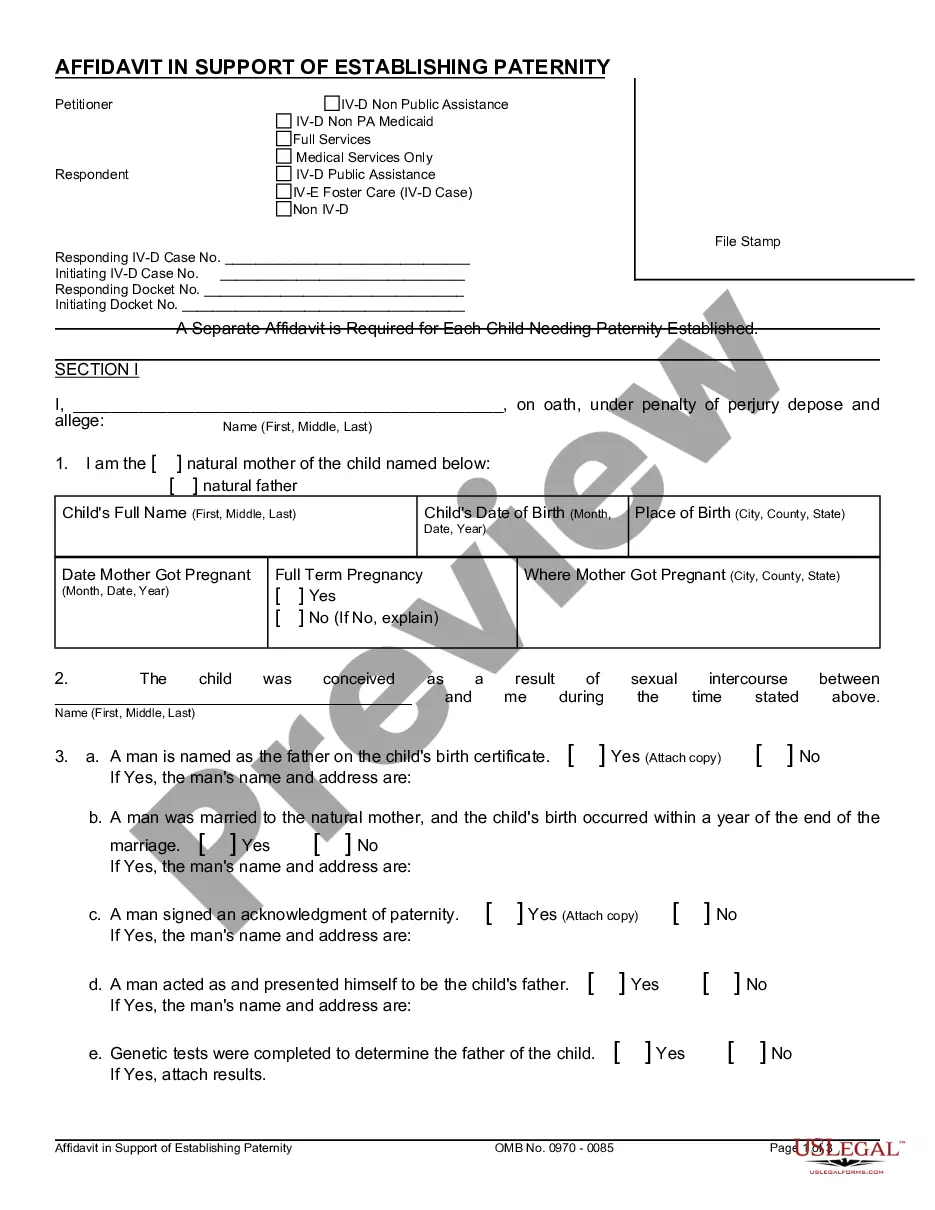
How to fill out Affidavit By Non-Parent To Prove Date Of Birth Of Child And Parentage To Social Security Administration In Order To Receive Benefits?
Creating legal documents from the beginning can occasionally feel a bit daunting. Some situations may require extensive research and significant financial investment.
If you’re looking for an easier and more cost-effective method of generating Birth Social Security Formula or any other paperwork without the hassle, US Legal Forms is always available to assist you.
Our online collection of more than 85,000 current legal documents covers nearly every facet of your financial, legal, and personal matters. With just a few clicks, you can swiftly obtain state- and county-specific forms meticulously prepared by our legal experts.
Utilize our service whenever you require a dependable and trustworthy resource through which you can effortlessly locate and download the Birth Social Security Formula. If you’re already familiar with our services and have set up an account previously, simply Log In to your account, find the form, and download it right away or re-download it later in the My documents section.
Download the form. Then fill it out, certify it, and print it. US Legal Forms boasts an impeccable reputation and over 25 years of experience. Join us today and make document completion a straightforward and efficient process!
- Not registered yet? No worries. It takes minimal time to create an account and explore the catalog.
- Before proceeding to download the Birth Social Security Formula, consider these suggestions.
- Examine the form preview and descriptions to confirm that you have located the document you need.
- Verify if the form you select meets the criteria of your state and county.
- Choose the most suitable subscription plan to purchase the Birth Social Security Formula.
Form popularity
FAQ
You can apply: Online; or. By calling our national toll-free service at 1-800-772-1213 (TTY 1-800-325-0778) or visiting your local Social Security office. Call ahead to make an appointment.
The point is that if you earned $120,000 per year for the past 35 years, thanks to the annual maximum taxable wage limits, the maximum Social Security benefit you could get at full retirement age is $2,687.
Average Indexed Monthly Earnings (AIME) Up to 35 years of earnings are needed to compute average indexed monthly earnings. After we determine the number of years, we choose those years with the highest indexed earnings, sum such indexed earnings, and divide the total amount by the total number of months in those years.
If you have a personal my Social Security account, you can get an estimate of your future retirement benefits and see the effects of different retirement age scenarios. If you don't have a personal my Social Security account, create one at .ssa.gov/myaccount.
Social Security benefits are not prorated. They start the month following the birthday. The schedule, ing to AARP, follows this rule: When the birth date falls between the 1st and 10th of the month, the payment is issued on the second Wednesday of the month following the birthday month.