Printable Social Security Benefits Statement With Text
Description
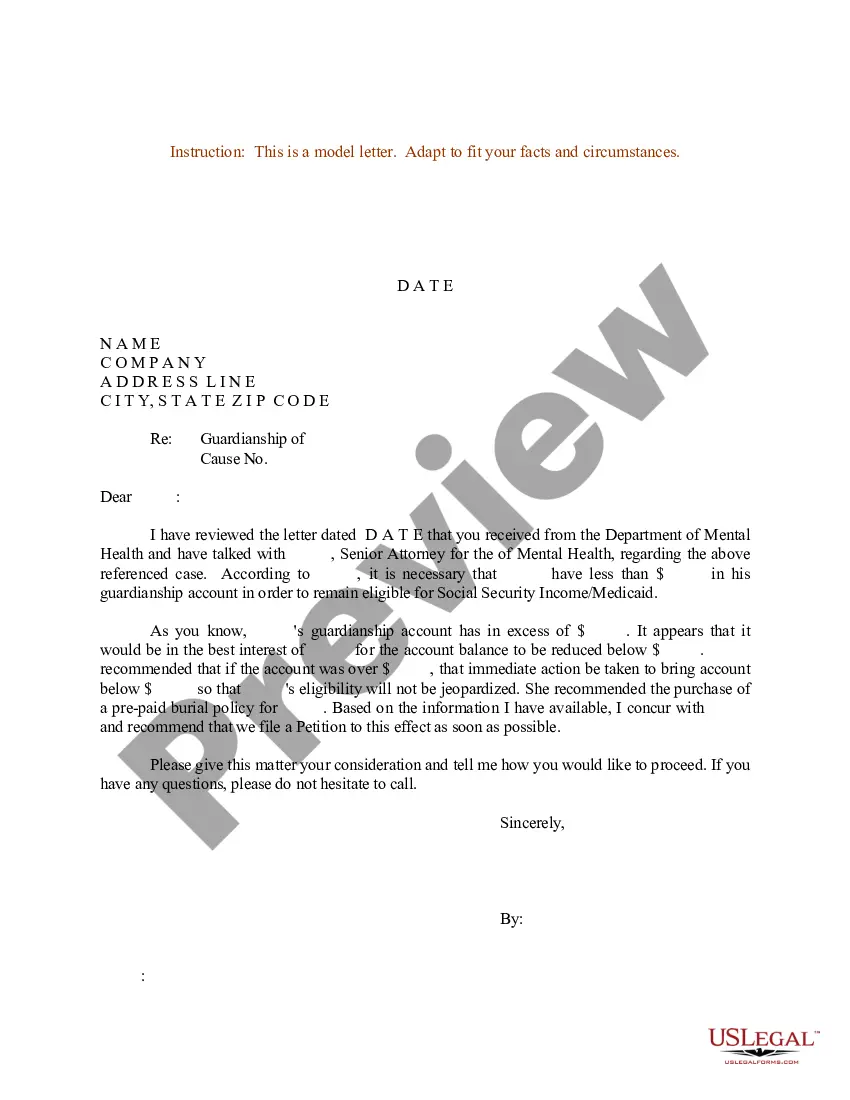
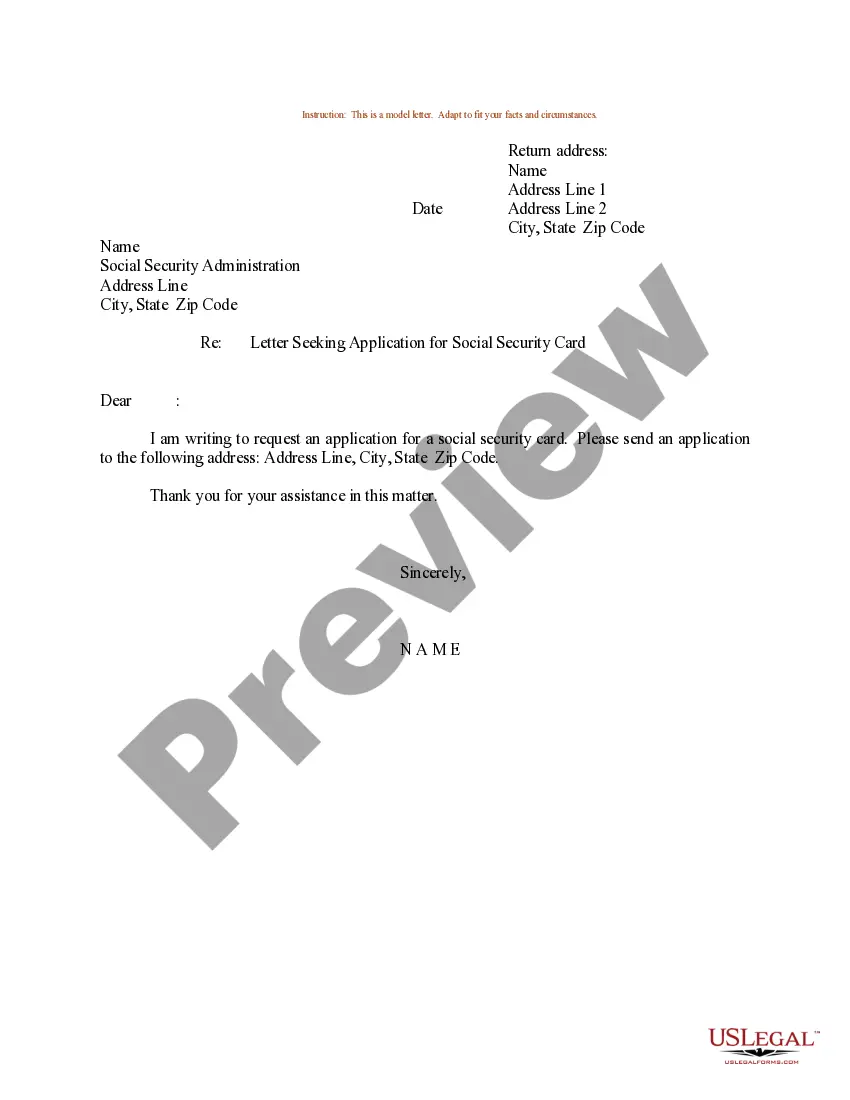
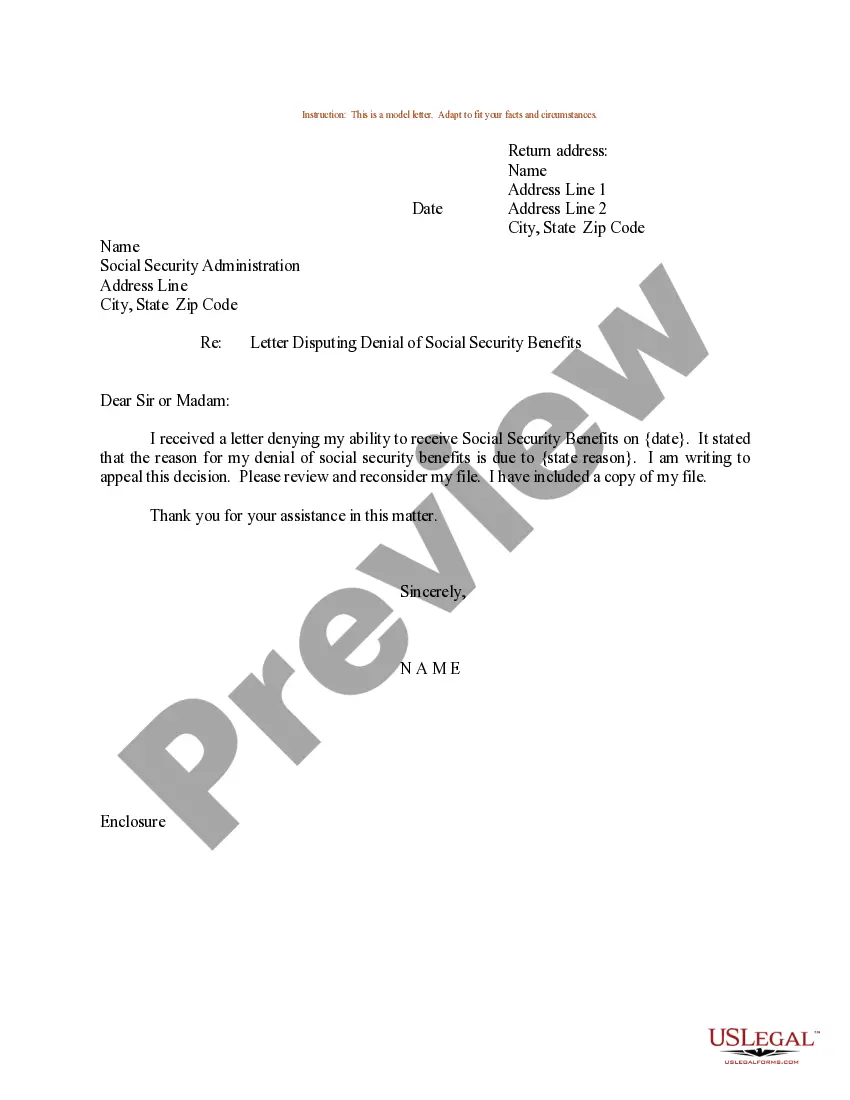



How to fill out Letter Or Statement To Social Security Administration In Order To Establish Claimant's Date Of Eligibility For Benefits?
It’s clear that you cannot become a legal authority instantly, nor can you comprehend how to swiftly prepare a Printable Social Security Benefits Statement With Text without a specialized background.
Assembling legal documents is a labor-intensive task that necessitates specific education and expertise.
So why not entrust the preparation of the Printable Social Security Benefits Statement With Text to the professionals.
Preview it (if this option is available) and read the accompanying description to determine whether the Printable Social Security Benefits Statement With Text is what you seek.
Begin your search again if you need any other form. Sign up for a free account and select a subscription plan to purchase the form. Click Buy now. Once the transaction is completed, you can download the Printable Social Security Benefits Statement With Text, complete it, print it, and send or post it to the necessary individuals or entities.
- With US Legal Forms, one of the most comprehensive legal template repositories, you can find anything from court documents to templates for in-office communication.
- We recognize how vital compliance and adherence to federal and local regulations are.
- That’s why, on our site, all templates are location-specific and up to date.
- Here’s how you can initiate your journey with our platform and obtain the document you need in just a few minutes.
- Locate the form you require by utilizing the search bar at the top of the page.
Form popularity
FAQ
The flagship welfare programme in the US has rigid and specific rules for how much one's monthly check will be; there are no extra bonuses to receive. There is no such thing as an ?annual bonus? of $16,728? for Social Security.
Have you heard about the Social Security $16,728 yearly bonus? There's really no ?bonus? that retirees can collect. The Social Security Administration (SSA) uses a specific formula based on your lifetime earnings to determine your benefit amount.
This is 66 or 67 for most people, depending on when you were born. But there's a third option: Delay benefits until age 70. In doing so, you can get a Social Security bonus in the form of a higher benefit amount. The bonus is worth roughly 8% more for each year you delay benefits past full retirement age.
How to get the $16,728 bonus in retirement? Work as long as you can: the later you retire the higher your benefit will be. Remember that 70 is the maximum age. ... Years worked: If you work less than 35 years you will have a reduction in your SSA check. ... High salary: with a high salary you will have a high retirement.
Sign in to or Create a. ... Select the blue Replacement Documents link on the right side of the screen. Select Get a Benefit Verification Letter and customize your letter to suit your needs. Select Apply to Letter when you're finished. Print your letter by selecting Print Now or save it by selecting Save a Copy.