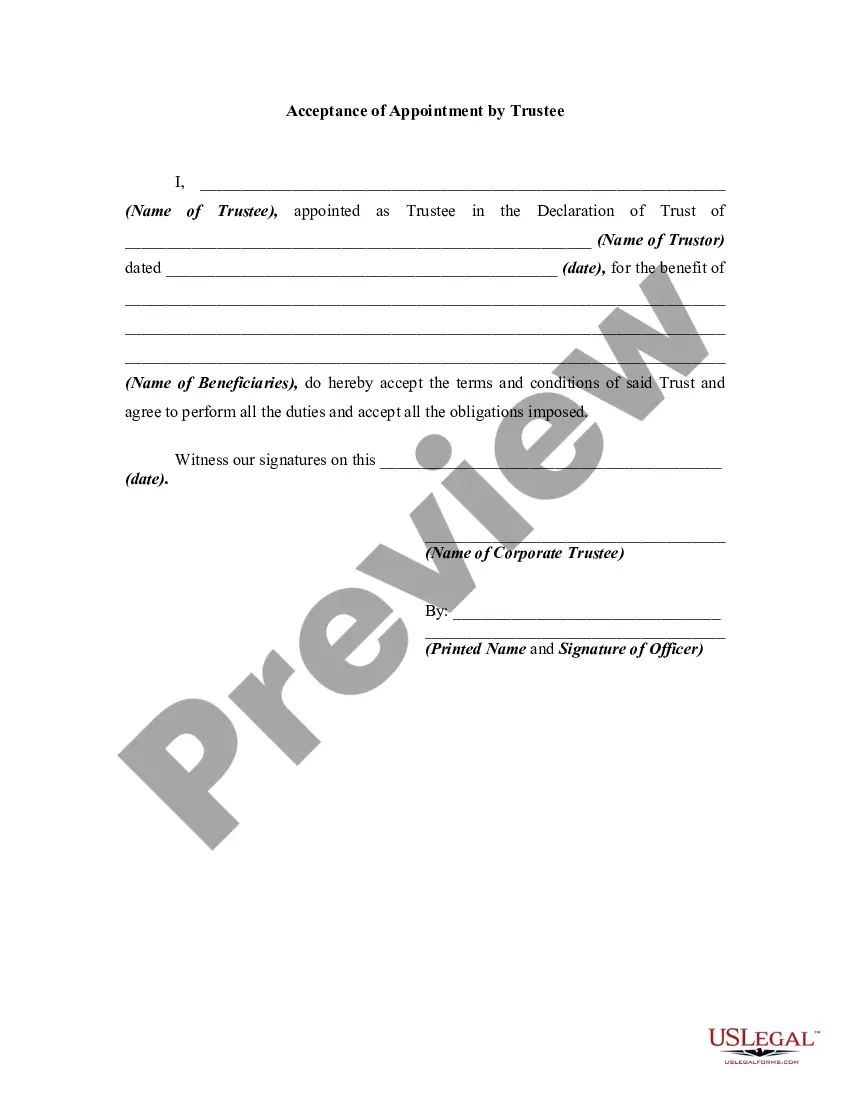
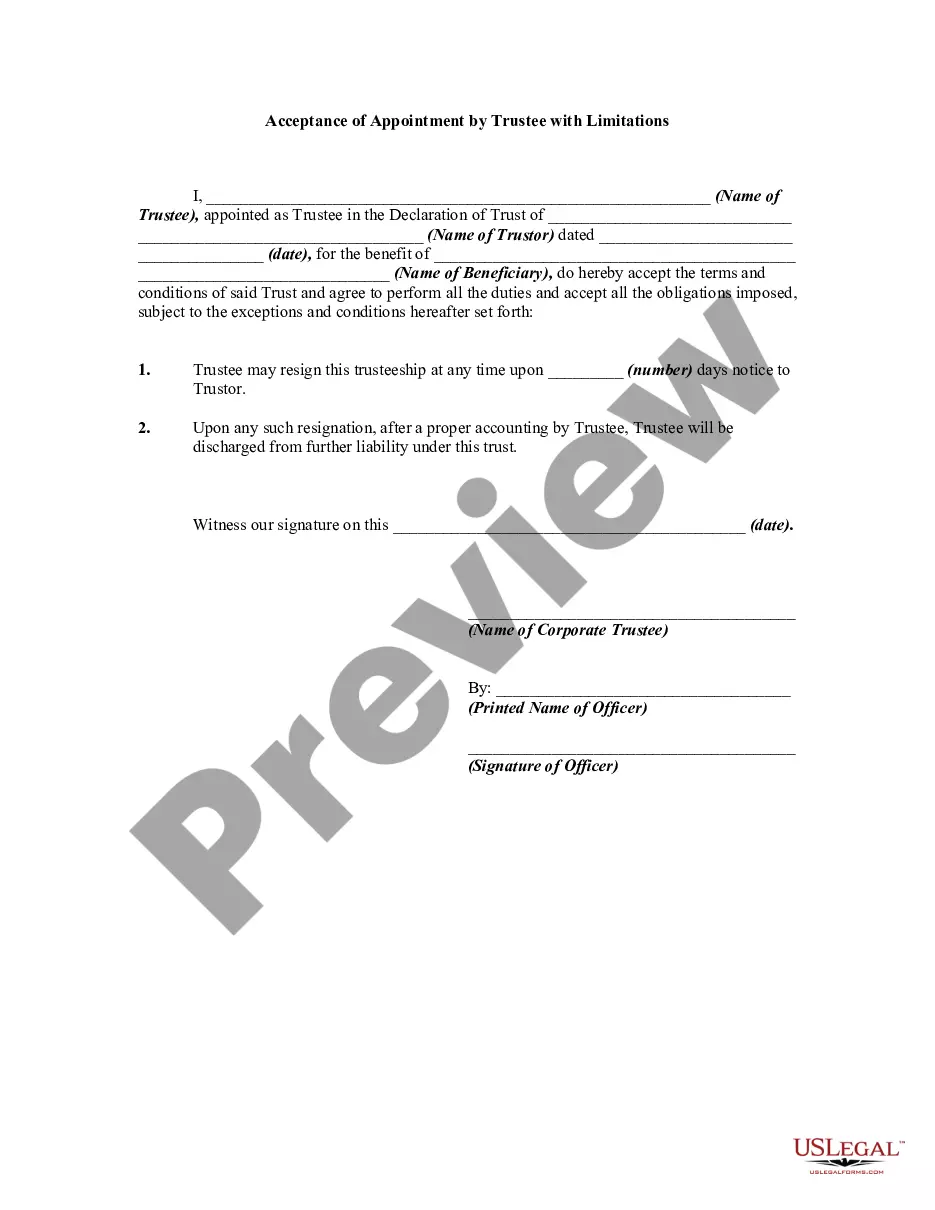
Accept Appointment Letter Email
Description
Get your form ready online
Our built-in tools help you complete, sign, share, and store your documents in one place.
Make edits, fill in missing information, and update formatting in US Legal Forms—just like you would in MS Word.
Download a copy, print it, send it by email, or mail it via USPS—whatever works best for your next step.
Sign and collect signatures with our SignNow integration. Send to multiple recipients, set reminders, and more. Go Premium to unlock E-Sign.
If this form requires notarization, complete it online through a secure video call—no need to meet a notary in person or wait for an appointment.
We protect your documents and personal data by following strict security and privacy standards.

Make edits, fill in missing information, and update formatting in US Legal Forms—just like you would in MS Word.

Download a copy, print it, send it by email, or mail it via USPS—whatever works best for your next step.

Sign and collect signatures with our SignNow integration. Send to multiple recipients, set reminders, and more. Go Premium to unlock E-Sign.

If this form requires notarization, complete it online through a secure video call—no need to meet a notary in person or wait for an appointment.

We protect your documents and personal data by following strict security and privacy standards.
Looking for another form?

How to fill out Acceptance Of Appointment By Trustee?
Whether for professional undertakings or personal matters, everyone encounters legal issues at some point in their lives.
Completing legal documents necessitates meticulous attention, beginning with choosing the suitable form template.
With an extensive US Legal Forms catalog available, you no longer need to waste time searching online for the correct template. Utilize the library's user-friendly navigation to acquire the suitable template for any situation.
- Locate the template you require by utilizing the search bar or catalog browsing.
- Examine the form’s description to confirm it aligns with your situation, state, and area.
- Click on the form’s preview to view it.
- If it's the wrong form, return to the search function to find the Accept Appointment Letter Email template you need.
- Obtain the document if it meets your requirements.
- If you possess a US Legal Forms account, simply click Log in to access previously saved documents in My documents.
- If you haven’t created an account yet, you can acquire the form by clicking Buy now.
- Select the appropriate pricing option.
- Complete the account registration form.
- Choose your payment method: opt for a credit card or PayPal account.
- Select the file format you want and download the Accept Appointment Letter Email.
- Once it is saved, you can fill out the form using editing software or print it and complete it by hand.
Form popularity
FAQ
Example: I am writing to formally accept the appointment to the position of [Job Title] at [Company/Organization]. I would like to express my gratitude for the opportunity and am thrilled to accept this position.
Sample Phrases for Step 1 a good chance to go over. am looking forward to. am happy to accept. appreciate an opportunity to. be more than happy to. discuss the itinerary for. for the invitation to. go over the details with you.
How to accept a job offer in writing Address the appropriate recipient. Start by including your name and contact information, then the recipient's name and contact details. ... Express your gratitude for the job offer. ... Agree on the employment terms. ... Use a professional sign off. ... Follow up with the letter's recipient.
Here are a few key points to consider while writing the acceptance letter. Review the offer letter. ... Mention the date. ... Include name and address. ... Write a clear subject line. ... Add a salutation. ... Express gratitude. ... Accept the terms of employment. ... Sign the job acceptance letter.
Thank you for giving me an opportunity to work in your esteemed organisation. I hereby formally accept the position of [Job title] with [Name of the company].As discussed in the HR round and mentioned in the offer letter, I also accept the offered annual CTC of Rs.[Amount].