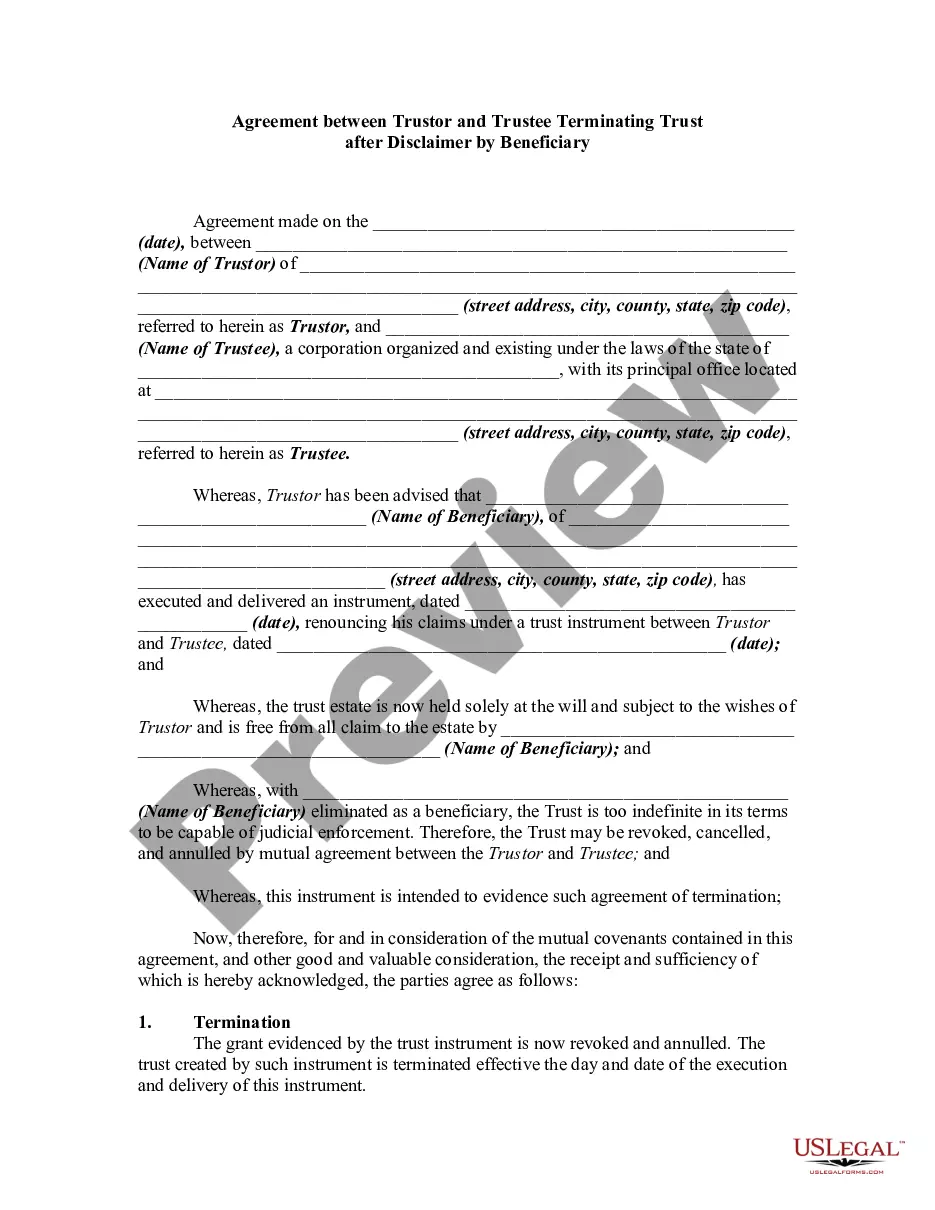
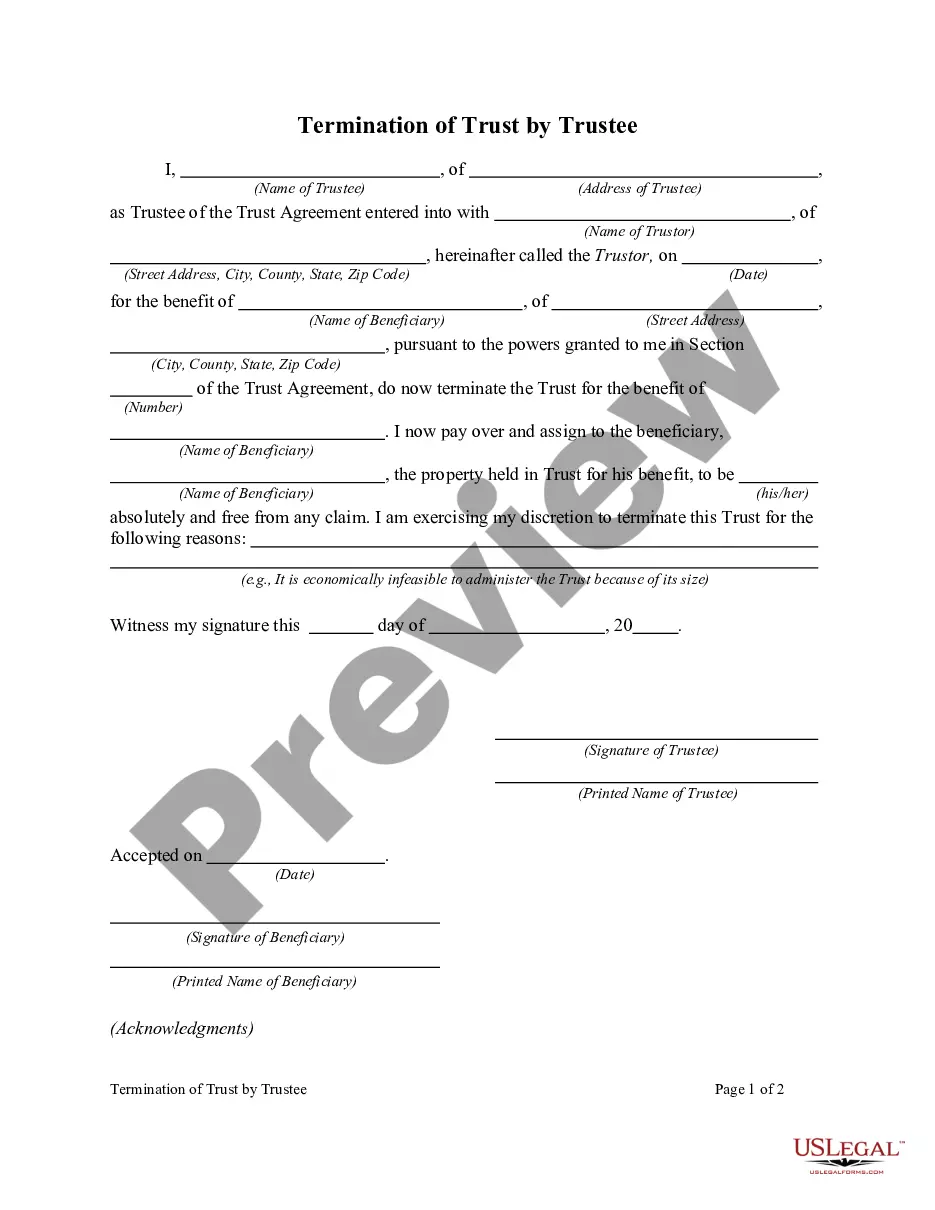
Terminate Trust Agreement Form California
Description
Get your form ready online
Our built-in tools help you complete, sign, share, and store your documents in one place.
Make edits, fill in missing information, and update formatting in US Legal Forms—just like you would in MS Word.
Download a copy, print it, send it by email, or mail it via USPS—whatever works best for your next step.
Sign and collect signatures with our SignNow integration. Send to multiple recipients, set reminders, and more. Go Premium to unlock E-Sign.
If this form requires notarization, complete it online through a secure video call—no need to meet a notary in person or wait for an appointment.
We protect your documents and personal data by following strict security and privacy standards.

Make edits, fill in missing information, and update formatting in US Legal Forms—just like you would in MS Word.

Download a copy, print it, send it by email, or mail it via USPS—whatever works best for your next step.

Sign and collect signatures with our SignNow integration. Send to multiple recipients, set reminders, and more. Go Premium to unlock E-Sign.

If this form requires notarization, complete it online through a secure video call—no need to meet a notary in person or wait for an appointment.

We protect your documents and personal data by following strict security and privacy standards.
Looking for another form?

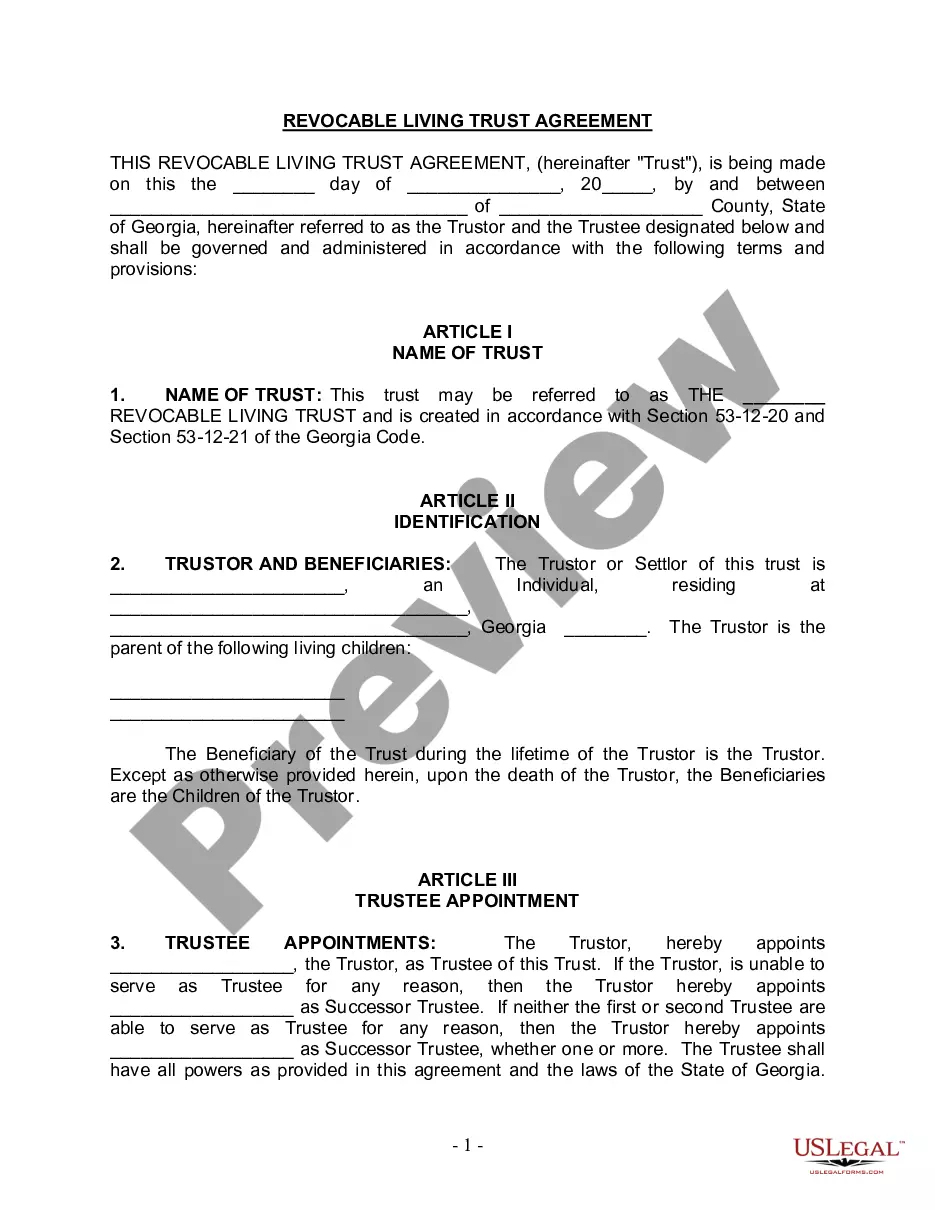
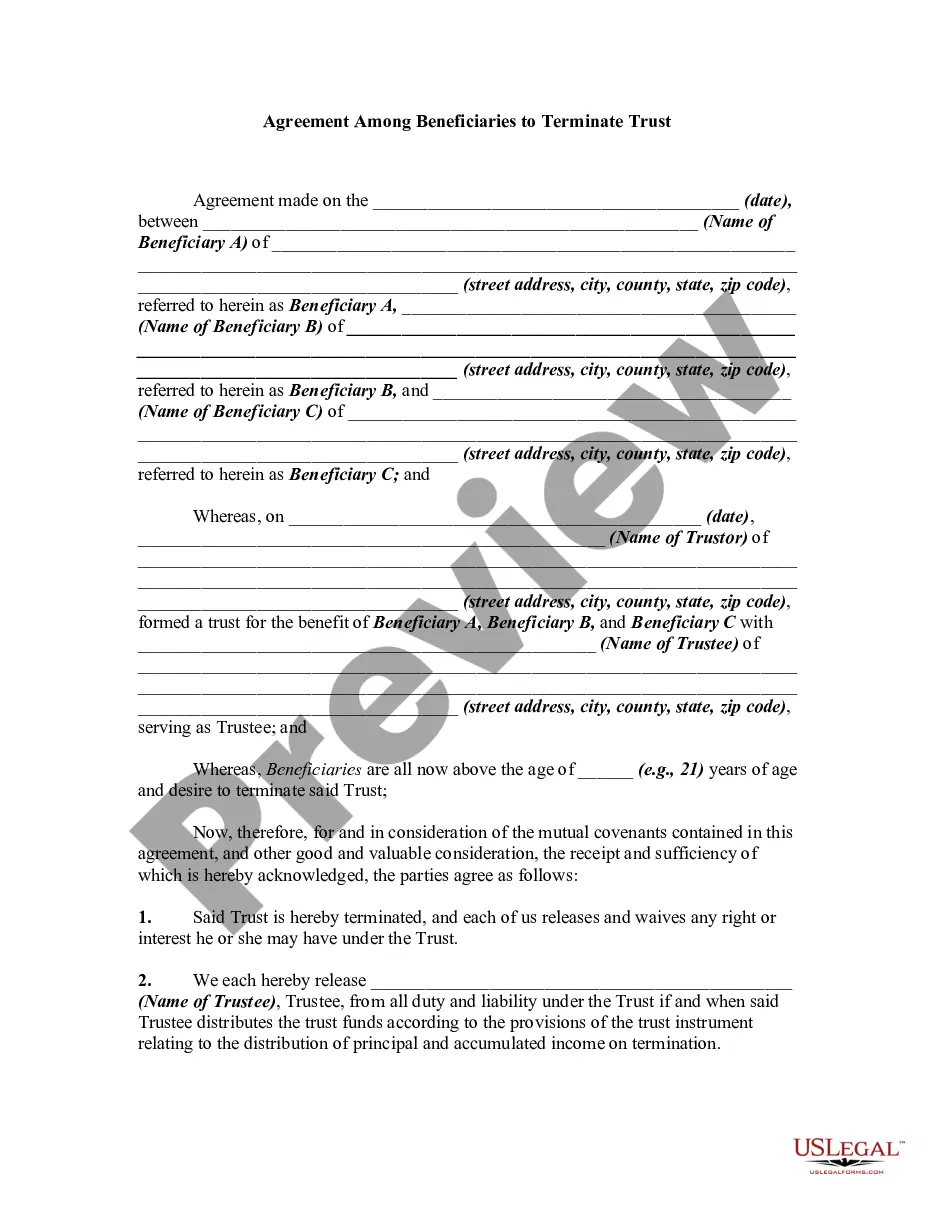
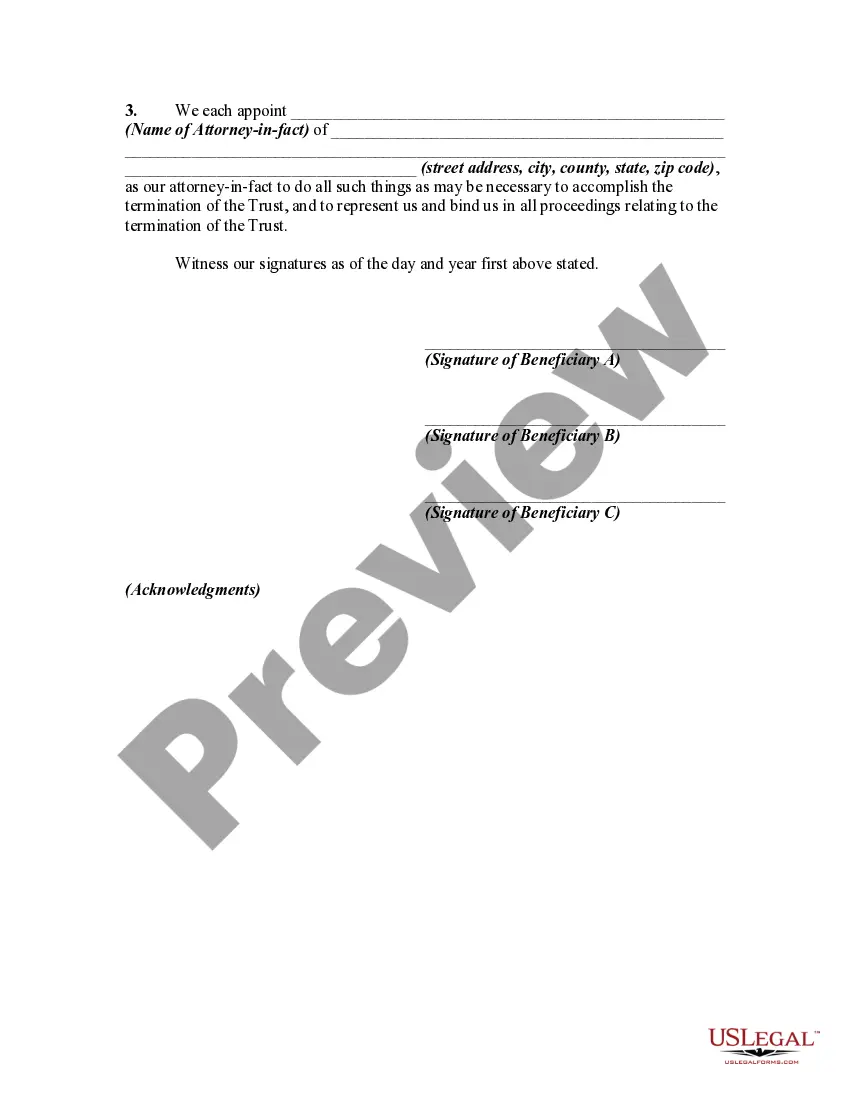
How to fill out Agreement Among Beneficiaries To Terminate Trust?
Obtaining legal templates that adhere to federal and local regulations is essential, and the internet provides numerous choices to select from.
However, what is the benefit of spending time searching for the appropriately drafted Terminate Trust Agreement Form California example online when the US Legal Forms digital library already has these templates conveniently gathered in one location.
US Legal Forms is the most extensive online legal directory with over 85,000 editable templates prepared by lawyers for any professional and personal situation. They are straightforward to navigate, with all documents categorized by state and intended use.
All documents you find through US Legal Forms are reusable. To redownload and complete previously acquired forms, access the My documents section in your account. Experience the most comprehensive and user-friendly legal document service!
- Our specialists keep current with legislative changes, so you can always be confident that your documentation is current and compliant when acquiring a Terminate Trust Agreement Form California from our site.
- Acquiring a Terminate Trust Agreement Form California is fast and straightforward for both existing and new users.
- If you already possess an account with an active subscription, Log In and store the document sample you need in your preferred format.
- If you are a newcomer to our site, follow the steps below.
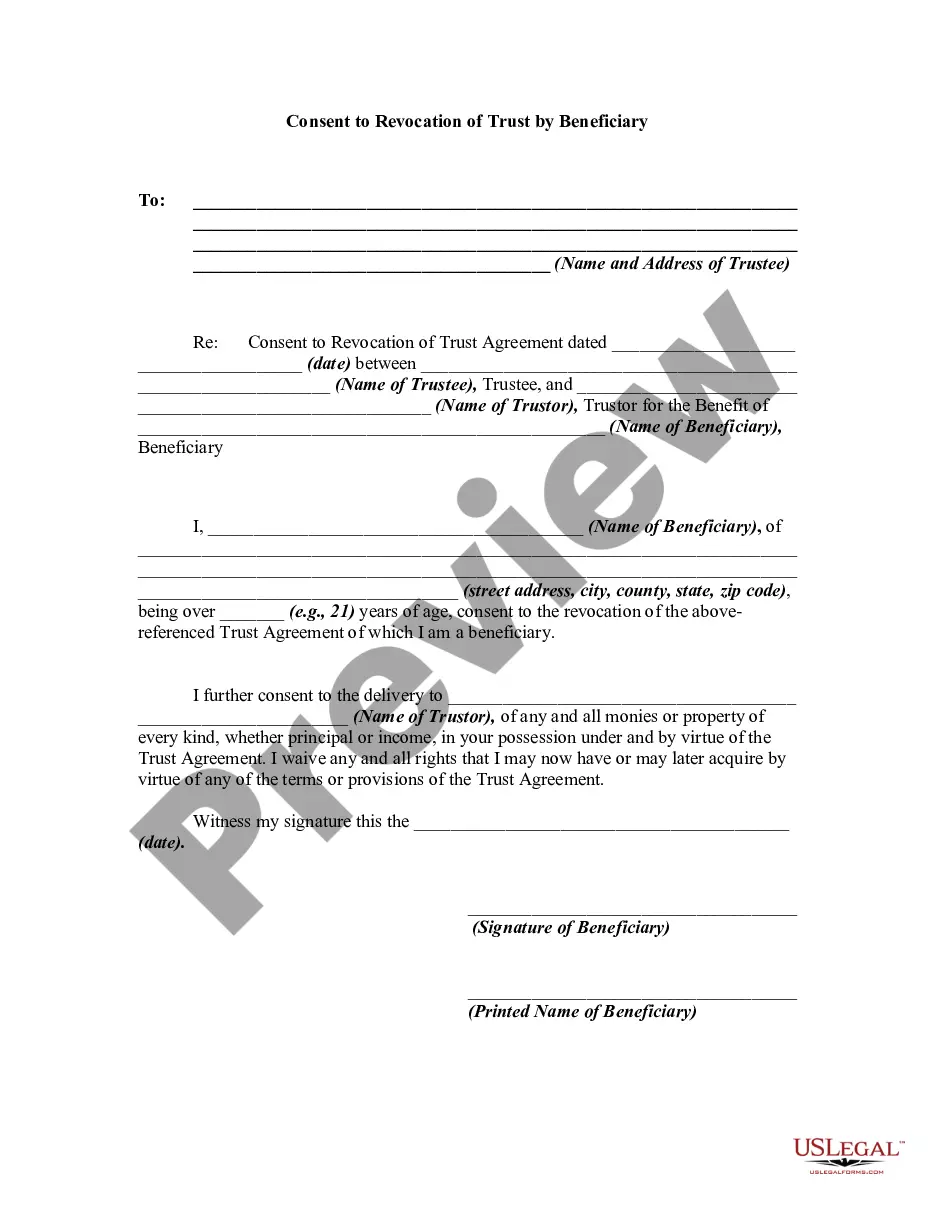
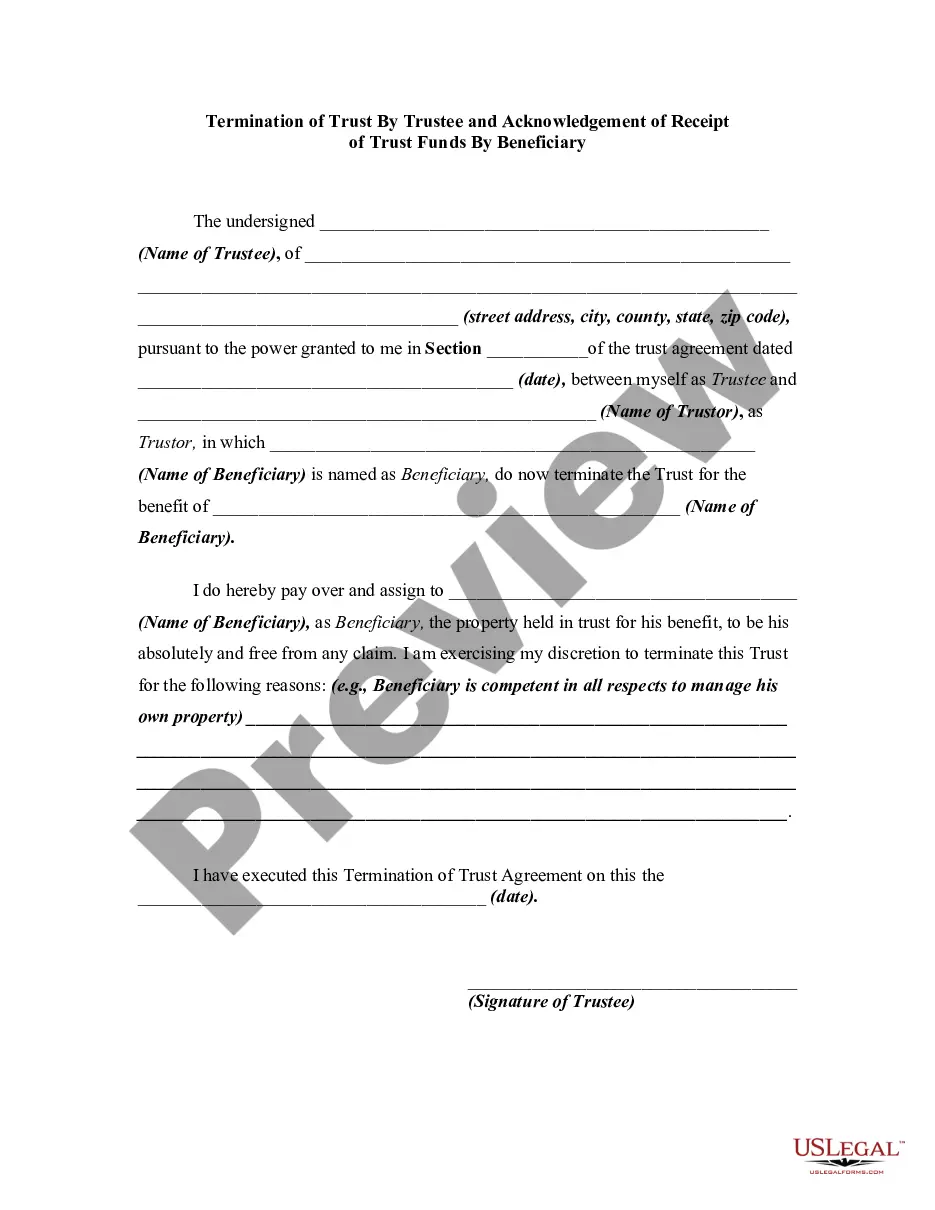
- Examine the template using the Preview option or through the text outline to ensure it fulfills your needs.
Form popularity
FAQ
The two most common ways to terminate and/or modify an irrevocable trust is to 1) argue that there has been a change of circumstances not anticipated by the settlors at the time they created the trust (for example changes in tax law, and 2) argue that all beneficiaries consent to the proposed termination and or ...
The main methods of terminating a trust are by revocation, setting aside, passing of time, distribution of the trust fund or termination by the beneficiaries under the rule in Saunders v Vautier.
Modifying an Irrevocable Trust under California Law Under Probate Code §15404(a) any trust may be modified or terminated by the written consent of the settlor and all beneficiaries without court approval of the modification or termination.
To terminate an active trust, a party with standing must petition the court and provide evidence that persuades a judge to issue an order dissolving the trust or all beneficiaries of the trust must agree to its termination.
A: Once a trust is put through probate, it can take, on average, 12 to 18 months for all the assets to be distributed to the beneficiaries. In some cases, if the trust is very clear and does not contain any issues, the probate process can take as little as nine months.