Revoke A Trust With The User
Description

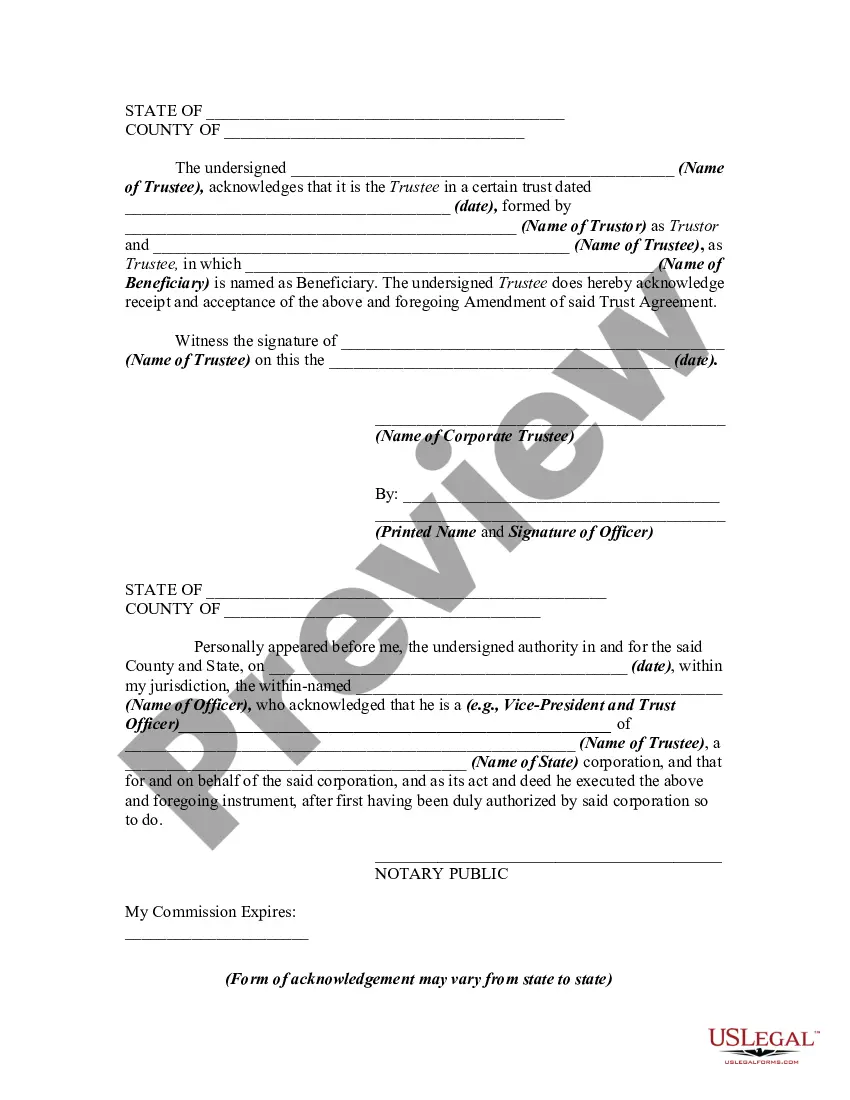


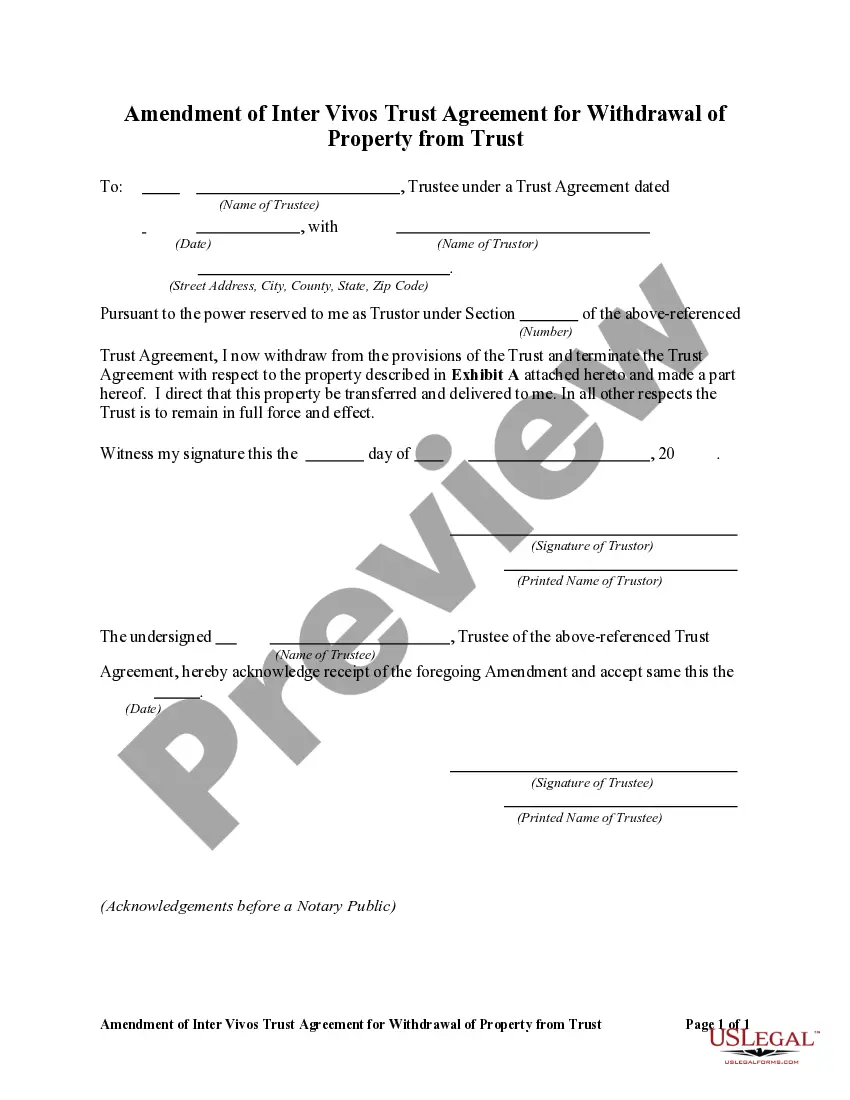
Get your form ready online
Our built-in tools help you complete, sign, share, and store your documents in one place.
Make edits, fill in missing information, and update formatting in US Legal Forms—just like you would in MS Word.
Download a copy, print it, send it by email, or mail it via USPS—whatever works best for your next step.
Sign and collect signatures with our SignNow integration. Send to multiple recipients, set reminders, and more. Go Premium to unlock E-Sign.
If this form requires notarization, complete it online through a secure video call—no need to meet a notary in person or wait for an appointment.
We protect your documents and personal data by following strict security and privacy standards.

Make edits, fill in missing information, and update formatting in US Legal Forms—just like you would in MS Word.

Download a copy, print it, send it by email, or mail it via USPS—whatever works best for your next step.

Sign and collect signatures with our SignNow integration. Send to multiple recipients, set reminders, and more. Go Premium to unlock E-Sign.

If this form requires notarization, complete it online through a secure video call—no need to meet a notary in person or wait for an appointment.

We protect your documents and personal data by following strict security and privacy standards.
Looking for another form?








How to fill out Amendment Of Trust Agreement And Revocation Of Particular Provision?
- If you are a returning user, log in to your account on the US Legal Forms website and locate the necessary trust revocation template. Ensure your subscription is active; if not, renew it as per your payment plan.
- For first-time users, start by previewing the document templates. Familiarize yourself with the form descriptions to ascertain that you select one that aligns with your needs and complies with local laws.
- If you need a different template, utilize the search function to find the correct document that addresses your situation. Review its details and confirm that it meets your criteria.
- Proceed to purchase the document by clicking the 'Buy Now' button. Choose your preferred subscription plan and create an account to gain access to the extensive library.
- Complete your purchase by entering your payment details, either via a credit card or PayPal, to finalize your subscription.
- Download the trust revocation form directly to your device. You can also access it anytime through the 'My documents' section of your user profile.
Successfully revoking a trust requires careful attention to detail, and US Legal Forms provides you with all the necessary resources for an efficient process.
Start your journey today by visiting US Legal Forms and gain peace of mind with expertly crafted legal documents at your fingertips.
Form popularity
FAQ
A trust becomes null and void if it was created without following legal processes, such as lacking a competent grantor or required formalities. Additionally, if the terms are illegal or impossible to enforce, it may also be void. Knowing what makes a trust null and void can be valuable when you aim to revoke a trust with the user.
To revoke a trust, you should formally write a revocation document that states your intention and follows legal procedures. This may require notifying all beneficiaries and potentially filing with the court, depending on local laws. If you want to revoke a trust with the user, ensuring the revocation meets all legal requirements is essential.
Yes, one spouse can revoke a trust if they are the sole grantor or if the trust allows unilateral action. However, it’s crucial to consider the implications for joint property and the rights of the other spouse. If you need to revoke a trust with the user, consulting legal resources, like U.S. Legal Forms, may provide clarity on the process.
A trust can be deemed invalid for various reasons, including lack of a clear intent from the grantor or failure to meet state laws regarding trusts. Additionally, any indication of fraud or duress during its creation can also contribute to its invalidity. Understanding what makes a trust invalid can assist you if you aim to revoke a trust with the user.
A trust can be terminated by fulfilling its purpose, through mutual agreement of the beneficiaries, or by the grantor revoking it while having legal capacity. Each method requires formal documentation to ensure its validity. If you need to revoke a trust with the user, these methods can guide your process.
Invalidating a trust typically requires demonstrating that it does not meet legal standards, such as lacking proper form or capacity at creation. You may need to provide evidence that it was created under undue influence or fraud. If you seek to revoke a trust with the user, understanding these factors can help you build a strong case.
To discharge a trust, you generally need to follow the terms set out in the trust document itself. This often involves giving notice to all beneficiaries and adhering to any specific conditions the trust outlines. You can also revoke a trust with the user by documenting your decision legally to ensure clarity and prevent future disputes.
An example of a trust revocation occurs when the trust creator decides to dissolve the trust they established. This might involve sending a written notice to the trustee or executing a formal revocation document. Revoke a trust with the user by ensuring all necessary steps are followed to finalize the process. For assistance in drafting the revocation paperwork, uslegalforms provides helpful resources tailored to your needs.
A revocation clause is a specific part of a trust document that indicates how and when a trust can be revoked. For instance, a clause may state, 'This trust shall be revoked by a written notice delivered to the trustee.' This clause is crucial when you need to revoke a trust with the user as it lays out the procedure clearly. Using uslegalforms can help create comprehensive documents that include these essential clauses.
To revoke a trust, you typically need a trust revocation declaration that clearly states your intention to cancel the trust. For example, a statement might read, 'I, Your Name, hereby revoke the trust created on Date of Trust.' This declaration should include your signature and the date, making it an official and binding document. If you want to revoke a trust with the user, consider using resources from uslegalforms to ensure everything is properly documented.