Amendment To Trust Documents With The State
Description

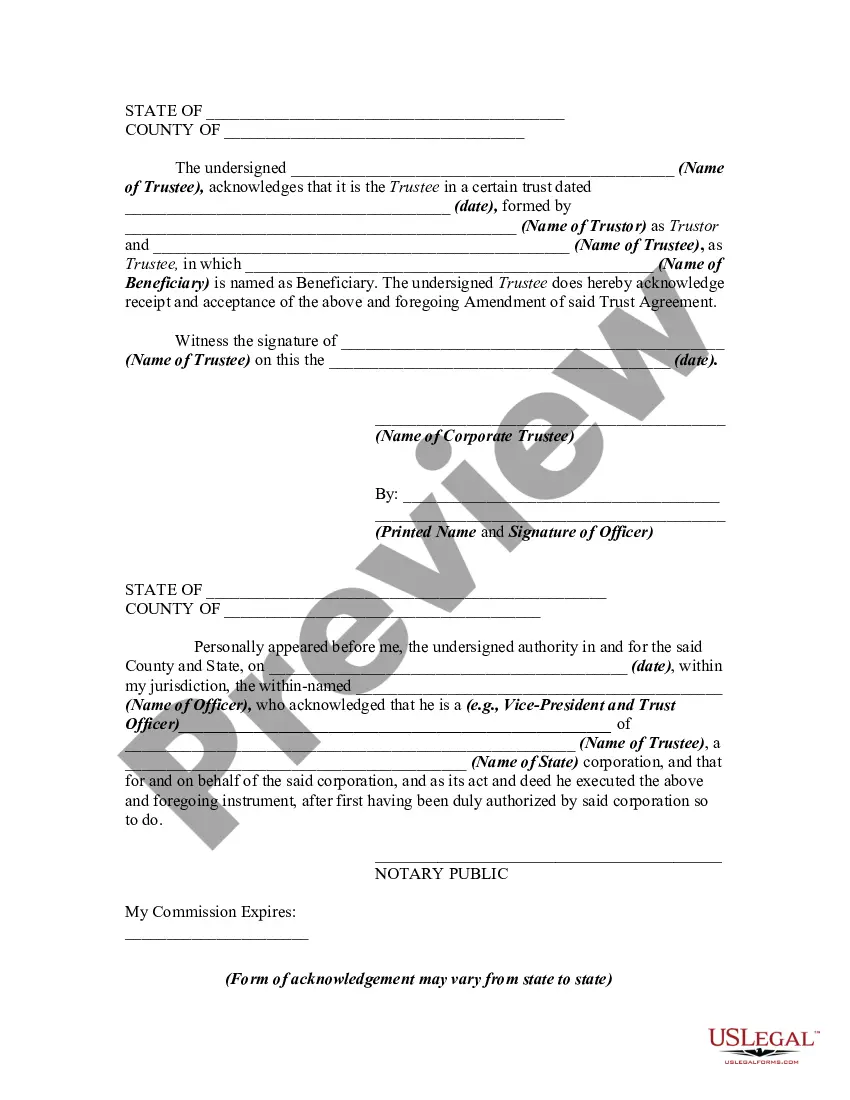


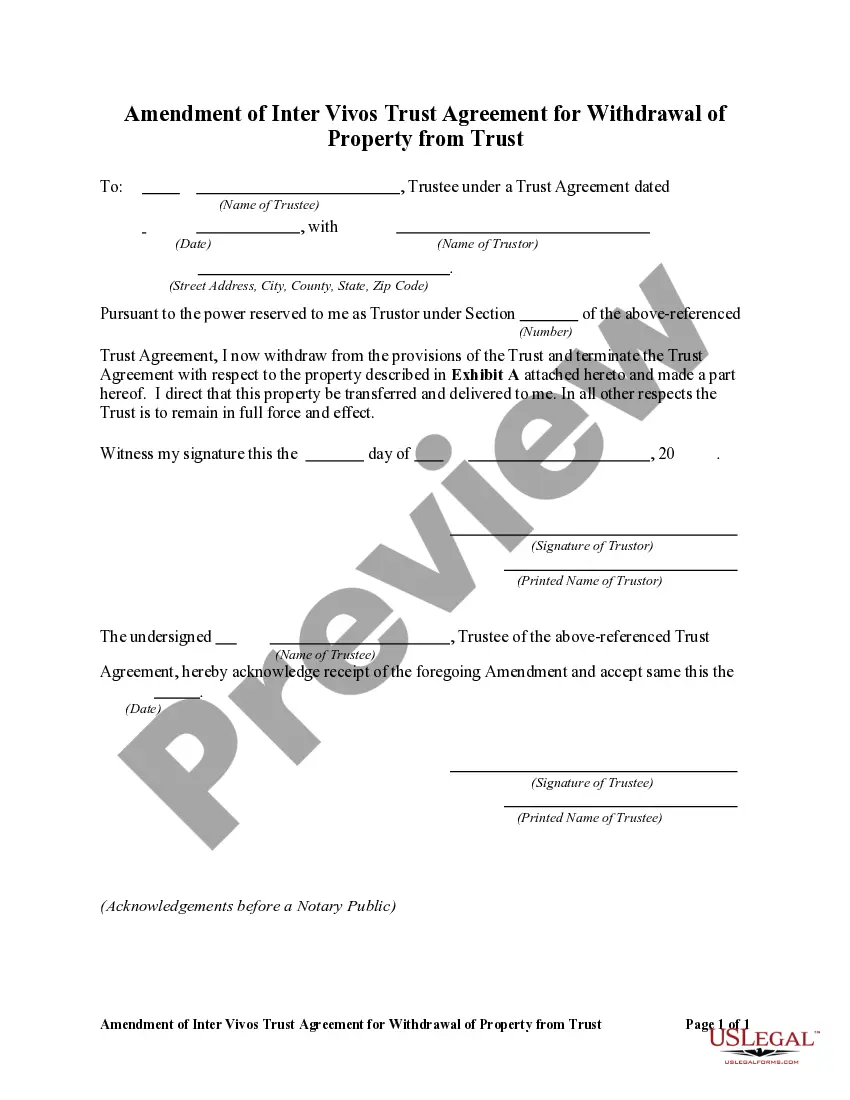
Get your form ready online
Our built-in tools help you complete, sign, share, and store your documents in one place.
Make edits, fill in missing information, and update formatting in US Legal Forms—just like you would in MS Word.
Download a copy, print it, send it by email, or mail it via USPS—whatever works best for your next step.
Sign and collect signatures with our SignNow integration. Send to multiple recipients, set reminders, and more. Go Premium to unlock E-Sign.
If this form requires notarization, complete it online through a secure video call—no need to meet a notary in person or wait for an appointment.
We protect your documents and personal data by following strict security and privacy standards.

Make edits, fill in missing information, and update formatting in US Legal Forms—just like you would in MS Word.

Download a copy, print it, send it by email, or mail it via USPS—whatever works best for your next step.

Sign and collect signatures with our SignNow integration. Send to multiple recipients, set reminders, and more. Go Premium to unlock E-Sign.

If this form requires notarization, complete it online through a secure video call—no need to meet a notary in person or wait for an appointment.

We protect your documents and personal data by following strict security and privacy standards.
Looking for another form?









How to fill out Amendment Of Trust Agreement And Revocation Of Particular Provision?
Working with legal paperwork and operations can be a time-consuming addition to your entire day. Amendment To Trust Documents With The State and forms like it often need you to look for them and navigate how to complete them effectively. As a result, if you are taking care of financial, legal, or personal matters, using a thorough and practical online catalogue of forms on hand will go a long way.
US Legal Forms is the number one online platform of legal templates, offering over 85,000 state-specific forms and a variety of tools that will help you complete your paperwork effortlessly. Discover the catalogue of relevant papers available to you with just one click.
US Legal Forms offers you state- and county-specific forms offered by any time for downloading. Shield your papers management operations by using a high quality support that lets you put together any form in minutes without any additional or hidden fees. Just log in to the profile, identify Amendment To Trust Documents With The State and download it straight away from the My Forms tab. You may also gain access to previously downloaded forms.
Could it be the first time using US Legal Forms? Register and set up a free account in a few minutes and you’ll get access to the form catalogue and Amendment To Trust Documents With The State. Then, follow the steps below to complete your form:
- Make sure you have the correct form by using the Preview feature and reading the form description.
- Choose Buy Now once ready, and choose the monthly subscription plan that is right for you.
- Choose Download then complete, sign, and print the form.
US Legal Forms has 25 years of expertise supporting consumers handle their legal paperwork. Find the form you require today and enhance any operation without having to break a sweat.
Form popularity
FAQ
If you made a trust with your spouse or partner, then while both of you are alive, you both must agree to amend any provision of the trust document -- for example, to change a beneficiary, a successor trustee or the property management set up for a young beneficiary.
A revocable trust can be modified while the Grantor is alive. Revising the terms of a trust is known as ?amending? the trust. An amendment is generally appropriate when there are only a few minor changes to make, like rewording a certain paragraph, changing the successor trustee, or modifying beneficiaries.
Yes, amendment can be made a rectification or supplementary deed.
Get a resignation from the Trustee. Make a general body meeting and make a resolution of removal of that Trustee and Adding of a new Trustee. Enter it in the Minutes book and get signatures of all the Trustees as witness.
If there is no amendment clause in the Trust Deed, any amendment has to be done with the permission of a Civil Court. Once the Civil Court has allowed permission for amendment, it is not open on the part of the Income Tax Officer or any other person to challenge such amendment.