Amendment Of Agreement Clause
Description
Get your form ready online
Our built-in tools help you complete, sign, share, and store your documents in one place.
Make edits, fill in missing information, and update formatting in US Legal Forms—just like you would in MS Word.
Download a copy, print it, send it by email, or mail it via USPS—whatever works best for your next step.
Sign and collect signatures with our SignNow integration. Send to multiple recipients, set reminders, and more. Go Premium to unlock E-Sign.
If this form requires notarization, complete it online through a secure video call—no need to meet a notary in person or wait for an appointment.
We protect your documents and personal data by following strict security and privacy standards.

Make edits, fill in missing information, and update formatting in US Legal Forms—just like you would in MS Word.

Download a copy, print it, send it by email, or mail it via USPS—whatever works best for your next step.

Sign and collect signatures with our SignNow integration. Send to multiple recipients, set reminders, and more. Go Premium to unlock E-Sign.

If this form requires notarization, complete it online through a secure video call—no need to meet a notary in person or wait for an appointment.

We protect your documents and personal data by following strict security and privacy standards.
Looking for another form?

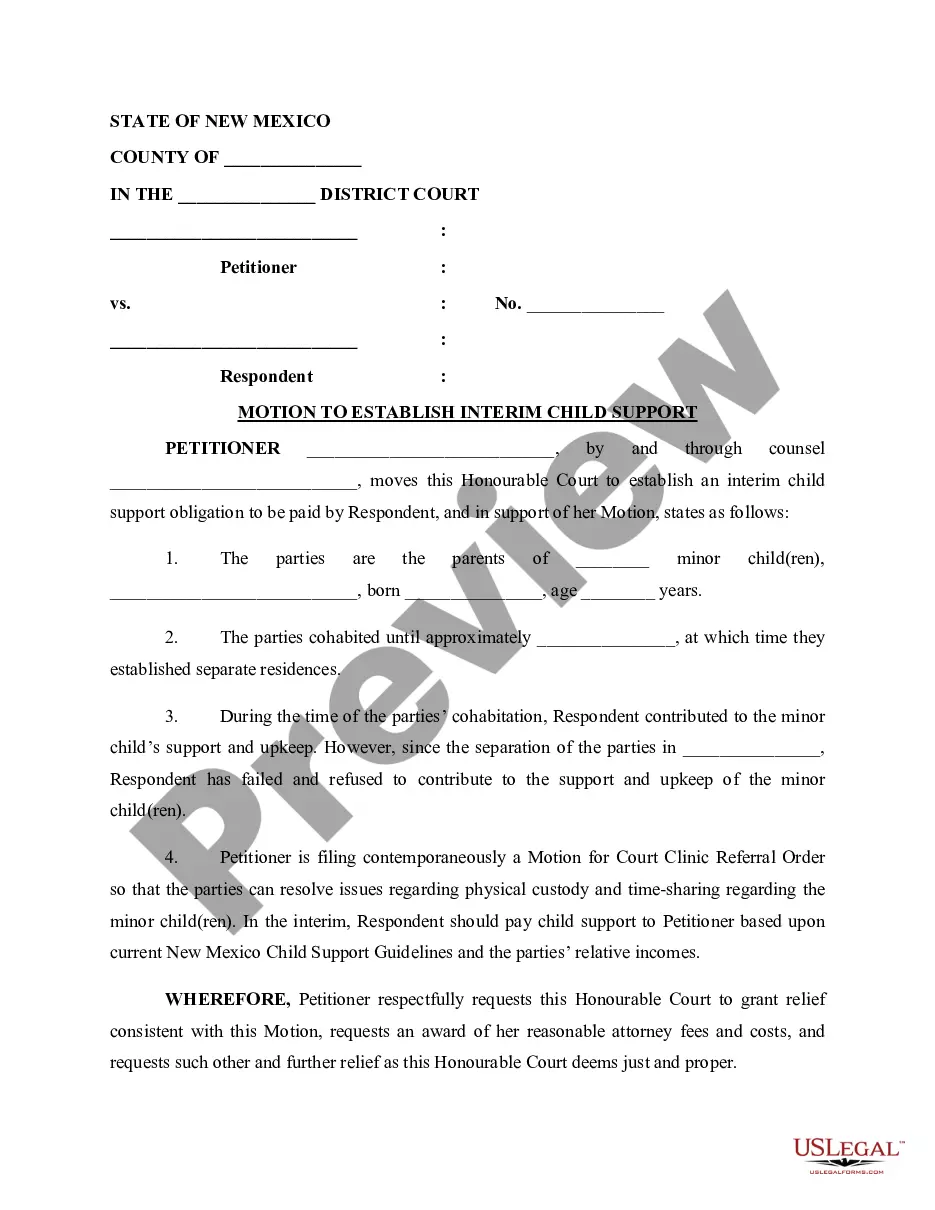



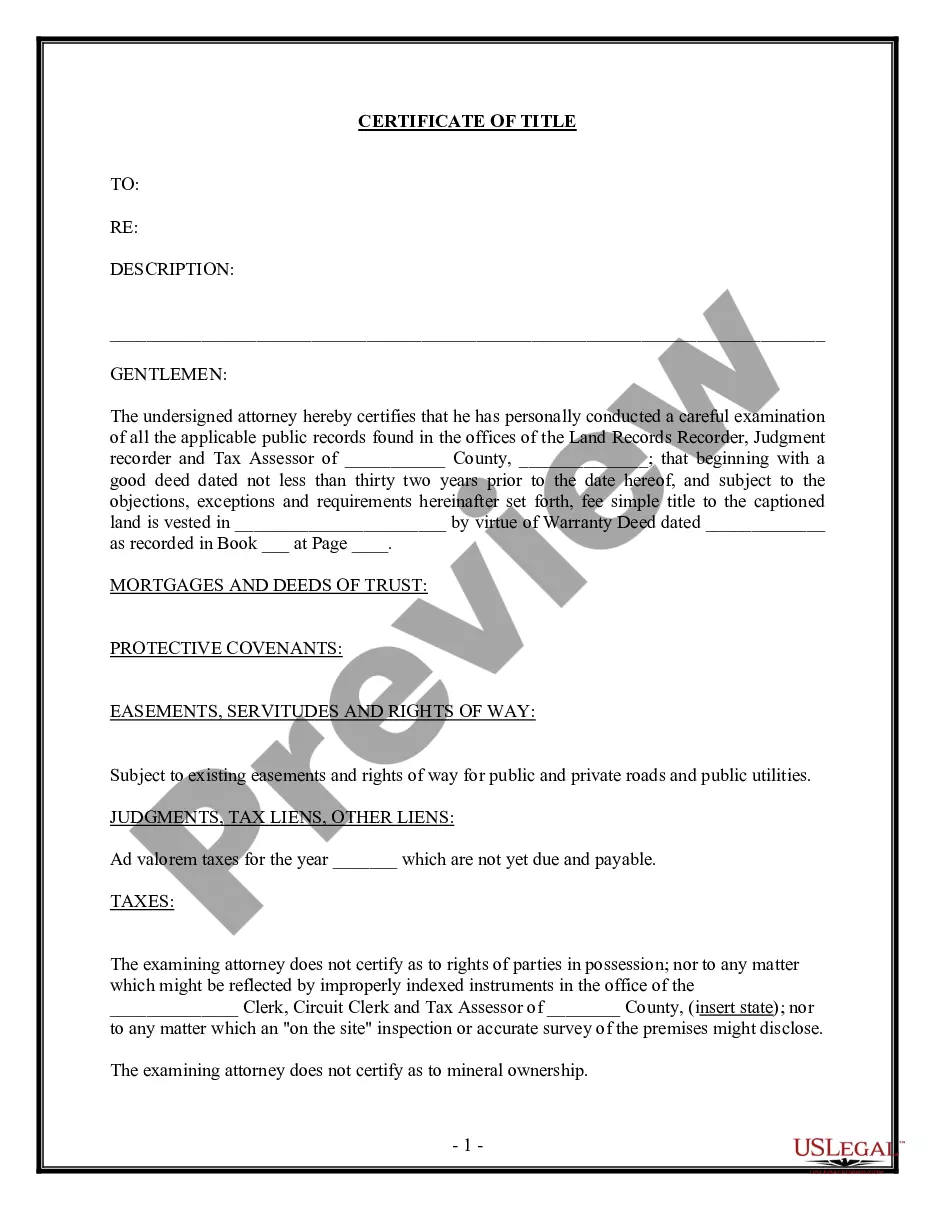


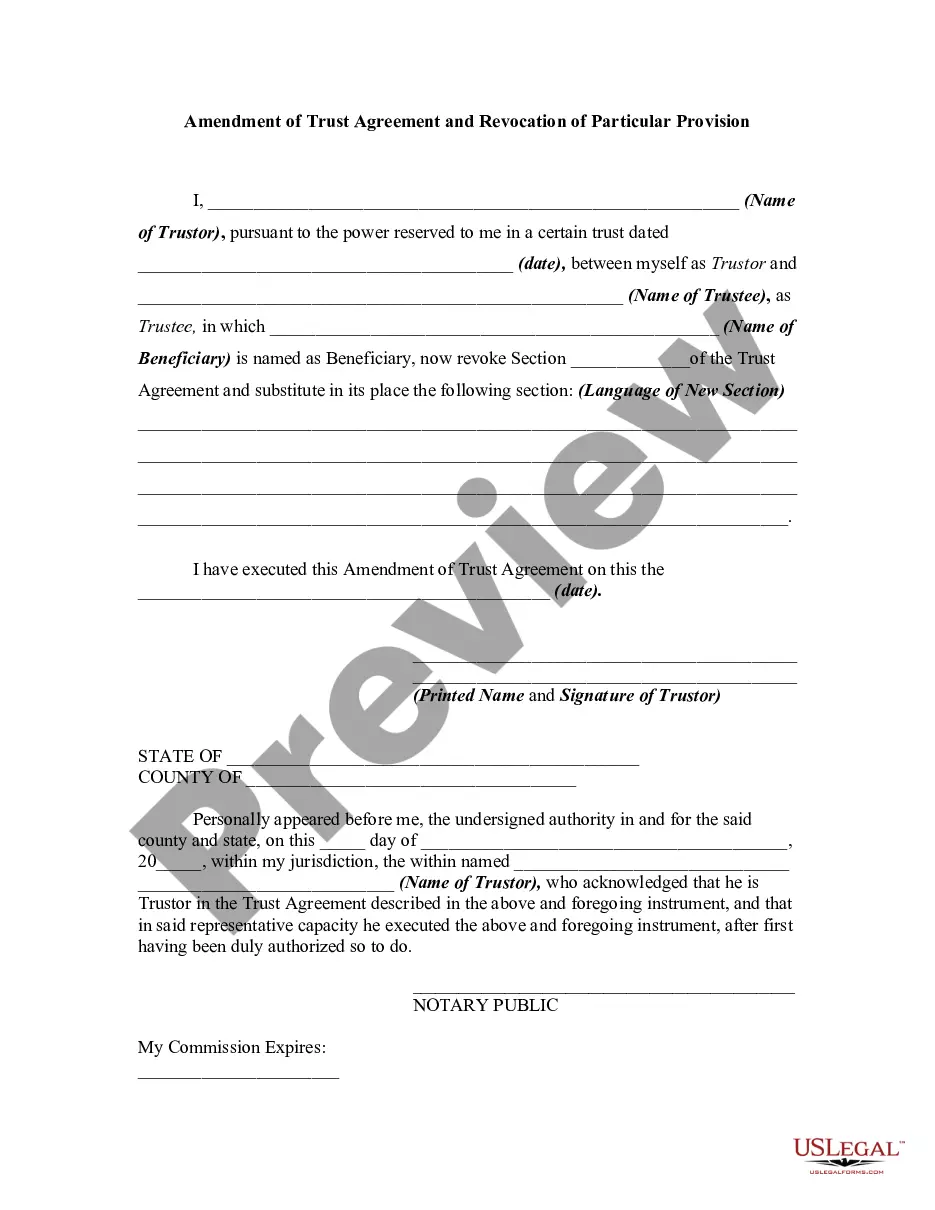
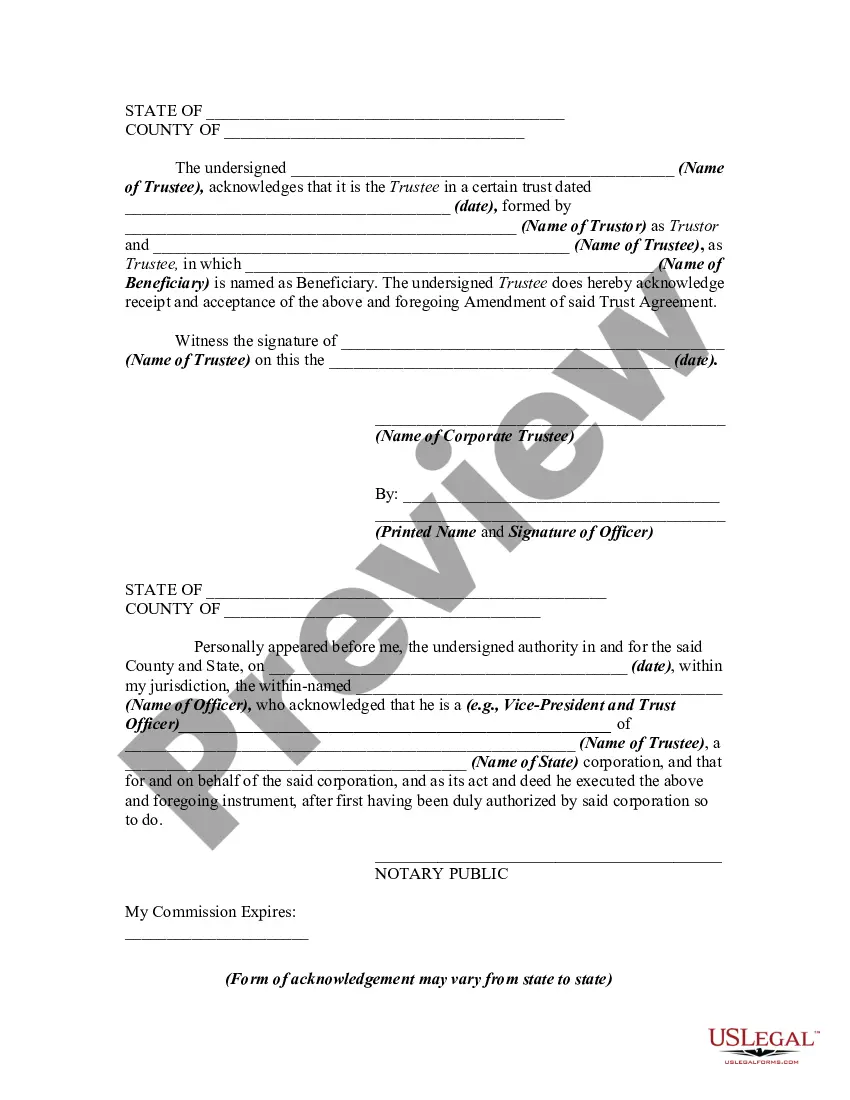
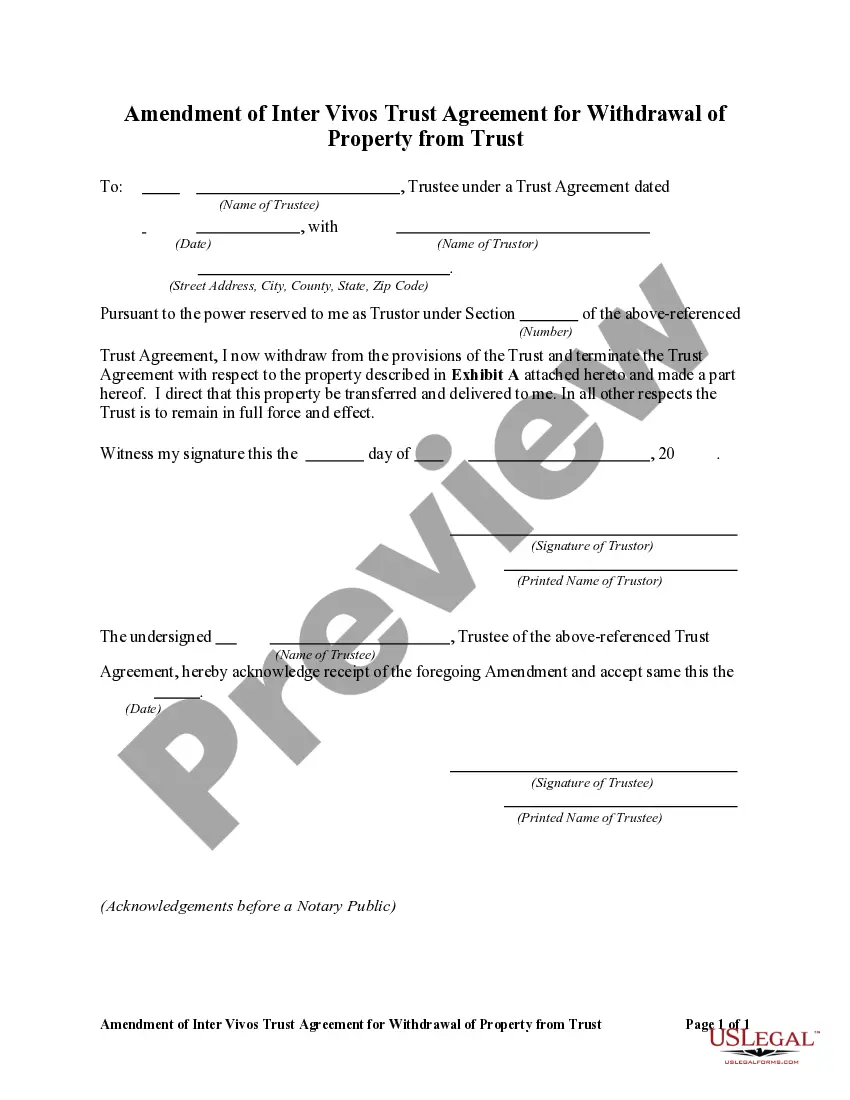
How to fill out Amendment Of Trust Agreement And Revocation Of Particular Provision?
Dealing with legal documents and processes can be a lengthy addition to your day.
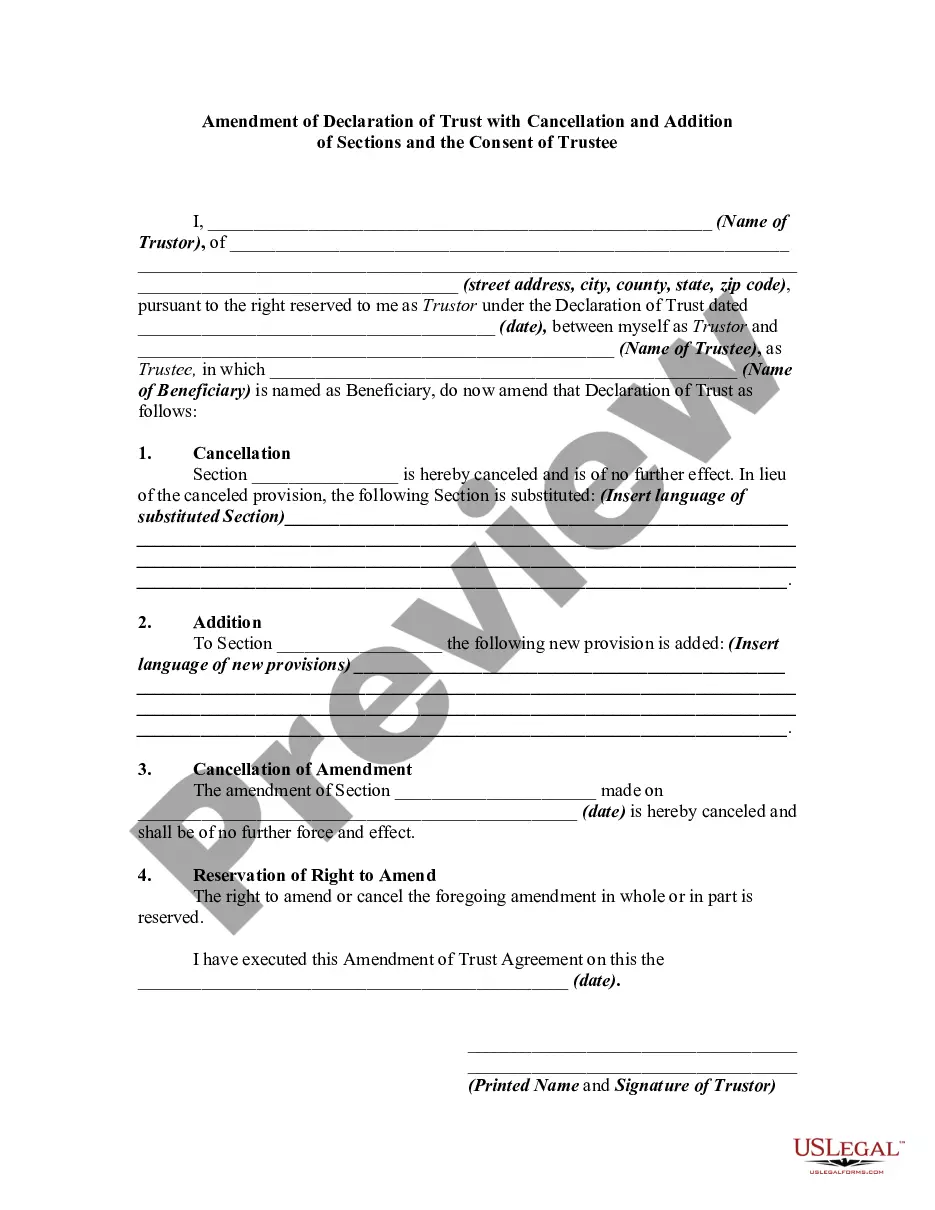
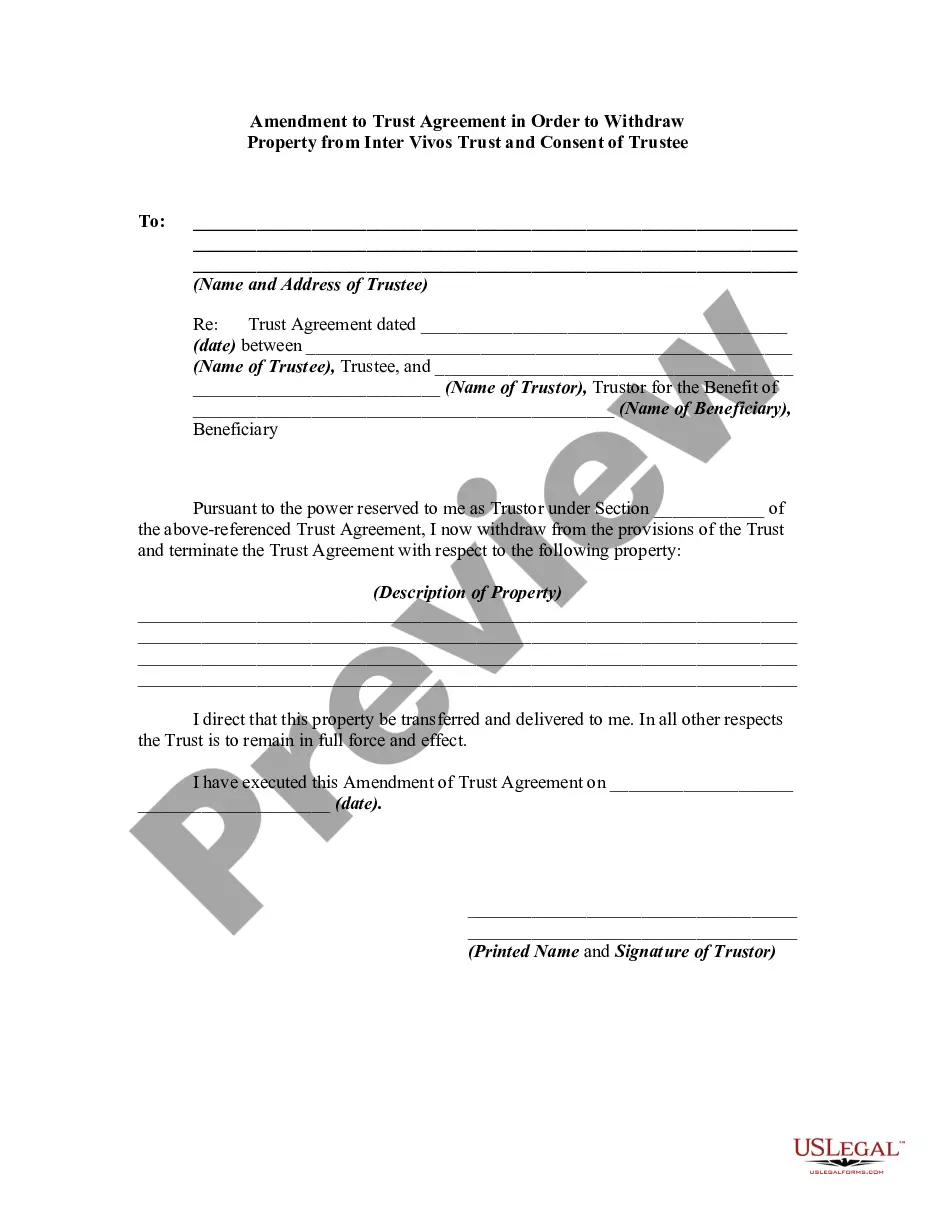
Modification Of Agreement Clause and similar forms frequently necessitate searching for them and figuring out how to fill them out efficiently.
Consequently, whether you are managing financial, legal, or personal issues, having a comprehensive and useful online directory of forms readily available will greatly assist.
US Legal Forms is the leading online platform for legal templates, featuring over 85,000 state-specific documents and various tools to help you complete your paperwork with ease.
Is this your initial experience with US Legal Forms? Sign up and create an account in a matter of minutes, granting you access to the form directory and Modification Of Agreement Clause. Then, follow the steps below to complete your document: Ensure you have found the correct form using the Review feature and examining the form description. Select Buy Now when ready, and choose the subscription plan that fits you best. Click Download, then fill out, eSign, and print the form. US Legal Forms has 25 years of experience helping clients manage their legal documents. Get the form you require today and simplify any process effortlessly.
- Browse the collection of relevant documents available to you with just a single click.
- US Legal Forms provides you with state- and county-specific documents available for download at any time.
- Protect your document management tasks with a premium service that allows you to create any form within moments without additional or concealed fees.
- Simply Log In to your account, locate Modification Of Agreement Clause, and download it instantly from the My documents section.
- You can also retrieve previously saved forms.
Form popularity
FAQ
In this post, we cover contract amendments, how they work, when companies amend a contract and why. Find out more today. To amend a contract is to delete from, make changes to, correct, or add to an existing agreement after signing it.
How to create a contract amendment Pinpoint what you want to change or add. Look at your contract and write down the parts you need to change. ... Date and title the new amendment. Next, add the current date and the title and date of the original agreement to the document. ... Draft and describe the changes. ... Finalize the changes.
An amendment is often an addition or correction that leaves the original document substantially intact. Other times an amendment can strike the original text entirely and substitute it with new language. The U.S. Constitution is one example of the use of amendments. It has been amended 27 times.
The purpose of this clause, therefore, is not to establish the parties' right to amend the contract but rather to establish the procedure they should follow to make any such change. These clauses are very common and can be found in virtually any kind of agreement.