Sample Warranty Form For Inventory
Description
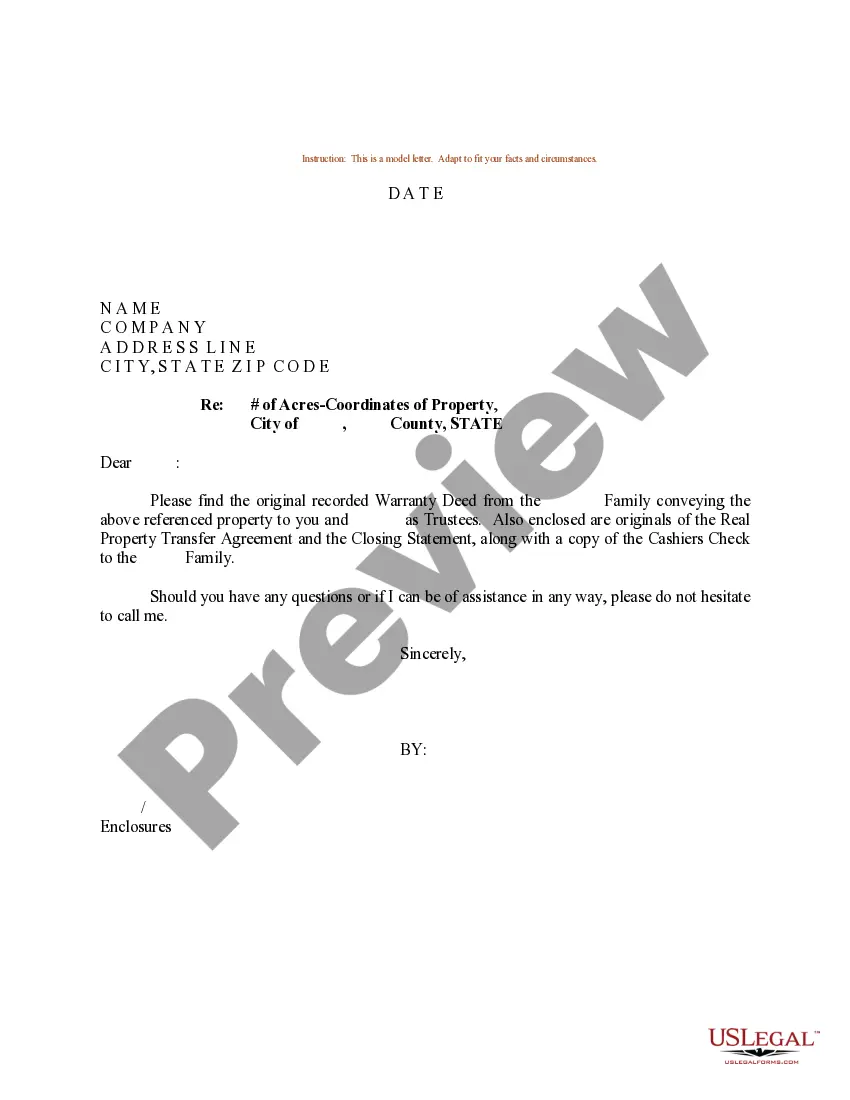
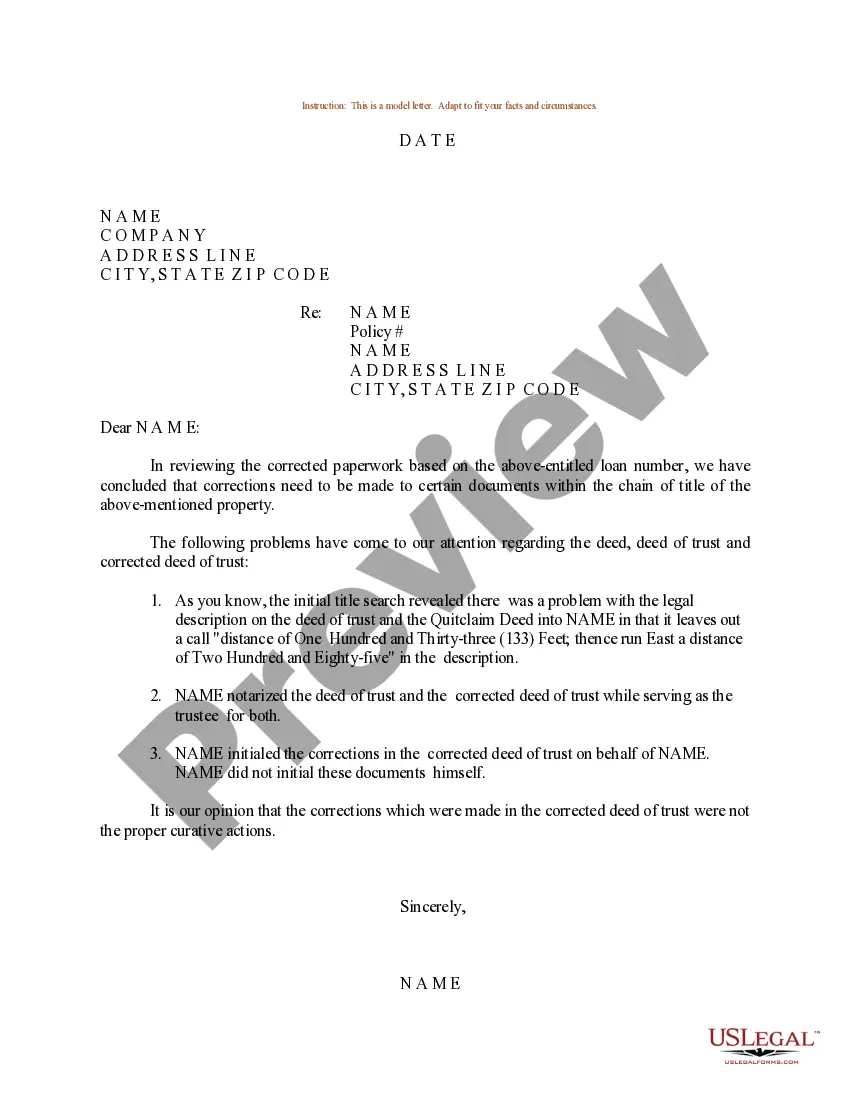
Get your form ready online
Our built-in tools help you complete, sign, share, and store your documents in one place.
Make edits, fill in missing information, and update formatting in US Legal Forms—just like you would in MS Word.
Download a copy, print it, send it by email, or mail it via USPS—whatever works best for your next step.
Sign and collect signatures with our SignNow integration. Send to multiple recipients, set reminders, and more. Go Premium to unlock E-Sign.
If this form requires notarization, complete it online through a secure video call—no need to meet a notary in person or wait for an appointment.
We protect your documents and personal data by following strict security and privacy standards.

Make edits, fill in missing information, and update formatting in US Legal Forms—just like you would in MS Word.

Download a copy, print it, send it by email, or mail it via USPS—whatever works best for your next step.

Sign and collect signatures with our SignNow integration. Send to multiple recipients, set reminders, and more. Go Premium to unlock E-Sign.

If this form requires notarization, complete it online through a secure video call—no need to meet a notary in person or wait for an appointment.

We protect your documents and personal data by following strict security and privacy standards.
Looking for another form?




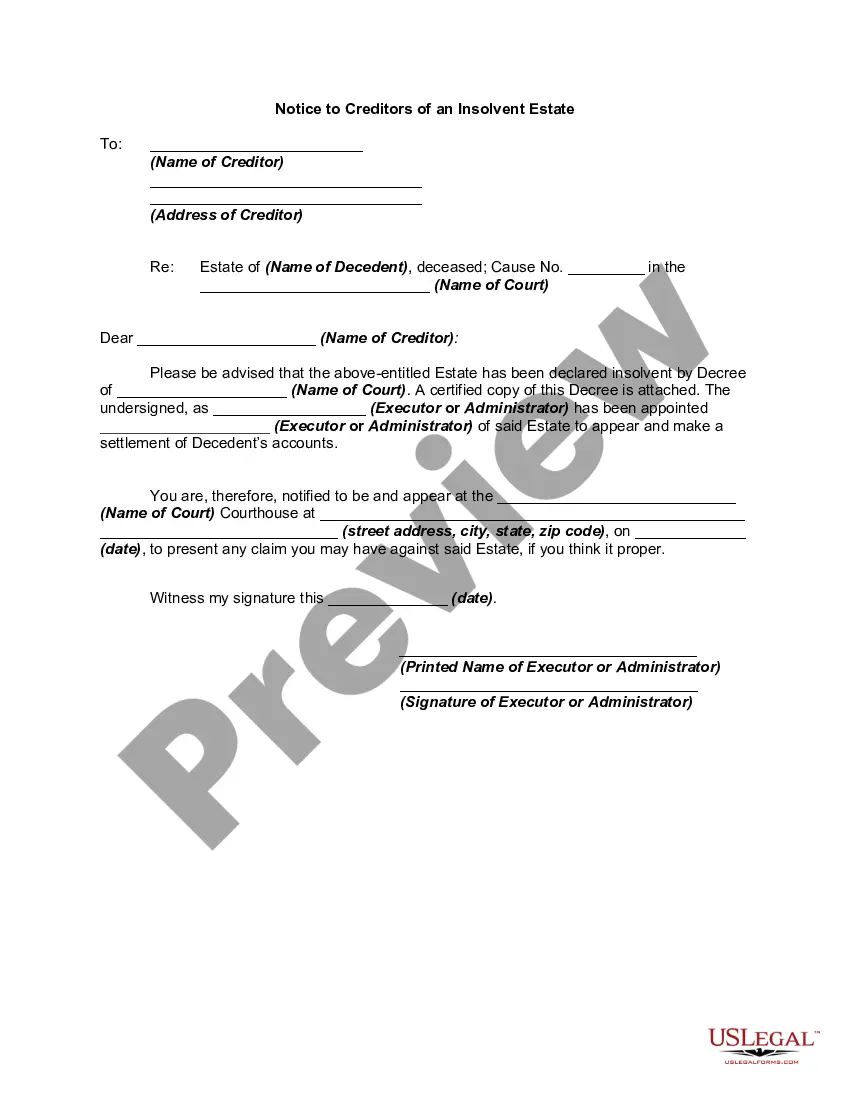
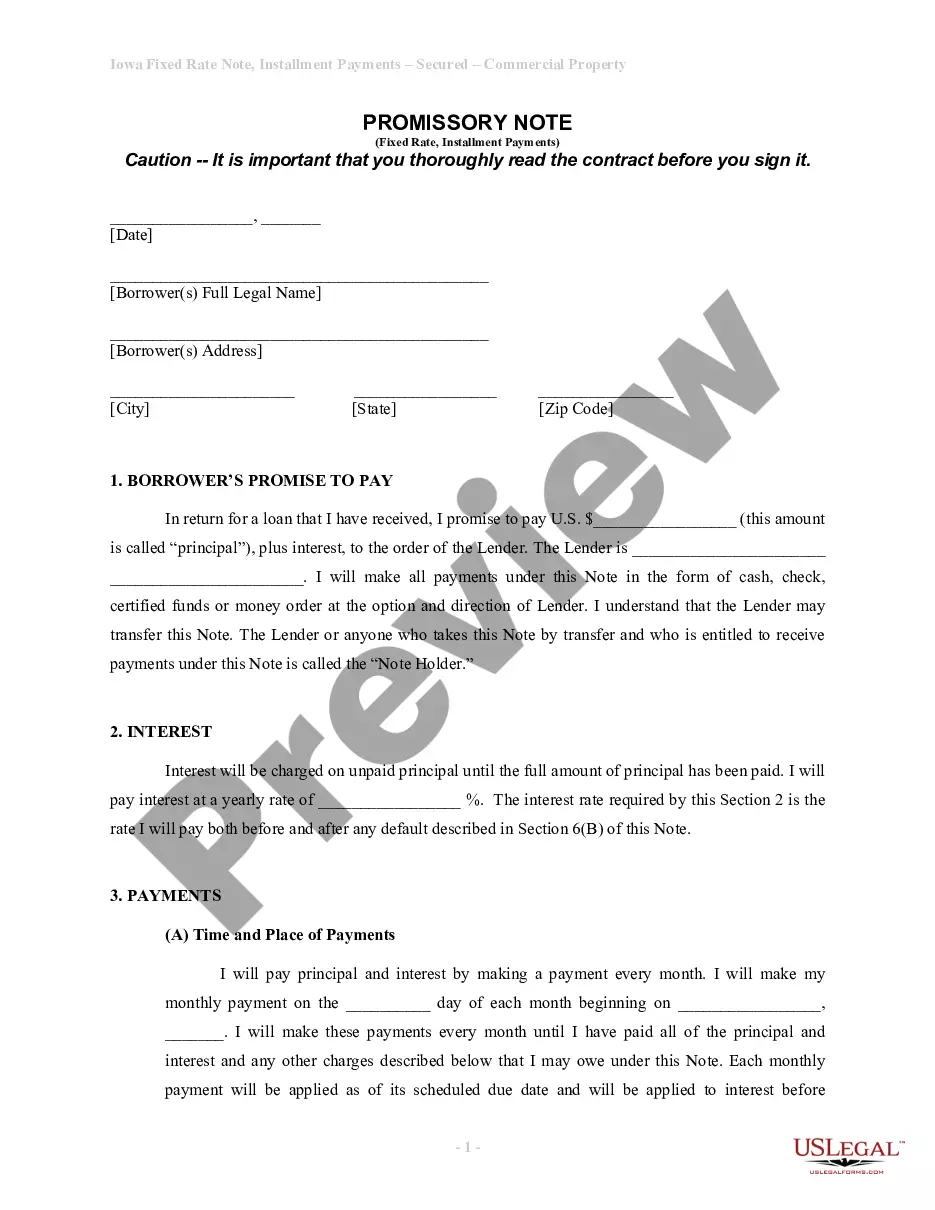

How to fill out Sample Letter With Corrected Warranty Deed?
Regardless of whether for professional objectives or personal issues, each individual must confront legal circumstances at some point in their life.
Completing legal paperwork requires meticulous focus, beginning with selecting the appropriate form template.
With an extensive US Legal Forms catalog available, you never have to waste time searching for the suitable template online. Utilize the library’s simple navigation to find the correct form for any circumstance.
- Obtain the template you require by employing the search box or catalog browsing.
- Review the details of the form to verify it aligns with your situation, state, and locality.
- Click on the form's preview to scrutinize it.
- If it is the wrong document, return to the search function to locate the Sample Warranty Form For Inventory template you need.
- Download the template if it suits your specifications.
- If you already possess a US Legal Forms account, click Log in to retrieve previously stored documents in My documents.
- If you don’t have an account yet, you can obtain the form by clicking Buy now.
- Select the appropriate payment option.
- Complete the account registration form.
- Choose your payment method: utilize a credit card or PayPal account.
- Select the document format you desire and download the Sample Warranty Form For Inventory.
- Once it is downloaded, you can complete the form using editing software or print and fill it out manually.
Form popularity
FAQ
In general, an inventory list should include the product's name, SKU number, description, pricing, and quantity. With that said, these lists are dynamic, not static ? meaning they can be updated or edited as needed.
Here's how to create your own inventory sheet in just four steps: Open a Spreadsheet. You can use any spreadsheet you like. ... Name Your Headings. This gives you the information that you will collect on each item in inventory. ... Enter Basic Item Information. ... Save Your Work.
An inventory list is a comprehensive, itemized list that details every product your company has in stock, including raw materials, work-in-progress items, and finished goods. In general, an inventory list should include the product's name, SKU number, description, pricing, and quantity.
Here are the steps to follow to create a inventory spreadsheet: Pick Your Platform. ... Determine What You'll Be Tracking. ... Create Pertinent Columns and Headers. ... Perform a Physical Count of Inventory. ... Save the Sheet and Share it With the Team.
How to write an inventory report Create a column for inventory items. Similar to an inventory sheet template, create a list of items in your inventory using a vertical column. ... Create a column for descriptions. ... Assign a price to each item. ... Create a column for remaining stock. ... Select a time frame.
